Truly private
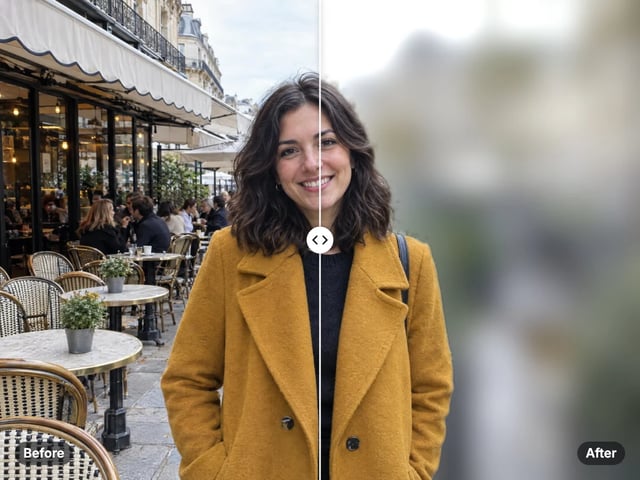
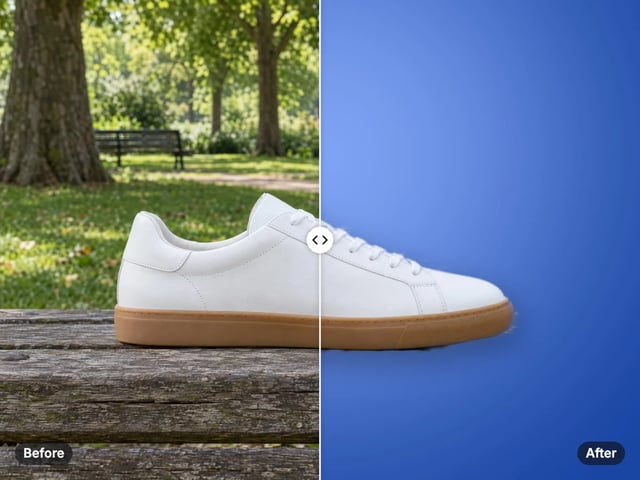
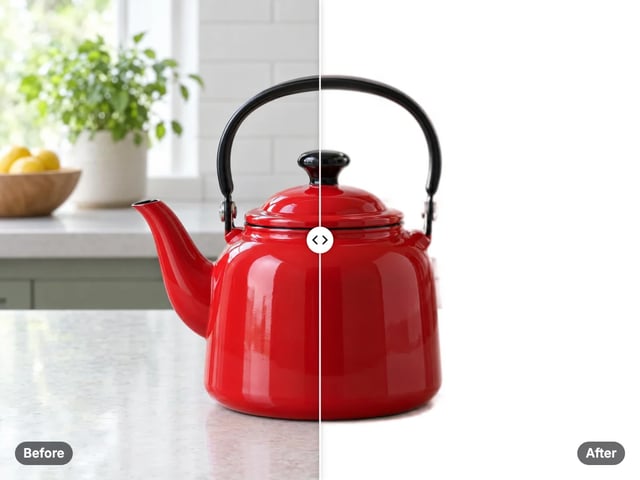
The AI runs on your own device. Your image is never uploaded — ideal for product shots, ID photos and anything sensitive.
Imagera AI - AI content creation platform for generating images, cloning voices, creating avatars, and enhancing videos. Privacy Policy | Terms
Cutout & background · free · private
Cut out the background and download a transparent PNG — all in your browser. Your image is never uploaded or saved on our servers.
The cut-out runs privately in your browser using an AI model. Your image is never uploaded or stored on any server — unlike most background removers, which upload your photo.
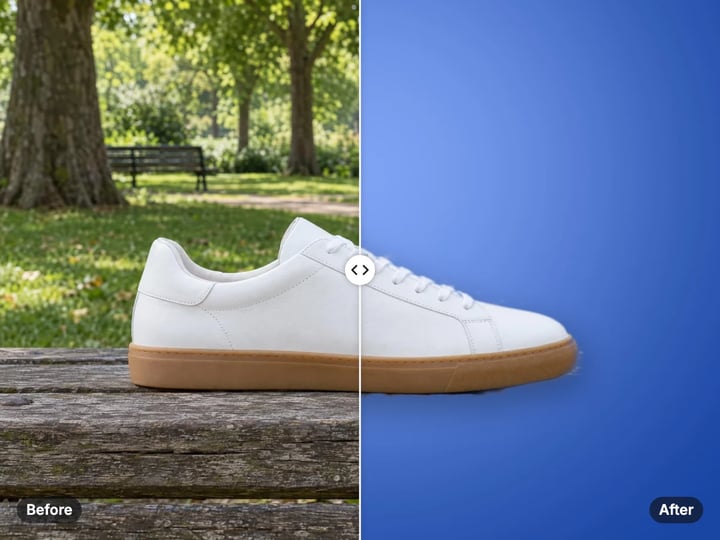
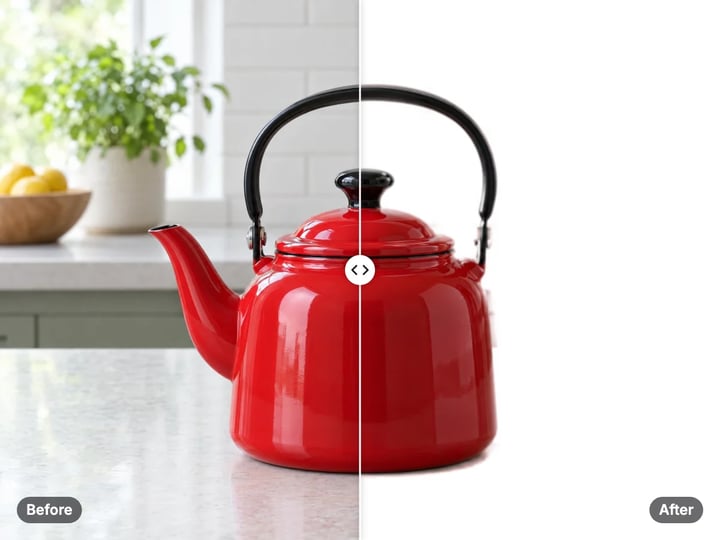
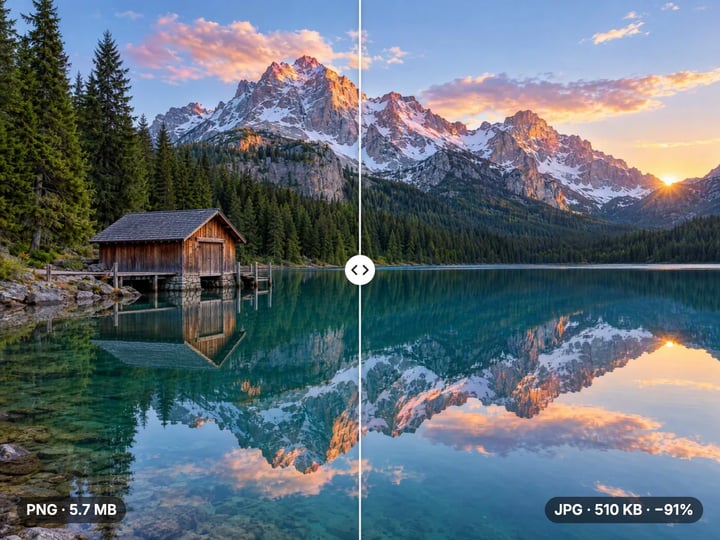
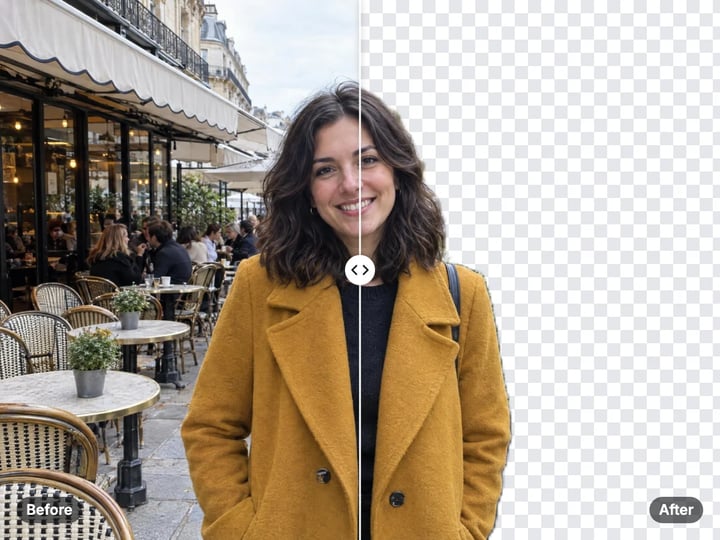 Real result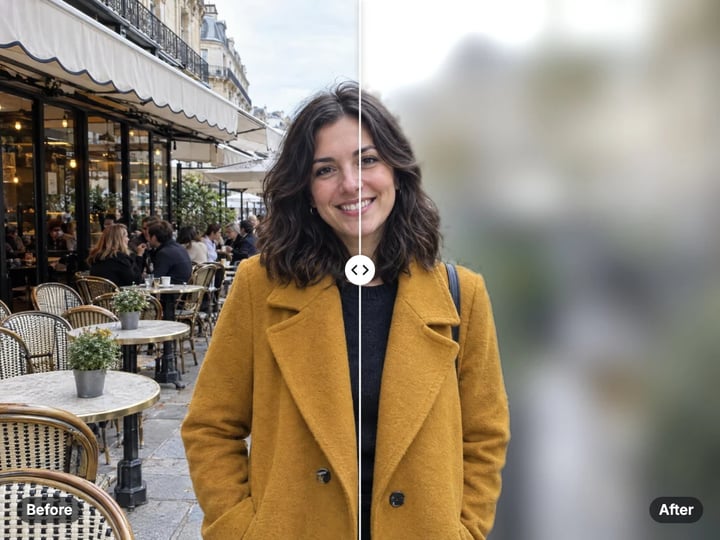
Quick answer
Imagera's free background remover cuts out the subject from any photo and hands you a see-through (transparent) PNG in seconds — no sign-up, no watermark, and nothing uploaded. Everything happens right in your browser on your own device, so your photo never gets sent anywhere. Just open the page, pick a photo, and download the result.
Your photo never leaves your device — nothing is uploaded or saved on our servers.
How it works
Open the free background remover — no install, no sign-up.
Pick a JPG, PNG or WebP. It is processed privately, never uploaded or saved on our servers.
The subject is cut out in your browser and the background is made transparent.
The transparent PNG downloads straight to your device.
Why this one
The AI runs on your own device. Your image is never uploaded — ideal for product shots, ID photos and anything sensitive.
Get a clean cut-out with a transparent background, ready for thumbnails, stickers, listings and profile pictures.
Open the page and go — no account, no email, no watermark.
Runs on your device, so there is no per-image cost.
Continue in Imagera
Background Remover edits the pixels you have. These studios use AI to create what is not in the picture yet — they run on credits.
 Next step
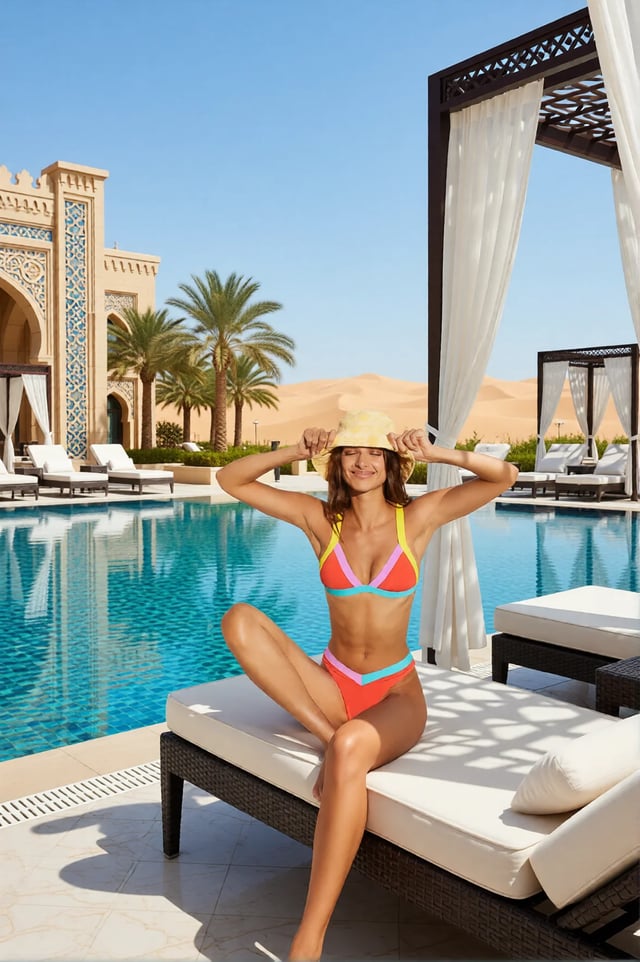
Replace any photo background with AI-generated luxury scenes.
Open studio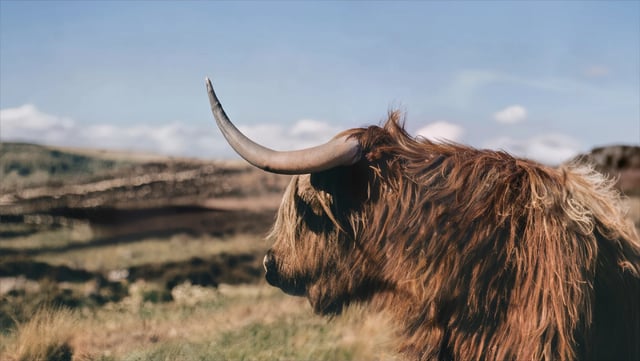 Imagera
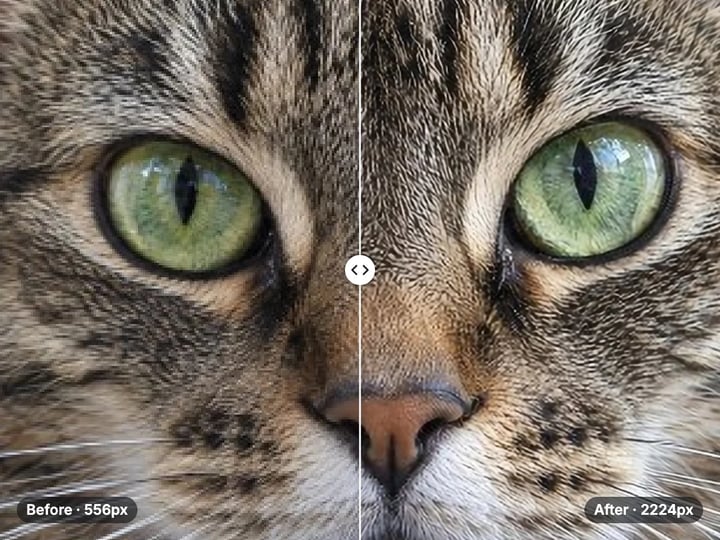
Too small to print? Enlarge a photo to 4K, 8K or 16K (15,360 px on the long edge).
Open studio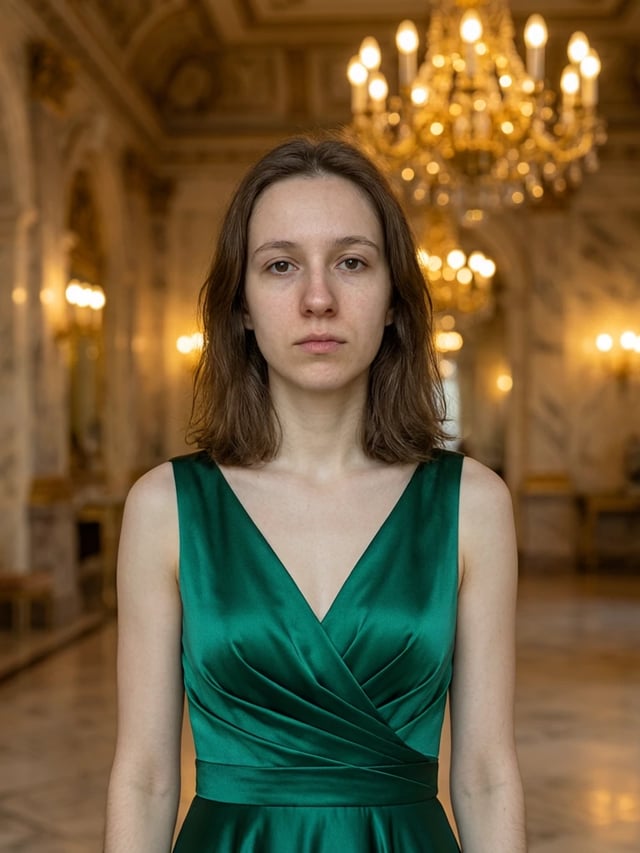 Imagera
Edit images with Imagera Edit. Inpaint, modify, and transform any part of your image.
Open studioWho it is for
Quick private edits before posting — no account wall for a single fix.
Prep product photos for size limits without uploading client inventory.
Handle faces and unpublished work without sending files to a random server.
Guide
A background remover separates the subject in your photo — a person, product, pet, or object — and makes everything else see-through. Imagera's free background remover does this in one click: choose an image, the tool cuts out the subject, and you download a transparent PNG right away. There's no brushing, no fiddly sliders, and no manual cleanup needed. The result is a clean cut-out ready for product listings, social media thumbnails, channel art, stickers, or profile pictures. If you ever want to tidy up a few stray edge pixels on a tricky subject, you can open the finished PNG in any editor you already use (Photoshop, free apps, even Google Slides) and touch it up there. But the main job — removing the background — is handled for you automatically.
Removing the background is one of the most common photo edits, because a busy background pulls attention away from what matters. A product shot on a clean white or transparent background sells better on Amazon, Etsy, and Shopify than the same photo on a cluttered desk. A cut-out headshot drops neatly onto a LinkedIn banner or a slide with no awkward white box around it. Creators use transparent PNGs for thumbnail text overlays, branded stickers, and video graphics. Real estate listings look sharper with distractions gone. Students drop a clean subject straight into a poster. The thread running through all of it is control: you want the subject, not whatever happened to be behind it. A free background remover that works instantly and keeps your photo private takes away every reason to put it off.
Product photography. Drop products onto a clean white or branded color for online listings — no studio reshoot needed.
Profile pictures and headshots. Place yourself on a polished background for LinkedIn, video calls, or a company directory.
Thumbnails for video and social media. Layer your cut-out over bold text or a branded backdrop — the look behind most high-click thumbnails.
Stickers and digital art. Save a transparent PNG and bring it into Canva, Procreate, or any design app to build layered artwork.
Presentations and reports. Add a person, logo, or object to any slide background with no white halo or box.
ID and passport photos. Swap out a busy background for the plain color you need before printing.
Every one of these is easier with a transparent PNG maker that's free, fast, and keeps your photo on your own device instead of sending it off somewhere.
When you open the tool, it gets ready right in your browser. After that, it does all the work on your own device. Pick an image and the tool figures out which parts are the subject and which parts are the background, then makes the background see-through and hands you back a PNG that downloads straight to you. Your photo simply never gets sent anywhere — it stays on your device from start to finish. In fact, once the page is ready you could turn off your internet and it would still work. There's no waiting in a queue, no upload to sit through, and nothing running on a faraway server. You pick a photo, and a clean cut-out comes right back.
Most online background removers — including plenty that call themselves free — send your photo up to their servers, do the work there, and send a result back. That means a third party has handled your image, may keep a copy, and holds it under whatever data policy they choose.
This tool is built differently. It runs on your own device, in your browser. Your photo simply never gets sent anywhere — there's no upload step, and nothing is saved on our side at any point. There's no account to create and nothing to agree to beyond just using the page. For product photos, ID images, or anything you'd rather keep off other companies' servers, that's the difference that matters: your picture stays with you.
The free background remover does one thing well: it cuts out your subject and gives you a transparent PNG, privately and at no cost. If your work needs more, Imagera's paid Background Studio picks up where the free tool leaves off.
With the paid studio you can replace the background entirely with a brand-new scene — drop a product into a lifestyle setting, place a headshot in an office, or describe the backdrop you want and have it created for you. The studio also relights your subject so it blends naturally into the new scene, handles many images at once, and saves your history so you can come back and make changes. The free tool is the right place to start; the paid studio is where the result becomes ready for a full campaign or brand shoot at scale.
Free vs studio
Questions people ask
No — your image never leaves your device. Everything runs right inside your browser, so your photo simply never gets sent anywhere. There's no upload step and nothing is saved on our side. Your photo stays with you the whole time.
You get a transparent PNG that downloads straight to your device. Your subject is cut out and the background becomes fully see-through. The checkerboard pattern you see in the preview just means transparency — it's not a gray fill. PNG keeps that transparency, so you can drop your subject onto any new background in another app. The free tool gives you the cut-out only; it doesn't add a new background for you.
This free tool does one thing: it makes the background see-through and gives you a cut-out PNG. The paid Imagera Background Studio goes further — it replaces the background with brand-new scenes, relights your subject so it blends in, and processes many images at once. Start with the free cut-out, and upgrade to the Studio when you want a finished composite instead of just a transparent subject.
Yes — it works on modern iPhones and Android phones in current browsers like Safari, Chrome, and Firefox. Because the work happens on your device instead of a server, very old or low-memory phones can be slower, especially the very first time you use it. On a recent iPhone or a mid-range Android, you'll usually get a result within a few seconds.
No — the downloaded PNG has no watermark, no branding, and no hidden logo. You get a clean transparent cut-out you can use as-is. There's no account, sign-up, or email needed to download it. Because everything happens in your browser, the file you save is exactly the cut-out the tool produced, with nothing added on top.
Yes, as long as you already have the rights to the original photo. The tool is free and adds no restrictions to your result. It only makes your background see-through — it doesn't change who owns the photo. So for product shots, client work, or your own marketing images, you're free to use the result.
Your subject keeps its original colors — the tool simply makes the background see-through and leaves the subject as it was. The edge of the cut-out is decided automatically, so very fine details like loose strands of hair can look slightly soft. You get a PNG rather than a JPG, which keeps the subject sharp but can make the file a bit larger than the original.
The tool accepts common photo formats including JPG, PNG, and WebP. There's no upload step — your file is read right in your browser. Very large or high-resolution images take a little longer because the work happens on your own device, but they still go through fine. How long it takes depends on the image size and how powerful your phone or computer is.
You need internet the first time you visit so the tool can get ready in your browser. After that, the background removal runs on your own device. If you come back to the page in the same browser, it's ready quickly, and you can keep removing backgrounds without sending anything anywhere.
The very first time, the tool gets itself ready in your browser. That one-time setup is what lets everything run privately on your device afterward. Once it's ready, every removal runs on your device and is much quicker. Think of it like getting set up once — slower to start, fast every time after.
More free tools
Complete your workflow
These pair with Luxury Background Changer. Every tile says what the tool actually does — without leaving this page.
Create professional product scenes from a single image
Transform photos into Ghibli, oil paintings, and more
General-purpose AI image editing with Imagera Edit
Add freckles, pores, scars, tattoos. Remove blemishes. Fix plastic AI skin instantly.
Remove flyaway hair and fix fine imperfections with surgical AI precision.
Change the words, color or font of text baked into a photo, poster or screenshot.
Free passport, visa & ID photos — auto-cropped to any country's exact size, background and file size, right on your device.
Imagera AI Team
Unified AI creation platform