Create · Ad Remake
Remake an Ad
Same idea. New picture. Your product.
- Steps
- 2
- Asks for
- 3 inputs
- Examples
- 2 clips
House takes
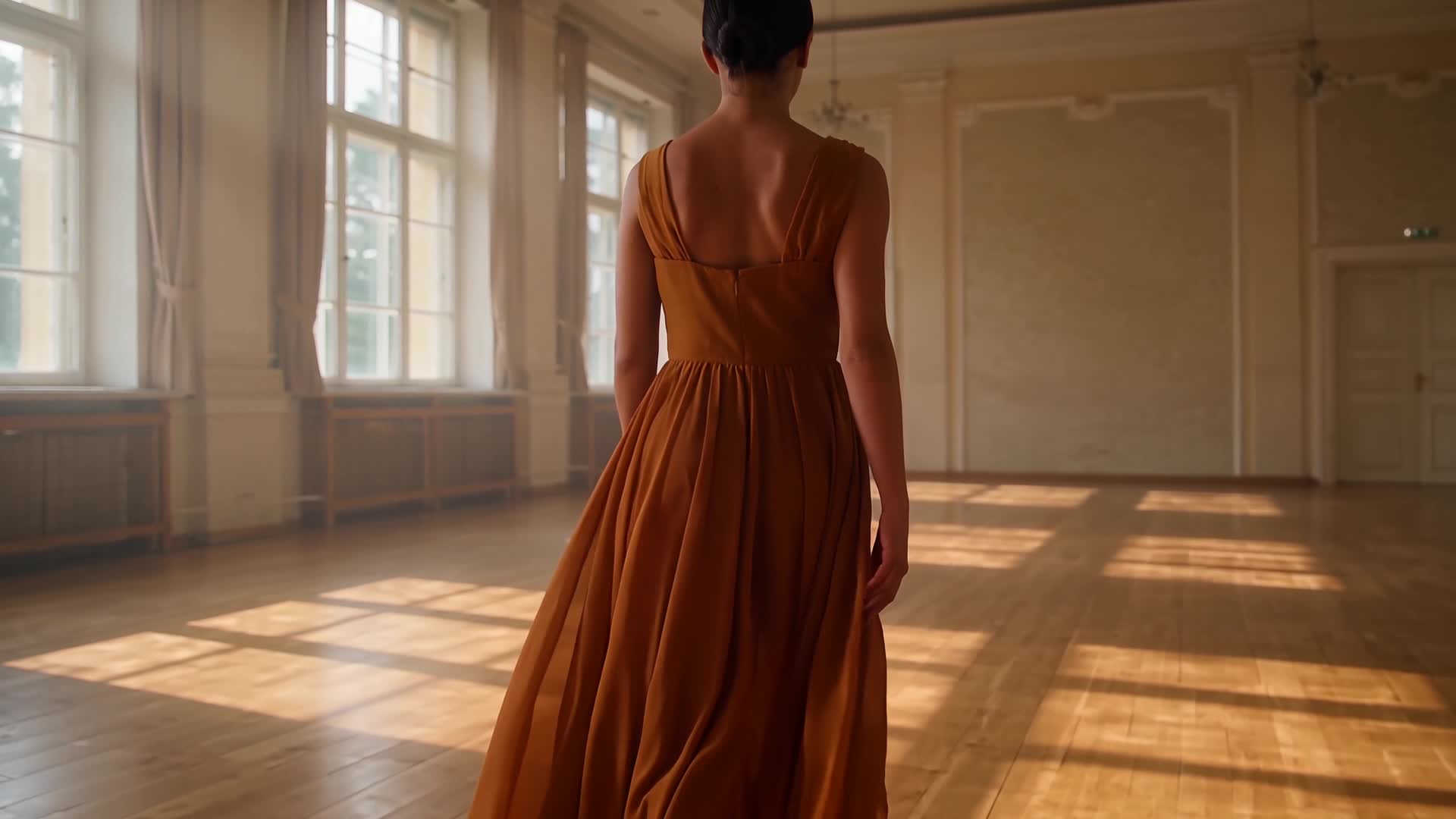
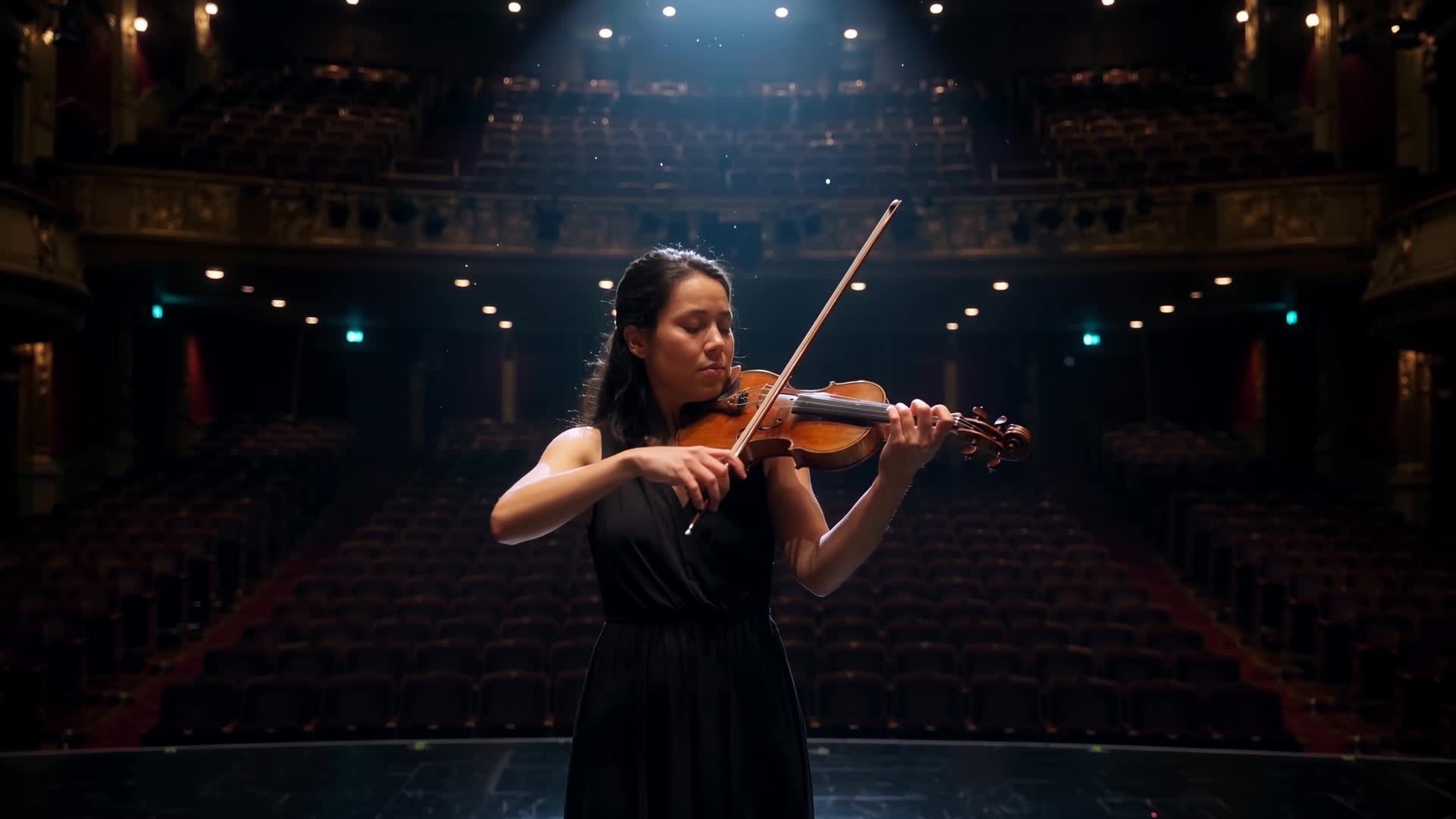
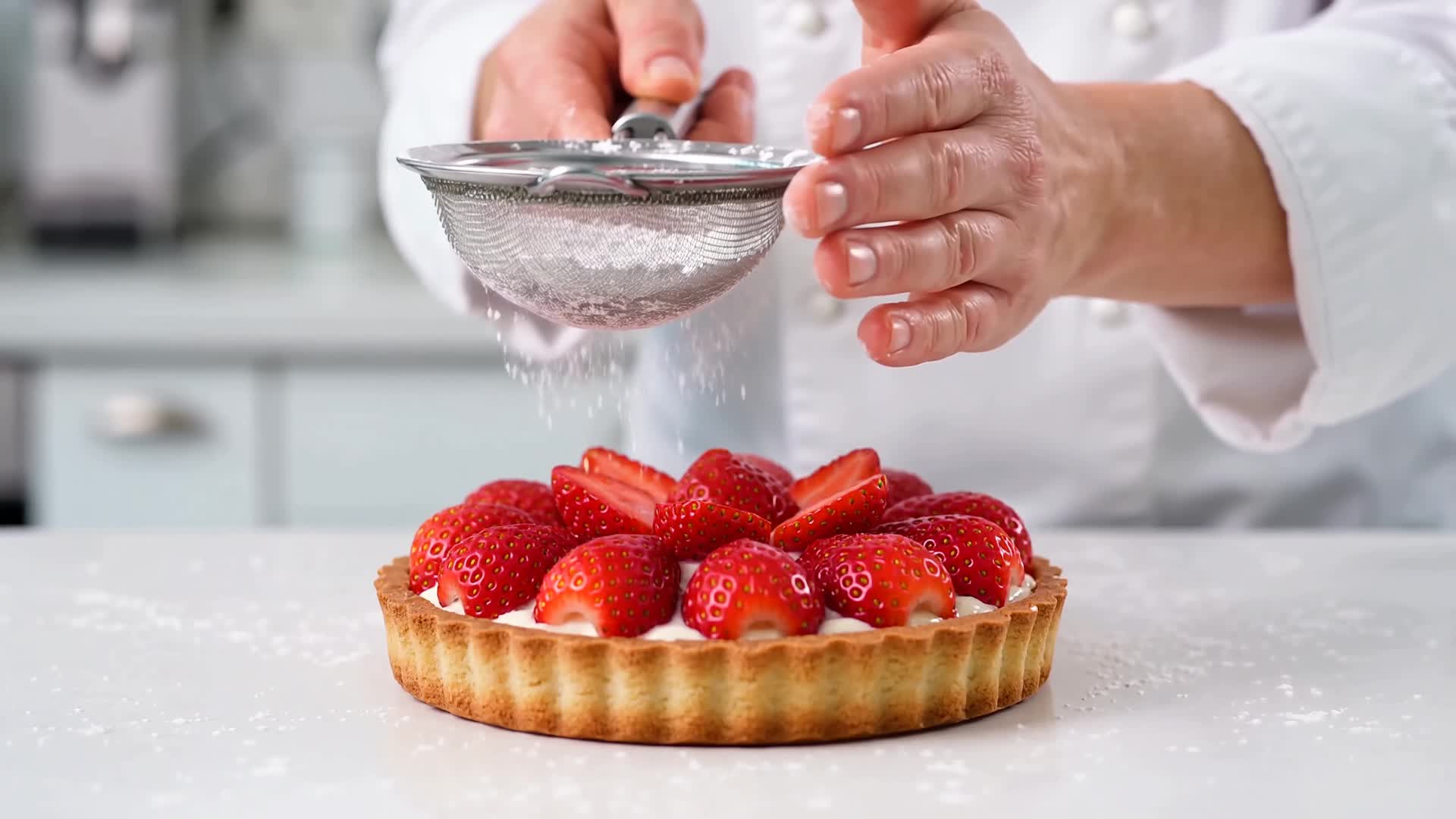
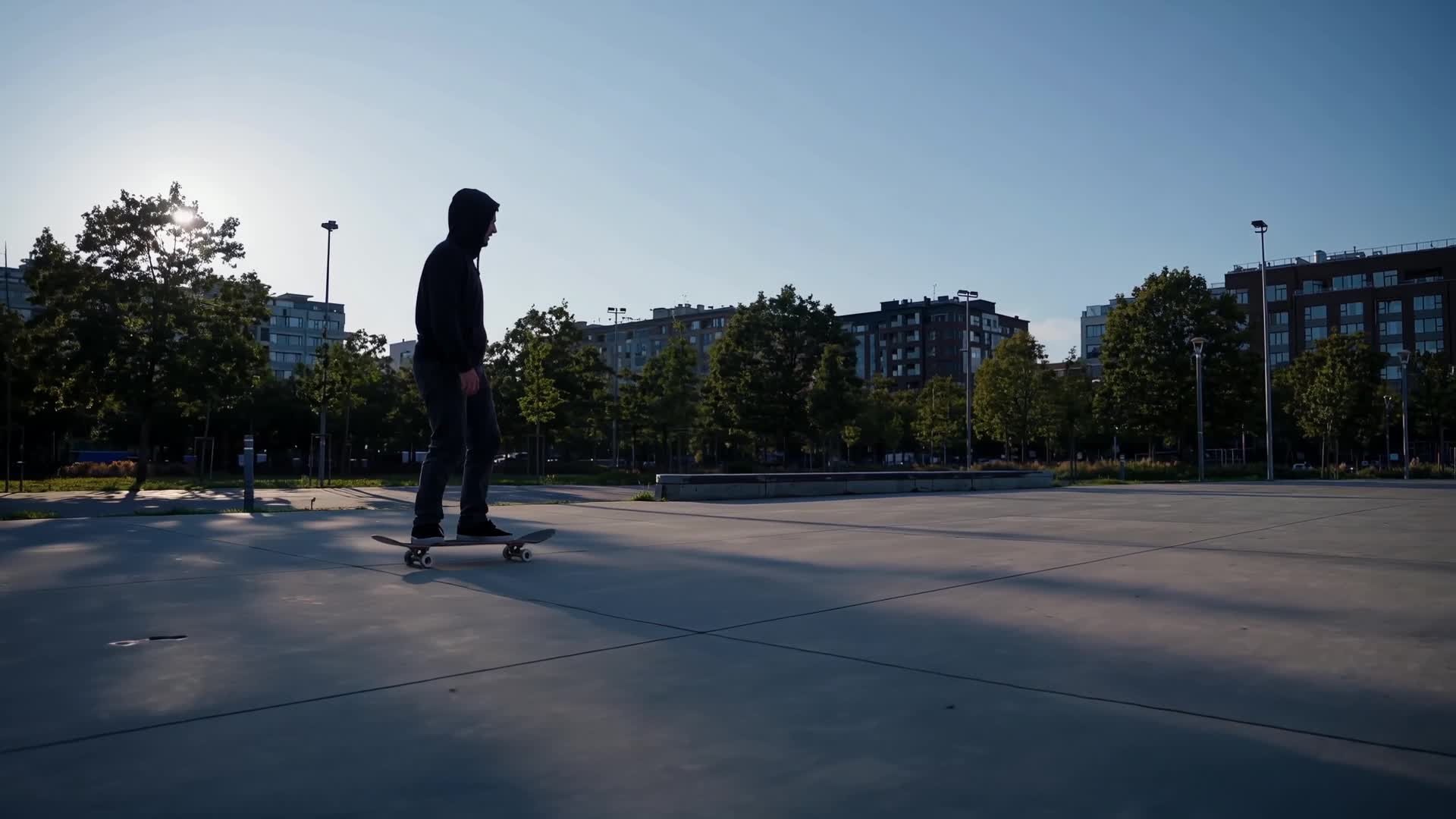
Example clips
Ad Remake
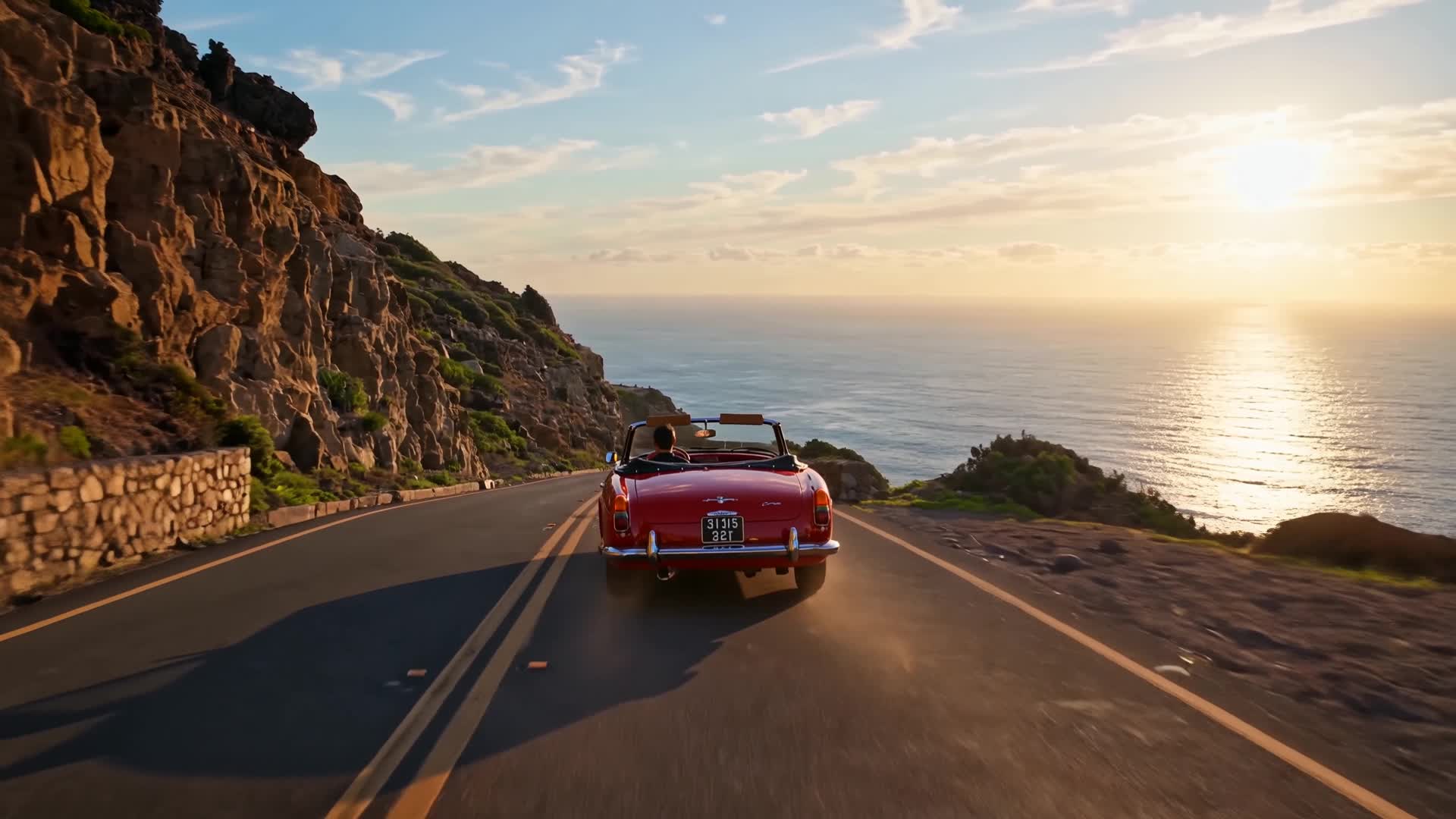
A finished directed advertisement
How it is built
The pipeline
- Look at the source.Extract structure: hook, product beat, end card. Do not copy logos or trademarks.
- Remake the ad.Same structure, new pictures. Invent the product if none is named.
What it is for
An AI ad remake template for when an ad's structure works (the hook, the product beat, the end card) and you need that shape with new pictures and your own product. Describe the original beat by beat and what should change. The brief asks the engine to keep the structure and not to copy any real brand, logo or trademark.
Inputs
What it asks for
- Optionalthe ad to remake(optional; Direct preloads it, Canvas cannot use it yet)
- Neededwhich ad, and how it should change
- Optionalthe look
How to make it
- Step 1
Describe the original
Write the ad as it runs: the opening image, the product moment, the end card. Then say what changes, such as your product, your setting or your closing line.
- Step 2
Pick a look
The upload box on the form takes one video, preloaded in Sandbox by Direct, not carried to Canvas: in Sandbox it is a reference clip beside your description, and the brief still asks for new pictures. No Canvas engine takes a video as its source, so there the description is the whole ad. Cinematic is the preselected look; the others are Custom, Experimental, Monochrome, Animated and Artistic.
- Step 3
Direct it in Sandbox
Press “Remake this ad”: Sandbox opens Imagera Warlord Pro in Reference to video and uploads your video into its reference slots. It also needs at least one photo, so add one there; with nothing attached, you get Imagera Warlord Pro in Text to video instead. One clip per run; prompt polish may rewrite the brief unless you switch it off.
- Step 4
Or open it in Canvas
Open in Canvas adds one node, Remake the ad, priced before it runs. It is set to 8 seconds and picks its engine until you choose one. The Remake the ad node cannot use the ad to remake yet, because no engine takes a video as its source there, so leave that input empty. Keep the structure in the prompt as three lines (hook, product beat, end card), so a re-run changes only the line you edit.
Example brief
On the Create page this brief loads from the “Remake a perfume film” chip under the preview.
Remake a perfume film
A classic perfume film: a figure walks a wet midnight street, a bottle catches a streetlamp, one look back. Remake it for a cedar-and-salt scent called Harbour.
Look: Cinematic
Questions
Does it copy the original footage?
Direct preloads the ad as a reference clip, and the brief asks for its structure with new pictures and no real brand, logo or trademark. How closely a take follows the clip varies, so check each one. Canvas cannot use the ad: no engine there takes a video as its source. Remake only an ad you have the rights to.
What if I don't name a product?
The brief invents a neutral one. Name yours in the description to put it in the remake.
How long is the remake?
This template has no length setting: each run renders one clip, 8 seconds at the Canvas node's setting or the length you pick on the Sandbox composer. To match the original's running time, give each beat (hook, product, end card) its own clip.
What does it cost?
Credits per run, priced on the Sandbox button and on each Canvas node before you run. No paid generation costs less than 15 credits.
More templates
Other canvases