Imagera Canvas is a visual AI workflow builder for connecting prompts, images, edits, writing and video on one board. Each connected step can use the output of an earlier step. Start with a template or build your own workflow, save it for another brief, and review the generation quote before running.
Your workspace
A visual board in your browser
Your starting point
A blank canvas or a ready workflow
Your control
Choose the steps. Review the quote.
Room for the whole idea
Keep the spark. Connect the rest.
A creative project rarely ends with one image. Canvas gives the steps around it a place to live: the brief, the references, the variations and the next scene.
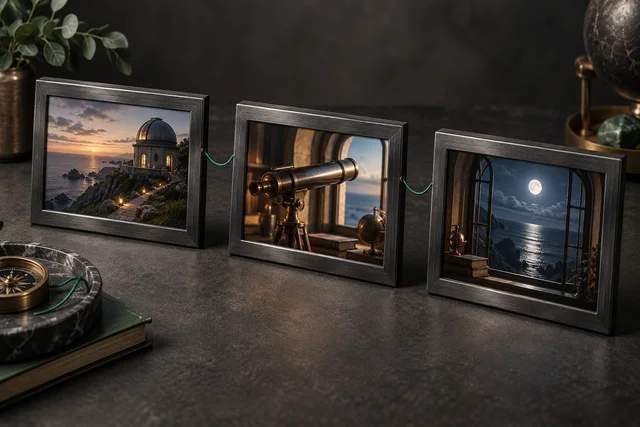
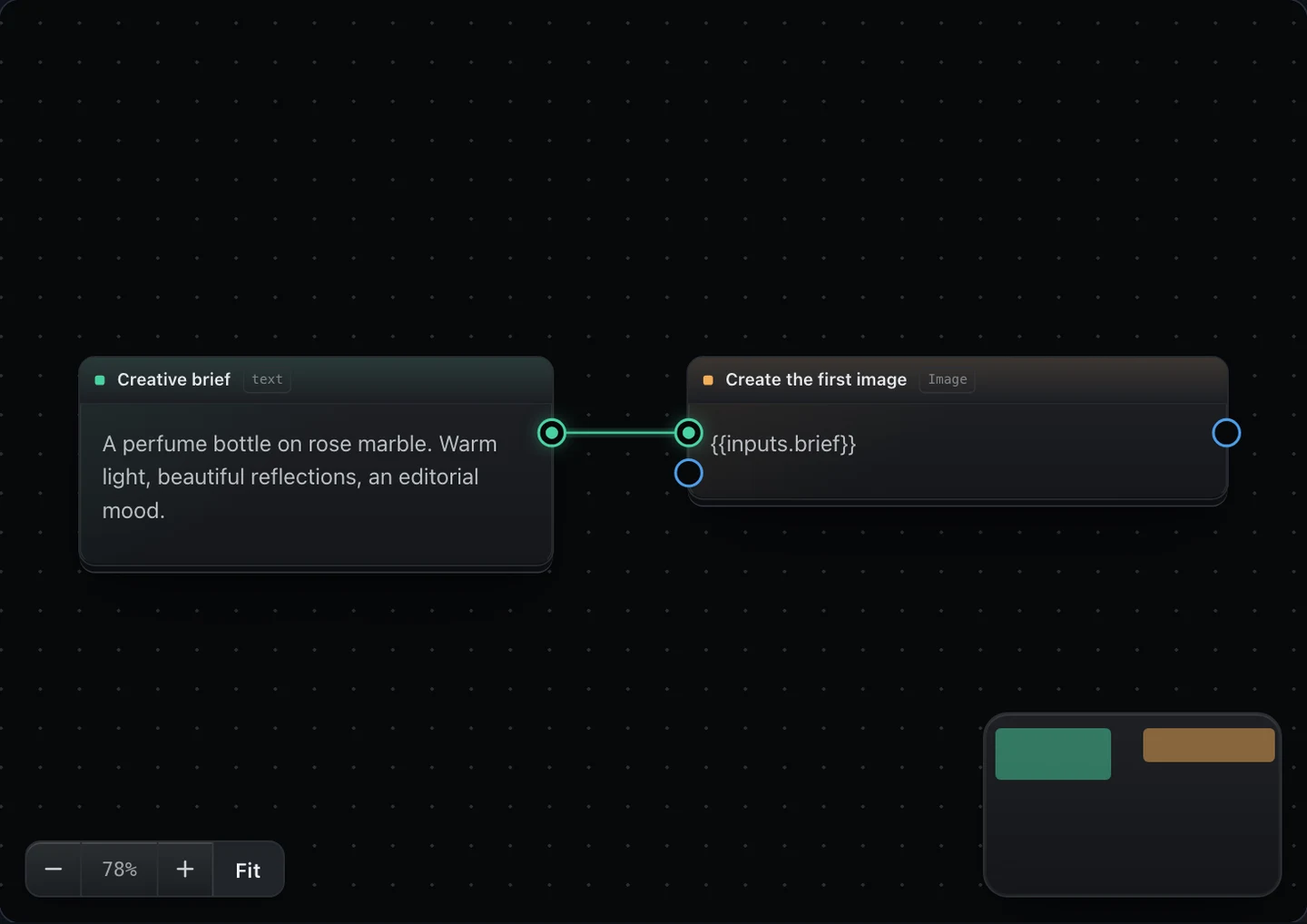
Inside Imagera CanvasSample workflow · actual interface
Every connection has a purpose. Follow the idea from the first prompt to the next direction.
Visual workflows for prompts, images, writing and video
See the creative process as connected cards. Keep the starting reference, instructions and next step in the same place, so a multi-step project remains understandable as it grows.
Connected steps that reuse earlier outputs
Wire an output to a compatible input on the next card. An image can guide an edit or a video; a writing step can prepare a direction for the next generation. The board records those relationships.
Reference-led image editing and image-to-video workflows
Bring your own image into the process. Describe a targeted change or the movement you want to explore. Available inputs and settings follow the operation and engine selected for that step.
Saved workflows for repeatable creative projects
Rename, duplicate and reopen a board. Replace the inputs for your next brief while keeping the structure you have already worked out. Wait for the saved indicator before leaving the editor.
Starter templates for ads, UGC, film and social content
Begin with an existing workflow when you know the job, or use a smaller graph starter to learn one connection at a time. You can also build a blank board around your own process.
Generation quotes before a confirmed run
Check the board for missing inputs, review the quote and confirm when you are ready. Editing and saving do not spend generation credits. Media uses credits; writing uses your message allowance.
Clip assembly, soundtrack and caption operations
Join approved clips in playback order, add a soundtrack to a finished video or work with transcription and captions. Keep assembly in a separate board when you want to reuse completed scenes.
From an idea to a creative direction
What will you make of it?
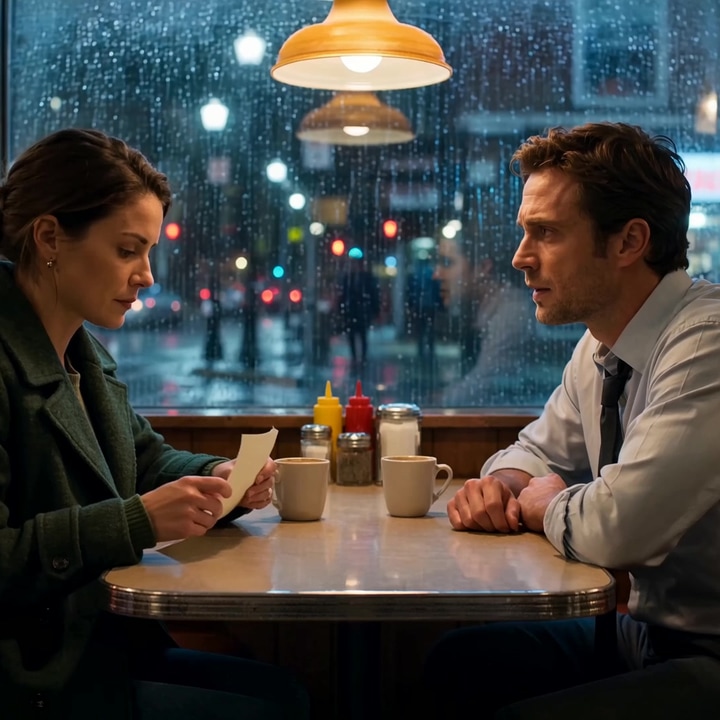
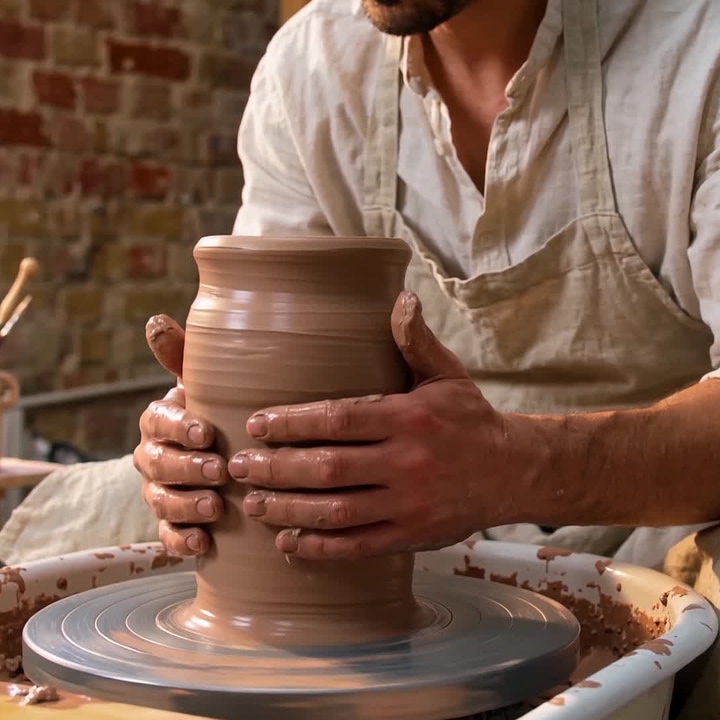
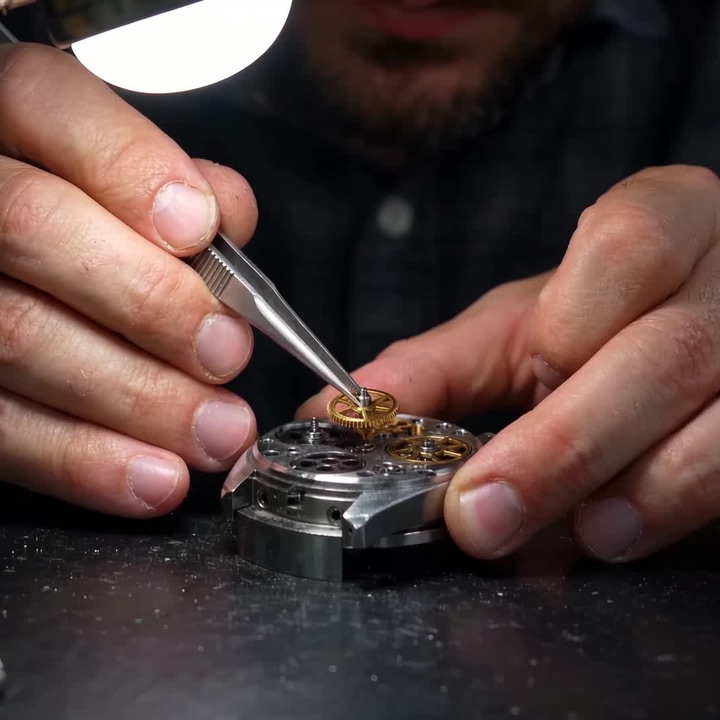
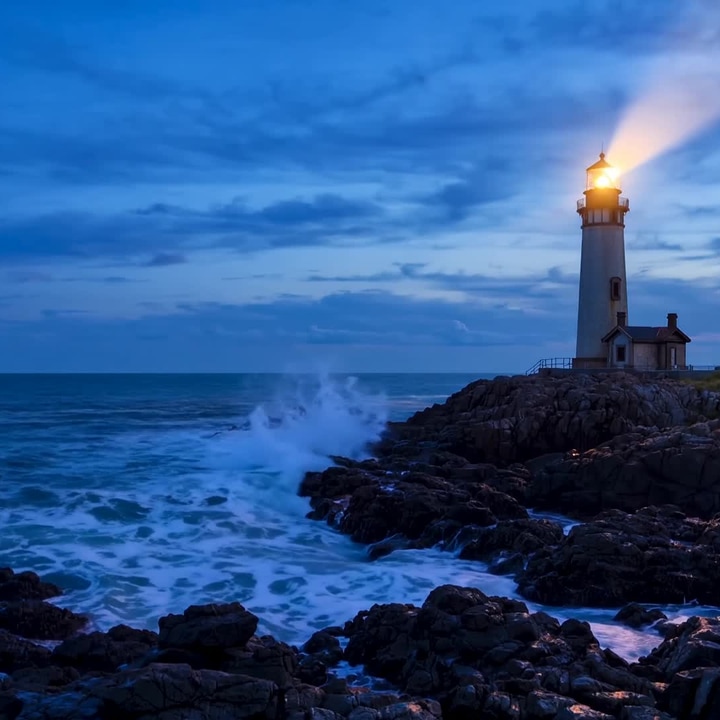
Give a campaign its atmosphere. Find the opening shot. Explore a look worth developing. Start with the work you want to make.
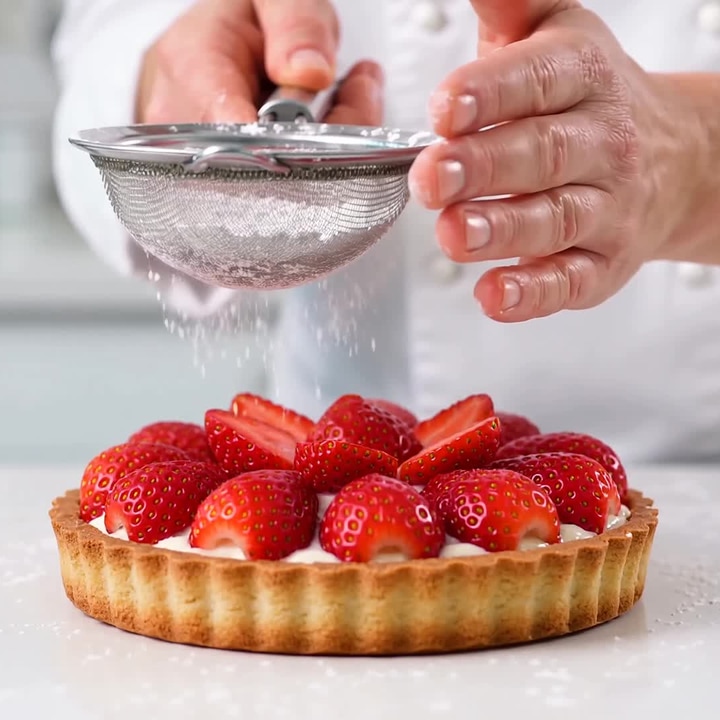
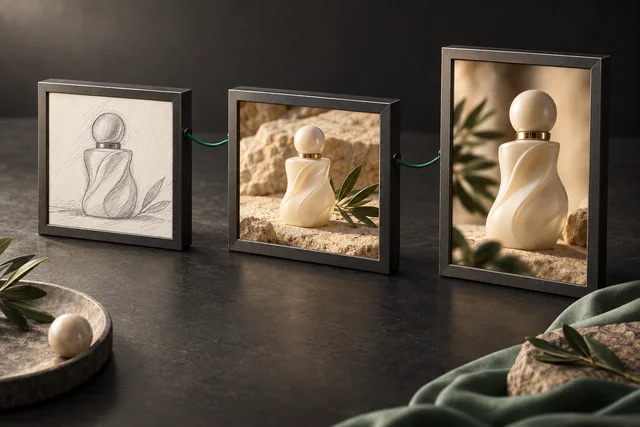
Build a visual direction around your product reference. Explore a studio setting, a richer background or a different lighting treatment, then compare the results on one board. Connect an approved image to a video step when the campaign needs movement.
For launch concepts, product stories, seasonal creative and visual tests. Review product details, labels and brand accuracy before publishing.
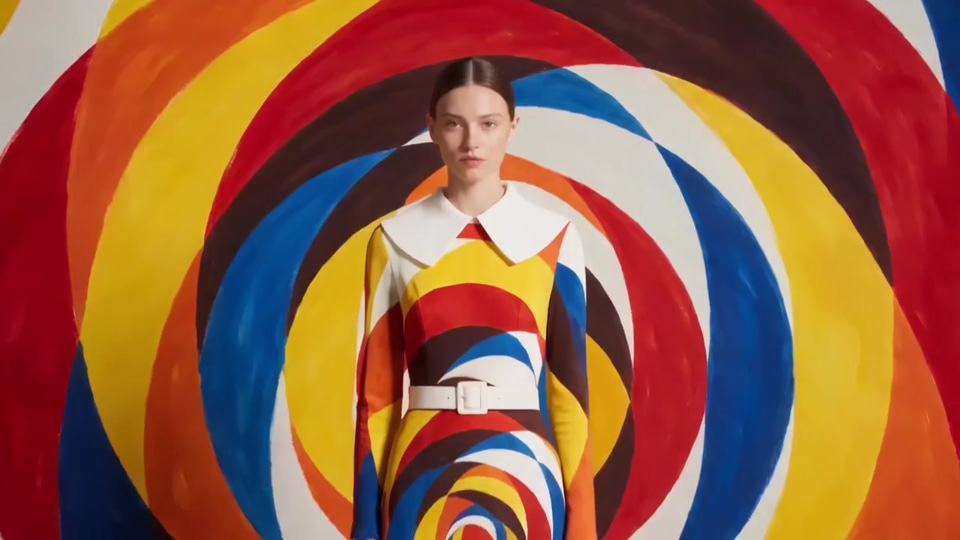
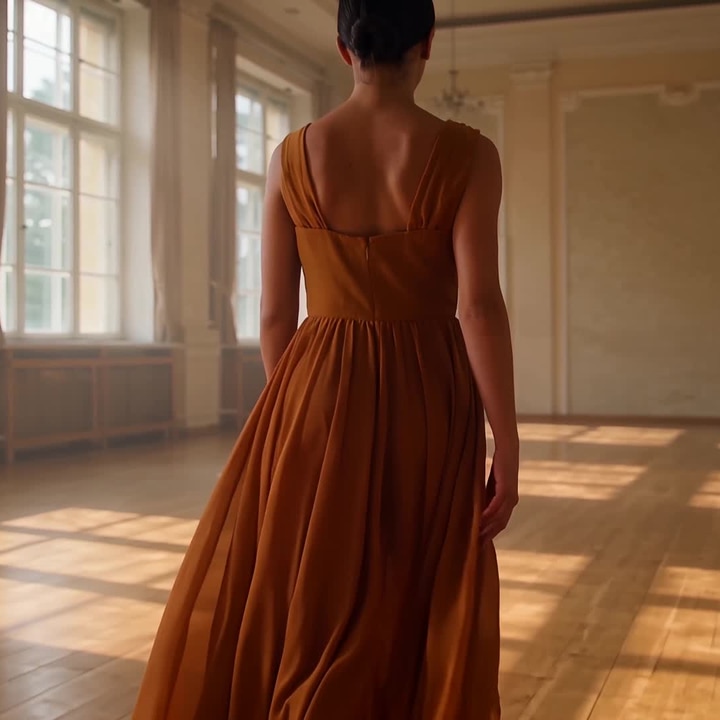
Explore a mood before committing to a whole sequence. Keep a reference close to the editing step, write a precise direction and compare the visual result. A reusable board helps you carry the same process into the next look or collection.
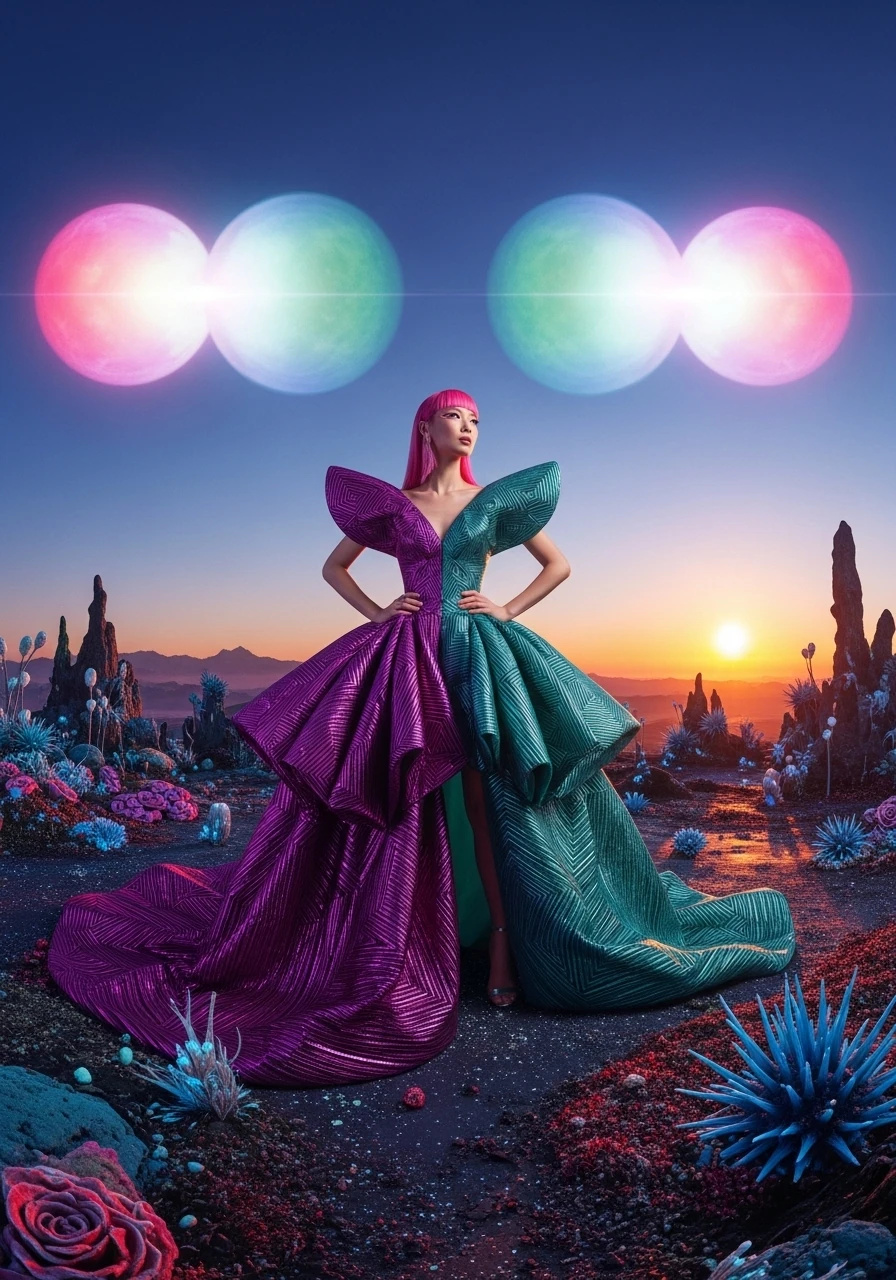
For editorial concepts, lookbook exploration and art direction. Check the face, fabric, fit and garment details in each result.
Develop the atmosphere with still frames, then bring selected ideas into motion. Writing steps can turn a story outline into scene directions, while shared references guide the look across shots. Keep the relationship between the brief, frame and clip visible.
For short-film development, storyboards, scene studies and pitch visuals. Review continuity and cuts before joining the approved clips.
Turn a strong image into the start of a reel. Save the workflow, change the subject for the next post and refine the direction without rebuilding every connection. Explore distinct hooks with separate versions so your options stay easy to compare.
For social concepts, image-led reels and recurring visual formats. Choose the available output settings that fit your destination.
A finished picture shows the result. A saved Canvas also keeps the steps that led to it. Duplicate a workflow for a new brief, name the directions clearly and keep approved references attached to the relevant steps.
For concept pitches, creative exploration and repeatable production processes. Name each direction clearly so the next brief has a useful starting point.
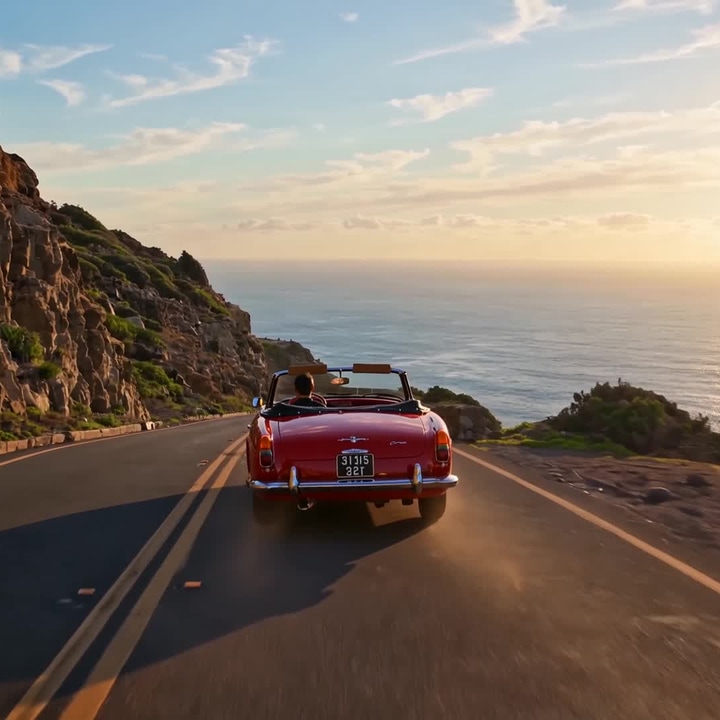
Explore environments, atmosphere and the feeling of a place. Use a reference and specific instructions for the light, weather and camera direction. Carry those references into the next scene to guide a coherent visual world.
For environment concepts, architectural mood studies and visual storytelling. Explore several moods before choosing the world your story belongs in.
An image can be a destination. It can also become a reference for the next shot. Connect a still to a compatible video step, describe the movement and explore what happens next.
For a longer piece, keep the approved clips and assemble them with a separate Join workflow. That gives you a way to work with the scenes you have already chosen.
Sample images illustrate the creative direction. Starters open a workflow for your own inputs.
Come with a brief. Leave with a beginning.
A starting point for every kind of story.
Choose a guided template for the job you have in mind. Explore its examples, describe your idea and use its Canvas handoff to work with the connected workflow.
When should you use Canvas instead of a single tool?
A single studio is a focused place to complete one task. Canvas earns its place when your idea needs several connected steps or a process you want to use again.
Your taskA single studioImagera Canvas
Make one image or clipA direct place to choose settings and generate.Useful when that result is part of a larger sequence.
Use a result in the next stepMove the output into another tool when needed.Connect the output to the next compatible card.
Explore several directionsCreate and organize separate attempts.Branch from the same reference into different directions.
Repeat a creative processSet up the individual tasks again.Reopen or duplicate the board, then replace its inputs.
Understand the costReview the quote for that generation.Review the quote for the connected run before confirming.
Changing an input does not automatically buy a new run. A full graph run can generate its steps again; review the quote each time.
Your first canvas
How to build your first AI workflow.
Start small. Make one connection work, inspect the result and grow the board from there.
01
Start with an input
Choose a template from Start from, or open New pipeline. On a blank board, choose Add step, then add a prompt or an image input. Fill in the words or choose your reference image.
02
Connect your steps
Use Add step to add an image, video or writing step. Drag an output dot to a matching input dot on the next card. Open a step in the Add step menu to see what it takes, what it produces and how to use it.
03
Check, then run
Open Summary to read what your current board does. Fix any missing inputs, then choose Run graph, or select a step and choose Run to here, and review the price before confirming. Building and saving are free; generation uses credits and writing uses your message allowance.
A good first project
Add an image reference and one editing step. Ask for a specific change, such as a different lighting treatment. Compare the output with your original before adding a video step or several variations. The smaller the first board, the easier it is to understand what each connection contributes.
Create with clarity
Your idea comes first. The quote comes before the run.
Build, connect and save your board without spending generation credits. When you are ready, review the quote for your chosen steps and settings.
Media generation uses your credit balance.
Writing uses your message allowance.
Settings, access and costs depend on the selected tools.
Canvas is a node-based board where prompts, images, and video models live on one screen. Instead of generating in isolation and copying files between tools, you connect nodes so a whole campaign or scene is one pipeline.
How is Canvas different from the other studios?
A single studio focuses on one task. Canvas connects tasks into a visible sequence: a reference becomes an edited image, the image becomes a clip, and clips can be joined. Use a ready template from Create or build your own board. References guide continuity; review each result before using it in a finished campaign.
Do I spend credits while I build the workflow?
No. Adding steps, connecting them and saving a board do not spend generation credits. Media generation uses credits; writing uses your message allowance. Review the quote before confirming a run: it lists the steps that run will buy.
Can I save a workflow and reuse it?
Yes. Every canvas is yours to rename, rewire, and run again. Duplicate it, swap the inputs, and you have a new campaign without rebuilding the graph.
What should I start with?
If you have a job — a UGC ad, a product spot, a short film — pick that template on Create. If you want a reusable graph — still to clip, extend a shot, edit one thing, storyboard, fan-out — open it from Canvas. Storyboard to shots writes a shot list, draws a frame for each shot (later frames reference the first for consistency), turns each frame into a clip and joins the clips into one cut. If you want to invent the pipeline, open a blank board and drop a prompt, an image node, and a video node.
Can I turn a still image into a video?
Yes. Start with the Still to clip workflow, choose your image and describe the movement. The image becomes a reference for the video step. Available durations, sizes and other settings depend on the selected engine; check the output and quote before making a longer sequence.
Can I create several visual directions from one reference?
Yes. Connect the same image input to multiple compatible image steps and give each a different direction. This is useful for comparing backgrounds, lighting or campaign concepts. Each generating step has its own cost, so review the whole run before confirming.
How do I join clips without generating them again?
On a finished step, choose Use as input, or drag its result onto an input card: the board keeps that file and does not generate it again. Add a Media Assembly step, choose Imagera Join and connect at least two clips in playback order. Review the quote and run. Only the join is bought, not the scenes it assembles.
Can I continue a video from its last frame?
Yes. Add Convert → Last frame after a clip to take its closing frame as an image, then connect that image to the next video step. For a longer shot, choose Extend to … on a video step: each pass starts from the previous pass’s last frame, and the passes are joined into one video. The quote counts every pass, frame grab and join. The frame guides the next pass; it does not guarantee a seamless cut, so review the joined video.
What happens when a run stops partway?
The board shows where it stopped. Choose Continue on the banner, or Continue failed run from the Run menu. It buys only the steps that did not finish and keeps the results of those that did. The sheet shows what it will run before you confirm.
Can Canvas help with scripts, audio and captions?
Writing steps can develop a prompt or scene plan using supported references. Use Transcribe for timed words and review the transcript before burning captions into a video. To add a soundtrack, connect a finished video and an audio input to a Media Assembly step using Imagera Dub. Available inputs depend on the operation you choose.
Will a workflow keep the same character across every shot?
You can reuse character references and describe the same outfit, lighting and location across connected steps. This guides continuity, but it does not guarantee a perfect identity match or an exact frame-to-frame cut. Review the generated scenes and keep approved clips before replacing them.
Does changing a step automatically start a paid run?
No. Editing the board and starting a run are separate actions. After changing a prompt or reference, check the connections and choose Run graph when ready. Run graph reuses steps that finished in a recent run and have not changed since, and buys the rest; the quote shows which. Regenerate buys a step again. Keep output holds a step’s current result for later runs, and History lists its earlier results so you can keep one.
Can I use Canvas in a browser on my phone?
Canvas runs in a web browser and supports a phone layout. Open the board menu for What this board does, review step settings and check your run before confirming. A larger screen gives you more room to arrange a complex board. Sign in to save and run your workflows.
Where can I find my saved workflow and outputs?
Wait for the saved indicator before leaving the editor. Reopen the saved workflow to continue working with its inputs and connections. Generated results appear on their steps and in the project. Account storage applies to uploaded references and generated media.
Can I run a board from my own code?
Yes, your own boards. Open Use as API in the editor for its routes: read a board and its inputs, price a run, start it, and read its status and outputs. A start whose quote is above your max_credits is refused before anything runs. Runs are charged like runs from the editor.



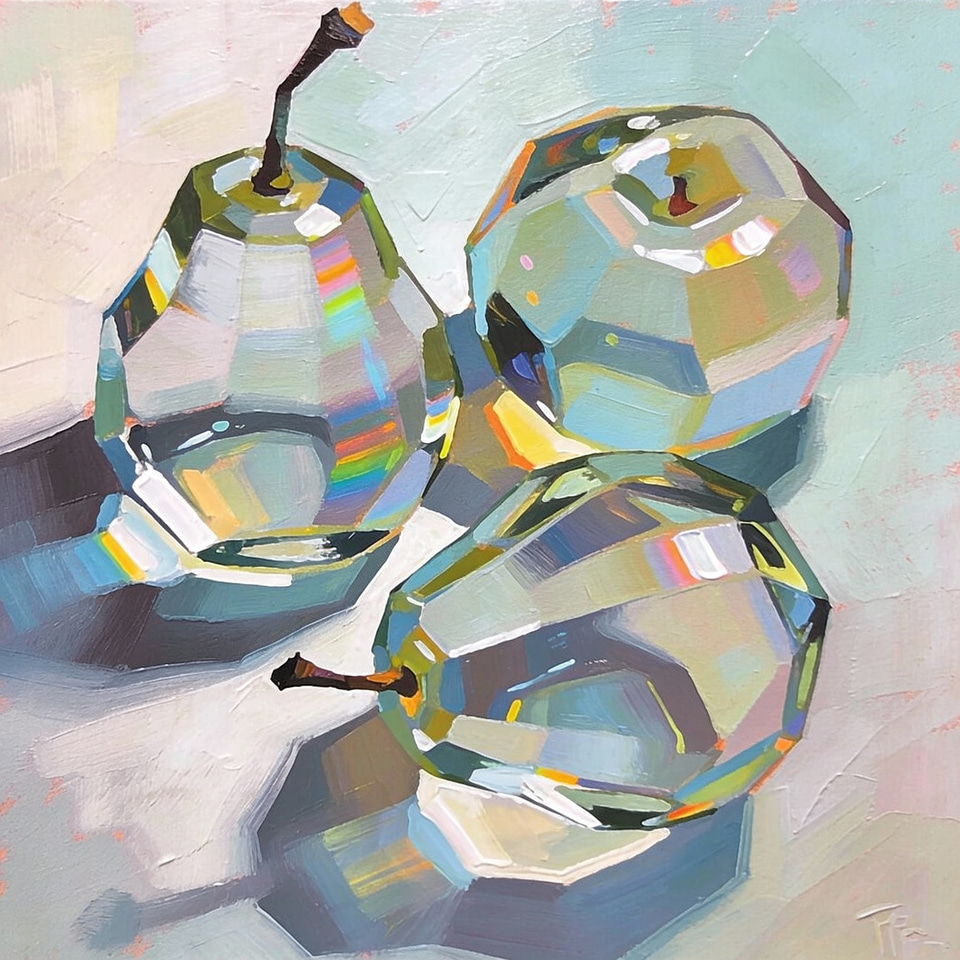
 Campaign inspiration