
You can complete this on Imagera without installing software: upload a real source file, describe the change, confirm credits up front, generate, and review before you publish. Amazon Listing Video From Photos with AI — this guide covers the steps, quality checks, and when to open related tools.
Most Amazon sellers have high-quality product photos. Very few have video. That asymmetry represents a direct conversion opportunity — buyers who engage with a video on a listing convert at meaningfully higher rates than those who view photos only.
This guide covers the data behind Amazon listing video performance, Amazon's video submission requirements, and how to produce a compliant listing video from your existing product photos in under 15 minutes.
Last updated July 2026.
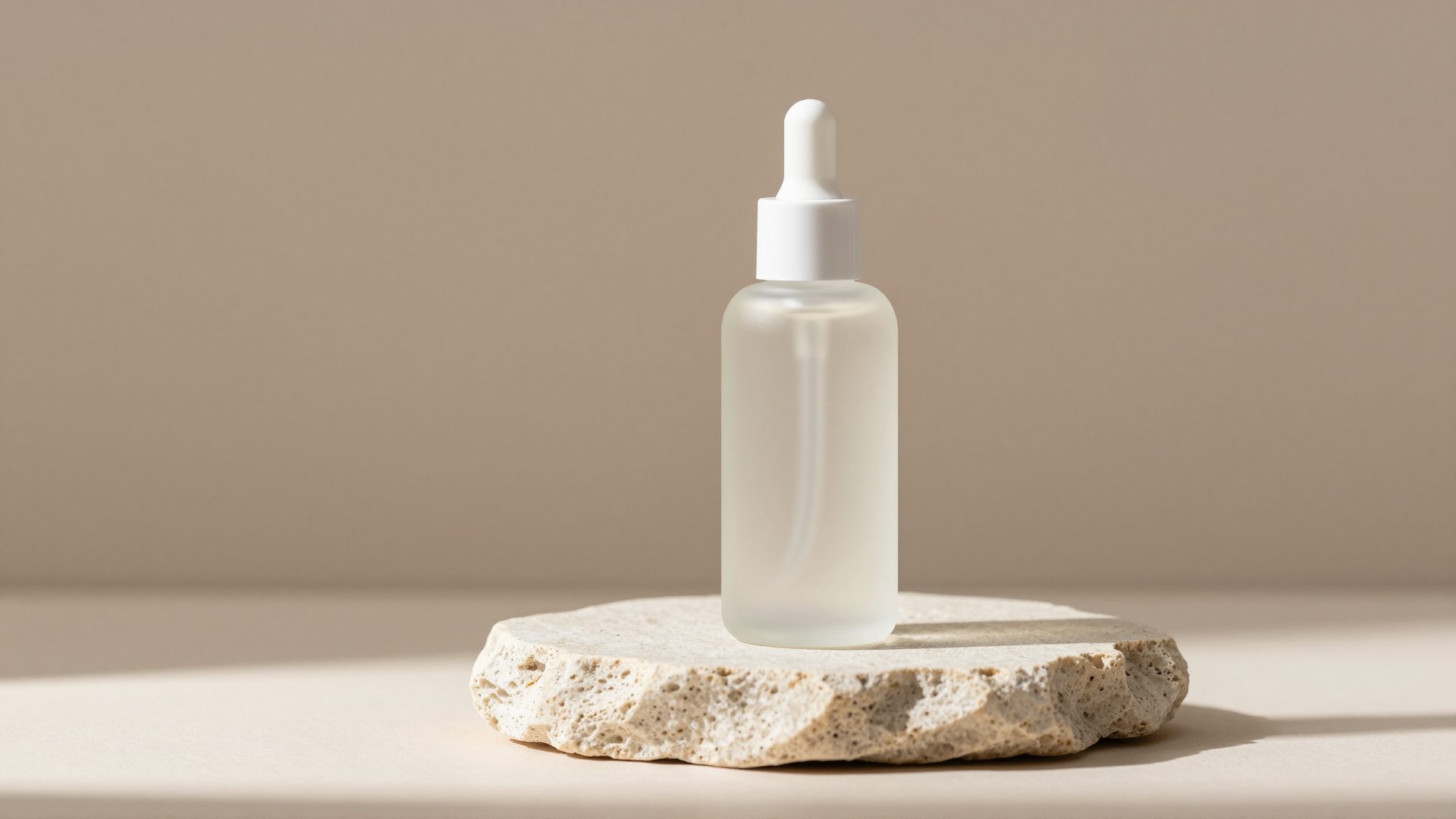
Real Imagera output: a product photo turned into a listing video.
Quick answer: Yes, Imagera turns your existing Amazon product photos into a listing video with AI, animating 3-5 stills into smooth motion, added camera moves, and voiceover in minutes, no filming, studio, or crew required.
1.How do you make an Amazon listing video from photos with AI?
Upload 3 to 5 product photos to Imagera, pick a template, and the AI animates each still into camera moves, then stitches a 15 to 30 second clip that fits Amazon's requirements. Most listings render in under 60 seconds at up to 4K, with over 100 style presets, so a full 2026 catalog of 50 SKUs can ship in one afternoon instead of weeks.
2.Why do Amazon listing videos matter for conversions in 2026?
Product video is a strong trust signal on mobile, where most Amazon shopping sessions now happen. A short clip lets shoppers see scale, texture, and how the product is used before they buy, which static images alone can't convey, and it's one of the cheapest additions to a listing. With Imagera you can spin up 10 variants from the same 5 photos for A/B testing, each costing a fixed number of credits and rendering in 4K.
3.What "Amazon listing video from photos" actually means
There are two ways to get a video onto an Amazon listing. The first is to book a studio, hire a videographer, film the product from every angle, and edit the footage — days of work and a real budget line. The second is to take the still photos you already own and turn them into motion.
This guide is about the second path. An AI product reel maker takes your existing product photography and generates camera motion — orbits, push-ins, turntable spins, macro close-ups — around the actual product in your shots. You never touch a camera, a gimbal, a turntable rig, or a video editor. If you have photographed the product (even on a phone), you have everything you need to produce a listing video.
The output is a short, self-contained clip: a hero shot, a few feature beats, and a clean end card, rendered to the aspect ratio and resolution Amazon accepts. Because the frames are anchored to your photos, the product on screen is the product you sell — not a stock lookalike or a generic 3D render.
The rest of this guide walks through the conversion case, Amazon's exact requirements, where the video appears, what to put in it, and the step-by-step to produce and upload one.
4.The conversion case for Amazon listing video
Industry reports on Amazon video performance, including analysis published by Zsky.ai and corroborated by seller case studies across multiple product categories, cite a 9–14% conversion rate lift for ASINs that include video compared to listings with only photos. To be precise: these figures represent reported averages across studies and seller surveys, not a controlled Amazon-published statistic — individual results vary by category, price point, and product complexity.
The mechanism is not mysterious. A buyer who watches a product video has:
- Seen the product from multiple angles and in use
- Resolved the most common pre-purchase anxieties (size, material, how it works)
- Spent more time on the listing page (a positive ranking signal)
- Made a more informed decision — which also reduces returns
The incremental conversion value of a 10% lift on a listing doing $10,000 in monthly revenue is $1,000/month. The cost of producing a video from existing photos is one-time and low. The math makes video one of the highest-ROI improvements available to most sellers.
A useful way to think about it: photos answer "what does this look like?" Video answers "what is it actually like to own this?" The second question is where hesitation lives, and hesitation is what kills add-to-cart. A short reel that shows scale, texture, and the product in a hand or on a shelf removes the doubt a static gallery leaves behind.
5.Amazon listing video requirements (2026)
Amazon has specific technical requirements for listing videos. Non-compliant videos are rejected during review. Here are the current specs:
| Requirement | Specification |
|---|---|
| File formats | MP4, MOV |
| Minimum resolution | 1280 × 720 px (720p) |
| Recommended resolution | 1920 × 1080 px (1080p) |
| Aspect ratio | 16:9 horizontal (required for main image carousel) |
| Maximum file size | 5 GB |
| Minimum duration | 6 seconds |
| Maximum duration | 45 minutes (30–90 seconds is the practical effective range) |
| Audio | Not required; if present, no copyrighted music without license |
| Content | Must show the product; cannot include competitor references, pricing, or third-party URLs |
| Account requirement | Brand Registry enrollment for main image carousel; any seller can add via A+ Content |
The most common rejection reason is copyrighted music. Always use royalty-free or licensed music, or export without audio. The Product Reel Maker lets you export with no audio so you can drop in a licensed track yourself, or add a voiceover after the fact — the cleanest way to stay safe for Amazon submission.
6.Where videos appear on Amazon listings
Amazon displays listing videos in two placements:

6.11. Main image carousel (Brand Registry only)
If your brand is enrolled in Amazon Brand Registry, you can add a video that appears in the main product image carousel alongside your photos. This is the highest-visibility placement — buyers see it immediately, in the same position as the primary photos, without scrolling.
Videos in the main carousel appear as a play button overlay on a thumbnail. Buyers tap to play inline. This placement has the highest correlation with the conversion lift figures cited above.
6.22. A+ Content video module (all sellers)
Any seller can add video through A+ Content (formerly Enhanced Brand Content), which appears in the product description section further down the page. This placement reaches buyers who have already scrolled past the fold — typically more engaged, research-mode buyers.
For maximum impact, aim for the main image carousel placement if you are Brand Registry-enrolled, and add A+ Content video as a secondary placement.
7.What to show in your Amazon listing video
Amazon requires that the video actually shows your product. Beyond compliance, the most effective Amazon listing videos follow a structure designed to answer the buyer's specific pre-purchase questions.

7.1Recommended sequence for an Amazon listing video
| Segment | Duration | Content |
|---|---|---|
| Product intro | 0–5 sec | Hero product shot — clear, well-lit, full product visible |
| Size and scale | 5–12 sec | Photos that show dimensions, scale against familiar objects |
| Key features | 12–30 sec | Close-up detail shots for each of your main product bullet points |
| In-use or lifestyle | 30–40 sec | Product being used in context |
| Packaging/unboxing | 40–50 sec (optional) | What arrives in the box; gift-market products especially |
| CTA / brand end card | 50–60 sec | Product name and brand — no external URLs |
If your video is 30 seconds rather than 60, compress each segment proportionally. The feature detail section (12–30 sec in the above) should get the most time — it is doing the heaviest conversion work.
8.How Imagera's Product Reel Maker works
The Product Reel Maker is built for exactly this job: turning still product photos into short motion video, no filming required. Here is what it actually does.

You upload up to 9 photos of the product and label each one — "front", "back", "packaging", "texture close-up", "in hand". You then describe the product and the vibe you want in your own words, because products vary far more than rooms or cars: a candle, a drone, and a face serum each need very different treatment. That description drives the motion, pacing, and mood so the reel feels made for your brand rather than generic.
Next you pick a style. The maker offers a set of ecommerce-ready presets:
- Hero Orbit — the product front and center with a slow, premium camera orbit
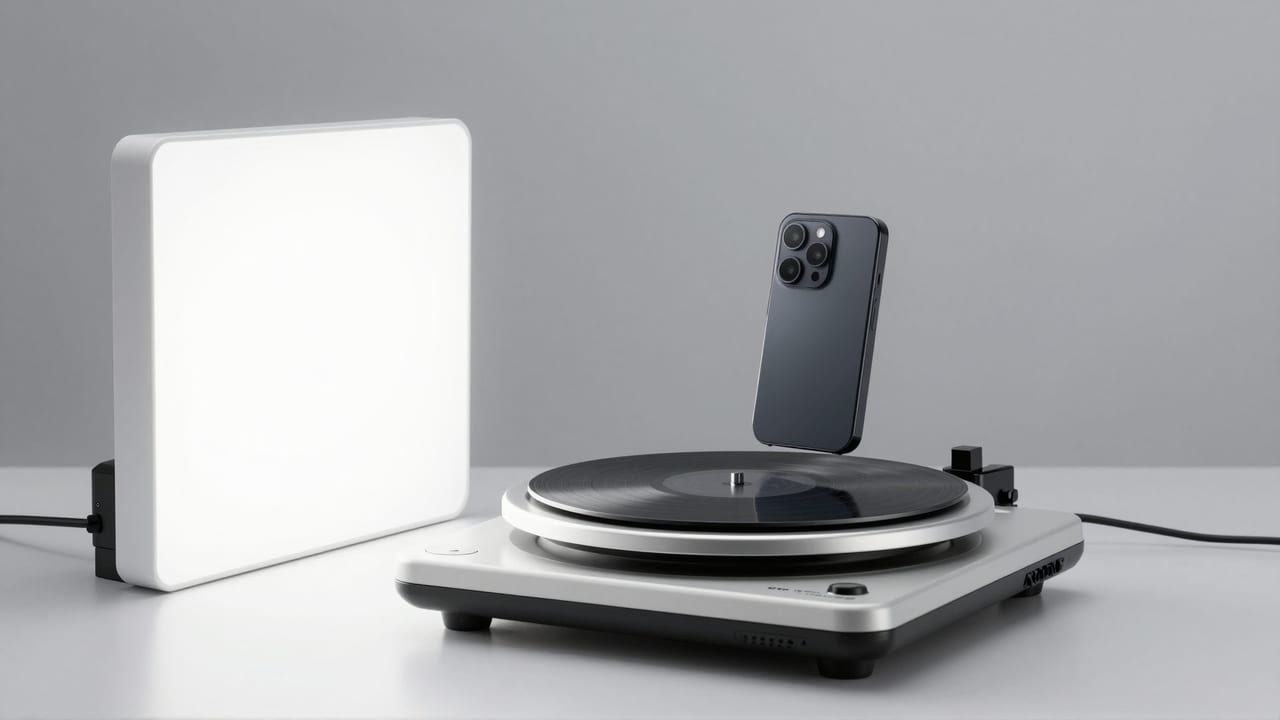
- Turntable — a clean 360 spin on a seamless studio background
- Macro Details — extreme close-ups of texture, material, and craftsmanship
- Lifestyle Context — the product in real life: hands, homes, everyday moments
- Dramatic Reveal — a slow push-in as the product emerges from shadow
- Floating Rotate — the product floats and slowly rotates on a seamless background
- Top-Down Flat-Lay — an overhead pan across a styled flat-lay of the product and props
- Custom — write your own direction if none of the presets fit
Output comes in 9:16, 16:9, or 1:1 at up to 1080p, with 5-, 10-, or 15-second durations depending on the engine you choose. For Amazon's main image carousel you want the 16:9 horizontal format; 1:1 works for the product-page slot, and 9:16 is for Amazon Posts and social. The AI builds camera language anchored to your actual product, so every frame shows the item you sell.
Two engine tiers cover different needs. The Swift engine renders at 720p and is the budget option for testing creatives quickly. Cinema renders at 1080p and is the premium pick for hero assets. Pricing is per-second in credits, shown on the generate button before you commit — credits are pay-as-you-go, so you only spend when you create.
Every reel is backed by a 9-engine failover pipeline: if one engine fails or declines a render, Imagera automatically re-renders on the next engine. You are charged once regardless of retries, and in the rare case every engine fails, your credits are refunded automatically. Every reel also includes full commercial usage rights.
9.Producing an Amazon listing video from product photos
9.1What photos you need
You do not need to film anything. Your existing product photography — ideally already optimized for Amazon's main images — is sufficient. If you also have lifestyle photos or in-use shots, include them.
Minimum photo set for a strong Amazon listing video:
- 1–2 hero product shots (clean white background or neutral)
- 2–3 angle variation shots (360-degree coverage)
- 2–3 close-up detail shots (one per key feature you mention in your bullets)
- 1–2 lifestyle / in-use shots (shows the product in context)
- 1 packaging shot (optional but useful for gift-market products)
Total: 7–11 photos. If your photos are low resolution (less than 1000px on the short side), run them through the AI image upscaler before producing the video — Amazon's minimum is 720p, and starting with sharper photos ensures the output meets that requirement.
9.2The step-by-step workflow
- Open Imagera's Product Reel Maker.
- Upload your photos in the sequence above (hero → size/scale → features → lifestyle → packaging), and label each one so the AI knows what it is looking at.
- Describe the product and the vibe in your own words — for example, "premium skincare jar, warm minimalist morning" or "high-energy gym-launch supplement." This drives the motion and pacing.
- Select 16:9 horizontal format (up to 1080p) — required for Amazon's main image carousel.
- Pick a style: Hero Orbit and Turntable read as clean catalog video, Macro Details sells texture and craftsmanship, and Lifestyle Context grounds the product in real use.
- Choose your duration (5, 10, or 15 seconds) and engine (Swift 720p for test creatives, Cinema 1080p for the final hero asset).
- Export without audio if you plan to add a licensed track or voiceover later — the safest choice for Amazon compliance.
- Confirm the credits shown on the generate button, then generate. The reel renders in a few minutes.
- Review the output before you publish, then upload via Seller Central: Inventory → Manage Videos (or through A+ Content for the lower-page placement).
10.Common use cases: where product reels earn their keep
A listing video from photos is not only an Amazon play. The same asset — or a quick re-crop of it — works across the whole selling funnel.
- Amazon listing videos — add motion to the main carousel or A+ Content from the photos you already shot, no studio session required.
- TikTok & Reels ads — a scroll-stopping vertical (9:16) product video for organic posts and paid creatives alike.
- Shopify & Etsy product pages — product-page video lifts conversion; generate one for every SKU without filming any of them.
- Product launches — tease and launch with cinematic motion built from a single render or photo set.
- Kickstarter & pre-orders — make a crowdfunding page feel real with hero orbits and macro detail shots before the product even ships.
- Handmade & small-batch goods — give handmade products the premium-brand video treatment straight from phone photos.
For a wider playbook on ecommerce reels, see the product reels for Shopify & Etsy guide.
11.Who it's for
- Solo sellers and side hustlers who have great photos but no video budget, no filming setup, and no editor.
- Marketplace brands running dozens or hundreds of SKUs that each need a listing video — filming every one is impractical; generating each from its photo set is not.
- Agencies and freelancers producing listing assets for clients who want conversion lift without a shoot line item.
- Handmade and small-batch makers who want their Etsy or Shopify pages to look like an established brand.
12.Comparison: filming vs. AI product reel from photos
Honest trade-offs, not a sales pitch. Traditional filming still wins for products where live demonstration is essential (moving mechanisms, liquids pouring, complex assembly). For the majority of catalog listings, generating from photos is faster and far cheaper.
| Approach | Typical cost | Turnaround | Best for |
|---|---|---|---|
| Studio video shoot | $300–$2,000+ per product | Days to weeks | Products needing live demo of motion/function |
| Freelance editor from stock B-roll | $50–$300 per video | Days | When you lack any usable footage |
| DIY phone filming + editing app | Your time (hours) | Same day | One-off, low-SKU sellers comfortable editing |
| Imagera Product Reel Maker (from photos) | Per-second in credits, shown before you generate | Minutes | Photo-rich catalogs, many SKUs, no filming setup |
The competitor figures above are typical market ranges, not Imagera prices. Imagera's cost is charged in credits, priced per second and displayed on the generate button before you commit — no seat fees, no annual contract.
13.Amazon video content rules
Amazon's review team checks videos for compliance before they go live. The review typically takes 1–5 business days. Avoid these common rejection triggers:
| What to avoid | Why |
|---|---|
| Competitor mentions | Policy violation |
| Price claims ("Only $X") | Dynamic pricing makes these inaccurate; Amazon prohibits them |
| "Best," "#1," "Award-winning" without substantiation | Unsubstantiated superlatives |
| Third-party website URLs | External URL policy |
| Customer reviews read aloud | Amazon's review authenticity policy |
| Copyrighted music | IP violation; most common rejection reason |
| Claims that violate category-specific rules | Medical, supplements, and restricted categories have additional rules |
14.Tips for best results
- Feed sharp, well-lit source photos. Motion amplifies whatever it starts with — a soft or noisy photo produces a soft, noisy reel. Upscale anything under ~1000px on the short side first.
- Label every photo accurately. "Packaging" and "texture close-up" tell the AI how to treat each frame; vague labels produce vague pacing.
- Write a specific description. "Warm minimalist morning" or "high-energy gym launch" gives the motion a mood. Naming the product category (candle, drone, serum) matters because each is filmed differently.
- Match text overlays to your bullet points. Buyers who skip the bullets will still watch the video — put your key selling points on screen.
- Test with Swift, finalize with Cinema. Render a cheap 720p Swift draft to check pacing and style, then re-run the winner at 1080p Cinema for the listing.
- Export without audio for Amazon. Then layer in a licensed track or a voiceover so you never trip the copyrighted-music rejection.
- Keep it 45–75 seconds for the main listing, and lead with the hero shot in the first five seconds where most attention is spent.
15.Common mistakes to avoid
- Using low-resolution photos and getting an output that falls below Amazon's 720p minimum. Fix the input before you generate, not after.
- Adding a copyrighted song because it "sounds better" — this is the single most common reason Amazon rejects listing videos.
- Cramming in price claims or superlatives like "Only $19" or "#1 best." Amazon prohibits both. Keep the copy descriptive.
- Uploading the wrong aspect ratio. The main image carousel needs 16:9 horizontal; a vertical 9:16 export belongs on Amazon Posts and social, not the carousel.
- Letting the video go stale. If you change packaging, add a color, or reformulate, an outdated reel misrepresents what ships and can raise returns.
- Publishing without reviewing. Always watch the rendered reel end-to-end before it goes live, especially the end card and any on-screen text.
16.Examples: three quick scenarios
Skincare jar (Brand Registry, main carousel). Six photos: two hero shots, a lid-off angle, a texture macro, and a hand-holding lifestyle shot. Description: "premium serum, warm minimalist morning." Style: Hero Orbit at 15 seconds, Cinema 1080p, 16:9, exported without audio for a licensed track. Result: a slow, premium carousel video that resolves the "is this worth the price?" question.
Sneaker drop (social-first launch). Nine photos covering both profiles, sole, laces, and an on-foot shot. Description: "high-energy street sneaker, punchy launch." Style: Macro Details cut with a Turntable, 9:16 for TikTok and Reels, plus a 16:9 re-render for the listing. Swift drafts first to lock the pacing, then Cinema for the final.
Handmade candle (Etsy + Shopify). Five phone photos plus a packaging shot. Description: "hand-poured soy candle, cozy autumn evening." Style: Lifestyle Context, 1:1 at 10 seconds. The reel gives a small-batch product the look of an established brand — the same asset drops onto the Etsy listing, the Shopify PDP, and Instagram.
17.Updating videos when products change
If you update your product (new packaging, color additions, formula changes), update the listing video within 30 days. An outdated video that shows a different product than what ships creates customer confusion and can increase returns. The photo-to-video workflow makes updating fast — swap in the new photos, re-describe if needed, and re-export.
18.Bottom line
Most sellers already own everything they need for a listing video — the photos are done, the shoot is unnecessary. Turning those stills into a compliant 16:9 reel takes minutes in the Product Reel Maker: upload up to 9 labeled photos, describe the product and vibe, pick a style, export without audio, and upload to Seller Central. Given the reported 9–14% conversion lift and the low, per-second credit cost, it is one of the highest-ROI improvements available to most listings.
19.Tools and next steps
| Goal | Tool |
|---|---|
| Turn product photos into a listing video | Product Reel Maker |
| Sharpen low-resolution photos before generating | AI image upscaler |
| The full ecommerce reel playbook | Product reels for Shopify & Etsy (2026 guide) |