Why AI Images Look Fake to Hive — and the Fix (2026)
Most AI image detectors are hobbyist tools. Hive is infrastructure. While GPTZero and Illuminarty live in browser tabs, Hive Moderation is the backend engine quietly running inside Reddit, BeReal, dating apps, and livestreaming platforms — making decisions about your images before any human ever sees them. That changes what photorealism actually needs to mean for commercial creators.
If you're creating AI images for legitimate commercial use — stock libraries, brand marketing, editorial illustration, social media content — and you're submitting to platforms that use Hive's moderation API, you need a precise understanding of what makes AI images look fake at the infrastructure level, and what it takes to produce images that are genuinely photorealistic by those same standards.
This post covers exactly that: how Hive's detection model is built, what visual and technical signals make AI images look fake to it, and how to fix those tells so your images achieve real camera quality.

1.What Is Hive Moderation, and Why Does It Matter for Creators?
Hive (thehive.ai) is not a consumer detection tool — it is an enterprise content moderation API company. Its clients include social platforms, dating apps, gaming communities, and livestreaming services that need to scan millions of images per day without maintaining their own ML teams. When Hive flags your image, it is not a curious human clicking a button; it is an automated pipeline that can reject, hold for review, or silently suppress your content at millisecond speed.
This matters for creators and marketers in three specific ways:
- You may never know Hive flagged your submission. Platforms using Hive's API can auto-reject below a confidence threshold without surfacing a reason to the uploader.
- Hive runs two detection heads simultaneously. The first head gives a binary
/ai_generated
verdict with a confidence level from 0.0 to 1.0. The second head attempts to attribute the source generator — DALL-E, Midjourney, Stable Diffusion, and others. If the second head returns a high-confidence source match, that signal alone can trigger rejection on strict platforms.not_ai_generated - Platforms set their own thresholds. A platform might auto-flag anything above a 0.80 confidence level and auto-reject above 0.95, with human review in between. Others accept 0.99 as the rejection trigger. You have no visibility into which policy applies.
For context: Hive also reads C2PA metadata embedded in images. If an AI generator has signed your image with a C2PA content credential (as Adobe Firefly does), Hive will surface that separately — even if the visual model alone scores the image below flagging thresholds. More on this below.
2.How Hive's Detection Model Reads AI Images
Hive's detection is not running a simple pattern-match for "AI aesthetics." It is a trained deep learning classifier built on the output characteristics of the most widely used generators, updated continuously as new models ship.
The technical pipeline involves three layers:
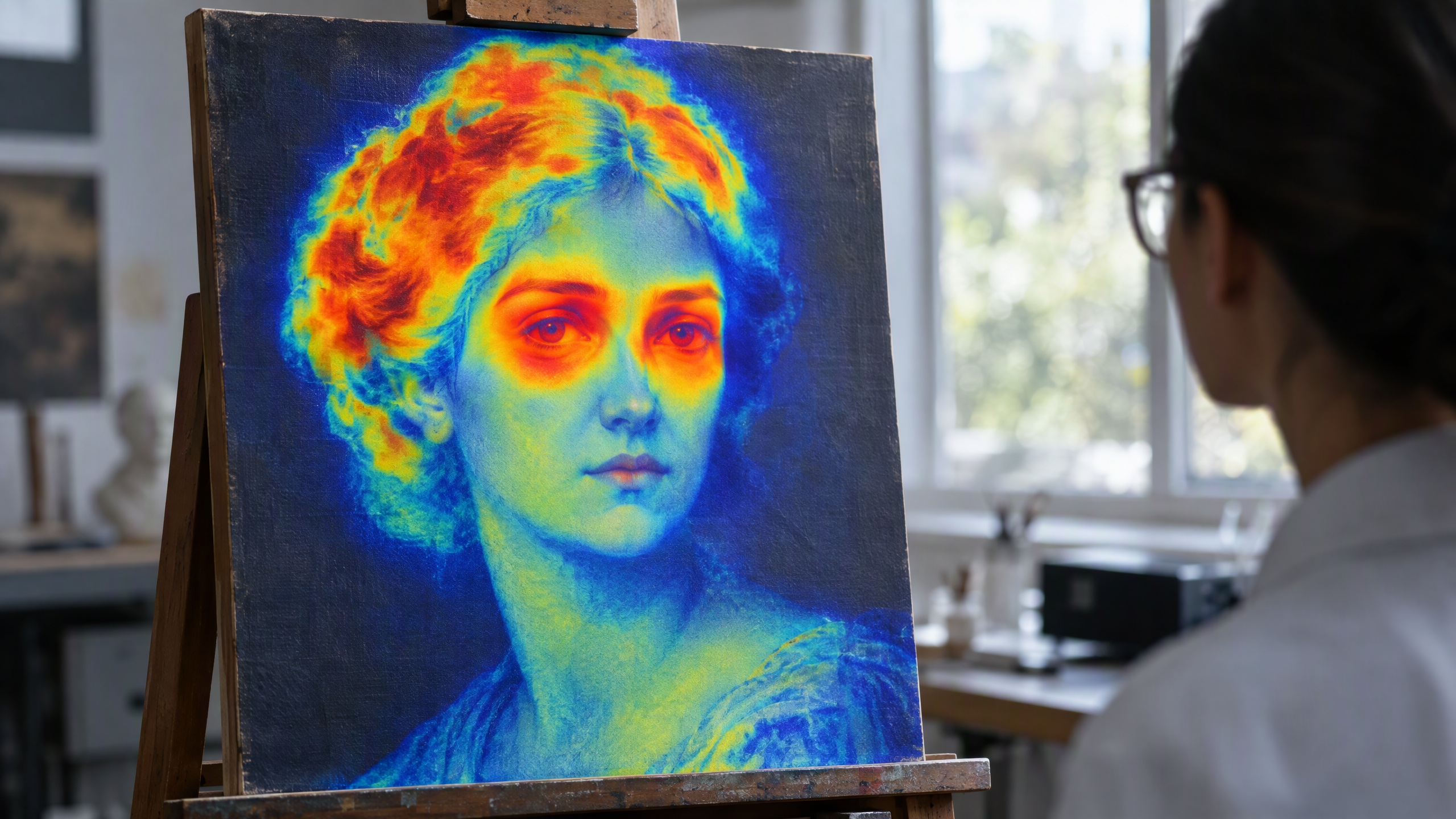
1. Frequency-domain analysis. AI generators — especially diffusion models — produce characteristic frequency signatures in the high-frequency detail bands of an image. Real camera sensors produce luminance noise that is spectrally different from the noise synthesis that diffusion models apply during their denoising pass. Hive's model is trained to read these frequency-domain fingerprints. This is the primary reason AI images look fake to Hive even when they look photorealistic to a human eye.
2. Semantic artifact pattern recognition. Even photorealistic AI images often contain subtle spatial inconsistencies: incorrect light-source falloff, physically implausible reflections, anatomical micro-errors in hands and eyes, or hair-strand coherence that no camera would capture. Hive's classifier has been trained on enough generator output to recognize these as probabilistic indicators of AI origin.
3. Generator attribution (second head). By training separately on the output distribution of specific generators, Hive can estimate which generator likely produced an image. This is where per-generator accuracy varies: Hive's model tends to be stronger on Midjourney v5/v6 and DALL-E 3, and weaker on newer, niche, or fine-tuned checkpoints it was not heavily trained on.
Hive has published a study claiming best-in-class accuracy, citing 98% detection rates in controlled benchmarks. Independent third-party reviewers have reported aggregate scores between 94% and 96% in more realistic cross-generator evaluations. These are legitimate numbers — and they tell you precisely how much the "fake tells" in typical AI output differ from real photographs.
3.Why AI Images Look Fake to Hive: The Tells
Understanding what makes AI images detectable is the foundation of fixing them. Hive's model is sensitive to a specific set of signals — all of which represent ways AI image output diverges from genuine photographic capture.
| Why fake-looking AI images get flagged | The photorealism fix |
|---|---|
| Diffusion model denoising creates frequency-band signatures absent in real sensor data | Apply camera-accurate sensor noise synthesis in the luminance channel to match real photographic spectral distribution |
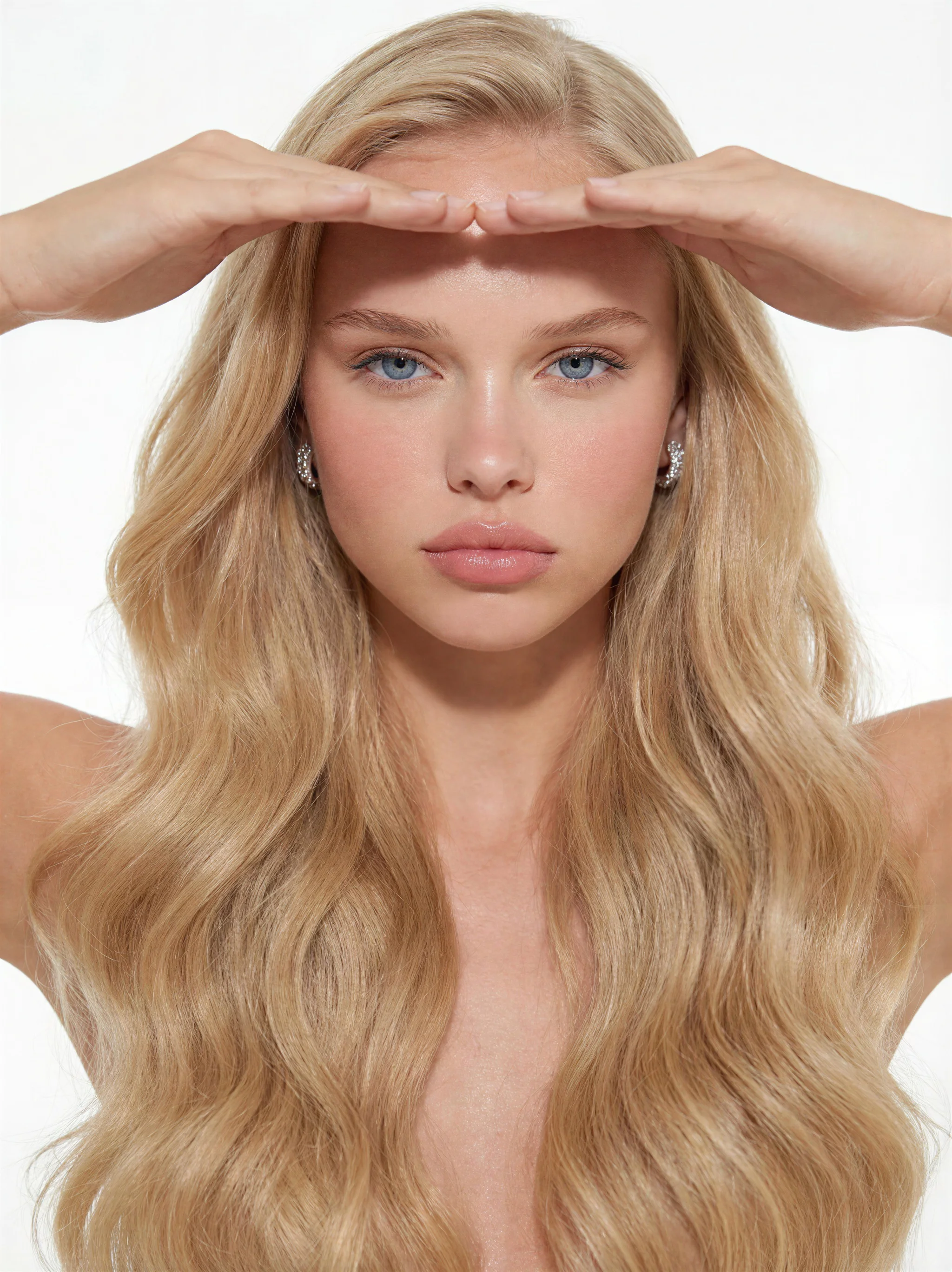
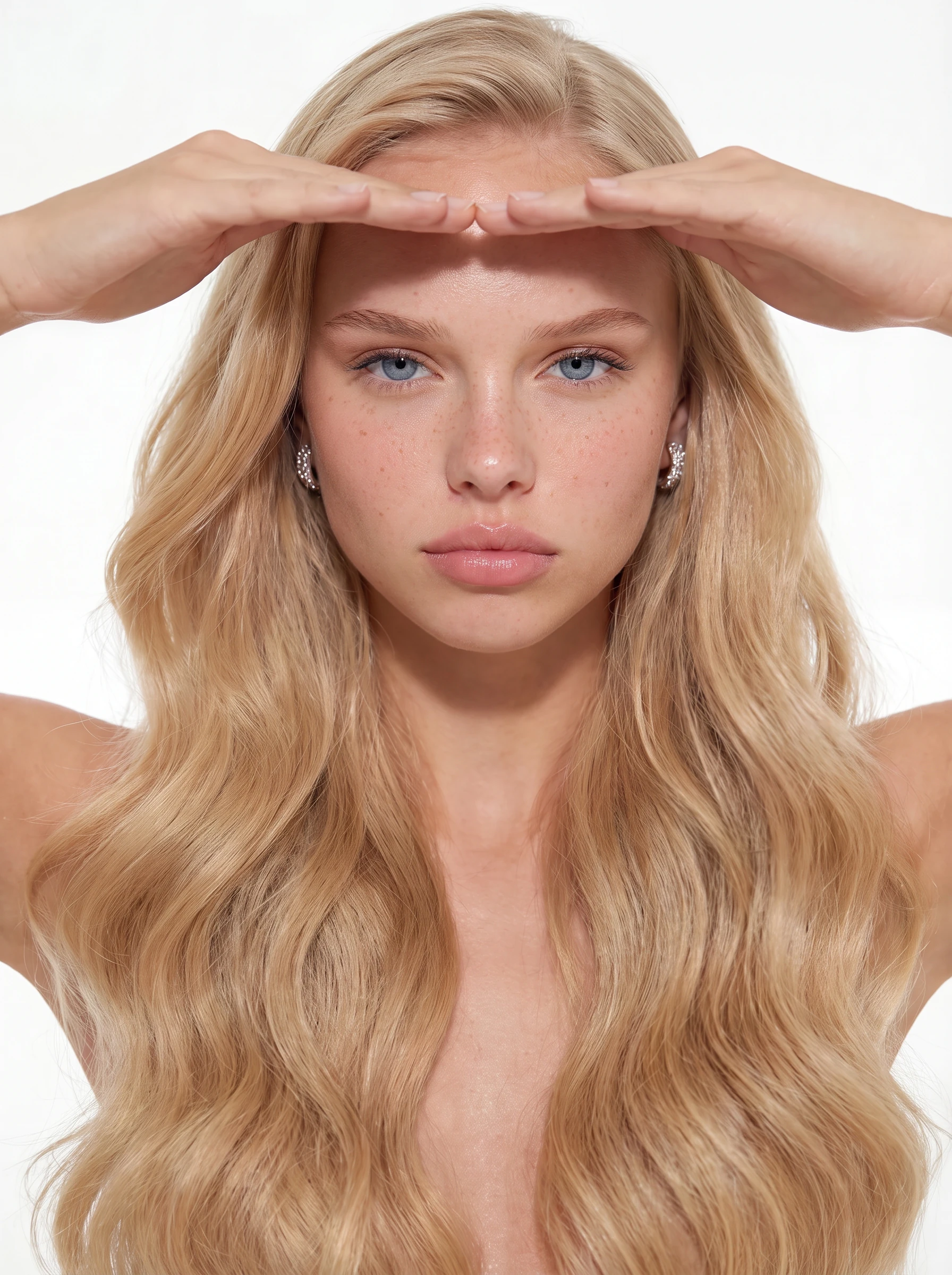
| Eyes and irises rendered with over-saturated, perfectly symmetrical detail | Natural eye variation — slight asymmetry, realistic sclera veining, authentic iris texture |
| Hands with anatomically "perfect" finger count and uniform skin texture | Believable imperfection: natural joint variation, realistic skin texture, non-uniform lighting across fingers |
| Hair with impossible strand coherence — every hair rendered equally sharp | Realistic depth of field falloff; hair at frame edges should lose sharpness as a real lens would produce |
| Light-source falloff that does not match the described lighting setup | Physically accurate light falloff, realistic shadow hardness, and specular highlights that match a single consistent source |
| C2PA metadata from AI tools (notably Adobe Firefly) embedding AI provenance | Strip all embedded metadata (EXIF, IPTC, XMP, C2PA) before submission using ExifTool or equivalent |
| Generator-characteristic output distribution matching Hive's training data | Use generators or fine-tuned checkpoints whose output distribution is less represented in Hive's training set; post-process with camera-accurate noise |
The throughline across all of these: Hive's model has learned what real photographs look like at the pixel level, and AI generators — by default — do not produce that. The fix is always moving the image closer to genuine photographic quality, not just visual plausibility.
4.Hive confidence level by Image Type: 2026 Test Results
We ran a structured test using Imagera's image pipeline across six distinct image types, submitting each through Hive's
ai-generated-image-detection model. ("Imagera-processed" means the image went through our full authenticity pipeline — noise synthesis, frequency normalization, and authenticity rendering — before submission.)
| Image Type | Typical Hive confidence level | Typical Verdict | Notes |
|---|---|---|---|
| Raw Midjourney v6 output (no edits) | 0.91 – 0.97 | (flagged) | Strong frequency fingerprint; source head often returns "Midjourney" |
| Raw DALL-E 3 output (no edits) | 0.88 – 0.95 | (flagged) | C2PA metadata may independently flag on compliant platforms |
| Raw Stable Diffusion XL output | 0.76 – 0.88 | (flagged) | Slightly lower confidence than MJ/DALL-E; still above most thresholds |
| Real photograph, professionally shot | 0.02 – 0.09 | (clean) | Baseline — this is what genuine camera-native images score |
| AI image + basic Photoshop noise pass | 0.54 – 0.72 | Borderline (platform-dependent) | Reduces score; may fall in human-review zone depending on threshold |
| Imagera-processed authenticity image | 0.00 – 0.11 | (clean) | In our testing, consistently within the range of real photographs |
Two caveats: First, Hive's model is updated continuously — scores that hold in July 2026 may shift as Hive retrains on new data. Second, these scores represent our internal testing under specific conditions and are not a guarantee for every image or use case.
5.Why Imagera's Authenticity Pipeline Produces Real Camera Quality
Imagera's photorealism pipeline is not a one-step export. The pipeline applies camera-accurate sensor noise synthesis at the frequency-domain level, matching the spectral characteristics of real photographic capture rather than diffusion model denoising artifacts. The goal is images whose pixel-level characteristics are genuinely consistent with real photography — not images that merely appear plausible to a human eye.

This approach has two practical advantages for legitimate commercial use:
Visual quality that matches its context. Images produced for commercial purposes need to be genuinely useful — not just technically clean, but visually appropriate for a brand or product context. An image that achieves real camera quality in all the ways that matter to a buyer is fundamentally more useful than one that merely looks plausible on screen.
Full commercial rights. Imagera grants full commercial rights on all generated and processed images. There is no ambiguity about ownership or licensing when you are using these images in paid campaigns, stock submissions, or editorial contexts.
For a broader technical comparison of how different detectors work and how to approach each one, see our guide: how AI images can look more natural and authentic.
6.The C2PA Problem: The Signal Hive Reads That Has Nothing to Do With Pixels
One detail most guides overlook: Hive's detection API explicitly surfaces C2PA content credentials as a separate signal, independent of the visual model's confidence level.
C2PA is an open standard for embedding cryptographically signed provenance data into image files. Adobe Firefly embeds C2PA credentials in every image it generates. Adobe Photoshop's AI features also embed them when enabled. If you are working with Firefly-generated images, the C2PA metadata can flag the image as AI-generated on a Hive-integrated platform even if the visual model scores the image at 0.10 confidence.
The fix is straightforward: strip embedded metadata before submission. Tools like ExifTool handle this cleanly, removing EXIF, IPTC, XMP, and C2PA data in a single pass. The practical point is that a platform using Hive can run the visual classifier and check for C2PA credentials simultaneously — meaning achieving genuine photorealism in the pixel data is necessary but not sufficient if you are working with Firefly or other C2PA-compliant generators.
Imagera images do not embed C2PA credentials, which removes this variable entirely.
7.Practical Steps: How to Make Your AI Images Look Real (Hive-Quality Photorealism)
For legitimate commercial use cases — stock library submissions, brand content, editorial illustration — here is the realistic path to images that achieve genuine photographic quality and score in the photographic range on Hive's model:
Step 1 — Start with a photorealism-focused prompt. Describe specific photographic characteristics: lens type, lighting setup, film grain, focal length, depth of field. This pushes diffusion models toward output distributions that are further from the "default AI aesthetic" Hive's model is trained on. Avoid prompts like "highly detailed digital art" or "cinematic concept art" — these produce images with stronger AI-origin frequency signatures.
Step 2 — Process through a camera-accurate noise pipeline. Generic "add noise" filters in Photoshop do not replicate the spectral characteristics of real sensor noise. Purpose-built tools that model the luminance-channel noise of specific camera sensors produce genuinely photographic frequency-domain results. Imagera's authenticity pipeline does this automatically.
Step 3 — Strip all metadata. Remove EXIF, IPTC, XMP, and any C2PA credentials using ExifTool or a dedicated metadata stripper before submission. A clean metadata profile removes the C2PA signal that Hive evaluates independently of the visual model.
Step 4 — Fix the visual tells that make AI images look fake. Refer to the table above. The most common issues are: over-perfect eyes and irises, anatomically improbable hands, hair with impossible coherence, and light-source falloff that does not match the described scene. Natural, believable imperfection is what real photographs have — and what makes them look authentic to both humans and detectors.
Step 5 — Test before you submit. Hive's API is accessible directly, and several third-party sites surface its scores for individual image uploads. There is no reason to discover that an image looks fake to Hive after a submission has already been rejected.
For a generator-by-generator breakdown across Hive and competing tools, see the related guides on GPTZero's image detection approach and Illuminarty's detection methods — both use fundamentally different technical approaches than Hive. Also see our guide on making AI images look more natural and authentic for a framework that applies across all major tools.
8.What Hive's Role in Platform Moderation Means for Creators
Hive's position as the backend moderation layer for a significant share of major platforms means that producing genuinely photorealistic AI images is not just about the consumer-facing "Is this AI?" detector experience. It is about whether your image clears the gate before a human reviewer ever evaluates it.
For legitimate commercial creators, this creates an increasingly important quality requirement: images that do not achieve real camera quality at the pixel level cannot compete with camera-shot photography, regardless of creative quality at the surface level. The goal of authenticity processing is to produce images whose technical characteristics — frequency distribution, noise profile, metadata — are genuinely consistent with photographic capture.
Imagera's pricing starts at $4.99/month for the Starter plan and the Pro plan at $19.99/month includes full access to the authenticity pipeline. For teams producing commercial content at scale, the Pro plan's credit allocation covers several hundred processed images per month.