How to Make AI Art Look Hand-Made & Natural (2026)

Your concept art just got pulled from the client portal. Your illustration submission was rejected by a stock site. Your fantasy character sheet was flagged on the freelance platform — and the accusation stings because you spent three days refining it in Procreate over the AI base. You are not alone, and you are not doing anything wrong on platforms where AI-assisted artwork is permitted. The underlying issue is technical: diffusion models produce images with distinctive frequency-domain signatures and unnaturally consistent surface patterns that make the art feel synthesised rather than hand-crafted.
This guide is specifically for digital artists and illustrators — not photographers chasing photorealism. We cover how stylized AI art differs from hand-made work at a technical level, why anime or concept art can still look synthetic even after heavy paint-overs, and the concrete post-processing techniques that add authentic natural character — real canvas texture, brush imperfections, genuine entropy — so your work reads as gallery-quality, authentically hand-crafted art.
1.Why AI Illustration Still Looks Synthetic in 2026
Most articles about making AI images look natural focus on photorealistic portraits. Illustration is a different challenge, and understanding the difference is the first step to solving it.
1.1Diffusion Models Leave Spectral Signatures
When a latent diffusion model generates an image, the denoising process runs inside a compressed latent space and is decoded back to pixels through a VAE (variational autoencoder). That encoding-decoding cycle introduces periodic grid-like patterns in the Fourier frequency domain — faint, invisible-to-the-eye regularities in the image's spectral signature that are consistent across images from the same model family.
Researchers studying AI-generated image analysis (arxiv.org, 2024-2025) confirmed that these spectral characteristics are deeply embedded in how generative models work, and that stylization alone does not eliminate them. You can paint over the image in Photoshop, add a watercolor texture overlay, even print and rescan — and unless you specifically disrupt the frequency signature, automated classifiers and the trained human eye will still find a certain synthetic uniformity.
1.2AI Art Lacks the Natural Imperfections of Hand-Made Work
Human artists naturally introduce variation through brush pressure, medium texture, fatigue, and creative decisions made in the moment. AI illustration is missing these qualities at a structural level:
- Uniform micro-noise — every square centimeter of sky, skin, fabric, or stone has statistically similar noise characteristics, whereas real painted or drawn surfaces vary naturally
- Suspiciously consistent linework — AI-generated anime and fantasy art tends to have unnaturally uniform hair strands, fabric fold patterns, and line weights across the entire canvas
- Synthetic surface entropy — materials that should feel different (rough cloth vs. polished metal vs. aged wood) tend to have similar underlying texture profiles in AI outputs
These are not defects in a philosophical sense — they are a natural consequence of how generative models work. The craft of making AI art look authentically hand-made is the craft of restoring natural imperfection and variation.
1.3The Style-Naturalness Spectrum
Not all art styles present the same challenge. Based on published research and artist experience comparing how synthetic different AI art styles look:
| Art Style | Why It Can Look AI-Generated | Texture and Technique to Look Hand-Made |
|---|---|---|
| Anime / manga | Uniform eye gradients, hair strand regularity, perfectly consistent line weights | Texture pass with real paper grain + hand-edit linework and eye details |
| Fantasy concept art | Suspiciously even surface lighting, identical material feel across zones | Layered noise injection + manual shadow variation |
| Cartoon / vector-look | Pixel-perfect edge regularity, flawless color-zone fills | Deliberate imperfection pass — irregular edges, paint bleed |
| Sci-fi / mecha illustration | Synthetic specular highlights, uniform metal surfaces | Material texture bake + per-zone specular hand-painting |
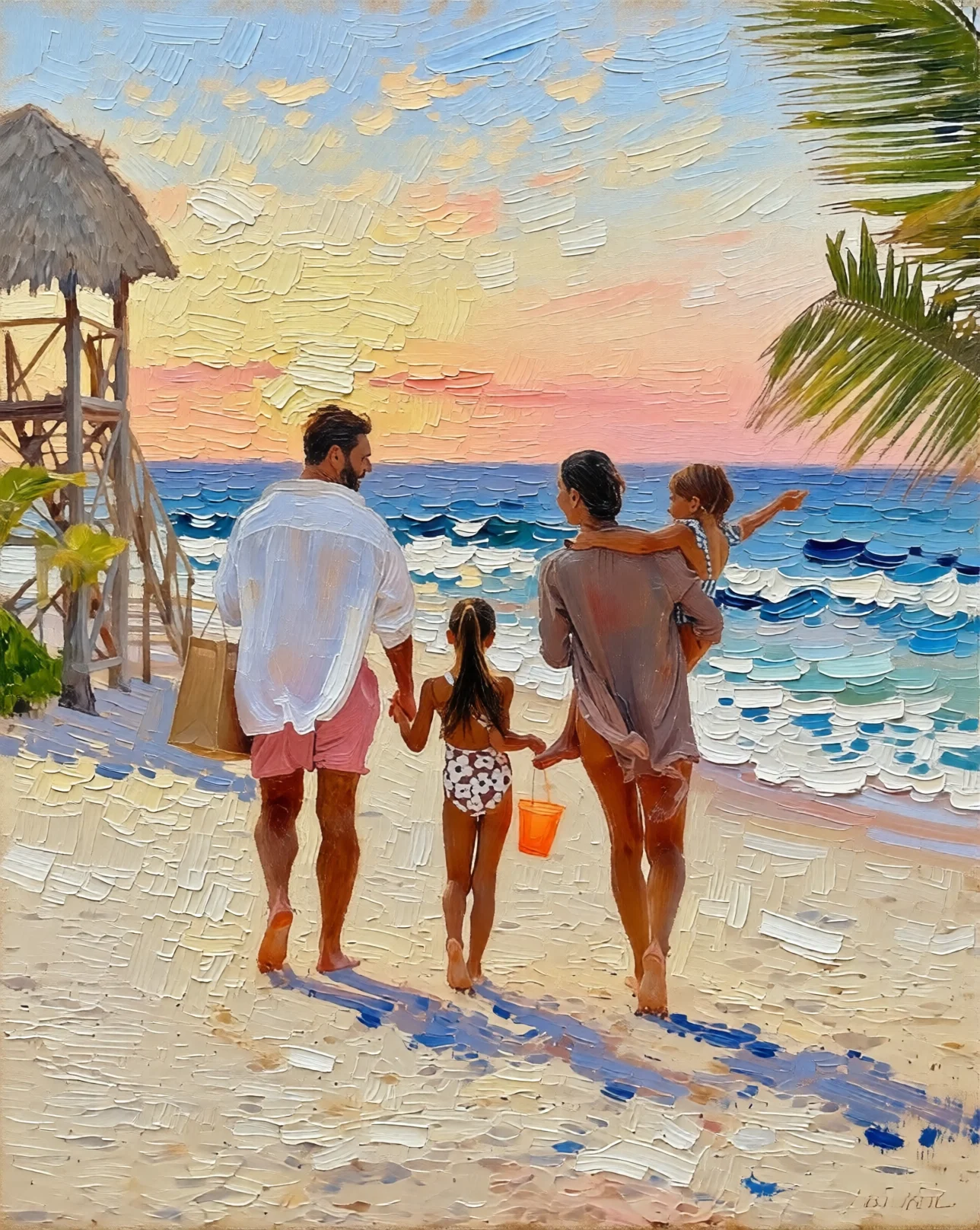
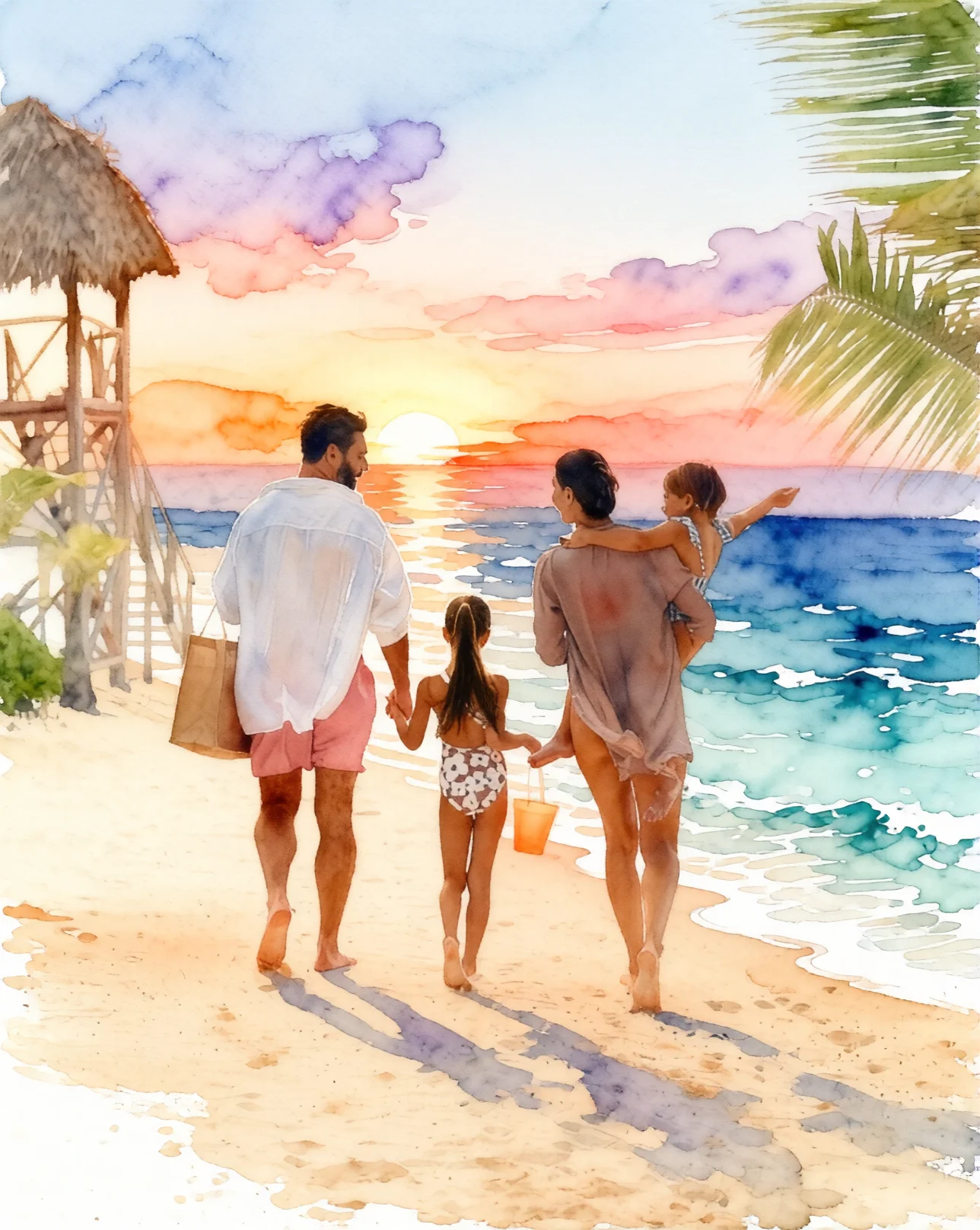
| Watercolor / painterly | Mechanical color-bleed pattern, unnaturally soft edges | Real scan-based watercolor texture overlay or print-and-rescan |
| Oil / acrylic painterly | Brushstroke rhythm too perfect | Scanned canvas texture bake + manual color variation |
| Sketch / ink linework | Line confidence uniformly high — no natural hesitation | Pressure variation hand-edit, a few authentically uncertain strokes |
The takeaway: anime and clean digital fantasy art are the hardest styles to make look authentically hand-crafted, while loose painterly styles are significantly closer to natural media appearance out of the box. This is the opposite of what most artists assume.
2.Four Techniques That Make AI Art Look Authentically Hand-Made
2.11. Texture Passes: Adding Real Natural Media Character
The single biggest tell in AI illustration is uniform micro-noise — every surface reads as if it was rendered by the same digital brush at the same pressure. Human artists naturally introduce variation through brush pressure, medium texture, and the physical properties of their materials.
How to do it:
- In Photoshop or Clip Studio Paint, create a new layer set to Overlay or Multiply at 8-15% opacity
- Apply a hand-scanned paper, canvas, or linen texture from a real physical source (not a generated texture, which would add more synthetic pattern)
- Vary the texture scale and opacity across different zones of the image so different surfaces have different micro-noise profiles — rougher in shadow areas, finer in highlights
- For concept art with hard surfaces, add a subtle noise layer at 3-5% and blur it unevenly using a custom brush mask to simulate material variation
This technique restores the natural entropy variation that hand-made art possesses across different surface types.
2.22. Hand-Editing Key Structural Elements
The most visually readable sign of synthetic origin in anime and fantasy art is line and detail consistency — the AI-generated linework in hair, fabric edges, and background details is unnaturally confident and even in weight.
Targeted edits that restore natural hand-made character:
- Re-draw 15-25% of major linework with a slightly irregular pressure curve in your drawing app
- Manually vary hair strand groupings — break up too-regular AI strand flow with a few strokes that taper differently or cross in ways that reflect a human decision rather than an algorithm
- Introduce deliberate minor inconsistencies in background details: a slightly crooked tile, a fence post that is not perfectly vertical, a window frame with one edge slightly thicker than the other
- For anime eyes, manually adjust the catchlight shape and iris gradient so it reads as asymmetric in a way that communicates artistic intent
These edits do not need to be large. The authentic quality of hand-made art comes from local character in the detail — a small number of genuinely human marks can shift the overall reading of a piece meaningfully.
2.33. Print-and-Rescan (or Digital Equivalent)
Physically printing and rescanning an image is the most complete way to add authentic natural media character. The printing process converts pixel values to ink dot patterns, and the scanning process adds organic optical distortion, paper texture, and sensor noise. The result has completely different physical characteristics from a diffusion model's pure digital output — it has been through real physical media.
For artists who work fully digitally:
- Export at 300 DPI, open in a photo editing app, apply a subtle lens blur (0.3-0.5px), add real photographic grain from a camera-noise profile (many Lightroom presets include verified sensor profiles), then sharpen selectively in areas where a human artist would have crisp focus
- Layer a scanned real-paper texture at 10-20% opacity in Luminosity blend mode to add paper grain without shifting color
- This approximates the print-scan effect by replacing synthetic digital uniformity with characteristics derived from physical materials
Important note: If your platform uses C2PA Content Credentials or SynthID provenance watermarks as a positive trust signal, print-and-rescan also removes those watermarks. Check your platform's requirements — some platforms value provenance metadata as a disclosure mechanism and prefer it to be present.
2.44. Layered Composite Workflow
The most robust long-term approach to making AI art look hand-made is to never rely on a single AI-generated layer as your final image. A composite made of:
- AI-generated base composition (rough, for structure and lighting)
- Hand-painted detail layers in Procreate or Krita
- Real photo-reference textures (with appropriate licensing) baked into materials
- Hand-drawn linework pass on top
...has a fundamentally different character than a single model output. Each human-made layer contributes authentic natural variation — the physical properties of the brush tool, real creative decisions, pressure sensitivity — that progressively gives the work an authentic hand-crafted quality.
This is also the workflow that most professional AI-assisted illustrators already describe as their natural process: AI for composition and lighting rough, human hands for refinement and detail. The gallery-quality result is a natural consequence of genuine artistic investment.
3.Using Imagera's Tools in an Illustrator's Workflow

For artists who want a faster route to adding authentic natural character before doing their manual passes, Imagera's texture and enhancement suite includes tools designed specifically around this challenge.
Extreme Detailer adds authentic micro-texture and surface detail to AI-generated images, with 10 levels of control. Its core function — injecting realistic micro-detail variation into unnaturally smooth AI surfaces — addresses the surface uniformity that makes AI illustration look synthetic. It is particularly effective on concept art with large smooth surface areas (armor, skin, sky, water) that need authentic material variation to read as gallery-quality art.
AI Image Humanizer embeds authentic sensor noise and micro-texture into the image structure at a pixel level, working similarly to the manual grain technique described above but applied algorithmically in a single pass. For illustrators who want to add natural character to their AI base before opening the file in their painting application, this saves significant time.
Plans start at $4.99/month (100 credits); the Pro plan at $19.99/month includes 500 credits with priority processing. See /pricing for a full credit breakdown.
Using these tools is appropriate on platforms where AI-assisted art is permitted. Always verify the specific rules of any platform you publish on — requirements vary significantly between stock libraries, freelance platforms, and client portals.
4.Platform Rules and Honest Disclosure
This is a guide about craft and quality, not about misrepresentation. Several platforms have policies requiring disclosure of AI involvement in artwork, and those policies deserve to be followed:
- Stock libraries (Shutterstock, Adobe Stock, Getty) have specific AI submission policies; some require tagging, some prohibit AI content entirely
- Art community platforms (ArtStation, DeviantArt) have ongoing policy evolution; check their current terms before submitting
- Client work carries an ethical obligation to disclose AI assistance unless the client's brief explicitly accepts it
- Contest submissions almost universally require disclosure or prohibit AI-assisted entries; the reputation risk of misrepresentation is real
The techniques in this guide are designed for contexts where AI-assisted art is permitted and you want the result to have the authentic quality, natural texture, and hand-crafted character that makes it gallery-ready. If a platform prohibits AI art, the right answer is a different platform — not more post-processing.
For more on the photorealism side of this challenge, see our sibling guides: make AI photos look real in 2026 and authentic-looking AI image techniques for 2026. For a curated tool comparison, see best tools for natural-looking AI images in 2026.