Every dealership knows the math problem. The lot has 80 units. Video listings pull more attention than photo carousels. But a videographer costs real money per vehicle, and by the time a walkaround gets scheduled, shot, edited, and posted — the car has sold and the content is worthless. So most units get the same treatment: 24 phone photos uploaded to the feed, and nothing on social.
Private sellers face the same wall from the other side. A Marketplace, Craigslist, or Autotrader listing is one thumbnail in an endless scroll of nearly identical phone-pic ads. Enthusiasts feel it too: you've built something worth showing, and all you have is a camera roll.
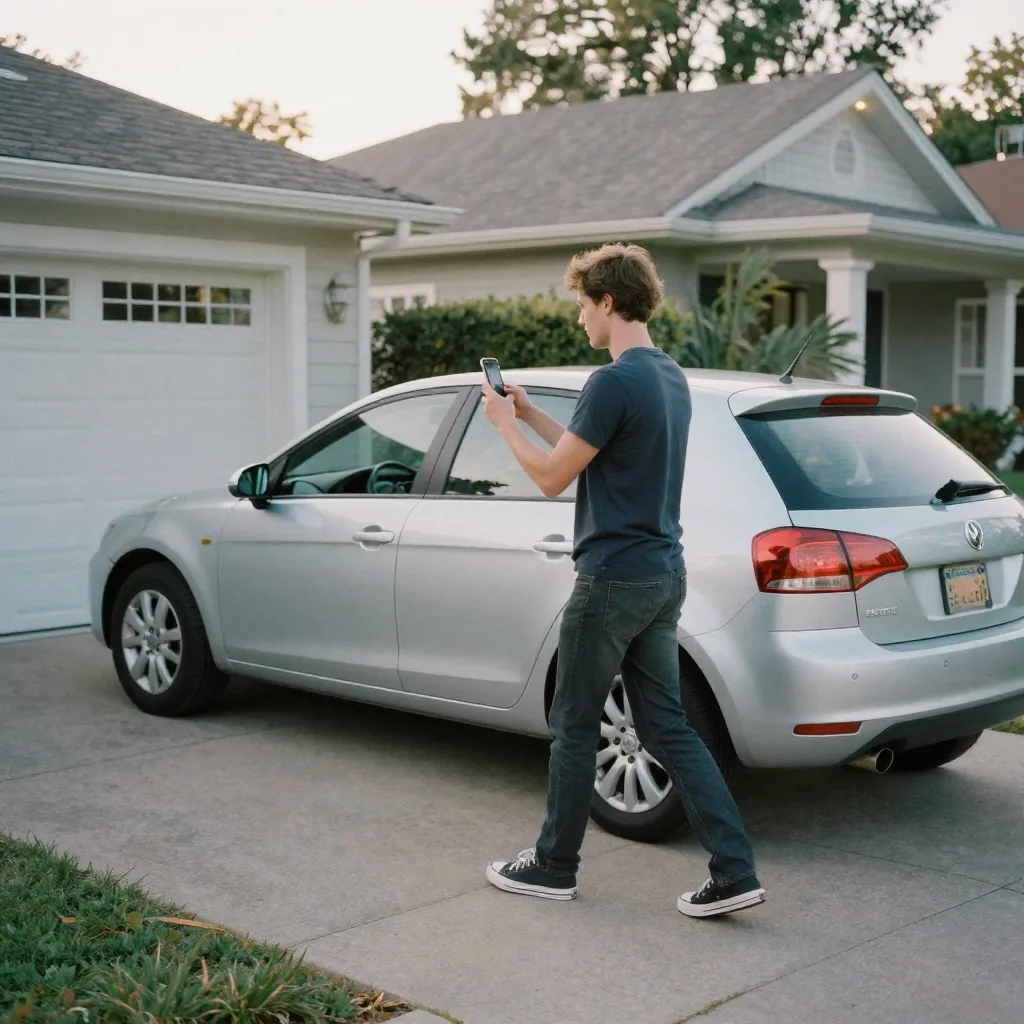
The fix in 2026 is not filming more. It's converting the photos you already take into video. This guide covers exactly how to make car reels from photos — the shot list, the styles, the influencer formats worth borrowing, and the workflow for dealerships, private sellers, enthusiasts, and detail shops.
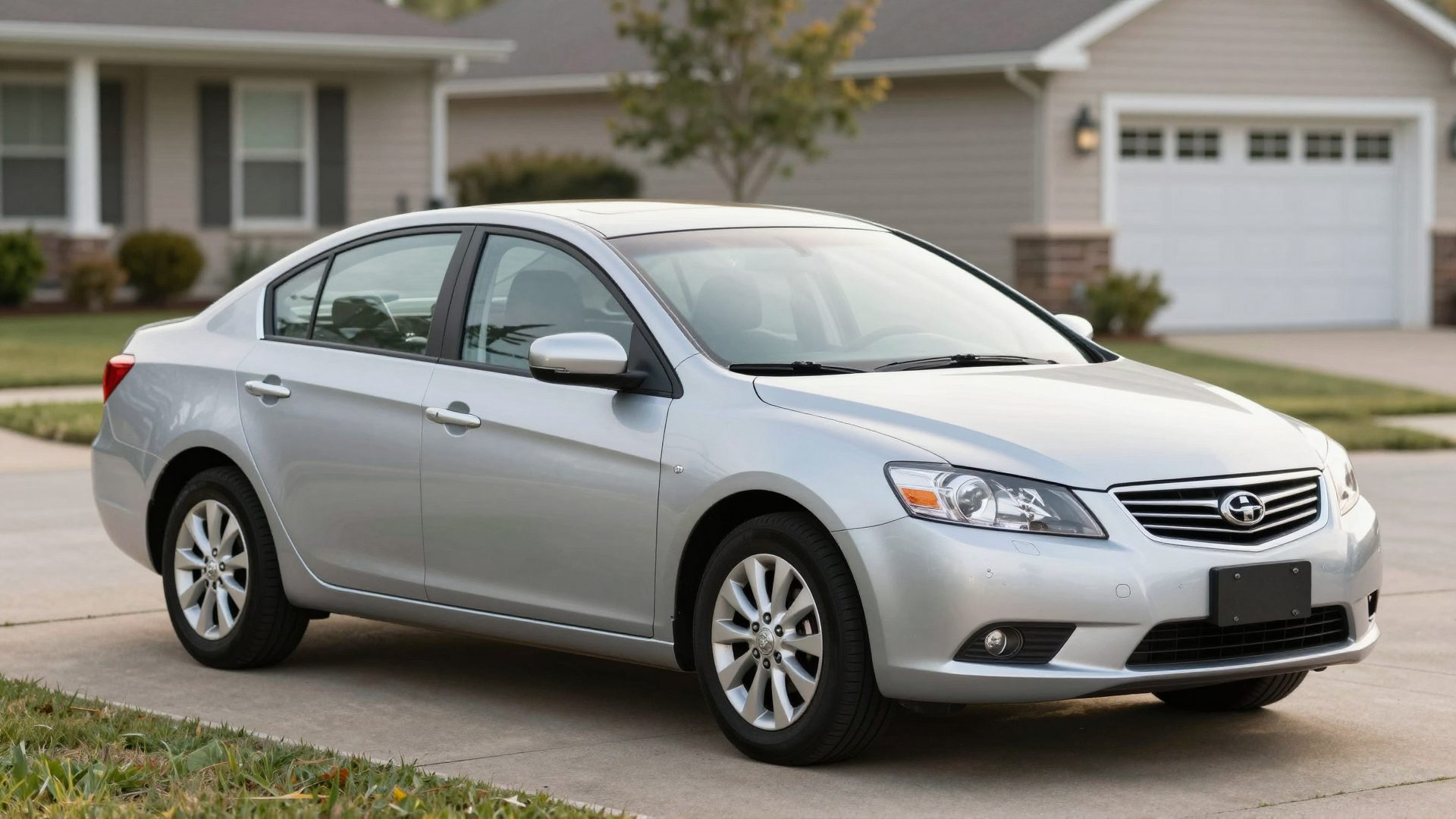
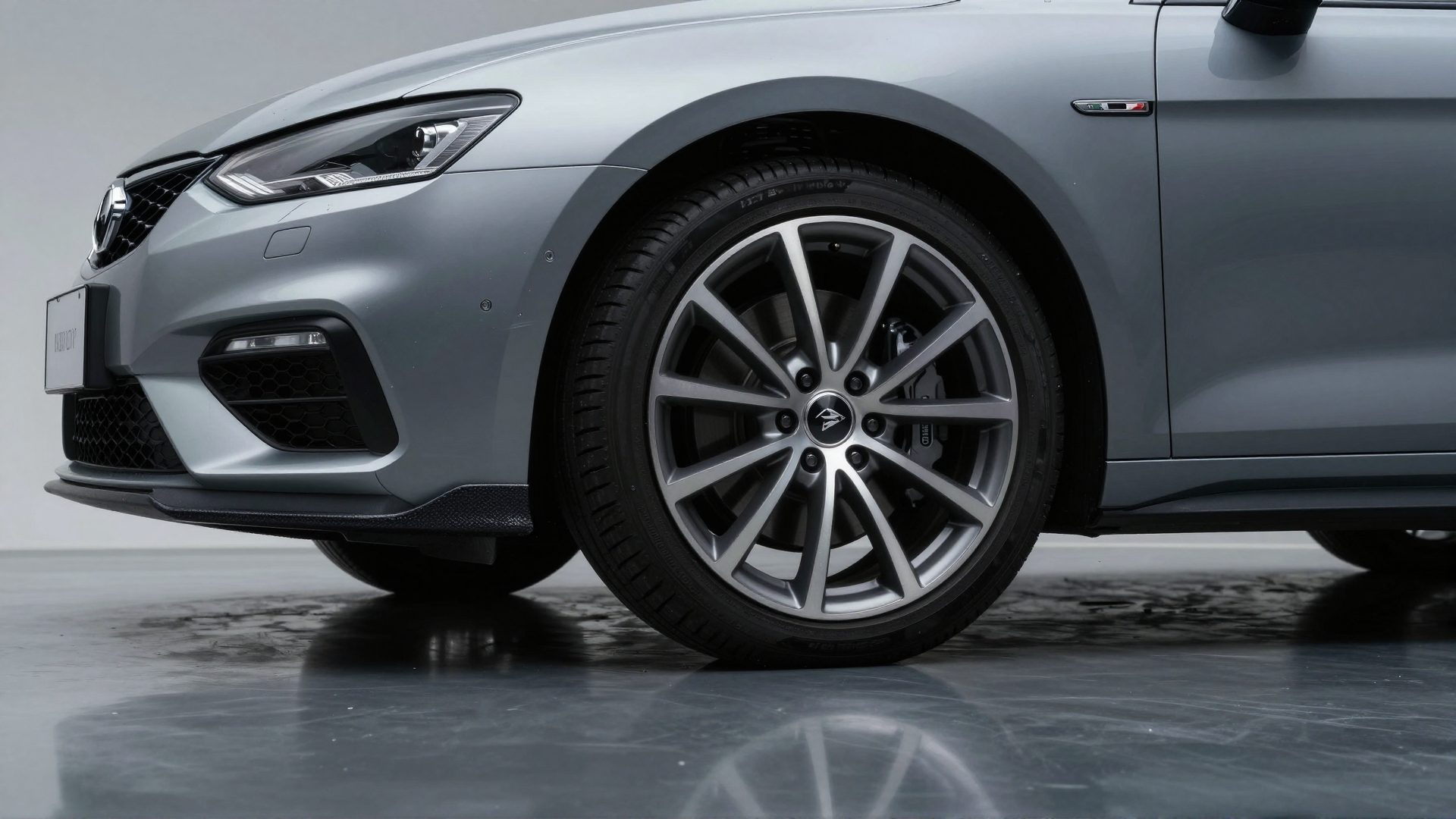
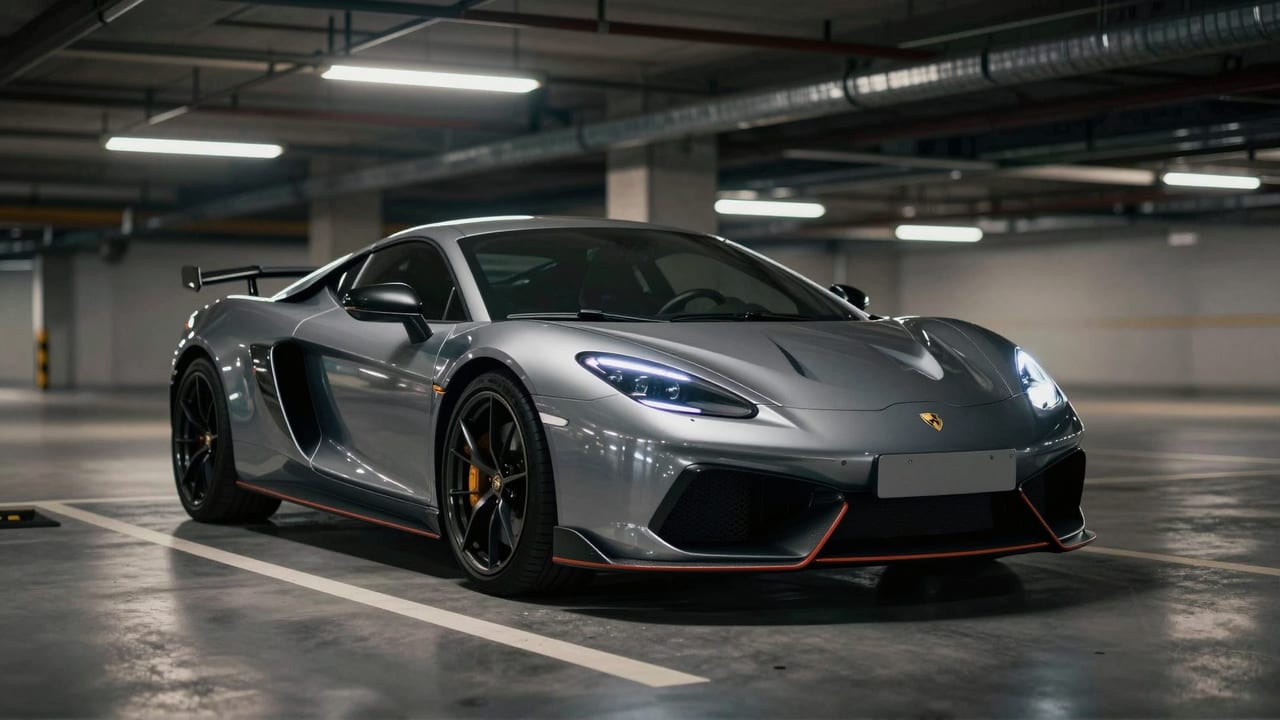
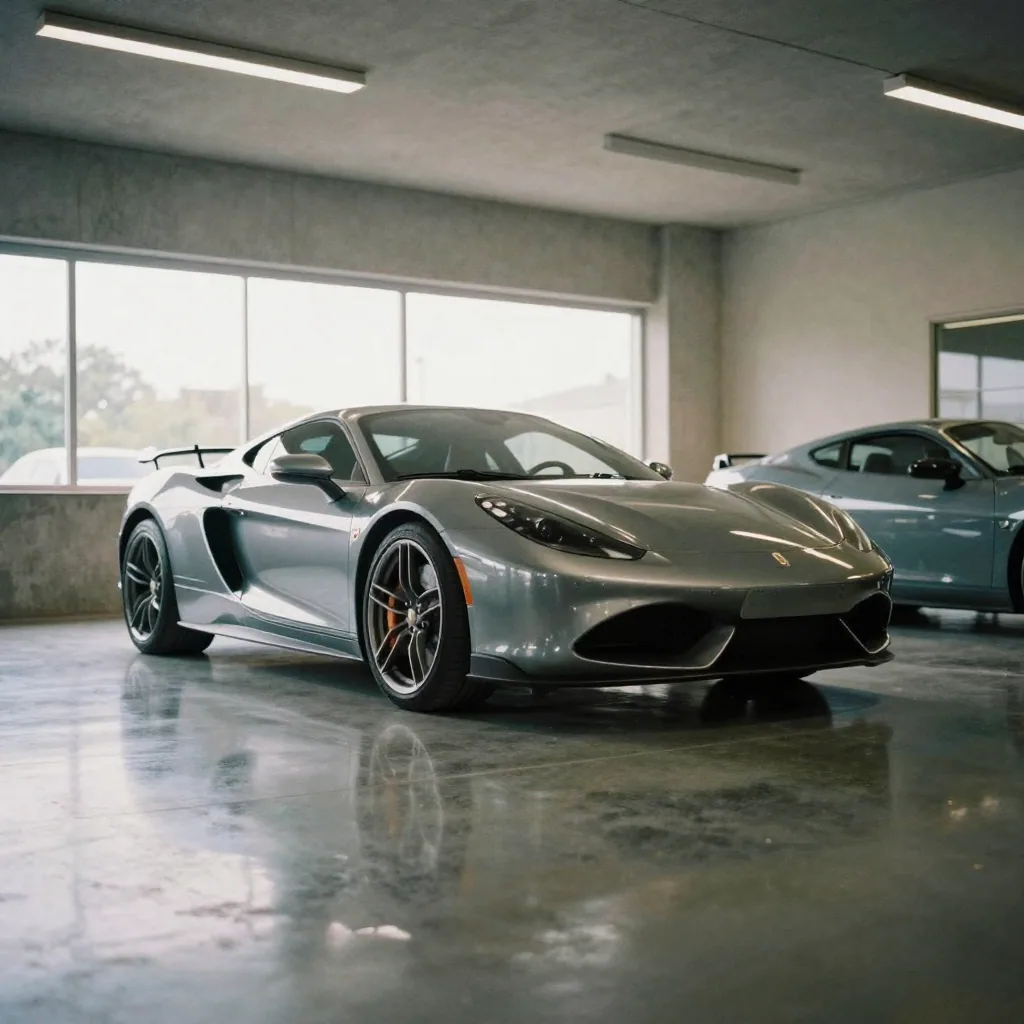
Real Imagera output: car photos turned into a fast-cut social reel.
Quick answer: Imagera turns a handful of still car photos into a polished dealership reel in under 60 seconds, generating vertical 4K clips ready for TikTok, Reels, and Shorts without any filming, drone, or video crew.
1.How many photos do I need to make a car reel with Imagera?
You can start a car reel from just 1 photo, though 4-6 angles (front 3/4, rear, interior, wheels) yield the smoothest result. Imagera animates each still into motion, upscales to 4K, and assembles a 15-30 second vertical reel in under 60 seconds. Dealers listing 100+ vehicles a month can batch every unit the same day it hits the lot.
2.Does turning car photos into reels actually boost dealership engagement?
Vertical video tends to stand out on social feeds, where short clips catch attention that static listing photos often miss. With Imagera, one photoshoot does double duty: keep your static gallery for listings, and add a scroll-stopping 4K reel per car, from as few as 5 credits per clip. That means more ways to showcase each vehicle without booking a film crew or reshooting anything.
3.How do you make car reels from photos?
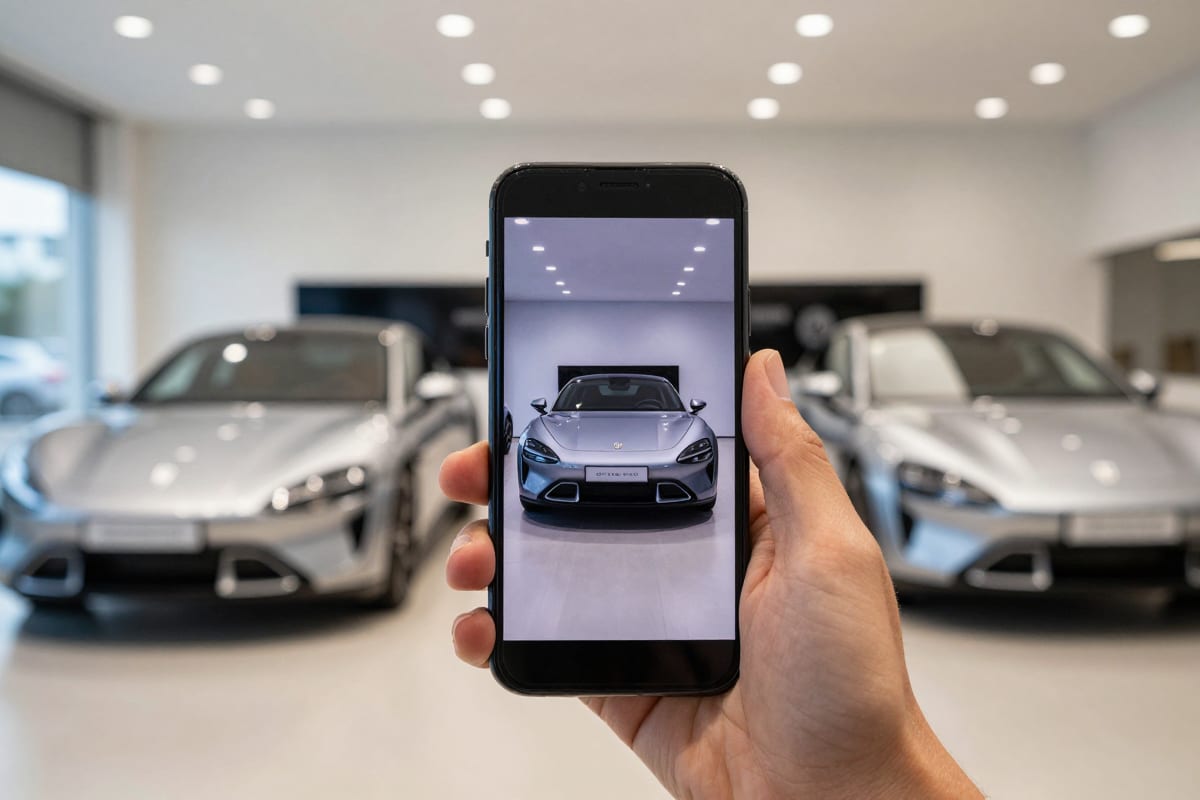
Upload six to nine photos of the car to Imagera's Car Reel Maker, pick a style preset, choose vertical 9:16, and reference-to-video AI generates a short cinematic clip — real camera motion, consistent lighting, natural pacing — built directly from your stills. There's no filming, no gimbal, and no editing timeline. The AI treats your photos as references for the actual vehicle: its paint, wheels, trim, and body lines carry through into the finished motion.
That last point is the difference between this and the slideshow apps of a few years ago. A slideshow pans across a flat image. Reference-to-video AI reconstructs the car and moves a camera around it — a push-in toward the grille, an orbit under showroom light, a rolling shot down a road — so the result reads like footage, not a Ken Burns effect.
The workflow takes minutes per vehicle:
- Shoot (or gather) your photos. The 10-shot checklist below covers everything; existing inventory photos usually work if they hit the core angles.
- Open the Car Reel Maker studio and upload up to nine reference photos, labeling each shot ("front 3/4," "engine bay") so the AI knows what it's looking at.
- Pick a style preset — Showroom Orbit for a clean inventory look, Rolling Shot for enthusiast energy, Detail Close-ups for a spec-heavy build — or write your own custom direction.
- Choose format and length. Reels are vertical-first (9:16) with clip lengths in the 5–15 second range — exactly the short-form length Instagram and TikTok reward.
- Generate. The credit cost appears on the generate button before you commit — pay-as-you-go, in credits, no subscription required to start. Details on the pricing page.
There's also an optional AI Director mode that plans a multi-shot sequence for you — a real cut-together shot plan rather than a single camera move — worth switching on when you want a reel that feels edited, not generated.
To see the output before uploading anything, the Car Reel Maker landing page has a Sample results section with real generated clips across multiple style tabs — including a studio detail take and a showroom reveal — all produced from a single car photo. One photo in, several distinct cinematic treatments out; results only improve with a fuller photo set.
4.Why make a car walkaround video from photos instead of filming?
Because the economics of filming don't survive contact with a real inventory. A traditional walkaround needs a clean lot, decent weather, a videographer, and editing time — per unit. Dealerships that commit to filmed video usually cover their ten flagship units and leave the other seventy dark. Inventory turns faster than content gets made, so the video budget consistently produces clips for cars that are no longer for sale.
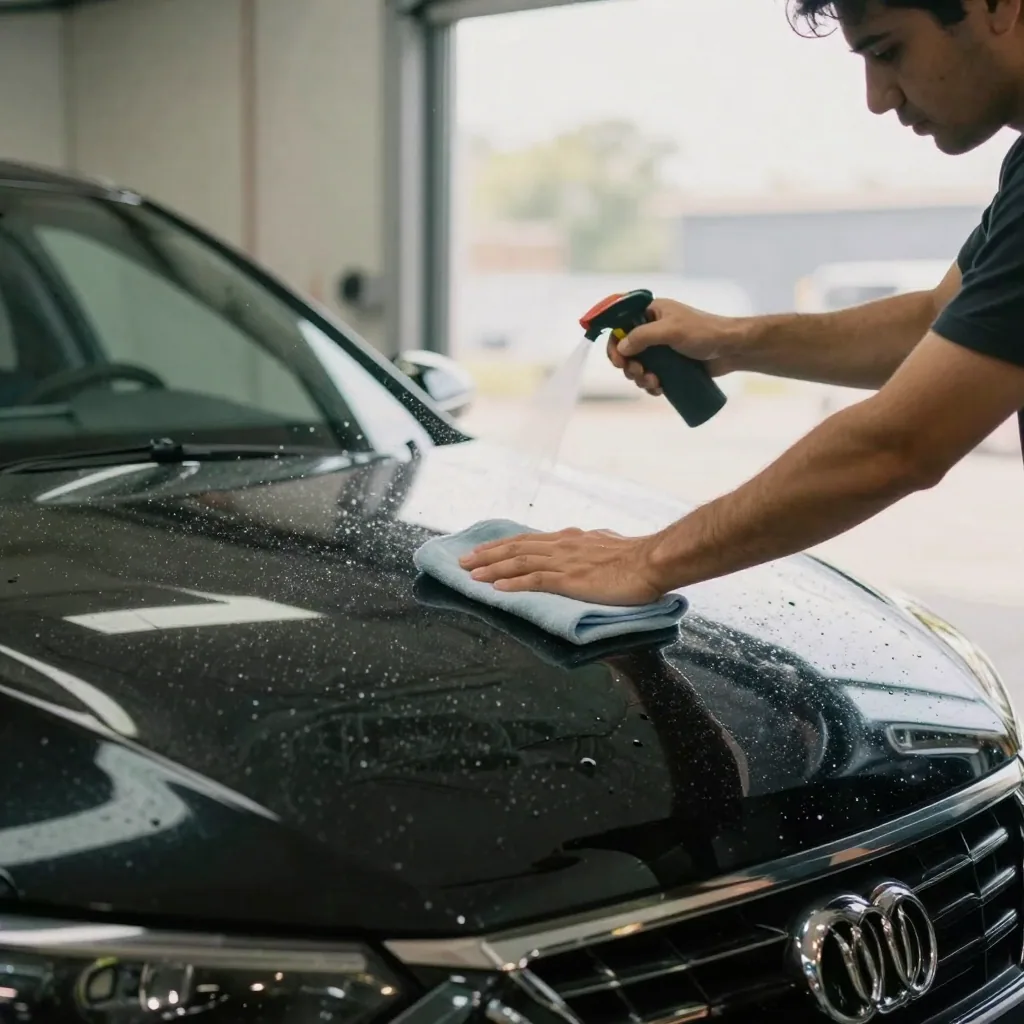
A car walkaround video app that works from photos flips the equation. Photos are already part of intake at virtually every dealership — every unit gets shot for the website and syndication feeds regardless. Routing those same photos through an AI car video generator means video coverage scales to 100% of inventory with no additional shoot time and no videographer invoice per unit.
The demand side justifies the effort. Automotive influencer content alone generates over 48 billion video views per year, with top creators commanding $500k+ per sponsored campaign. Buyers have been trained by that content: they expect a car presented in motion, and a listing that delivers cinematic car video without filming meets an expectation a static photo grid simply doesn't.
For private sellers the argument is simpler still. You're competing for attention in a feed where every ad looks the same. A vertical car video in 9:16 is a structurally different object in that feed — it moves, it holds the eye, and it signals a seller who cared enough to present the car properly. Same photos you were going to take anyway; materially different first impression.
5.Which photos do you need for a car reel? The 10-shot checklist
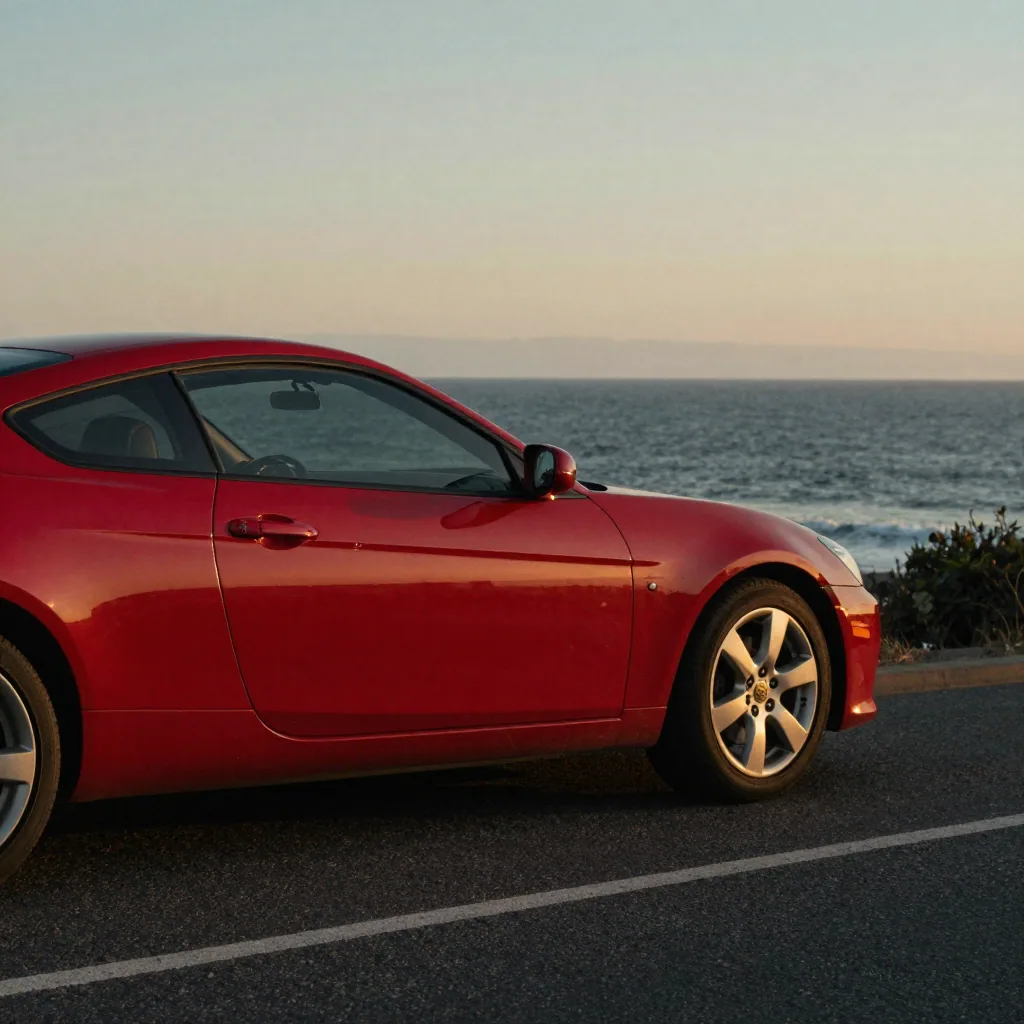
The quality of a photo-to-reel workflow is decided at the photo stage. Reference-to-video AI can only be as faithful as its references, so the goal is a set that shows the AI the whole car: stance, proportions, color under real light, and the details a buyer actually zooms in on. One shot list covers dealership inventory, private sales, and enthusiast builds alike:
| Shot | Angle | Why it sells |
|---|---|---|
| Front 3/4 | Driver-side front corner, slightly high | The most flattering view of almost any car — this is your hero frame |
| Rear 3/4 | Passenger-side rear corner | Shows the body line, taillights, and stance in one frame |
| Full profile | Perfectly parallel side shot | Proportions and wheel fitment — critical for sports cars and SUVs |
| Front grille | Low and centered | Conveys presence; the launch-film angle for trucks and performance cars |
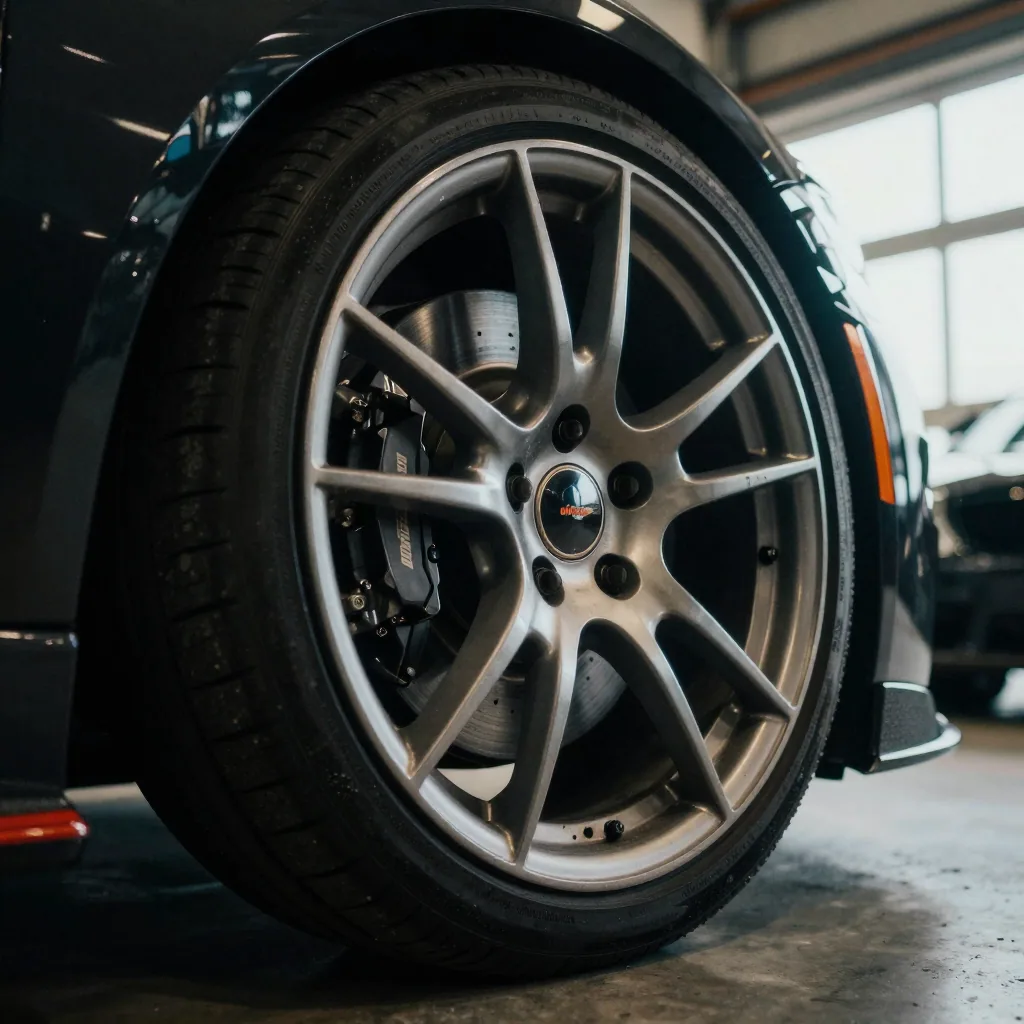
| Wheel close-up | Head-on at hub height | Rim condition and tire tread are silent deal-makers for used buyers |
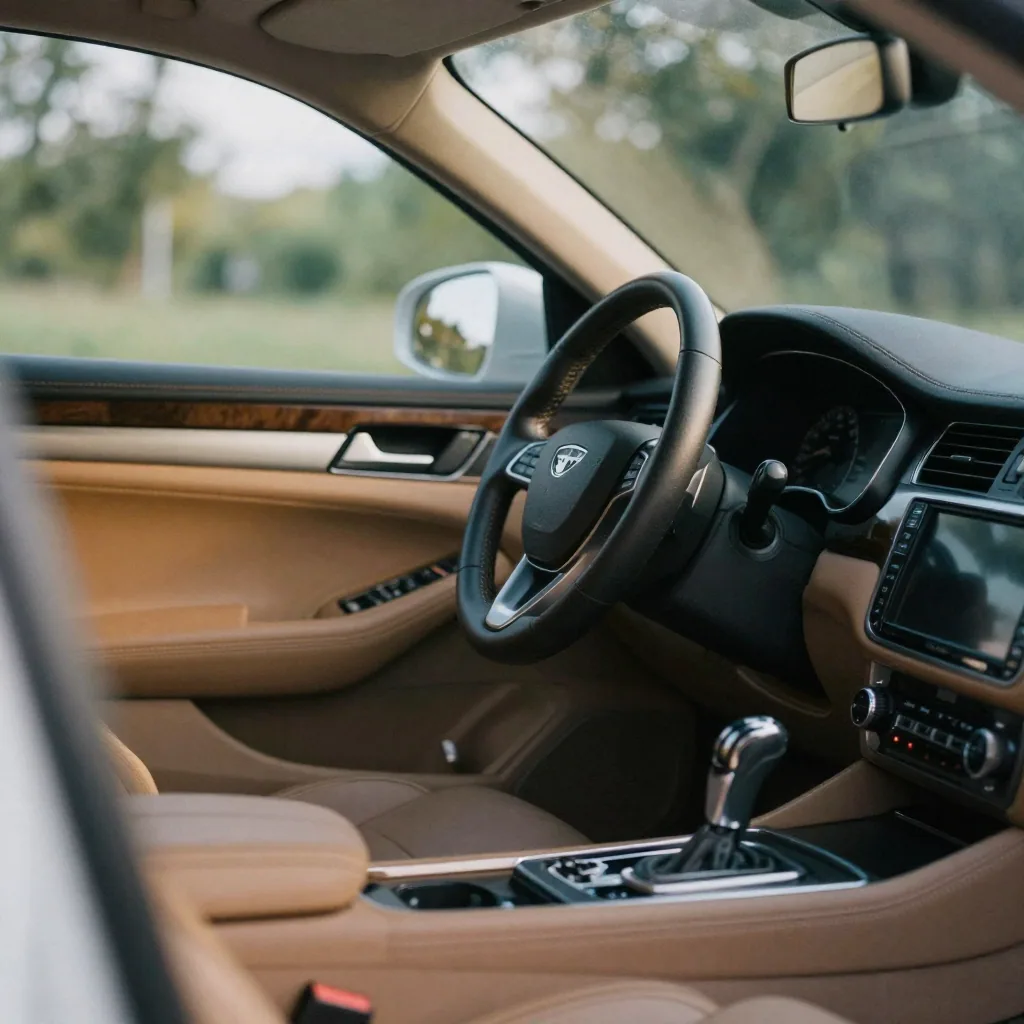
| Interior dash | From driver's door, wheel and screen in frame | The cockpit is a top decision factor — buyers imagine sitting there |
| Front seats | From rear seat or open door | Material, bolster wear, and condition in one honest shot |
| Rear seats / cargo | Straight-on | Answers the family and practicality question before it's asked |
| Engine bay | Hood open, centered | Trust signal for pre-owned; pride signal for builds |
| Signature detail | Badge, exhaust, stitching, or odometer | The close-up that proves this specific car, not a stock image |
Ten photos, a few extra minutes on top of the photo session you were already doing. Shoot the exterior set at the same time of day so lighting stays consistent — early morning or late afternoon side light does the most for body lines. Park against a plain backdrop, open the doors for interior shots to pull in ambient light, and keep license plates out of frame or covered.
To go deeper on the photography itself — backgrounds, golden hour timing, phone camera settings — the companion piece on car photography ideas for 2026 covers the full shooting side of this workflow.
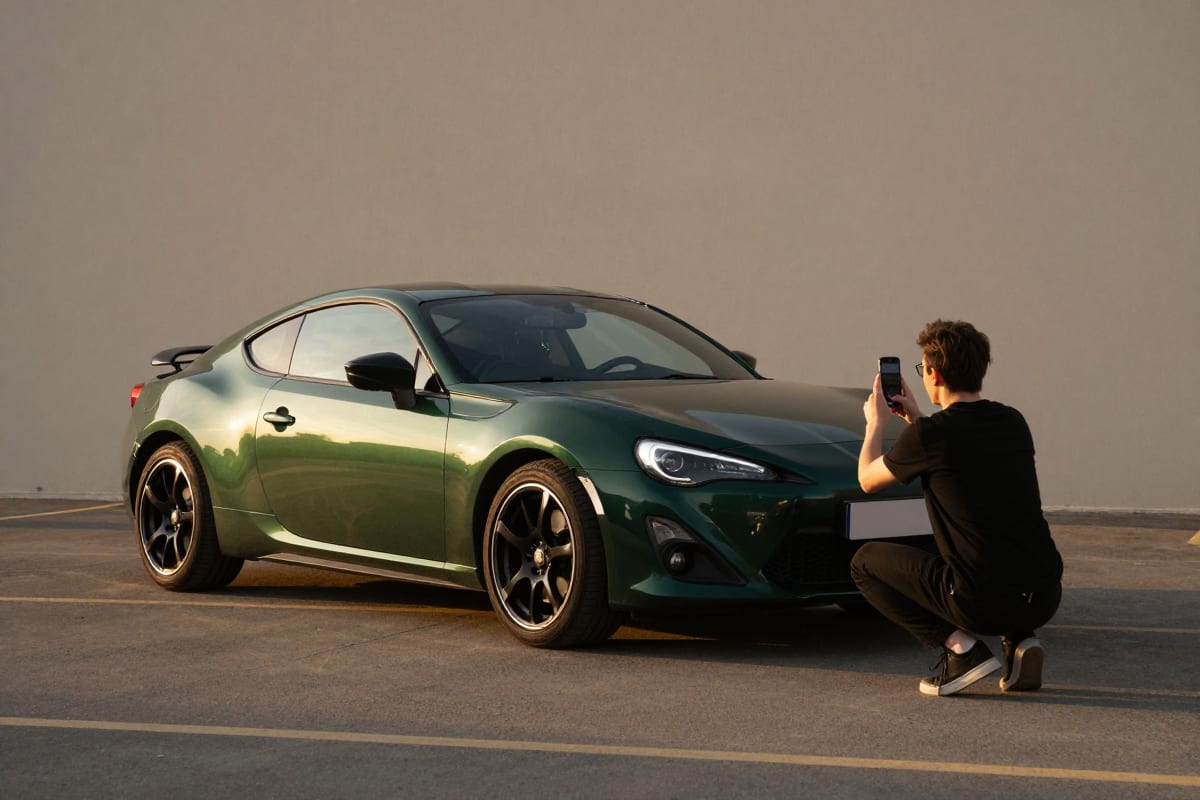
Car Reels from Photos: The Complete Dealership & Enthusiast Guide is a practical Imagera workflow: start from a real source file, describe what should change, generate with credits shown up front, and review before you publish. This guide covers the steps, quality checks, and when to use related tools.
One quality note before you upload: soft, blurry, or underexposed photos are the single biggest limitation of any AI car video generator from photo sets. If a key shot is weak, retake it. Strong references in, cinematic footage out.
6.How does the Car Reel Maker turn photos into cinematic video?
Inside the Car Reel Maker studio, your photos become references for a generated scene, and the style preset decides what kind of scene that is. The same nine photos can become a showroom commercial, a night-drive mood piece, or a spec-sheet detail reel:
| Style preset | The feel | Best for |
|---|---|---|
| Rolling Shot | The car in motion on the road — a classic tracking shot | Enthusiast builds, performance cars, "for sale" posts with energy |
| Showroom Orbit | Smooth 360-style orbit under clean lighting | Dealership inventory, luxury and CPO listings |
| Detail Close-ups | Wheels, badges, stitching, trim in sequence | High-spec trims, detail shops, build showcases |
| Dealership Promo | Punchy promo pacing built for social ads | Lot listings, new-arrival announcements |
| Low-Angle Launch | Aggressive low front-3/4 push-in, launch-film style | Trucks, performance cars, reveal moments |
| Night City Roll | Night drive with city lights streaking across the paint | JDM builds, tuner content, atmosphere pieces |
There's also a custom style option — a free-text direction box with a built-in prompt enhancer — for when you have a specific look in mind that no preset covers.
Beyond style, you choose the render engine: Cinema for the highest-fidelity motion, Swift for budget-friendly volume work (the sensible default when covering a whole lot), Motion for short punchy clips with dynamic camera moves, and Maestro, which generates a native soundtrack baked into the clip and renders up to 4K. Every combination shows its exact credit cost on the generate button before you commit — pay-as-you-go, with the pricing page explaining how credits work.
Two practical tips that separate good reels from great ones:
- Label your photos. A short tag on each upload — "front 3/4," "engine bay," "custom exhaust" — gives the AI explicit context for each reference, which improves shot sequencing.
- Use the notes field for the story. "Deep green paint, tan interior, emphasize the wheels" steers the generation toward what actually sells this specific car.
And if the subject isn't a car at all — a watch, a listing, a product line — the same reference-to-video workflow powers the Product Reel Maker and the general-purpose Universal Reel Maker.
7.Which influencer formats can you recreate from photos?
The most-watched automotive creators on Earth have effectively run a decade of A/B tests on what makes car content work. You don't need their access or their camera crews to borrow their formats — you need to understand why each format works, then rebuild its structure from stills. To be clear, this is editorial inspiration: these creators built their formats with filmed production; we're studying the formats, not the tools.
The scale of what they've proven is worth pausing on. Supercar Blondie's media company passed 18 billion annual video views — and the automotive influencer category as a whole clears 48 billion views a year. These are the most validated templates in car content.
| Creator format | What makes it work | How to recreate it from photos |
|---|---|---|
| Supercar Blondie walkaround | Wonder-first pacing: the reveal, then the details that make you gasp | Showroom Orbit or a reveal-style clip, sequenced hero shot → 2–3 detail shots |
| Doug DeMuro "quirks and features" | Obsessive attention to the weird details nobody else shows | Detail Close-ups preset over your signature-detail photos, with captions naming each quirk |
| Daniel Mac street encounter | A curiosity hook in the first second ("what do you do for a living?") | Open with a hook caption over a Low-Angle Launch — question first, car second |
| TheStradman / Mo Vlogs collection energy | Aspirational abundance — the fleet, the lifestyle | Multi-car montage: one clip per vehicle, cut together as a lineup |
| Mat Watson / carwow spec walk | Numbers-driven authority — performance figures as narrative | Showroom Orbit with spec text overlaid at each beat in your platform's editor |
| Ken Block Gymkhana legacy | Pure kinetic spectacle — motion as the entire message | Rolling Shot or Night City Roll: let the generated camera movement carry it |
The pattern across all of them: a hook inside the first second, one clear idea per clip, and details treated as content rather than filler. That's precisely what a 5–15 second generated reel delivers — the walkaround energy Supercar Blondie made famous, compressed into the length the algorithm favors, from photos you took in a parking lot. The same format-borrowing logic drives AI creator-style content generally — covered in our guide to AI UGC video generation.
8.What are the best car reel ideas for dealerships?
Coverage is the baseline — every unit gets a reel from its intake photos. But the dealerships that win on social treat reels as a programming schedule, not a listing format. If you're hunting for dealership social media ideas that don't require new footage, all of these run on photos you already have:
- Just Landed. A new-arrival reel posted the day a unit hits the lot, Dealership Promo style, before it even reaches the website.
- Just Sold. Rolling Shot energy plus a congratulations caption. Sold content builds trust with buyers still deciding.
- The Weekend Feature. One hero unit per week gets the full treatment: Showroom Orbit reel, Detail Close-ups follow-up, spec captions.
- Price Drop. Re-generate the reel in a different style than the original listing got. Same car, fresh look — returning shoppers see new content.
- Trade-In Transformation. Intake photos versus post-detail photos as a before-and-after sequence. Reconditioning is a story buyers love and almost no dealership tells.
- Staff Pick. A salesperson's favorite unit with their one-line reason in the caption. Human framing, zero extra production.
The operational shift that makes this sustainable: put reel generation in the same SOP as inventory photography. Photos get taken, reel gets generated — one workflow, minutes per unit, and your social calendar fills itself from inventory flow instead of competing with it.
9.How do private sellers make a used car listing video that stands out?
Start from the buyer's side of the screen. Someone shopping Marketplace or Autotrader is scrolling past dozens of listings with the same driveway photos at the same angles. A used car listing video maker gives you the one asset almost no private seller has: motion.
The private-seller playbook, in order:
- Shoot the 10-shot checklist honestly. Include the odometer and any flaws worth disclosing — a listing video builds trust when it clearly comes from real photos of the real car.
- Generate a Showroom Orbit reel as your lead asset. Clean and neutral reads as credible; save Night City Roll for the enthusiast forums.
- Post the reel everywhere the listing lives. Facebook Marketplace supports video directly; for text-first platforms, host the reel on Instagram or TikTok and link it from the listing.
- Match the video to the venue. A Bring a Trailer listing video audience wants documentation-grade detail — lead with Detail Close-ups over your signature shots (engine bay, interior wear) rather than promo flash. BaT bidders reward thoroughness.
The economics work at the single-car scale precisely because pricing is pay-as-you-go: a handful of clips for one sale, with the credit cost visible on the button before each one. No subscription commitment for a one-time seller.
For enthusiasts, the same workflow doubles as a steady source of car content ideas for Instagram. Dedicate reference photos to your modifications — the coilovers, the exhaust tip, the custom stitching — label them, and generate a Detail Close-ups reel that treats the build sheet as the story.
10.Can detail shops and wrap shops use this for before-and-after reels?
Yes — and the format is almost unfairly suited to them. A car detailing before and after reel is the strongest content a detail, PPF, or wrap shop can post, because the transformation is the product. The problem was never the material; it was that nobody has time to film every job.
The photo-first workflow solves it. You already photograph arrival condition and final results for your records — those two photo sets are the complete input:
- The before set: three or four honest shots — swirled paint, oxidized trim, the neglected interior.
- The after set: the same angles, post-correction, under the same lighting if possible.
- The reel: generate a clip from each set (Detail Close-ups works especially well on finished paint), then sequence before → after. Matched angles make the transformation undeniable.
Wrap shops get an extra move: a Showroom Orbit reel of the finished wrap and a Low-Angle Launch of the front end. Color-shift vinyl and gloss finishes are precisely the surfaces that reward generated camera motion — the light moving across the material is the sales pitch.
For work beyond cars — furniture restoration, equipment refinishing — the identical before/after structure runs through the Universal Reel Maker, and product-focused businesses have the Product Reel Maker with its own preset library.
11.How do you get car reel music and pacing right?
Car reel music pacing matters more in automotive content than almost any other category, because viewers make an instant aesthetic association between the sound and the vehicle. A lo-fi track under a lifted truck reads as a mistake; the same track under a clean Euro sedan reads as taste.
Two ways to handle audio:
Generate it. The Maestro engine produces a native soundtrack baked into the clip — sound designed to match the generated motion. The right choice when the reel will live on a listing page or website where trending audio doesn't matter.
Add trending audio at post time. For Instagram Reels and TikTok reach, attach a trending sound inside the platform's own editor when you post. Platform-native audio participates in the platform's discovery mechanics, and choosing from the trending list keeps you inside each platform's licensing terms.
On genre, match energy to identity: high-energy electronic or hip-hop for performance cars, smooth and restrained for luxury, rock and Americana for classics and muscle, anthemic for trucks and off-road. For pacing, remember that a generated reel already has its rhythm — the camera move is the beat. A Low-Angle Launch wants a build-and-hit; a Showroom Orbit wants something that glides.
Finish with a caption that carries the facts the video doesn't: year, make, model, mileage, price or "DM for details," and three to five specific hashtags — make/model tags plus your city for dealership content, community tags for builds. The reel earns the stop; the caption converts it.
12.Turn today's photos into tonight's reel
The gap between dealerships and sellers who post cinematic video and those who post photo grids was never about talent — it was about time and cost per unit. That gap is now a ten-minute workflow: shoot the checklist, upload the set, pick a style, generate.
Open the Car Reel Maker, check the sample results made from a single photo, and run your first vehicle through it. The credit cost is on the button before you commit, and the photos are already on your phone.