
- 2K or 4KOne reference sheet per ID
- 6Photos at most, or a few words
- 6Kinds of ID: character, object, location, outfit, digital product, property
- 0Training runs. The sheet is a picture.
Start from one
Examples
IDs are saved to your account and follow you into every tool.
Actors
Ready-made people for your videos and photos.
352 ready-made actors. See all opens the library for every filter and a closer look.
Three steps
How it works
A sheet is an ordinary picture, so every model that takes one can use it.
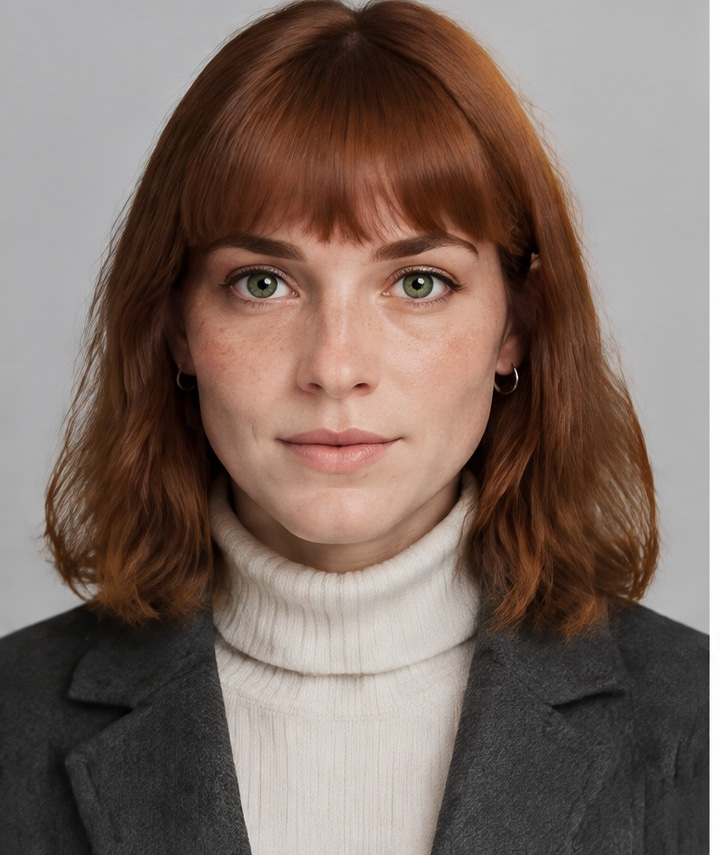
Add references
Up to 6 photos or generations — or describe it in words.
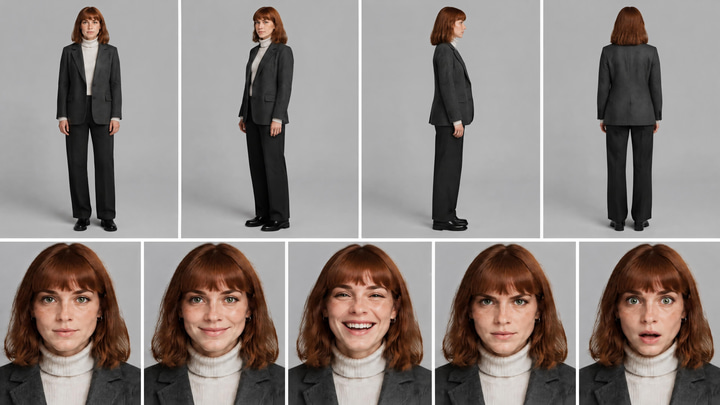
Get a 2K or 4K sheet
Angles, expressions and details in one collage, lit and scaled the same.
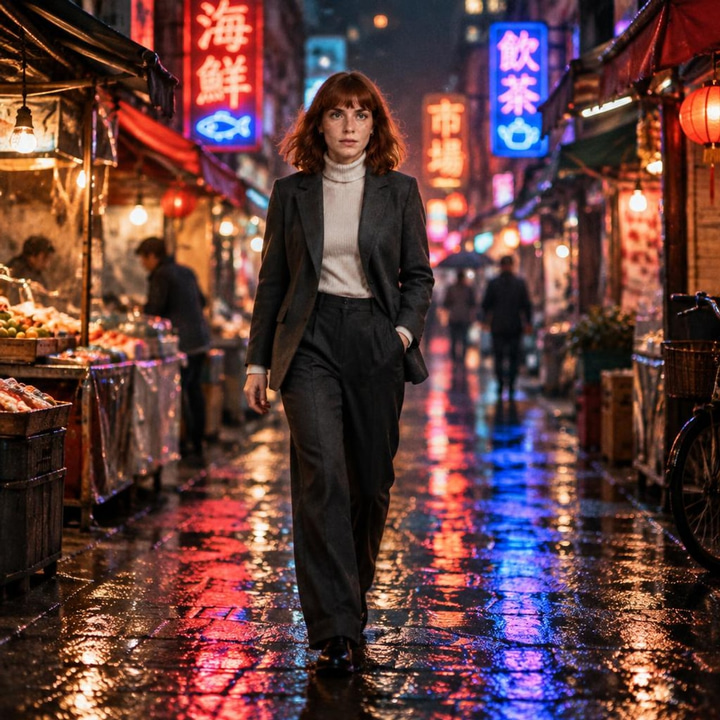
Use it anywhere
Type @handle in Sandbox, pick it in the upload modal, or pass it to Canvas and the API.

Every tool
Use an ID
The same sheet works in every tool.
Made with @juniper-refSandbox · @handle
Type @ in the prompt of any model that takes a picture. The sheet joins the inputs.
Video · Warlord Pro Reference
“Make a video” opens the reference model with the sheet loaded — the same face in every clip.
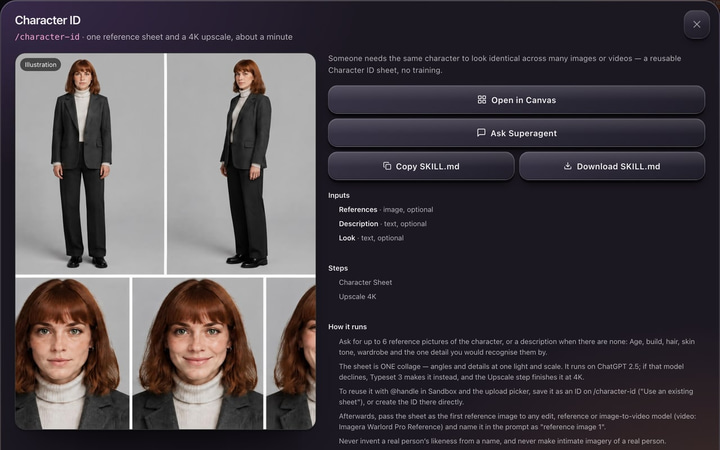 Product capture
Canvas, Superagent & MCP
Run the ID skills as Canvas apps, load them in Superagent with /, or give them to your own agent.
Good to know
Questions
- Is a Character ID a trained model?
- No. It is one high-resolution reference sheet. Any model that accepts an input image uses it directly, so it works with new models the day they launch.
- Which models can use an ID?
- Any image edit, reference or image-to-video model — for example ChatGPT 2.5 Edit, Typeset 3 Edit and Imagera Warlord Pro Reference. Type @ in Sandbox or pick the ID in the upload modal.
- What if ChatGPT Image 2 declines my references?
- Typeset 3 makes the sheet instead, automatically. Every sheet is measured: one that comes back smaller than the size you picked is upscaled to it.
- Is my character mine to keep?
- Yes. An ID is an ordinary picture: download the sheet from the ID to keep your own copy, and use it with any model that takes a reference image, on Imagera or anywhere else.
- Can I make IDs of objects, places and outfits?
- Yes. Object, Location and Outfit IDs use sheets laid out for their subject: product angles and macro details, a place from several angles, garments front, back and flat.
