Turn one long video into a week of reels
Drop a podcast, interview or webinar. AI finds the best moments, crops each to vertical 9:16 following the speaker, and burns in captions — ready to post.
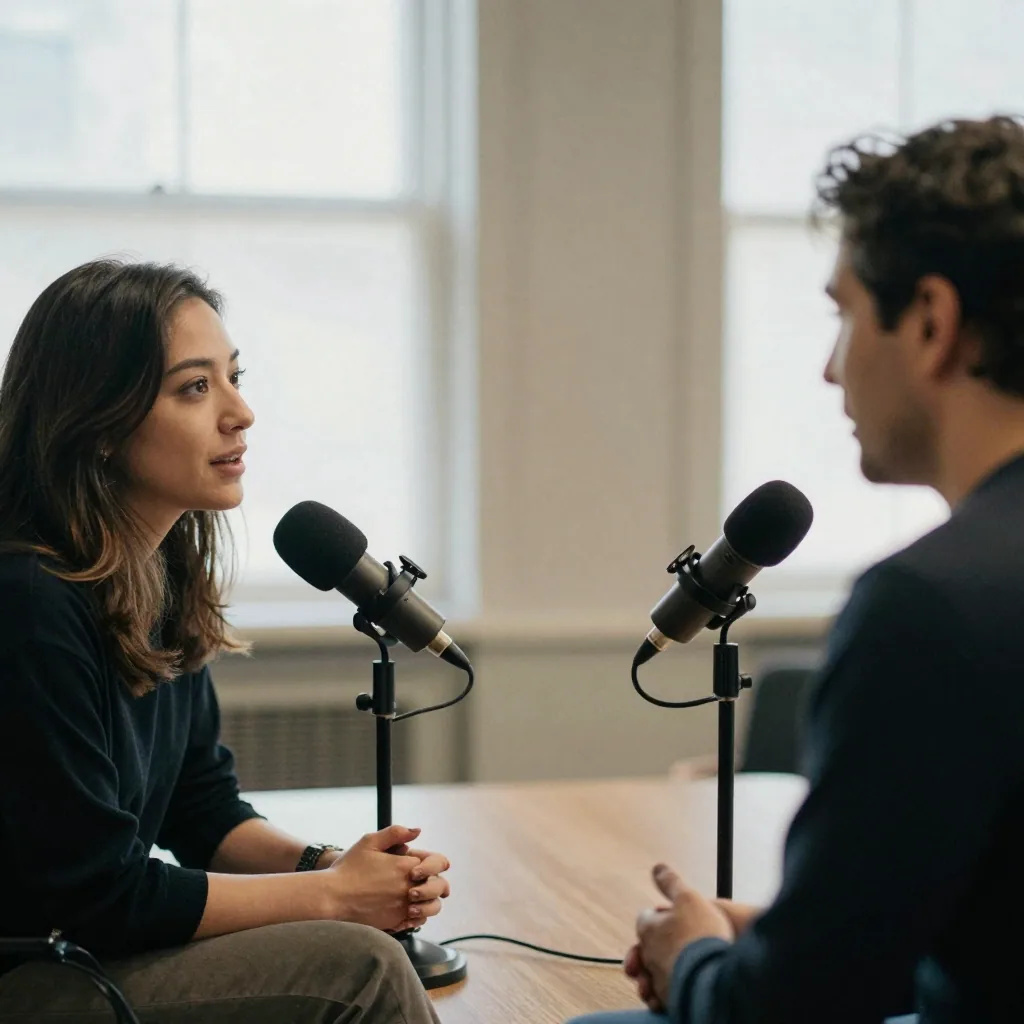
What does AI Video to Reels do?
AI Video to Reels turns one spoken recording into several phone-ready clips. It reads the transcript, selects moments that stand on their own, follows the active speaker in a vertical 9:16 crop and burns in word-synced captions. You choose 3, 5, 8 or 10 reels per run and a target length of 15s, 30s or 60s; each reel costs 40 credits, so the cheapest run is 120, and the exact total shows on the generate button before anything is spent.
- Credits
- 40 per reel · from 120 a run
- Output
- 9:16 vertical · 1920px tall · 15–60s
- Per run
- 3, 5, 8 or 10 reels from one file, up to 500MB
Updated July 20, 2026
Cite this page: https://imagera.ai/video/ai-video-to-reels
 Illustration
What comes back from one upload
Vertical 9:16 crop
Every reel is reframed to a phone-first 9:16 and upscaled to a clean 1080×1920 — the exact shape TikTok, Reels and YouTube Shorts want.
Know more →Active-speaker framing
The crop follows whoever is talking, so faces stay centred even when your original was a wide two-person or webinar shot.
Know more →Word-synced captions
Captions are transcribed from your audio and burned in word by word — the sound-off style short-form audiences scroll for.
Know more →Several finished reels from one upload
One pass over the recording returns 3, 5, 8 or 10 finished clips, not one — each cut around its own self-contained moment, each priced on its own at 40 credits.
Know more →The afternoon of clipping you never got round to
The recordings you already made hold enough self-contained moments to fill a week of posts. What stops most people is the work in the middle — scrubbing, trimming, reframing and captioning, one clip at a time.
Repurposing solves a supply problem
Most creators are sitting on a back catalogue of long-form recordings — podcast episodes, interviews, webinars, streams and talks — that already contain their best material. The short-form platforms where audiences actually discover new creators reward the opposite: vertical clips under a minute, captioned for sound-off viewing. A single hour-long recording holds enough self-contained moments to fill a week of posts, so instead of filming something new every day to feed three platforms, you mine the recording you already made. Each clip points a new slice of the short-form audience back at your long-form channel, which is where deeper watch time and subscriptions happen.
How the moments get chosen
First the whole video is transcribed, so the selection is working from the actual words spoken rather than guessing from the visuals. Then the full transcript is read end to end and segments are scored for how well they stand on their own — a strong opinion, a story with a beginning and a payoff, a surprising claim or a punchy one-liner scores high, while intros, sponsor reads, filler, cross-talk and mid-thought fragments score low. The highest-scoring, self-contained moments become your reels, each trimmed to the length you chose. That is why clear audio matters more than a fancy camera: the better the transcript, the sharper the moment selection.
Which recordings turn into good reels
Anything with people talking works. A podcast episode gives up strong opinions and punchy one-liners; a webinar or Zoom talk gives self-contained tips, and the speaker crop tightens what was a wide slide-share frame; a two-person interview gives question-and-answer exchanges that stand alone, with the crop following whoever is speaking; a livestream or vlog gives peak moments buried in a long runtime, minus the dead air; a course lesson gives one clear takeaway per clip, which turns teaching into free-preview promo reels.
How to turn a long video into reels
Three inputs. No timeline, and nothing new to film.
Drop one long video
A podcast, interview, webinar, or vlog — up to 500MB. No filming or editing needed.
AI finds the best moments
It transcribes your video, reads the whole thing, and picks the most viral, shareable moments.
Get post-ready reels
Each moment is cropped to vertical 9:16 following the speaker, with synced captions — ready to post. Ask for more reels than you need — 10 is the ceiling per run — and post the two or three that land hardest.
Built for creators who post
Podcasters
Turn every episode into a week of shorts for TikTok, Reels and YouTube Shorts — automatically.
Marketers
Repurpose webinars and long-form content into dozens of clips without an editor.
Creators
Feed a long stream or vlog, get a stack of vertical clips with captions baked in.
Coaches & founders
Slice interviews and talks into quotable moments that build your audience.
Frequently asked questions
How do I turn a long video into reels?
Open the AI Video to Reels studio, drop in one long video (podcast, interview, webinar), choose how many reels and their length, and generate. The AI transcribes the video, finds the best moments, crops each to vertical 9:16 following the speaker, and burns in synced captions — you get several ready-to-post reels in minutes.
How does the AI pick the best moments?
It transcribes the entire video and reads the full transcript, then selects the most scroll-stopping, self-contained moments — strong opinions, stories, surprising claims and punchy one-liners — while skipping filler and intros.
Does it add captions automatically?
Yes. Every reel gets word-synced captions burned in — the style short-form audiences expect.
What formats and lengths can I get?
Reels are vertical 9:16, upscaled to a clean 1080×1920. You choose the target length (15s, 30s or 60s) and how many reels to make from the video.
How much does it cost?
Pricing is per reel in credits — 40 credits a reel — and the total is on the generate button before you commit, so the cheapest run the picker offers is 3 reels for 120 credits and the studio opens on 5 for 200. The length of the source video makes no difference: an hour costs the same as ten minutes. Make more reels from the same video for a proportional cost — credits are pay-as-you-go.
Can I use the reels commercially?
Yes — reels come with full commercial usage rights. Post them on social, run them as ads, or send them to clients.
What kind of source video works best?
Anything with people talking works well — podcasts, interviews, webinars, talks, streams and vlogs. Clear audio helps the most, because the AI reads the transcript to find self-contained moments. You can upload one video at a time, up to 500MB.
How many reels can I make from one video?
You choose 3, 5, 8 or 10 reels per run, and you can run the same video again for a fresh set of moments. Each reel is priced separately in credits, so making more from one source just scales the cost proportionally.
How long does it take?
Most videos are ready in a few minutes. Longer source videos take longer because the AI transcribes the whole thing before choosing moments; finished reels appear in your studio as they complete, without a page reload.
Do I need any video editing skills?
No. There is no timeline to edit and nothing to film. You drop in one long video, pick how many reels and their length, and the AI handles transcription, moment selection, the vertical crop and the captions for you.
Can I download the reels?
Yes. Every finished reel plays in your studio and has a save button, so you can download each vertical clip and post it directly to TikTok, Instagram Reels or YouTube Shorts.
How is this different from clipping the video myself in a timeline editor?
A timeline editor makes you scrub the whole recording, find each moment by ear, cut it, reframe the crop, add captions by hand and export one clip at a time. AI Video to Reels reads the full transcript for you, picks several self-contained moments, applies the active-speaker 9:16 crop and burns in word-synced captions — then returns all the finished reels at once. You skip the scrubbing and the manual captioning entirely.
Can I turn a Zoom, Google Meet or Teams recording into clips?
Yes. Any recording with people talking works — Zoom webinars, Google Meet calls, Teams meetings, podcasts, interviews and streams. The active-speaker crop is built for exactly this: it follows whoever is talking, so a wide two-person call or panel still comes out as a tight vertical clip. See the guides below for Google Meet and Zoom walk-throughs.
Does the caption style match what short-form audiences expect?
Yes. Captions are transcribed from your audio and burned in word by word, appearing in sync with the speech — the sound-off style that TikTok, Reels and Shorts viewers scroll for, since most short-form is watched on mute.
What is the difference between AI Video to Reels and a reel maker that starts from photos?
AI Video to Reels starts from one long video you already recorded and cuts it into short clips. A reel maker like the Universal Reel Maker starts from still photos and builds camera motion around them — there is no source video to clip. Use this tool when you have footage to repurpose; use a photo-to-video reel maker when all you have are images.
Do the reels come with commercial usage rights?
Yes. Every reel comes with full commercial usage rights, so you can run them as paid ads, publish them on brand channels, or hand them to clients. You own the clips you generate from your own source video.
AI Video to Reels vs clipping the recording yourself
| What the job involves | Imagera | A timeline editor |
|---|---|---|
| Finding the moments | The full transcript is read and scored for you | Scrub the whole recording and find them by ear |
| Reframing to vertical | A 9:16 crop that follows the speaker, at 1920px tall | Keyframe the crop by hand on every clip |
| Captions | Transcribed and burned in word by word | Type or correct them, then style and place them |
| What comes back | 3, 5, 8 or 10 finished reels from one pass | One export at a time |
| What it costs | 40 credits a reel, from 120 a run, source length irrelevant | An afternoon per episode |
Your long video is a stack of reels
Drop it in, pick how many reels — and post the best moments today. Credits show on the button before you run.
Make my reels →