Imagera AI - AI content creation platform for generating images, cloning voices, and enhancing videos. Privacy Policy | Terms

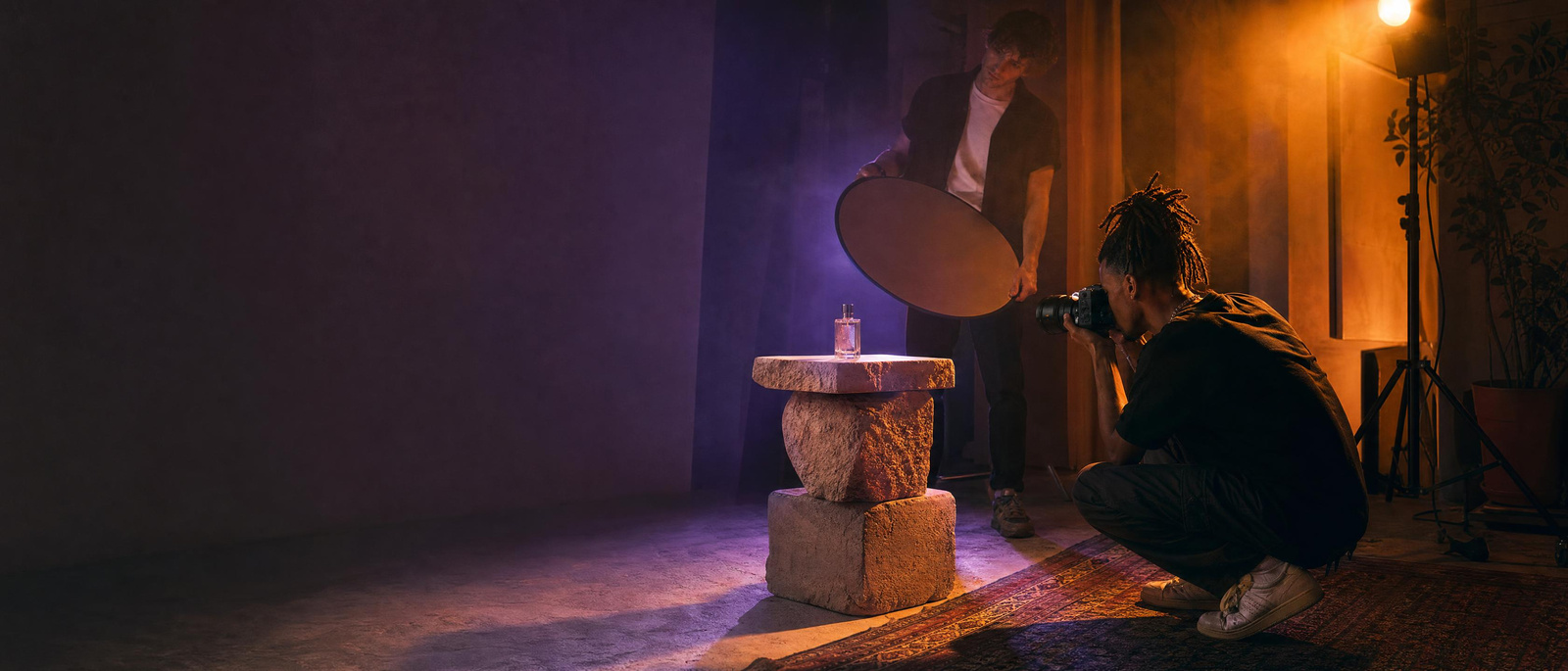
A young photographer shooting a perfume bottle with coloured lightIllustration
All workflows

Imagera workflow · Product Shoot

Your product photos, shot in any studio or scene.

15 credits per image

Studio, lifestyle, poster and marketplace images of your real product, kept exact from your own photos — plus short product motion with no presenter.

Real results · tap to view

You bring
One to three product photos
You get
Studio, lifestyle and listing images
Best for
Stores, listings and ads

Watch first

How Product Shoot works, in 56 seconds.

The whole job on the real product, step by step, with captions. Press play, or open it full screen.

What you will learn

Real results

What it makes. Drag the line to see before and after.

10 examples, 4 with the input they started from. Each says whether it is a real result or an illustration.

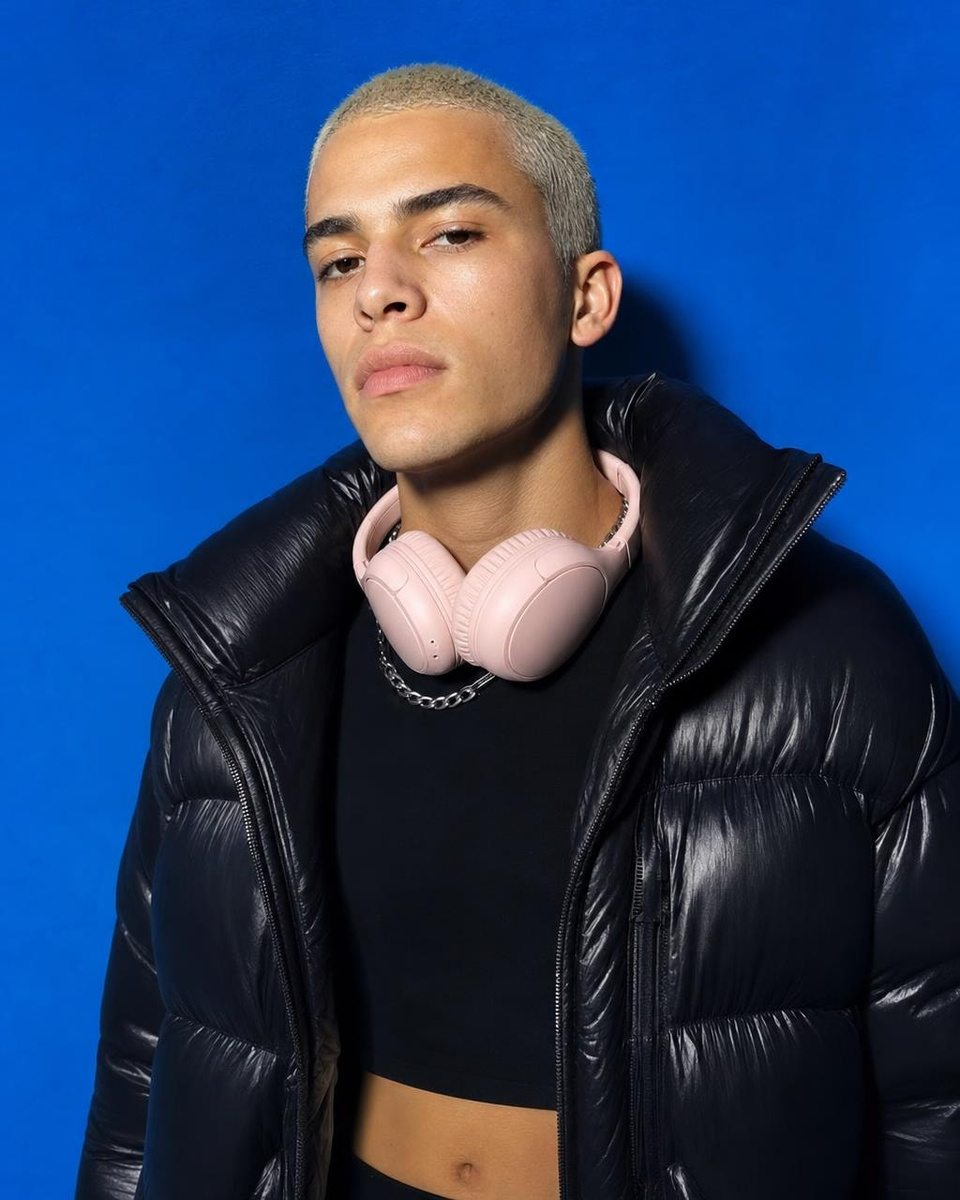
  • Output: The same headphones in a studio campaign shot with a young model, made from the snapshot
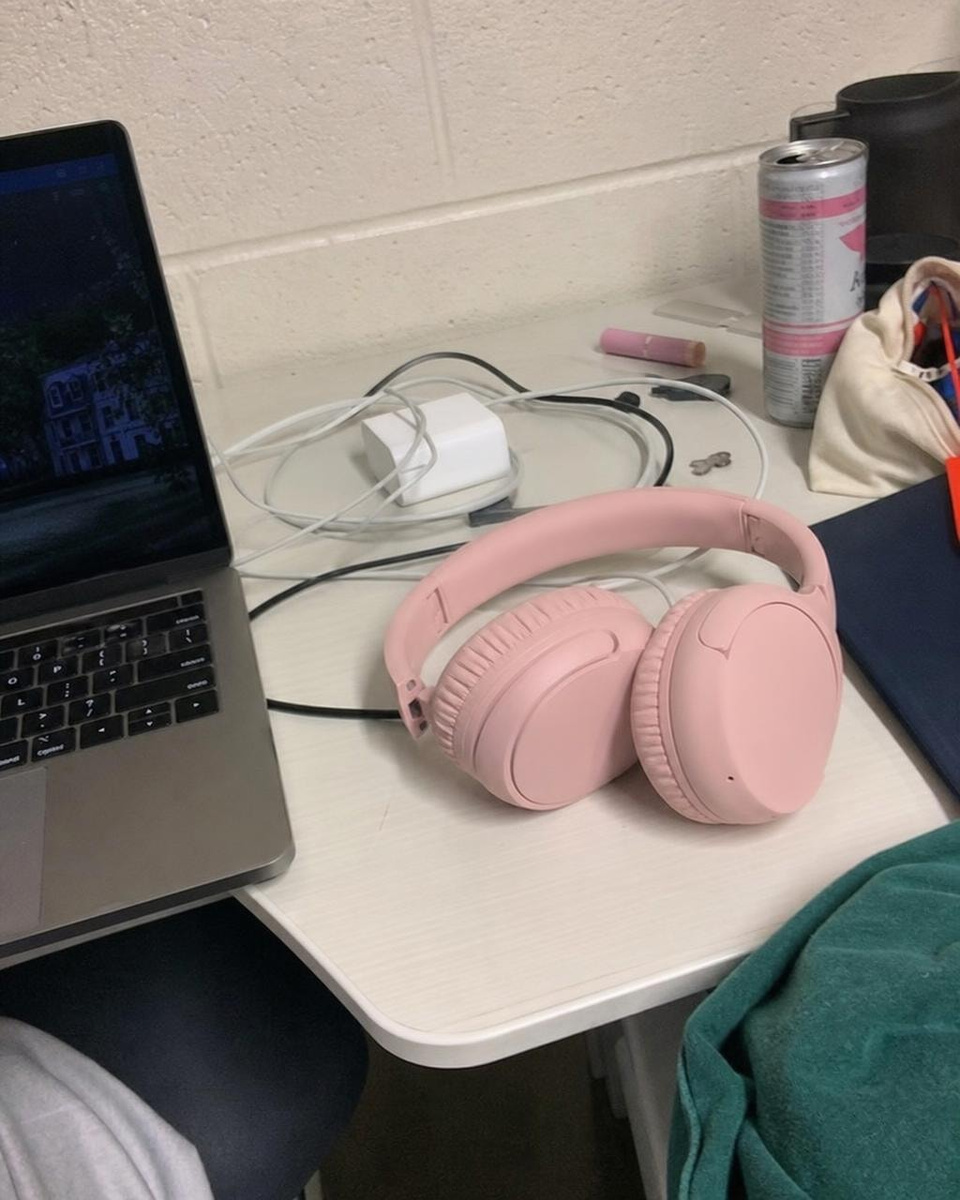
    Input: The same headphones in a studio campaign shot with a young model, made from the snapshot

    Input → output · drag the lineThe same headphones in a studio campaign shot with a young model, made from the snapshot

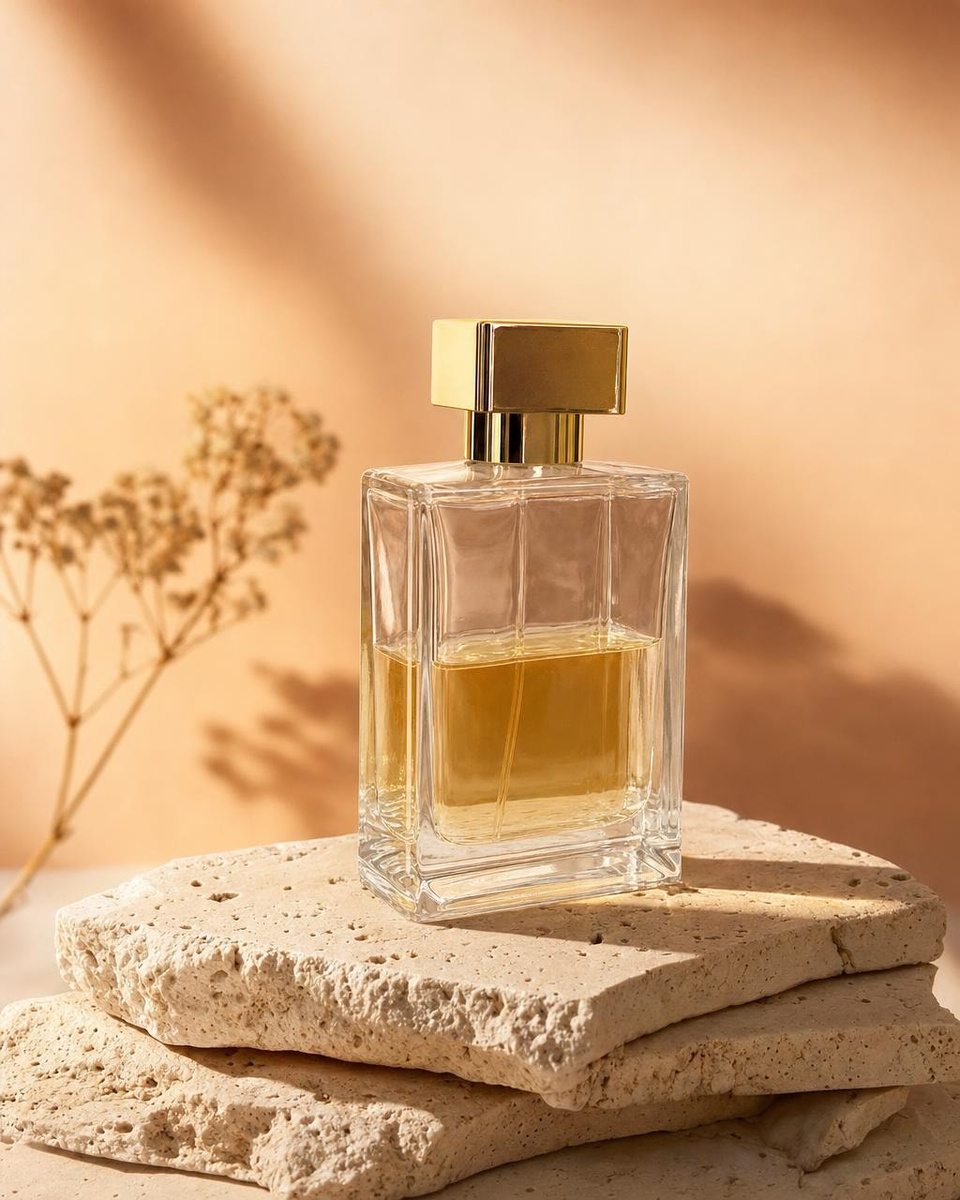
  • Output: The same perfume bottle as a studio shot on travertine plinths, made from the snapshot
    Input: The same perfume bottle as a studio shot on travertine plinths, made from the snapshot

    Input → output · drag the lineThe same perfume bottle as a studio shot on travertine plinths, made from the snapshot

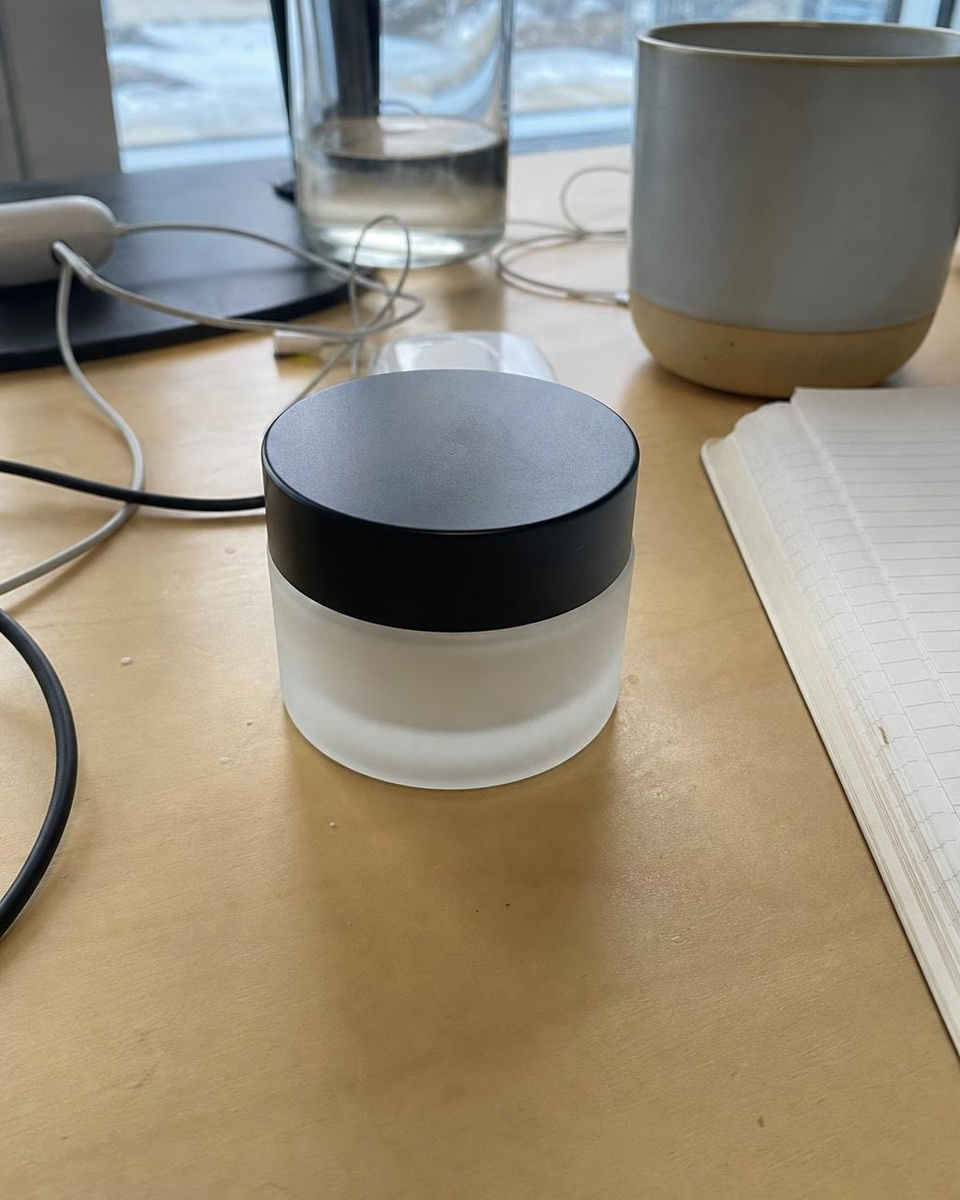
  • Output: The same skincare jar on wet green marble with eucalyptus, made from the snapshot
    Input: The same skincare jar on wet green marble with eucalyptus, made from the snapshot

    Input → output · drag the lineThe same skincare jar on wet green marble with eucalyptus, made from the snapshot

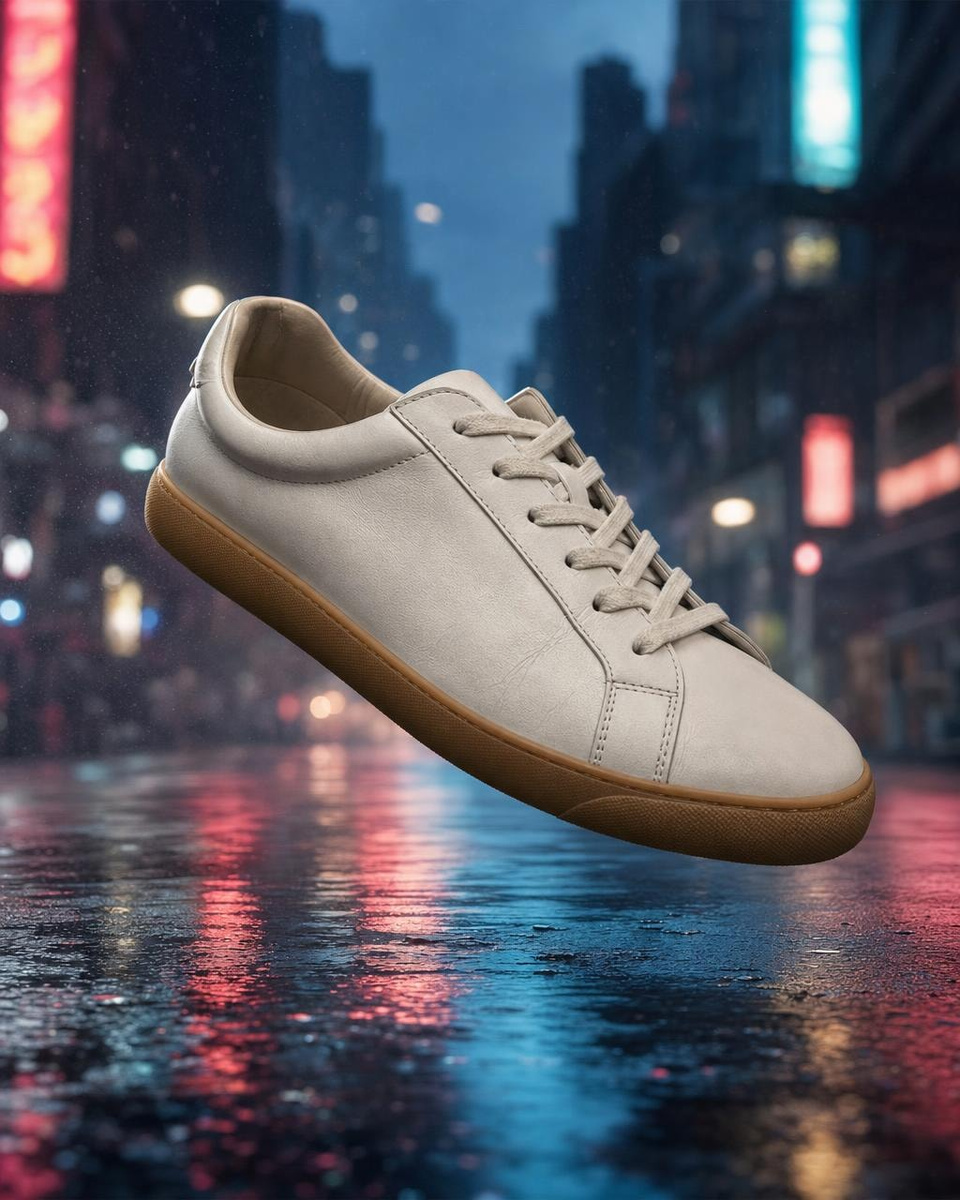
  • Output: The same sneaker floating over a wet neon street, made from the snapshot
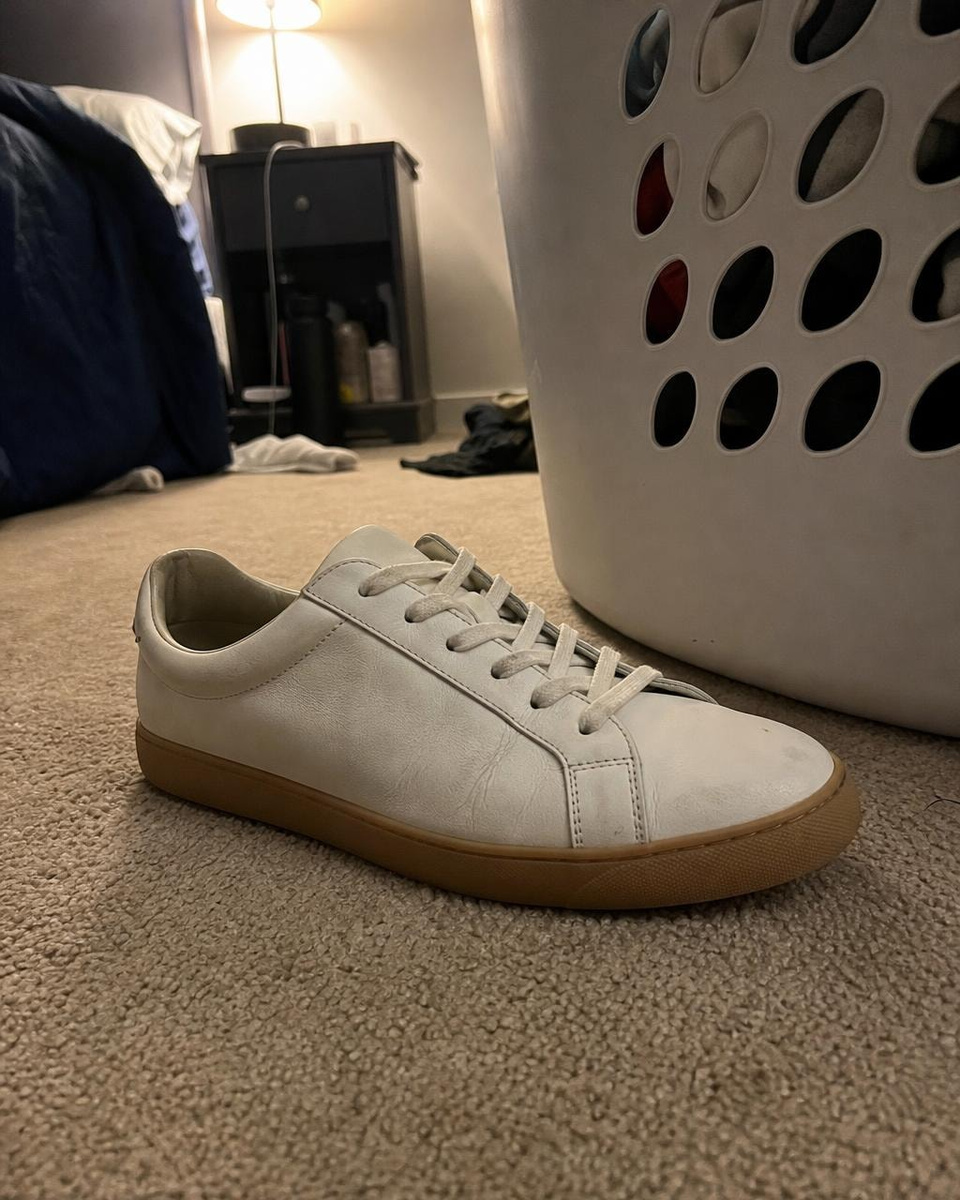
    Input: The same sneaker floating over a wet neon street, made from the snapshot

    Input → output · drag the lineThe same sneaker floating over a wet neon street, made from the snapshot

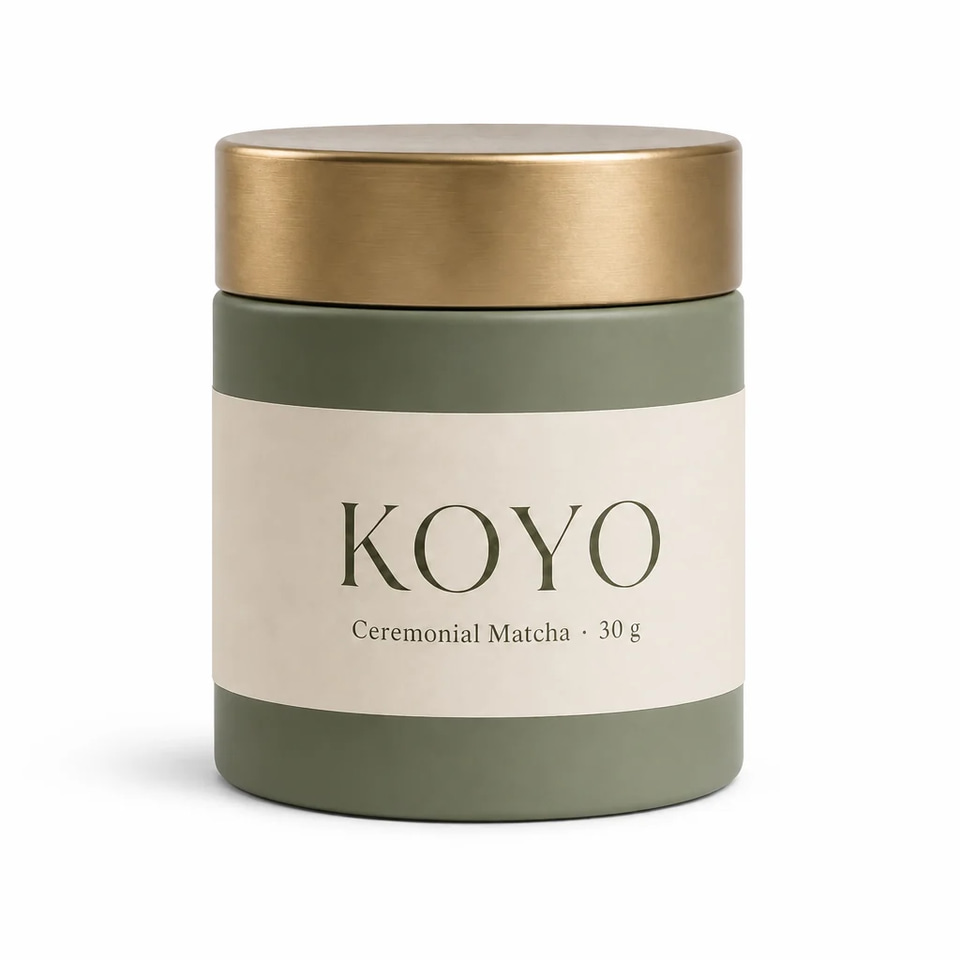
  • Studio white — made in Marketing Studio on Koyo Ceremonial Matcha

    Real resultStudio white — made in Marketing Studio on Koyo Ceremonial Matcha

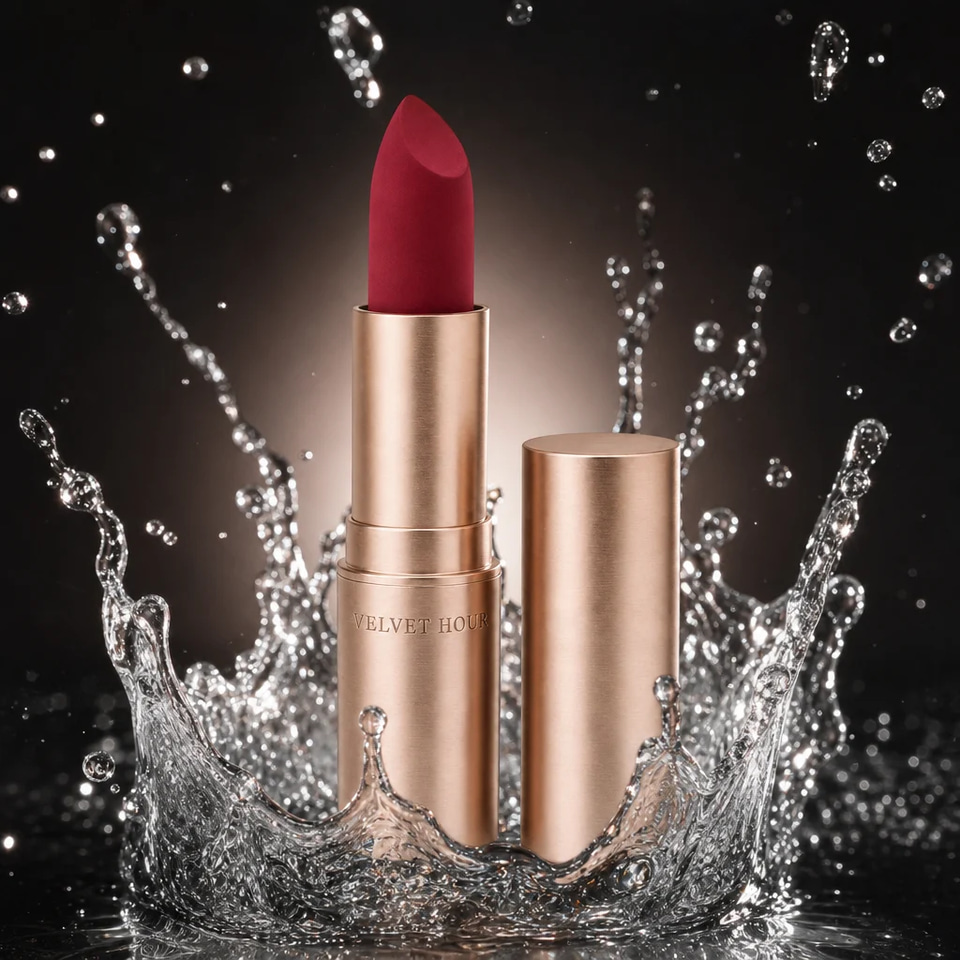
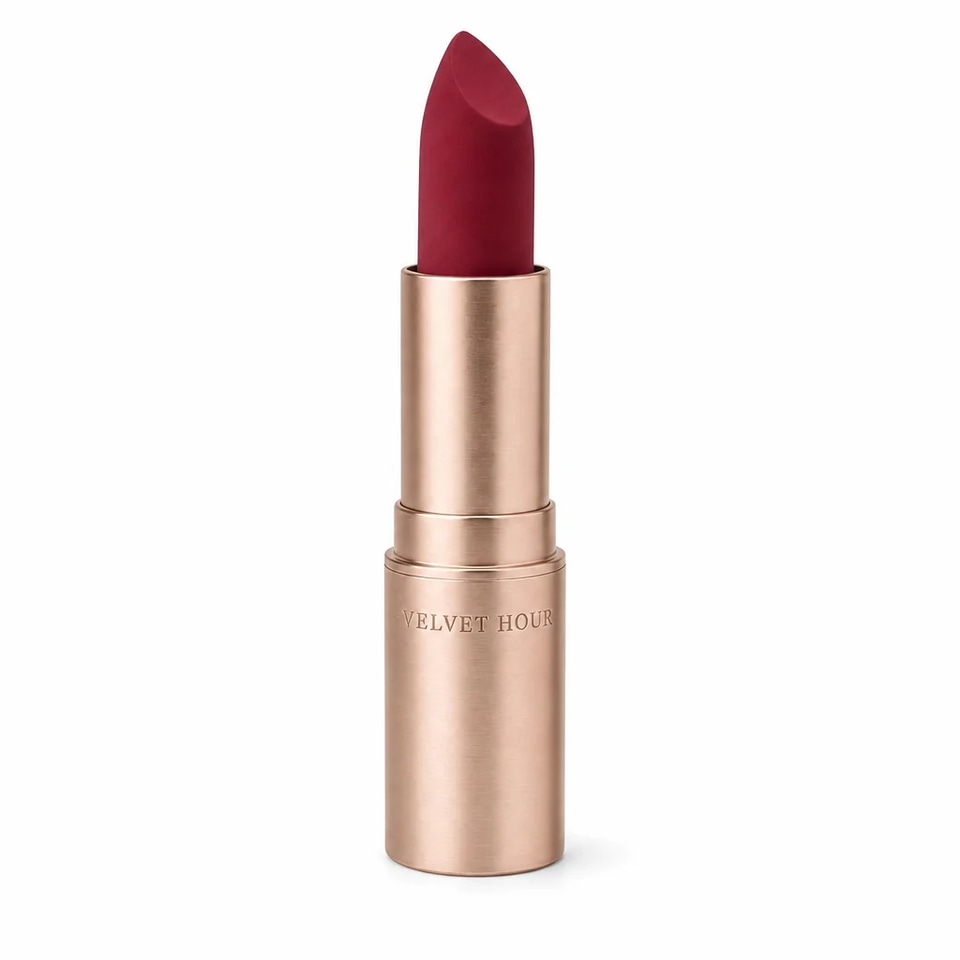
  • Water splash — made in Marketing Studio on Velvet Hour Matte Lipstick — Berry Noir

    Real resultWater splash — made in Marketing Studio on Velvet Hour Matte Lipstick — Berry Noir

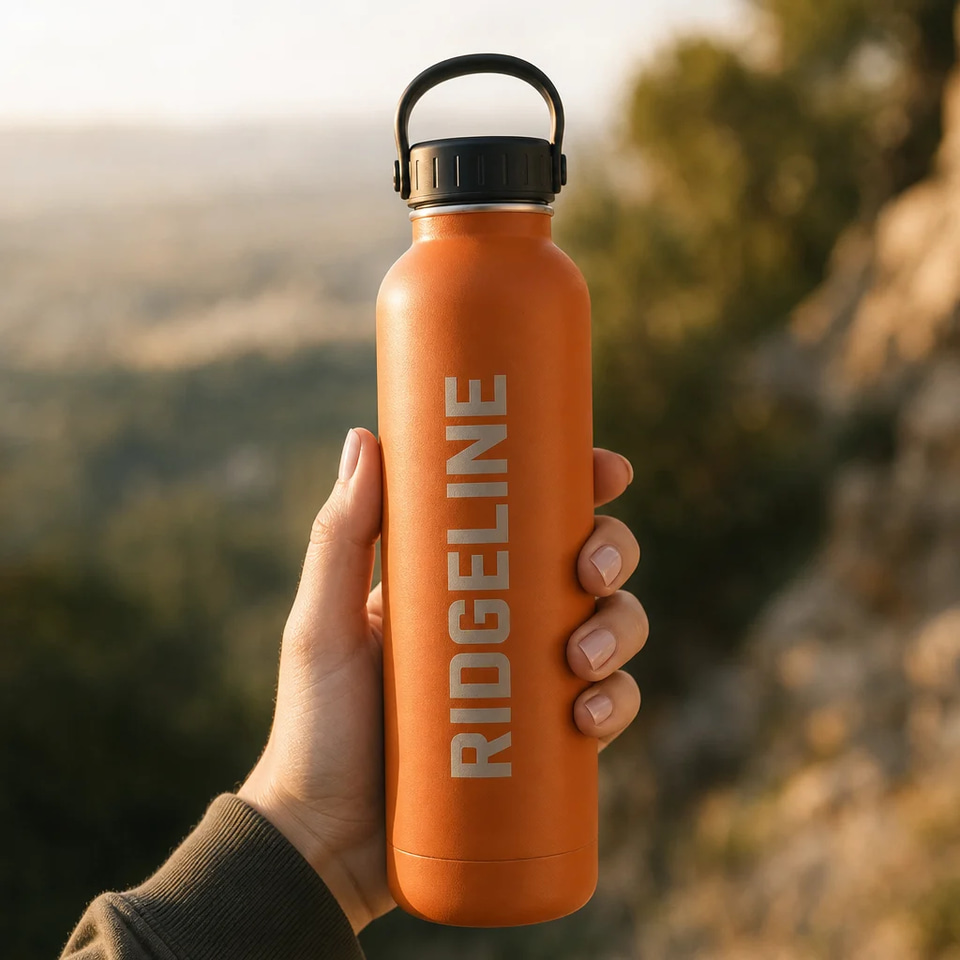
  • In hand — made in Marketing Studio on Ridgeline 750 Bottle

    Real resultIn hand — made in Marketing Studio on Ridgeline 750 Bottle

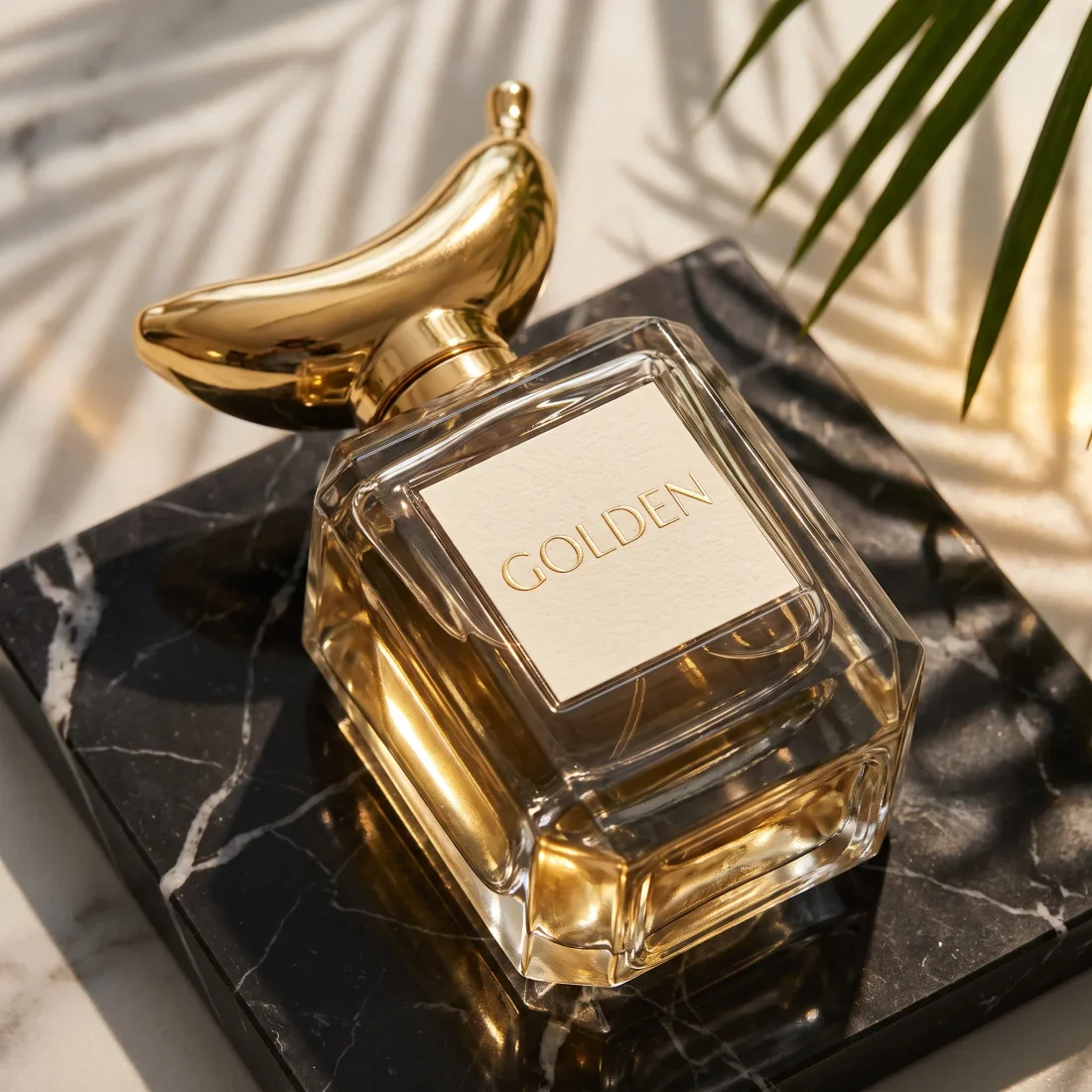
  • Gold perfume bottle with a sculptural gold cap in sunlit leaves

    Real resultGold perfume bottle with a sculptural gold cap in sunlit leaves

  • Clean white — made in Marketing Studio on Velvet Hour Matte Lipstick — Berry Noir

    Real resultClean white — made in Marketing Studio on Velvet Hour Matte Lipstick — Berry Noir

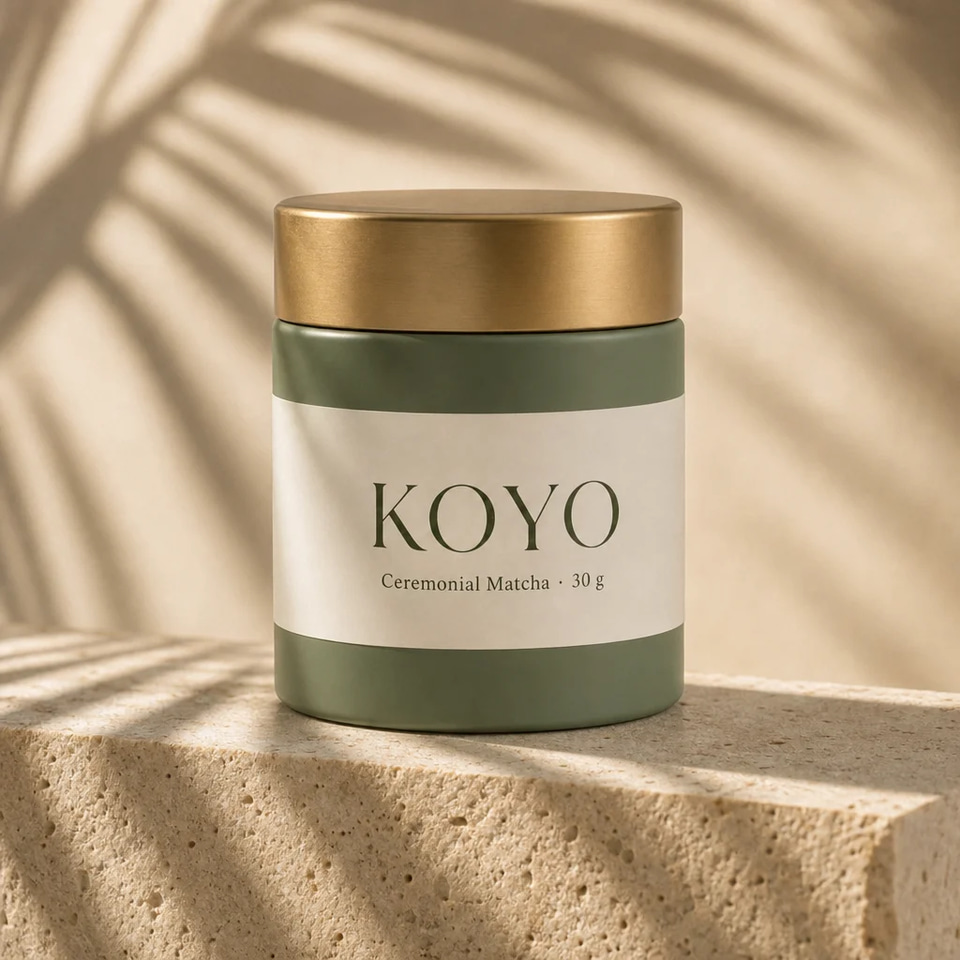
  • Stone plinth — made in Marketing Studio on Koyo Ceremonial Matcha

    Real resultStone plinth — made in Marketing Studio on Koyo Ceremonial Matcha

Step by step

4 steps, each on the real screen.

Every screen below is Product Shoot itself, captured from the product.

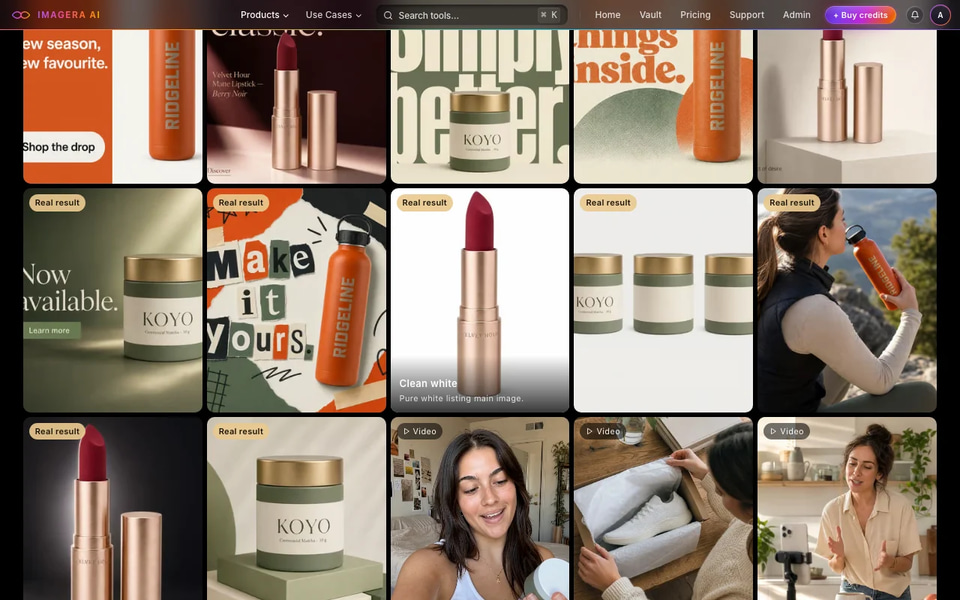
    • Marketplace templates follow plain-background listing rules.
    • Motion templates make a short product clip with no presenter.
    Marketing Studio template gallery with real results (screenshot)
    Screen
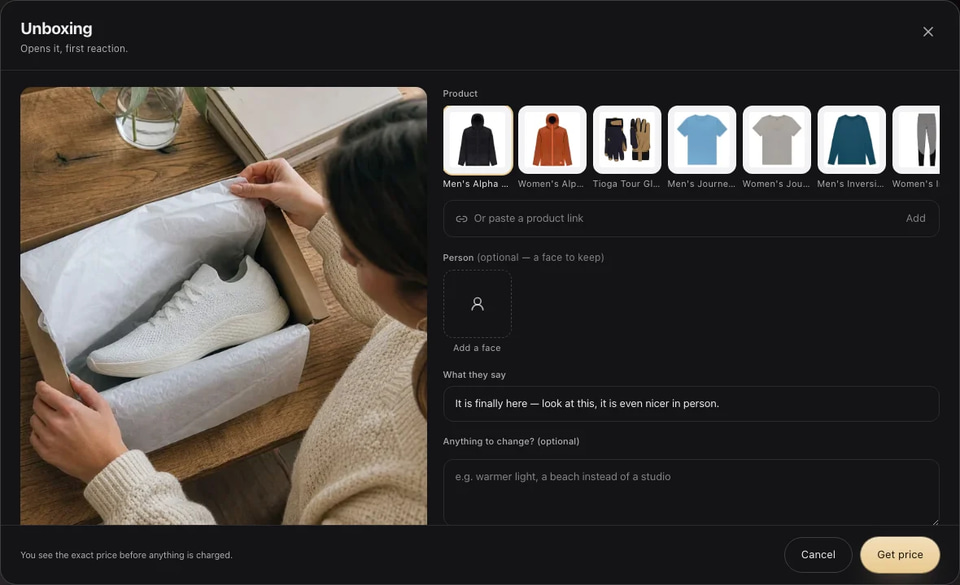
    • Photos from more than one side help the shape and label stay true.
    Marketing Studio composer: pick a saved product, paste a link or add a face (screenshot)
    Screen
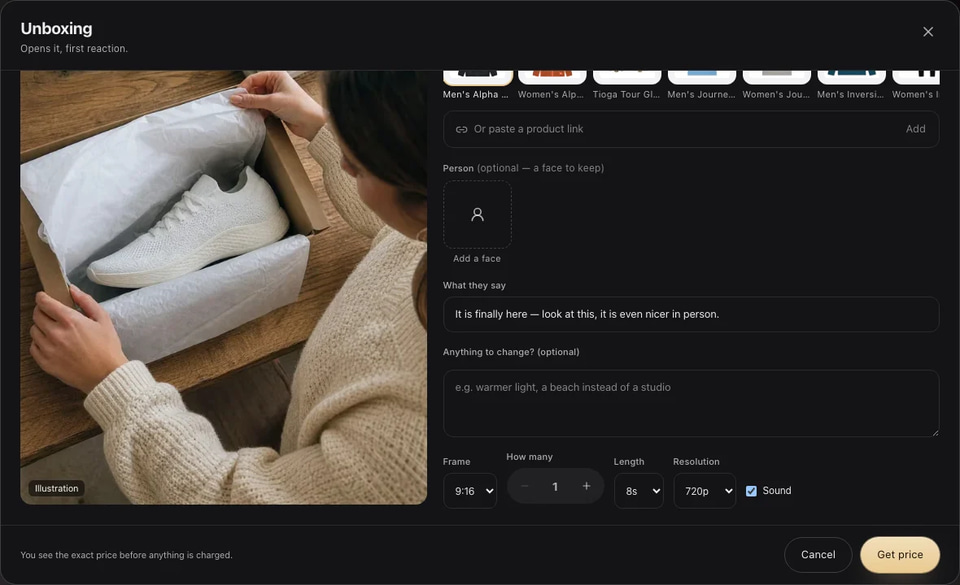
    • Make a few at once and keep the best.
    Marketing Studio composer settings: frame, how many, length, resolution and sound (screenshot)
    Screen
    • Real-camera detail makes a product photo read as a photo.
Marketing Studio template gallery with real results (screenshot)
01 Pick a template

Use cases

How people use it, start to finish.

Each one is a play you can copy: who it is for, the moves, and what you end up with.

Clean white — made in Marketing Studio on Velvet Hour Matte Lipstick — Berry Noir
Real result

Marketplace sellers

Listing images that follow the rules

Clean main images and in-use shots for every product page.

  1. Upload the product with its label facing the camera.
  2. Make the Clean white main image in square.
  3. Add Three angles and In use for the gallery.
  4. Finish the keepers with detail and upscale, then upload to the listing.

A complete listing gallery without a studio day.
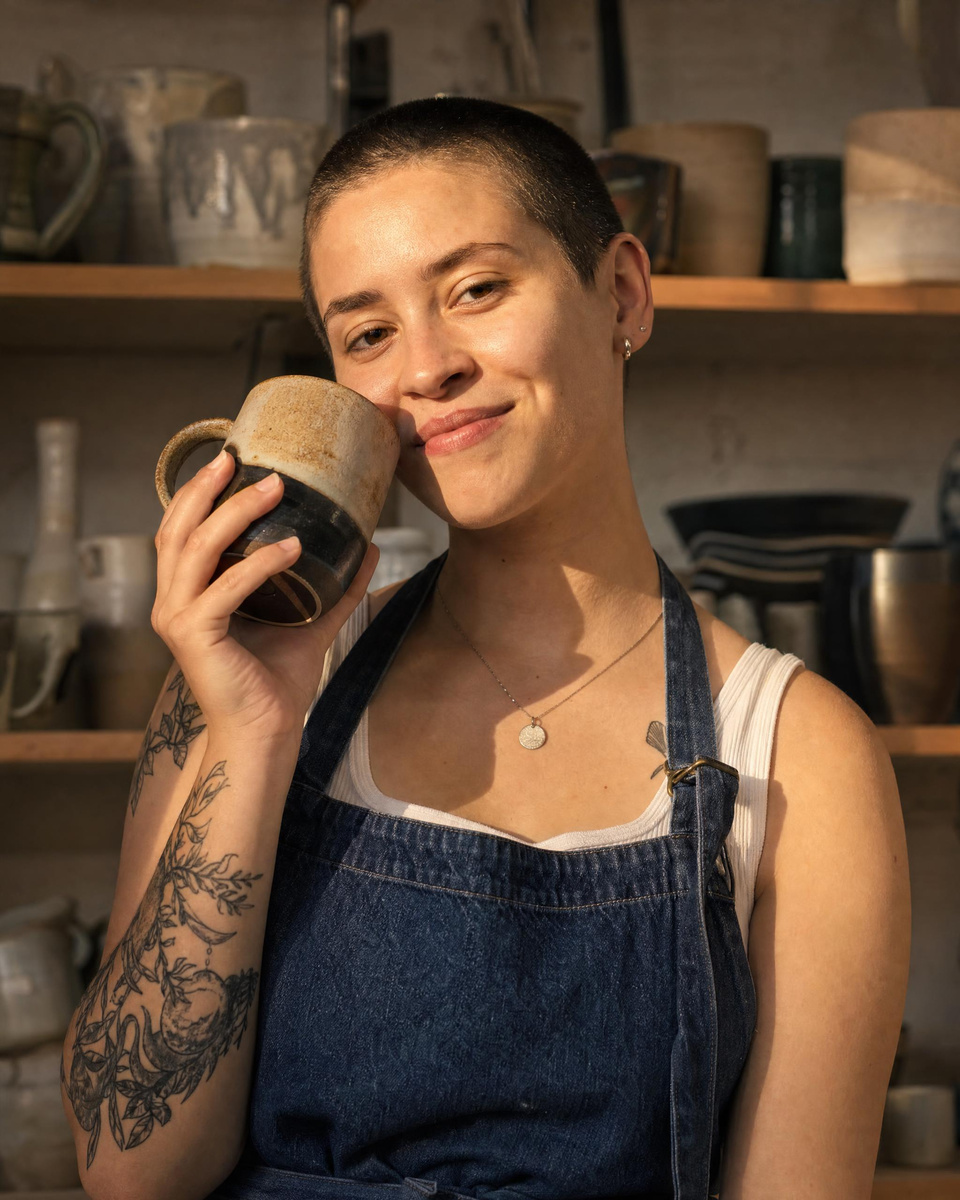
Stone plinth — made in Marketing Studio on Koyo Ceremonial Matcha
Real result

DTC brands

A season’s campaign stills

Find the season’s look before you book a photographer.

  1. Try Stone plinth, Color pop and Lifestyle table with the same product.
  2. Keep the direction that fits the season.
  3. Make portrait for feed and vertical for stories in that look.

A consistent set of campaign images.

Output: The same perfume bottle as a studio shot on travertine plinths, made from the snapshot
Input: The same perfume bottle as a studio shot on travertine plinths, made from the snapshot
Real result

Freelance product photographers

Sell AI product shoots

Offer lifestyle and studio images from the client’s own product photos.

  1. Ask for three clean phone photos of each product.
  2. Deliver a set per product: main image, two lifestyle shots and one poster.
  3. Offer a seasonal refresh of the same set.

A product-photo service with no studio rental.

Before you start

What to bring, and what to do if something looks off.

What to prepare

Product photos
Even light, label readable, whole product in frameReflections hiding the label
Use
Know where it will run: listing, feed or storyOne frame for every placement

If something looks off

Label text is wrong
Use a photo where the label is sharp and facing the camera.
Looks too perfect
Pick a lifestyle template and finish with real-camera detail.

Where it sells

Where this work earns. Sourced, never promised.

Figures are the publishers’ own, for the whole market — not a typical result for one person.

  • Upwork

    Businesses hire for AI product images and editing.

    +95%AI visual demandUpwork · 2025, 4 Feb 2026
  • Online stores

    Better listing images on your own Etsy, Amazon or Shopify pages.

Price

15 credits per image

You see the exact price before anything runs; a run that fails costs nothing.

Frames
4:5 · 1:1 · 9:16 · 16:9
You bring
One to three product photos
You get
Studio, lifestyle and listing images
What a monthly plan makes at 15 credits per image
  • Starter240 credits16
  • Pro850 credits56
  • Business4,400 credits293

A plan’s credits refresh monthly. Failed runs are refunded.

Questions

Asked before the first run.

Will it change my product?
The product is kept from your photos; add more angles if any detail drifts.
Can I make listing images?
Yes. Marketplace templates make plain-background main images and in-use shots.
A lifestyle product shoot on a beach at sunsetIllustration

STUDIO SHOTS, NO STUDIO

Start a product shoot. 15 credits per image

You bring one to three product photos. You get studio, lifestyle and listing images.