
Imagera AI - AI content creation platform for generating images, cloning voices, and enhancing videos. Privacy Policy | Terms

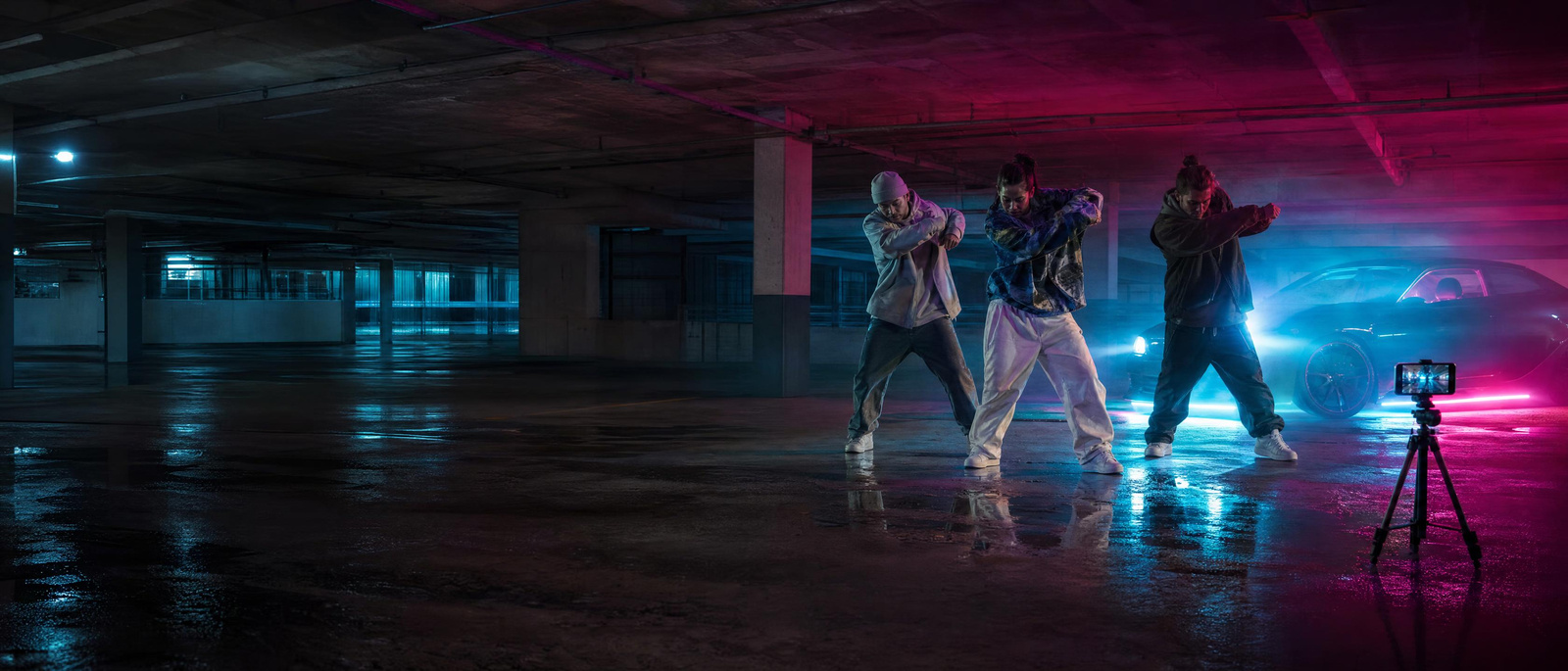
Friends filming a dance trend in a parking garage at nightIllustration
All workflows

Imagera workflow · Recreate a Trend

Make your version of the video that is working.

320 credits per video · 5 s at 1080p, matched to a 5 s clip

Upload the TikTok, Reel or ad you want to match, add your own people and products, and keep its pacing, framing and camera moves. Edit your own clip the same way.

Watch how it works

Real results · tap to view

You bring
The clip to match, plus your photos
You get
Your version of the clip
Best for
Trends, reels and ad formats

Watch first

How Recreate a Trend works, in 55 seconds.

The whole job on the real product, step by step, with captions. Press play, or open it full screen.

What you will learn

Real results

What it makes. Drag the line to see before and after.

5 examples, 2 with the input they started from. Each says whether it is a real result or an illustration.

  • Output: The café selfie vlog recreated shot for shot with a new creator on his balcony
    Input: The café selfie vlog recreated shot for shot with a new creator on his balcony

    Input → output clip · drag the lineThe café selfie vlog recreated shot for shot with a new creator on his balcony

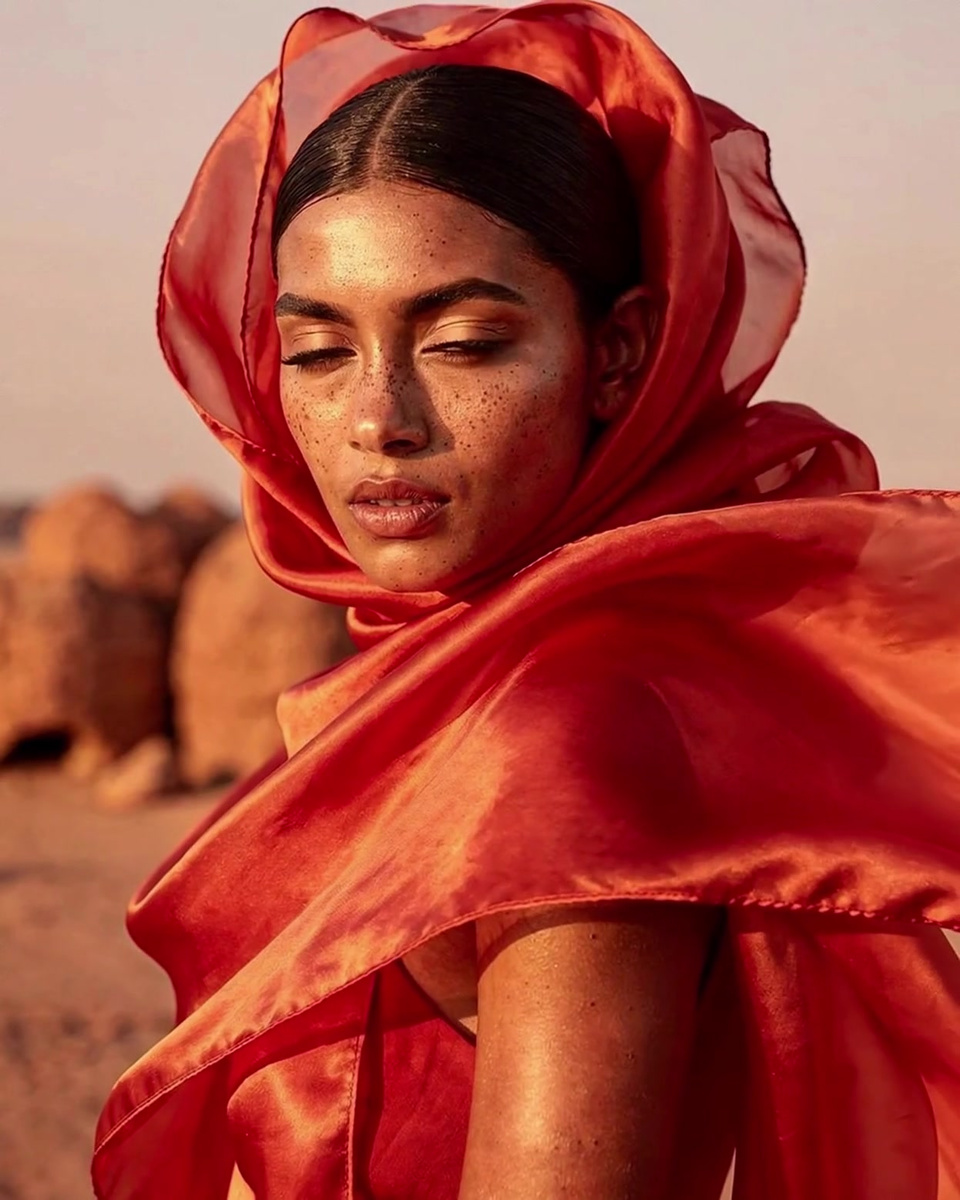
  • Output: The desert fashion reel recreated with a new person on a beach at golden hour
    Input: The desert fashion reel recreated with a new person on a beach at golden hour

    Input → output clip · drag the lineThe desert fashion reel recreated with a new person on a beach at golden hour

  • Real result · clipA selfie vlog recreated with a new creator on a sunny rooftop, the original café clip playing in the corner

  • Real result · clipA fashion reel recreated with a new model in cobalt silk on a salt flat, the original desert reel playing in the corner

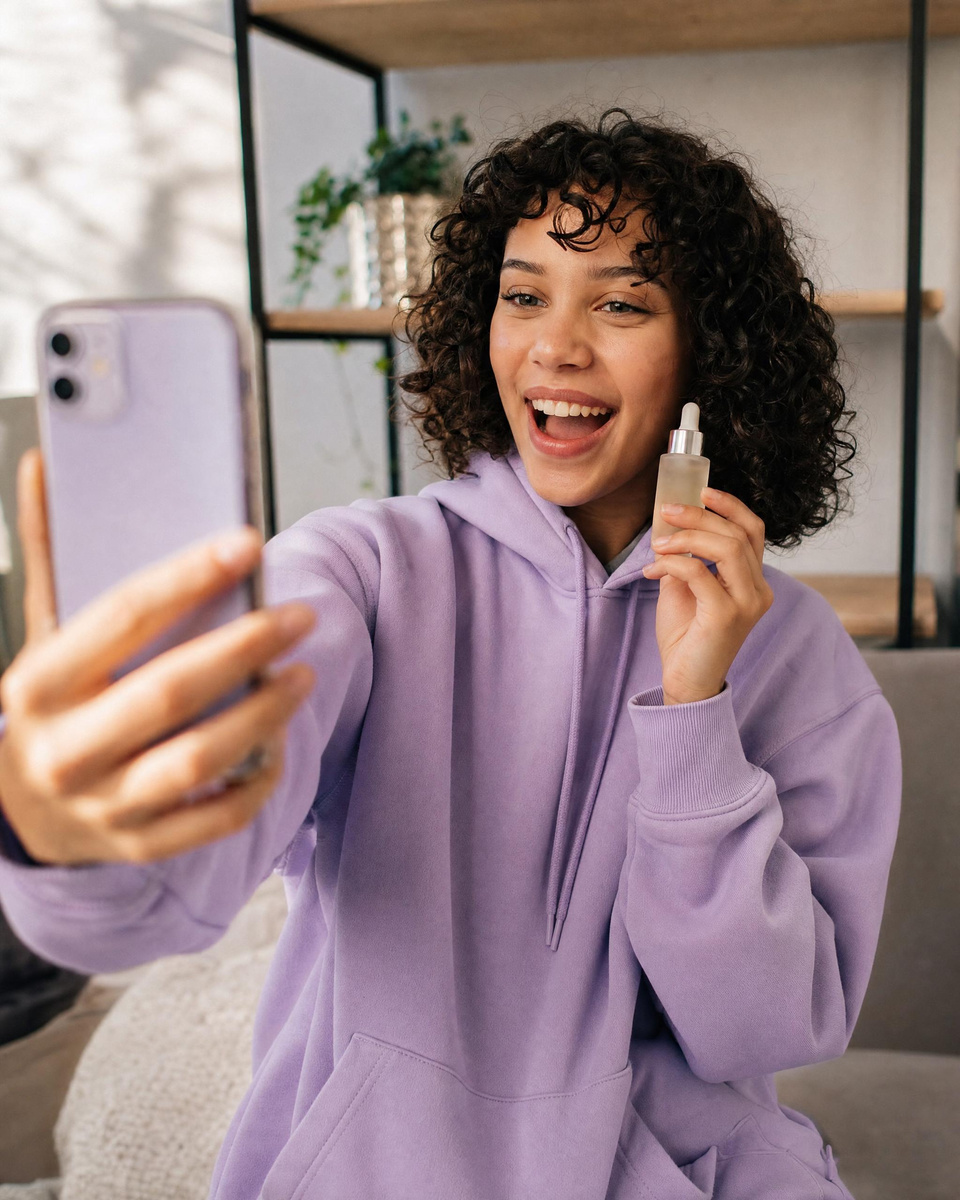
  • Real result · clipA skincare creator clip edited so she holds an amber serum bottle, the original clip playing in the corner

Step by step

4 steps, each on the real screen.

Every screen below is Recreate a Trend itself, captured from the product.

    • Its framing, camera moves and pacing carry into the result.
    • Use your own clip to edit it instead: change one thing and keep the rest.
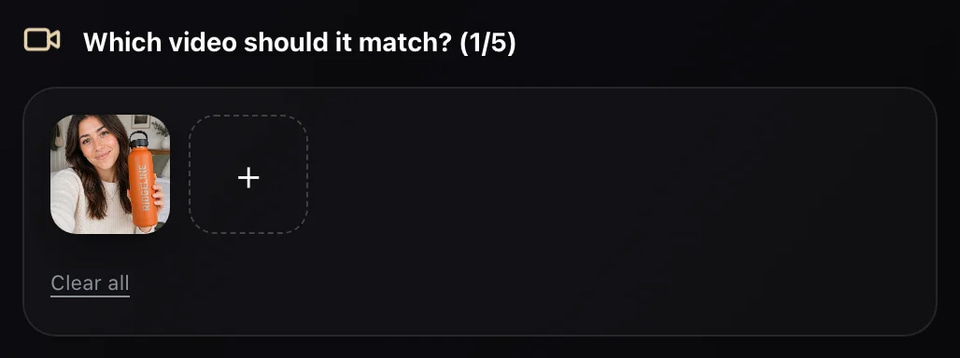
    Recreate a Trend: the clip to match, added (screen)
    Screen
    • Name them in the direction as Image1, Image2 and so on.
    Recreate a Trend: the person from the example, ready to replace (screen)
    Screen
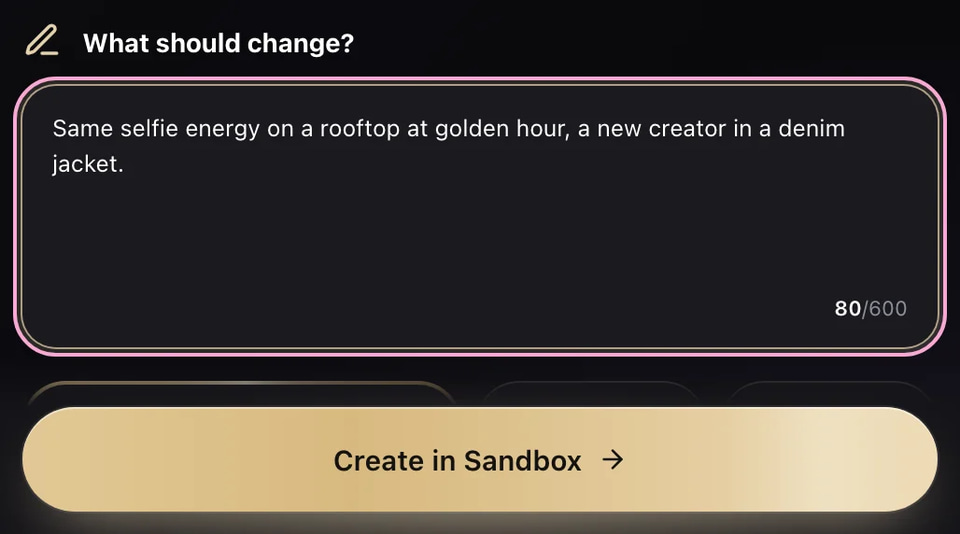
    • Change one thing per version.
    • The reference clip and the new video share one length budget; shorten either when asked.
    Recreate a Trend: what stays and what changes, written (screen)
    Screen
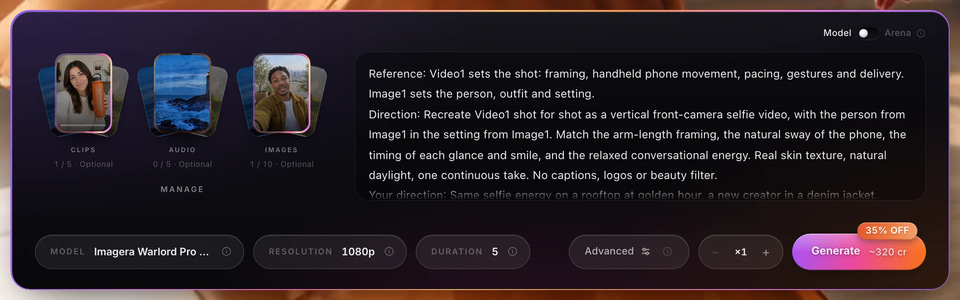
    • A failed run is refunded.
    Recreate a Trend: the draft in Sandbox with its price on Generate (screen)
    Screen
Recreate a Trend: the clip to match, added (screen)
01 Add the clip to match

Use cases

How people use it, start to finish.

Each one is a play you can copy: who it is for, the moves, and what you end up with.

Output: The café selfie vlog recreated shot for shot with a new creator on his balcony
Input: The café selfie vlog recreated shot for shot with a new creator on his balcony
Real result

Creators

Ride this week’s trend

Your take on the format everyone is posting, with your own character in it.

  1. Save the trending clip (one subject, few cuts) and add it as the reference.
  2. Add a photo of yourself or your Character ID.
  3. Keep the timing and camera; change the setting to yours.
  4. Post it while the trend is still climbing.

A trend video in your own style, the same day.

Output: The desert fashion reel recreated with a new person on a beach at golden hour
Input: The desert fashion reel recreated with a new person on a beach at golden hour
Real result

Brands

Your product in a format that already works

Put your product in the hand of a clip structure that already holds attention.

  1. Pick a product clip whose pacing you like.
  2. Add your product photo and, if you want, a creator photo.
  3. Say: keep the movement, replace the product with Image1.
  4. Run the result as an ad; make versions of the winner in Ad Remakes.

A proven format, with your product.

Imagera sample

Editors

Change one thing in footage you own

A new product or outfit in your own footage, with the motion and timing kept.

  1. Use your own clip as the reference.
  2. Add the new product or outfit photo.
  3. Describe only the change; everything you do not mention stays.

A fixed shot without a reshoot.

Before you start

What to bring, and what to do if something looks off.

What to prepare

Reference clip
One subject, few cuts, steady framingFast montages and text-heavy edits
Your photos
Clear, front-facing, plain lightFaces turned away, busy backgrounds

If something looks off

The result ignores the reference
Pick a clip with fewer cuts and say in the direction what to keep.
The length is refused
Trim the reference clip or shorten the new video.

Where it sells

Where this work earns. Sourced, never promised.

Figures are the publishers’ own, for the whole market — not a typical result for one person.

Price

320 credits per video (5 s at 1080p, matched to a 5 s clip)

You see the exact price before anything runs; a run that fails costs nothing.

Frames
9:16 · 16:9 · 4:3 · 1:1 · 3:4
You bring
The clip to match, plus your photos
You get
Your version of the clip
What a monthly plan makes at 320 credits per video (5 s at 1080p, matched to a 5 s clip)
  • Starter240 credits0
  • Pro850 credits2
  • Business4,400 credits13

A plan’s credits refresh monthly. Failed runs are refunded.

Questions

Asked before the first run.

Can I edit my own video?
Yes. Use your clip as the reference and describe only the change.
What changes and what stays?
Whatever you name changes; the timing, framing and camera moves follow the reference.
A skater filming a trick at golden hourIllustration

SEEN A VIDEO THAT WORKS?

Recreate a video. 320 credits per video

You bring the clip to match, plus your photos. You get your version of the clip.

See every workflow