Imagera AI - AI content creation platform for generating images, cloning voices, and enhancing videos. Privacy Policy | Terms

A young producer making music late at nightIllustration
All workflows

Imagera workflow · Playlist Channel

A whole playlist in one voice, ready for your channel.

30 credits per song

Pick a niche and a singer, get songs that sound like one record, put them in order and download the set, then turn any track into a music video — for a study, sleep or mood channel.

Real results · tap to view

You bring
A niche and an idea
You get
Songs in one voice, and a music video for any of them
Best for
Study, sleep and mood channels

Watch first

How Playlist Channel works, in 55 seconds.

The whole job on the real product, step by step, with captions. Press play, or open it full screen.

What you will learn

Real results

What it makes. Drag the line to see before and after.

5 examples, 2 with the input they started from. Each says whether it is a real result or an illustration.

  • Output: A looping lo-fi scene for a study playlist, made from a photo
    Input: A looping lo-fi scene for a study playlist, made from a photo

    Photo → clip · drag the lineA looping lo-fi scene for a study playlist, made from a photo

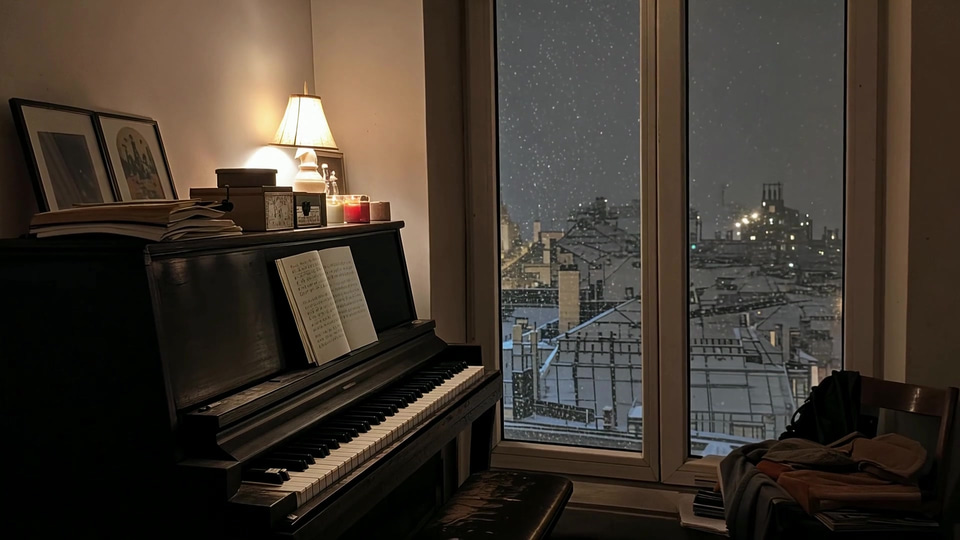
  • Output: A calm solo-piano scene for a sleep playlist, made from a photo
    Input: A calm solo-piano scene for a sleep playlist, made from a photo

    Photo → clip · drag the lineA calm solo-piano scene for a sleep playlist, made from a photo

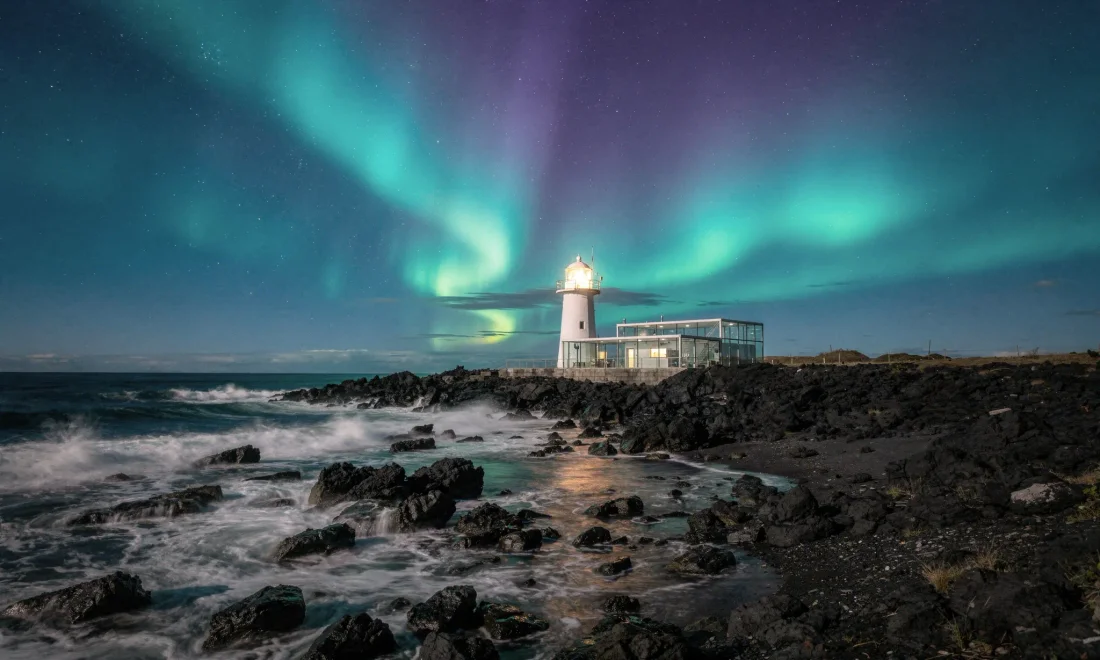
  • White coastal lighthouse under green northern lights

    Real resultWhite coastal lighthouse under green northern lights

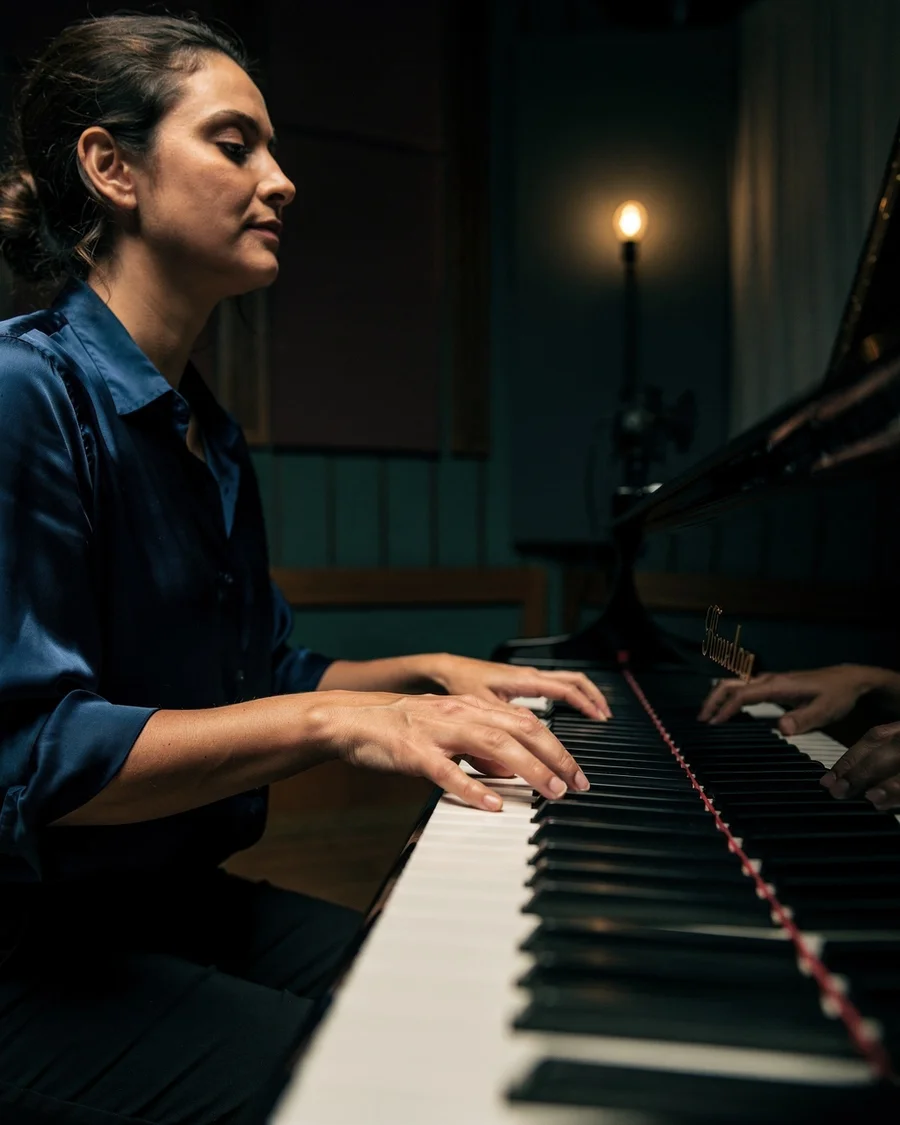
  • Composer playing a grand piano in an atmospheric teal and amber studio

    IllustrationComposer playing a grand piano in an atmospheric teal and amber studio

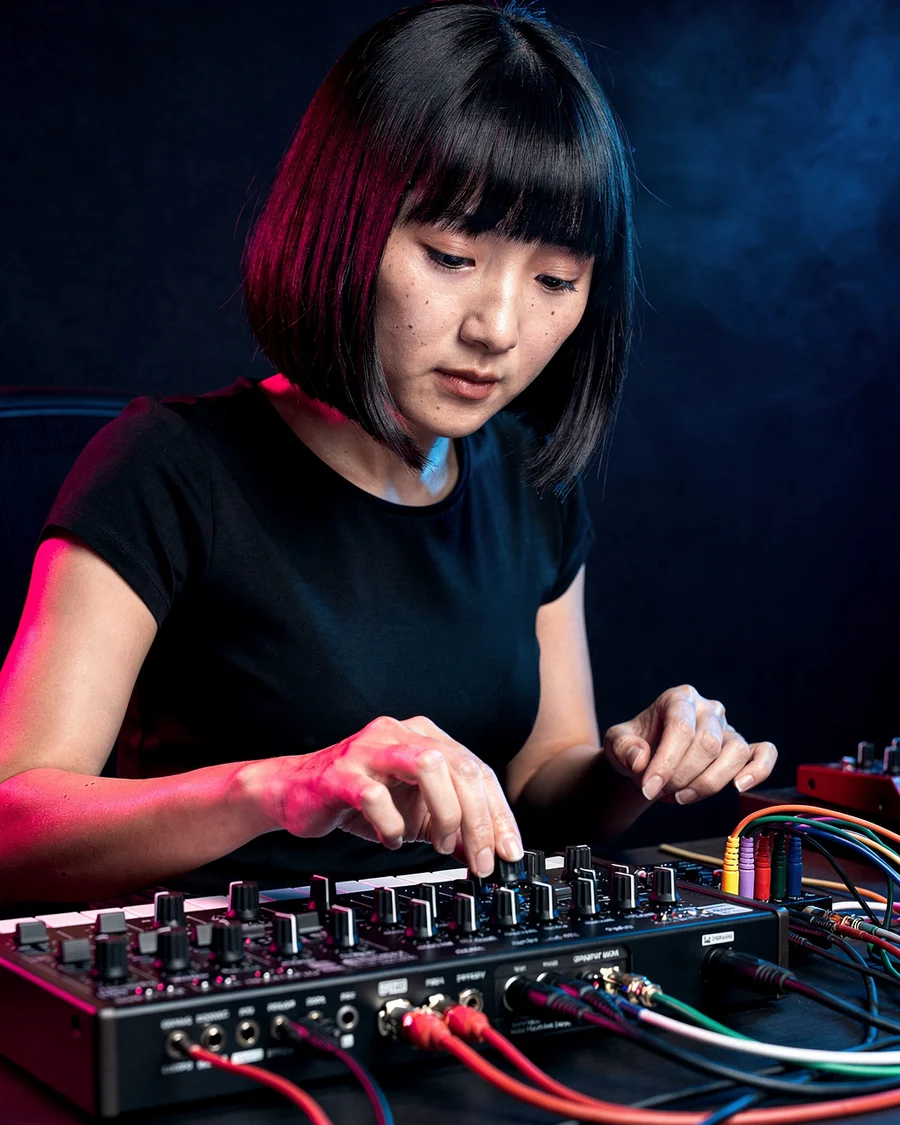
  • Music producer adjusting an analog synthesizer under blue and magenta lights

    IllustrationMusic producer adjusting an analog synthesizer under blue and magenta lights

Step by step

4 steps, each on the real screen.

Every screen below is Playlist Channel itself, captured from the product.

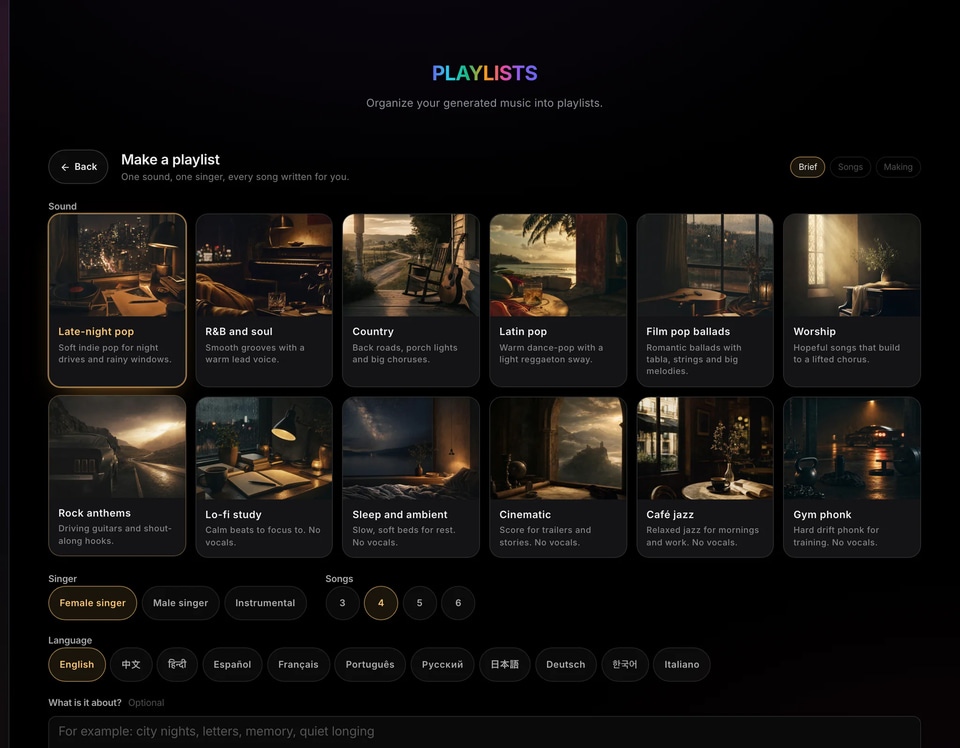
    • Every vocal track is sung from the same singer description, so the set sounds like one record.
    • Instrumental niches have no singer.
    Playlist Channel: the playlist maker: sound, singer, songs and language (screen)
    Screen
    • The whole playlist is priced before the first song is sent.
    • A song that fails can be sent again on its own.
    • The player turns any louder song down to −14 LUFS, the level YouTube and Spotify play at; downloads are not changed.
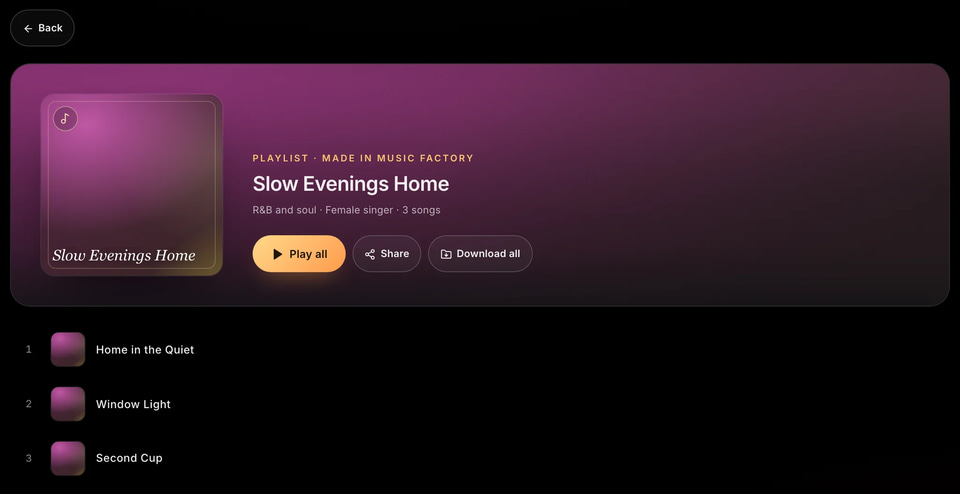
    Playlist Channel: a playlist: play all, share, download all and the running order (screen)
    Screen
    • Give each upload its own theme and visuals: YouTube does not monetise mass-produced, repetitive uploads.
Playlist Channel: the playlist maker: sound, singer, songs and language (screen)
01 Pick a niche and a singer

Use cases

How people use it, start to finish.

Each one is a play you can copy: who it is for, the moves, and what you end up with.

White coastal lighthouse under green northern lights
Imagera sample

Channel builders

A study or sleep channel

Long, even sets, each upload with its own theme.

  1. Pick a niche and one singer, or an instrumental niche.
  2. Make the songs for this upload’s theme and put them in order.
  3. Download the set and join it into one upload in your video editor, over visuals made for this theme.
  4. Turn the strongest track into a music video and post it as a Short that points to the full upload.

A channel of distinct uploads, each with its own theme.
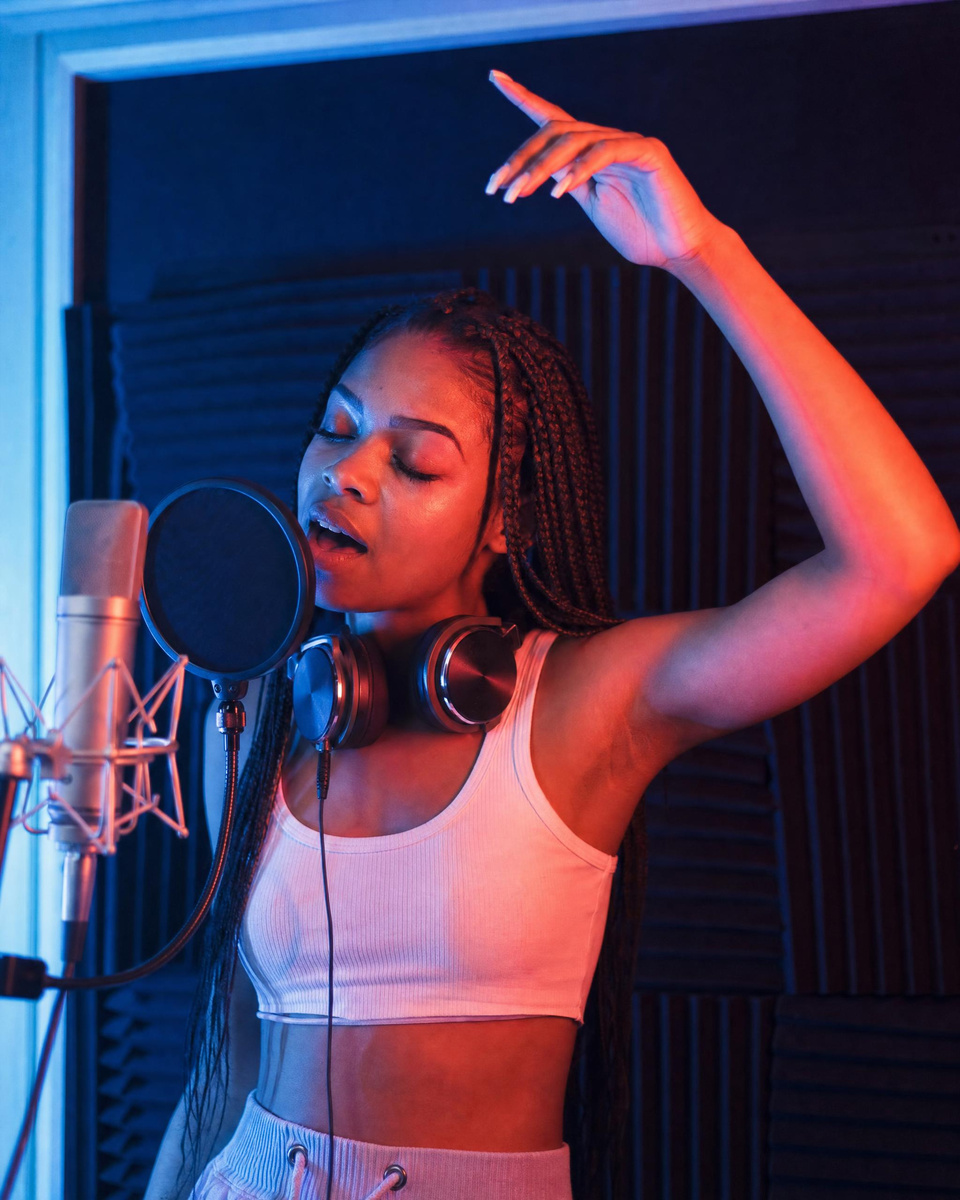
Music producer adjusting an analog synthesizer under blue and magenta lights
Original concept

Artists

A record with a video for every single

The songs in one voice, and a video for each one you push.

  1. Make the record’s songs in one voice and arrange the running order.
  2. Download the set for your release.
  3. Make a music video for each single.

A release with videos for its singles.

Composer playing a grand piano in an atmospheric teal and amber studio
Original concept

Cafés, shops and gyms

Music in your own sound

A set that fits the space and is yours.

  1. Pick the niche that suits the room and the time of day.
  2. Make a few batches in one voice, or instrumental.
  3. Download the songs and play them in the space.

Background music made for the space.

Before you start

What to bring, and what to do if something looks off.

What to prepare

Niche
A clear mood and use: studying, sleep, a driveCopying a named artist
Theme per upload
A new story or season each timeThe same visuals on every upload

If something looks off

A song drifts from the others
Keep one singer for the playlist, remove the song and make another; the rest stays.
One song fails
Send that song again on its own; it is priced like the first.

Where it sells

Where this work earns. Sourced, never promised.

Figures are the publishers’ own, for the whole market — not a typical result for one person.

Price

30 credits per song

You see the exact price before anything runs; a run that fails costs nothing.

Frames
16:9 · 9:16
You bring
A niche and an idea
You get
Songs in one voice, and a music video for any of them
What a monthly plan makes at 30 credits per song
  • Starter240 credits8
  • Pro850 credits28
  • Business4,400 credits146

A plan’s credits refresh monthly. Failed runs are refunded.

Questions

Asked before the first run.

Will YouTube monetise it?
YouTube does not monetise mass-produced or repetitive uploads, so give every upload its own theme, visuals and track list. AI music that is a video’s main focus is something YouTube asks you to disclose, under AI use when you upload.
Does it make one long video of the whole playlist?
No. It makes the songs and a music video of any track; join the downloaded set into one long upload in your video editor.
How many songs per playlist?
Each batch makes a few songs; make more batches for a longer set.
A young woman listening to music on a night trainIllustration

ONE VOICE, A WHOLE RECORD

Build a playlist. 30 credits per song

You bring a niche and an idea. You get songs in one voice, and a music video for any of them.