Backyard golden hour, from one photo
Make a backyard dance clip from a single photo, with a two-step, arm swings, claps and an arm wave. The dancer finishes with both arms raised in a V.
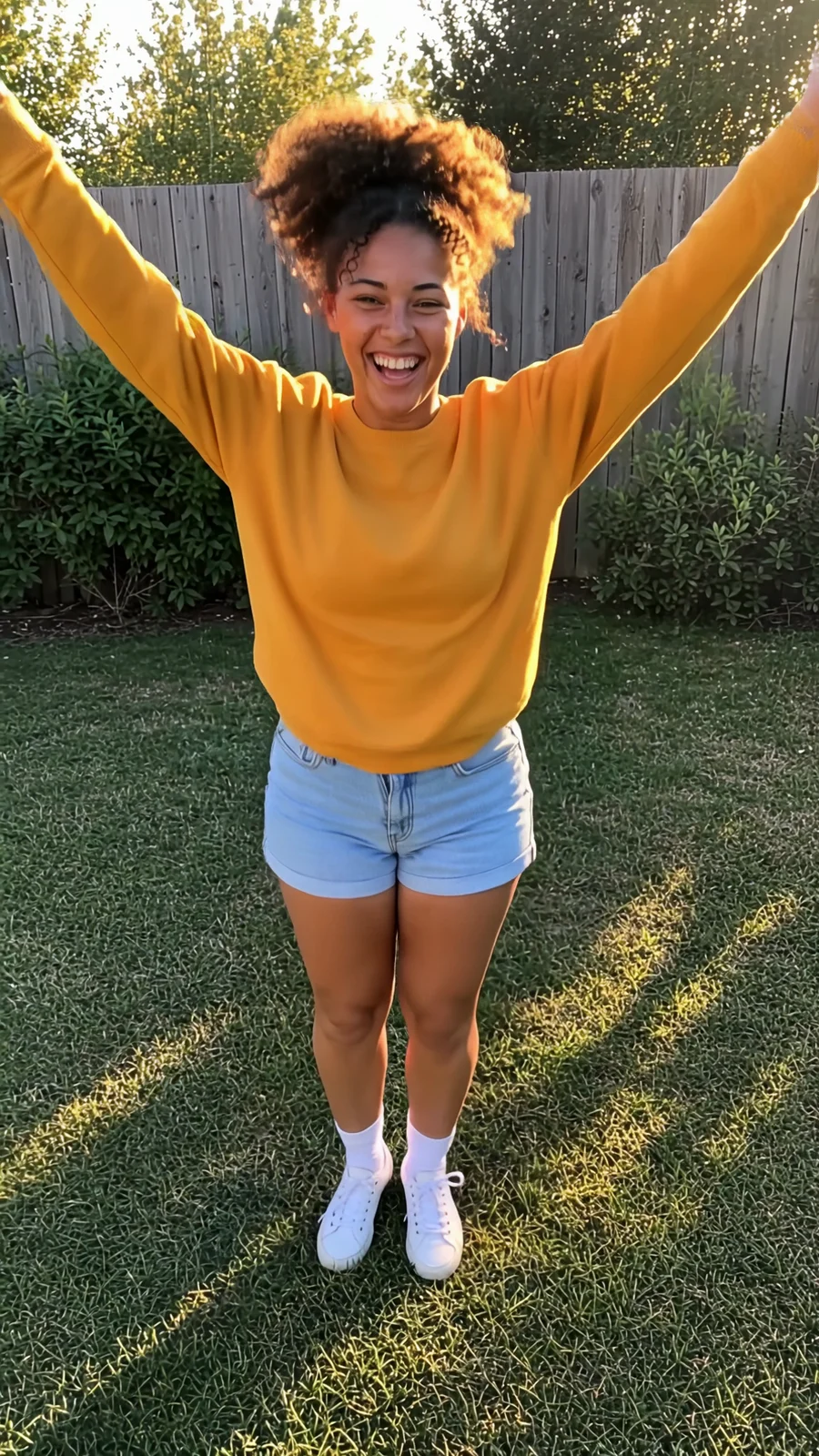
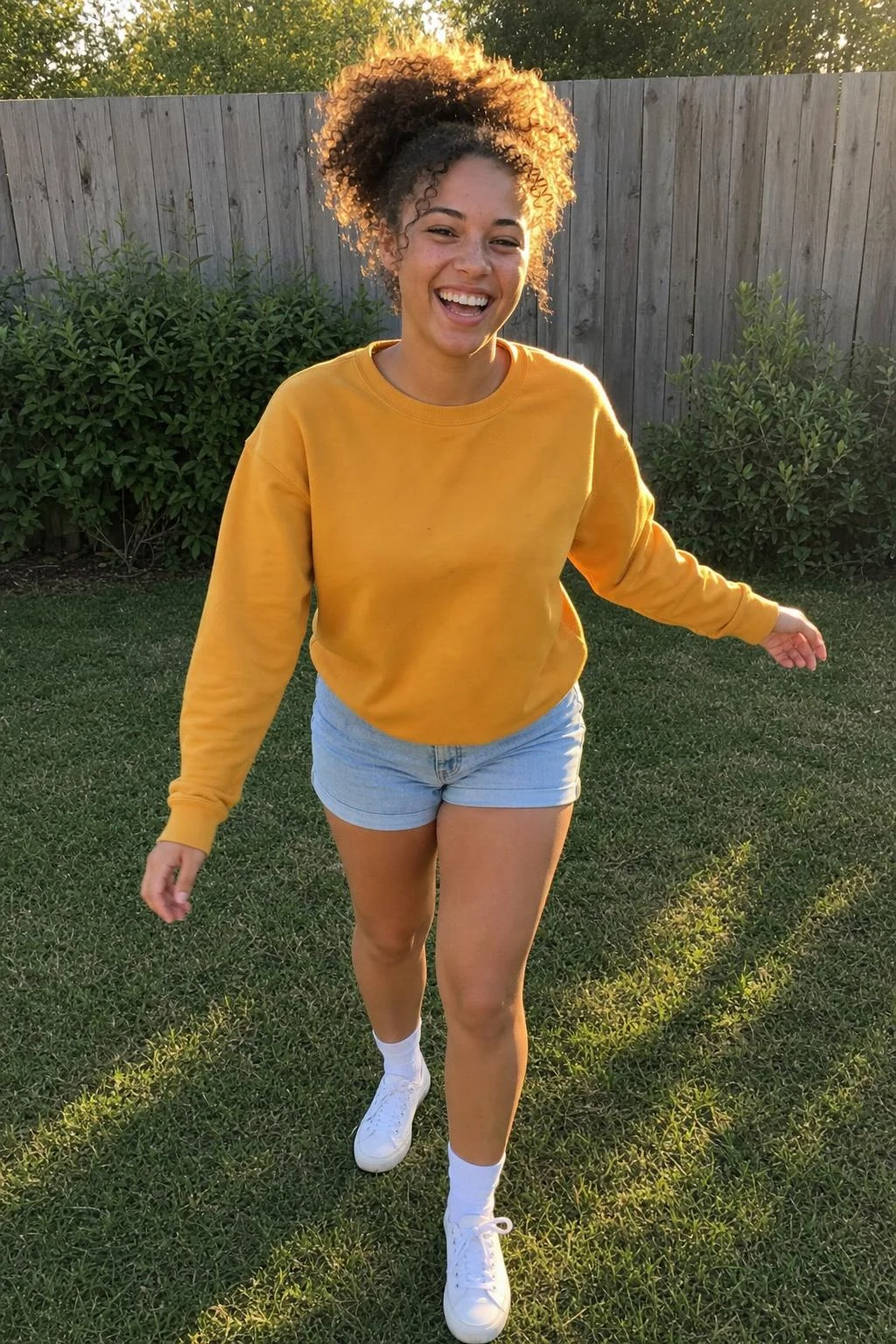
Three steps
Keep the example image or upload your own photo, framed like the example.
Swap the setting line for your own place; keep the four timed beats and the last-beat pose.
Open the Reference to Video draft in Sandbox, review the credit quote and generate.
More from Dance
Why this one works
Backyard golden hour is a dance template set on a short green lawn, with a weathered wooden fence and a few shrubs behind the dancer. Warm side light and long, soft shadows give the scene its late-day look. The example shows a young woman with an afro puff and a mustard sweatshirt.
The movement starts straight away with a bouncy two-step and loose shoulders. Arm swings and claps follow, then the dancer rocks their hips and rolls an arm wave across their body and back. On the last beat, both arms go up in a V, followed by a brief hold and a laugh.
Use a full-body photo with shoes in frame, framed like the example. The prompt asks to keep the person’s face, hair, skin, outfit and shoes as shown in the source photo, without adding anything. It also keeps the dancer facing the camera, with empty hands and nobody else in the scene.
To change the location, edit the setting line while keeping the timed movement and final pose. The golden light comes from that setting line, so include it if you want to keep the same lighting.
Questions
What kind of photo works best?
Use a full-body photo with shoes in frame. Match the example framing so the arm movements and final V pose have room.
Can I change the backyard setting?
Yes. Swap the setting line for your own place, but keep the four timed beats and the last-beat pose. Keep the golden-light wording if you want that lighting.
What are the clip settings?
The clip is 6 seconds long, with a 9:16 aspect ratio, 720p resolution and sound enabled.
Does the template change the dancer’s clothes?
The prompt asks to keep the outfit and shoes exactly as shown in the photo, along with the person’s face, hair and skin.
Related templates
Make yours
The example is loaded for you. Swap in your own photo in Sandbox.
Open in Sandbox