Dolly zoom: the vertigo shot, from one photo
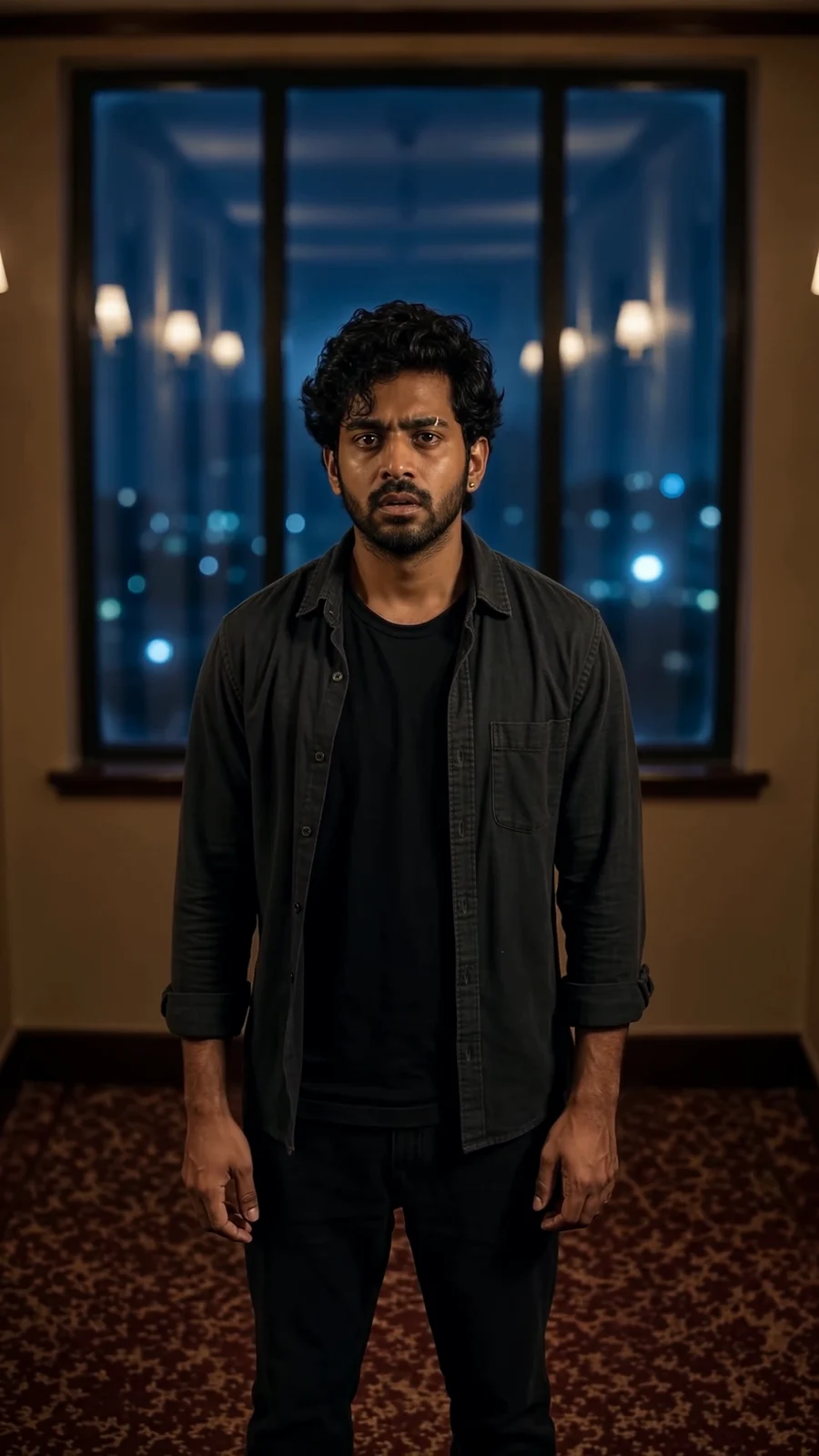
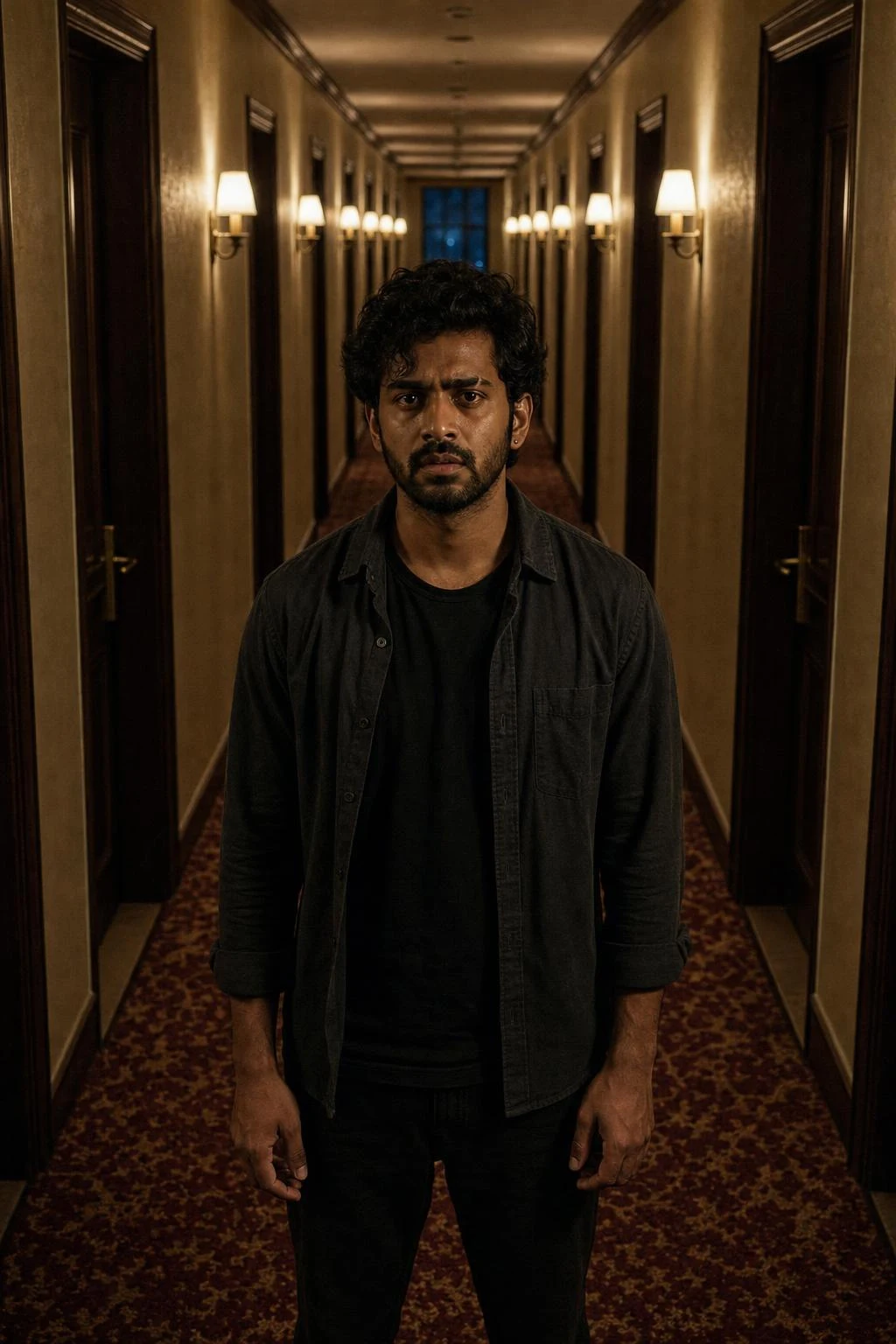
A true dolly zoom from one photo: the person stays exactly the same size and place in the frame while the long corridor behind them compresses and rushes forward. Upload a photo with a long space behind you; the deeper the background, the stronger the warp.
Three steps
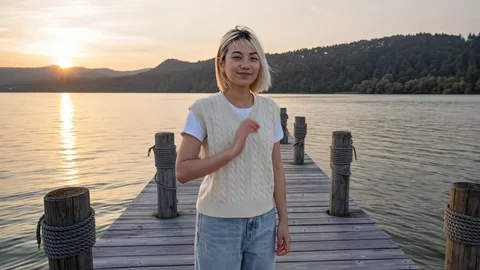
Keep the example image, or upload your own photo. Stand centred with a long space behind you.
Swap the setting line for any long space, such as a hallway, a pier or a road; keep the locked framing and the warp.
Review the quote in Sandbox and generate. The clip comes back at 6 seconds, 9:16, with sound.
More from Camera moves
Why this one works
A dolly zoom is a camera move, not an effect pasted on afterwards. The camera dollies back while the lens zooms in, so the person stays exactly the same size and in exactly the same place from the first frame to the last, while the space behind them warps. The template spells that out and rules out the easy substitutes: it is not a push-in, not a zoom on the person, not a scene change.
The setting is built for it: a very long, narrow, empty hotel corridor at night, wine-red carpet, rows of identical dark doors, warm sconces and one blue window at the far end. Repeating doors and a single far point give the warp something to grip. In the first second the person hears something and their eyes widen; then the corridor compresses, the far window swells and rushes forward, and the doors and sconces bunch together while the person stays still.
What to upload: a photo of one person standing centred with a long space behind them. The template keeps the face, hair, skin texture, accessories and outfit, and anything they are holding. What to avoid: a close portrait, a crowded background, or a photo taken against a flat wall; the deeper the background, the stronger the warp.
To change the place, edit the setting line: a pier, a tree-lined road, a tunnel. Keep the locked framing and the warp beats, because they are the shot.
Questions
Why does the person not get bigger?
That is the point of a dolly zoom: the camera moves back while the lens zooms in, so the subject keeps the same size and place while the background warps. The template forbids a plain push-in or zoom.
Does it work with my own photo?
Yes, if there is a long space behind you: a hallway, a pier, a road. A close portrait or a flat wall gives the warp nothing to work with.
Can I change the corridor?
Yes. In Sandbox, replace the setting line with any long space and keep the locked framing and the warp beats.
What size is the clip?
6 seconds, vertical 9:16, 720p, with sound. It fits Reels, Shorts and TikTok without cropping.
Related templates
Make yours
The example is loaded for you. Swap in your own photo in Sandbox.
Open in Sandbox