Portal step, from one photo
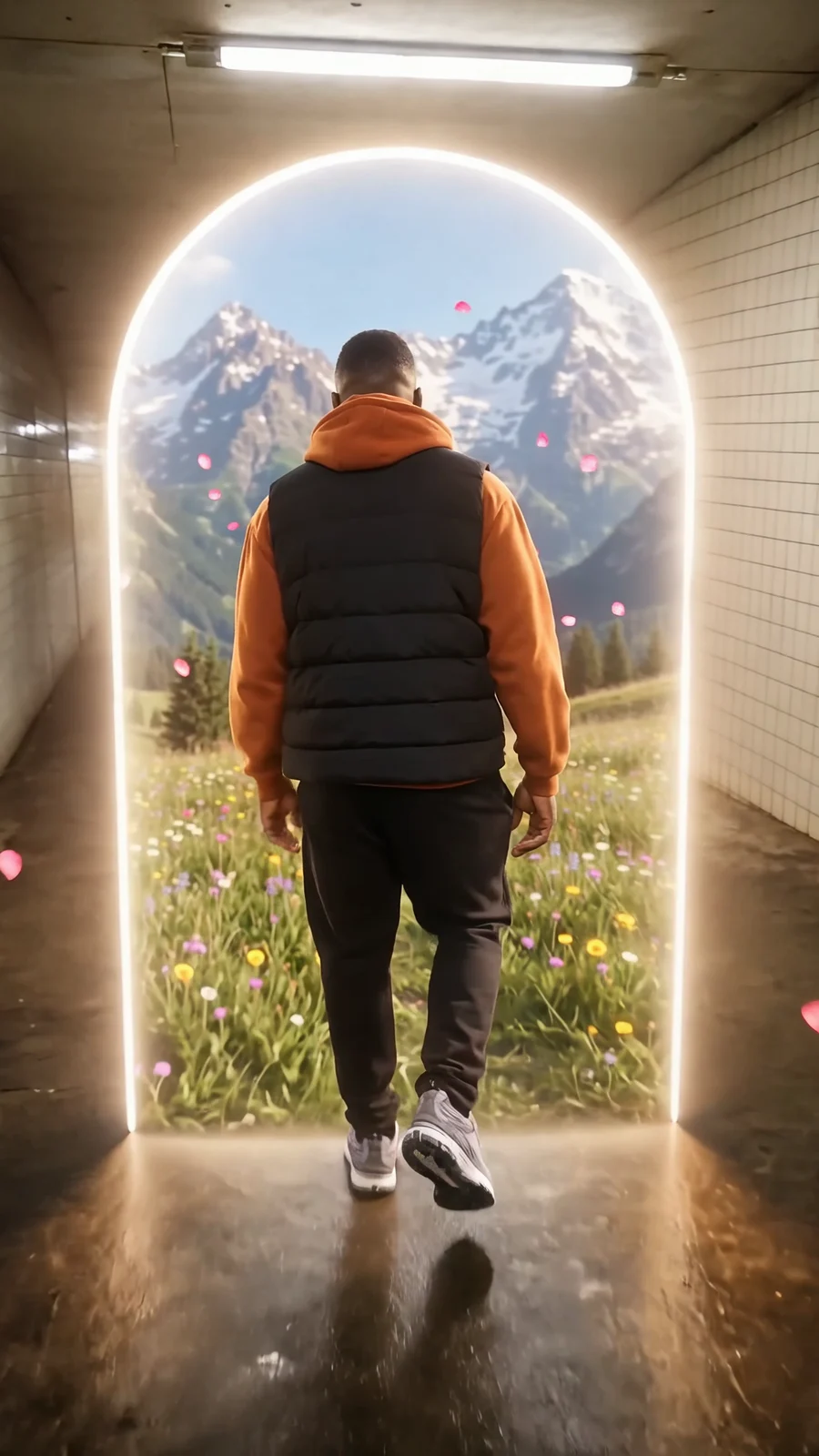
A ring of light opens ahead, the person walks through it and comes out somewhere else: a 6-second clip from one photo. Upload a photo with space in front of the person; the template does the rest in Sandbox.
Three steps
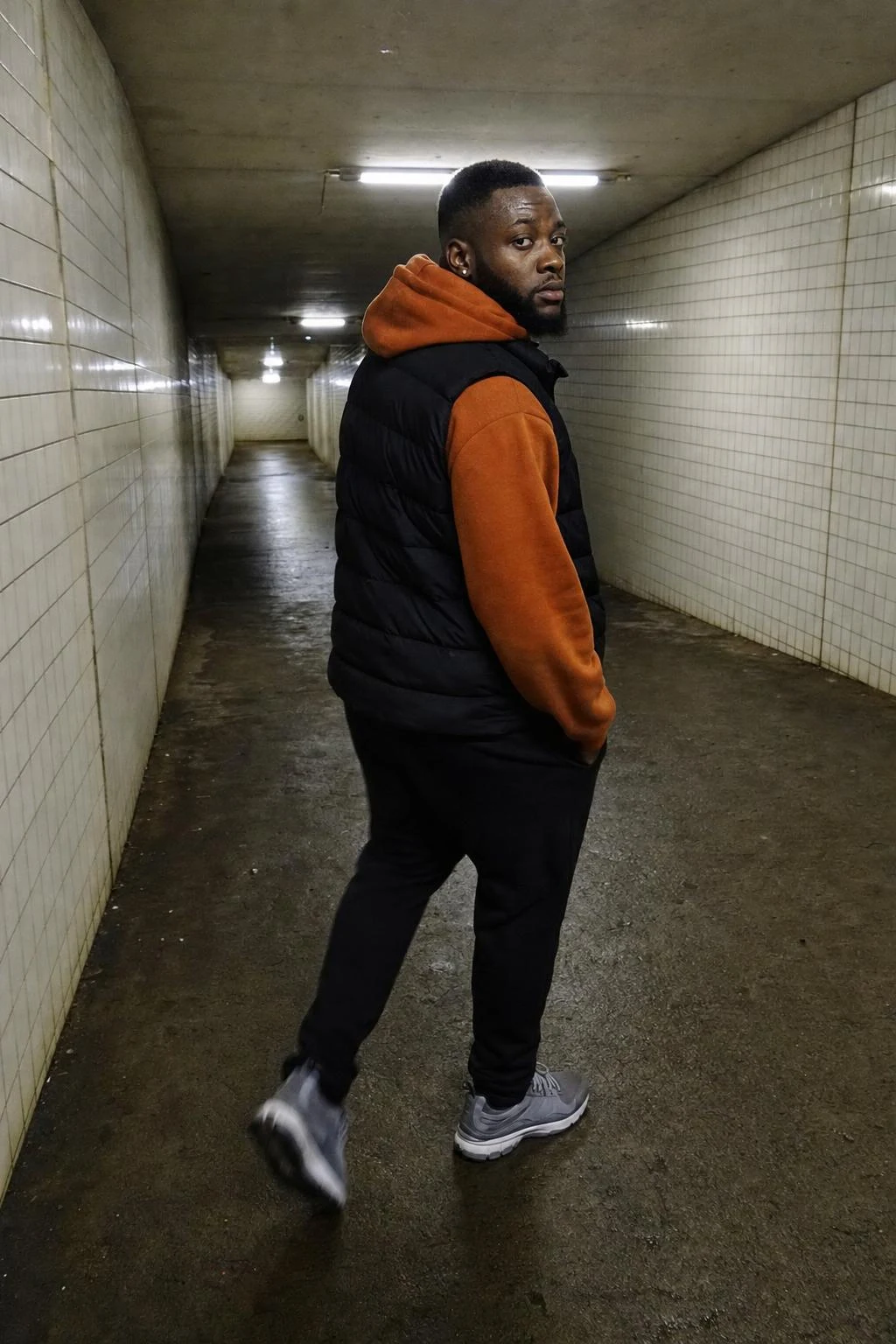
Keep the example photo, or upload yours: shot from behind or three-quarters, with room ahead of the person.
Name the world behind the ring. The example is an alpine meadow; swap it for any place and keep the walk-through and the turn at the end.
Review the quote in Sandbox and generate. The clip comes back at 6 seconds, 9:16, with footsteps, a whoosh and birdsong.
More from Transitions
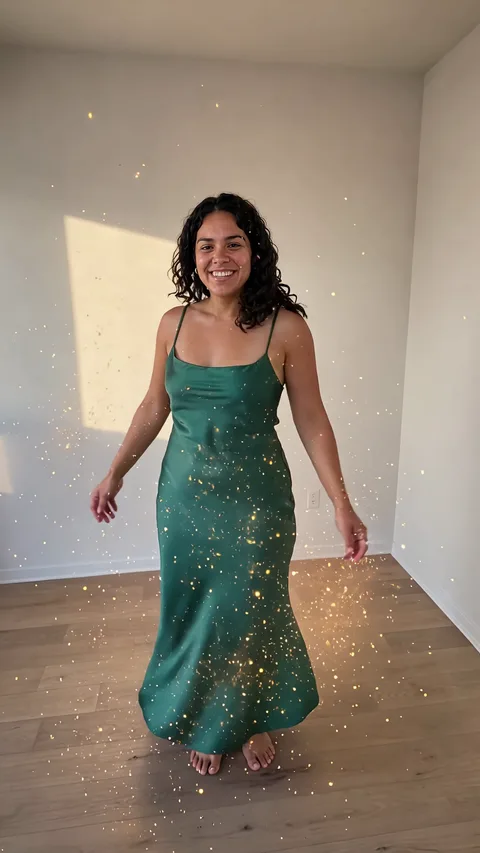
Why this one works
The ring hides the cut. A transition usually shows its seam where one scene becomes the next; here the seam is a doorway of light, so the eye expects a change and accepts it. The person keeps their face, hair, outfit and build from the photo, because the template tells the model to keep exactly those and to change only the place.
What to upload: a photo where the person has space in front of them, taken from behind or at three-quarters; phone quality is fine. Name the world on the other side of the ring in the prompt, and the clip ends there. What to avoid: a tight portrait with no room ahead, or a photo where the person already faces the camera, which leaves nowhere to walk.
The sound is part of it: room tone and footsteps, a rising tone as the ring opens, a soft whoosh at the crossing, then wind and birdsong. There is no music, so the clip drops into any edit.
Questions
Does the person still look like me on the other side?
Yes. The template keeps the face, hair, accessories, outfit and build from the photo and changes only the place. If the result drifts, use a photo with the face partly visible and more light.
Can I choose where the ring leads?
Yes. The example leads to an alpine meadow. In Sandbox, replace that line with any place (a beach at night, a kitchen, a city street) and keep the rest of the prompt.
How long does it take?
A few minutes. Sandbox shows the credit cost before you generate and the clip when it is done; you can run it again with a different place.
What size is the clip?
6 seconds, vertical 9:16, 720p, with sound. It fits Reels, Shorts and TikTok without cropping.
Related templates
Make yours
The example is loaded for you. Swap in your own photo in Sandbox.
Open in Sandbox