Add AI Vocals to Instrumental Tracks
Add AI-generated vocals to an instrumental track. Lyrics-driven.
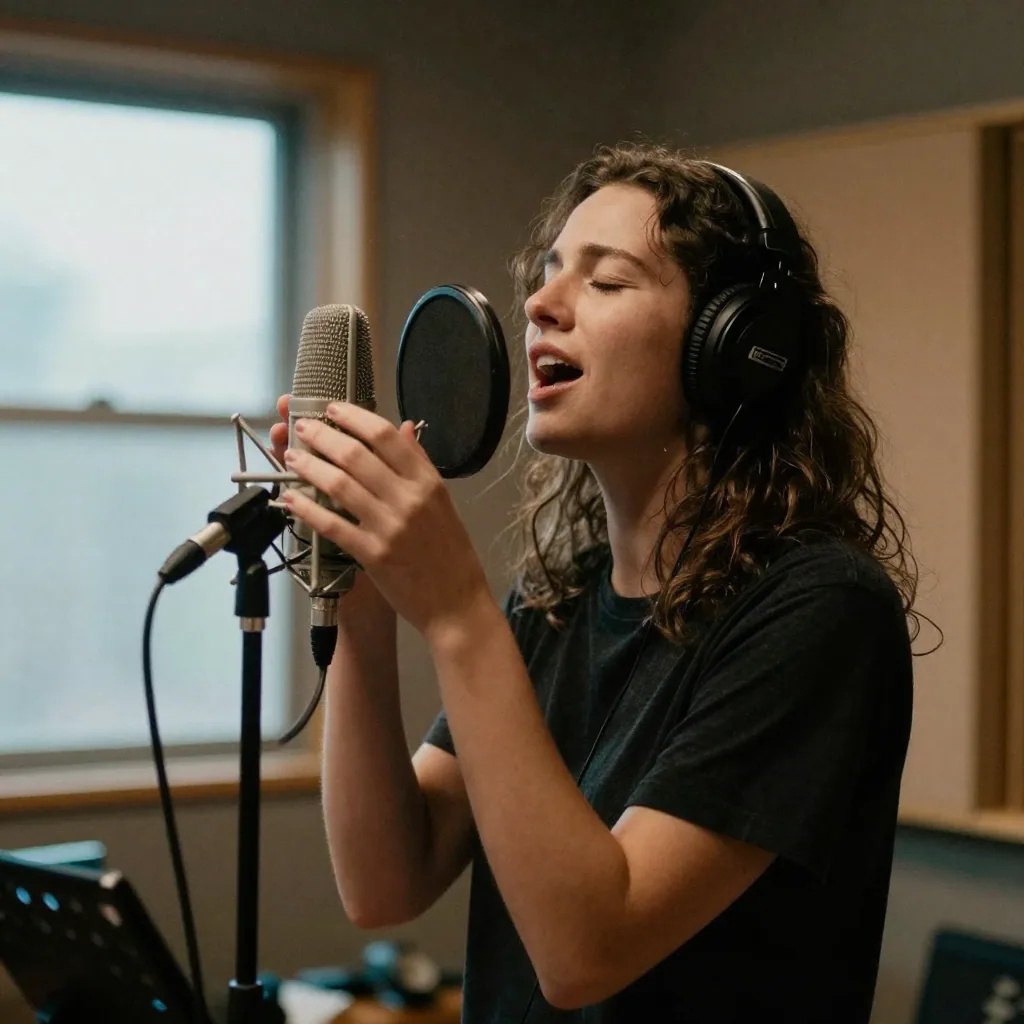
What is AI Add Vocals?
Add Vocals takes an instrumental you made and the lyrics you wrote, and an AI singer performs those words over it, returned as a new track. The lyrics are required; style, negative tags, a title and a male or female voice setting open pre-filled. Each run returns two sung versions for 20 credits. Your own recordings and demos work. Some commercial tracks may be refused. If one is, the credits go back to your balance.
- You upload
- An instrumental audio file (not a library track)
- Required inputs
- The instrumental you upload and the lyrics to be sung
- Optional controls
- Style description, negative tags, title, vocal gender — all pre-filled
- Vocal control
- Male or female, or leave it on auto — the style description steers it too
- Accepted formats
- MP3, WAV, OGG, M4A, FLAC, AAC. 6 seconds to 8 minutes, up to 200 MB.
- Versions per run
- 2
- Engines
- Every engine in the studio picker, one price
- Credits
- 20 credits per generation
Updated September 23, 2026
Cite this page: https://imagera.ai/audio/music-factory/add-vocals
 Illustration
What a vocal pass gives you

Natural AI Vocal Performances
Your lyrics sung over your instrumental, with line breaks and [verse]/[chorus] markers guiding the phrasing. Each run returns two versions, so you keep the take that sits best.
Know more →Your Instrumental, AI Voice
Upload an instrumental you made and an AI singer performs a topline over it — working from the track you handed over, not from a genre you described.
Know more →Full Vocal Direction
Set the exact lyrics, then steer the take with a style description, the vocal gender and negative tags — optional controls that arrive pre-filled in the studio.
Know more →Your backing, your words, and the controls that steer the take
The vocal is performed over the instrumental you upload rather than over a beat the model invents from a prompt. Two inputs are required; everything else is an optional control in the studio.
You supply the backing instead of describing it
This is the opposite of generating a whole song from a prompt: you hand over the instrumental, and the AI writes only the topline for it. That matters when you have already produced a beat and the last missing piece is somebody singing on it. If a take comes back rushed or slightly off the beat, the fix is upstream: a cleaner, steadier, instrumental-only file, and shorter lyric lines that do not force the singer to cram syllables.
Try it now →A finished beat with nobody singing on it
The instrumental is done and the song stops there. Booking a singer just to hear whether the hook works costs a session before you know the lyric even scans. Generating a whole song from a prompt gives you a vocal, but over a backing you did not choose. Add Vocals starts from your instrumental: upload it, paste your lyrics, and compare two sung versions before anyone books studio time. Have a vocal and need the band instead? That is Add Instrumental.
Two required inputs, four optional controls
A run needs the instrumental you upload and the words you want sung — nothing else is mandatory. The lyrics box opens with an example in it for you to overwrite, and clearing it refuses the job rather than sending blank words, so nothing is invented behind your back on a track you paid for. The other four live in the studio’s Advanced drawer and arrive pre-filled: a style description for how the vocal should sound, negative tags for what to keep out, a title, and the vocal gender. Negative tags are the one worth editing rather than accepting — "off-key, robotic, monotone, autotuned, shouty" steers the delivery away from the failure modes while the style line sets the target.
Male, female, or leave it to the engine
The vocal gender control sits on auto until you touch it, and on auto nothing is sent — the engine picks. Set it to male or female and that setting goes with the job to steer the voice. The style description steers it too, so set both — "female, breathy, intimate" and "female, belted, powerful" are the same voice setting and two different performances. Write the lyrics the way you would sing them: line breaks hint at phrasing, short singable lines deliver better than dense paragraphs, and [verse] and [chorus] markers tell the arrangement where the song turns. If a section feels rushed, trim words from that line; if it feels empty, add a short phrase.
How to add AI vocals to an instrumental
Three steps in the browser, with the credit cost visible before you run.
Upload the instrumental
One file with no lead vocal on it. MP3, WAV, OGG, M4A, FLAC, AAC. 6 seconds to 8 minutes, up to 200 MB. Your own recordings and demos work. Some commercial tracks may be refused. The whole file is sent as it is, scratch vocal included, so upload an instrumental-only mix.
Paste your lyrics
The lyrics are the one required text field. Mark sections with [verse] and [chorus] and keep lines short enough to sing. Style, negative tags, title and vocal gender are optional and open pre-filled. Name a sound, not an artist: tags that name a real artist are refused.
Compare two sung versions
The job runs in the background, so you can close the tab. Each run returns two versions to your Music Factory library for 20 credits, taken when the job starts; if a run fails, the credits go back to your balance. To get the sung part on its own, open the result in Separate Vocals.
What people use it for
Hear a hook on a beat that stalled
Upload the instrumental you could not finish, write the chorus, and hear whether it lifts — without rebuilding the arrangement.
Check a lyric scans before you book a singer
A line that reads well can crowd when it is sung. Two versions per run show where the singer rushes, and trimming a few words from that line usually fixes it.
A sung jingle or intro in your own words
A shop name, a channel name, an opening time — sung over a music bed you made. You write every word. There is no length setting, so trim the result to the length of the spot in any editor.
A song with someone's name in it
A birthday, an anniversary, a team send-off: you pick the backing and every word, and the singer performs the lyrics you type.
Two readings of the same lyric
Run once with "female, breathy, intimate" and once with "male, soulful, restrained". Each run returns two versions, so 40 credits gets you four takes. The gender setting steers the voice and so does the style line, so change both.
A guide vocal for a band or session singer
Send a reference take that shows where the words fall over the track, so the real performance starts from something concrete.
Discover more AI features

Music Factory
Full AI music studio. Generate, extend, remix, add vocals, separate stems, and more.

Instant Voice Cloner
10-second sample = perfect clone. Any voice. Any emotion. Professional studio quality.

LoRA Video Generator
For advanced users — bring your own LoRA. Words become cinema. Images come alive.
Frequently asked questions
How does AI Add Vocals work?
Upload an instrumental, paste the lyrics you want sung, and an AI singer performs those words over your music. What comes back is a new track with the vocal and the backing together, and every run returns two versions, so you can keep the one that sits best on the beat. You bring the backing and the words; the melody and the delivery are generated. It is the mirror image of Add Instrumental, which builds a band under a vocal you already have.
What exactly do I need to start an Add Vocals job?
Two things are required: the instrumental audio file you upload, and the lyrics you want sung. The lyrics box arrives with an example in it that you overwrite, and if you clear it the job is refused rather than sent with blank words — nothing is invented behind your back on a track you paid for. Four more controls sit in the studio's Advanced panel and are optional, each pre-filled so a run works untouched — a style description for how the vocal should sound, negative tags for what to avoid, a title, and the vocal gender. Add Vocals takes an audio upload: you are providing the instrumental the singer performs over, not selecting a library track. The cleaner and steadier that instrumental is, the steadier the result.
What does Add Vocals cost?
20 credits per run, and each run returns two sung versions. Credits are taken when the job starts and go back to your balance if the run fails. Every engine in the studio picker costs the same.
Which music engines support Add Vocals and why are older ones excluded?
The engine picker in the Add Vocals studio lists only the engines this job can be sent to, and it opens on a default, so you can run without choosing one. Older generations are not held back as a premium tier; this job is simply not available on them. Every engine in the picker costs the same 20 credits, so pick by sound and compare the two versions each run returns.
Why are negative tags required for Add Vocals?
Negative tags tell the AI what to keep out of the performance, and the endpoint behind Add Vocals will not accept a blank one — so a value is always sent with your job. You do not have to type it: the studio pre-fills the box, and a safe default is substituted if you clear it, so a run never fails for an empty field. It is still the field most worth a moment of your time, because a vocal has many more ways to go wrong than a backing track does. Practical negative tags include "off-key, robotic, monotone, autotuned, shouty" to steer toward a natural, musical delivery. Your positive style description sets the target and the negative tags fence off the failure modes, which is often the difference between a take that feels human and one that feels synthetic.
Can I choose male or female vocals?
Yes. The vocal gender control sits on Auto, where the engine picks; set it to Male or Female and that setting is sent with the job to steer the voice. The style line steers it too, so set both: "female, breathy, intimate" reads very differently from "female, belted, powerful". If a result sits in an awkward range for your instrumental, change the gender setting or the style words and run again.
How do I write lyrics and a style that get a good performance?
Write the lyrics as you would sing them — line breaks matter, because they hint at phrasing, and shorter, singable lines usually deliver better than dense paragraphs. For the style, be concrete about the voice and the emotion: "male, soulful, restrained verses, big open chorus" gives the model a clearer target than "good singing". If a section feels rushed or crammed, trim words from that line; if it feels empty, add a short phrase. Treat the lyrics and style as things you refine between runs rather than getting perfect on the first attempt.
What audio formats and limits apply to the instrumental I upload?
MP3, WAV, OGG, M4A, FLAC, AAC, up to 200MB and 8 minutes, one file per run. Your own recordings and demos work. Some commercial tracks may be refused. For the steadiest result, upload a clear, well-mixed, instrumental-only file that holds its tempo. The whole file is sent as it is, so a scratch vocal or bleed left on it goes with it.
Can I upload a beat I bought or a song I did not make?
Your own recordings and demos work. Some commercial tracks may be refused. A bought or leased beat can still be refused, because the check compares your file with existing recordings, not with your license for it. If a file matches an existing recording, it is refused and the 20 credits go back to your balance. The commercial rights on the result cover what the tool generates; they do not clear someone else's recording.
How is Add Vocals different from generating a full song?
They solve different problems. Generate Music writes the whole song — instrumental and vocal — from a text prompt, so you do not control the exact backing. Add Vocals starts from the instrumental you upload and writes only the topline over it, which is what you want when you have already made a beat you like and just need it sung. Use this table to pick: Aspect · Add Vocals · Generate Music. You provide · An instrumental you upload · A text prompt only. AI generates · Only the vocal, over your track · The whole song, backing and vocal. Versions per run · 2 · 2. Cost · 20 credits · 20 credits.
How long does it take and is it instant?
It is not instant. The job runs in the background and the two sung versions appear in your Music Factory library when they are ready. You do not need to keep the tab open, and you can start a second run with rewritten lyrics while the first is still processing.
What can I do with the track after the vocals are added?
It is a normal track in your Music Factory library: preview it, download it, or open it in Separate Vocals to get the sung part and the backing as separate files — 20 credits for a vocal/instrumental split, 30 credits for a full stem split. If one line needs different words, change it in the lyrics box and run again; each run returns two fresh versions.
Do vocal tracks come with commercial rights?
Yes. All Music Factory outputs include commercial usage rights, and that includes an instrumental you have topped with an AI vocal. The rights cover the material the tool generates: if the instrumental you upload contains someone else's recording, adding vocals to it does not give you rights to that original. Credits are consumed at the moment you start the job.
What is Add Vocals actually good for?
Turning an instrumental you already have into a song with words you wrote. Producers use it to hear a topline over a finished beat before booking a singer; songwriters use it to check whether a lyric scans once it is sung, which is not the same as whether it reads well; creators use it for a sung intro or a jingle over a music bed they made. Because you choose the backing and write every word, it suits songs that need specific lyrics over specific music: a birthday song with a name in it, a channel intro, or a hook for a beat that stalled without one.
Why does the vocal sometimes sit slightly off the beat, and how do I fix it?
Timing can vary between the two versions, and when a vocal sits off the beat the cause is most often the upload. A loose, drifting or heavily processed instrumental, or a busy mix with a scratch vocal still on it, makes the beat harder to follow. The fixes are practical: upload a cleaner, instrumental-only version that is steady in tempo; make sure the file is not clipped or very quiet; and keep your lyric lines singable rather than crammed, since dense lines force the singer to rush syllables. If one line still feels rushed, trimming a couple of words from it usually settles it.
Can I keep the same voice across several songs?
Not from an Add Vocals track. A reusable singer can be saved only from a track made with Generate Music or Extend. For a one-off song, keep the same gender setting and the same style words each run to keep the delivery close. For a voice you can reuse, make a track you like with Generate Music, save it as a singer, and use that singer when you generate or extend.
Can it sing in my own voice or a cloned voice?
Not in Add Vocals. This tool takes your instrumental, your lyrics, a style line, negative tags, a title and a male or female setting, and it has no singer picker. A voice you reuse across songs is saved as a singer from a track made with Generate Music or Extend, and used when you generate or extend. A track made with Add Vocals can't be saved as a singer.
Should I add vocals to a generated instrumental, or just generate a song with vocals from the start?
It depends on how much the exact backing matters. If you already have an instrumental you like — one you produced — Add Vocals is the right tool, because it starts from that backing and writes only a topline over it. If the instrumental would come from Generate Music anyway, generating the song with vocals there is the simpler route: one run produces the backing and the vocal together. Either way each run returns two versions, so you can compare before you commit.
Key takeaways
What you provide
One instrumental audio file and the lyrics you want sung. Everything else — style description, negative tags, title, vocal gender — is optional and arrives pre-filled in the studio.
What you get back
Two sung versions of the track you uploaded, saved to your Music Factory library. Open one in Separate Vocals to get the vocal on its own.
What it costs
20 credits per run, flat — the engine you pick does not change it. Credits come from a plan or a top-up pack; they are taken when a run starts and go back to your balance if it fails.
Add Vocals or Generate Music — which do you need?
| Aspect | Add Vocals | Generate Music |
|---|---|---|
| You provide | An instrumental you upload | A text prompt only |
| AI generates | Only the vocal, over your track | The whole song, backing and vocal |
| Versions per run | 2 | 2 |
| Cost | 20 credits | 20 credits |
What to upload
Your instrumental, your words. Your own recordings and demos work. Some commercial tracks may be refused. If a file matches an existing recording, it is refused and the 20 credits go back to your balance. The lyrics box is required: the tool sings your words and does not write them.
Describe the sound. Artist names in the style or negative tags are refused.
Set the voice in two places. Pick male or female, and put the character in the style line too ("warm, breathy, low register"). Both steer the voice.
Short lines, a clean instrumental-only file and [verse]/[chorus] labels give the steadiest phrasing. Two versions per run let you keep the one that lands on the beat.
For a voice you reuse across songs, save a singer from a track made with Generate Music or Extend. Add Vocals tracks can't be saved as singers.
Each version comes back as one mixed track, with the vocal and the backing together. Open it in Separate Vocals to get the vocal on its own: 20 credits for a vocal/instrumental split, 30 credits for a full stem split.
Set the length afterwards. This workflow has no length setting, so trim the result in any editor if you need a shorter cut.
AI-generated music is created using Imagera music engines. Results may vary. All outputs include commercial usage rights. Credits are consumed at the time of generation.
Get your instrumental sung
Open the studio with Add Vocals already selected. Upload the instrumental, write the lyrics, and the credit cost shows before you run.
Add the vocal →