Generate Cover Art for AI Music Tracks
Pick a song you made here. We generate cover artwork for it.
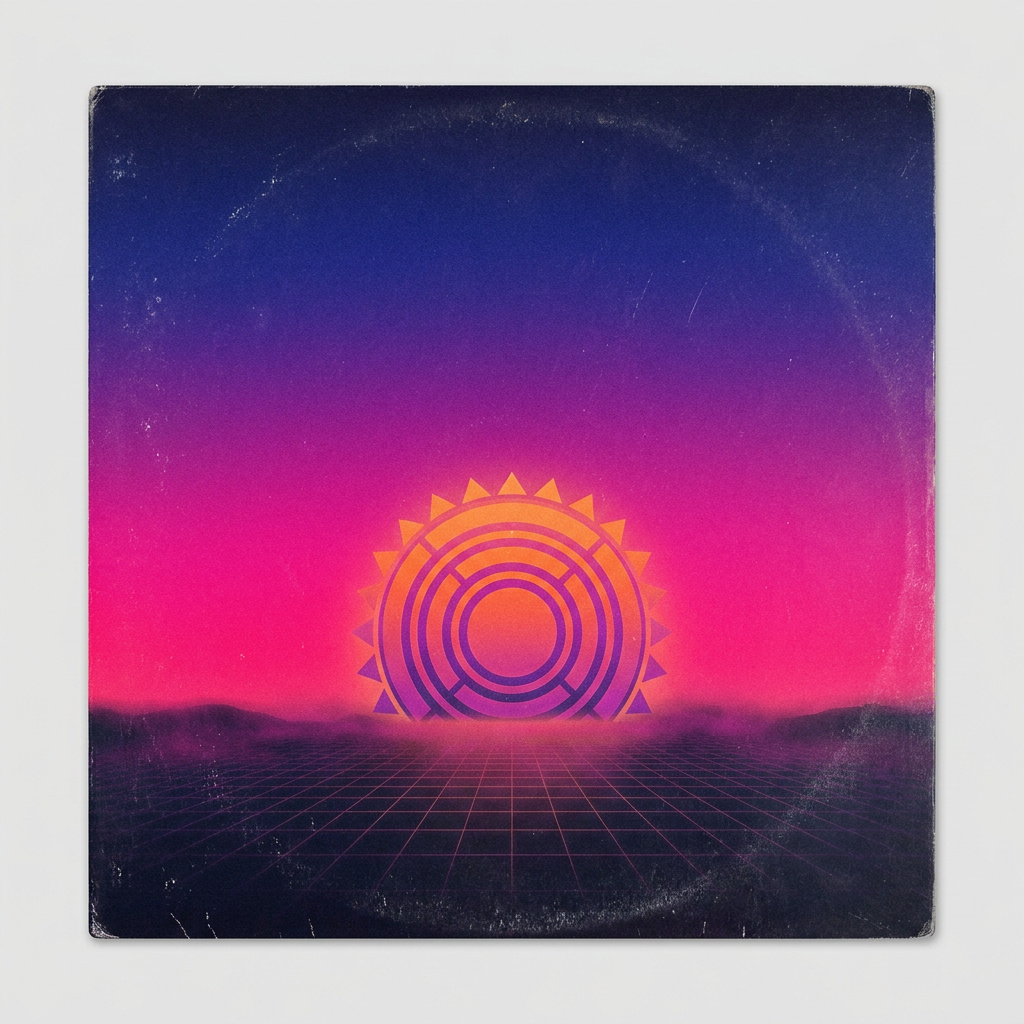
What is the AI cover art generator?
The cover art generator makes album artwork for a track that already lives in your Music Factory library. You pick the song and the artwork is built from that track's own generation — there is no prompt box and nothing to upload. A run returns one cover image, saved beside the song. Cover art generates once per track, costs 20 credits, and the output carries commercial usage rights.
- Credits
- 20 credits per run
- Output
- One cover image, saved beside the track
- Source
- A track already generated in your Music Factory library
- Re-runs
- None — a second attempt on the same track is refused
Updated August 14, 2026
Cite this page: https://imagera.ai/audio/music-factory/cover
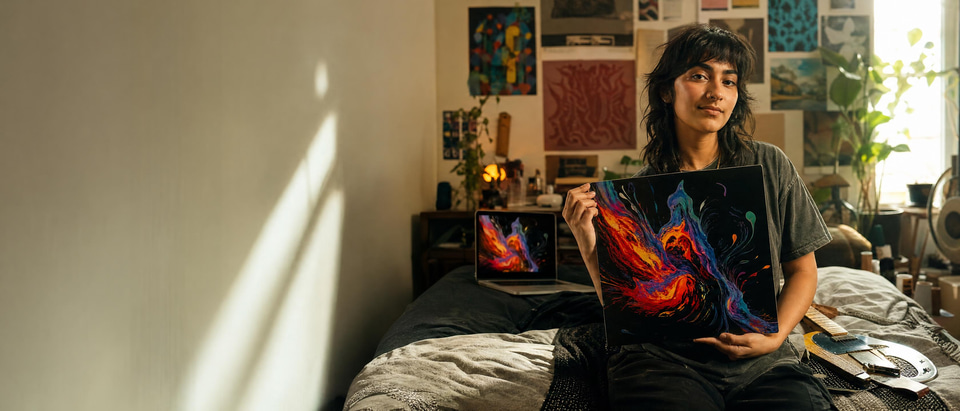 Illustration
What the cover art generator gives you
Art From The Track
The cover is generated from the song you pick — its own generation, not a description you type.
Know more →Nothing To Brief
There is no prompt box on the cover art card. Choosing the track is the whole request.
Know more →One Run Per Track
Cover art generates once per track, so a cover is a single, known credit charge.
Know more →How artwork from a track works
The artwork is built from a track you already made rather than from a text prompt, and each track is given its cover once.
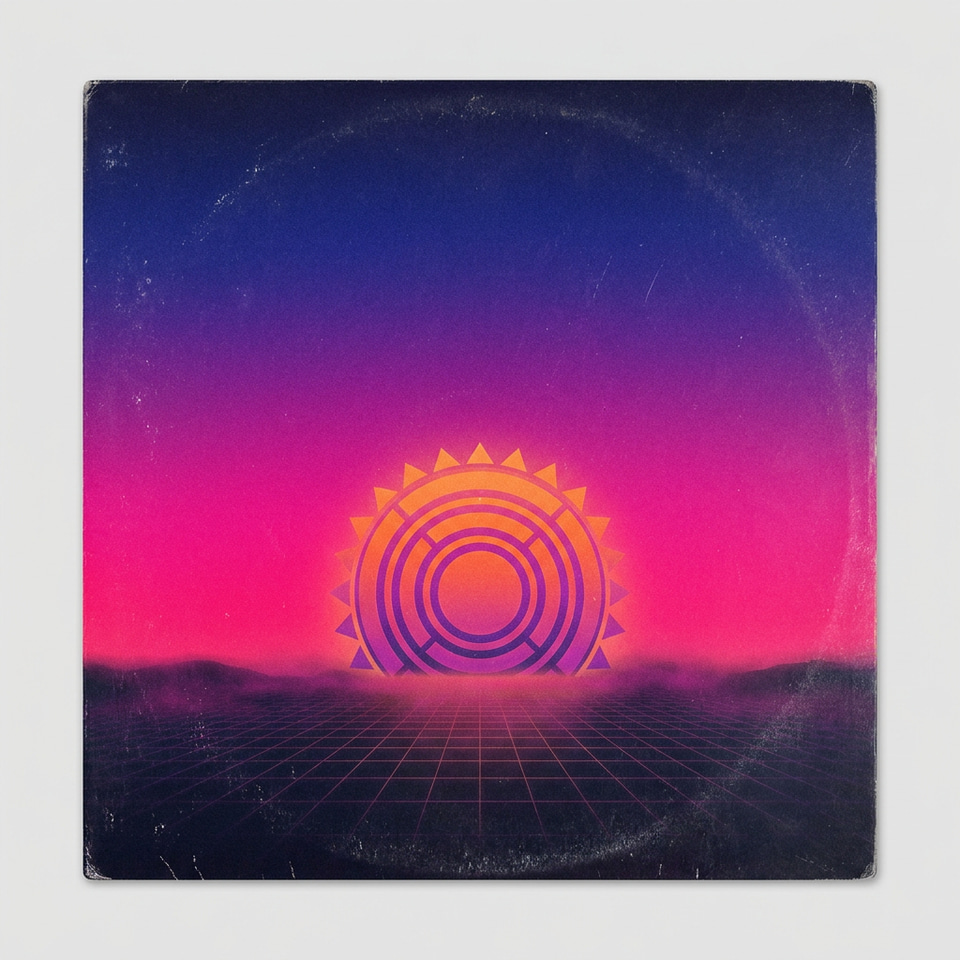
What the AI Cover Art Generator Does — and Who It's For
Every track you make in Imagera's Music Factory eventually needs a face. Whether you are uploading a single to a streaming platform, dropping a track into a video, or building a release page, the square of artwork attached to the audio is the first thing anyone sees — and often the thing that decides whether they press play. The AI Cover Art Generator exists to give that finished track a visual identity without sending you off to a separate design tool, a stock library, or a freelancer you have to brief and wait on. The tool works from music you already have. You pick a track that lives in your Music Factory library — something you generated, extended, or built vocals for earlier — and the cover is generated from that track's own generation rather than from a description you write. A run returns one cover image, saved to your library beside the song. There is no prompt box on the card and nothing to configure: the track you pick is the whole request, which is why the tool is a chooser and a button and nothing in between.
Try it now →
Tips for Getting Cover Art That Fits Your Track
Because the artwork is generated from the music itself, the single biggest lever you have is the track you point it at. The clearer and more defined the mood of a song, the clearer the visual direction the AI has to work from. If a track already has a strong, consistent feel — a cohesive genre, a steady energy, a recognizable atmosphere — the artwork tends to come back with a matching sense of purpose. If you have a song that wanders across several moods, the visual has more to interpret, so expect the cover to read as a blend rather than commit hard to one look. Since each track generates once, the step to slow down for is choosing which track you point it at, not the run itself. Look at the result at the size it will actually appear — a cover that reads well full-screen can lose its detail as a tiny thumbnail in a feed, and the reverse is true too. Consider where this track is going to live, because artwork destined for a streaming grid, a video thumbnail and a release banner all get judged at different scales.
Try it now →
When the Cover Isn't Right: Iterating Toward One You'll Ship
Cover art generates once per track, so the image that comes back is the cover that song gets — the useful mindset is refinement, not rerolling. If it is not quite there, the intended path is to carry it into Imagera's image editing tools as a starting point and adjust from a real base rather than gamble on a fresh generation. That keeps what the artwork already got right and lets you change the rest. It also pays to think about where you spend the run. Generate art after the music is finished — extended, vocalled, and edited into its final shape — so the cover reflects the version you'll actually release rather than a draft you later change. Treating artwork as the last step in the chain, once the sound is locked, means the artwork describes the real track, and you spend the one run you get on a cover that ships rather than on a moving target.
Try it now →
Building a Cohesive Look Across an EP or a Whole Catalog
Generating one strong cover is straightforward; making a run of tracks feel like they belong together takes a little sequencing. Because each song produces its own artwork from its own generation, a five-track EP can come back with five visuals that share no thread. If a unified look matters to you, generate the covers close together while the sonic direction of the release is still fresh in your ear, and lean on tracks that already share a genre and energy — the character the tracks share is the only lever you have on how close their artwork lands. When you do want deliberate variety — a playlist of distinct singles rather than a matched set — the same mechanic works in reverse. Point the generator at tracks with genuinely different moods and let each one carry its own visual identity. Either way, review the covers together as a grid once the set is in, since a group of images reads differently side by side than any single one does on its own, and that side-by-side view is where an odd one out becomes obvious.
Try it now →
What Makes Imagera's Approach to Cover Art Different
The defining difference is that Imagera's cover art starts from your music, not from a prompt. Many image tools ask you to describe a picture in words; here the card has no prompt box at all — you pick a finished track and the artwork is built from that generation, genre, mood and lyrics included. That means you are not translating a feeling into a text prompt and hoping the description survives the round trip. It also lives inside the same suite as the music. Because the track you generate art for is already in your Music Factory library, there is no exporting, re-uploading, or juggling files between apps. You make the song and dress it in one place, and the cover lands back where the rest of your work is. That continuity matters when you are producing at any real pace — every tool break you remove is time and friction you get back.
Try it now →How to generate cover art
Three steps in the browser, with the credit cost visible before the job starts.
Pick a track from your library
Open the cover art generator and choose a song you have already made in Music Factory — generated, extended, or built vocals for. The chooser lists your Music Factory generations rather than files on your disk, so finish the track first and give its cover the final version to read.
Generate the artwork
There is nothing to configure: the card has no prompt box, and the track you picked is the whole request. The artwork is built from that generation — genre, mood and lyrics included — and one run costs 20 credits.
Download the cover
The image lands in your library beside the song. Check it at the size it will actually appear — a cover that reads full-screen can lose its detail as a thumbnail in a feed — then download it; the artwork carries commercial usage rights.
What people use the artwork for
Ship a single without opening a design app
The most common use is releasing a single. An independent artist finishes a track in Music Factory, generates cover art, and now has both halves of a release — the audio and the artwork — from one platform, ready to upload without opening a design app. When you are shipping music regularly, removing the artwork bottleneck is the difference between releasing on schedule and letting finished songs sit unpublished because they have no cover.
Thumbnails and title cards for video and social
Video and social creators lean on it for thumbnails and title cards. If you made a music bed or a full track for a video, matching cover art gives you a clean visual to attach to the upload, a placeholder frame while audio plays, or a square graphic for a post announcing the track. Podcasters use the same path to give an intro theme or an episode's original score a piece of accompanying art. And anyone building an EP or a small catalog can generate art track by track, keeping a consistent workflow across every song in the collection.
Make a track look finished rather than in progress
There is also the simple case of wanting a track to feel finished. A song without a cover looks like a work in progress; a song with artwork looks like something you made on purpose and are proud of. For hobbyists sharing music with friends, entrants in a personal project, or creators assembling a portfolio, that finished look changes how the work is received — and it takes a single generation to get there.
Discover more AI features
Music Factory
Full AI music studio. Generate, extend, remix, add vocals, separate stems, and more.
Instant Voice Cloner
10-second sample = perfect clone. Any voice. Any emotion. Professional studio quality.

LoRA Video Generator
For advanced users — bring your own LoRA. Words become cinema. Images come alive.
Frequently asked questions
How does Cover Art Generation work?
Select a finished Music Factory track and the cover is generated from that track's own generation — there is nothing to upload and no prompt to write. The image lands in your library beside the song.
How much does cover art cost?
20 credits per run, and a track can be given cover art once.
How many times can I generate cover art?
Each track can generate cover art only once. If you need different artwork, you can use the result as inspiration for further editing.
What tracks can I generate art for?
Any previously generated track in your Music Factory library.
Key takeaways
What is Cover Art Generator?
A tool that creates album artwork for a track you already generated in Music Factory.

What do I need before I run it?
A finished track in your Music Factory library. There is no upload step and nothing to type.
What do I get?
One AI-generated cover image for that track, with commercial usage rights.
Create Cover vs Upload & Cover — which one do you want?
| Feature | Create Cover (this page) | Upload & Cover |
|---|---|---|
| Source | A track already in your Music Factory library | Any audio file you upload from your computer |
| What it outputs | 1 AI album-art image per generation | A new AI cover song version, not artwork |
| Re-runs per track | Cover art generates once per track | Run again on any uploaded file |
| Credits | 20 credits per run | 20 credits per cover |
| Commercial rights | Full commercial license included | Full commercial license included |
Rights and credits
AI-generated music is created using Imagera music engines. Results may vary. All outputs include commercial usage rights. Credits are consumed at the time of generation.
Give your track a cover
Open the studio with Cover Art already selected. The credit cost shows on the button before you run.
Generate cover art →