Imagera AI Team
The editorial byline of Imagera
Every guide, comparison and explainer on Imagera is published under this byline by the Imagera team. We write about AI image generation, video, voice and the 170+ media models on Imagera.
Articles are often drafted with AI assistance. Product facts — which models exist, what they cost in credits, what they output — come from the product itself, and a figure from anywhere else must link to the source that states it.
How we work
- ✓Drafts may be written with AI assistance
- ✓Product facts are taken from the product itself
- ✓Every statistic links to the source that states it
- ✓Corrections are welcome through Support
Areas of Expertise
How does the Imagera AI Team review content?
Every article goes through the same steps before it goes live. The table shows what each step checks and who does it.
| Review Stage | What We Check | Responsible |
|---|---|---|
| Topic | Chosen from search data and the questions users ask | Imagera team |
| Draft | Written with AI assistance, with every outside figure linked to its source | Imagera team, AI-assisted |
| Import checks | Blocks invented bylines and pricing claims the product does not make | Automatic |
| Review and publish | Facts, links and image labels checked; the drafting tool cannot publish on its own | A person on the Imagera team |
| Corrections | Confirmed errors fixed and the article date updated | Imagera team |
Published Articles (268)
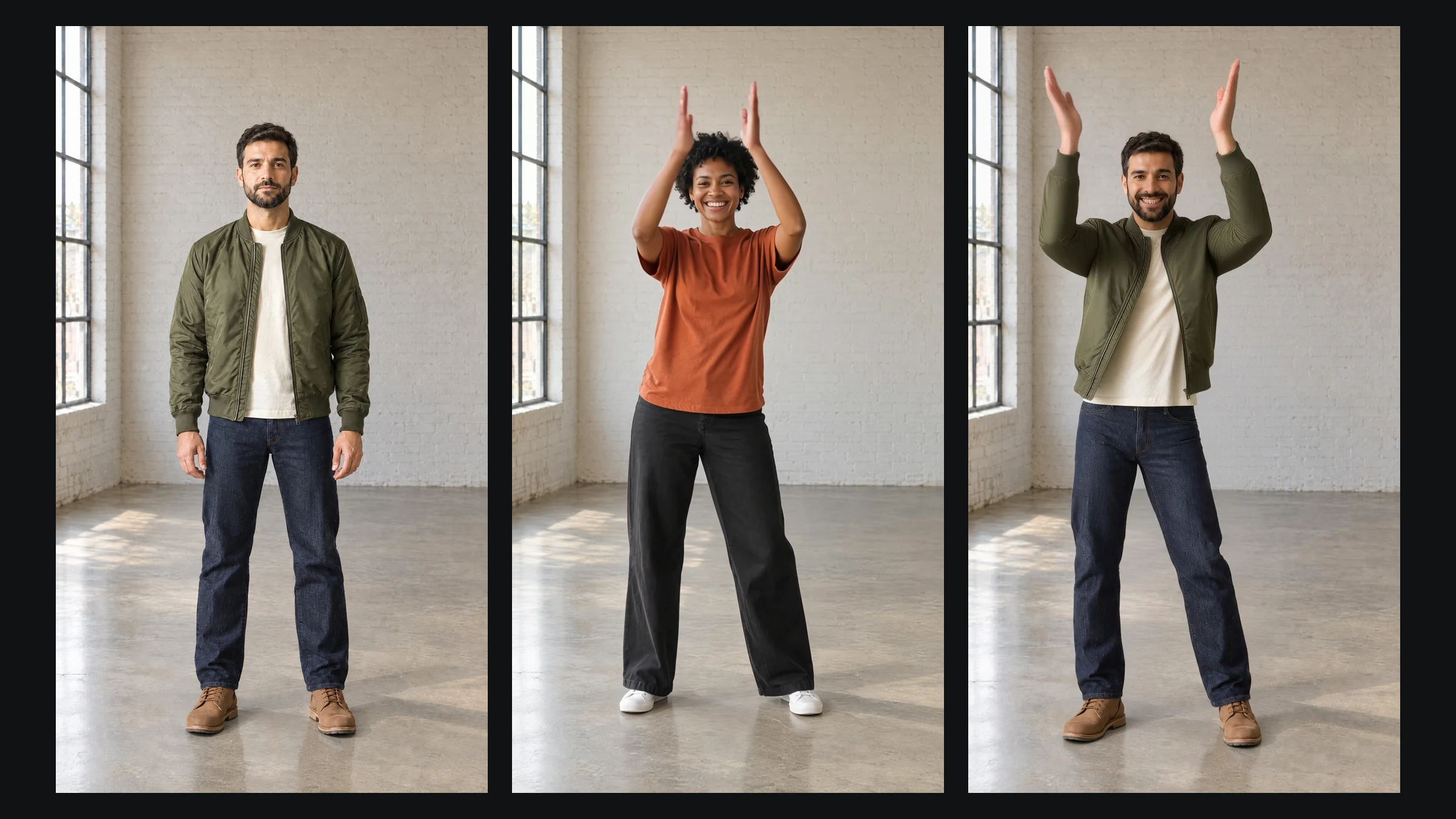
Replace a Character in a Video With Your Photo (2026 Guide)
Put your photo into a dance or action clip. Which photos and clips work, why Image orientation stops at 10 seconds, and what each run costs in credits.
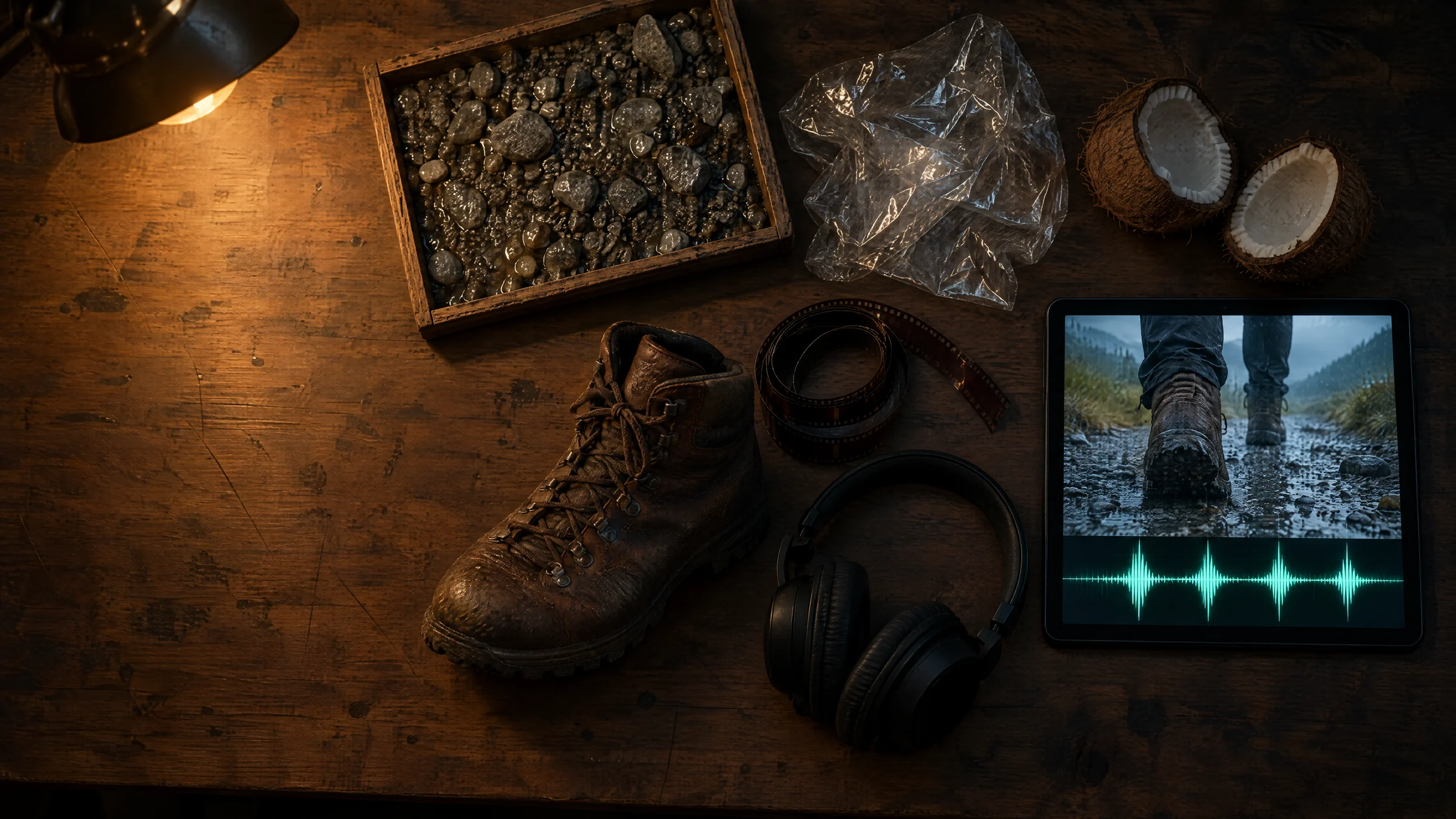
AI Video Came Back Silent? How to Add Synced Sound
Many AI clips arrive silent. Upload yours, describe the sound or leave it blank, and get synced effects back: 15 credits under 6 s, 20 for 6 to 10 s.
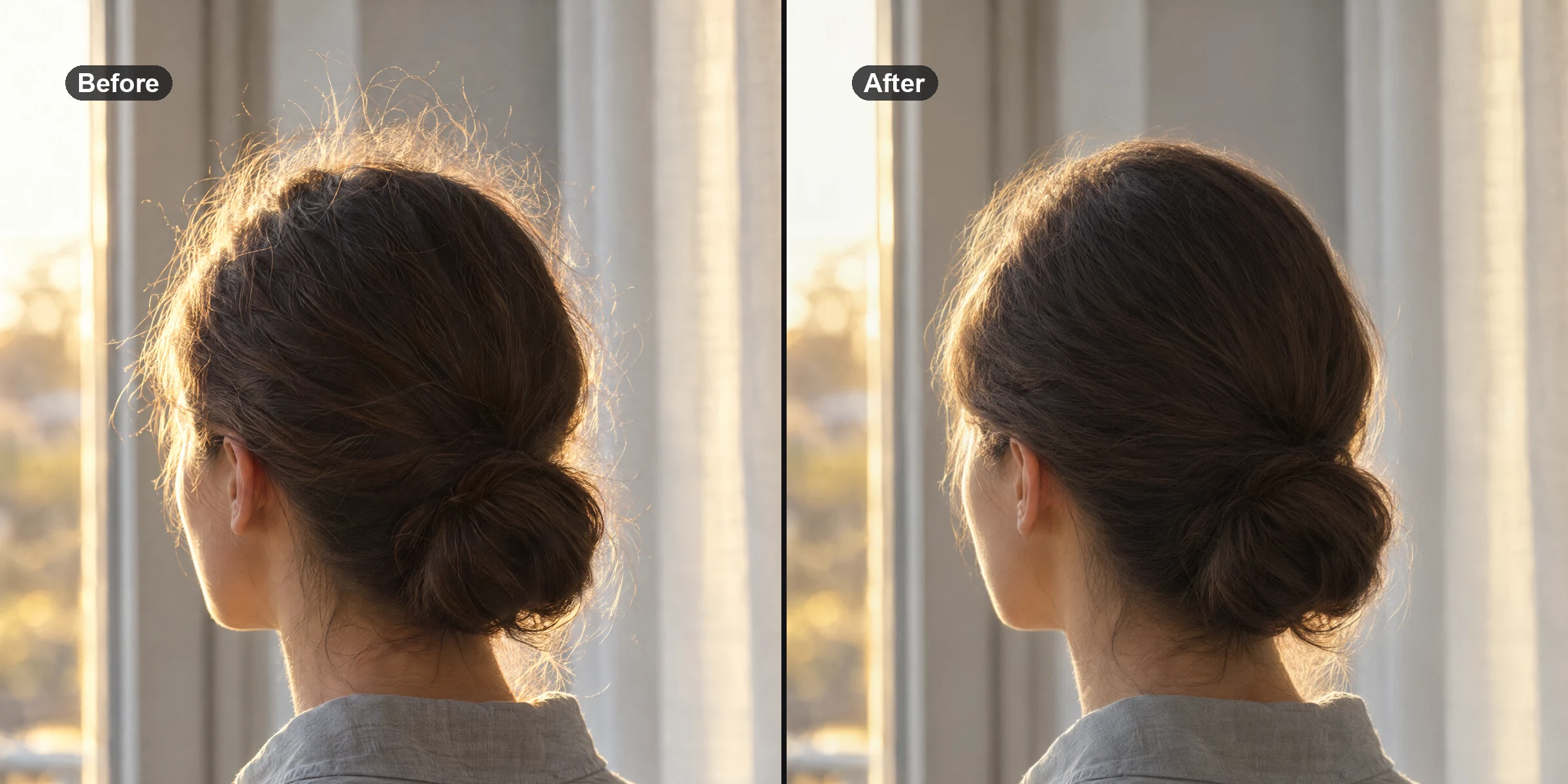
How to Remove Flyaway and Stray Hair From a Photo
Remove flyaway and stray hair from a photo without restyling it: how brush, slider and prompt tools differ, a tested prompt, results and honest limits.
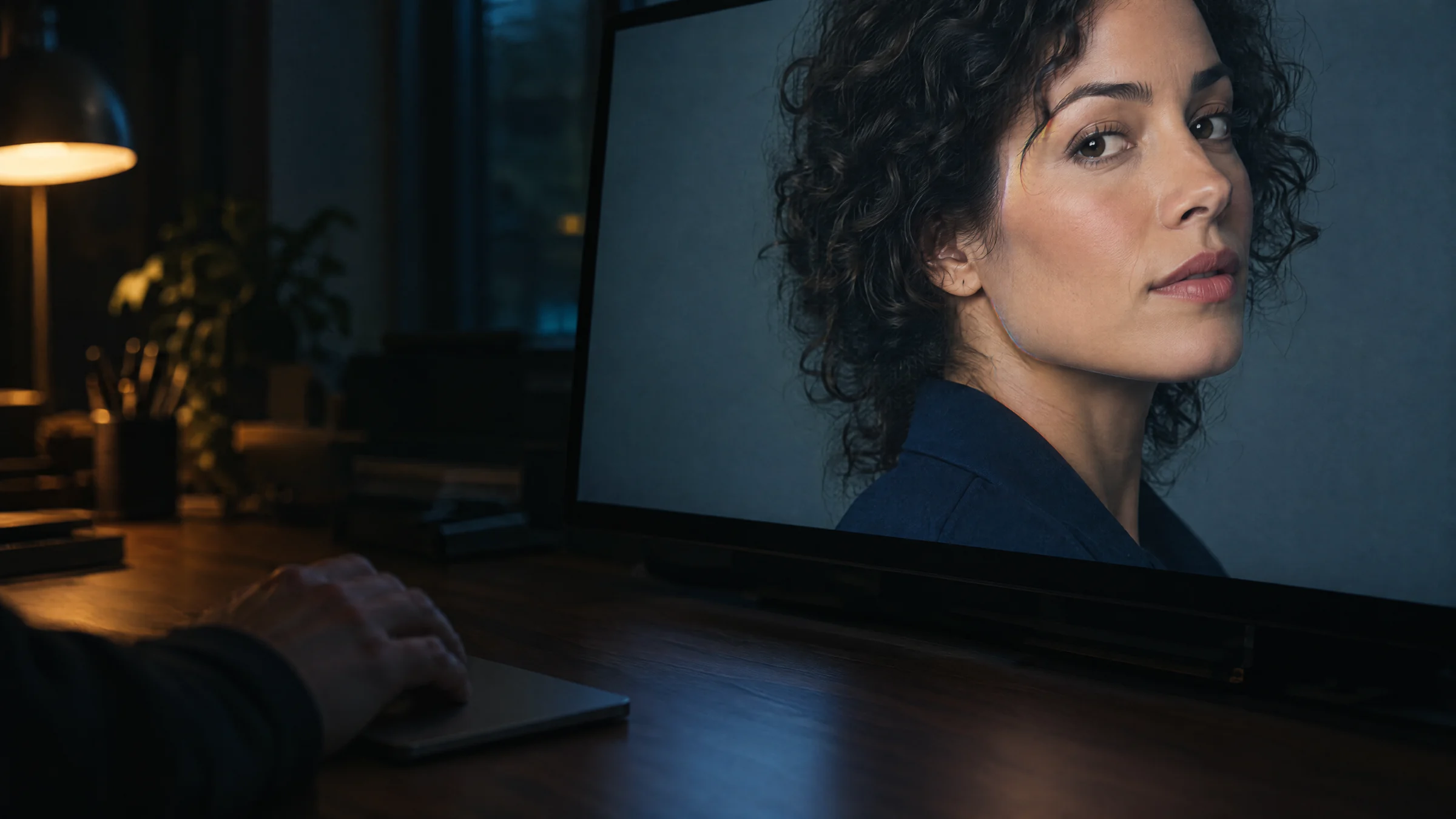
Is This Video Face-Swapped? How to Check a Clip Step by Step
Scan the clip for AI signals, then check three paused frames of the face for a swap. What each score means, where both miss, and what to check by eye.
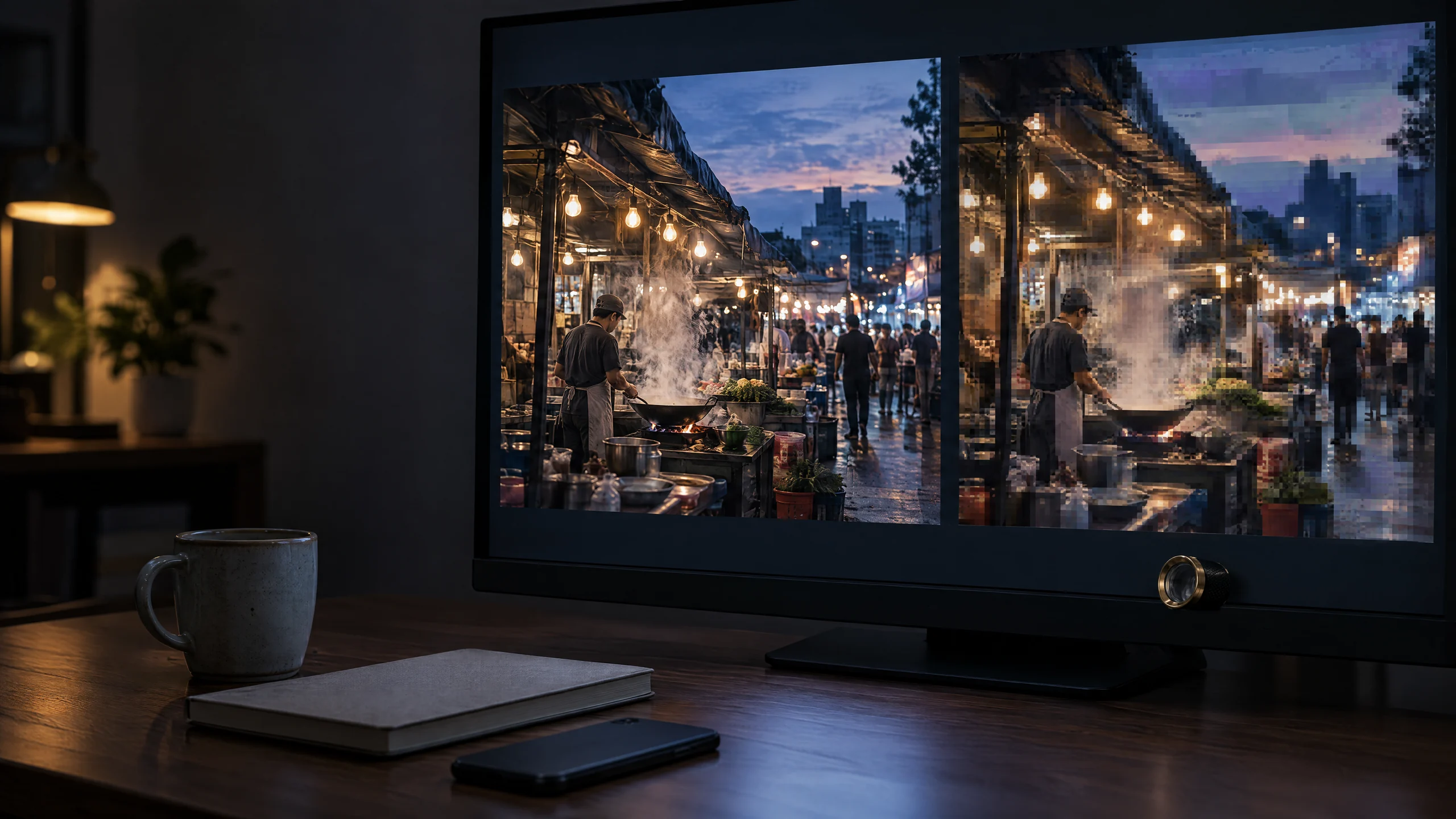
How to Check If a Video Is AI-Generated: A Walkthrough
Get the original file, trim it to 30 seconds around the moment you doubt, scan it and read the AI probability. Then run the source checks a scan can't.
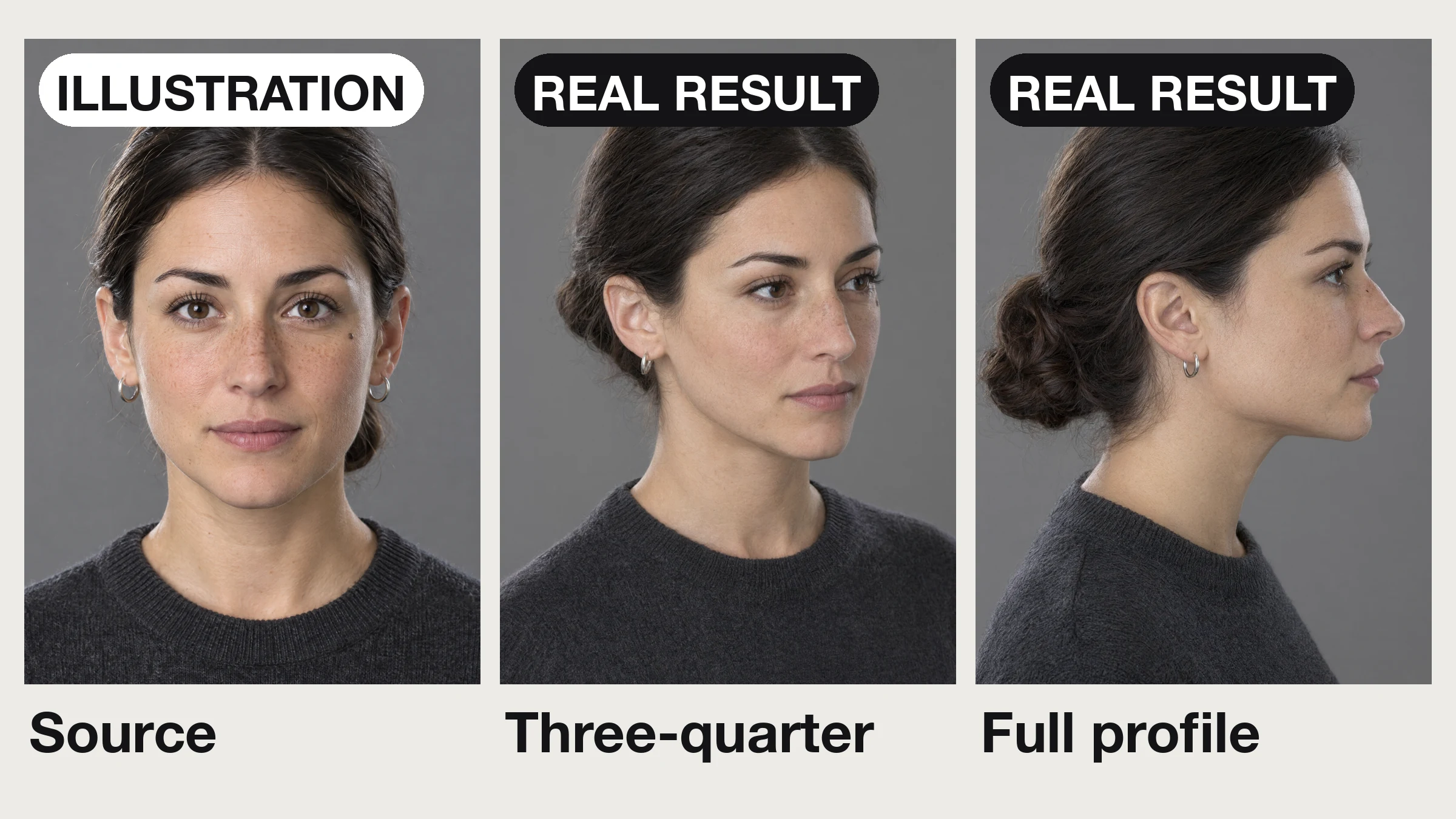
Change Head Angle in a Photo: Turn a Head or Face the Camera
Your one good shot faces the wrong way? Turn the head to three-quarter or profile, or make it face the lens: 7 real runs, what went wrong, what to check.
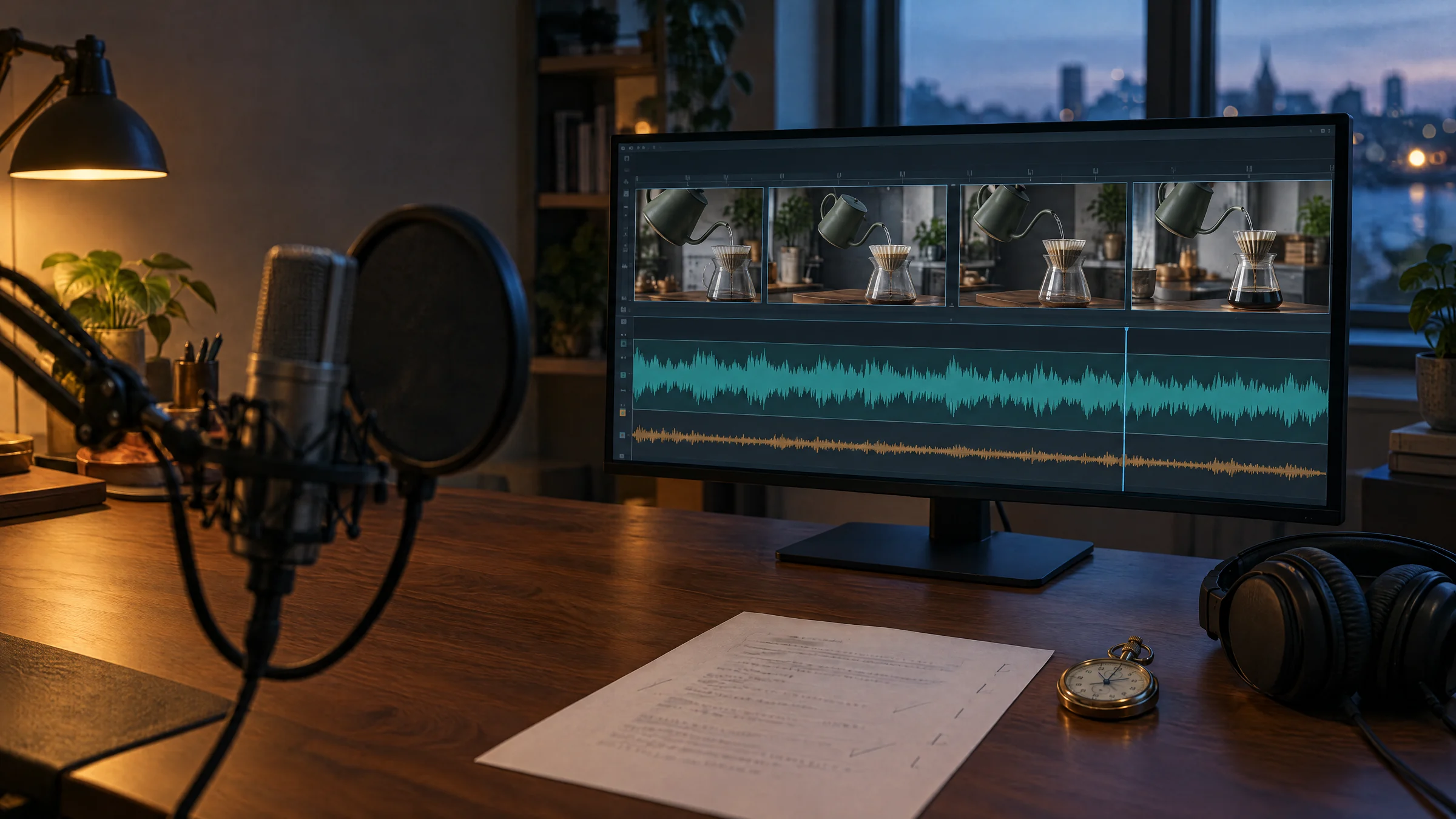
How to Add an AI Voiceover That Fits Your Video
Time an AI voiceover to your clip: 65–75 words per 30 seconds, stock or cloned voices, name respellings, and mixer settings that keep the voice clear.
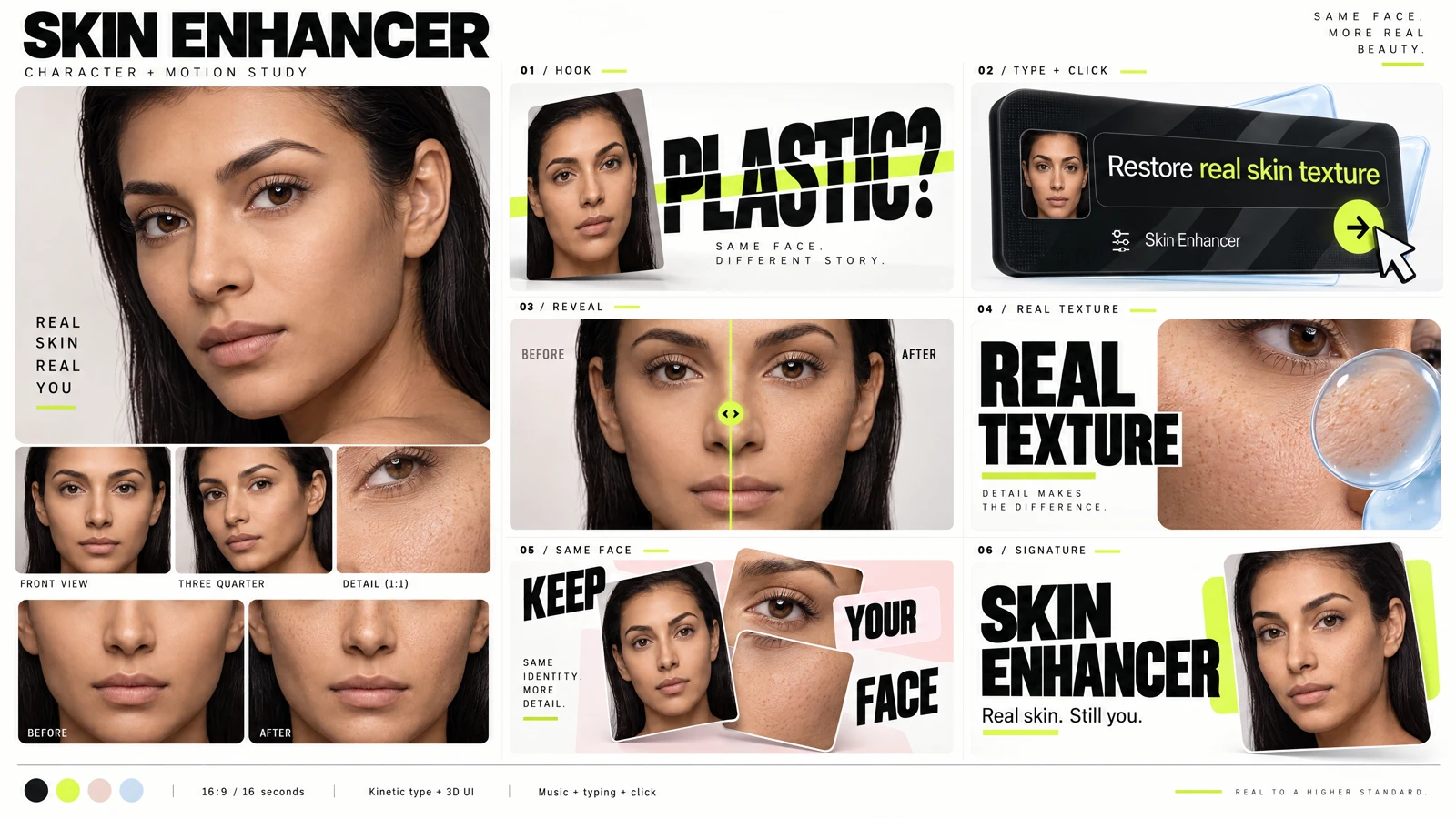
How to Make Before-and-After Video Ads From Images
Create a before-and-after video ad from a matching image pair. Plan a clear reveal, readable text, motion and music using an AI feature showcase workflow.
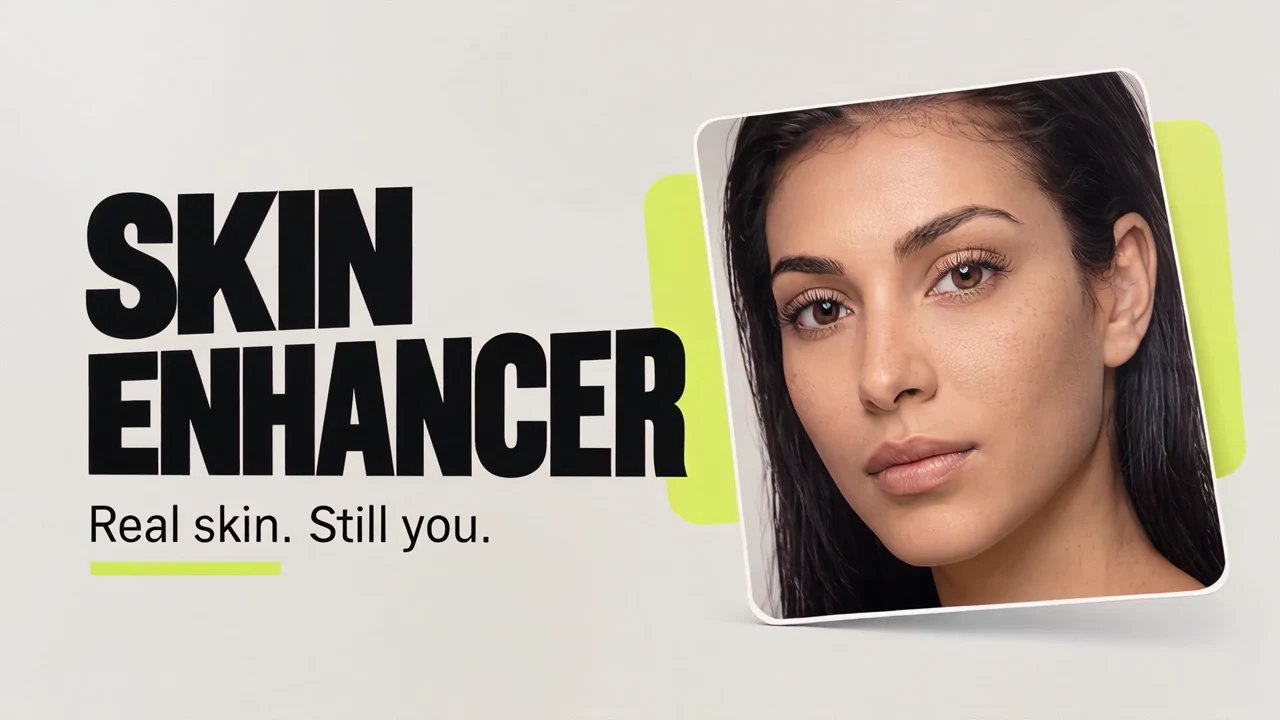
How to Make an AI Feature Showcase Video From Images
Turn a product brief and screenshots into a feature showcase video. Learn the character-sheet workflow, reference selection, motion direction and review process.

MiniMax H3 Explained: Specs, Omni-Reference and Licensing
MiniMax H3 in plain terms: what it generates, how native audio and omni-reference work, what a clip costs, and what its open-weights licence actually allows.

MiniMax H3 LoRA Training: Clips, Steps, Modes
Train a MiniMax H3 video LoRA: which of the four trainers to pick, clip rules that fail runs, steps, character LoRA vs references, and cost.
MiniMax H3 Max and the Real Speed of AI Video in 2026
MiniMax H3 Max claims a 5-second clip in under 3 seconds. We timed 26 runs end to end: 7.2s median at 768p, 192.6s at 2K. Resolution is what costs you.
Seedance 2.5 API Pricing and Access (2026)
How Seedance 2.5 API pricing works (token-metered, not per second), where to access it, what a finished clip costs, and how to run it with the price shown first.
Open Weights or API-Only? What You Can Download in 2026
A verified 2026 ledger of open source AI video models: which weights you can download, the licences named, and where "open" really means API-only.
Why AI Clips Break After 8 Seconds (And How to Reach 30)
AI video length limit by model, verified 2026-07-29: native vs extended ceilings, why clips drift past 8s, and a 6-shot 30-second recipe that holds.
Is Wan 3.0 Real? What Alibaba Has Actually Shipped in 2026
Wan 3.0 is real: public beta 6 August 2026, API-only, closed weights, 2-30s at up to 1080P. Every Wan version, what has open weights, and where to run it.
Krea 2 LoRA Training: Character and Style Guide
How to train a Krea 2 LoRA: dataset size, captioning mode, 768 vs 1024 px, steps, stacking up to three adapters, and running it in the browser.
Framer Alternative: AI Cinematic Landing Pages 2026
A Framer alternative built for cinematic landing pages: Imagera's CinePage generates a scroll-scrubbed hero video and 3D title from one prompt.

Poe Alternative: Compare AI Models in 2026
Looking for a Poe alternative in 2026? Ask up to 10 AI models one prompt at once and compare answers side by side — bundled with a full creative suite.
One AI Subscription vs ChatGPT + Claude + Gemini
Tired of stacking AI bills? See how one Imagera subscription replaces ChatGPT Plus, Claude Pro, Gemini Advanced and separate image, video and voice tools.
Adobe Stock Rejected Your Upscaled Images? How to Pass Review
Stop getting an 'adobe stock ai image rejected' notice. Why over-upscaling fails and how Imagera's 16K upscaler fixes artifacts for contributor acceptance.
Upscale AI Images for Print on Demand (Gelato, Printful)
Learn how to upscale AI image for printing on posters and apparel with Imagera. Get 16K resolution, avoid blurry returns, and boost POD sales on Etsy.
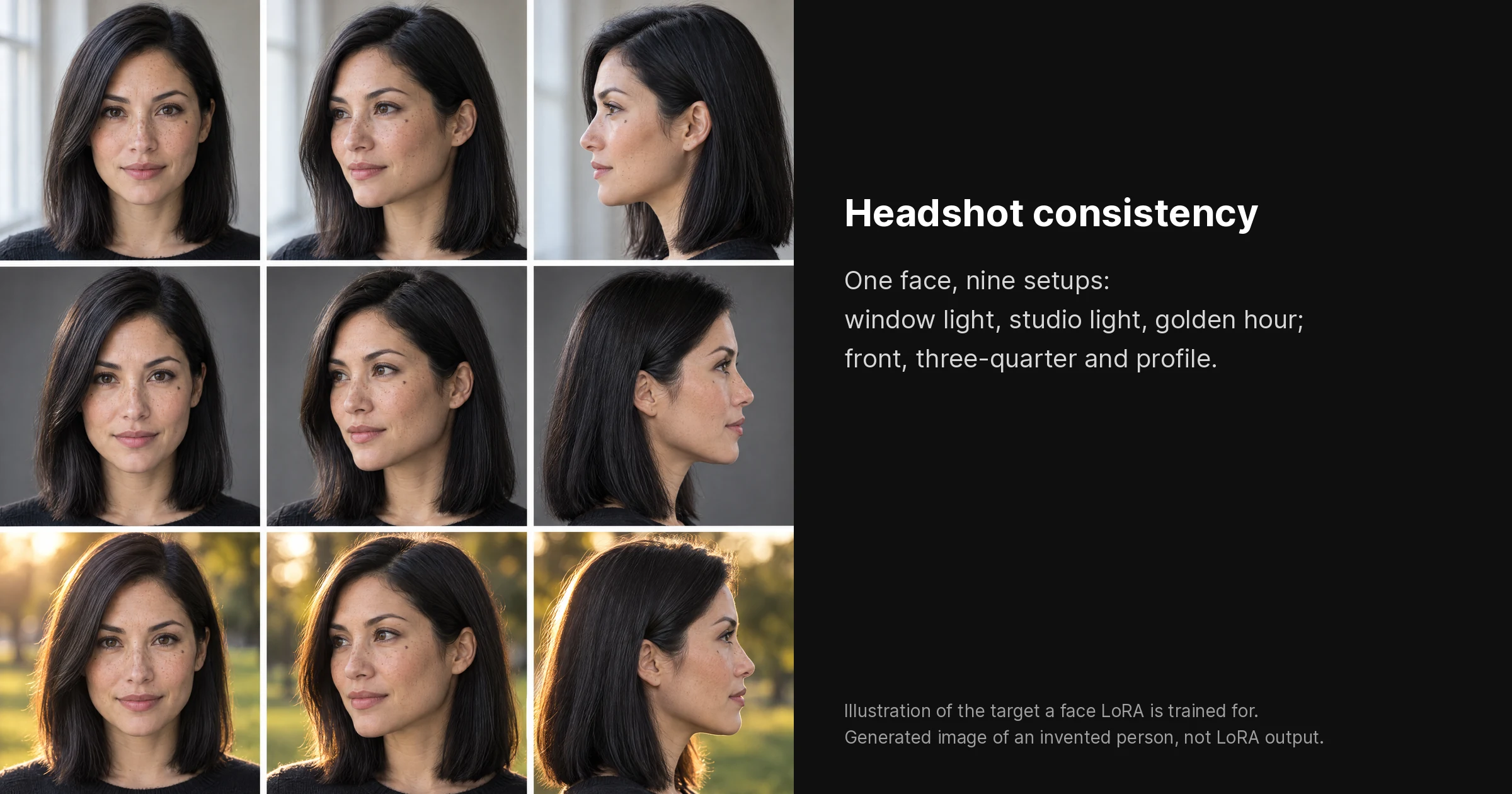
How to Train Custom LoRA Models for AI Headshot Consistency
Learn how to train custom LoRA models AI headshot consistency with Imagera. Get step-by-step guidance, input requirements, and tips for flawless AI face consistency.
Seedance 2.5 Explained: 30-Second Video, No Native 4K (2026)
Seedance 2.5 renders 30 seconds in one pass from 50 references, at up to 1080p, not 4K. API open since 7 August 2026. How it compares with Veo 3.1.
Best 16K AI Upscaler for Real Estate Photos
The best AI image upscaler for 16K real estate listings. Imagera delivers ultra-HD clarity for MLS and marketing photos, billed per image in credits.
Best Talking Avatar Generator for Podcasters
Discover the best talking avatar generator for podcasters custom voice with Imagera. Create lip-synced AI podcast avatars with custom voices in minutes.
Turn a Zoom Webinar Into LinkedIn Clips (2026)
How to turn a Zoom webinar recording into LinkedIn-ready vertical video clips. Specs, moment selection, captions, and the native-upload reach advantage.
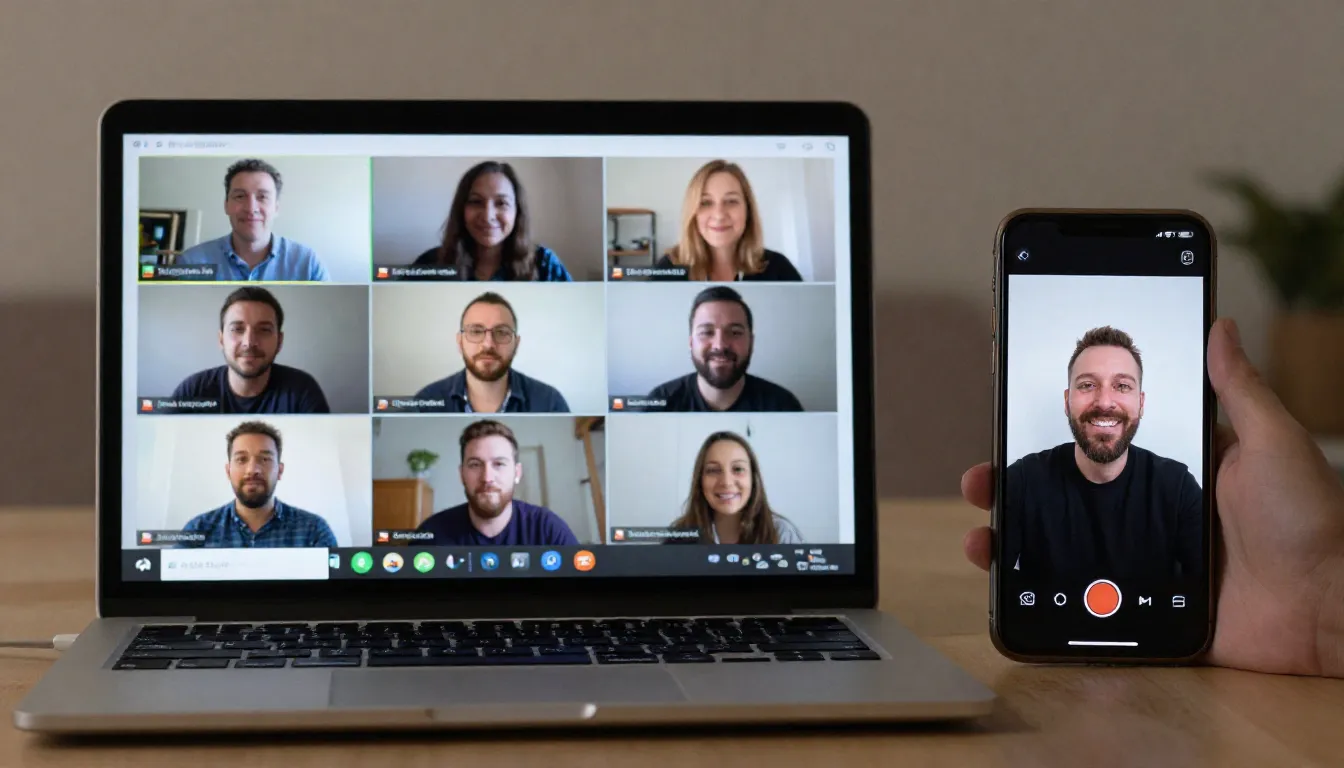
Google Meet Recording to Clips: Step-by-Step
Google Meet recording to clips: where your file saves, how to download the MP4, and how to turn it into vertical reels automatically. Full 2026 guide.
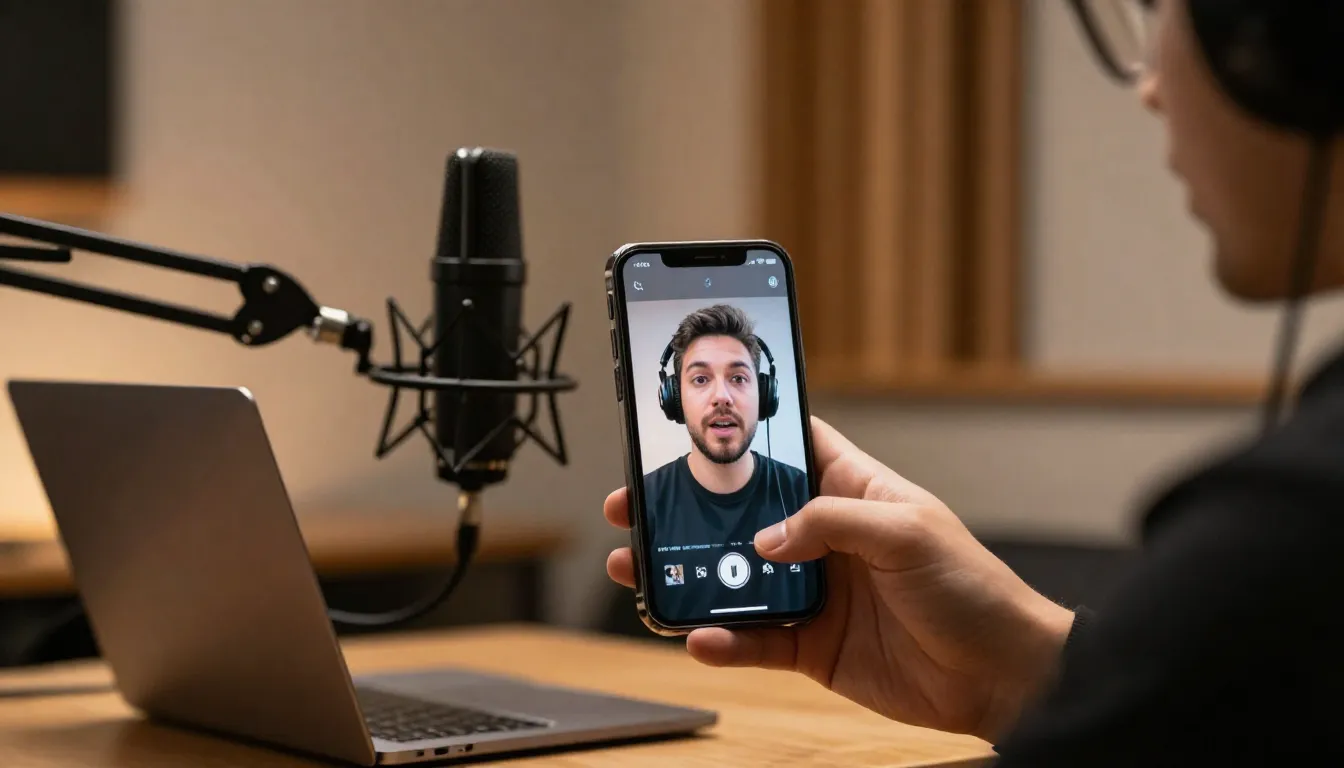
How to Turn a Podcast Into Reels (2026 Playbook)
How to turn a podcast into reels — step-by-step AI workflow to clip, crop to 9:16, caption, and post to TikTok, Reels, Shorts & LinkedIn in under 10 minutes.
Best OpusClip Alternatives (2026, Honestly
Honest 2026 comparison of 8 OpusClip alternatives — Vizard, Klap, Submagic, Munch, Descript, Captions, Riverside, Imagera — by price, free tier, and use case.
Look Good on Google Meet in 2026: Setup + AI Filter
Look good on Google Meet in 2026: honest lighting, camera and framing tips first, then GlowCam's on-device AI filter to finish skin, eyes and background.
Look Awake on Camera: Dark Circles Fix (2026)
Look awake on Zoom interviews: fix under-eye shadows, double-chin lighting, and early-meeting fatigue — plus Imagera GlowCam for a natural fix. Free trial.
Camera-On Culture: Look Good Without Dreading It
Camera-on culture in 2026 collides with filter-face burnout. Here's the natural-look shift and how to show up rested, not fake, on every call.
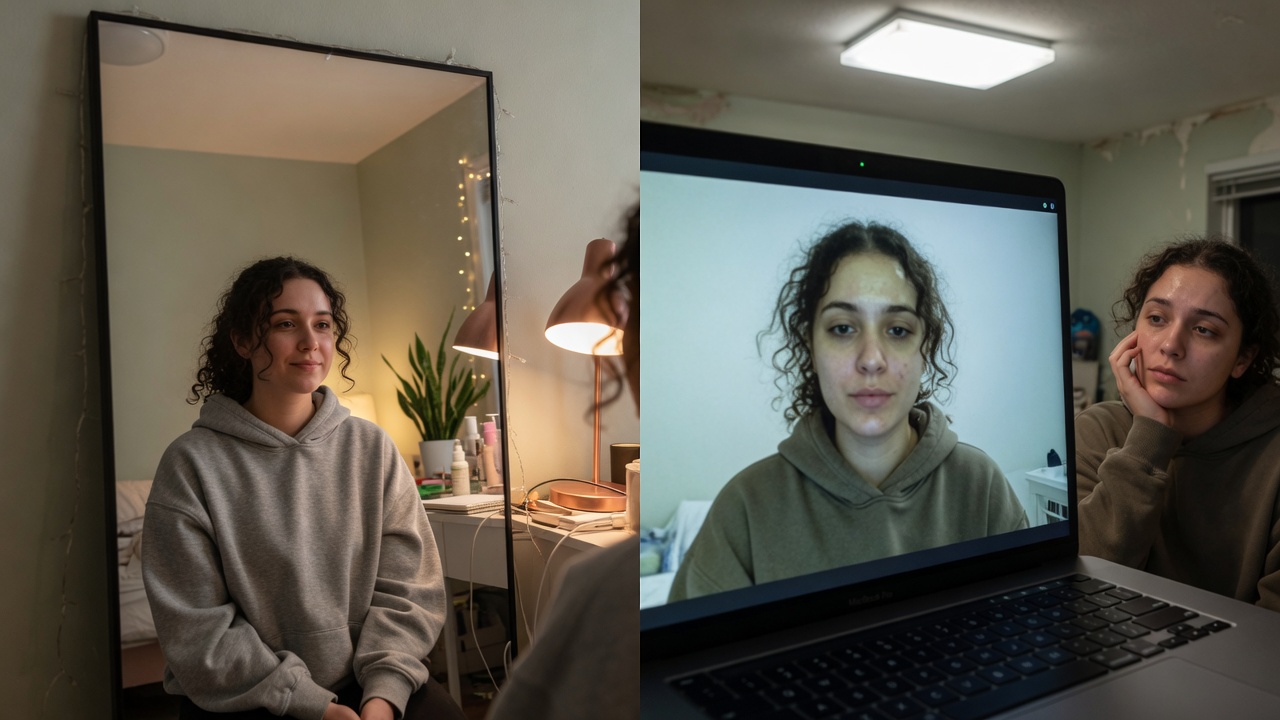
Why You Look Worse on Camera, and How to Fix It
Why Zoom and Meet make you look older and more tired than real life — and how to fix light, angle, and live polish with Imagera GlowCam for work calls.
Look Fundable on a Zoom Pitch (2026)
Investors decide energy in seconds on Zoom. How founders look rested and credible on video — light, framing, and Imagera GlowCam. 2-day free trial.
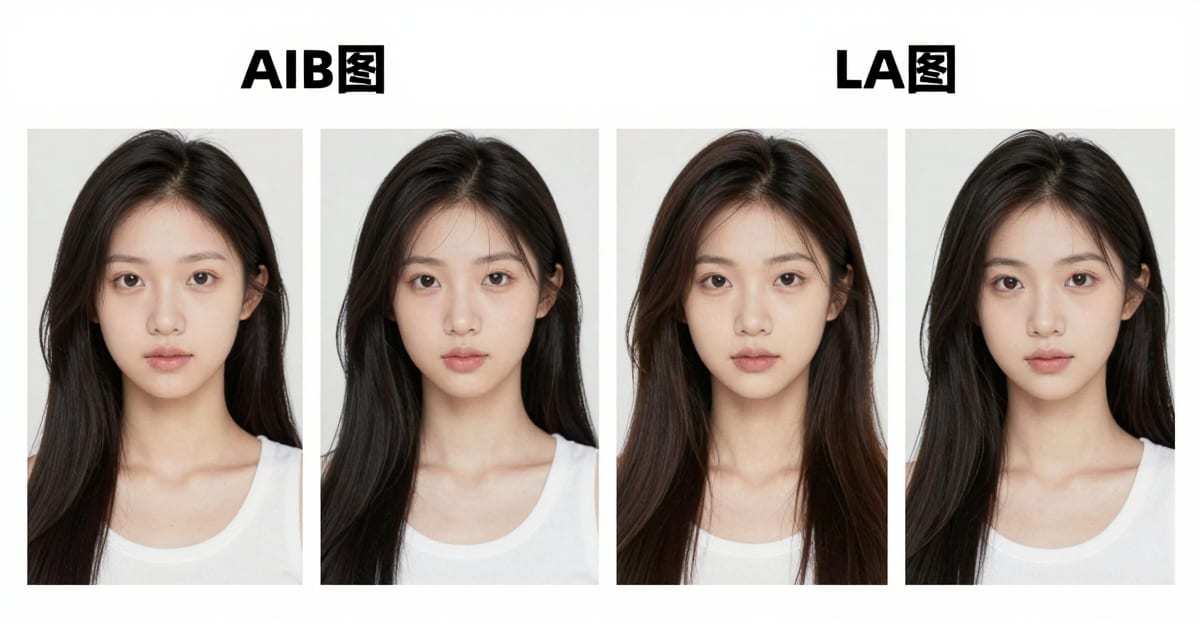
Image Arena 2026 — Compare AI Image Models Side
Image Arena on Imagera: compare AI image models side by side before you commit credits. Credit packs from 350 credits.
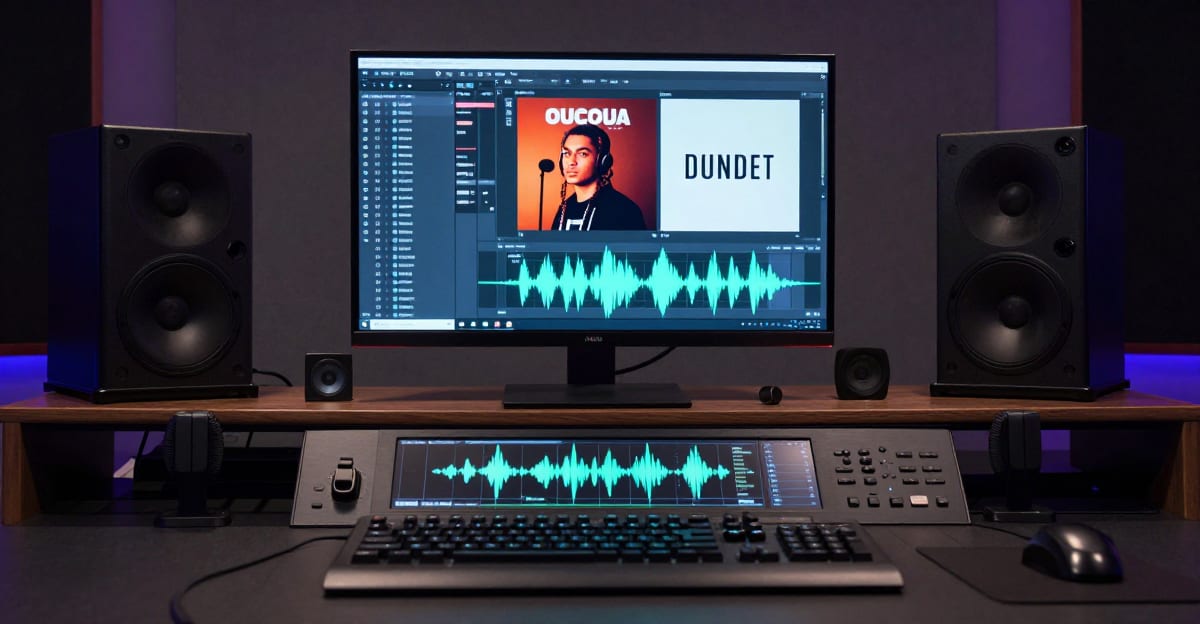
Music Factory AI Studio Guide: Generator, Cover
Imagera Music Factory guide: upload & extend, covers, add vocals, separate stems, music video & more. Credit packs from 350 credits.
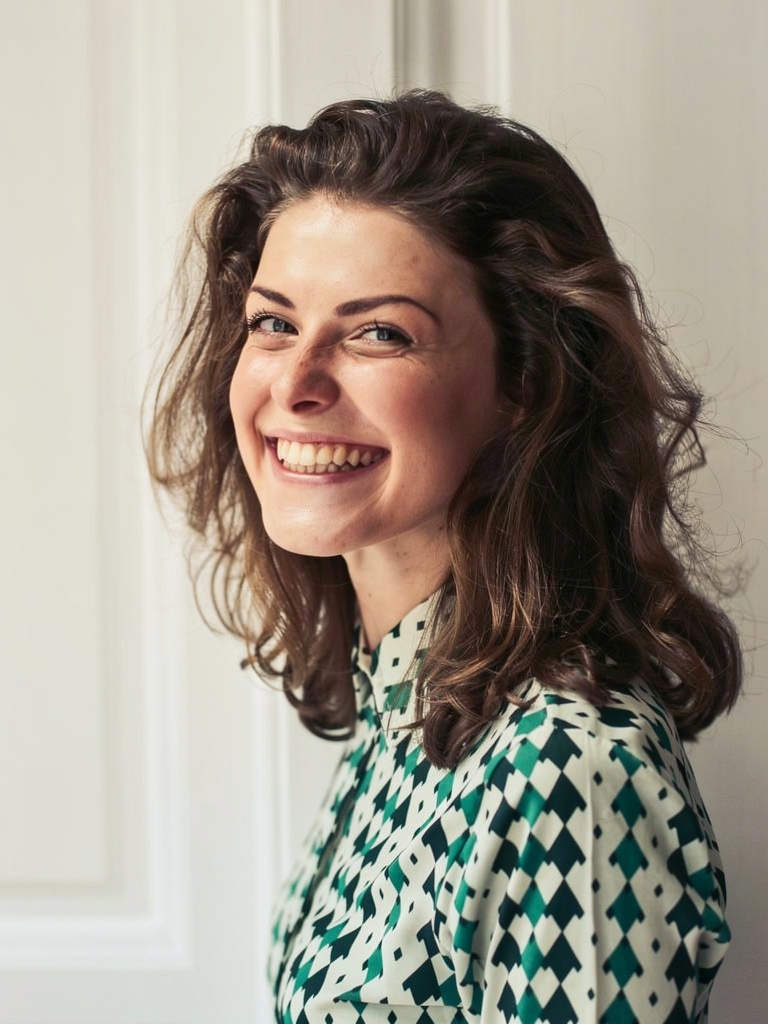
Imagera Identity Editor: Change Pose, Keep the Face (2026)
Imagera Identity Editor keeps identity preserved while you change pose or angle — same face, new framing. Best Imagera photo editor for people. Credits…
Imagera Image Editor 2026: Identity, Fast & Smart Edit in
Imagera Image Editor: Identity Editor for same-face pose changes, Fast Edit for deadlines, Smart Edit for campaign briefs. Credit packs from 350 credits.
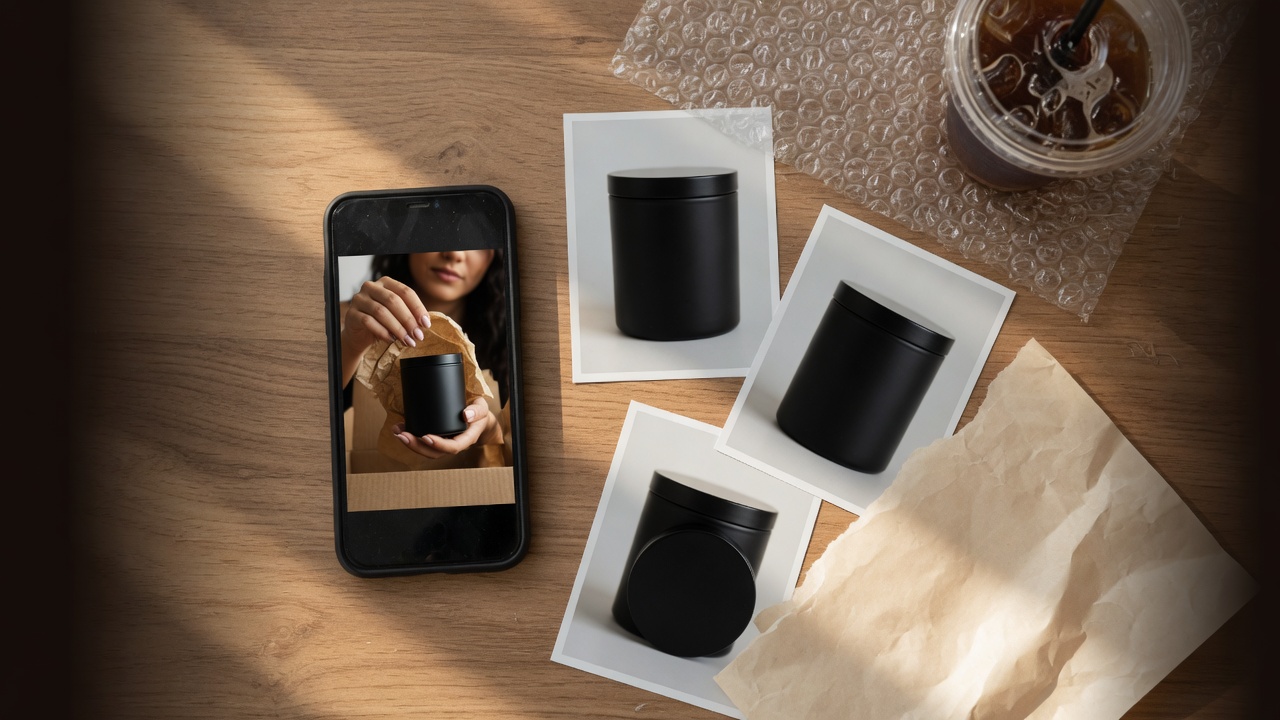
AI UGC Product Ads From Photos 2026
Create AI UGC product ads from photos in 2026: stills to short video for TikTok, Meta, and Reels on Imagera. Credit packs from 350 credits.
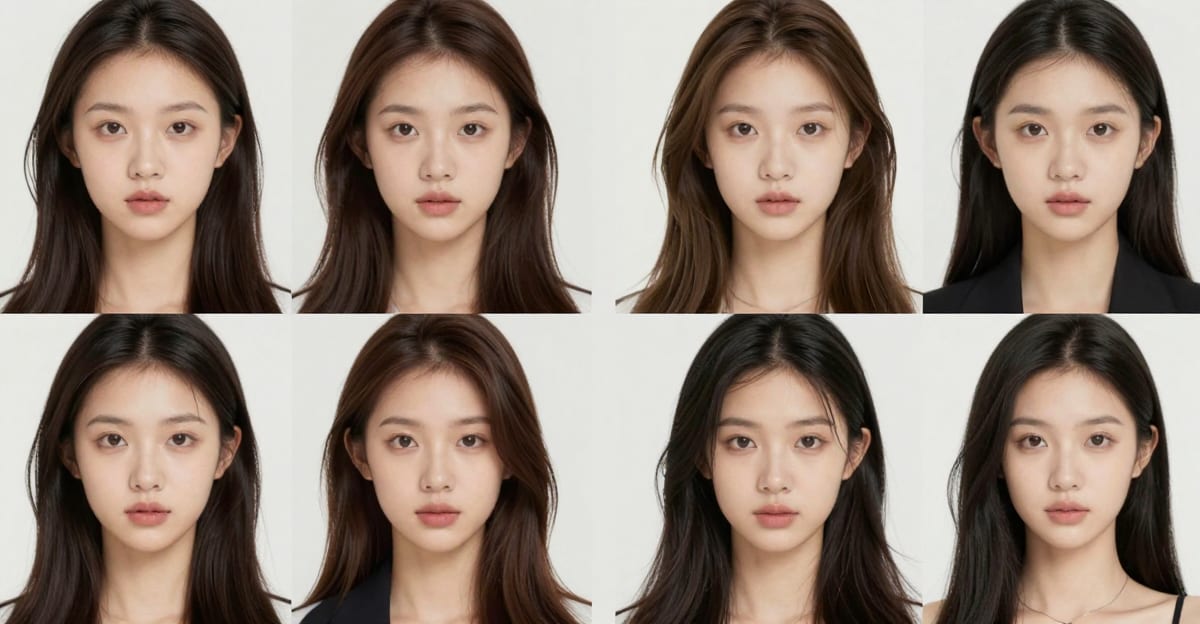
Personal Influencer LoRA: Generate & Fix
Personal Influencer on Imagera: train identity, LoRA generate photos, fix face, manage models. Credit packs from 350 credits.
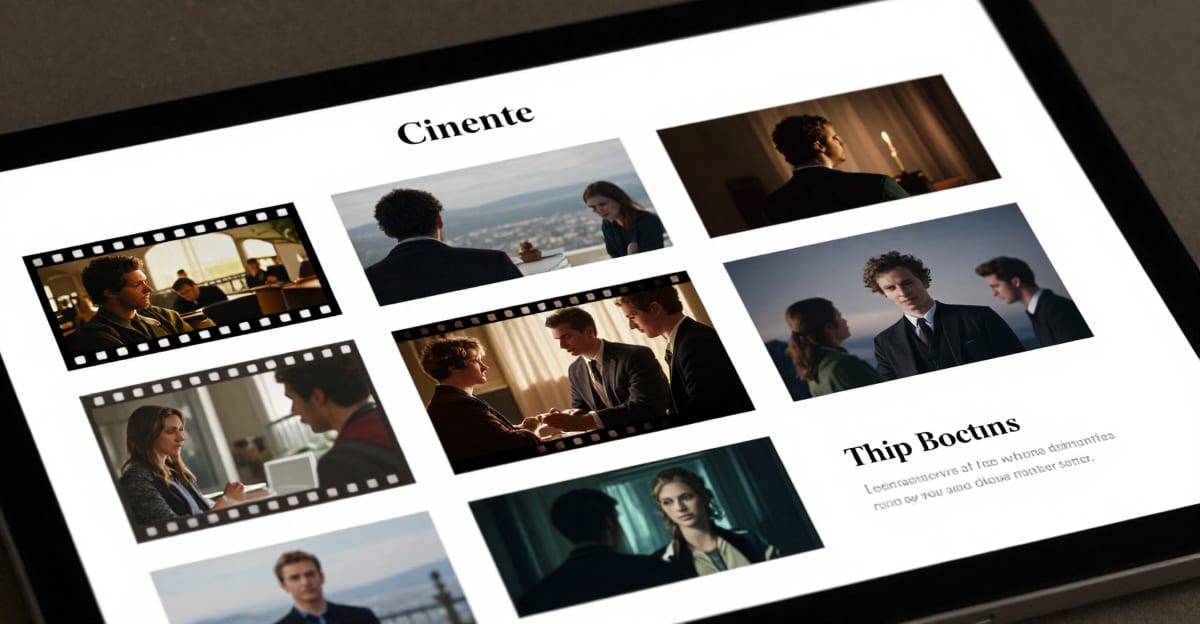
CinePage Cinematic Page Builder 2026 — AI Storyboard Pages
CinePage cinematic page builder on Imagera: AI storyboard-style pages for video production. Browser-based; credit packs from 350 credits.
Image to Video AI for Instagram Reels (2026)
Image to video AI for Instagram Reels 2026: turn product and person photos into short vertical video on Imagera. Credit packs from 350 credits.
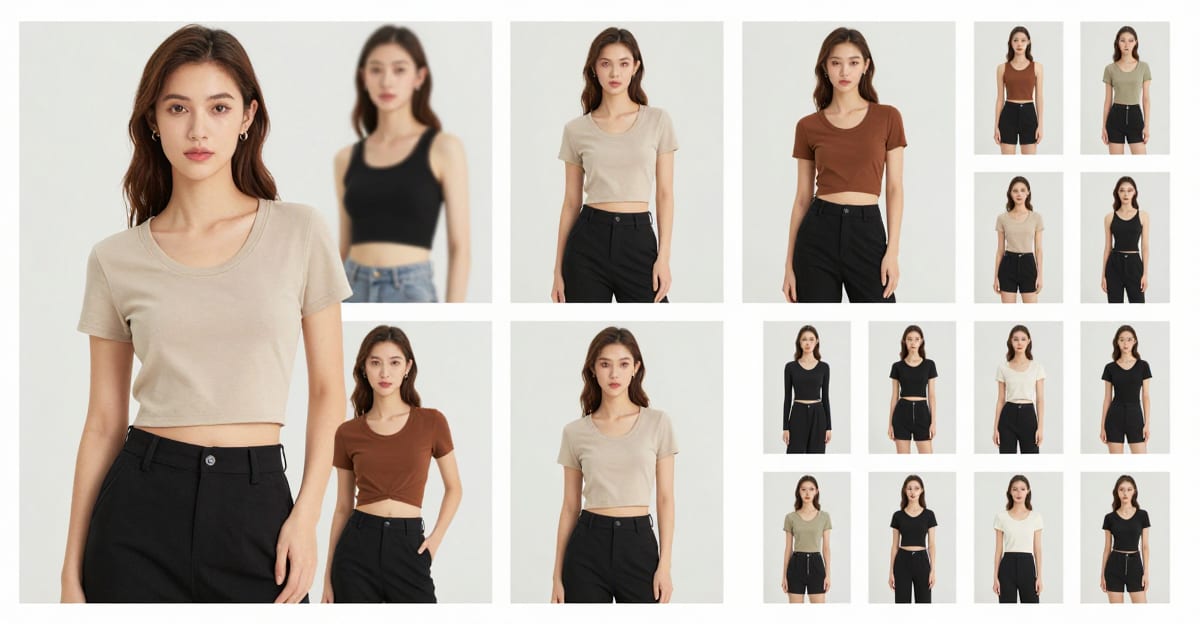
AI Angle Changer & Fashion Look Book (2026)
AI angle changer and look book online: new camera angles and outfit looks from one photo on Imagera, for ecommerce & fashion. Credit packs from 350 credits.
AI Smart Director 2026 — One-Click AI Video Direction Online
AI Smart Director on Imagera: one-click AI video direction for faster multi-shot production. Credit packs from 350 credits.
AI Video Detector: Check Deepfakes Online (2026)
AI video detector online: check clips for AI/deepfake signals on Imagera detect tools. Pair with image/audio detection. Credits where applicable.
AI Voice Changer & Video Dubbing Online 2026
AI voice changer and video language dubbing online on Imagera Voice Studio. Change voices, dub videos, credit packs from 350 credits.
Auto SFX 2026 — AI Sound Effects for Video Online
Auto SFX on Imagera: AI sound effects for video, generated from your clip. Credit packs from 350 credits. Pair with the video and music tools.
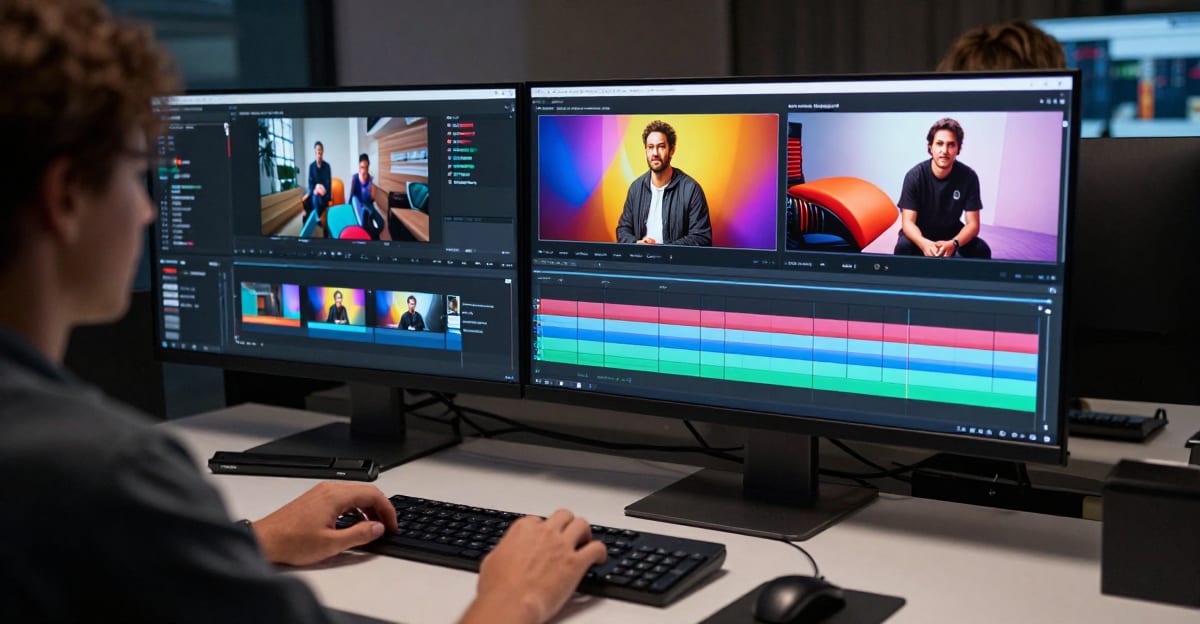
AI Video Editor 2026 — Multi-Model Video-to-Video
AI video editor online 2026: transform clips with multi-model video-to-video on Imagera. Credit packs from 350 credits — browser, pay-first, no GPU install.
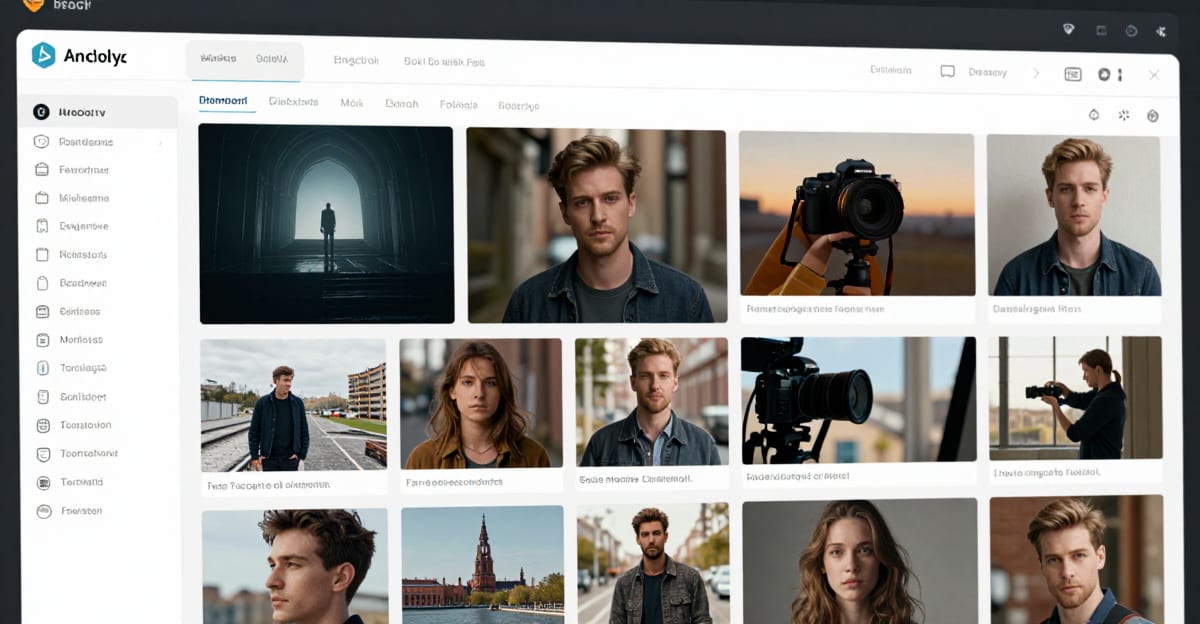
Popular AI Image Generator: Multi-Model Studio
Best multi-model AI image generator 2026: run top image models in one Imagera studio. Credit packs from 350 credits; cost shown before you generate.
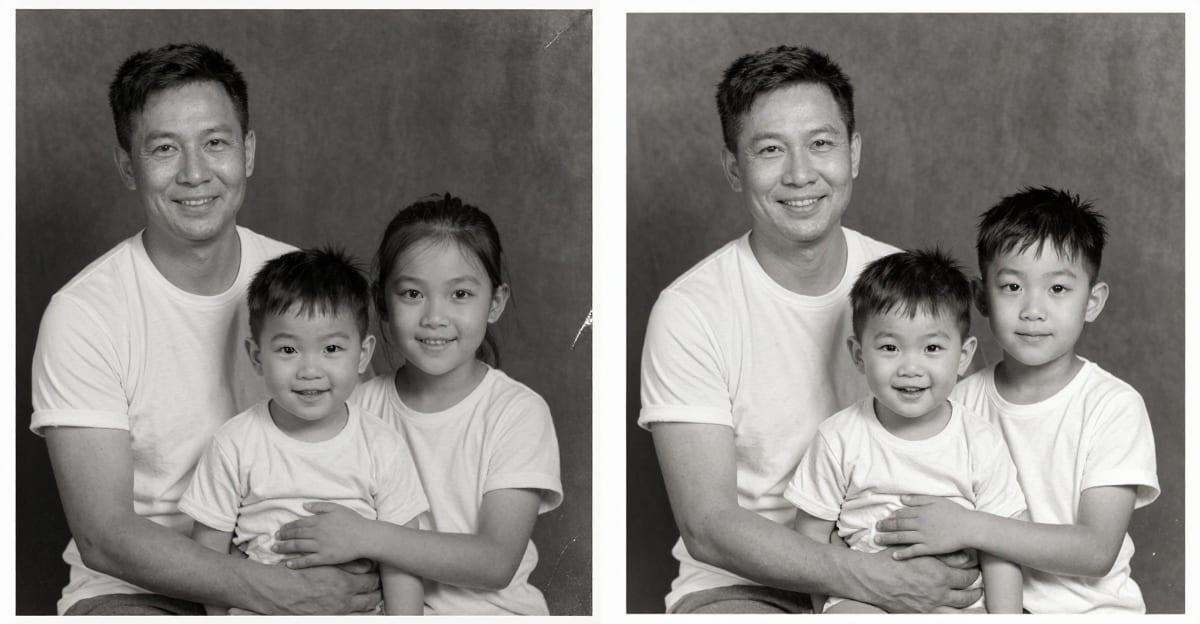
Restore Old Photos with AI Online (2026) — Fix Faded Family
Restore old photos with AI online: fix scratches, fade, and blur in browser on Imagera. Credit packs from 350 credits — no desktop install.
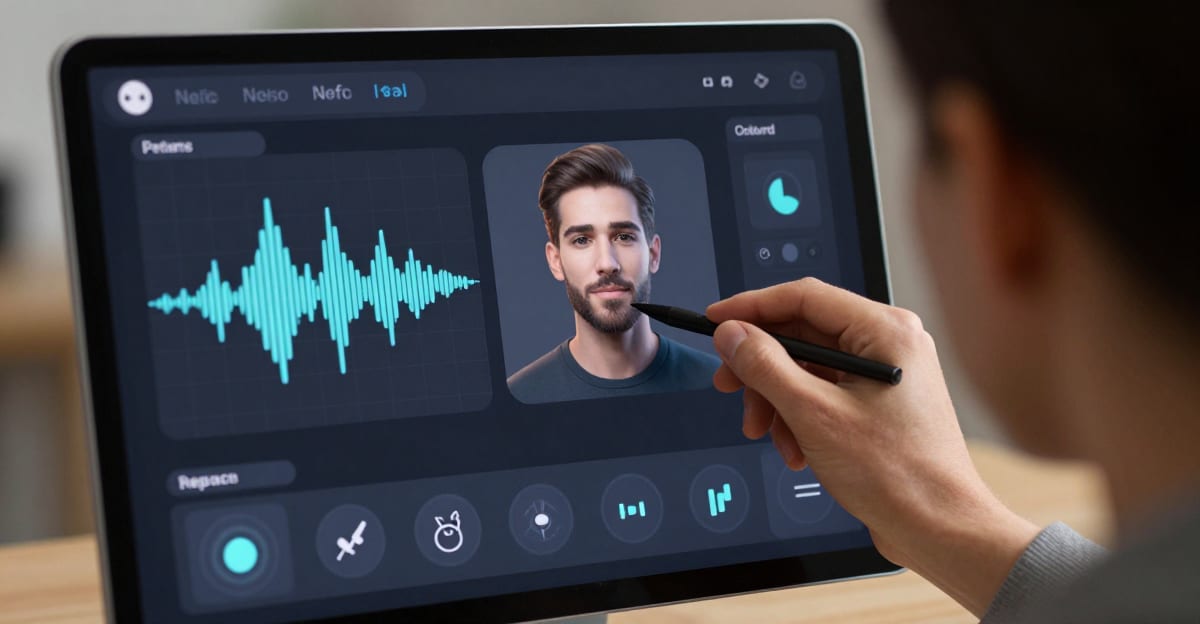
Voice Design 2026 — Create Custom AI Voices
Voice Design on Imagera: design custom AI voices for content. Credit packs from 350 credits. Pair with Voice Generator & Popular AI Voice.
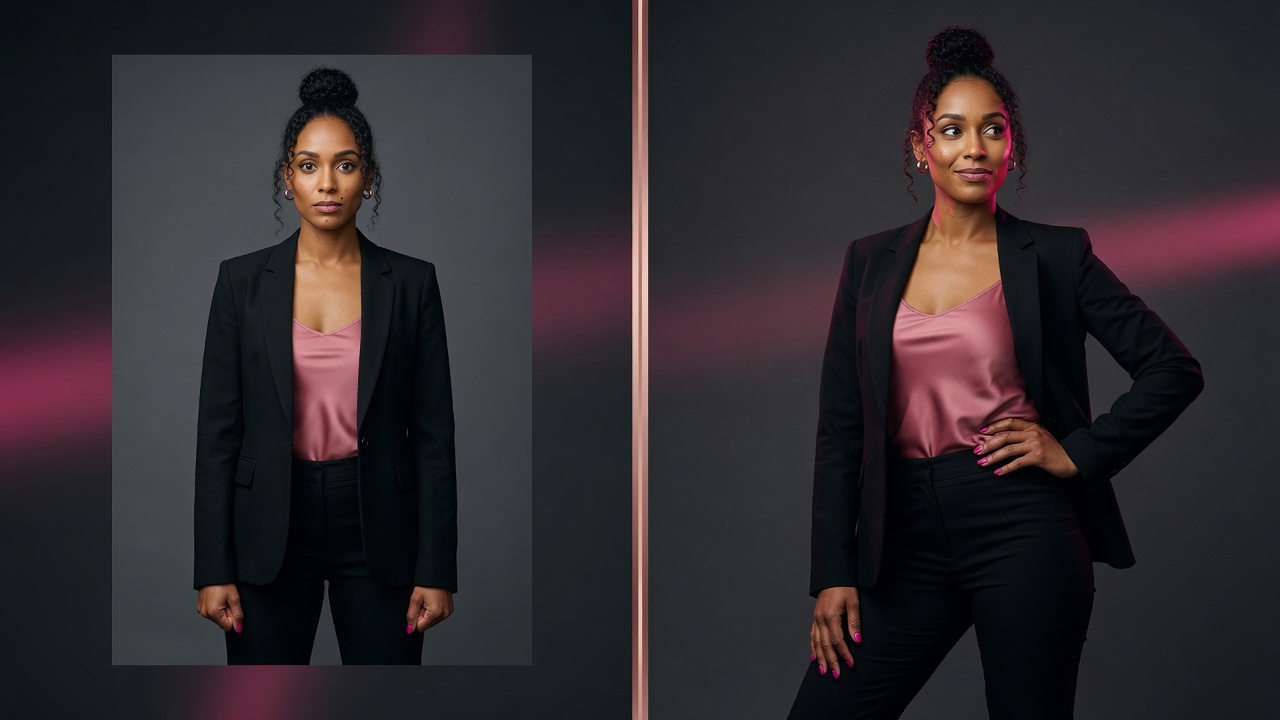
Best AI Pose Editor Online 2026
Best AI pose editor online 2026: change body pose or camera angle without changing the face. Identity-preserving guide on Imagera; packs from 350 credits.
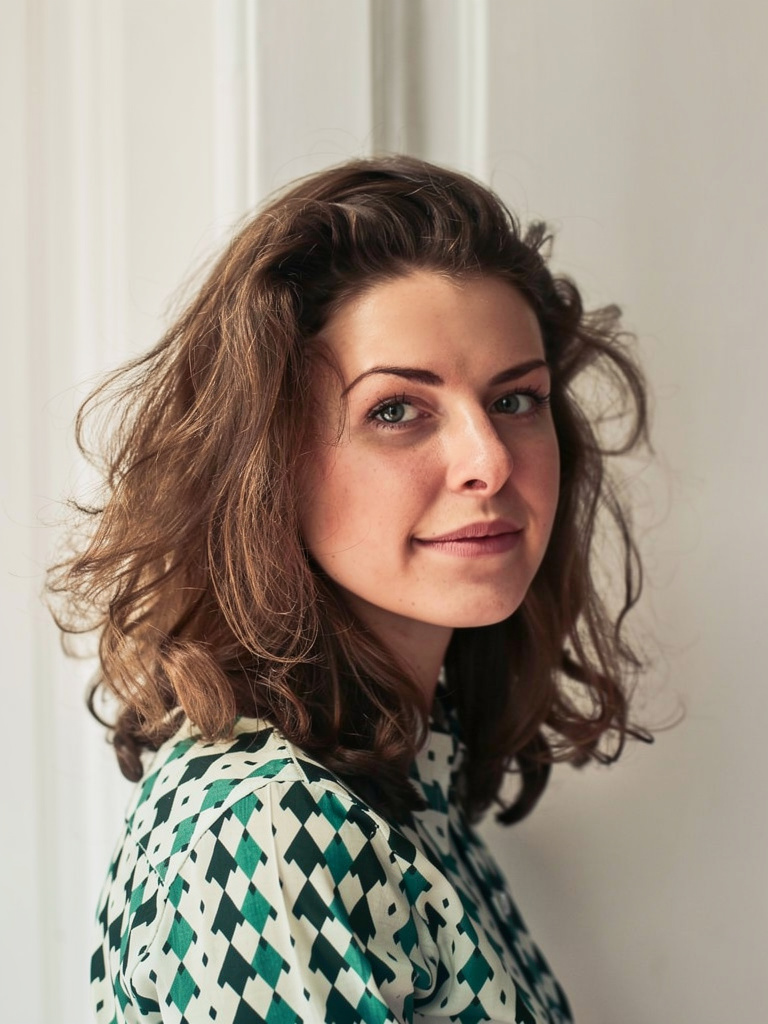
How to Change Pose in a Photo Without Changing the Face (2026)
Step-by-step: change pose or angle in a photo without changing the face using Imagera Identity Editor. Identity-preserved prompts, review checklist, and…
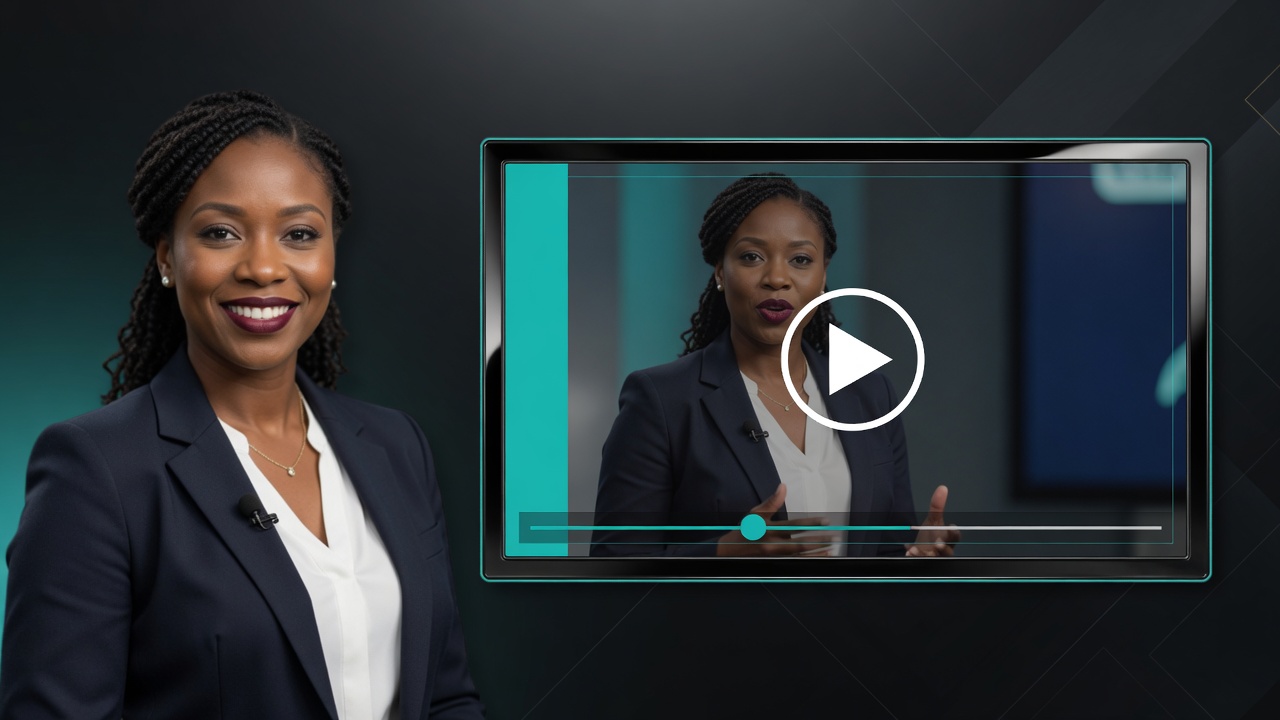
Talking Avatar From Photo AI 2026: Make a Photo
Talking avatar from photo AI 2026: turn one photo into a lip-synced talking video for business, training, and social. Credit packs from 350 credits on Imagera.
Best Hedra Alternative for Talking Avatars (2026)
Compare a Hedra alternative for talking avatars, commercial rights, credit pricing, and a broader image, voice, and video creation workflow.
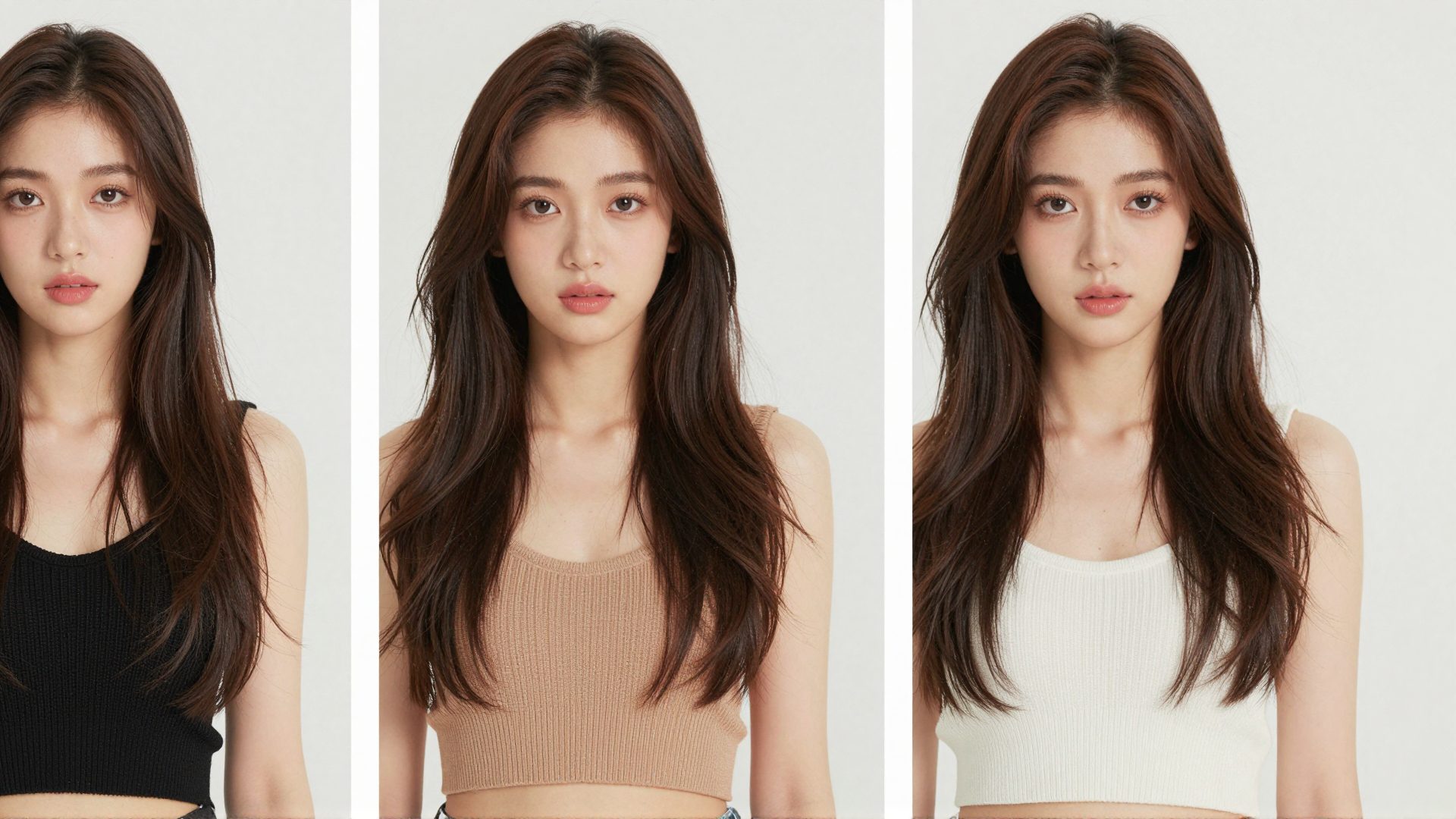
Best AI Influencer Generator 2026 — Consistent Characters That
Best AI influencer generator 2026: train a consistent face once, ship reels & ads. Compare Soul ID-style tools vs Imagera.
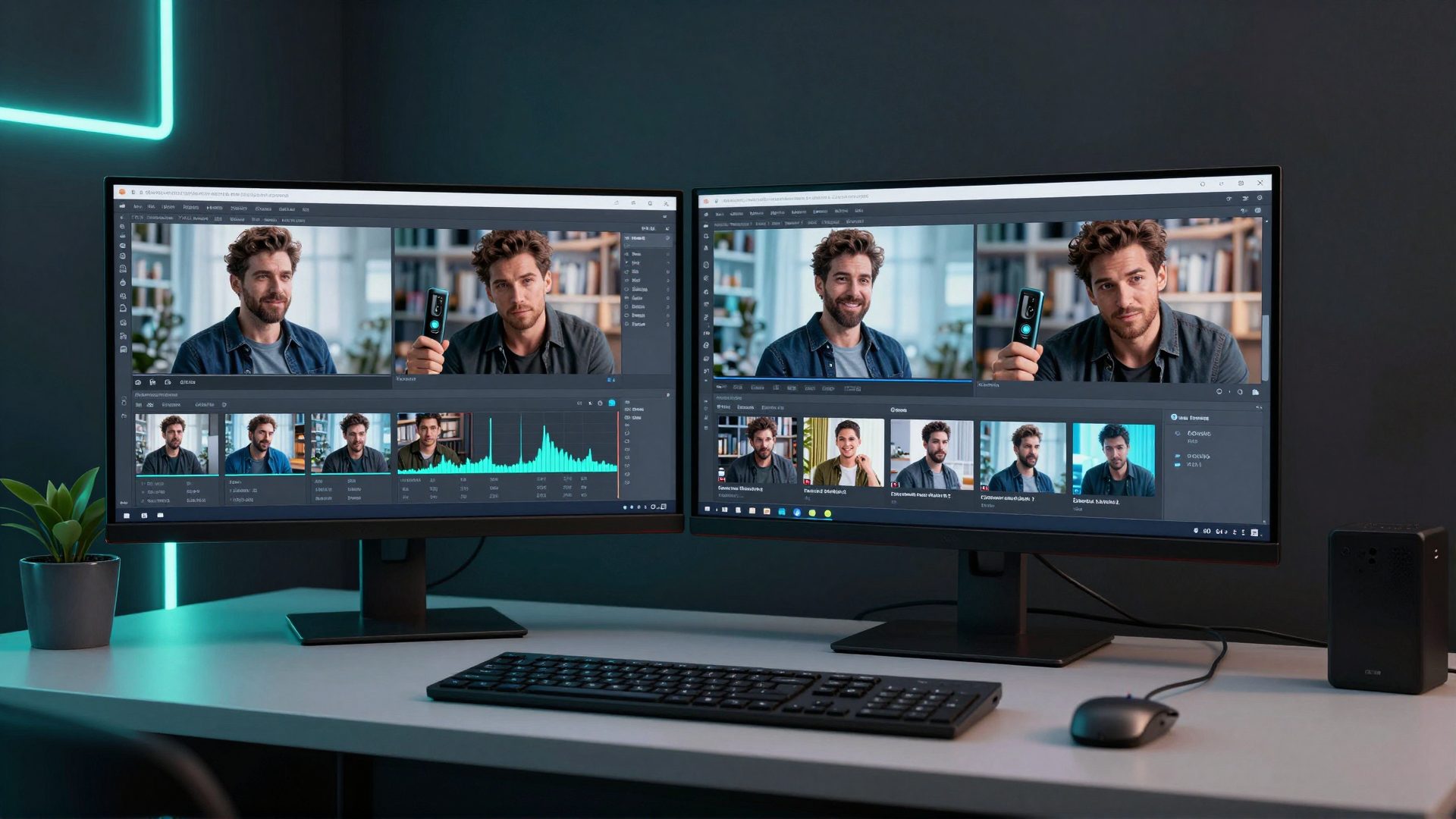
Higgsfield Alternative 2026 — Pay Per Use AI Video Without
Best Higgsfield alternative 2026: train a consistent AI character, run multi-model video & product reels on credit packs from 350 credits — no annual plan.
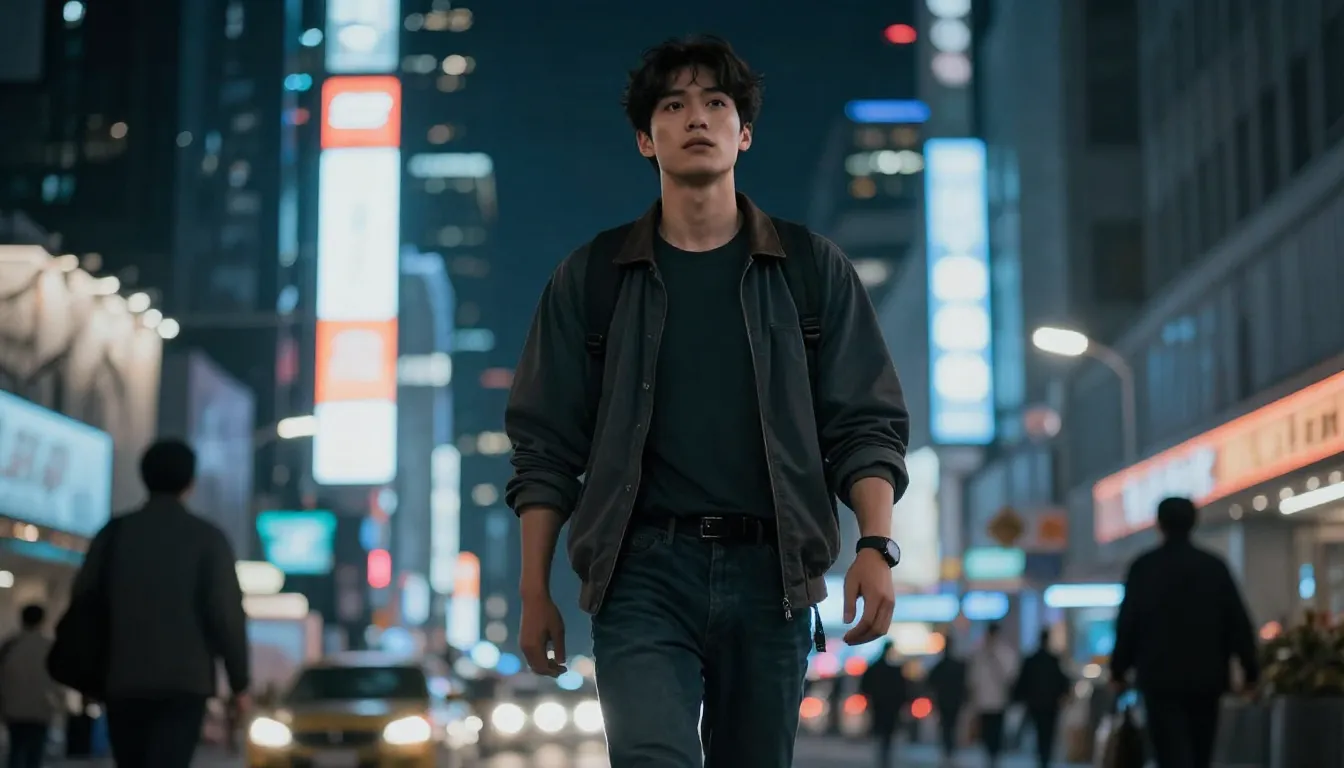
Kling Alternative 2026 — AI Video With Characters
Best Kling AI alternative 2026: multi-model video, consistent characters & product reels on Imagera — no single-model lock-in.
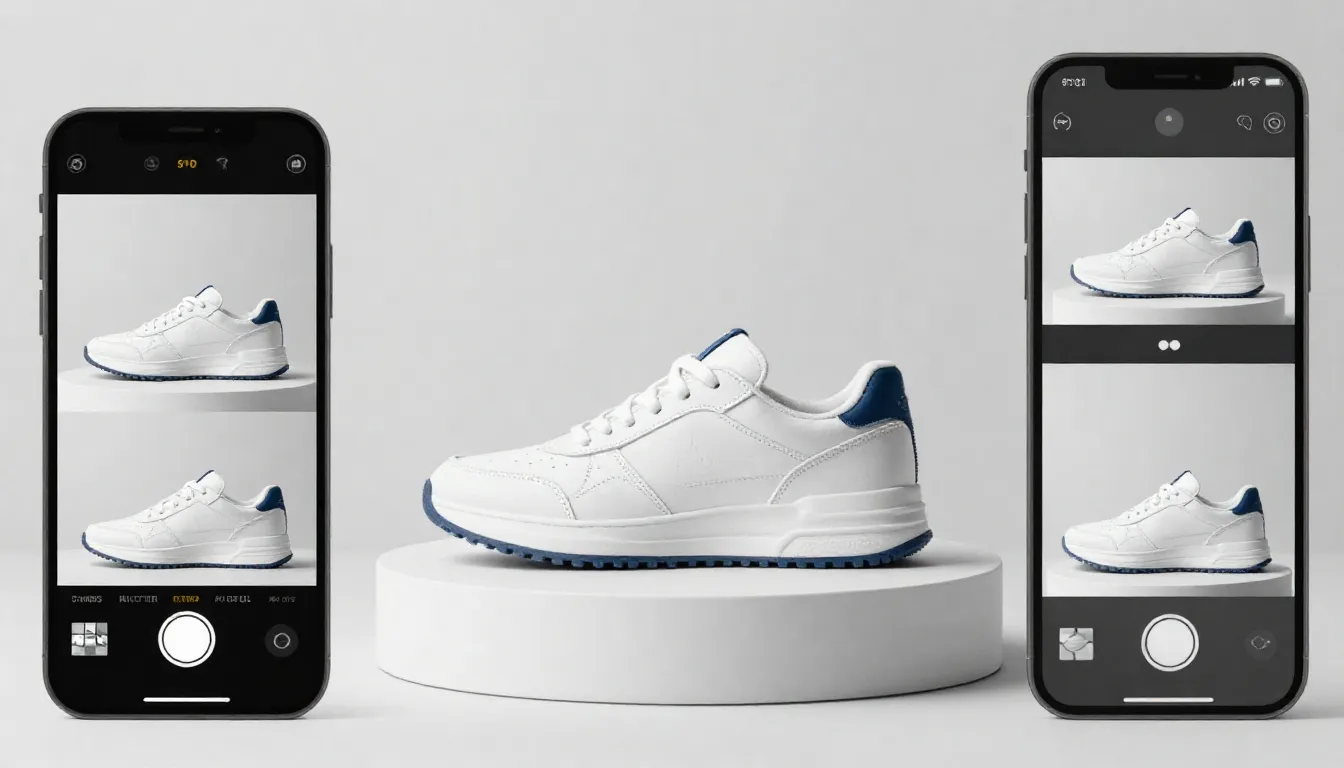
Best AI Product Video Generator 2026 — Photos to Reels That
Best AI product video generator 2026: turn product photos into Shopify & TikTok reels. Imagera product reels, priced in credits — no camera crew.
Runway Alternative 2026 — AI Video Without Gen-Only Lock-In
Best Runway ML alternative 2026: multi-model AI video, product reels & characters on Imagera — credit packs from 350 credits, no GPU install.

Product Reels for Shopify and Etsy Stores (2026 Online Guide)
Turn the product photos you already have into TikTok Shop, Etsy, and Shopify reels with reference-to-video AI — no camera, no per-SKU UGC creator fees.
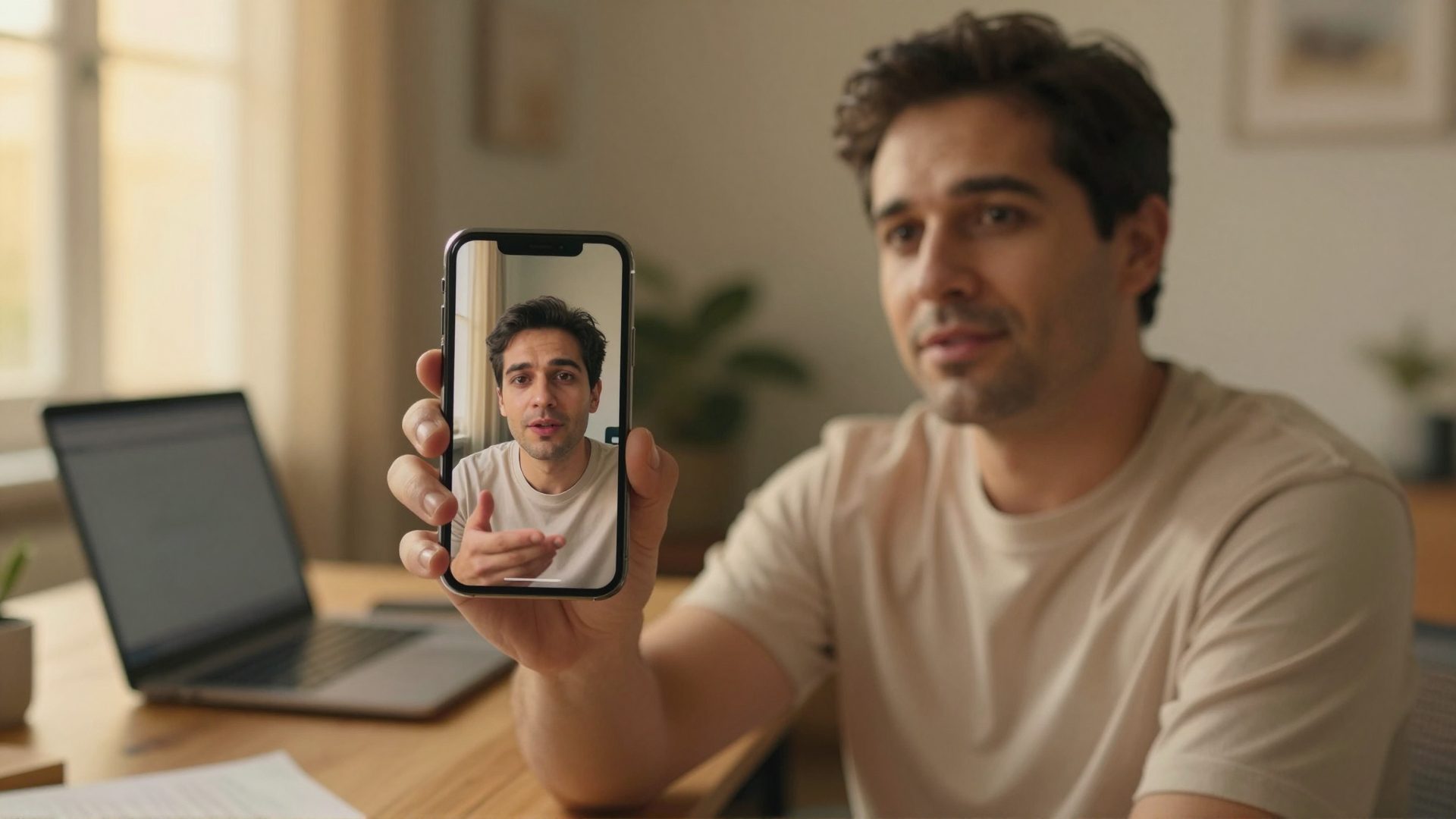
Make Reels of Yourself from Photos — No Filming Online (2026)
Make talking-head reels of yourself from a single photo — no camera, no filming, no editing. The complete personal brand video guide for camera-shy…

Real Estate Reels from Listing Photos: The 2026 Agent's Online
Turn listing photos into scroll-stopping real estate reels — no videographer, no filming, no camera time. Shot lists, formats, and the 2026 agent workflow.
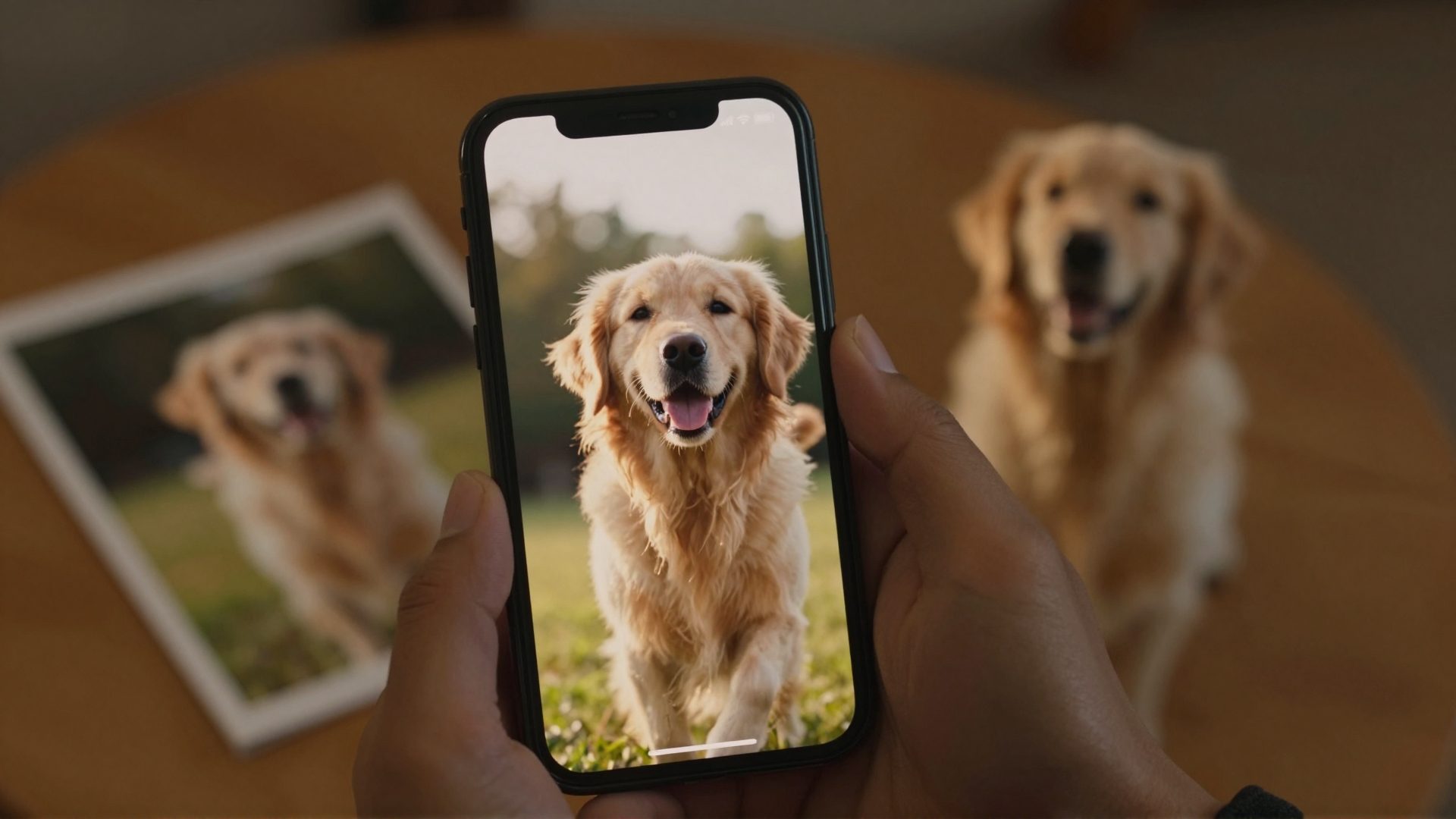
Turn Photos Into Reels with AI (2026)
Turn any photo into a cinematic reel — pets, food, travel, people. How photo-to-video AI works, which photos convert best, and how to make your first reel.
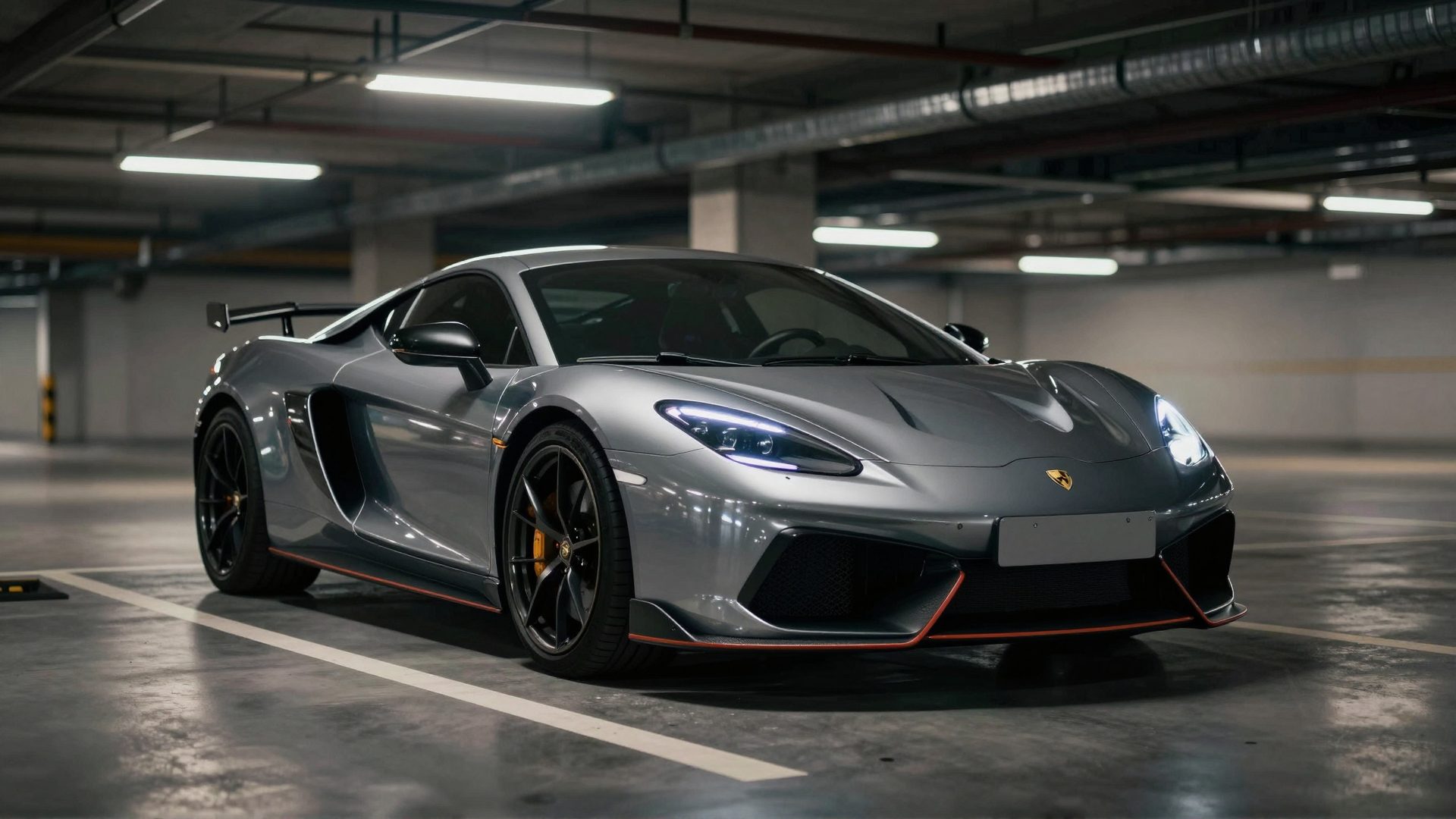
Car Reels From Photos: Dealership Guide (2026)
Turn 8–12 photos into a cinematic car reel — no filming. A 2026 guide for dealerships, private sellers & enthusiasts: shot lists, styles, formats.
Best Venice AI Alternatives for Creators in 2026
Looking for Venice AI alternatives in 2026? Compare the best options for video, reels, headshots, and creative production — with honest trade-offs for…

How to Edit Text in an Image with AI (2026)
Learn how to edit, change, or replace text inside any image using AI — same font, color, and style. Step-by-step guide using Imagera's text editor tool.
AI Head Swap: How to Swap Heads in Photos (2026)
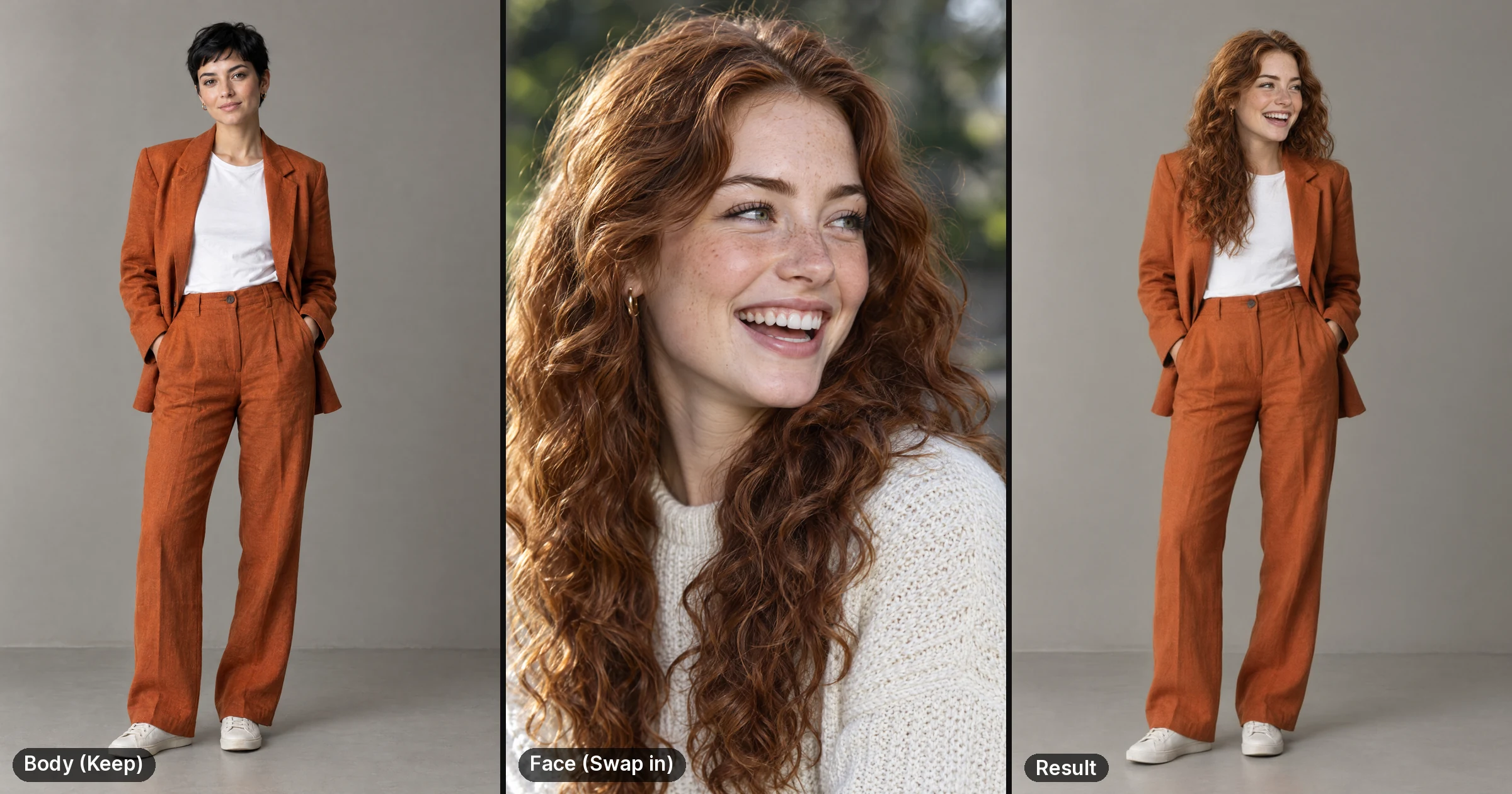
Most head swaps look fake because the angle, light or skin tone don't match. Pick two photos that line up, run the swap, then check the seams in four steps.
30fps to 60fps Converter: AI Interpolation
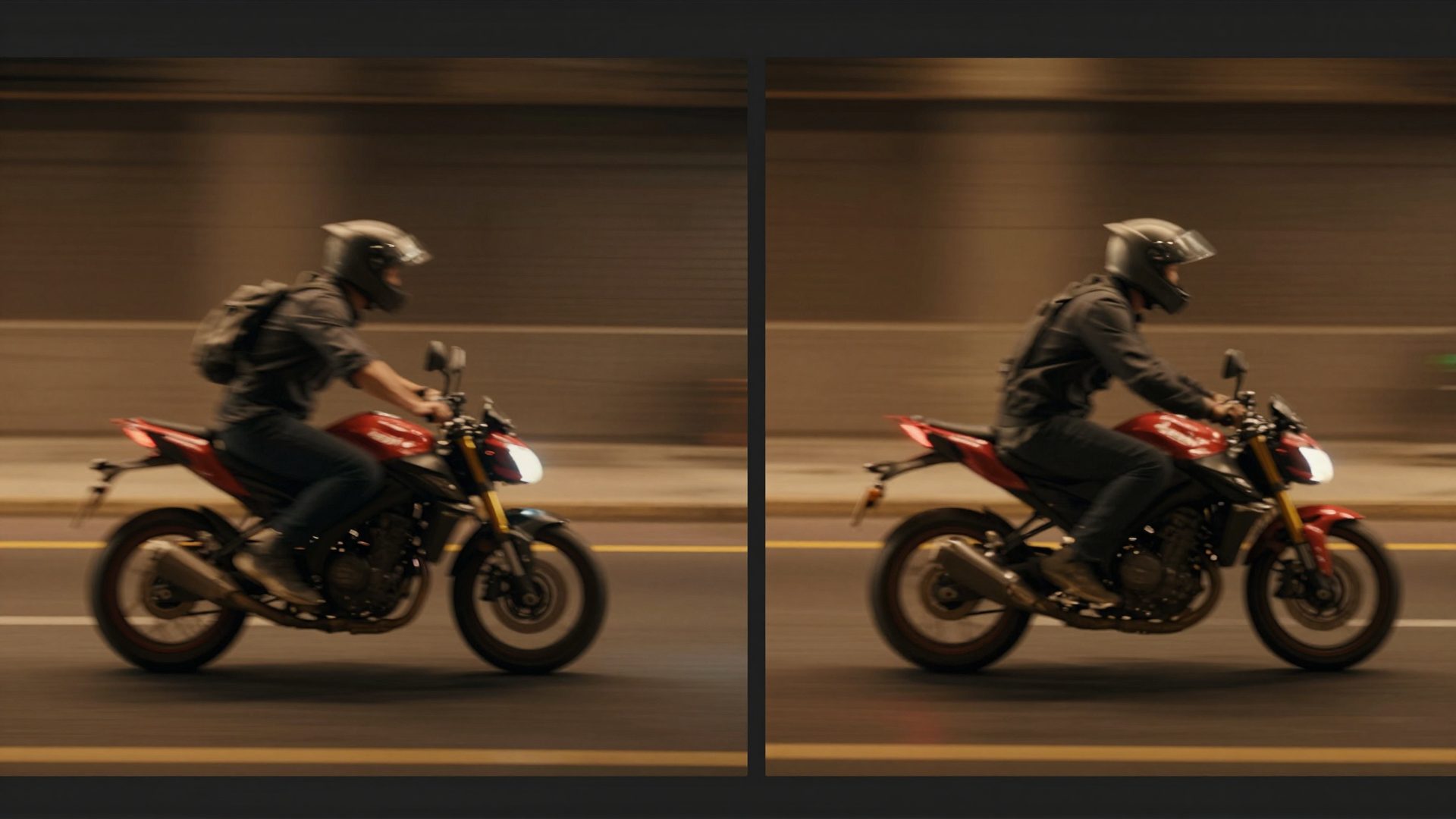
Convert 30fps to 60fps with AI frame interpolation: how it differs from frame duplication, when it helps, a measured before/after, and how to run it.
Venice AI Alternative for Video & Reels
Hit Venice AI's 100-credit video wall? See how Imagera's purpose-built reel makers and multi-shot AI Director solve the problem Venice wasn't built for.
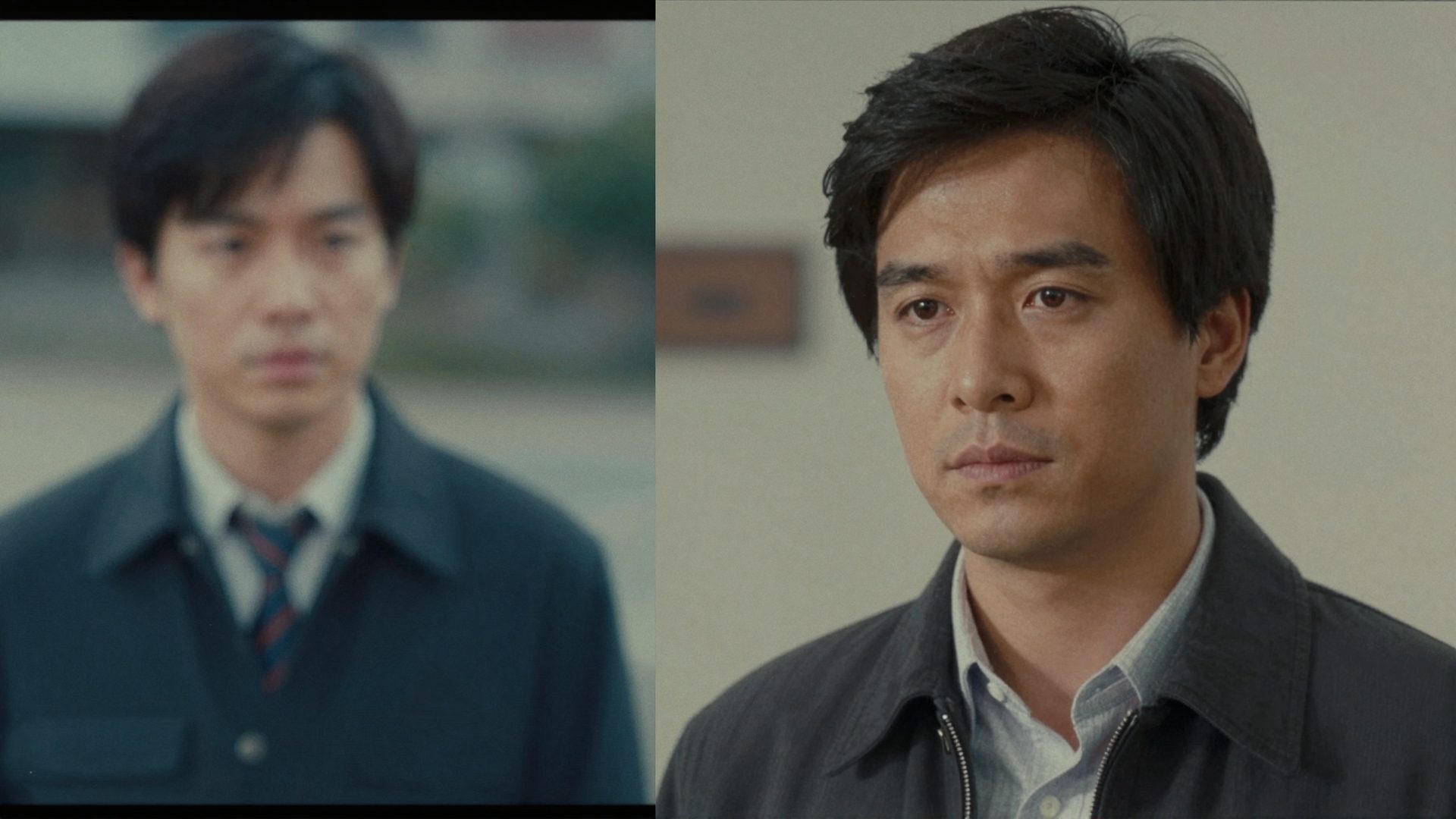
8K Video Enhancer? How to Enhance Video to 4K with AI (2026)
8K video enhancer? Imagera's AI video enhancer upscales video up to 4K (3840 px on the long edge). Step-by-step: fix blur, low resolution and old footage.
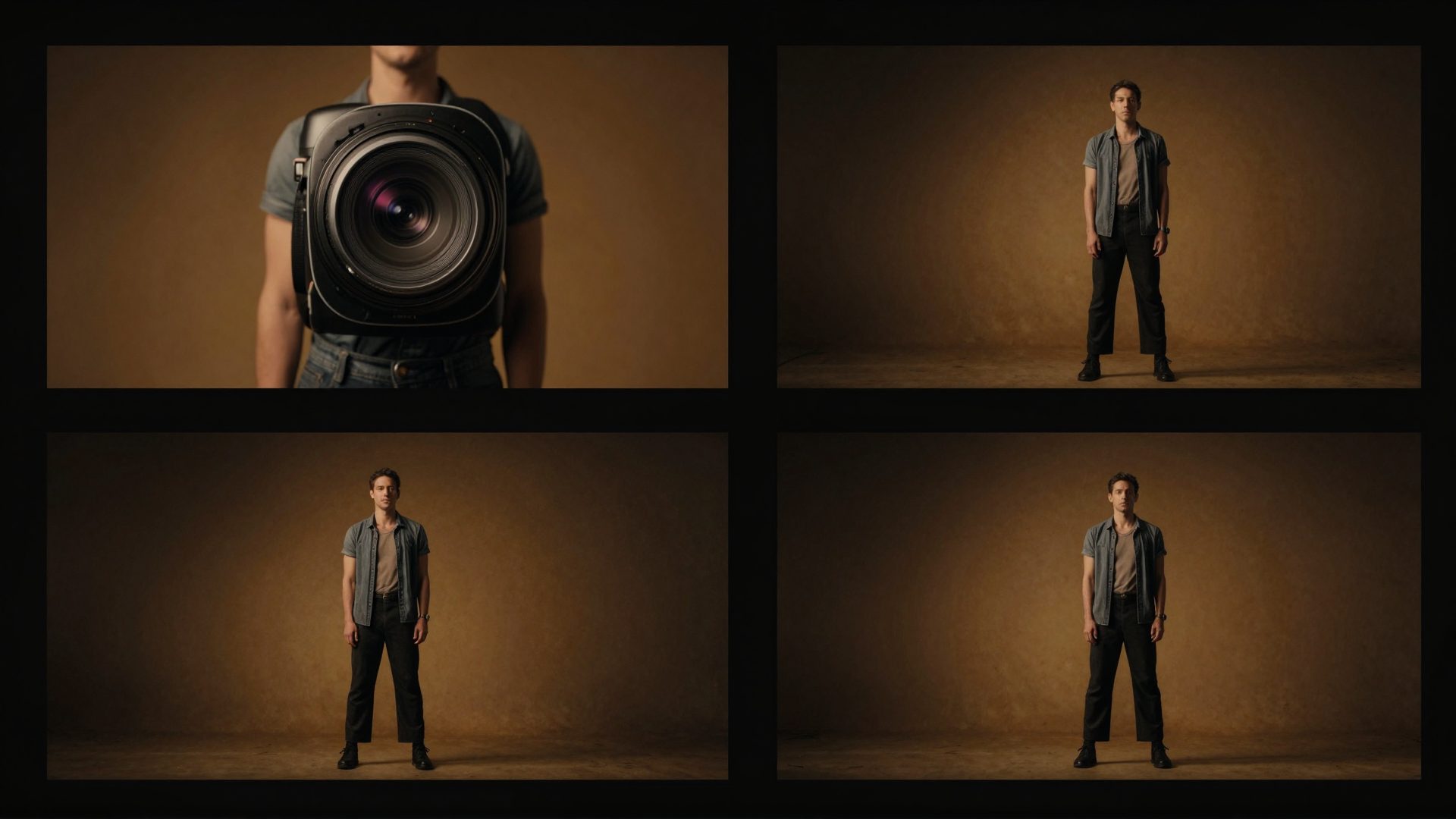
Turn Photos into Cinematic Reels in 2026
Learn how to turn photos into cinematic multi-shot reels in 2026. Step-by-step guide using AI reel makers — beyond what image generators like Venice can do.
Venice AI vs Imagera (2026): Which Should You Use?
Venice AI vs Imagera compared honestly in 2026. Privacy-first chat and images vs cinematic video production. See which tool fits your actual workflow.
AI UGC Video Generator: Turn Products Into Scroll-Stopping
Discover how an AI UGC video generator creates authentic, professional product videos fast. Learn what to look for and how Imagera makes it effortless.
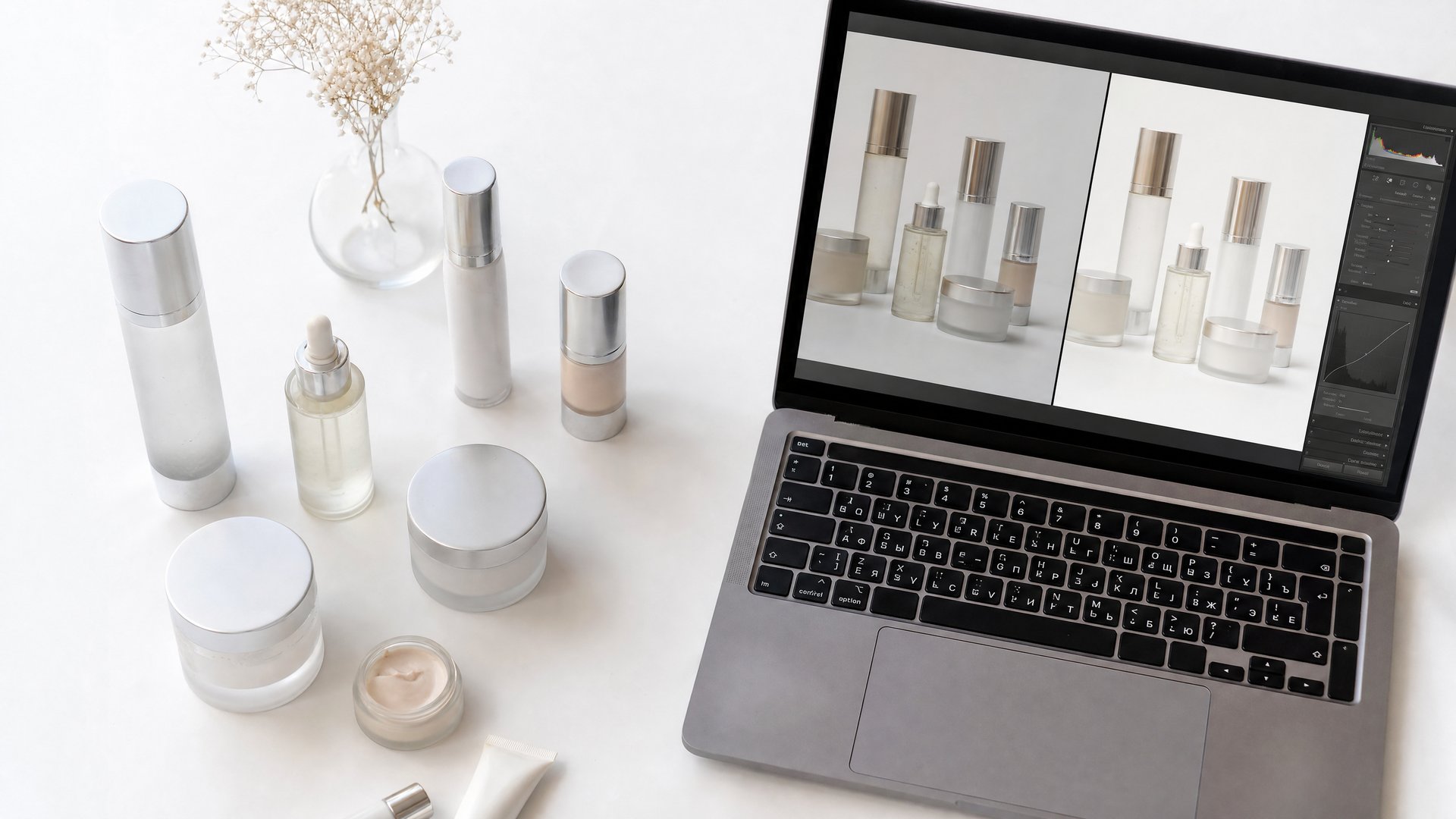
Ecommerce Product Photo Editing Services That
Discover how ecommerce product photo editing services transform raw shots into sales-ready images. Learn what to look for and how AI tools cut turnaround time.
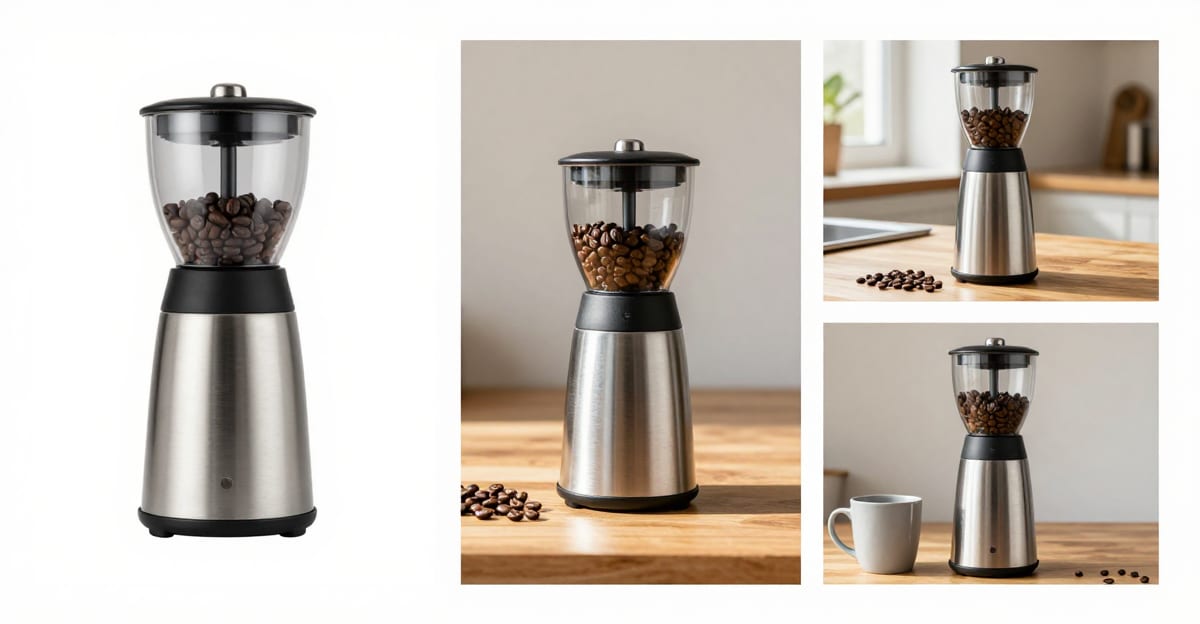
Amazon Product Photography: Rules + How-To
Amazon product photography rules made simple: the white-background main image, lifestyle secondaries, and how to make compliant photos from images you have.
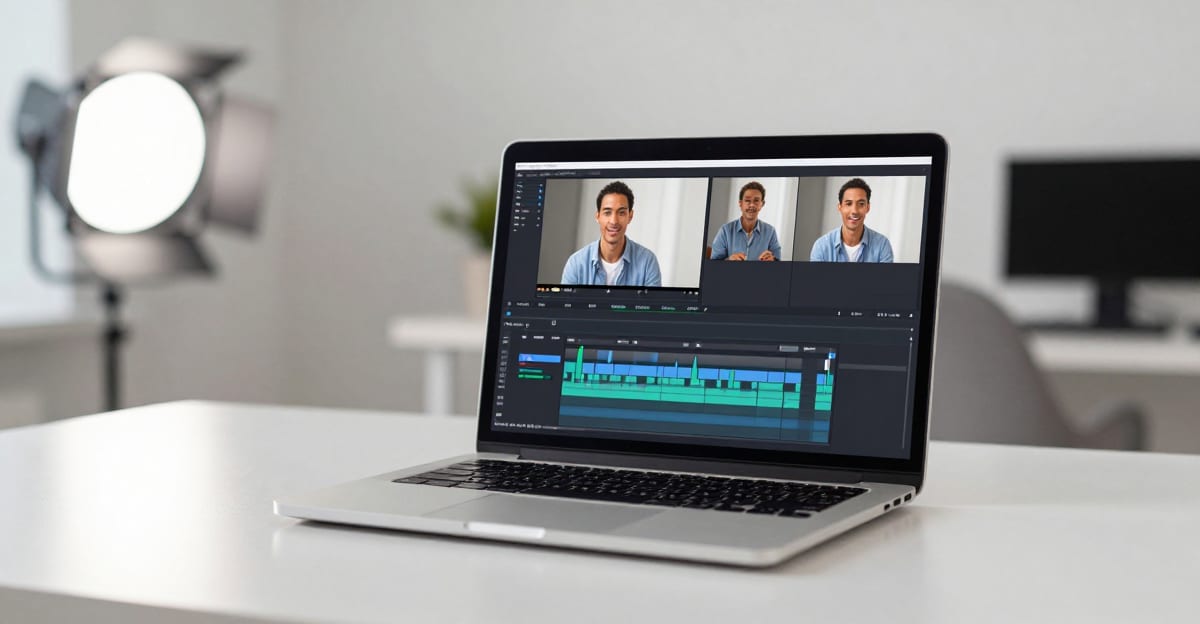
AI Video Dubbing Software: How It Works
How AI video dubbing software works in 2026 — translate and dub videos into new languages, lip-sync limits, real use cases, and a step-by-step workflow.
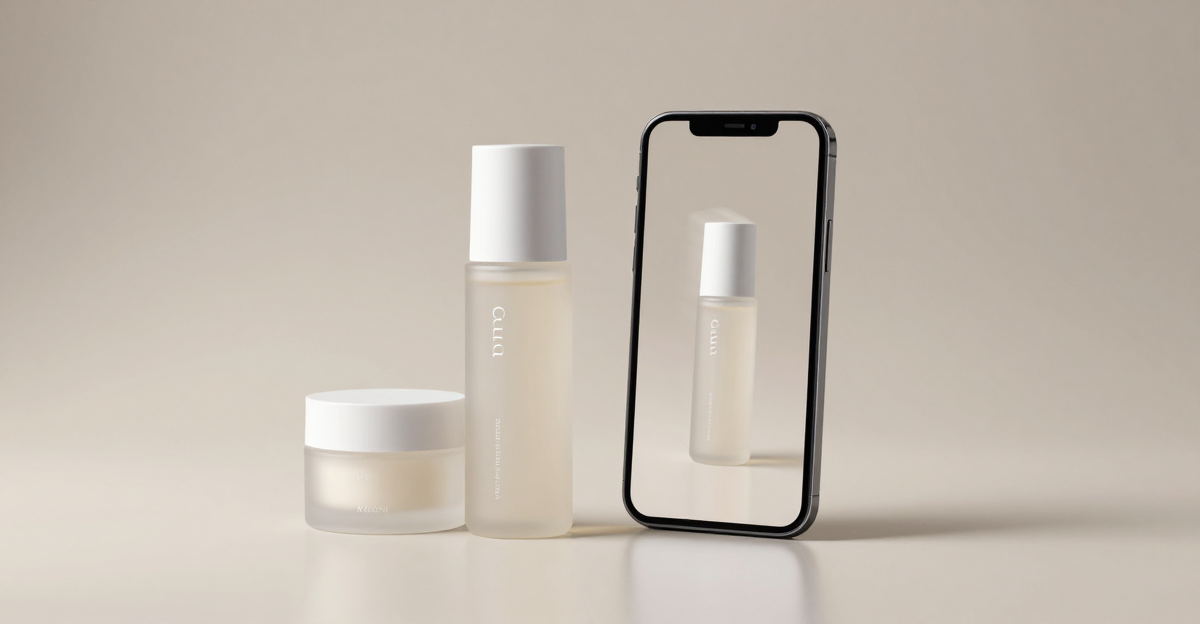
AI Product Video Generator: Photos to Ads (2026)
Use an AI product video generator to turn product photos into scroll-stopping ads for TikTok, Reels, and Meta. Formats, hooks, specs, and the exact workflow.
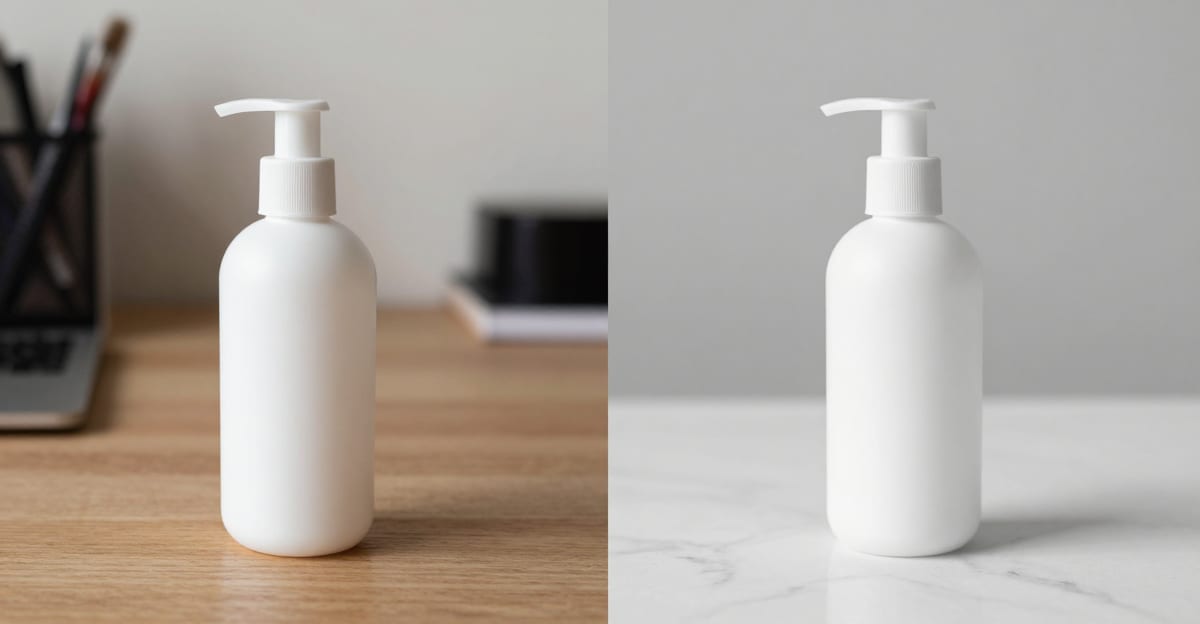
Ecommerce Product Photography AI: One Photo, Any
Turn one phone photo into studio-grade ecommerce product photography with AI. Scene variety for Shopify, Etsy, and Amazon — and when a real shoot still wins.
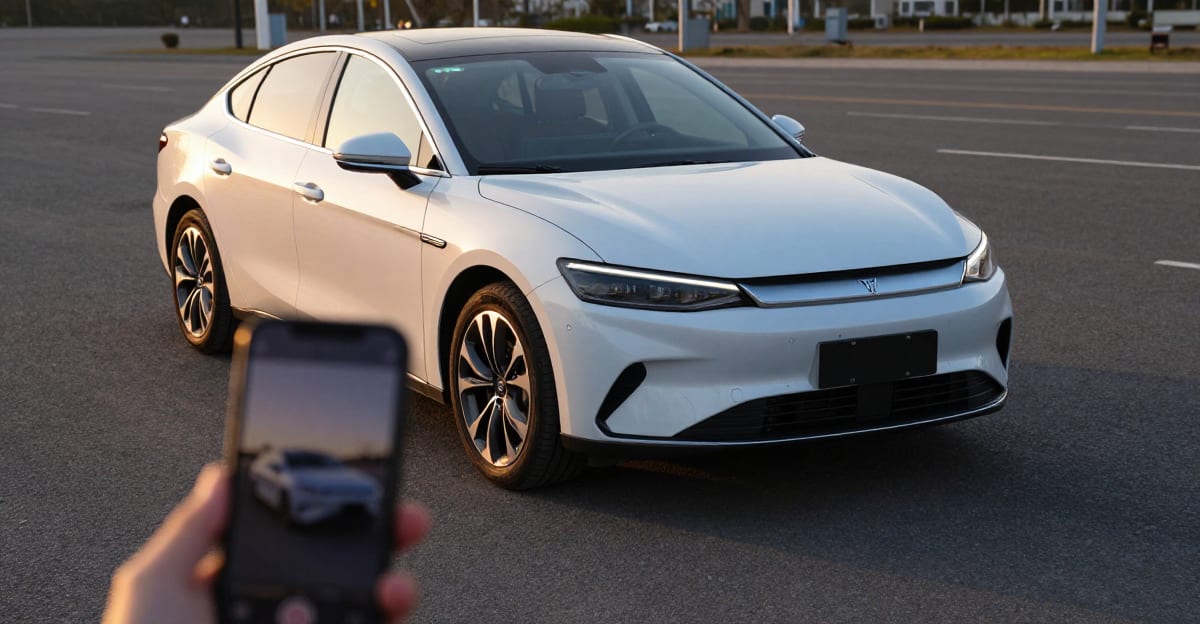
Car Photography Ideas: Shots + Reels
21 car photography ideas for dealers and sellers, plus the exact angles to shoot so your photos turn into a rolling-shot reel. No studio, no drone required.
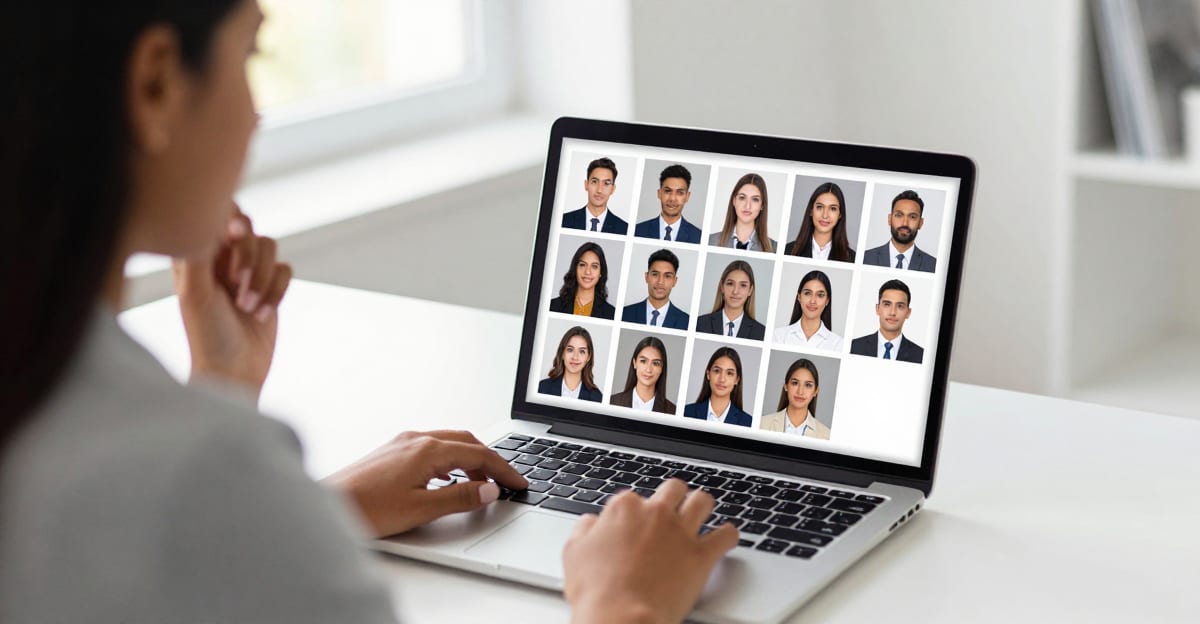
Best AI Headshot Generator for LinkedIn
How to choose the best AI headshot generator for LinkedIn: the criteria that matter — likeness, styles, speed, cost — with a scoring table and our pick.
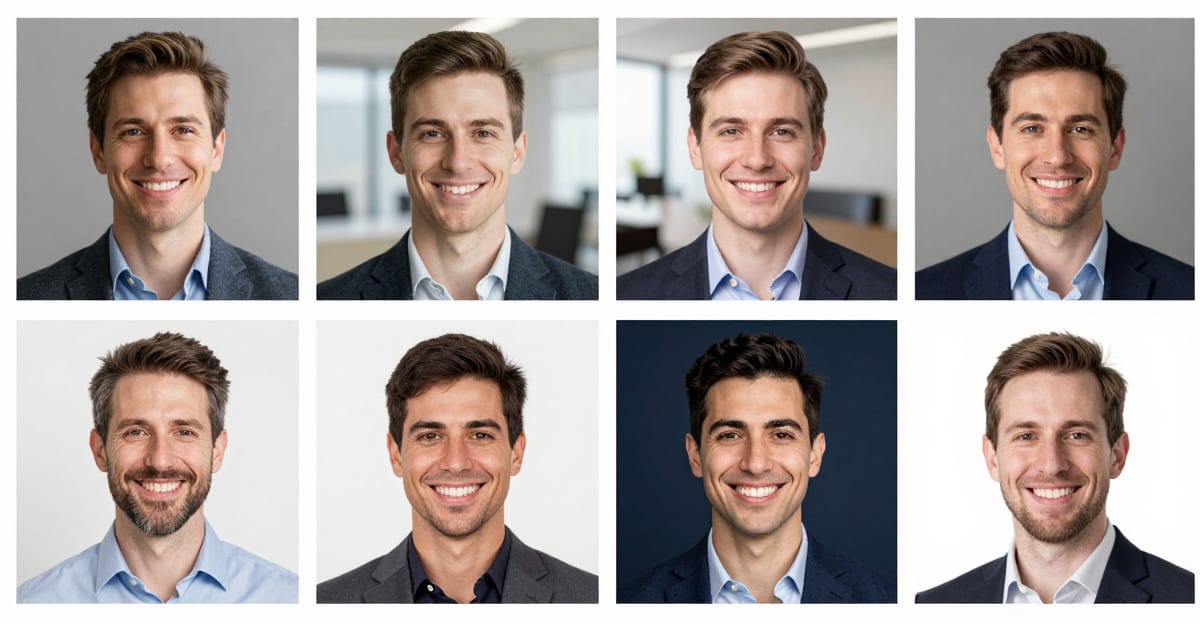
Professional Headshot Background: How to Pick
Pick the right professional headshot background — LinkedIn vs corporate vs actor — plus a color table, then generate a fresh studio portrait from a selfie.

AI Real Estate Photo Editing: Photos to Reels Online (2026)
AI real estate photo editing in 2026: fix listing photos and turn them into cinematic property reels. What to edit, what to avoid, and the exact workflow.

LinkedIn Headshot Online Guide: What Actually Converts (2026)
A LinkedIn headshot that converts: exact framing, attire, background, and expression rules — plus how to make a studio-quality one from your own selfies.

Team Headshots: On-Brand Photos Without a Photo
Get consistent, on-brand team headshots for your whole company from selfies — no photographer day. Compare methods, costs, and the exact 2026 workflow.
Fix AI Image Artifacts: Remove Glitches
How to fix AI image artifacts — extra limbs, text gibberish, anatomy errors, and generation glitches. Multi-pass repair strategy that works on any AI output.
How to Fix Distorted Faces in AI Images (2026)
Melted eyes, fused teeth, waxy skin? Why AI distorts faces, which fix suits each problem, and how to repair a face without regenerating the image.
Fix Extra Fingers in AI Images, Keep the Face
Six fingers, fused joints or a warped thumb in an AI image? Mask just the hand, repair it and upscale, keeping the face, pose and lighting you like.
AI Photoshoot from One Photo (No Training Needed)
Create a full AI photoshoot from just one photo — no 20-selfie training needed. How one-shot AI photoshoot generators work and how to get professional…
AI Travel Photo Generator: Create Location Photos
How AI travel photo generators work, when they're useful, and how to create convincing location shots for Paris, beaches, and landmarks honestly and…
Put Yourself in Any Photo Scene with AI (2026)
How to add a person to a photo using AI — place yourself in any scene, background, or location without Photoshop. Step-by-step guide for realistic results.
Make Someone Smile in a Photo with AI
How to add or enhance a smile in any photo using AI — without Photoshop. Works on portraits, group shots, and old family photos. Natural results in minutes.
How to Fix a Photo Where Someone Blinked with AI
One blinker ruining a group photo? Step-by-step guide to fixing a photo where someone blinked — burst frames, face-swapping, and AI repair compared.
How to Fix Closed Eyes in a Photo (2026)
Closed eyes ruining an otherwise perfect shot? 3 methods to fix them — iPhone, Android, and AI tools that open eyes naturally without Photoshop.
How to Make AI Headshots Look Realistic: 8 Fixes
AI headshots looking fake or plasticky? 8 practical fixes — from better input selfies to skin texture and lighting — for a real-photo look in 2026.
Amazon Listing Video From Photos with AI (2026)
Make an Amazon listing video from photos without filming. Covers Amazon video specs, the 9-14% conversion lift, and the exact workflow for ASINs in 2026.
Turn Product Photos Into Video with AI (2026)
Turn product photos into short-form video for TikTok, Reels, and Shorts in 2026. Formats per platform, no filming needed, and the product reel workflow.
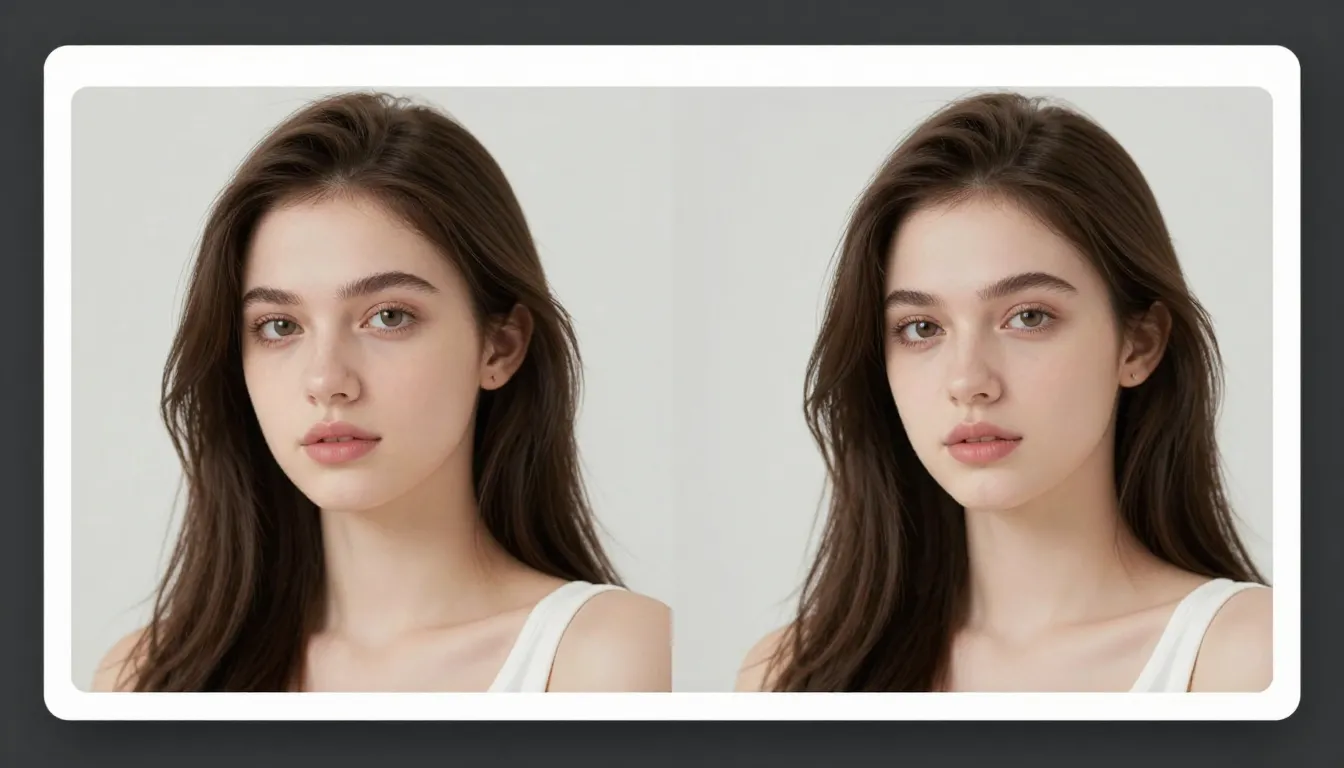
Best AI Image Upscaler 2026: 6 Tools That Actually Add Detail
The best AI image upscalers of 2026, compared. Which ones truly reconstruct detail vs just enlarge, and the best free option for 4K, 8K and 16K upscaling.
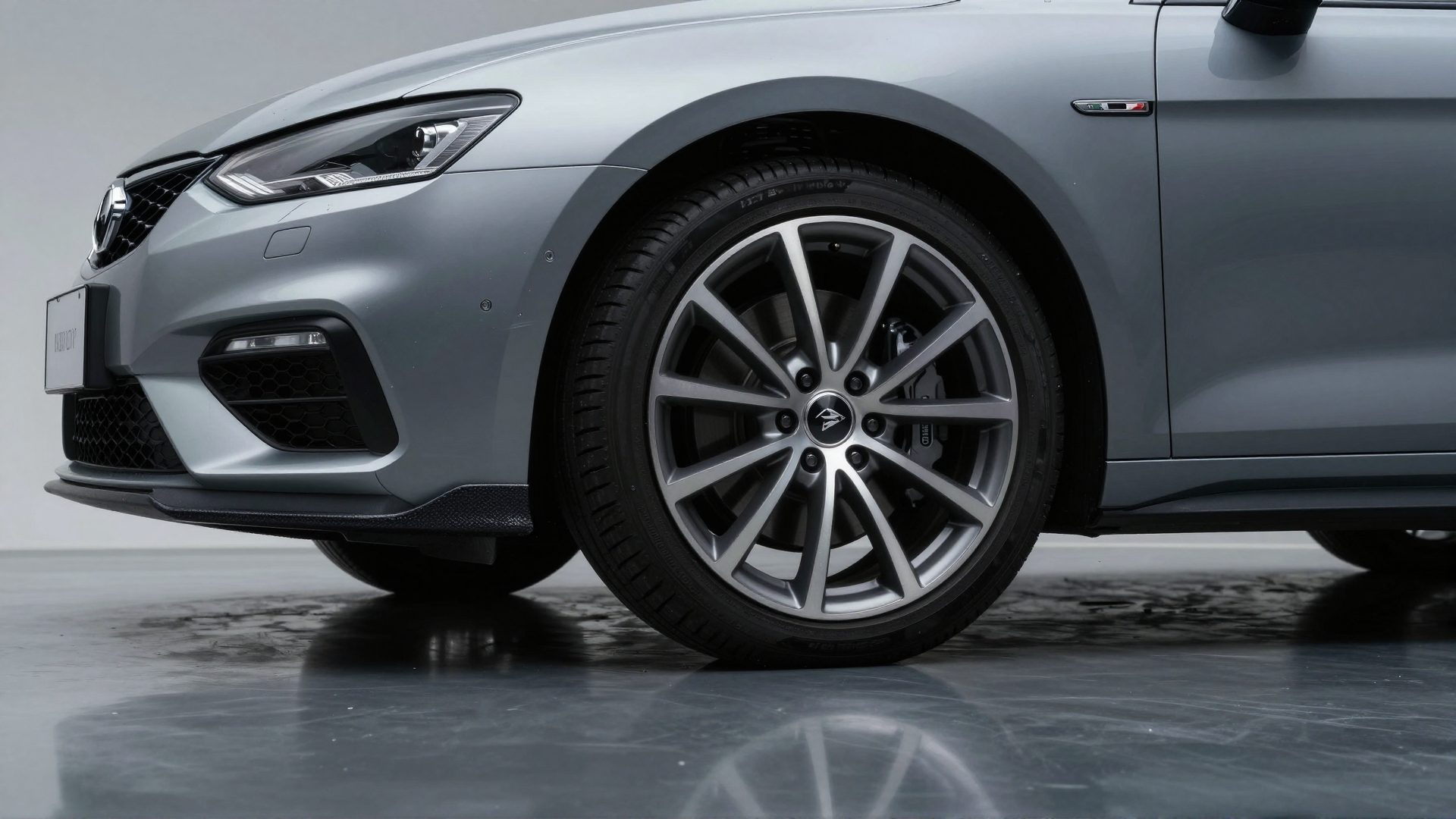
AI Car Walkaround Video: Best Angles and Photo Guide (2026)
Make an AI car walkaround video from photos. The exact shot list, best angles, tagging guide, and how AI motion turns stills into a filmed-quality…
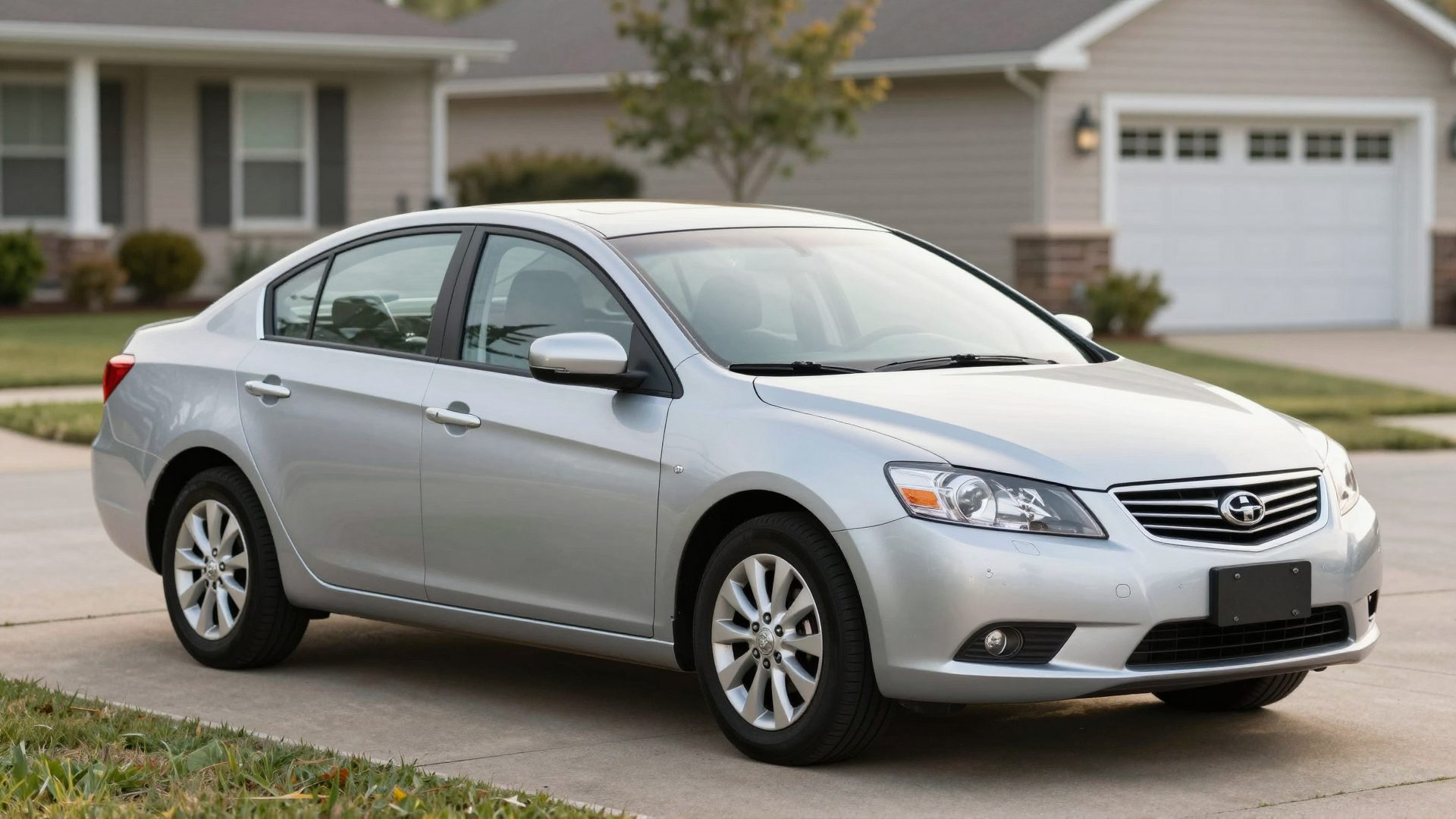
Sell Your Car Faster: AI Listing Video From
Make a car for sale video from your phone photos and reach more buyers on Facebook Marketplace, Craigslist, and CarGurus. No filming needed. FSBO guide 2026.
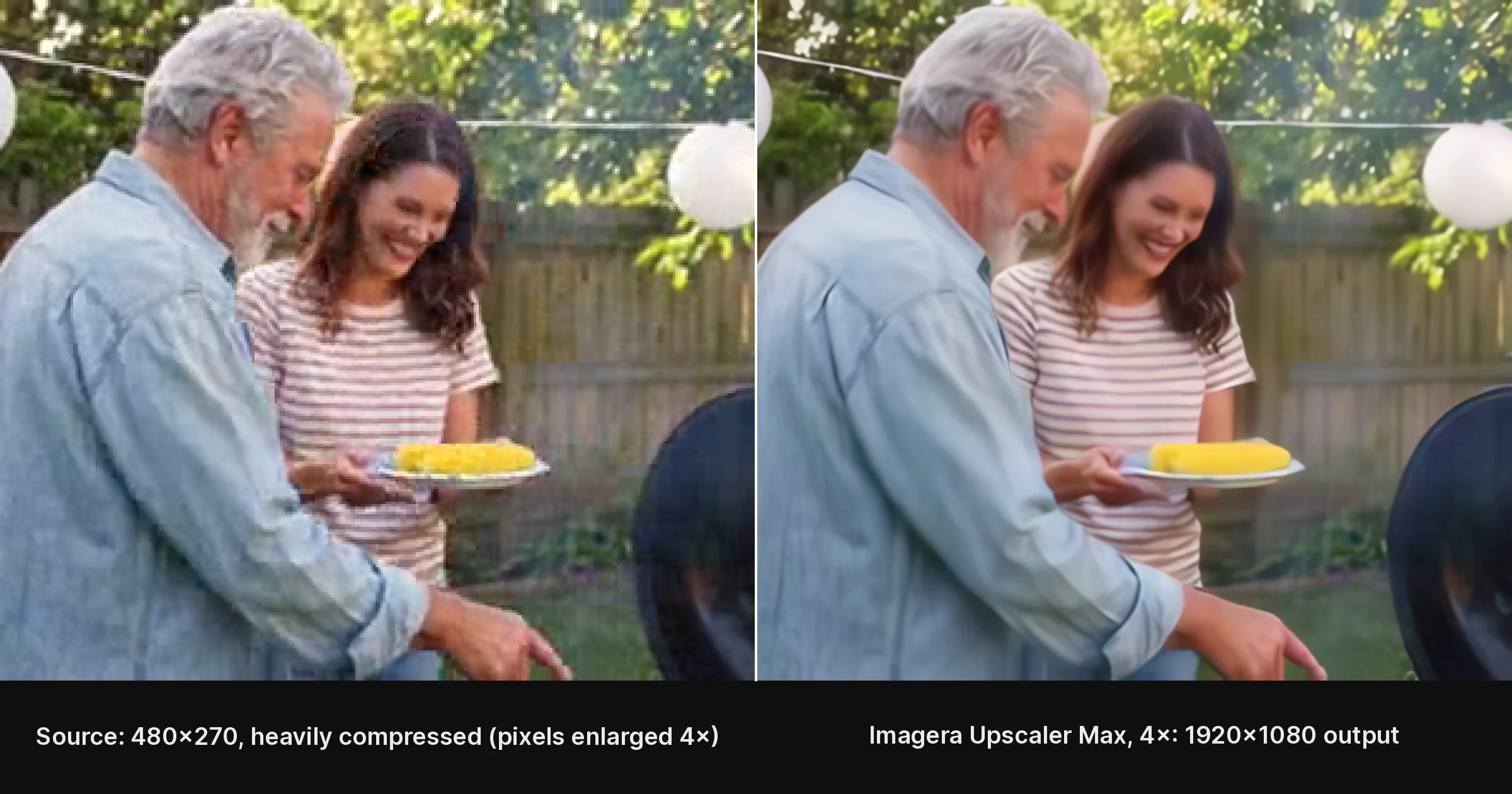
Fix Pixelated Video: 4 Ways to Restore Detail
Pixelated or blurry video? 4 proven ways to fix it in 2026 — from free quick fixes to AI upscaling that rebuilds real detail. No download needed.
Just Listed Video Ideas for Real Estate Agents
10 just listed video formats for real estate agents — from open house previews to luxury walkthroughs — each with a prompt recipe and style guide.
AI Real Estate Video from Photos: Slideshow vs AI Compared
AI real estate video from photos in 2026: how it compares to a basic slideshow, what buyers actually see, and how to do it without filming anything.
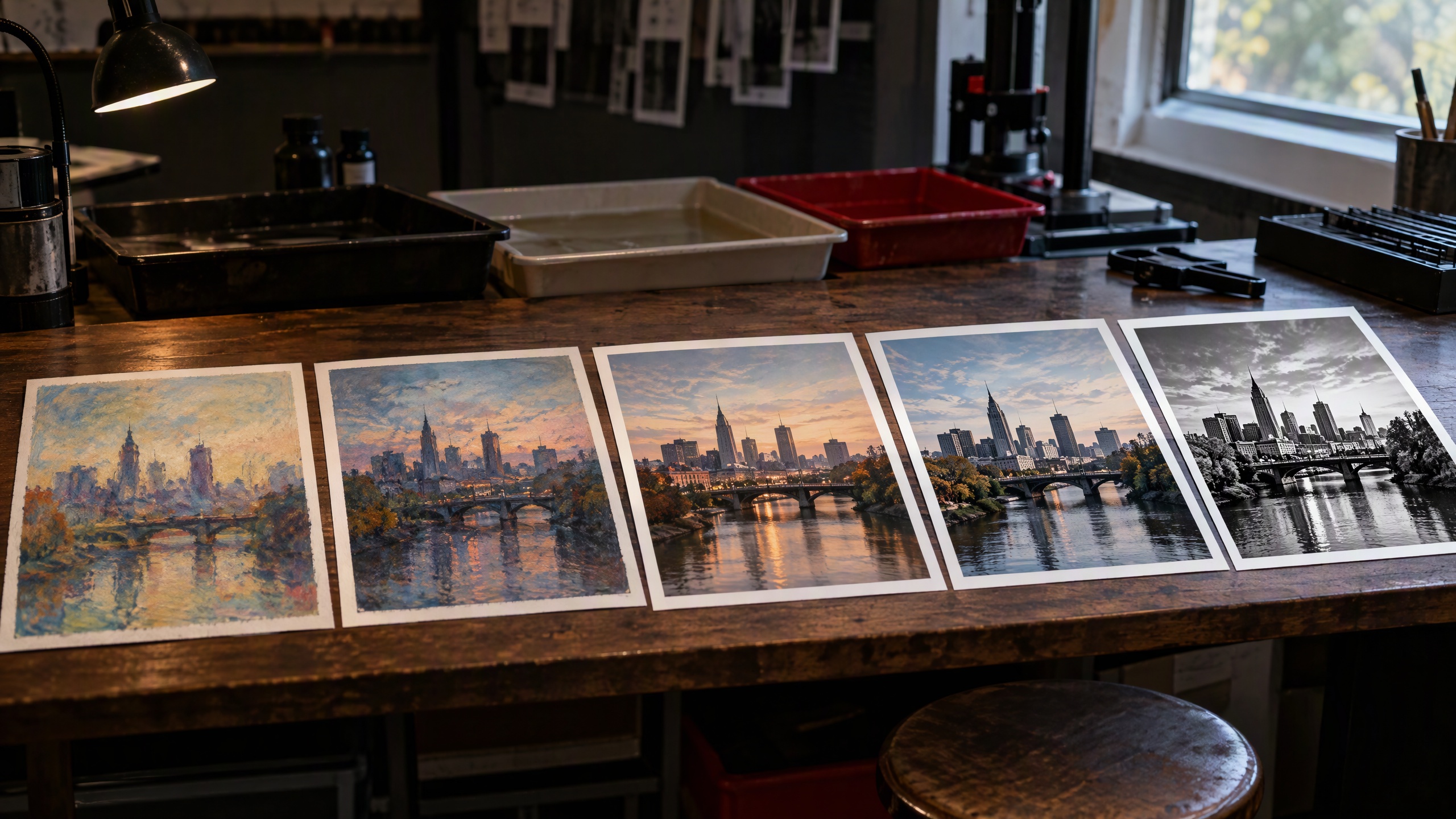
Make Stable Diffusion Images Realistic (2026)
Learn how to make Stable Diffusion images look like real photography in 2026. Best checkpoints, realism LoRAs, sampler settings, and finishing steps in Imagera.
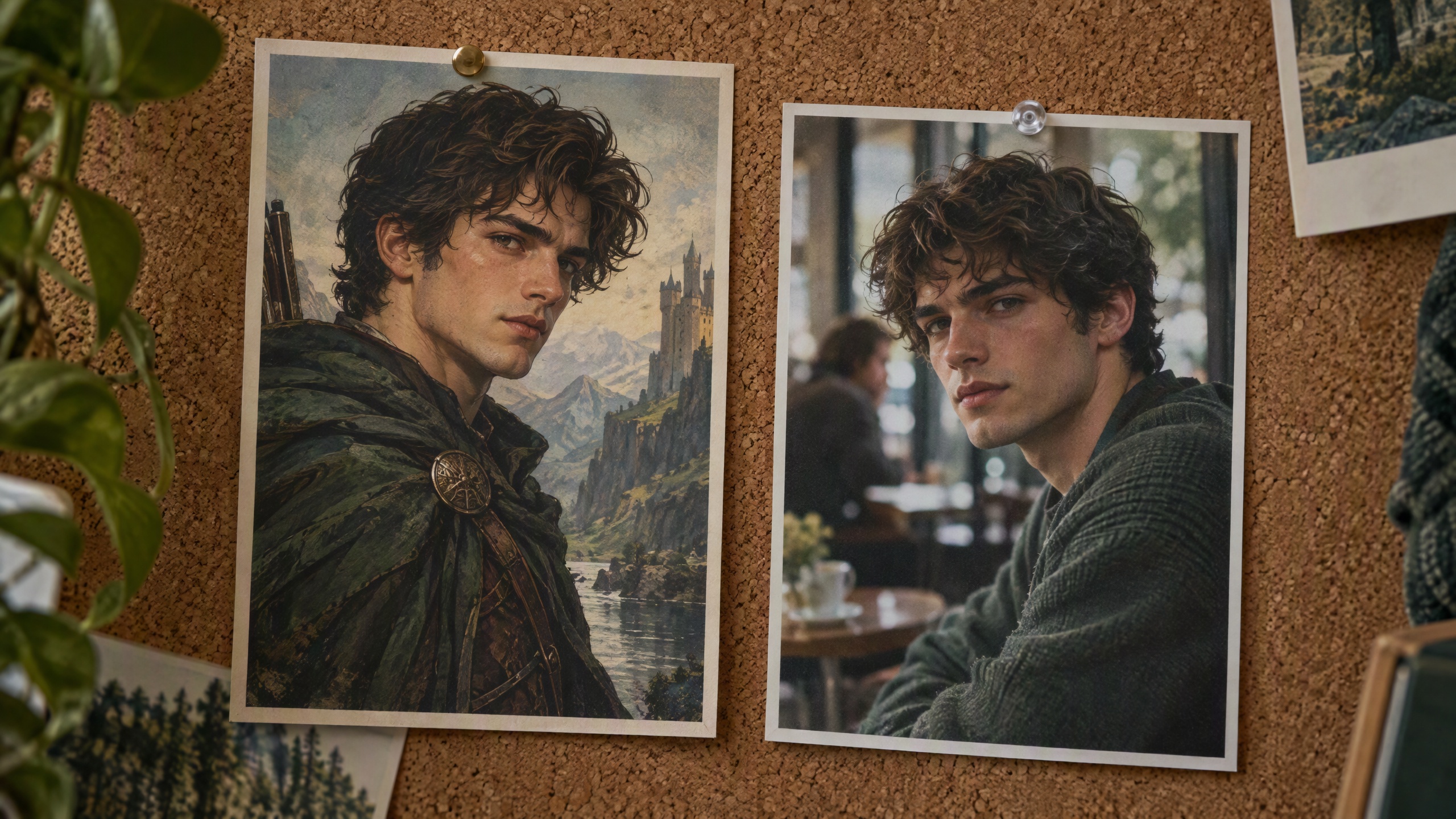
How to Make Midjourney Images Look Real (2026)
Stop Midjourney’s "too polished" look. The exact prompts, parameters, and finishing steps that turn AI-generated images into authentic photography.
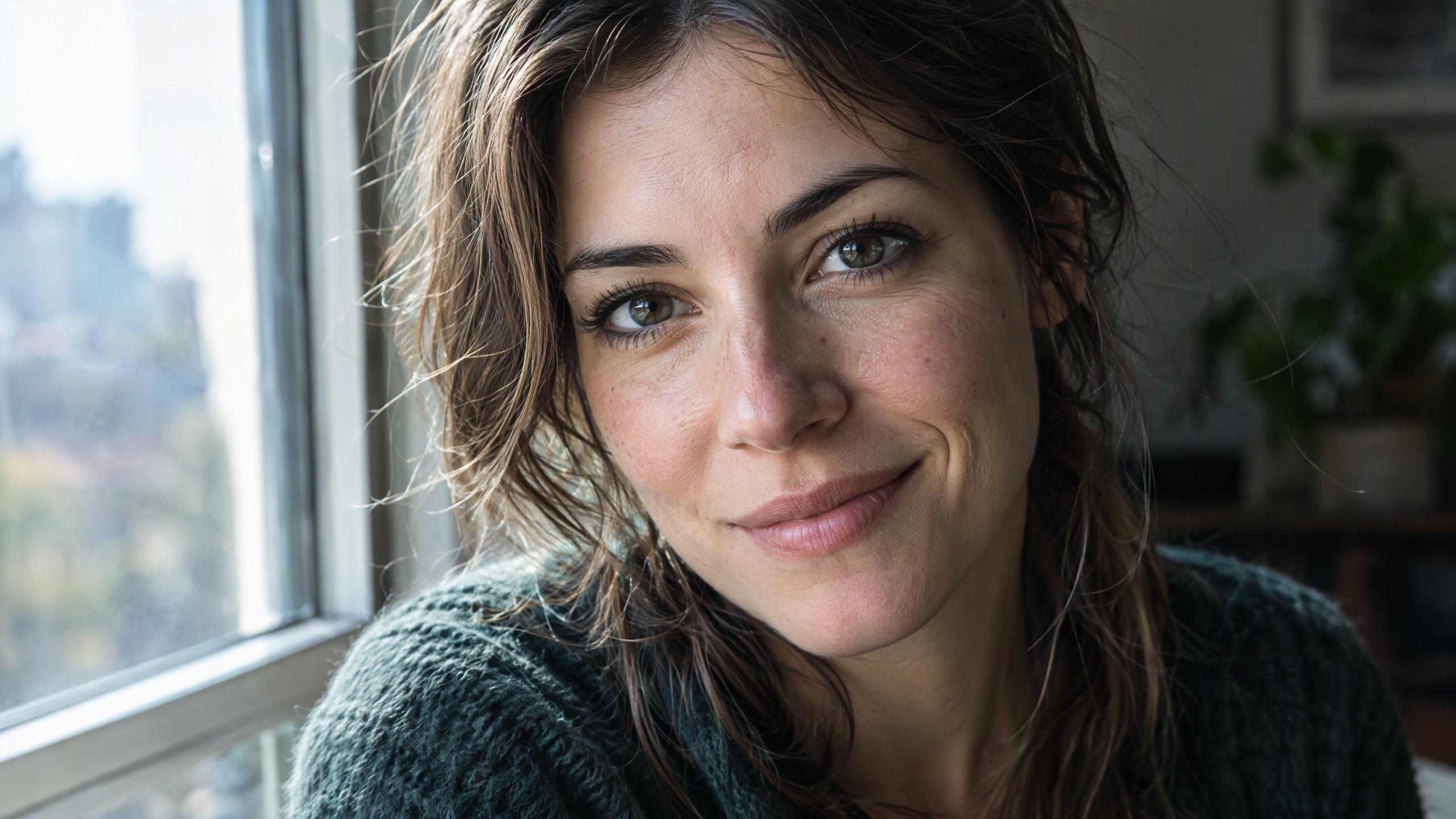
How to Make AI Faces Look Real (2026)
AI faces give themselves away: plastic skin, misplaced catchlights, over-perfect symmetry. The exact fixes that turn AI portraits into real photography.
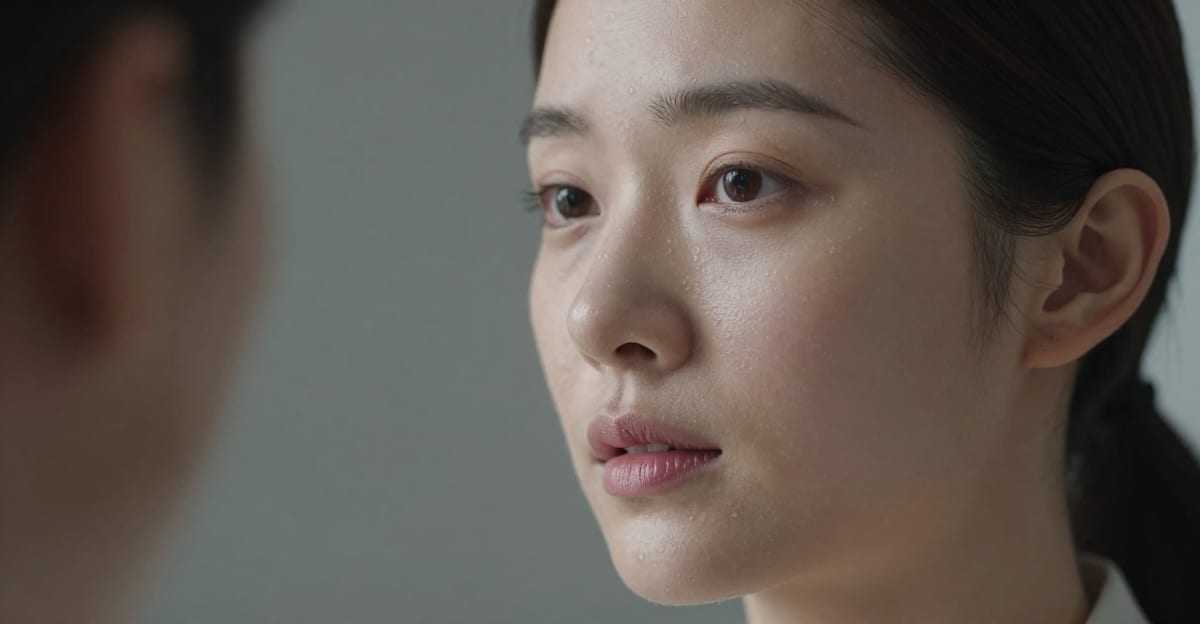
How to Fix Plastic-Looking AI Skin (2026)
AI skin still looks plastic, waxy, and airbrushed in 2026. How to fix fake-looking AI skin texture with pores, subsurface scattering and detailing tools.
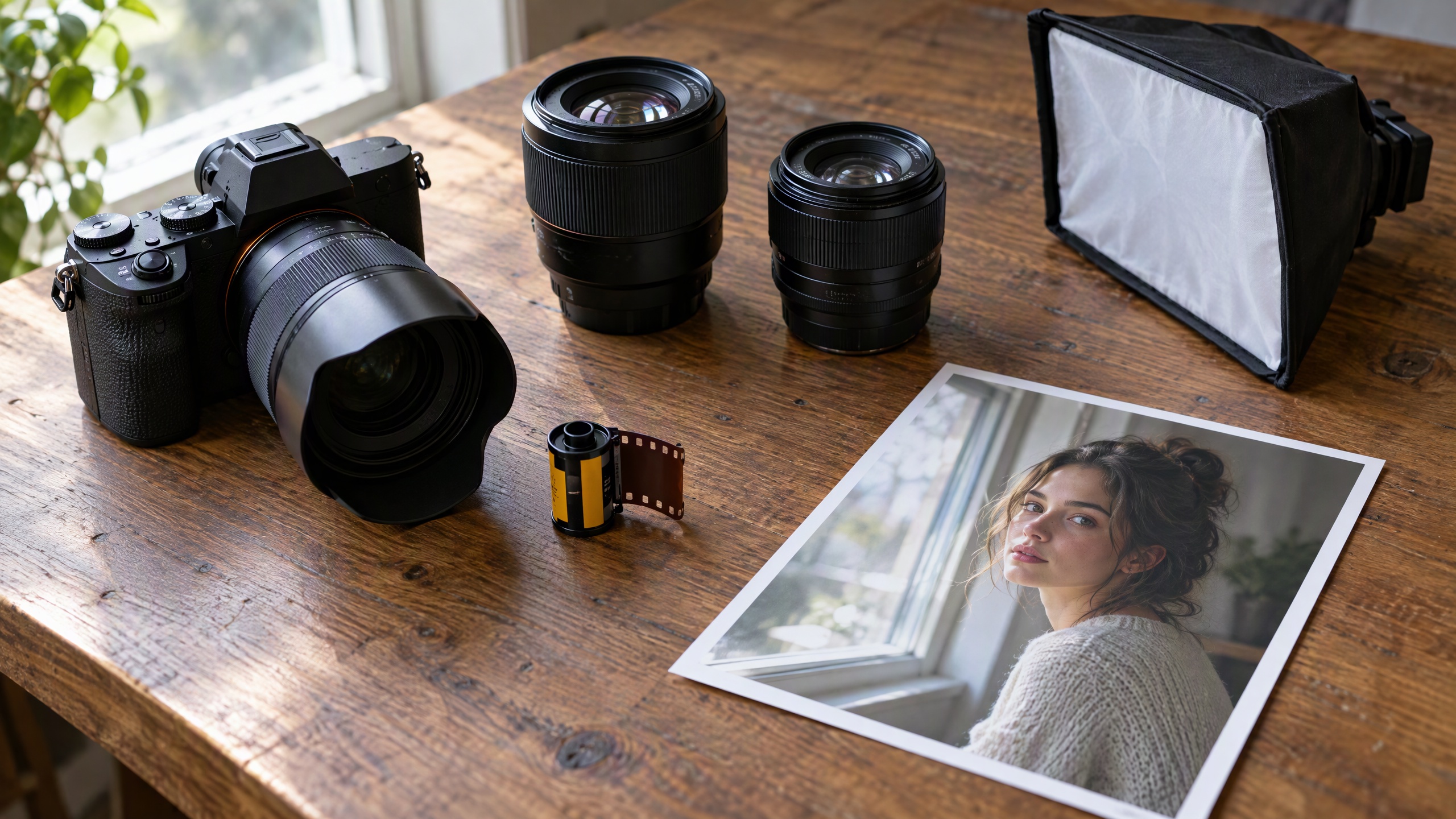
Best Prompts for Realistic AI Images (2026)
Copy-paste prompts for realistic AI photos: the lens, light and texture words that work, the ones to drop, and how to fix plastic skin a prompt can't.
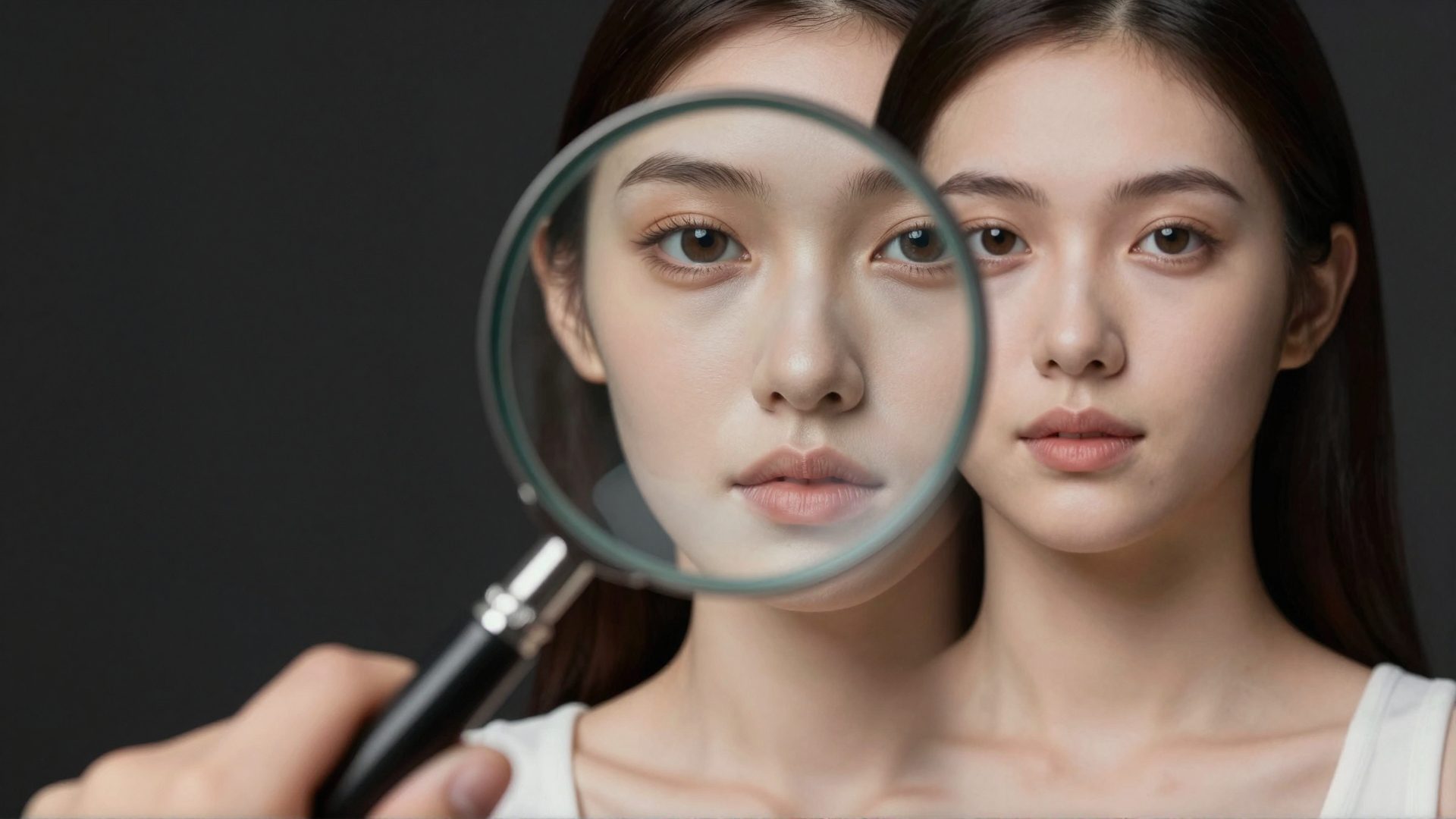
Why AI Images Look Fake: The Tells That Give Them Away (2026)
AI images look fake for specific, fixable reasons: plastic skin, missing noise, perfect symmetry, warped hands. Learn the tells and how to fix each one.
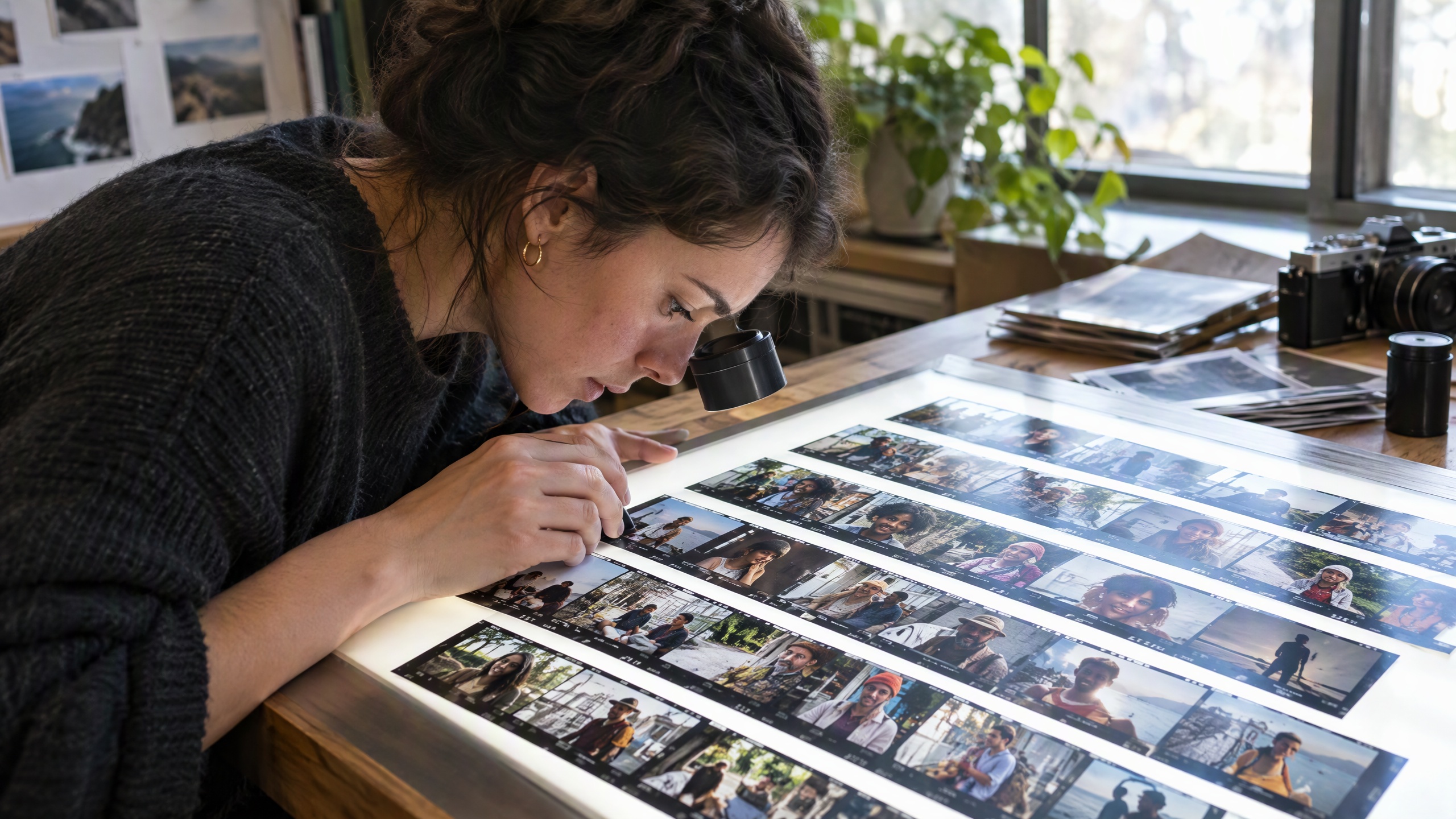
Realistic AI Image Generator: Photos That Look Real (2026)
Compare the best realistic AI image generators in 2026. How Imagera produces photorealistic outputs with natural noise, authentic color and camera quality.
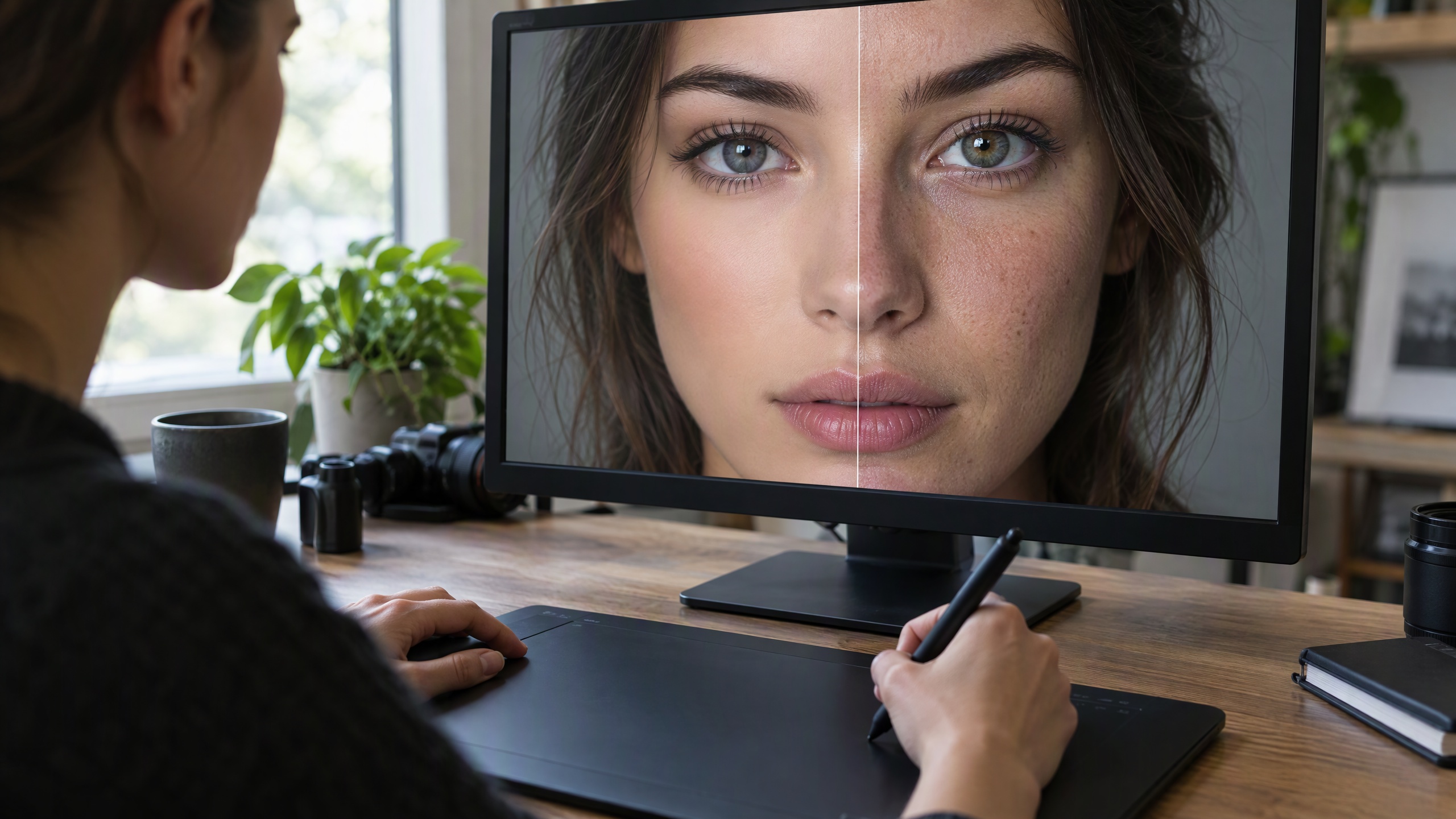
How to Fix AI Images That Look Fake (2026)
AI images look fake for fixable reasons: wrong noise, plastic skin, impossible lighting. The exact workflow to make AI images look real in 2026.
How to Make AI Images Look Natural, Not Fake
AI images look fake because of missing sensor noise, over-smooth skin, and absent lens physics. How to fix every tell and make AI photos look natural.
How to Make AI Art Look Hand-Made & Natural
Why AI art looks machine-made and how to fix it: prompt the physical medium, re-render in oil or watercolour, simplify detail and finish by hand.
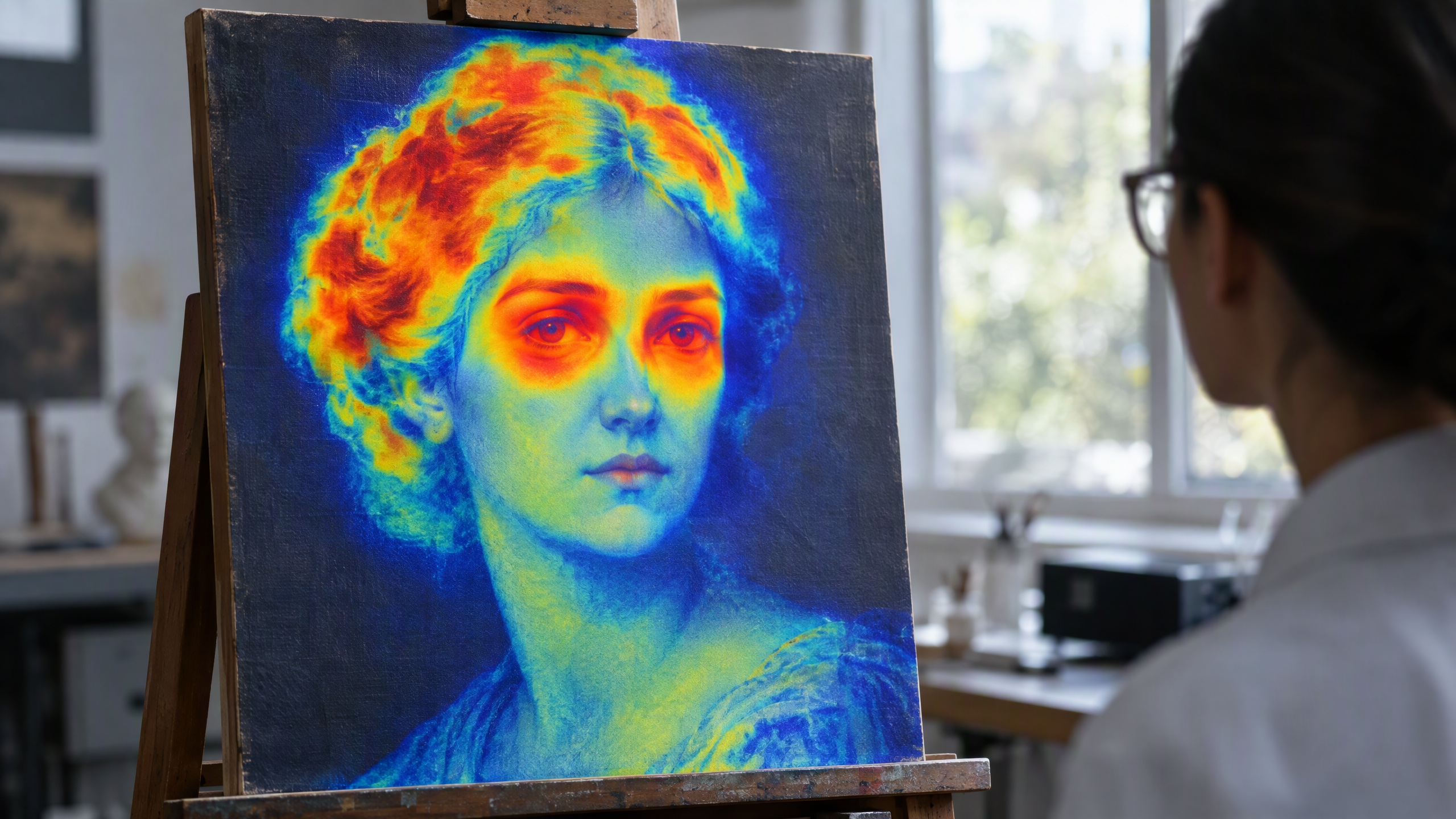
Illuminarty AI Detector: What It Checks (2026)
Illuminarty estimates if an image or text is AI-generated. What each plan checks, how to read its heatmap, and how to fix an AI image that looks fake.
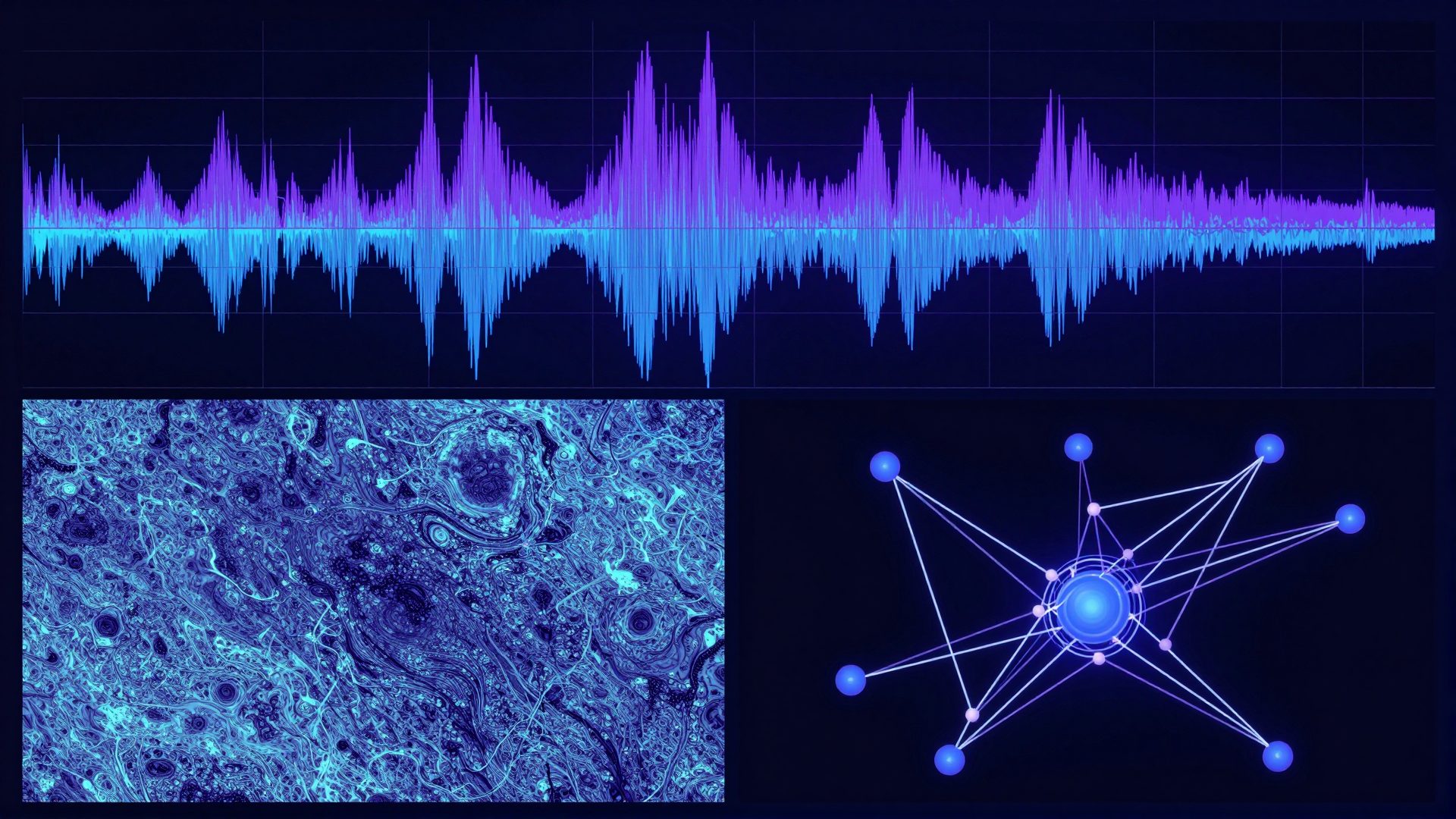
How AI Image Detectors Work (2026)
How AI image detectors work in 2026: frequency-domain artifacts, PRNU sensor noise, diffusion fingerprints and C2PA — and how they shape realistic AI images.
Does GPTZero Detect AI Images? (2026)
GPTZero checks text, not pictures, and its AI Vision scans feed text. Which tools check images, and how to fix an AI image that looks fake.
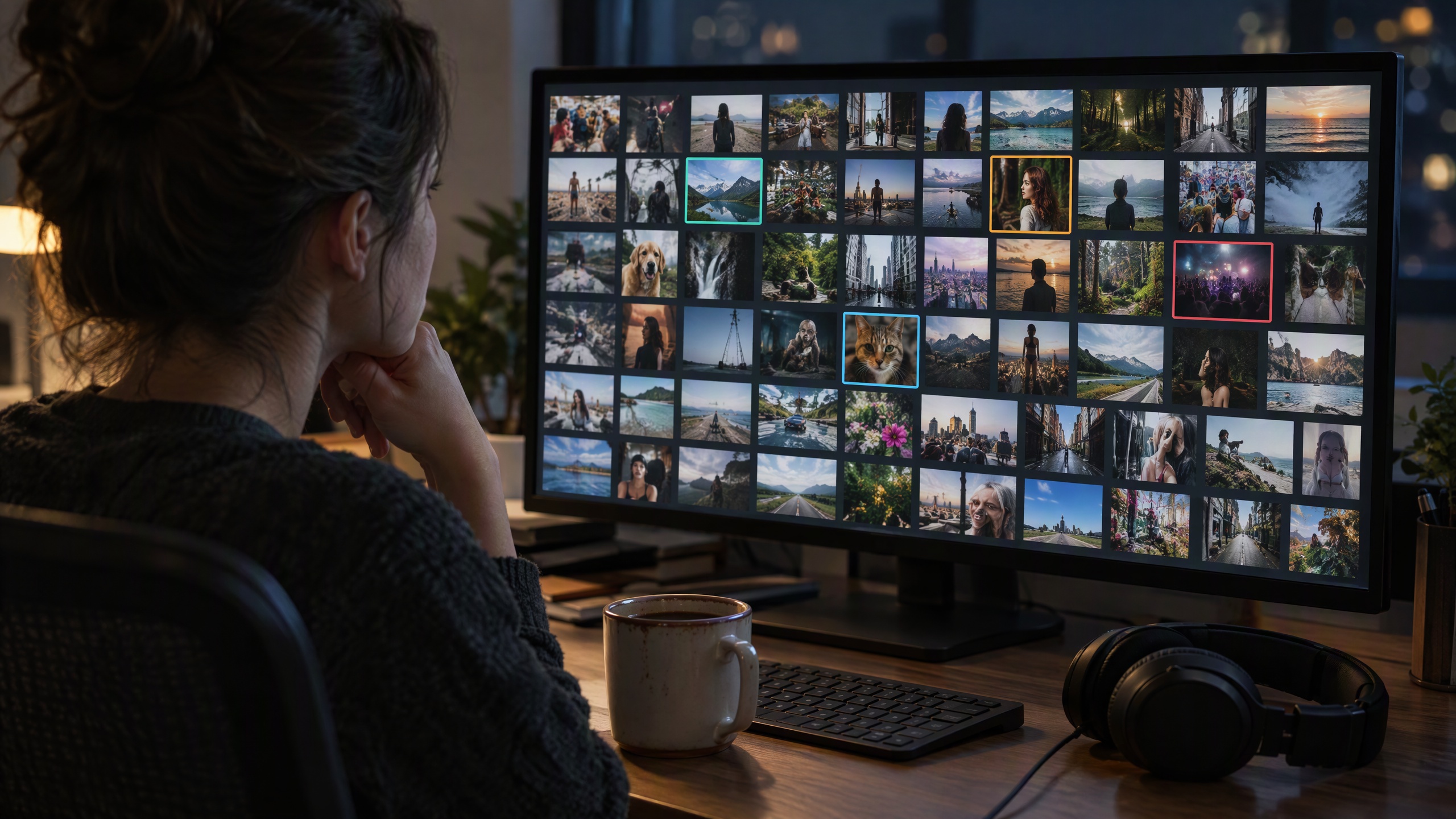
Does Hive Detect AI Images? What It Checks
Hive detects AI-generated and deepfake images, video and audio. What its free tools check, how to read a score, and how to fix an image that looks fake.
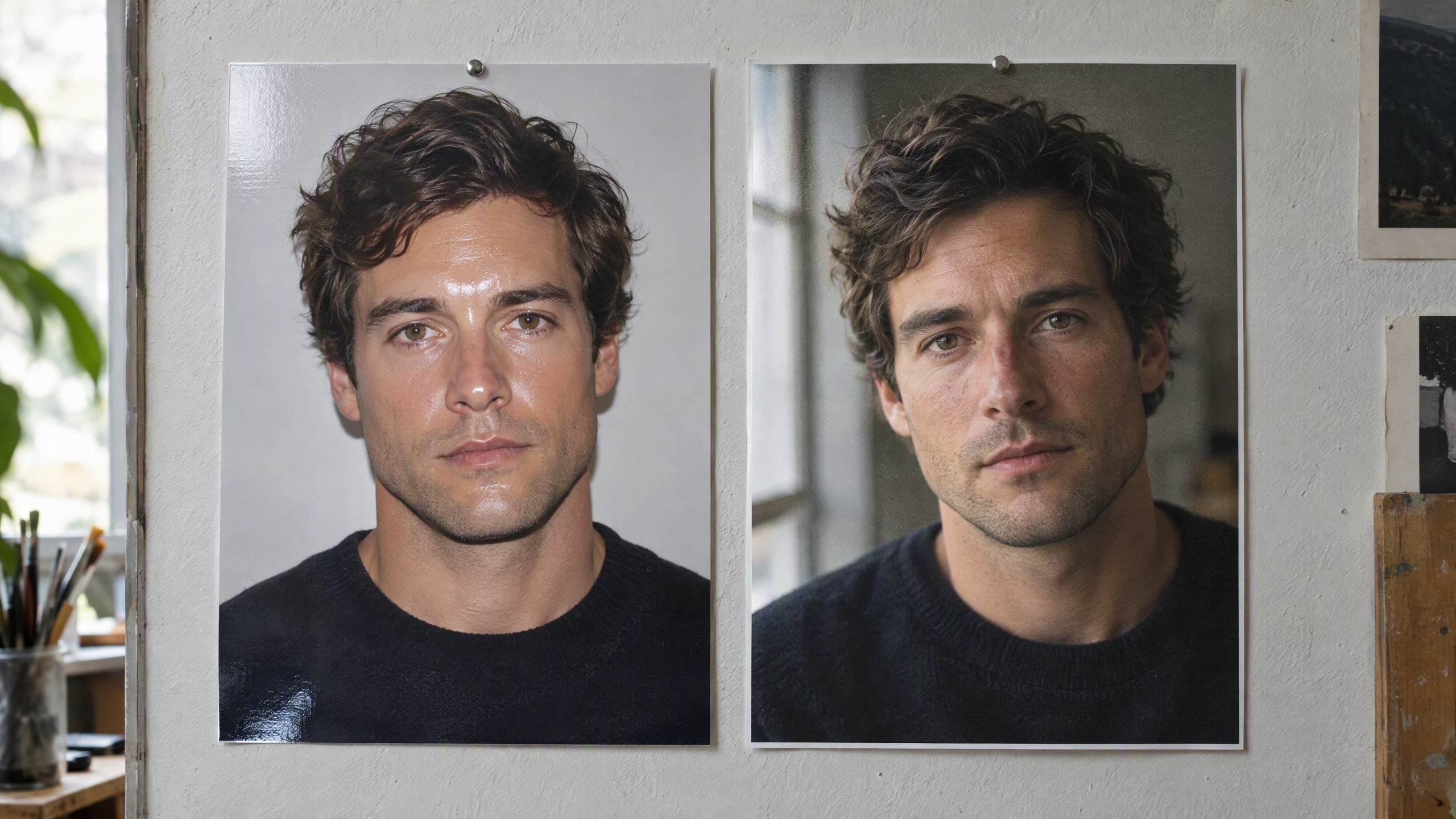
Best Tools to Make AI Images Look Real (2026)
Ranked comparison of the best tools to make AI images look real in 2026 — from authenticity-trained generators to manual post-processing techniques.
Why 'AI or Not' Flags Your Images -- the Fix
Why AI or Not flags your images, what the aiornot checker actually looks for, and how to make AI images look photorealistic with real camera quality.
AI Image Tool Alternatives: 13 Compared (2026)
13 popular AI image tools compared to Imagera (2026): headshots, upscaling, editing, generation, restore and more — pay-per-use, no subscription, no watermark.

Leonardo AI Alternative: Imagera Pay-Per-Use Studio (2026)
Leonardo AI alternative for 2026: Imagera is browser-based, pay-per-use with non-expiring credits, no subscription, no watermark, and 100K+ LoRA styles.
Deepswap Alternative: Imagera Head Swap Compared (2026)
Comparing Deepswap and Imagera Head Swap in 2026: pay-per-use credits that don't expire, no subscription, no watermark. An honest, balanced breakdown.
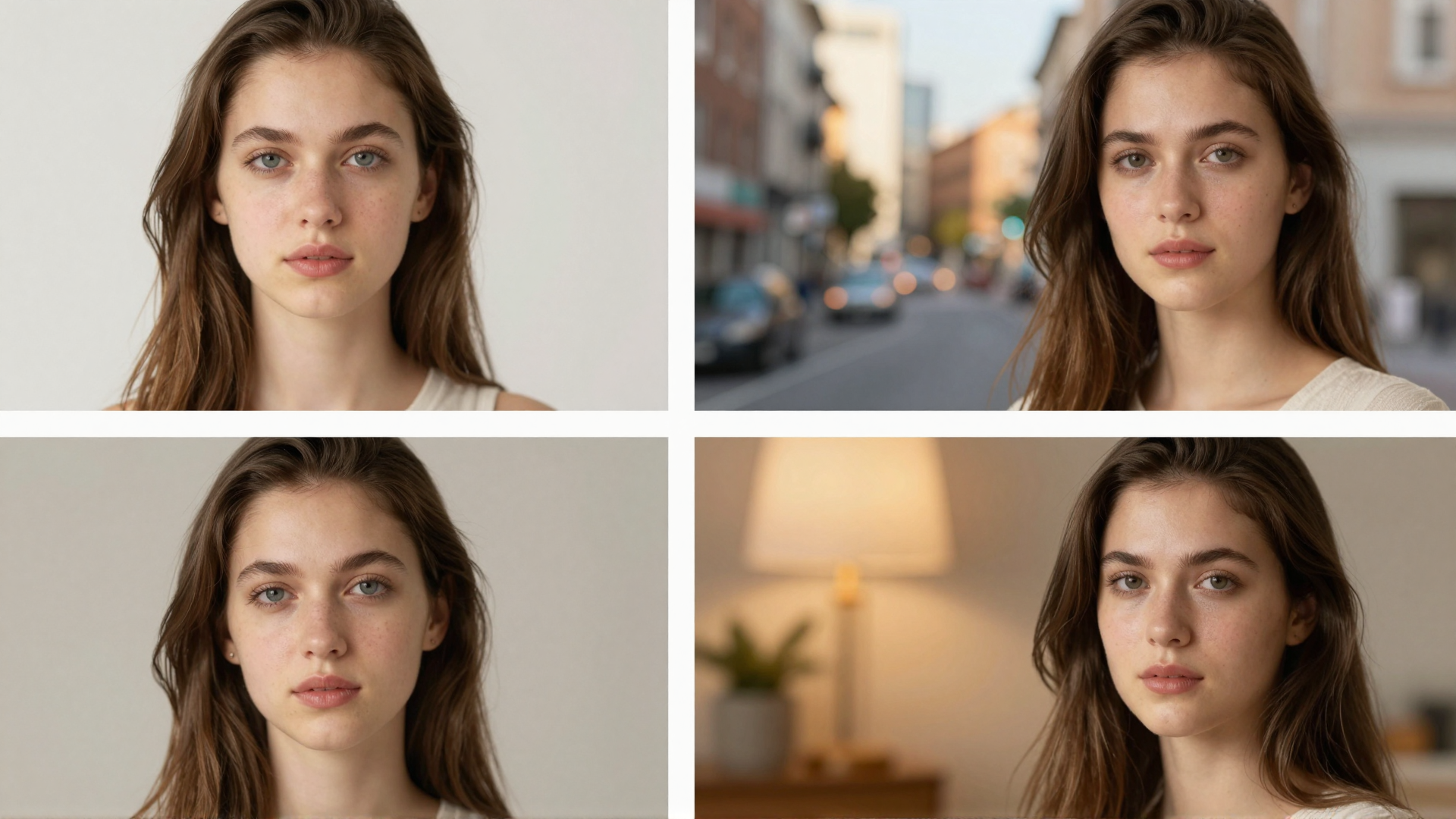
PhotoAI Alternative: Imagera AI Photo Studio (2026)
Comparing PhotoAI vs Imagera in 2026: pay-per-use credits that don't expire, no monthly subscription, no watermark, plus a full character toolkit.
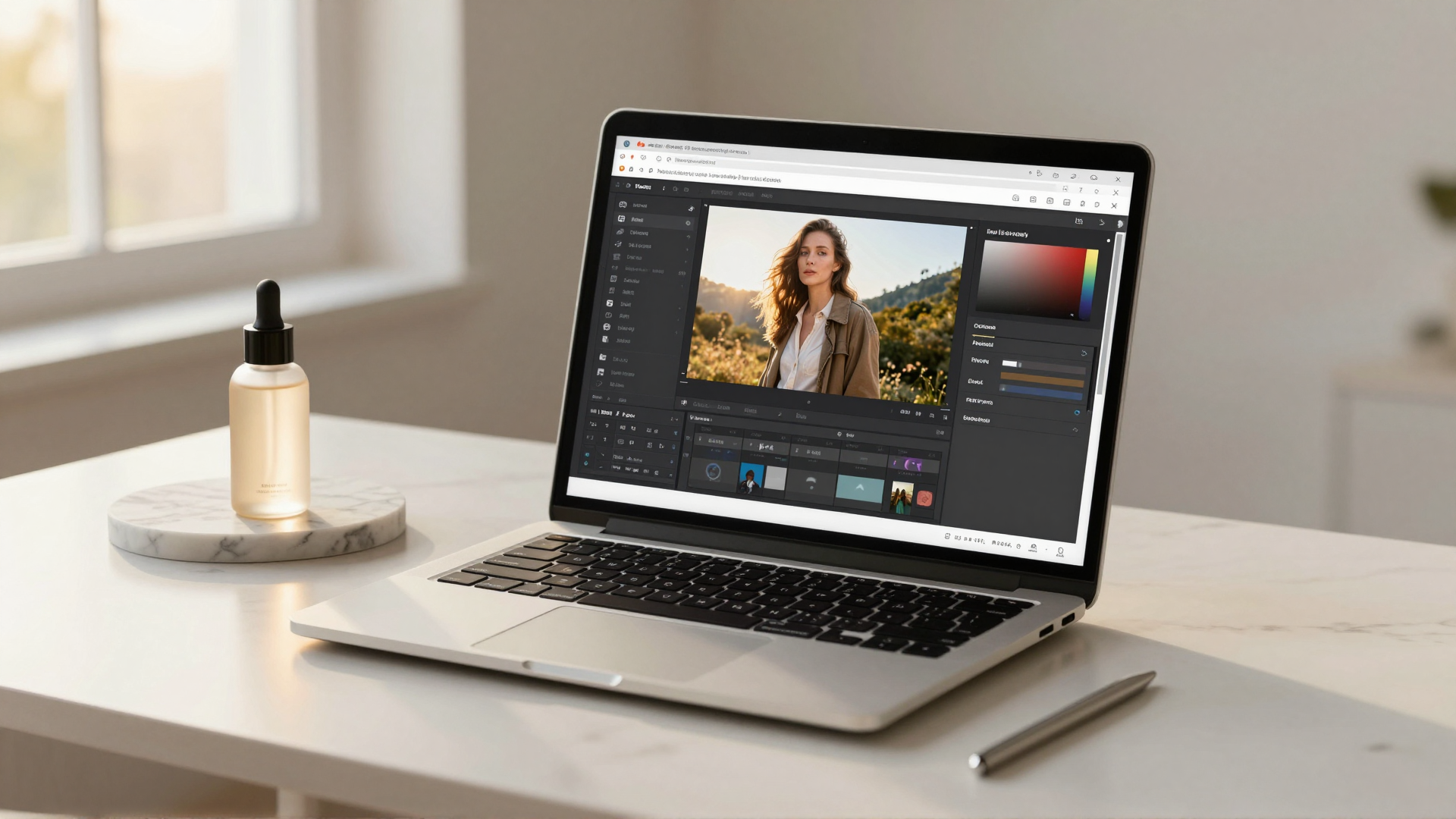
Adobe Firefly Alternative Without a Subscription
Adobe Firefly needs a Creative Cloud plan and its credits reset monthly. Imagera is pay-per-use, browser-based, no watermark. See the honest 2026 comparison.
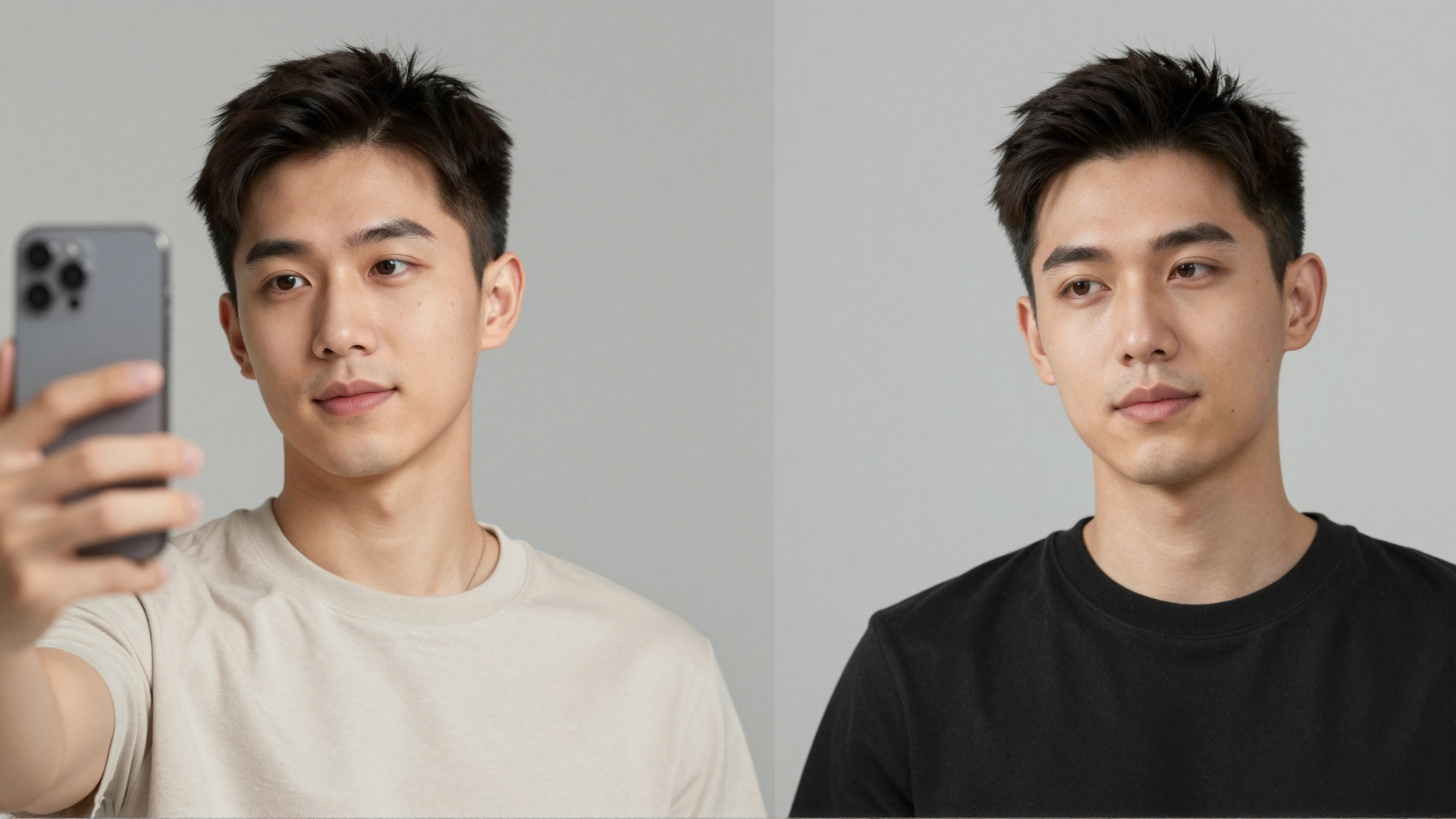
Aragon AI Alternative: Imagera Headshots Compared (2026)
Looking for an Aragon AI alternative? Compare Aragon's one-time headshot packs with Imagera's pay-per-use, no-subscription studio headshots, feature by feature.
PhotoRoom Alternative for Product Photography
PhotoRoom vs Imagera for product photos: pay-per-use credits, no subscription, no watermark, browser-based — a balanced 2026 comparison of both tools.
HeadshotPro Alternative: Imagera AI Headshots (2026)
A balanced HeadshotPro alternative for 2026: pay-per-use credits that don't expire, no subscription, no watermark, in a full editing suite.
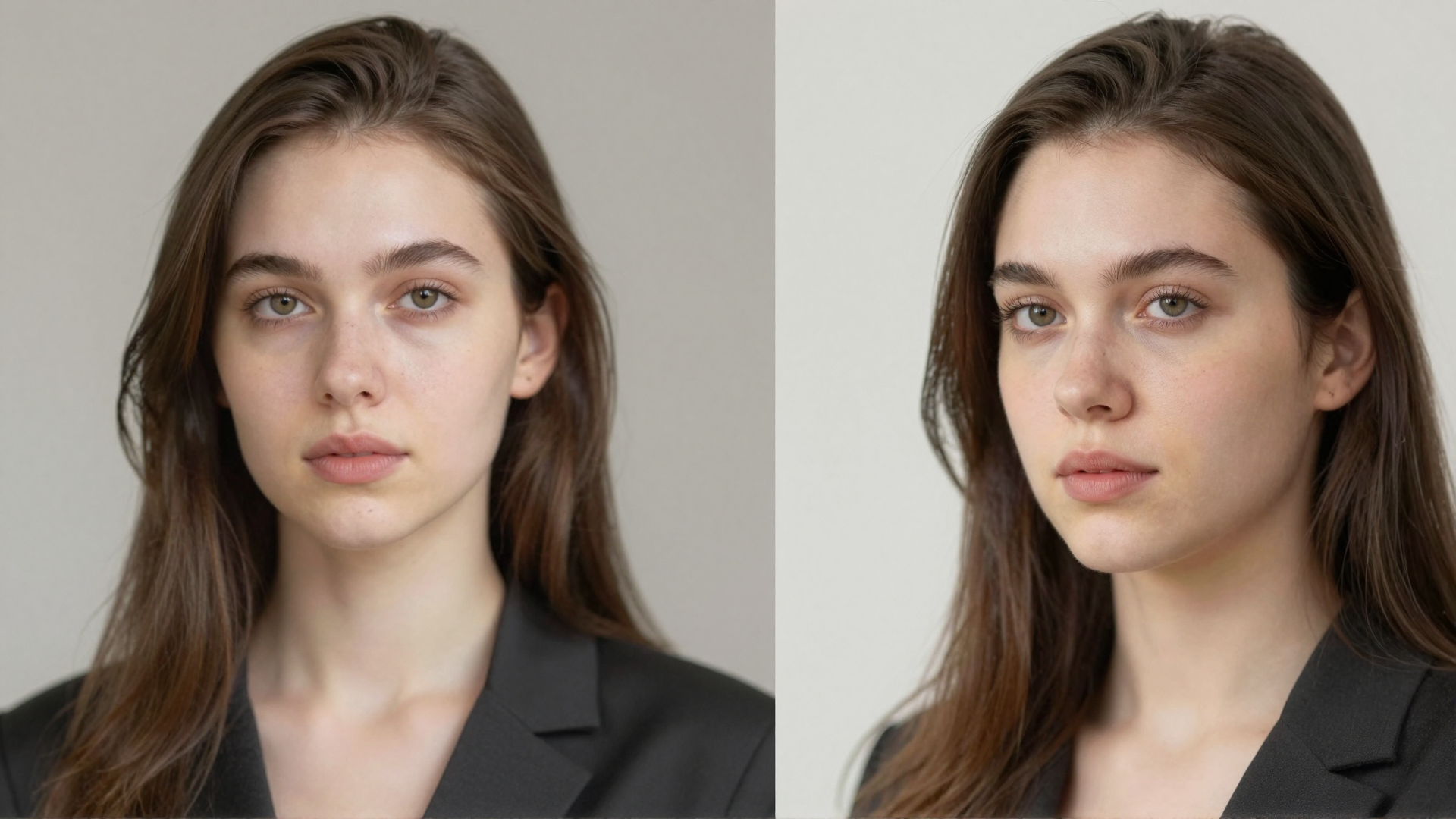
Let's Enhance Alternative: Imagera Image Upscaler (2026)
Comparing Let's Enhance vs Imagera in 2026: subscription credits vs pay-per-use that never expires, up to 16K output, no watermark, and where each tool wins.
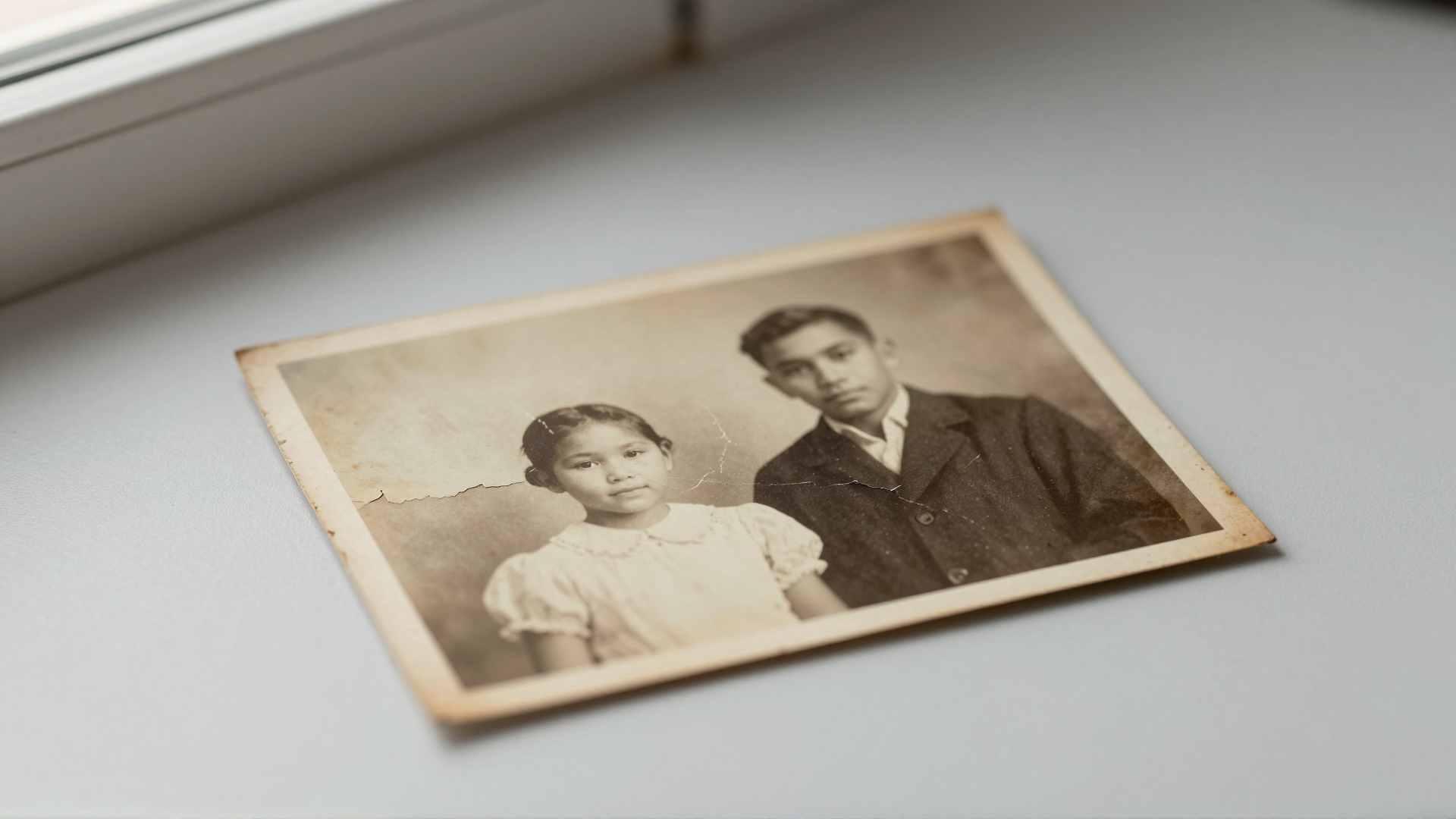
VanceAI Alternative for Restoring Old Photos
Comparing VanceAI vs Imagera for old photo restoration in 2026: pay-per-use credits that don't expire, browser-based, no watermark. Honest breakdown.
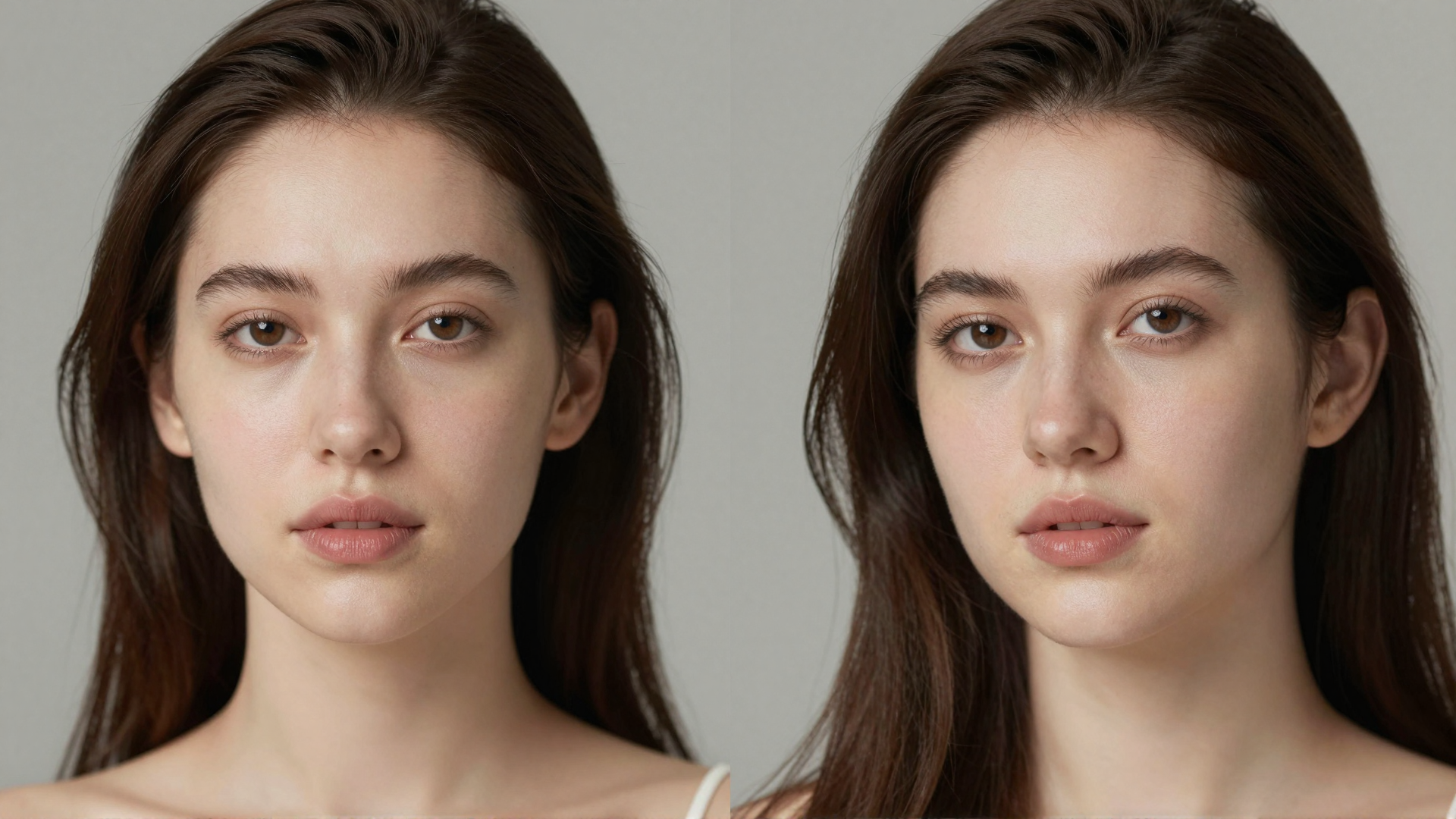
Magnific AI Alternative: Imagera Upscaler Compared (2026)
Looking for a Magnific AI alternative? Compare Imagera's faithful upscaler: pay-per-use, no subscription, no watermark, browser-based. See the 2026 breakdown.
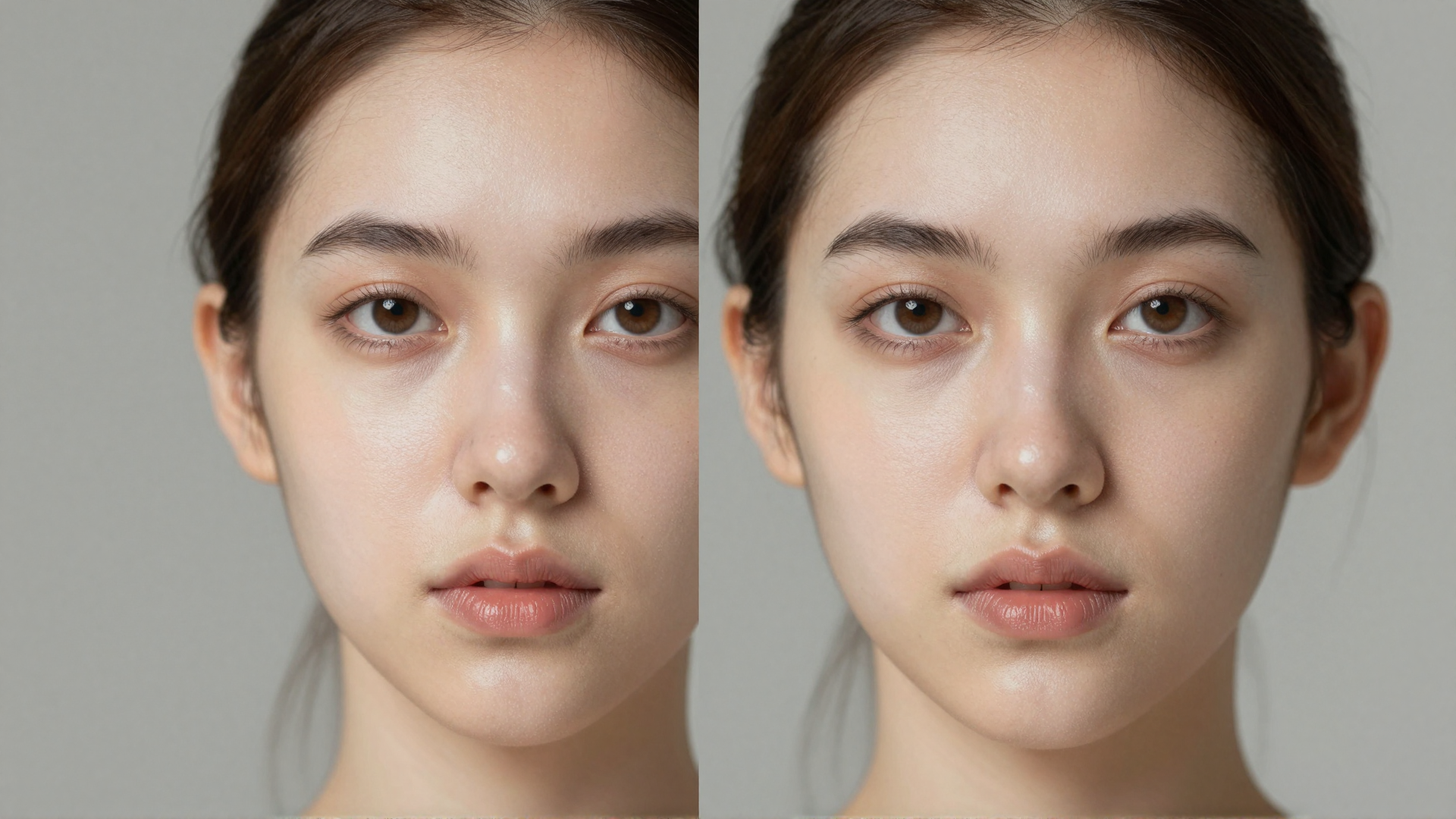
Enhancor Alternative: Imagera Skin Realism Suite (2026)
Looking for an Enhancor alternative? Imagera fixes plastic AI skin with real pore texture, plus upscaling and editing — pay-per-use, no watermark.
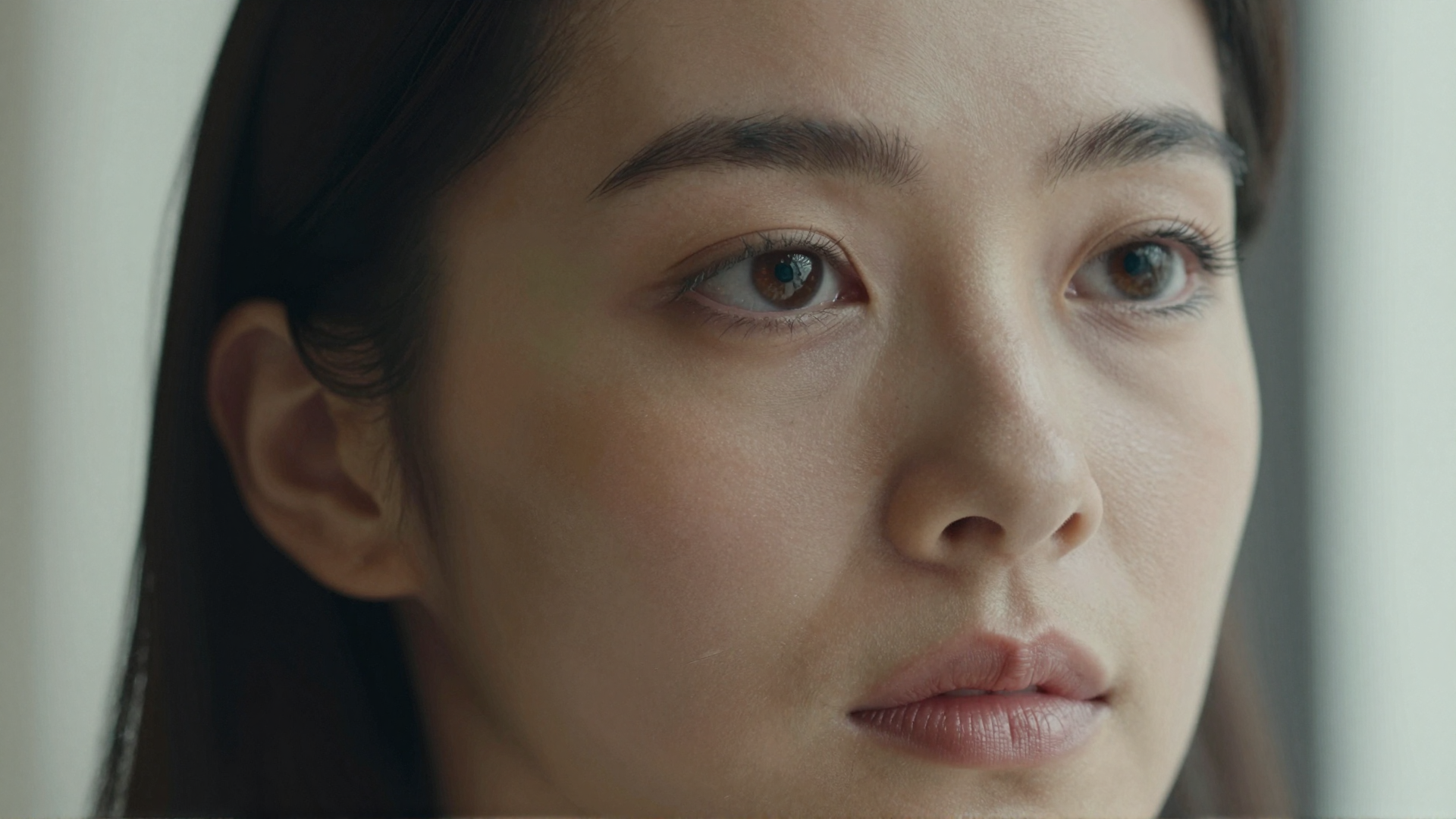
Realistic AI Image Alternative (2026)
Want AI images that look real? Imagera adds camera-real grain, skin texture, and micro-detail. Browser-based, pay-per-use credits, no subscription.
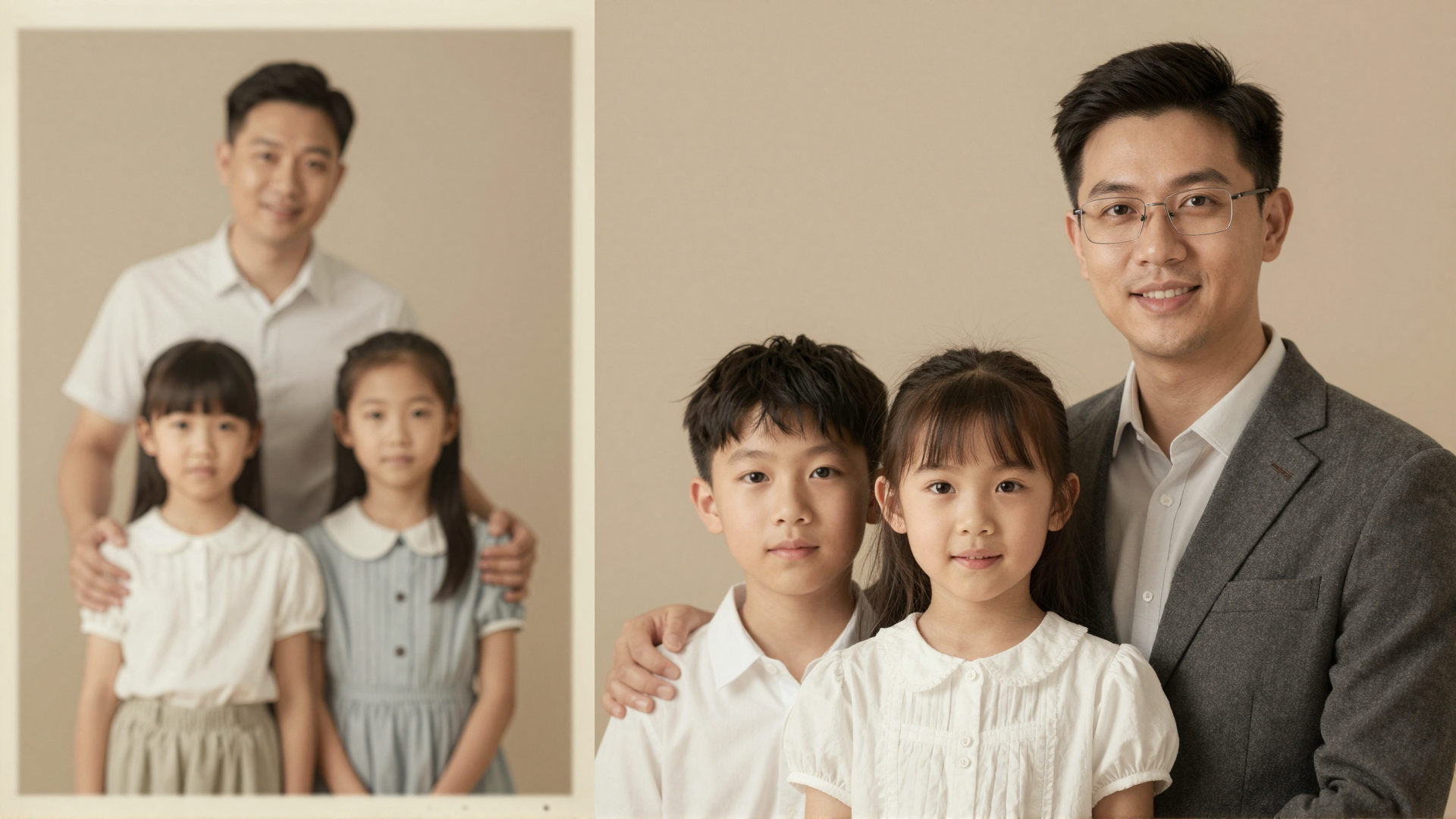
Remini Alternative: Imagera vs Remini Compared (2026)
Looking for a Remini alternative? Imagera enhances and upscales photos in your browser — no watermark, no subscription lock-in, and pay-per-use credits.
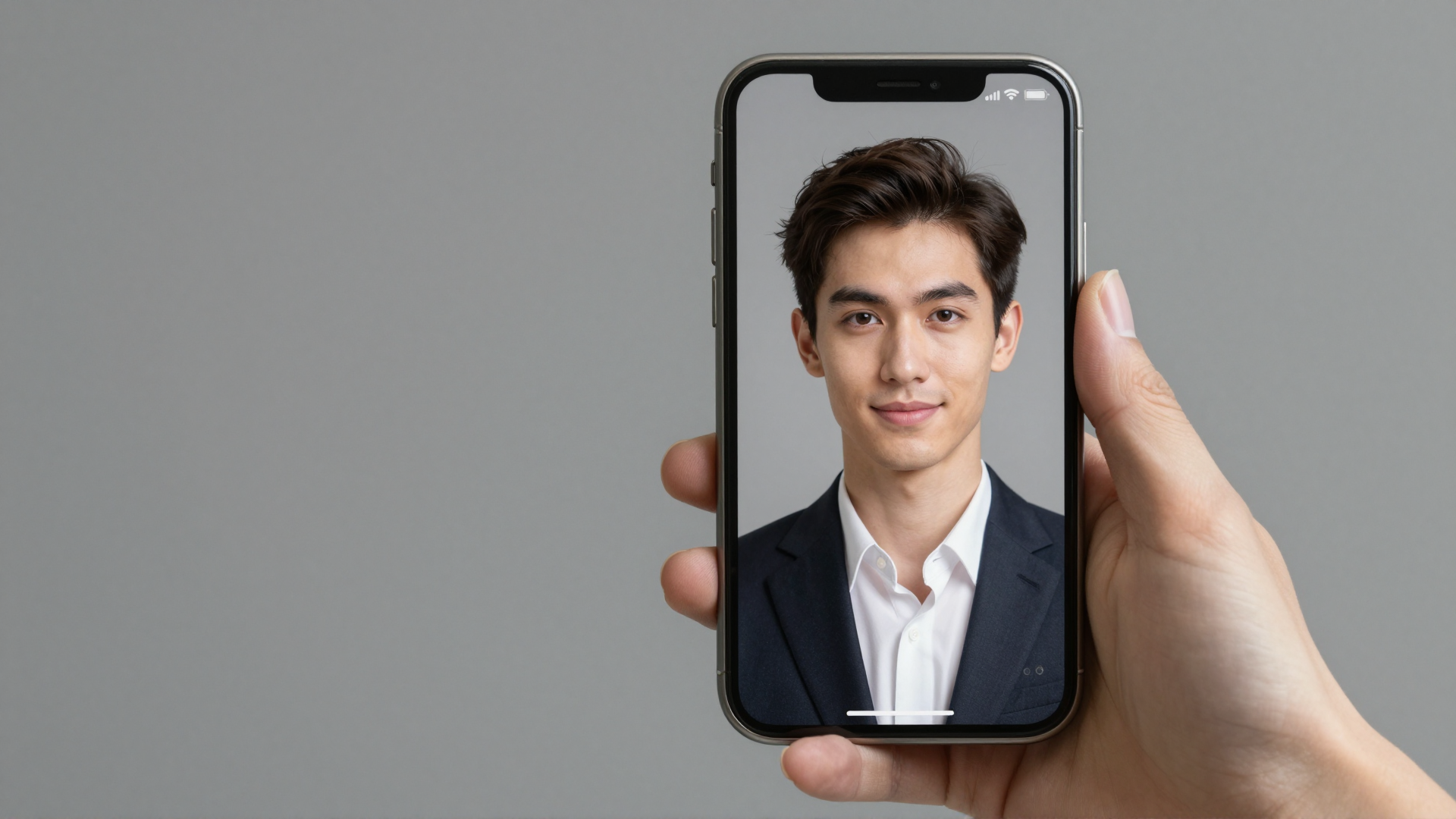
Do AI Headshots Look Real? An Honest 2026
Do AI headshots look real? Recruiters spot them just 39.5% of the time. Here is when they pass, the tell-tale signs to avoid, and how to get the truest result.
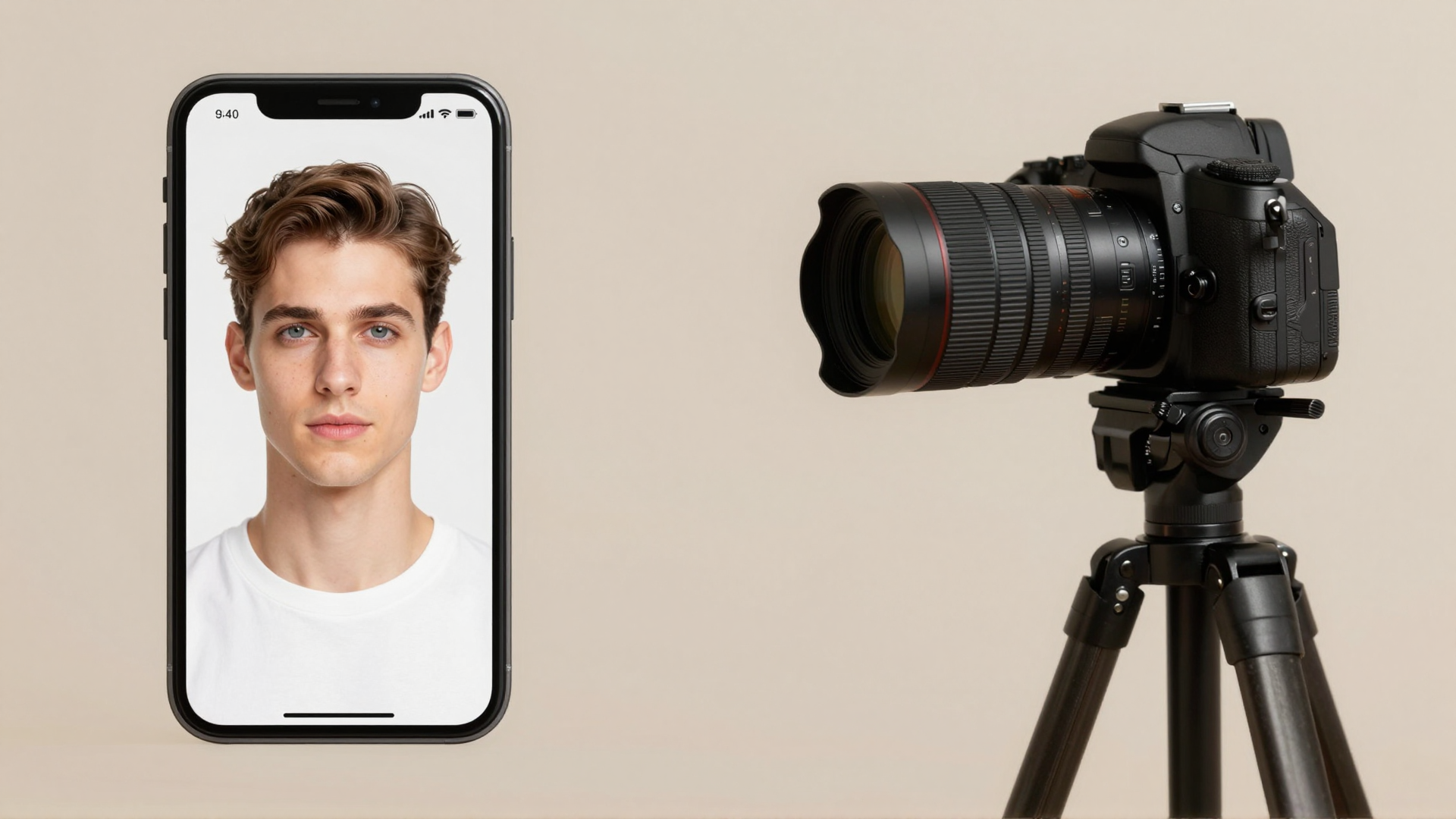
AI Headshot vs Photographer: Cost, Speed
AI headshot vs photographer: real costs, turnaround, and quality—plus when each wins and how likeness holds up. An honest 2026 decision guide.

Are AI Headshots Allowed on LinkedIn? Is It Safe?
Yes — LinkedIn allows AI headshots if they reflect your likeness. See the real policy, the spokesperson quote, disclosure norms, and how to stay compliant.
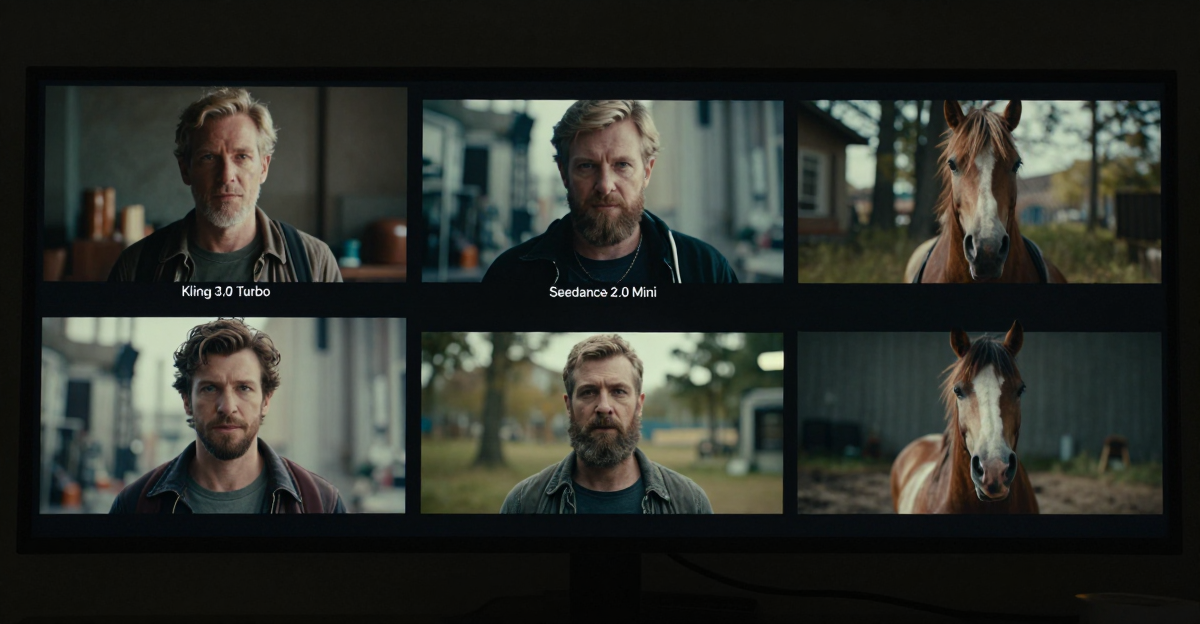
Kling 3.0 Turbo vs Seedance 2.0 Mini vs HappyHorse 1.1 (2026)
Compare Kling 3.0 Turbo, Seedance 2.0 Mini, and HappyHorse 1.1 on resolution, audio, reference inputs, aspect ratios and generation modes.
Resize an Image Online Free (Any Dimension)
Use Imagera to resize image online free — set exact pixels or a percentage, convert format, and keep your file private. Nothing is uploaded to a server.
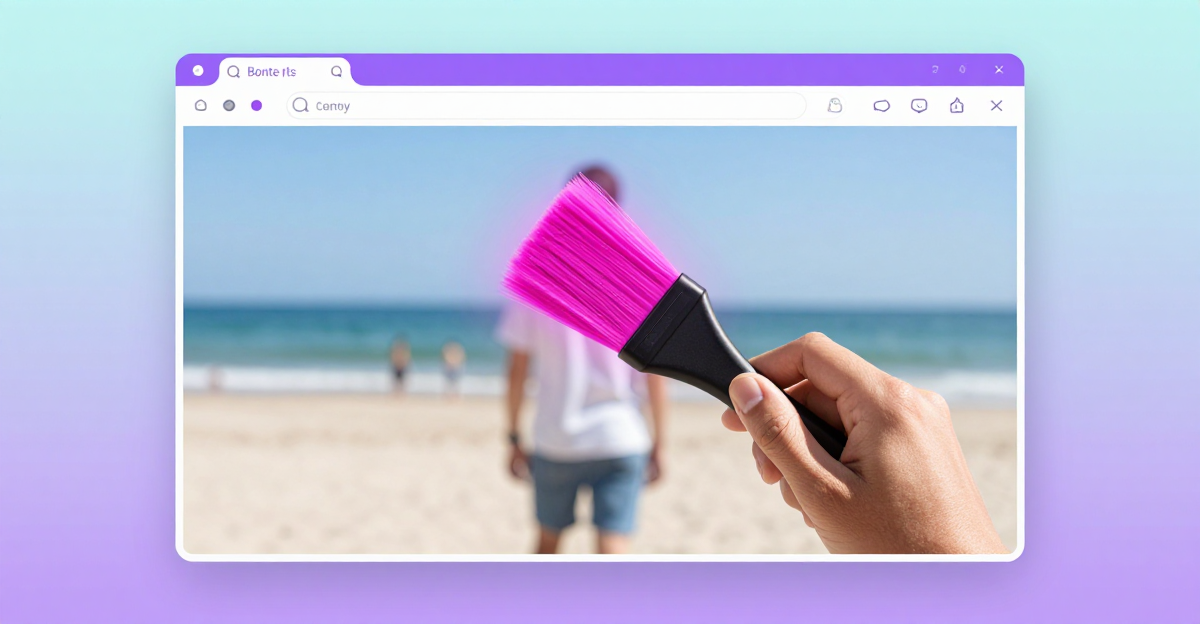
Remove a Person or Photobomber From a Photo Free
Remove a person or photobomber from any photo free, right in your browser. No upload, no account. Imagera's free Object Remover fills the gap instantly.
Remove a Watermark From Your Own Photo
Remove a watermark from your own photo free — no upload, no sign-up. Your image never leaves your browser. Erase text, stamps, and logos in seconds.
Best remove.bg Alternative: Free & No Upload Needed (2026)
Looking for a remove.bg alternative? Imagera's free background remover runs in your browser — no upload, no account, no credit card needed. Results in…

Upscale an Image Free (No Signup, No Watermark)
Upscale images free online — no signup, no watermark, photo never uploaded or saved on servers. Enlarge 2x/4x in-browser then print or share privately.
Compress Image to 100KB Online (No Upload, Private) (2026)
Compress any image to exactly 100KB online — no upload, no server, no sign-up. Works in your browser; your photo is never sent anywhere. Free, private,…
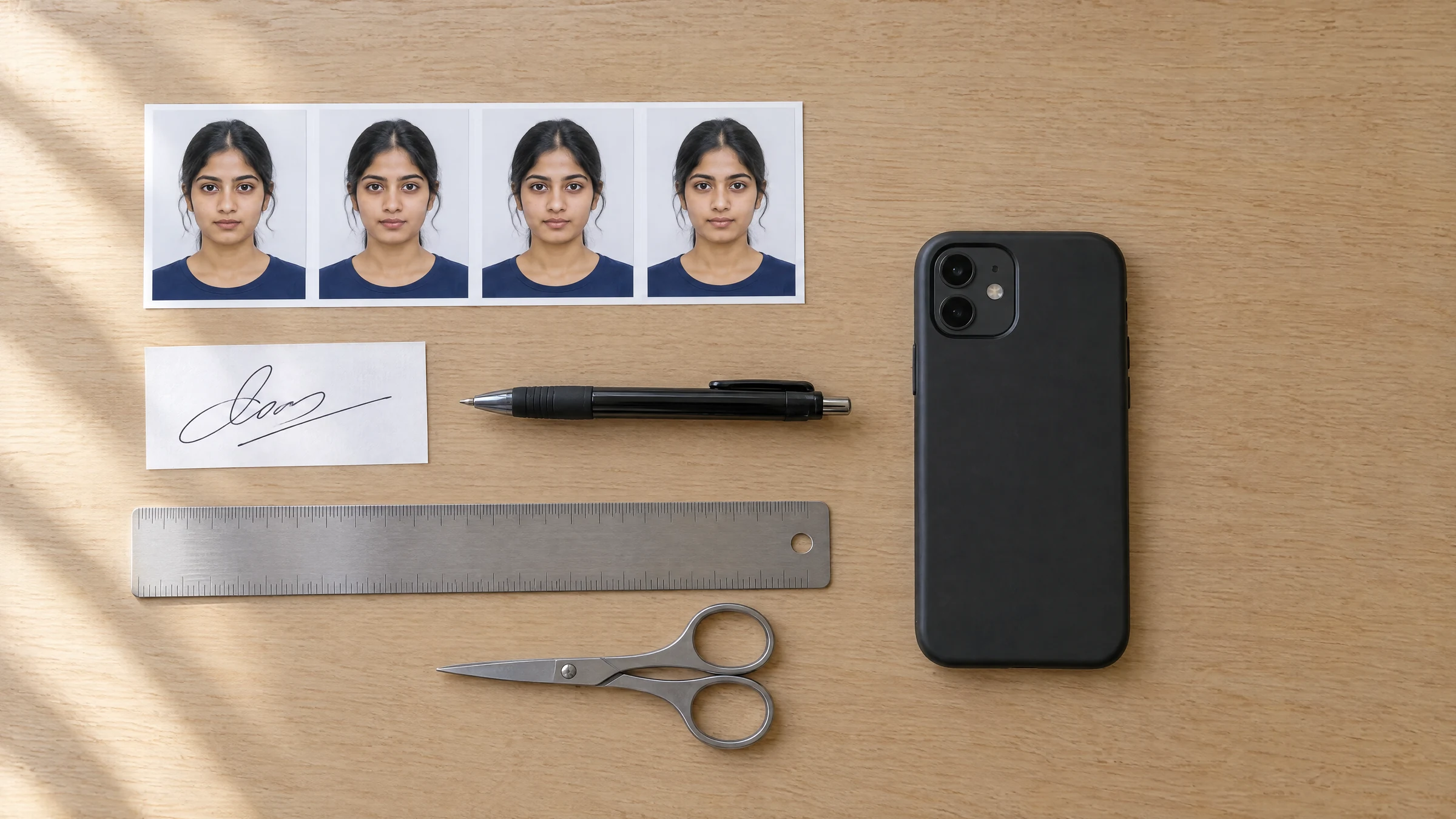
Compress a Photo and Signature for Exam and Job Forms (2026)
What to type for a 20, 50 or 100 KB limit, the 2026 photo and signature sizes for IBPS, SSC, UPSC and NEET, and a tested resize-then-compress method.
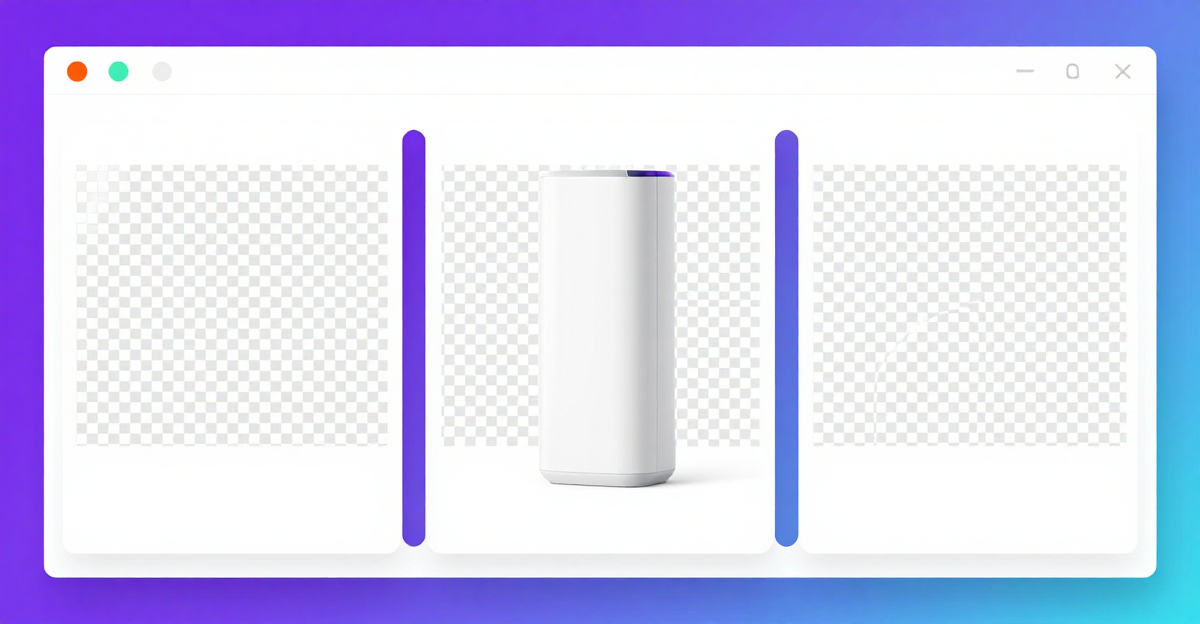
Best Free Background Remover (2026)
The best free background remover in 2026: one-click transparent PNG, no sign-up, no upload to a server. Tested on hair, product photos, and fine edges.
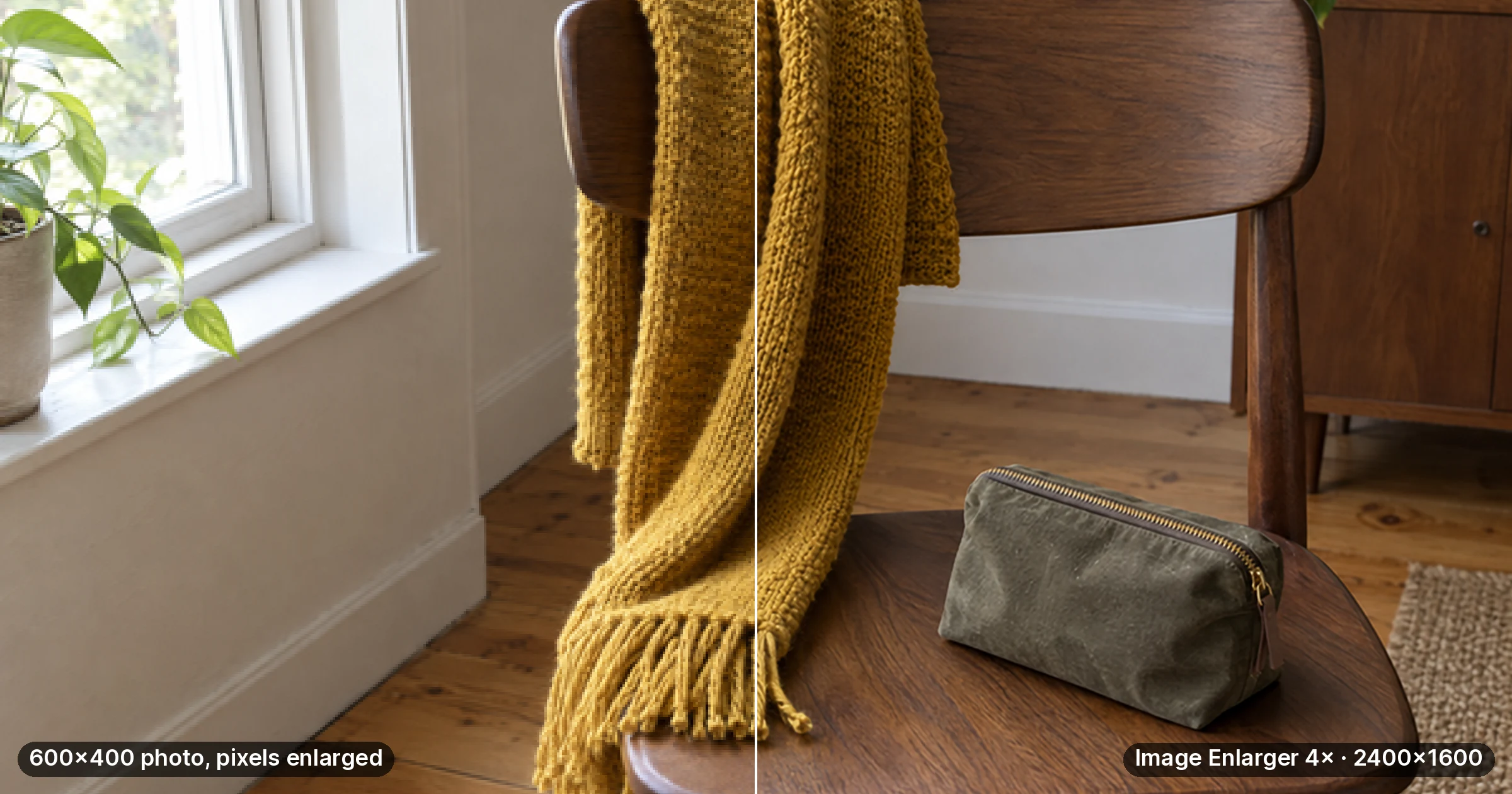
Best Free Image Upscaler (2026): Compared
The best free image upscaler in 2026, compared by enlarge factor, sharpness, watermarks, and sign-up. Imagera runs in your browser — nothing is uploaded.
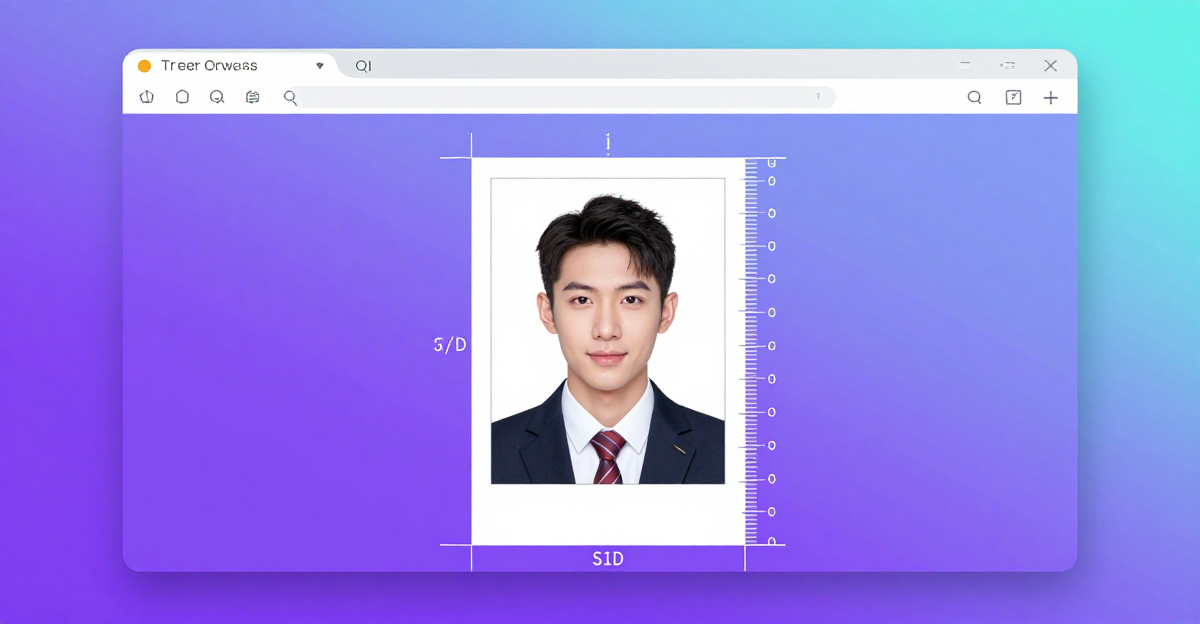
Passport Photo Size Online: Resize to 2×2 in / 35×45 mm (Free)
Get the exact passport photo size online in seconds. Resize to 2×2 in or 35×45 mm, hit KB limits, all free in your browser — nothing uploaded to any server.

Remove EXIF & GPS Location From a Photo
Remove EXIF & GPS location from your photo before posting — free, no upload, no signup. Your file never leaves your browser. Works on JPEG, PNG, HEIC.
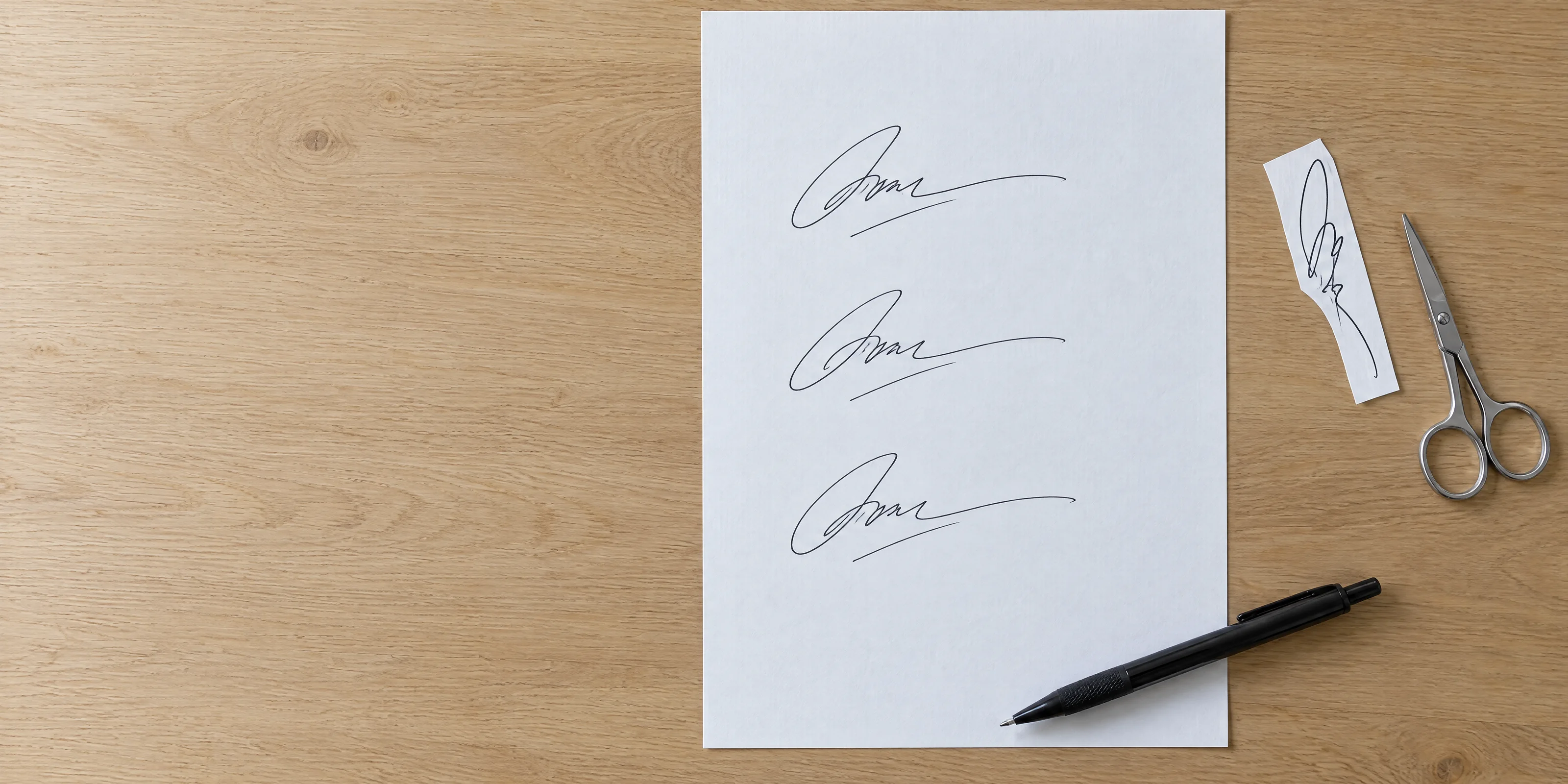
Compress a Signature Image to Any KB Limit
Compress a signature image under a form's KB limit: crop, resize, then type the target in MB. Runs in your browser; check the bytes before you upload.

Is It Safe to Upload Photos to Online Editors?
Is it safe to upload photos to online editing tools? What really happens on their servers, who keeps your file, and how to edit with no upload.
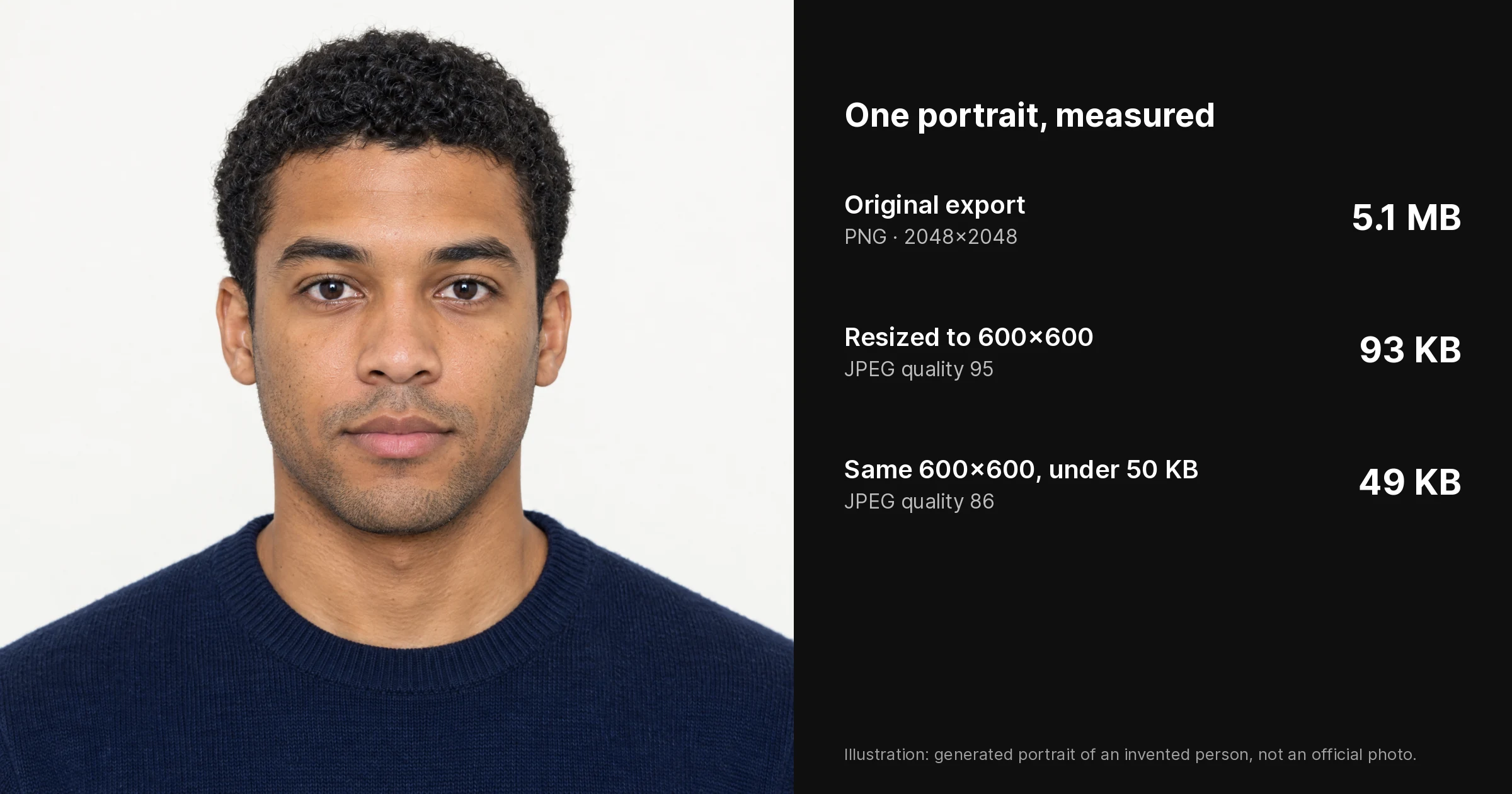
Compress a Passport Size Photo to Any KB Limit
Passport photo rejected for file size? Set a target from 0.05 MB (about 51 KB) and compress it in your browser at full resolution, then check the result.
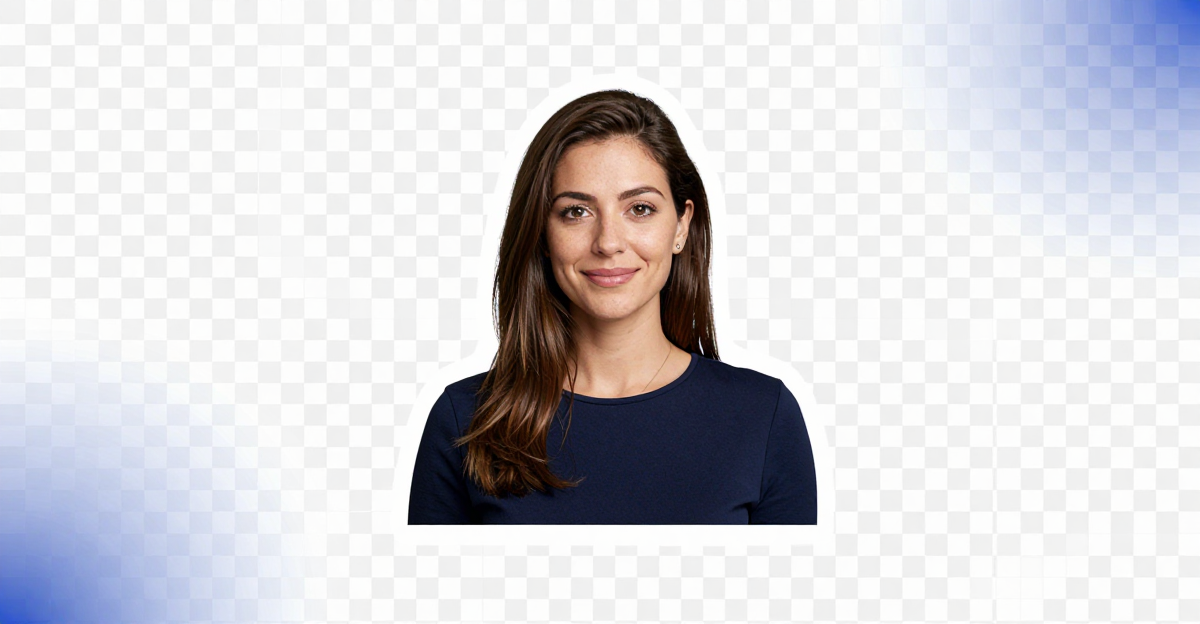
Remove Background From an Image
Remove background from an image free, no signup, no upload. Your photo never reaches a server — get a transparent PNG instantly in your browser.
TinyPNG Alternative: Compress Without Uploading
TinyPNG's web tool takes 20 images of up to 5 MB. This alternative compresses JPG, PNG and WebP to a target size in your browser, with nothing uploaded.
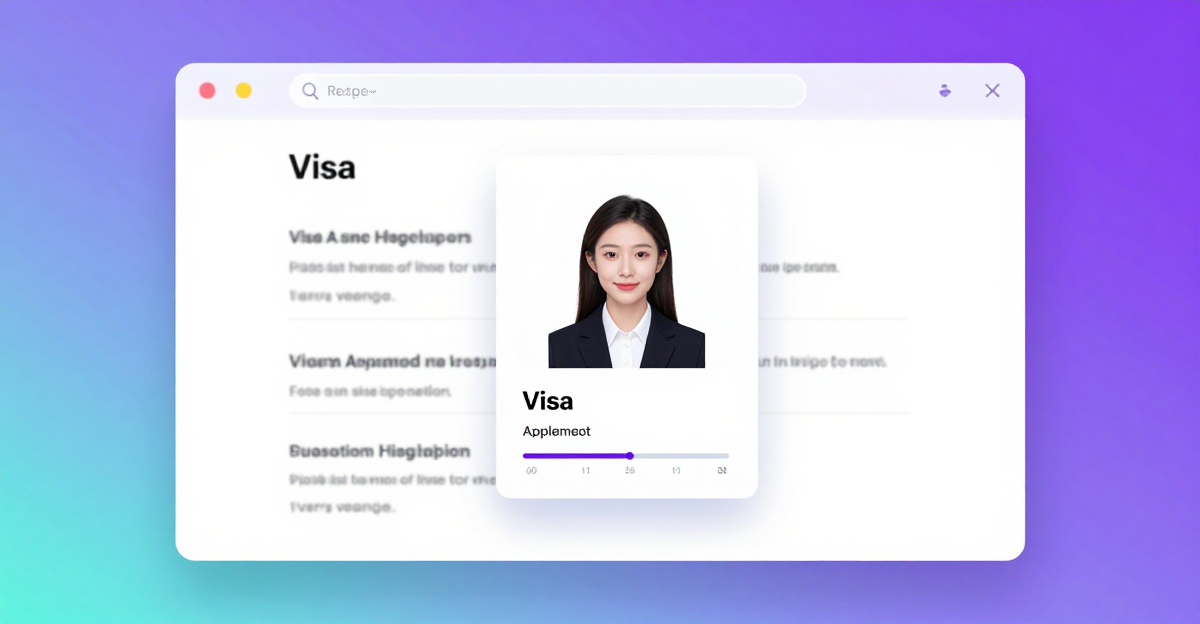
Compress a Visa Application Photo to the KB Limit
Compress your visa photo to meet the exact KB limit — DS-160, Canada IRCC, Schengen, UK. Free browser tool; your photo never leaves your device.
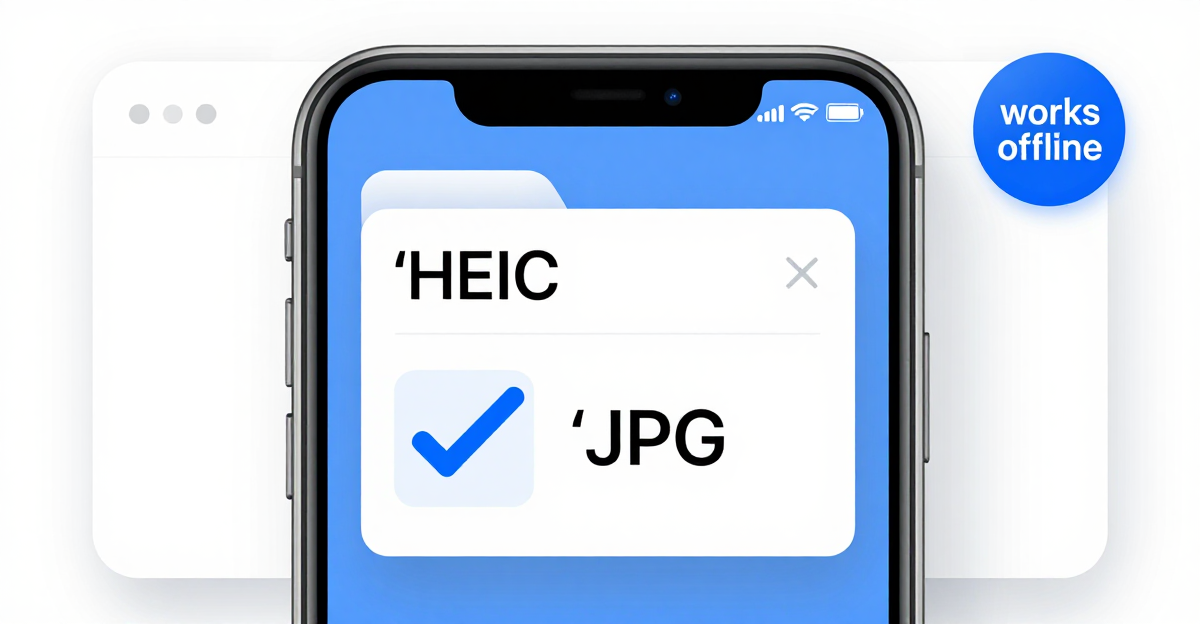
Convert HEIC to JPG Free — No Upload, Private
Convert HEIC to JPG free in your browser — no upload, no sign-up, fully private. Your iPhone photos never touch a server. Batch convert in seconds.
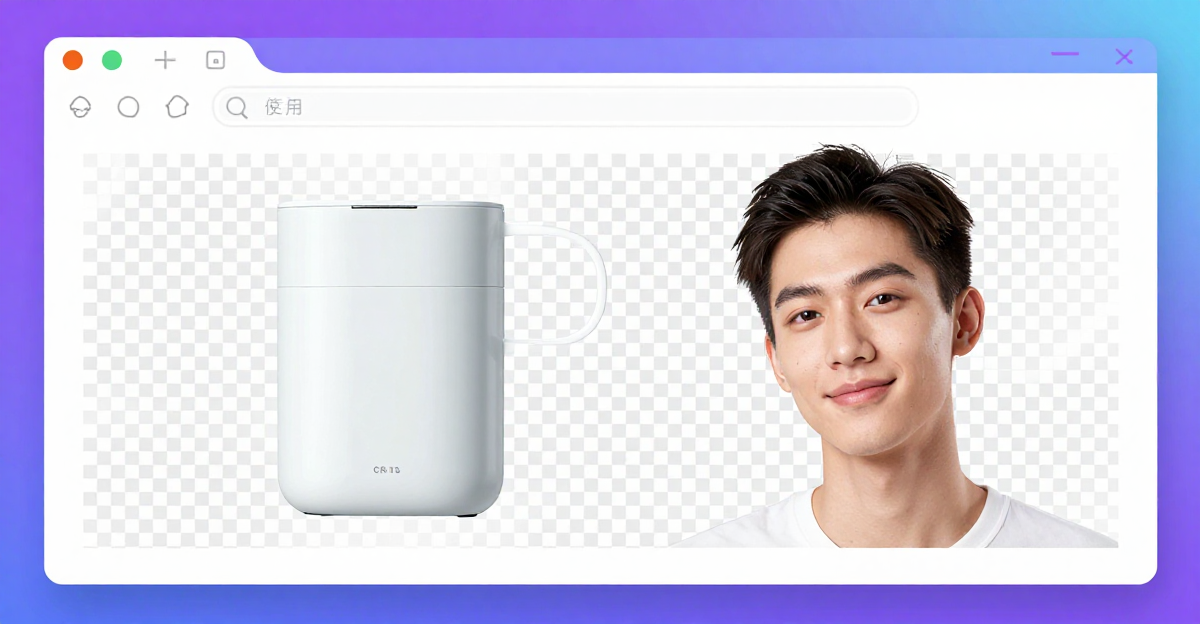
Make Image Background Transparent PNG Free (2026)
Make any image background transparent and download a PNG free in your browser. No upload, no software. Works on logos, products, and portraits.

How to Compress an Image for Email (Free, 2026)
Compress images for email in seconds — free, in your browser. Hit Gmail's 25MB limit, reach your target KB, and send multiple photos fast.
How to Resize an Image for Instagram Free (2026)
Resize any image for Instagram — 1080x1080, 1080x1350, 1080x1920 — free in your browser. No upload, no account, no quality loss. Takes under a minute.

Do Free Image Tools Train AI on Your Photos?
Do online image tools train AI on your photos? Learn which tools upload your files, which don't, and how to pick ones that run in your browser.
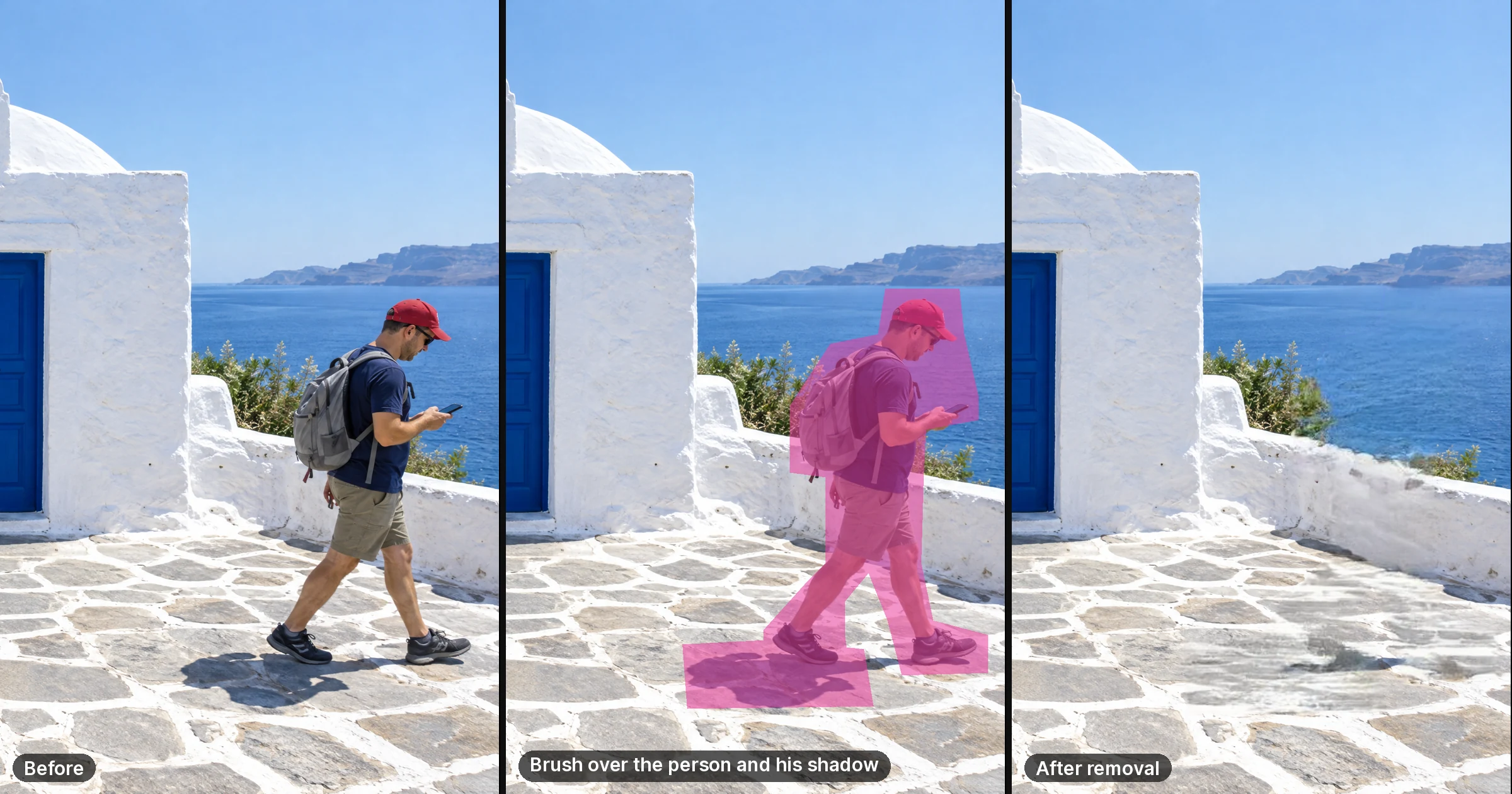
Remove an Object From a Photo Free (No Signup)
Remove unwanted objects from photos free, no signup, no upload. Your photo never reaches our servers — erase photobombers, strangers, date stamps privately.

Best Private No-Upload Image Tools (2026 Guide)
Free online photo tools that never upload your files. Compress, convert, upscale, remove backgrounds & strip EXIF — all in-browser, no signup, no server.
Remove Metadata From a Passport or ID Photo
Remove metadata from your passport or ID photo privately. No upload, no sign-up, no server storage — your document photo never leaves your browser.
How to Tell If an Image Tool Runs Locally (Not Cloud) (2026)
How to know if an image tool processes locally and never uploads your photo. Two verified methods: offline test + network tab walkthrough. No upload, private.
PNG to JPG Converter — Free, No Upload (2026)
Convert PNG to JPG free in your browser — no upload, no account, no sign-up. Flatten transparency, control quality, batch convert on any device.
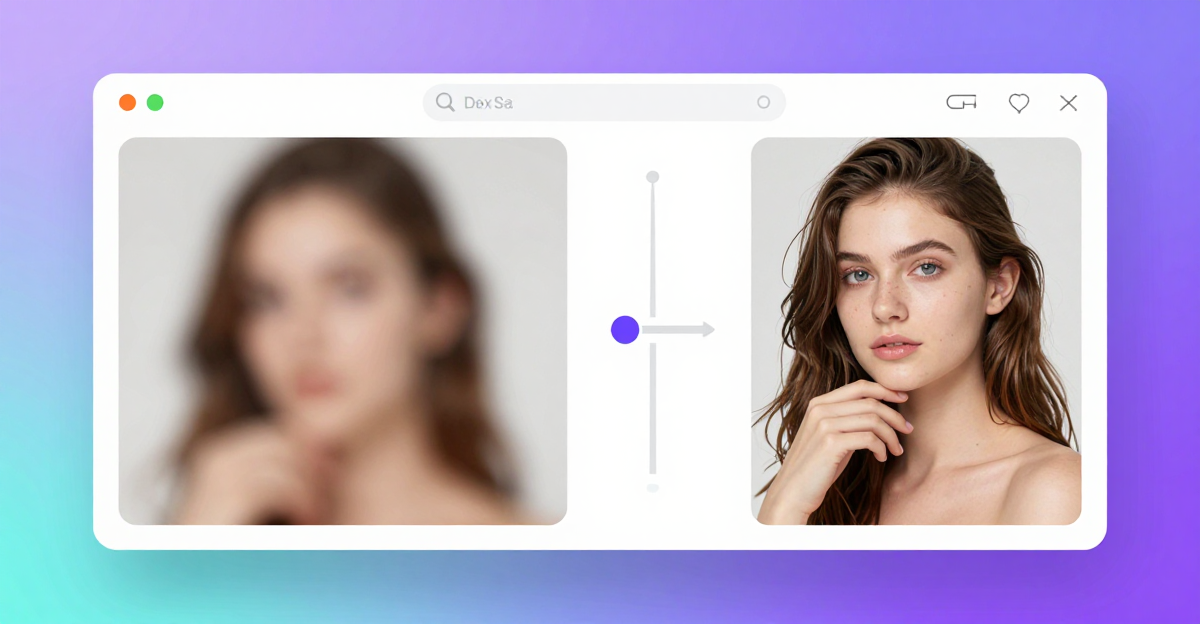
Unblur & Sharpen a Blurry Photo Free (2026)
Learn how to unblur an image and sharpen blurry photos for free in your browser — no upload, no account. Imagera's free Image Upscaler in 2026.

Best Lighting for Video Calls (2026 Guide)
Look sharp on Zoom, Meet, and Teams with front light, eye-level camera, and lux basics — plus GlowCam when you cannot change the room. Free trial.
Is a Beauty Filter on Video Calls Unprofessional?
Natural beauty filters on video calls are widely accepted; heavy, fake ones aren't. Here's where the line is and how to enhance calls without looking edited.
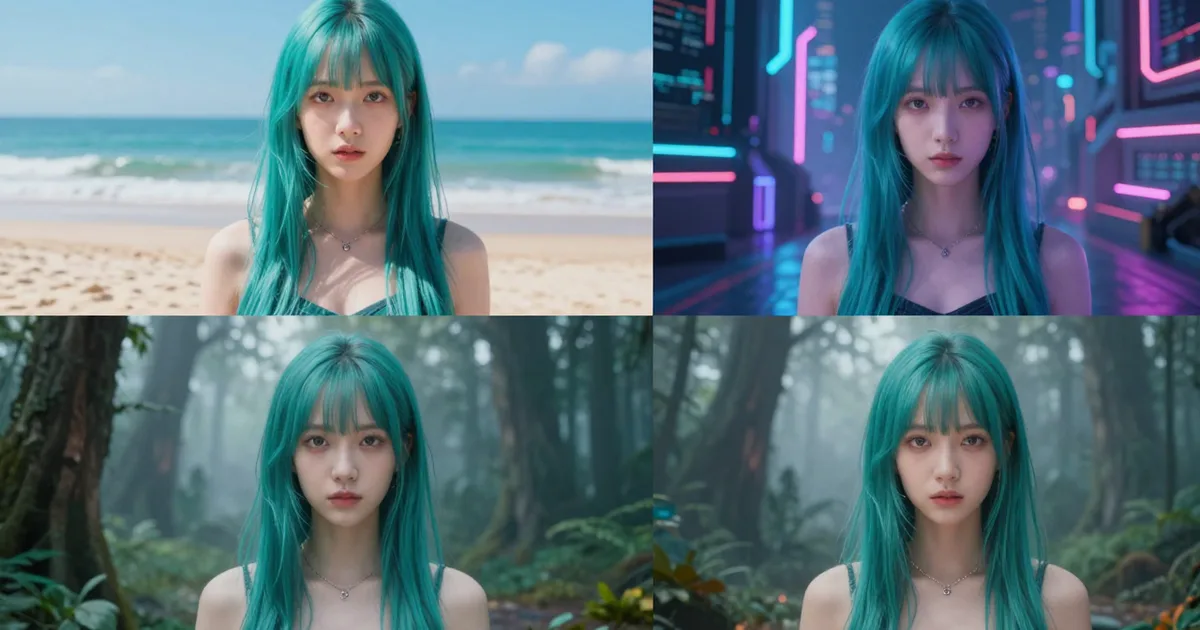
Train a FLUX or Qwen LoRA Online (2026)
Train a FLUX, Qwen or video LoRA online from 10–50 photos: which engine fits which job, how captions and steps work, and what a run costs in credits.
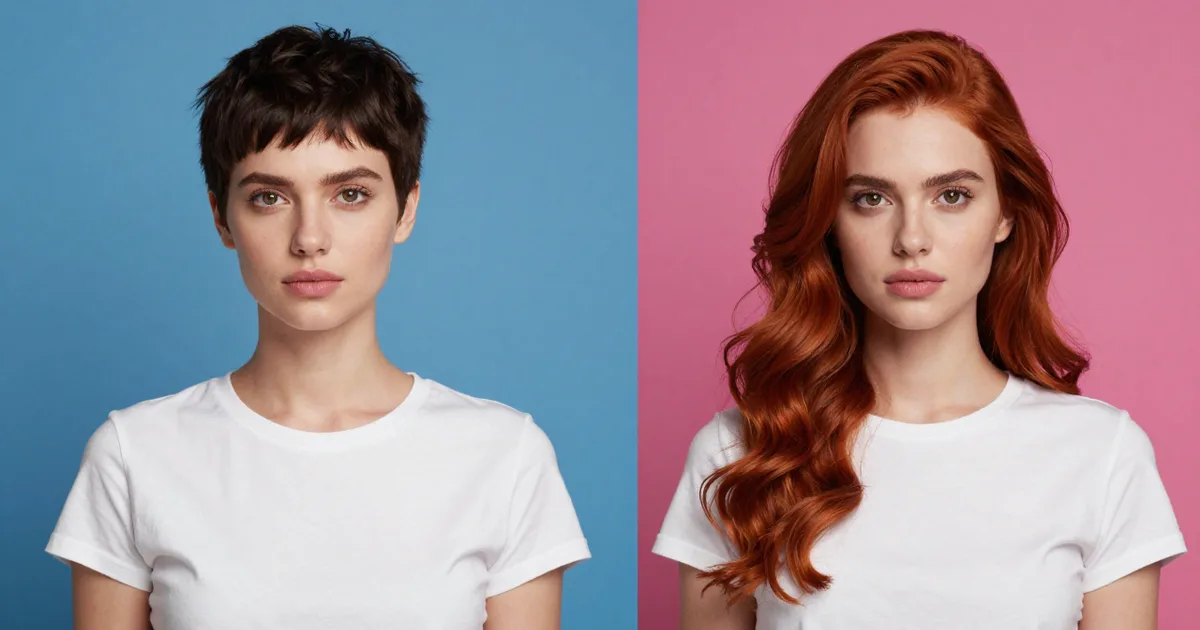
Head Swap With Hair vs Face Swap: Which to Use
A face swap keeps the target's hair and head shape. When to swap the whole head instead, how to pick the hair photo, and how to fix a pasted-on look.
AI Voice Detector: Check a Call or Voicemail
An AI voice detector checks recordings, not live calls. How to scan a voicemail, read the score, compare detectors and verify a caller before you pay.

How to Look Professional on Sales & Client
Look polished on Zoom, Meet, and Teams sales calls — even on a budget webcam or dim office. GlowCam trial, 2 days, no card.
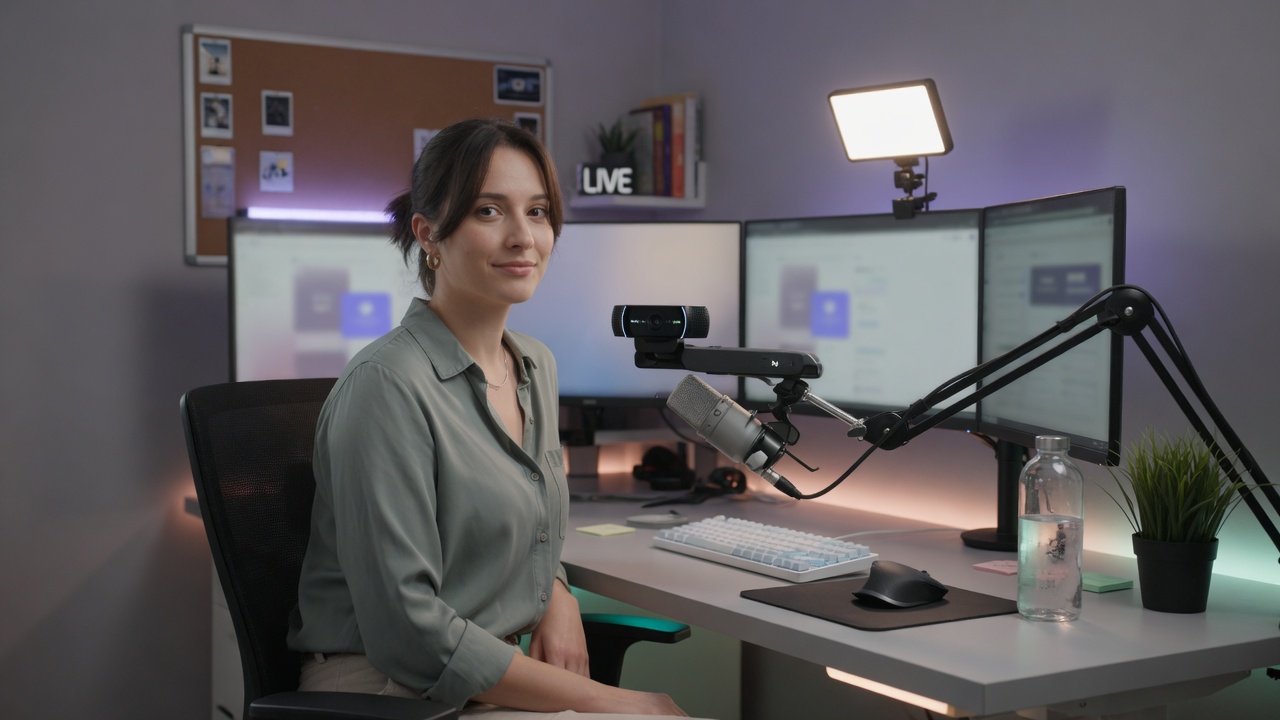
Camera-Ready on Discord & Calls — No OBS Needed
Look camera-ready on Discord, Zoom and Meet without OBS or a makeup routine. GlowCam is an AI beauty filter that keeps video on-device — natural, in seconds.
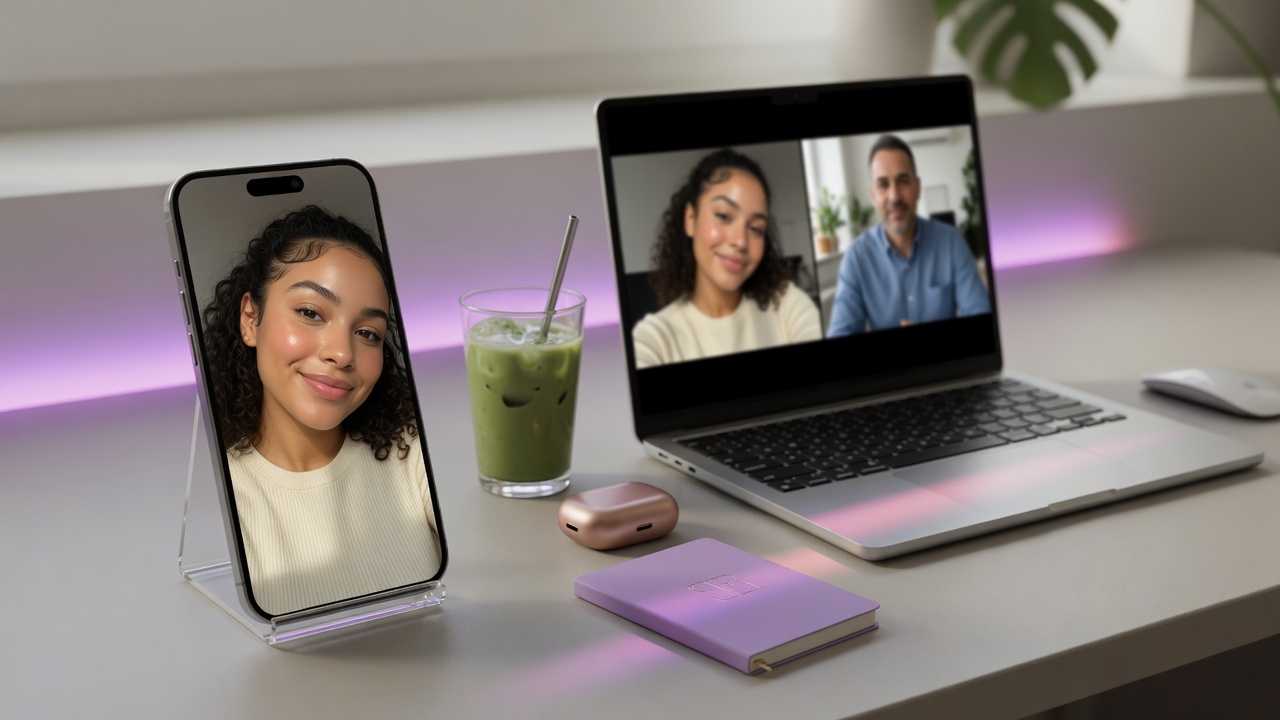
How to Look Attractive on a First Virtual Date
How to look attractive on a first virtual date on Zoom or Meet — lighting, angles, best GlowCam settings, and an honest take on using a beauty filter.

How to Look Good on a Video Interview (No Makeup)
Look polished on a video interview - no makeup needed. Lighting, eye contact and background tips, plus a subtle on-device finish that still looks like you.

GlowCam Pro vs Free Trial: What Each Unlocks
Honest breakdown of GlowCam Pro vs the free 2-day trial. See which features are free in the trial, what Pro unlocks, and who actually needs Pro.
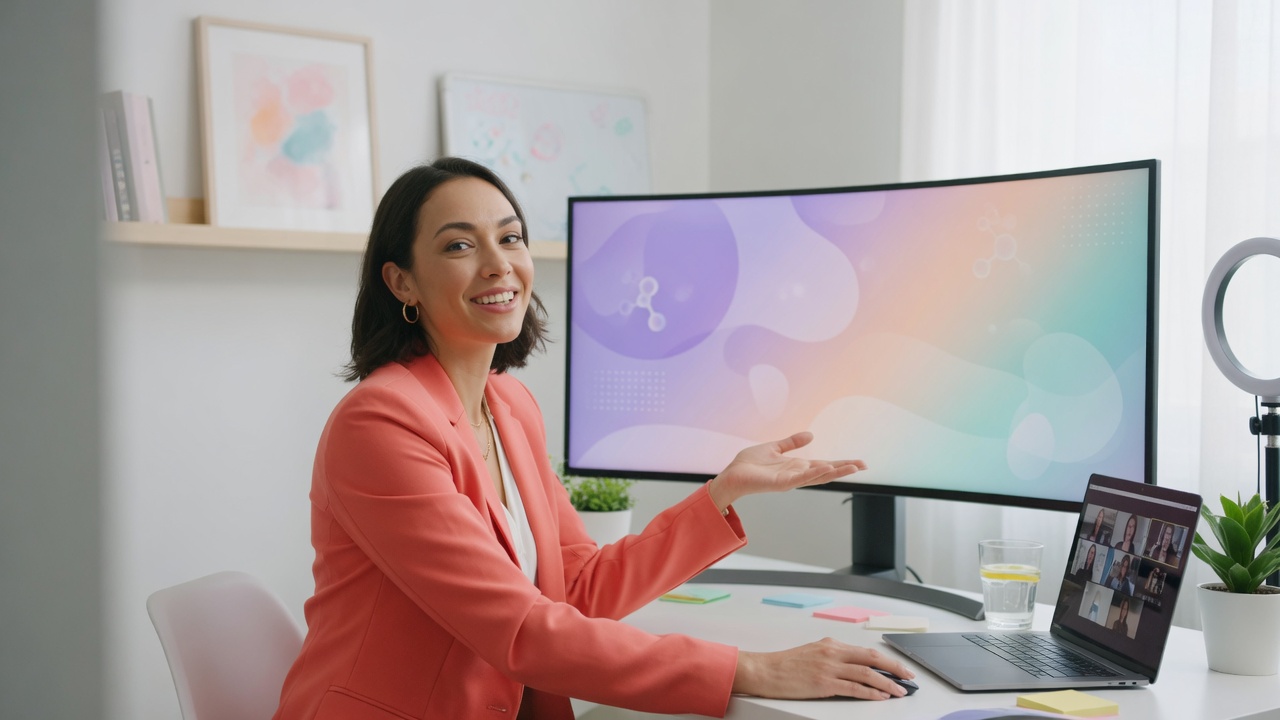
Look Your Best Presenting or Teaching Online in 2026
Present or teach online and look rested, even, and authoritative in 2026. Real on-camera tips plus GlowCam, a private on-device webcam polish. Free 2-day trial.
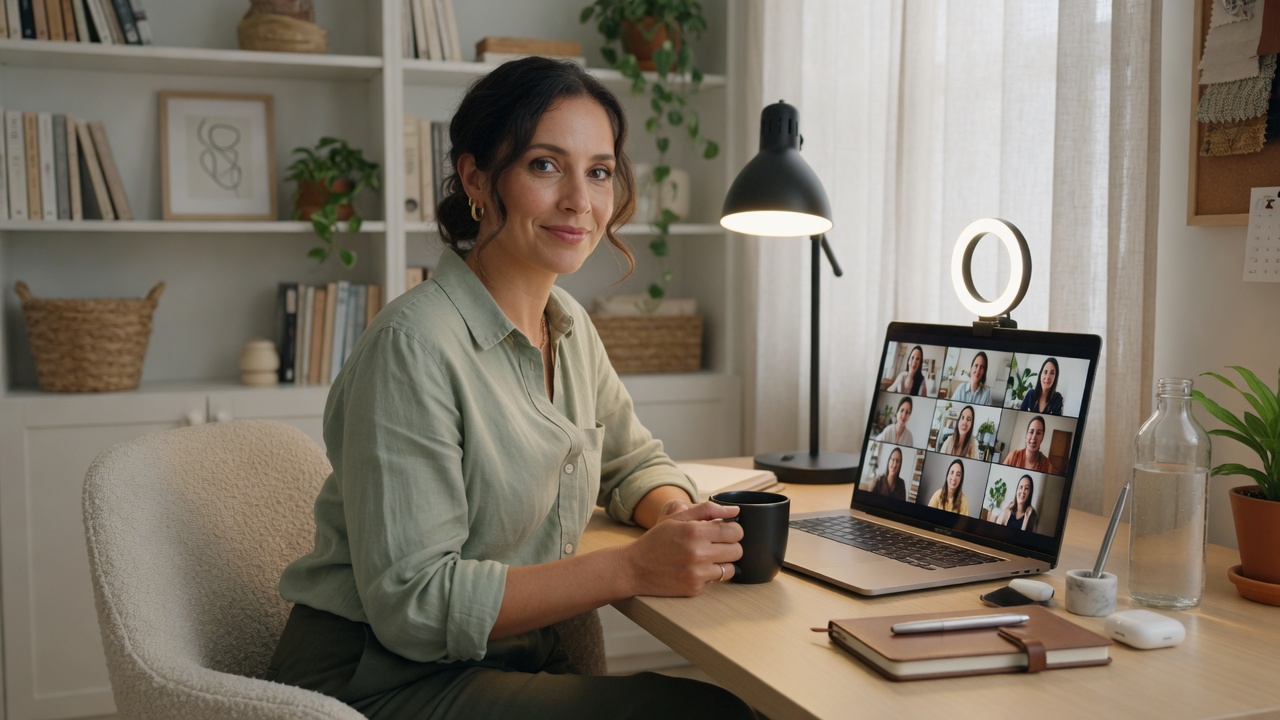
How to Look Professional on Work-from-Home Video Calls (2026)
Look professional on WFH video calls and more awake on early morning meetings. GlowCam saves a look per meeting type. 2-day trial, no card.

How to Make Your Skin Look Good on Webcam
Grey, patchy or tired skin on webcam? Fix your lighting and white balance first, then finish with GlowCam's real-time, on-device skin retouch — naturally.

Snap Camera Alternative 2026 for Zoom and Meet
Snap Camera shut down in 2023. GlowCam is an in-browser Snap Camera alternative: an extension that beautifies your webcam on Meet, Zoom and Teams. No app.
Best AI Webcam Beauty Filters 2026: Natural, Not Fake
The best AI webcam beauty filter in 2026 looks like you — just rested. Compare GlowCam, OBS tools, and hardware cams. No OBS. No upload. Free 2-day trial.

Natural AI Beauty Filter for Microsoft Teams
Look polished on Microsoft Teams calls with a natural AI beauty filter that runs on-device in Chrome. Real-time skin smoothing, makeup and blur. No download.
Zoom Beauty & Makeup Filter That Looks Natural
Zoom's Touch Up My Appearance is one softening slider. GlowCam adds under-eye, skin tone and makeup control to Zoom's web client in Chrome, on your device.
Blur Your Call Background, No Green Screen
Add AI background blur or replace to any video call — on-device, no green screen, works on Meet, Zoom, Teams, Webex and more. Start a free 2-day trial.

Natural AI Beauty Filter for Google Meet | GlowCam
Google Meet has no beauty filter. GlowCam adds a natural, on-device AI one — skin smoothing, makeup, background blur. Runs in your browser. 2-day free trial.
How to Look Better on Video Calls: A Practical
Learn how to look better on video calls with lighting, camera height, 1080p, smart backgrounds, and a real-time on-device webcam filter. Practical steps.
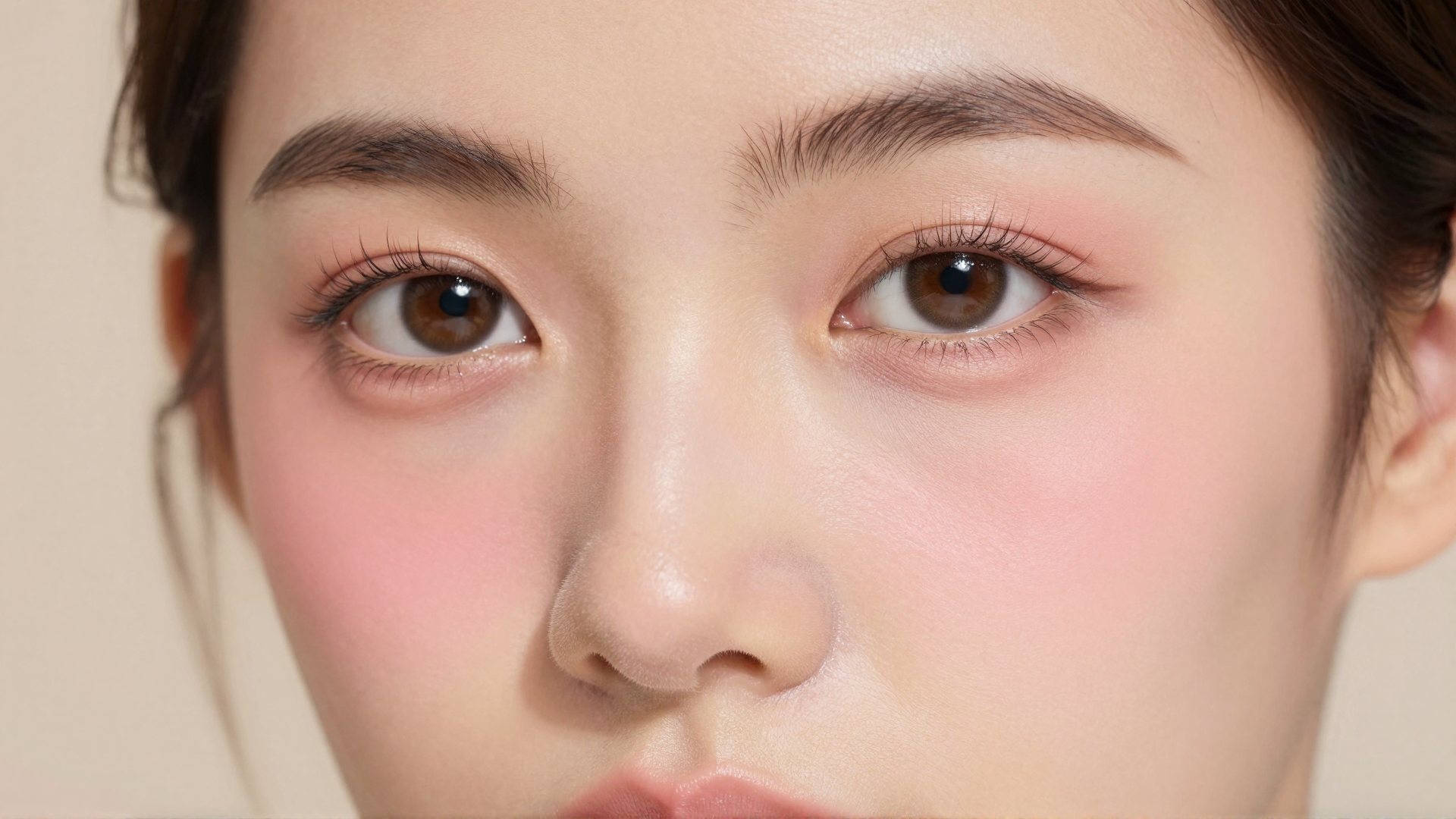
Virtual Makeup for Video Calls: AI That Looks Natural
AI virtual makeup that tracks your face live and looks natural on video calls. Lipstick, blush and eye brightening on-device for Meet, Zoom and Teams.

AI Beauty Filter for Webex, Whereby & Discord — No OBS
Add a natural AI beauty filter to Webex, Whereby & Discord — the platforms with no built-in filter. On-device, no OBS, no virtual camera. Free 2-day trial.
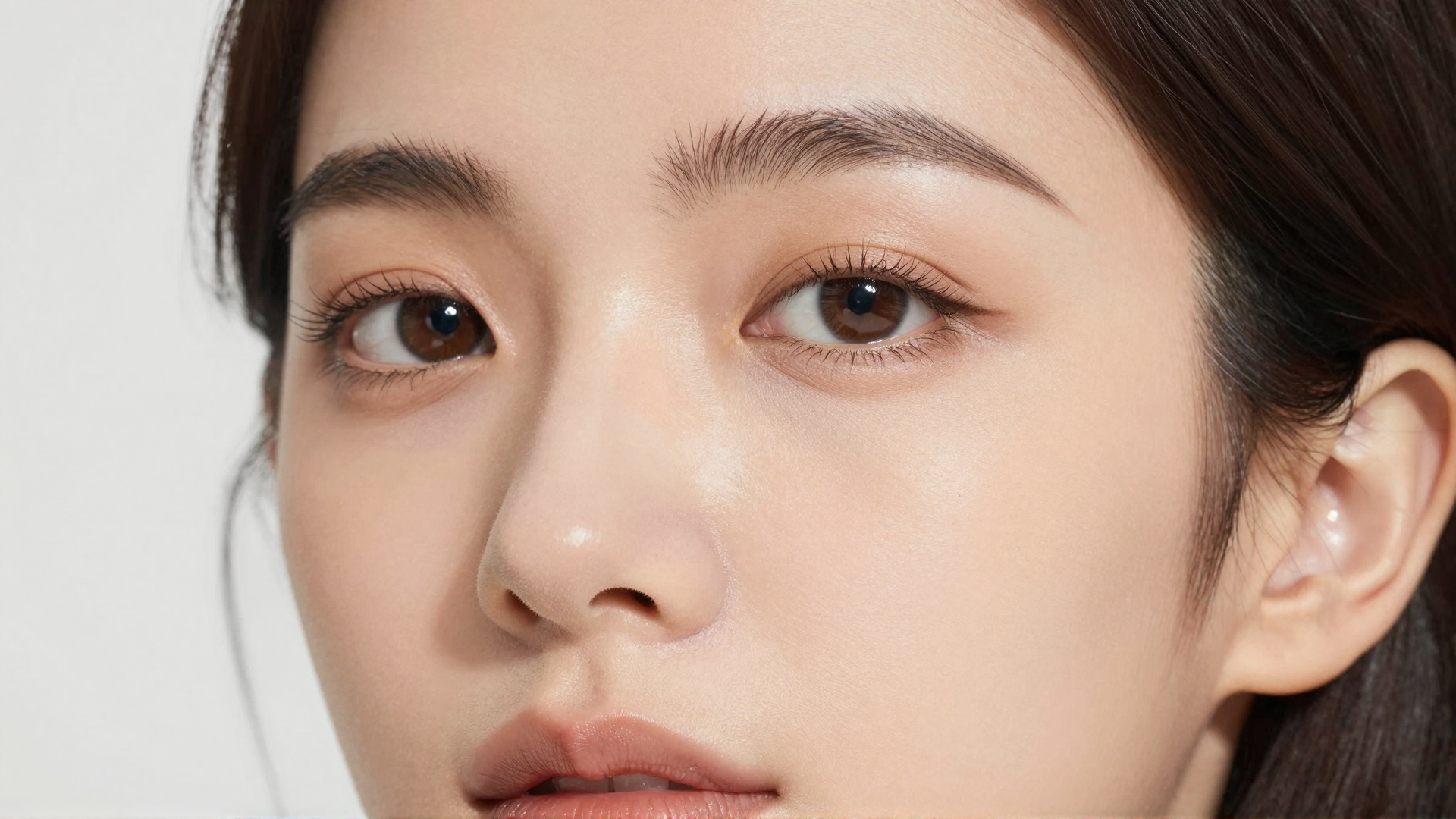
Zoom Touch Up My Appearance Alternative: GlowCam
Looking for a Zoom Touch Up My Appearance alternative? GlowCam is a full on-device toolkit — skin, makeup, hair, reshape & backgrounds for every call.
Best ChatGPT Alternatives (2026)
ChatGPT is not always the right tool. Here are 10 serious alternatives — Claude, Gemini, Grok, DeepSeek, Llama, and more — with honest assessments of what…

GPT-5.5 vs Claude Opus 4.7: 6 Task Categories Compared (2026)
GPT-5.5 vs Claude Opus 4.7 across writing, code, long context, math, vision, and cost — example prompts, a round-by-round verdict, and how to test your own.

The Best LLM in 2026 (Tested Side-by-Side, Not
We ran real-world writing, code, math, and vision prompts across GPT-5.5, Claude Opus 4.7, Gemini 2.5 Pro, Grok 4.3, and DeepSeek V4 Pro to find the best…

What is AI Hallucination? — AI Glossary | Imagera
AI hallucination occurs when an AI model generates content that is incorrect, fabricated, or nonsensical — presenting false information as if it were real.
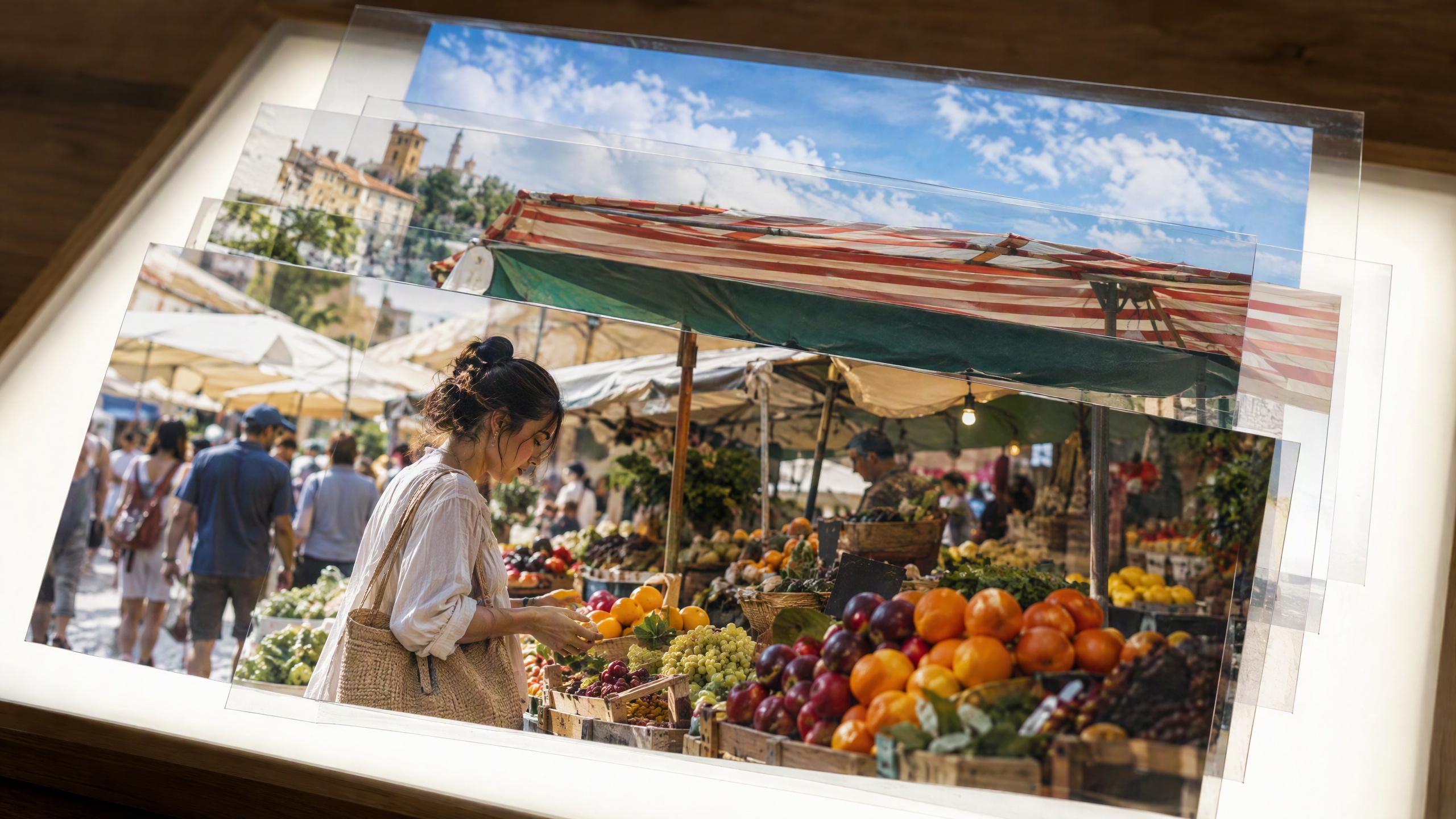
What is Image Segmentation? — AI Glossary | Imagera
Image segmentation is an AI technique that divides an image into distinct regions or objects, identifying and separating each element at the pixel level.
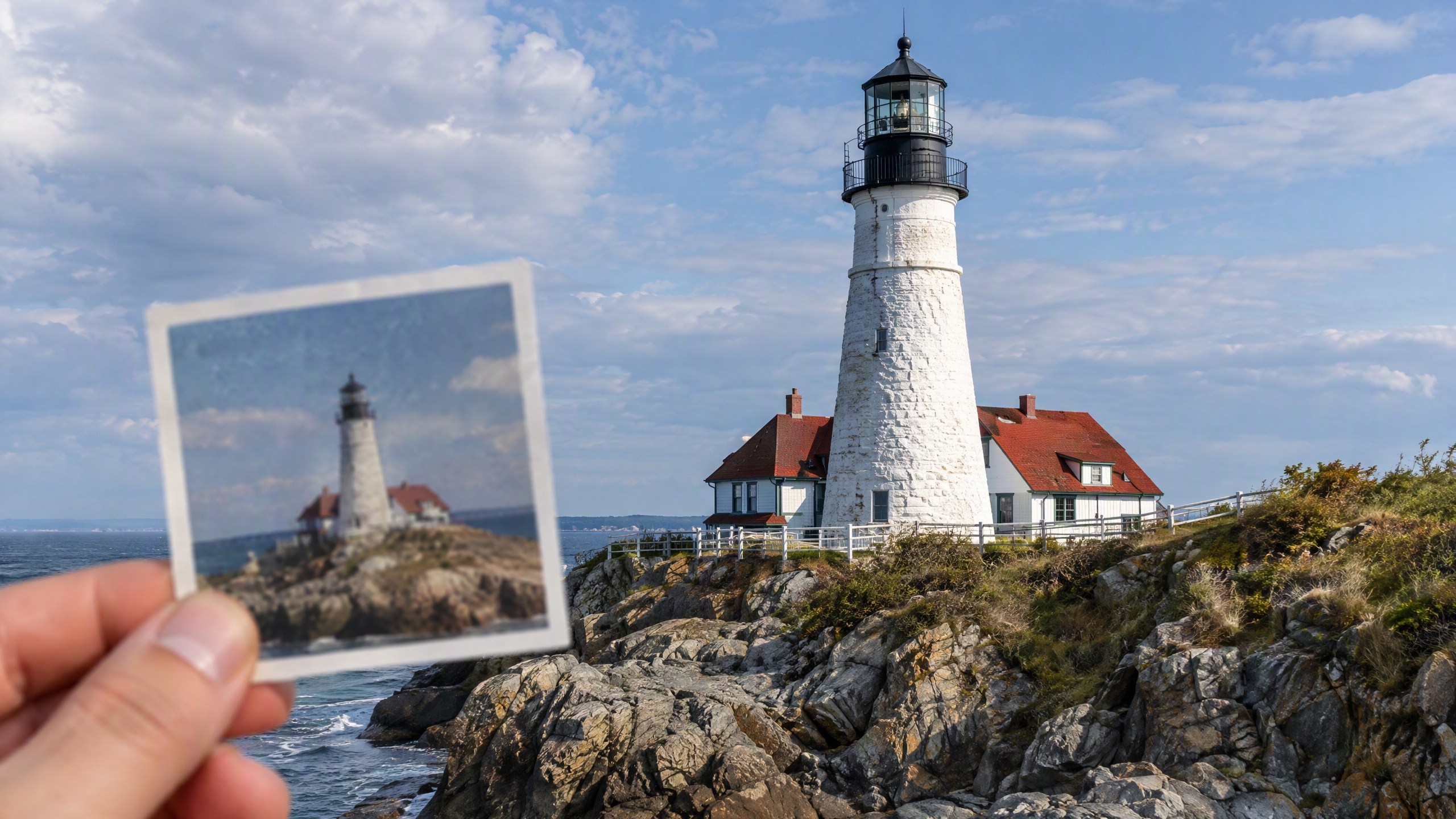
What is Super Resolution? — AI Glossary | Imagera
Super resolution is an AI technique that reconstructs high-resolution images from low-resolution inputs by predicting and adding fine details.
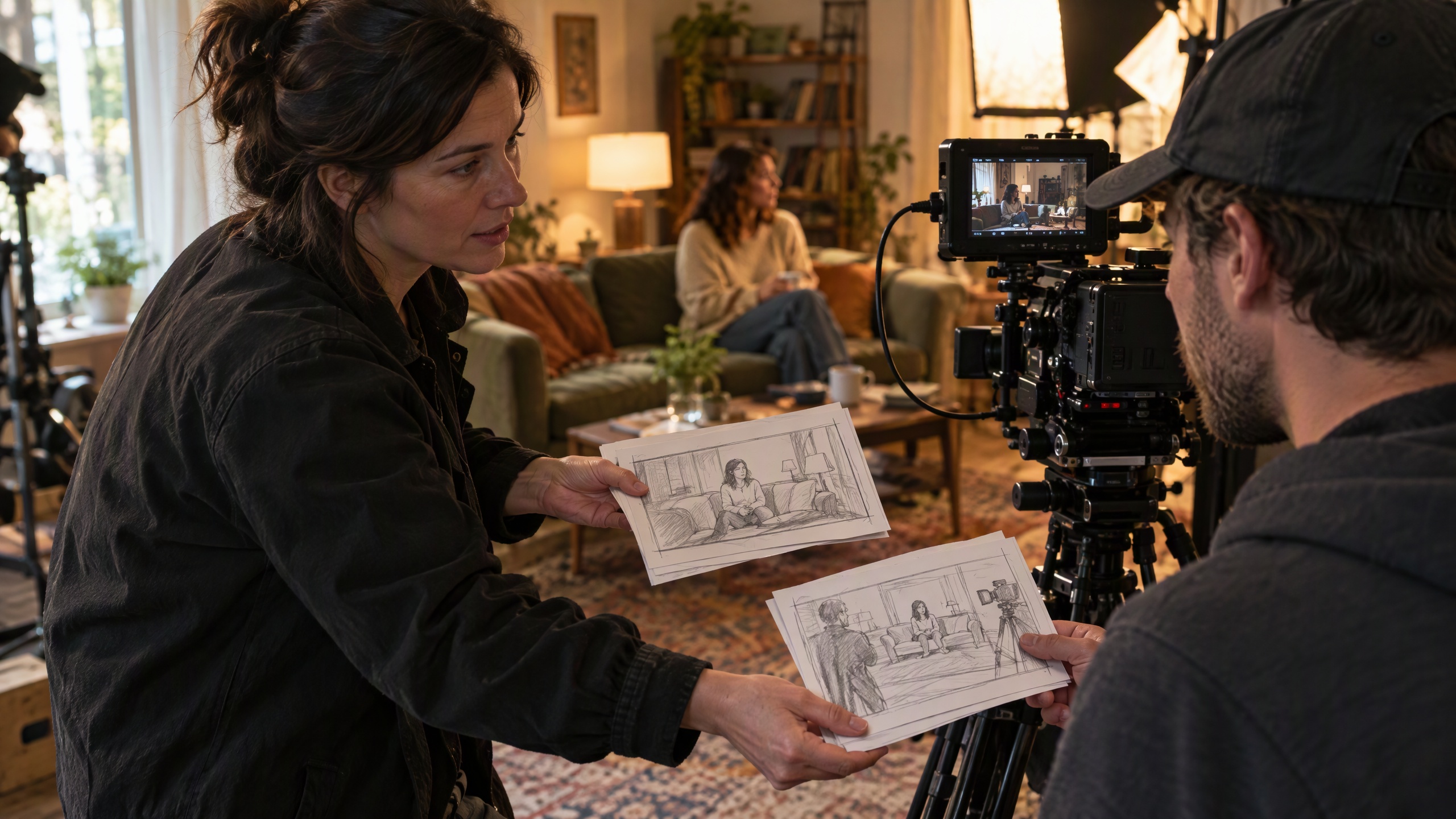
What is Prompt Engineering? — AI Glossary | Imagera
Prompt engineering is the skill of writing effective text instructions for AI models to produce desired outputs, whether images, text, or other media.
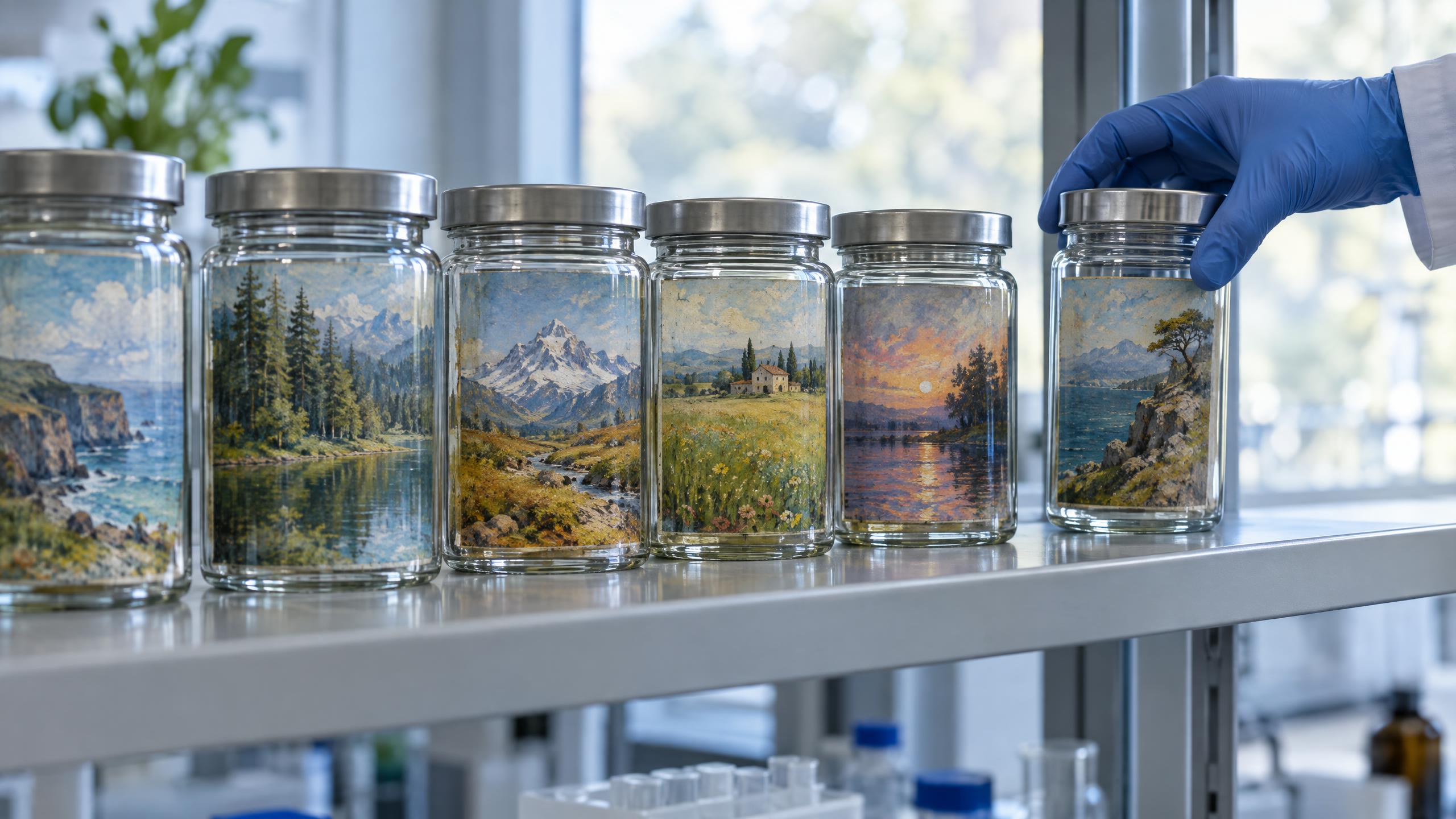
What is a Checkpoint Model? — AI Glossary | Imagera
A checkpoint model is a complete set of trained AI model weights saved as a file, representing the full knowledge and capabilities of an AI image generator.

What is Voice Cloning? — AI Glossary | Imagera
Voice cloning is AI technology that replicates a specific person's voice, enabling synthetic speech that closely matches their tone, accent, and style.
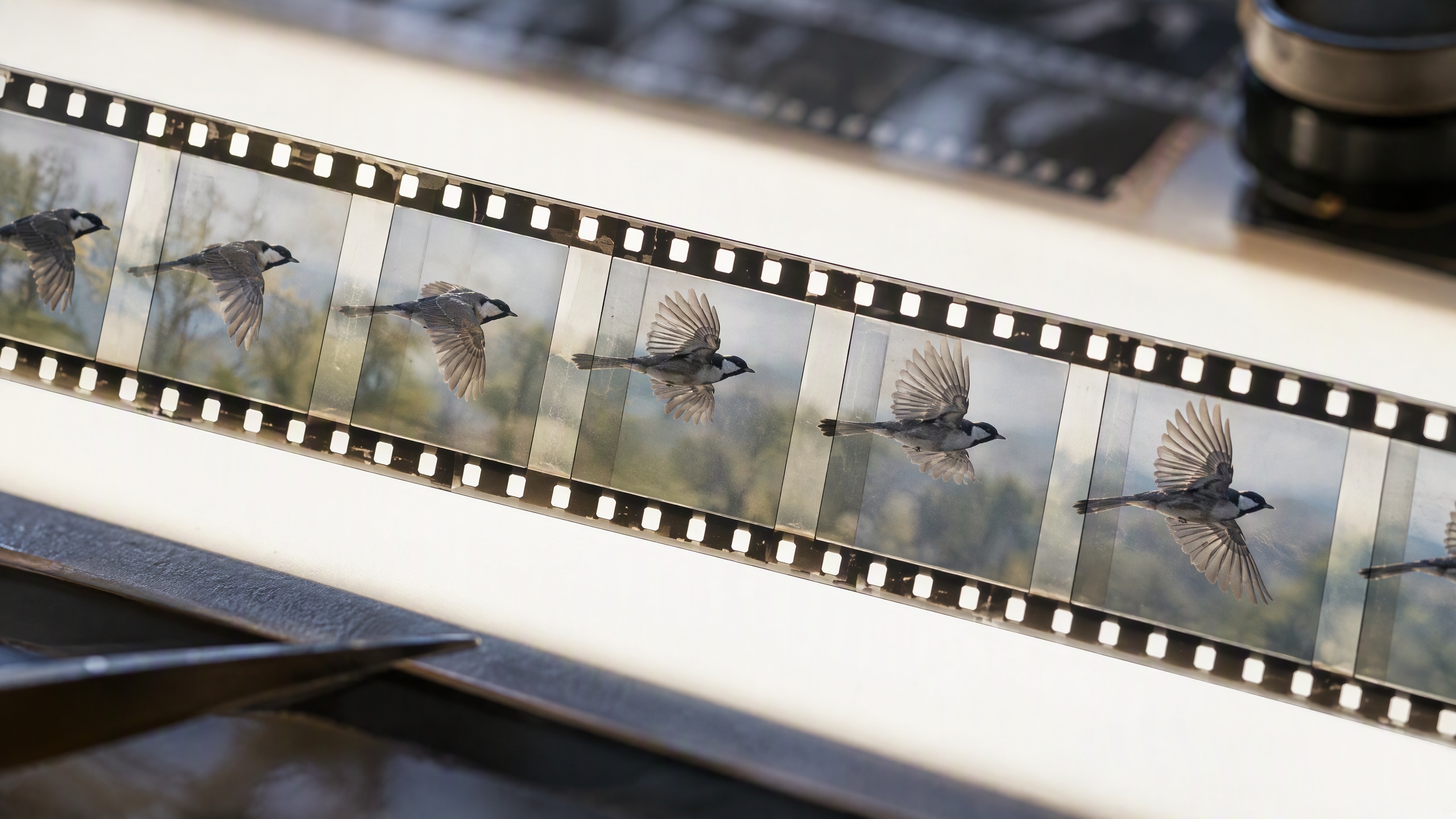
What is Frame Interpolation? — AI Glossary | Imagera
Frame interpolation is an AI technique that generates intermediate frames between existing video frames, creating smoother motion and higher frame rates.

What is Text-to-Speech? — AI Glossary | Imagera
Text-to-speech (TTS) is AI technology that converts written text into natural-sounding spoken audio, producing realistic human-like voices.
What is Text-to-Video? — AI Glossary | Imagera
Text-to-video is AI technology that generates video clips from written text descriptions, creating moving visuals from natural language prompts.
What is a Deepfake? — AI Glossary | Imagera
A deepfake is AI-generated or AI-manipulated media — typically video or audio — that realistically depicts someone saying or doing something they never did.
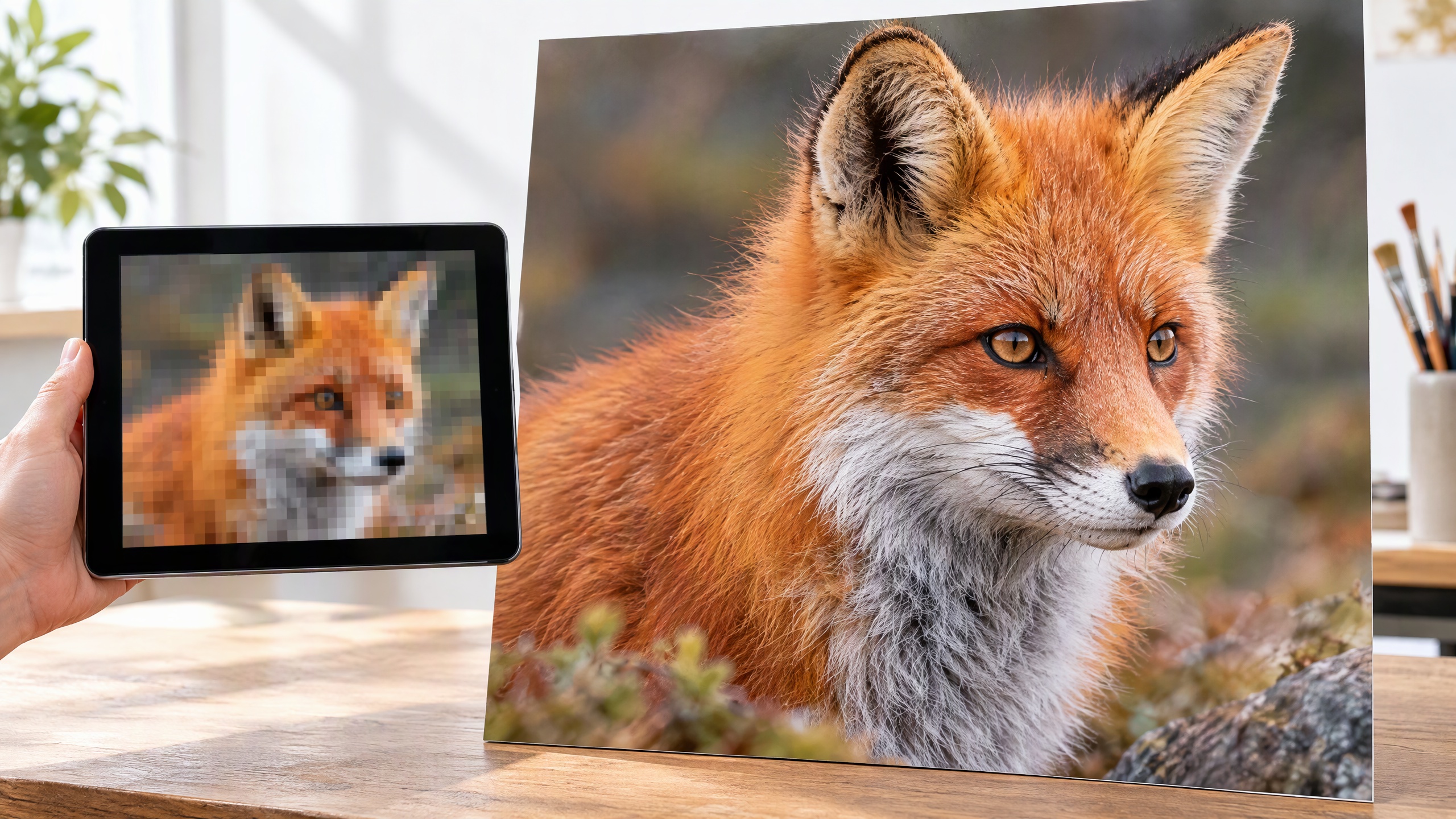
What is AI Upscaling? — AI Glossary | Imagera
AI upscaling increases image resolution by intelligently adding new pixels, producing sharper and more detailed versions of low-resolution images.
What is Inpainting? — AI Glossary | Imagera
Inpainting is an AI technique that fills in or replaces selected regions of an image while maintaining visual coherence with the surrounding content.
What is LoRA Fine-Tuning? — AI Glossary | Imagera
LoRA (Low-Rank Adaptation) is a technique for fine-tuning AI models efficiently by training only a small set of additional parameters instead of the full model.
What is Stable Diffusion? — AI Glossary | Imagera
Stable Diffusion is an open-source AI model that generates images from text descriptions using a process called latent diffusion.
What is Text-to-Image? — AI Glossary | Imagera
Text-to-image is AI technology that generates visual images from written text descriptions, turning words into pictures using deep learning models.

How Many AI Images Are Made Per Day? 2026 Stats
AI image generation statistics with a source and date for every figure: images created, AI adoption, public trust, watermarking and EU labeling rules.
AI Zoom and Enhance Photo: Superzoom Without
Zoom and enhance any photo with AI — select a specific region, apply the Zoom Master LoRA, and generate a full-resolution close-up that preserves texture,…
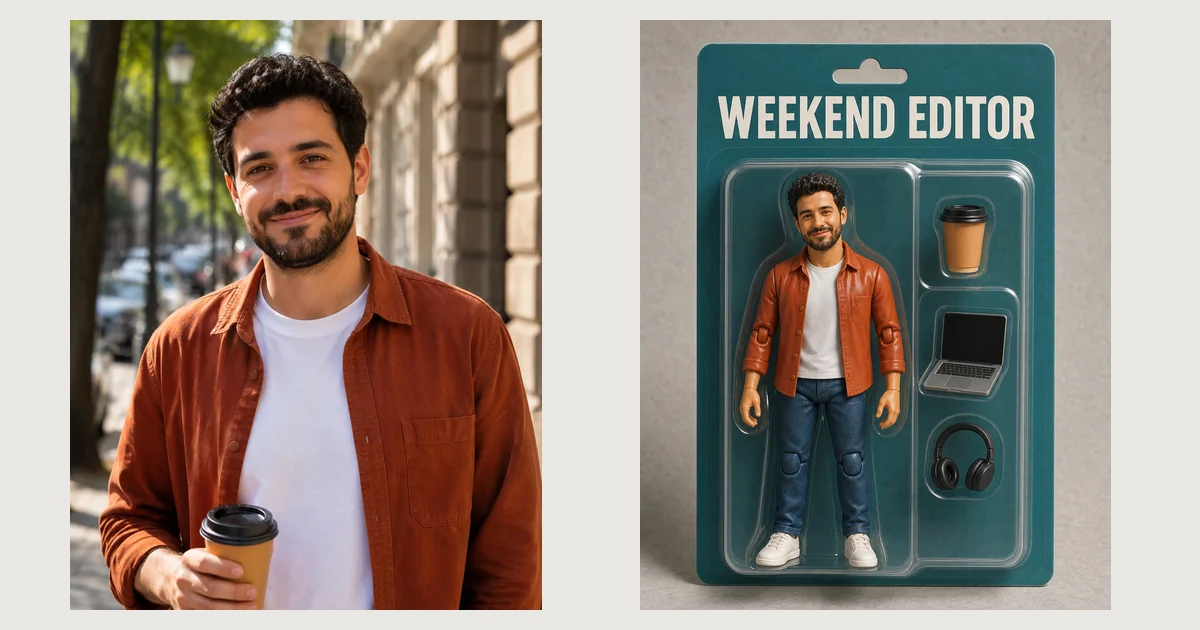
AI Action Figure Generator: Photo to Boxed Toy
Turn a photo into a boxed AI action figure that still looks like the person: a real before and after, the exact prompt, and fixes for common problems.
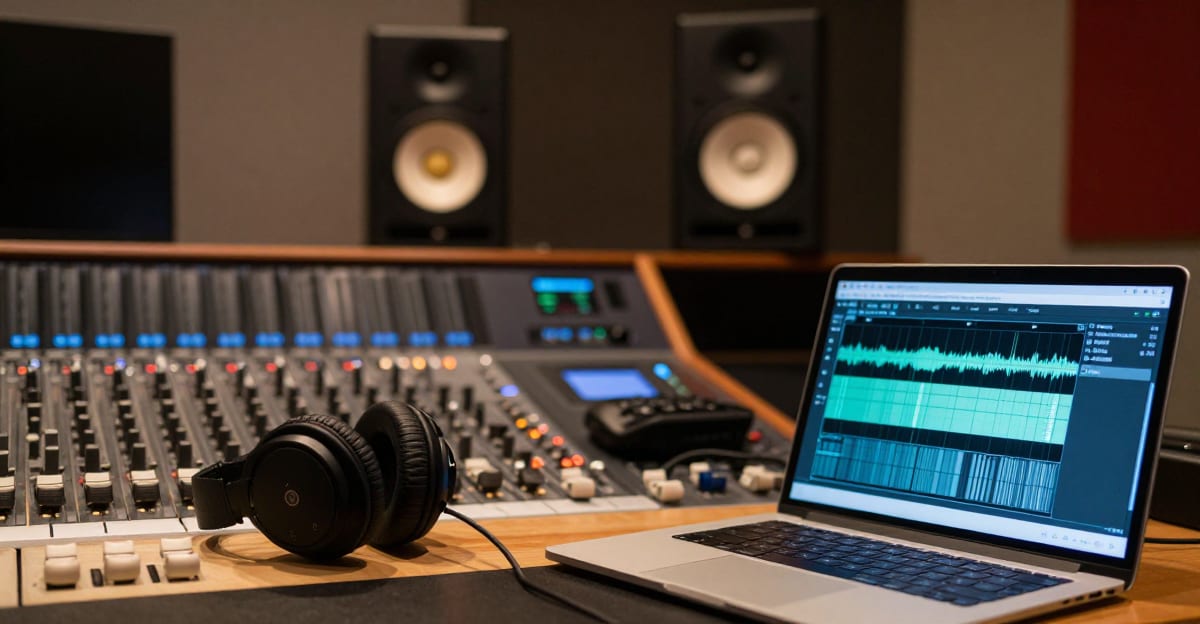
AI Music Generators for Commercial Use (2026)
Free AI music sounds great until you monetize it. Suno, Udio & AIVA free tiers compared on commercial rights, vocals, and what a strike-safe license costs.
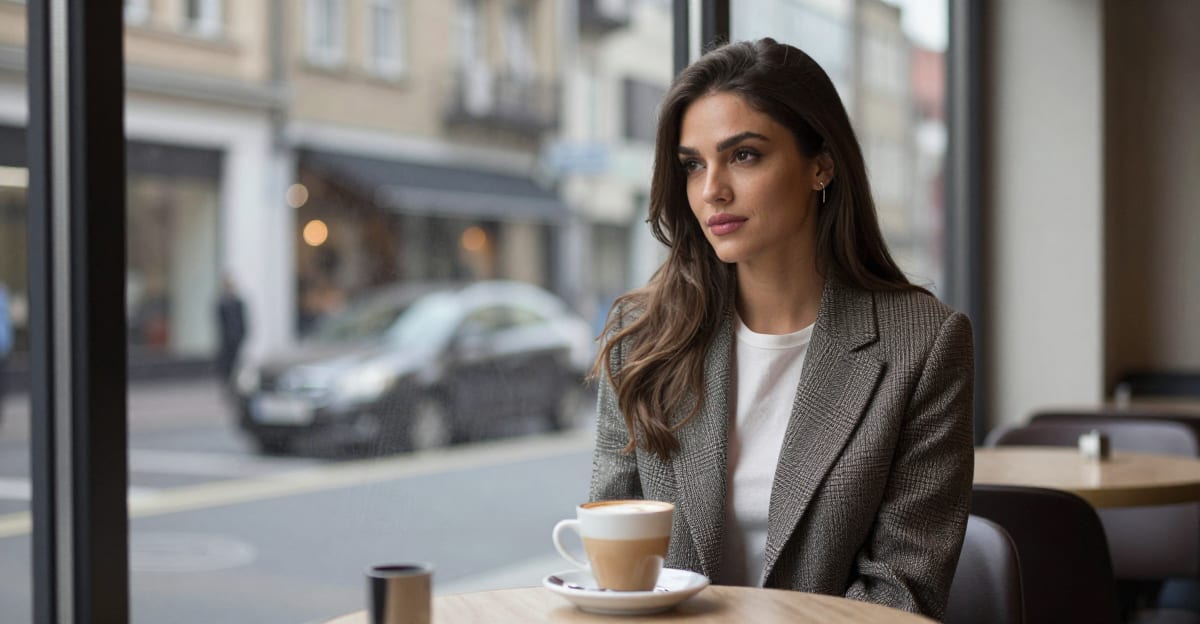
How to Create Your Own AI Virtual Influencer
Create your own AI virtual influencer: LoRA training, consistent faces, and monetization — with tools, costs, legal rules, and case studies.
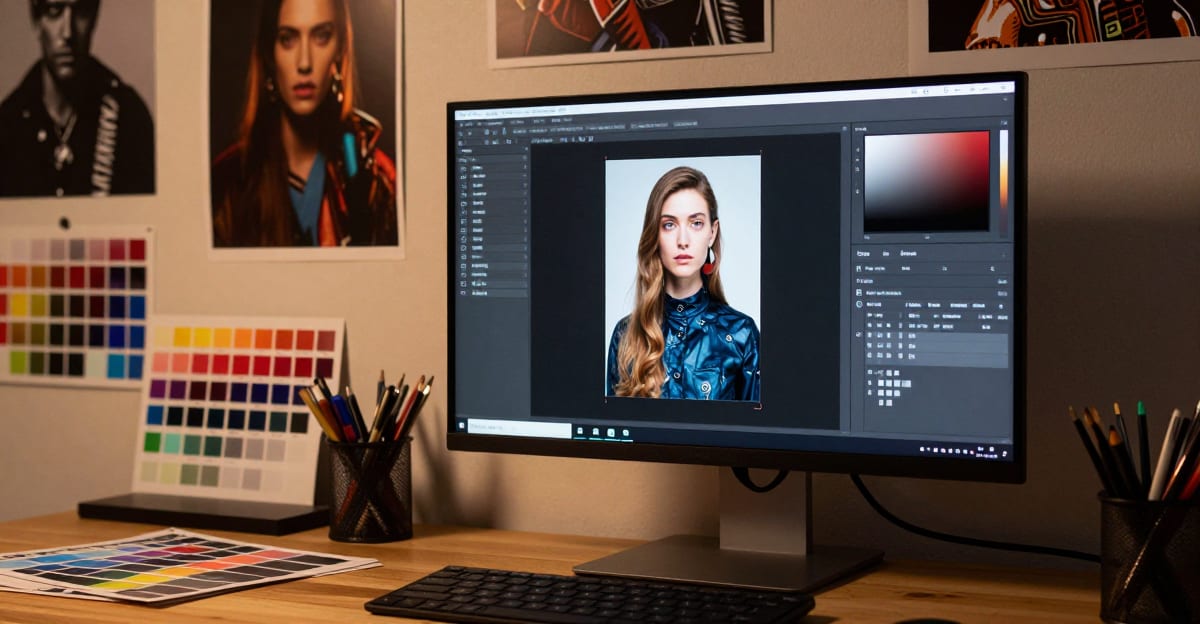
Best Civitai & Midjourney Alternative for AI
Looking for a Civitai or Midjourney alternative in 2026? Imagera AI runs 100K+ CivitAI LoRA models on cloud GPUs — no local GPU, no downloads. Compare features,…
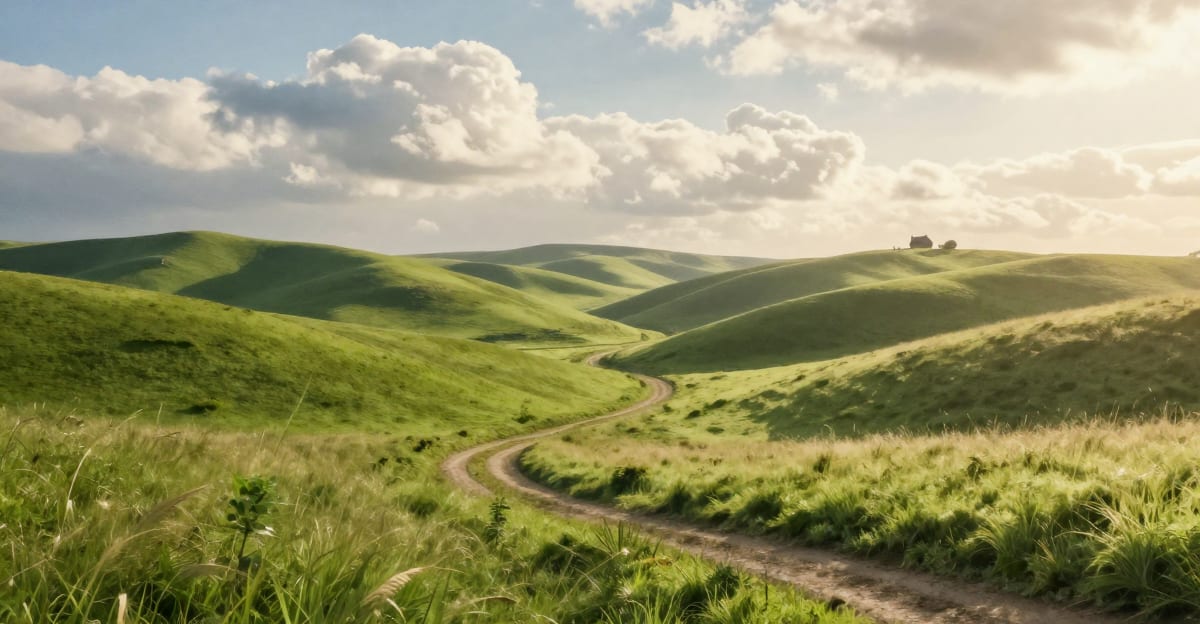
Studio Ghibli AI Art: How to Create Ghibli-Style Images (2026)
Create Studio Ghibli AI art from any photo in seconds. Learn how the viral Ghibli filter works, get the best prompts for Spirited Away and Totoro styles,…
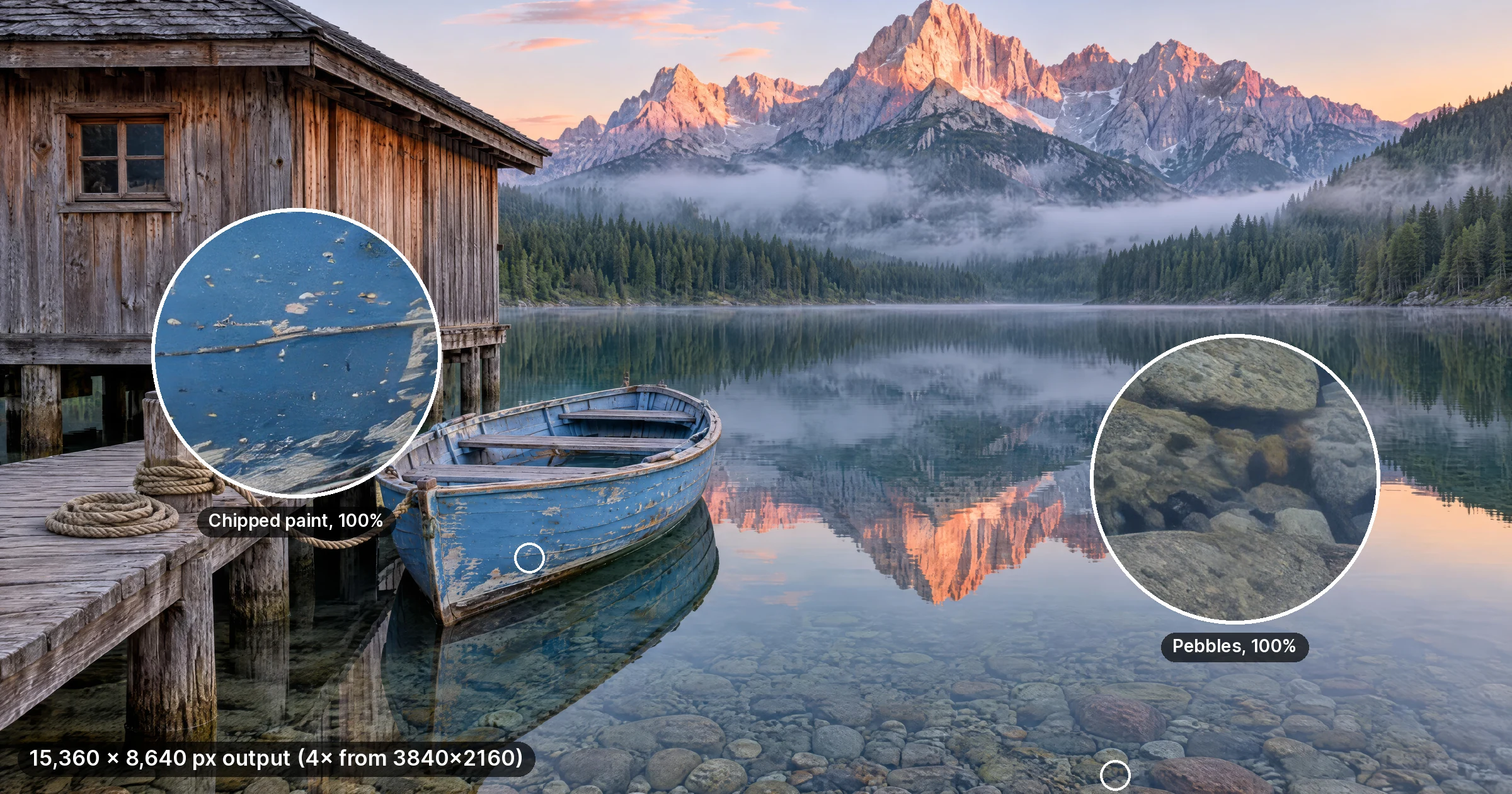
16K Photo Enhancer: Pixel Sizes, Print Sizes and Tool Limits
What 16K means in pixels (15,360 × 8,640 vs 16,384), how large a 16K photo prints at 300 DPI, and the upload and output caps of tools advertising 16K.
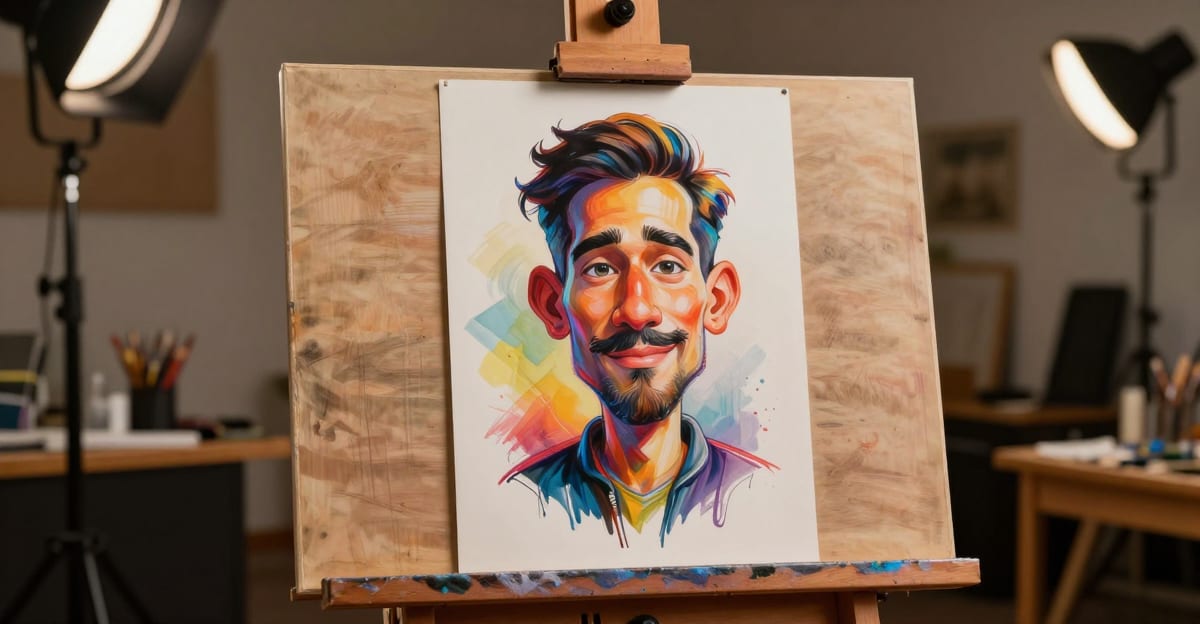
Best AI Caricature Generator from Photo — Photo to Cartoon
AI caricature generator from photo — pop art & cartoon styles online. Browser-based, no download. Credit packs from 350 credits on Imagera.
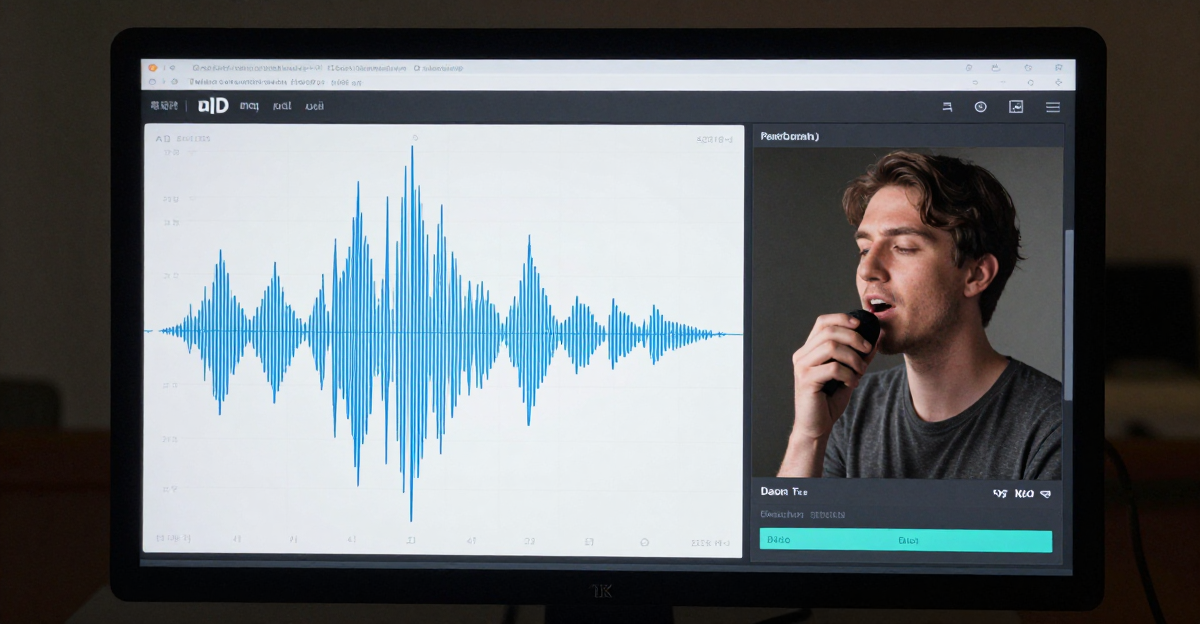
AI Voice Detection: How to Identify Cloned
Detect AI-cloned voices and synthetic audio with this 2026 guide. Covers 7 detection tools, manual audio tells, and enterprise voice fraud defense strategies.
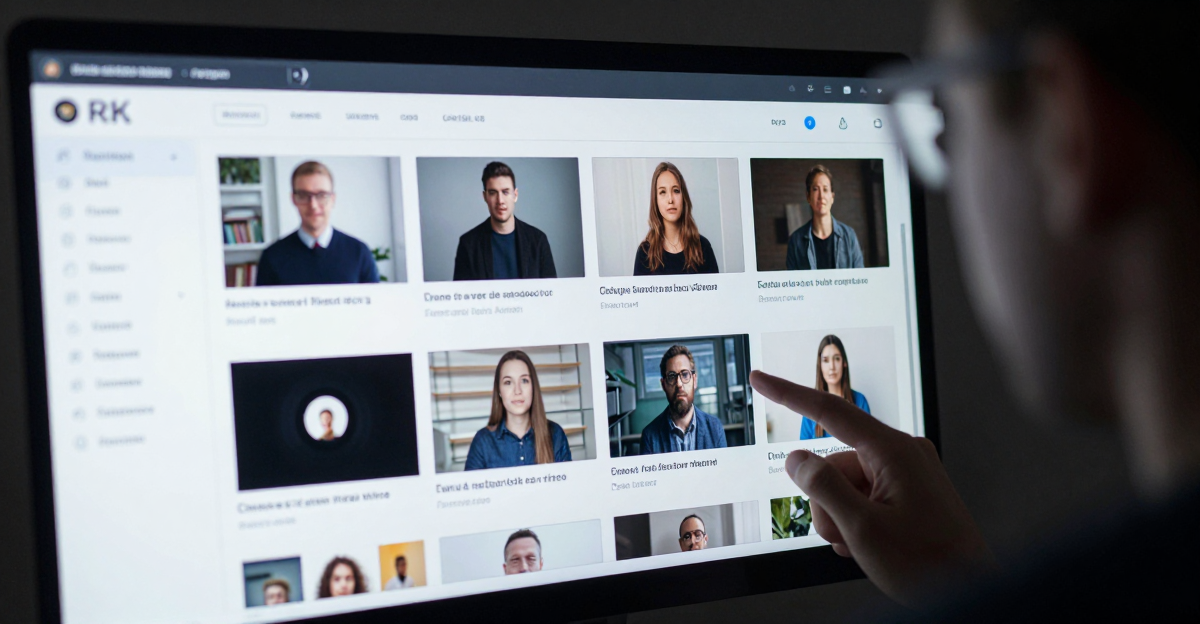
Best AI Content Detection Tools Online (2026 Complete Guide)
The definitive 2026 guide to AI content detection across images, text, audio, video, and deepfakes. Compare 20+ tools, detection methods, enterprise…

AI Text Detection: 8 Best Tools to Catch ChatGPT
Compare the 8 best AI text detectors for 2026. How Originality.ai, GPTZero, Imagera AI & more perform against ChatGPT, Claude, and Gemini content.
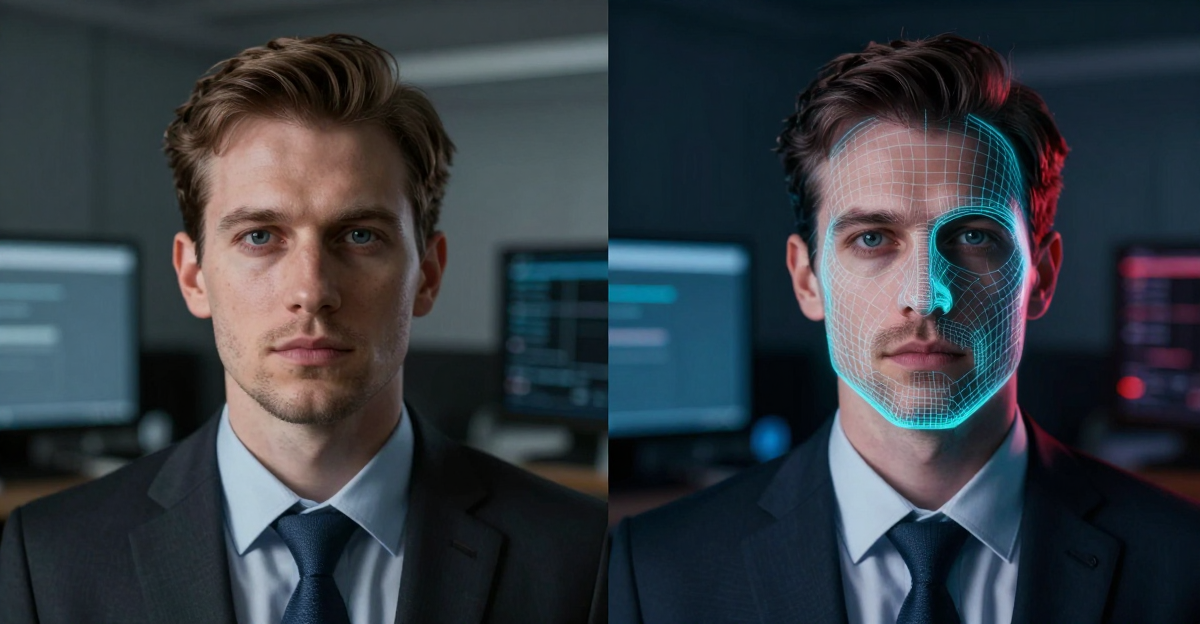
Deepfake Detection 2026: Spot AI Video, Image
Learn how to detect deepfakes in video, images, and audio: 10 detection tools, visual tells, and enterprise defenses with 2026 accuracy data.

AI Ghibli Style Transfer: Photo to Ghibli Art | Imagera
Transform any photo into Studio Ghibli-style art with AI. Watercolor anime scenes from portraits, landscapes and pet photos — created in seconds.
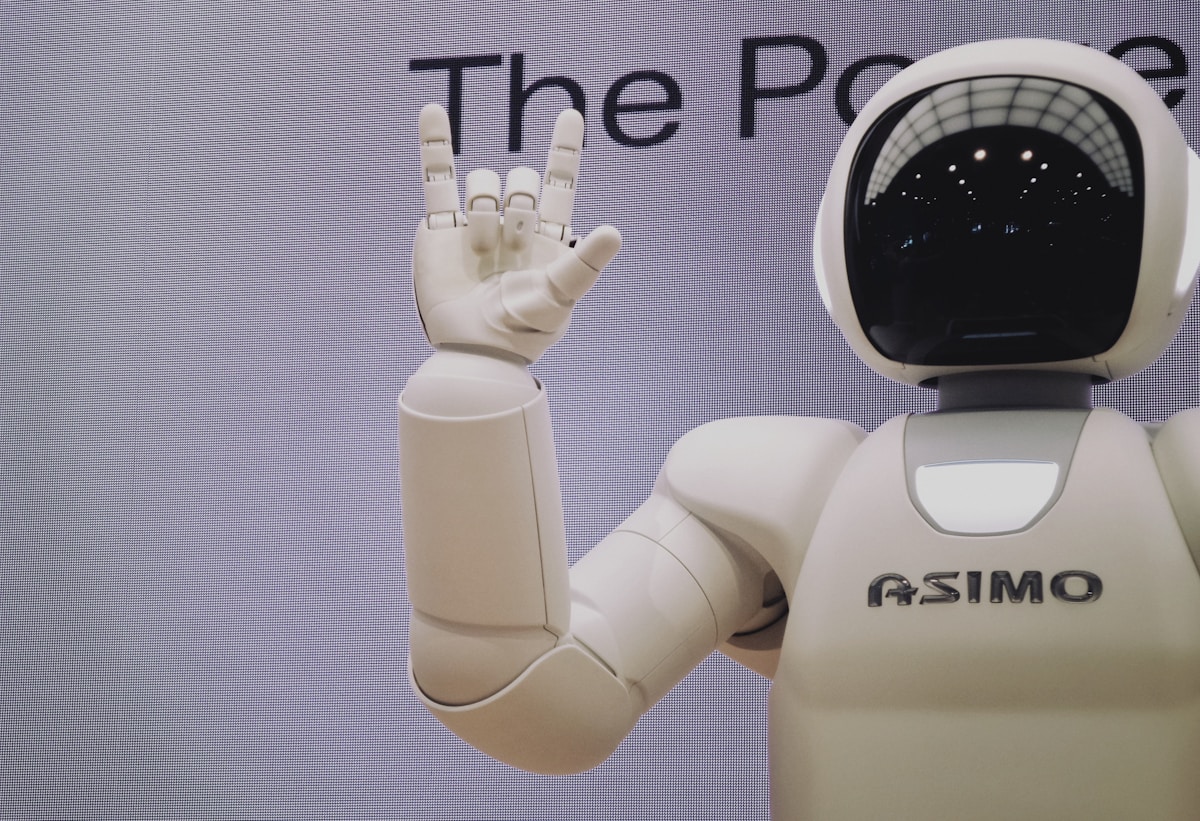
Best AI Avatar Generators 2026: Imagera vs HeyGen, D-ID
Compare the best AI avatar generators in 2026. Imagera vs HeyGen vs Synthesia vs D-ID — pricing, features, lip sync quality, and full-body animation compared.

AI Product Photography for Ecommerce (2026)
AI product photography for ecommerce. Generate backgrounds, lifestyle scenes, and catalog images for Amazon, Shopify and Etsy — no photoshoot needed.
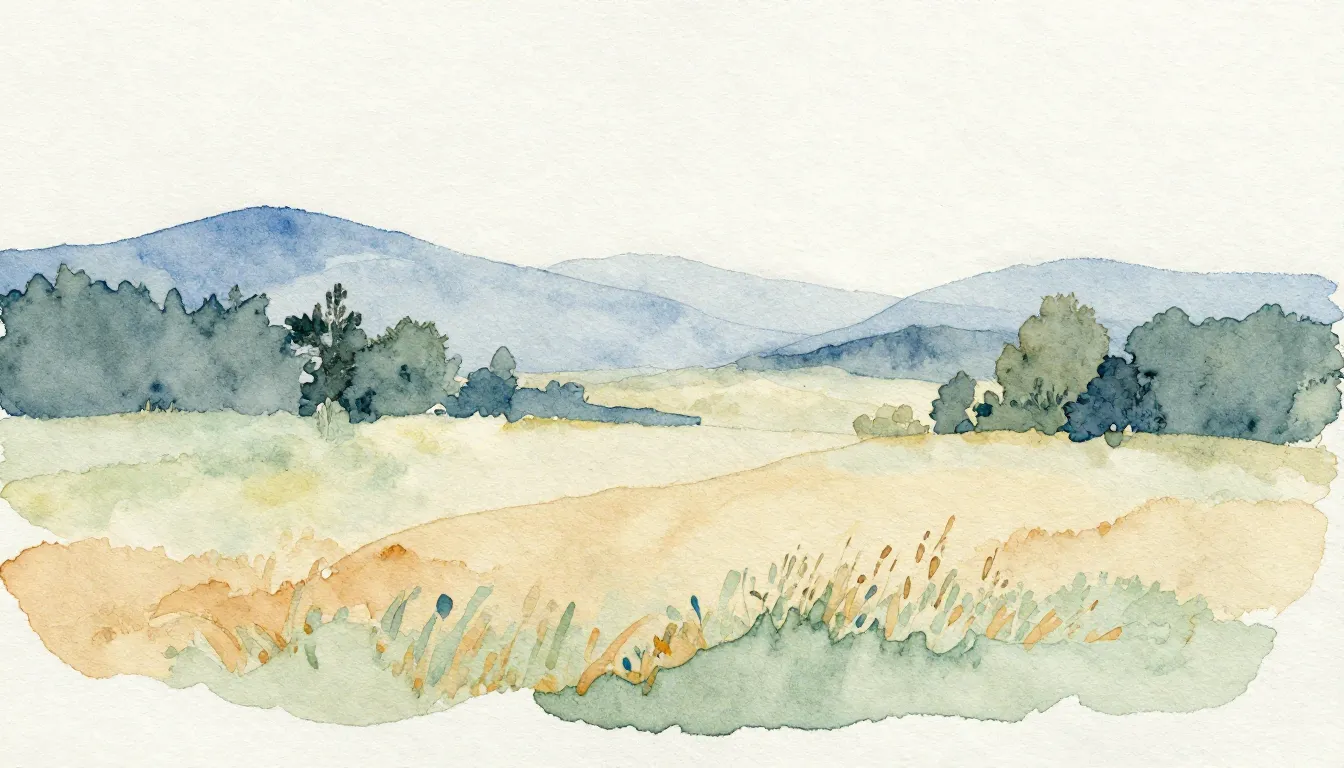
AI Watercolor & Artistic Style Transfer
Turn photos into watercolor paintings, oil art and artistic styles with AI. 10,000+ LoRA styles for realistic art transformation from any photo.
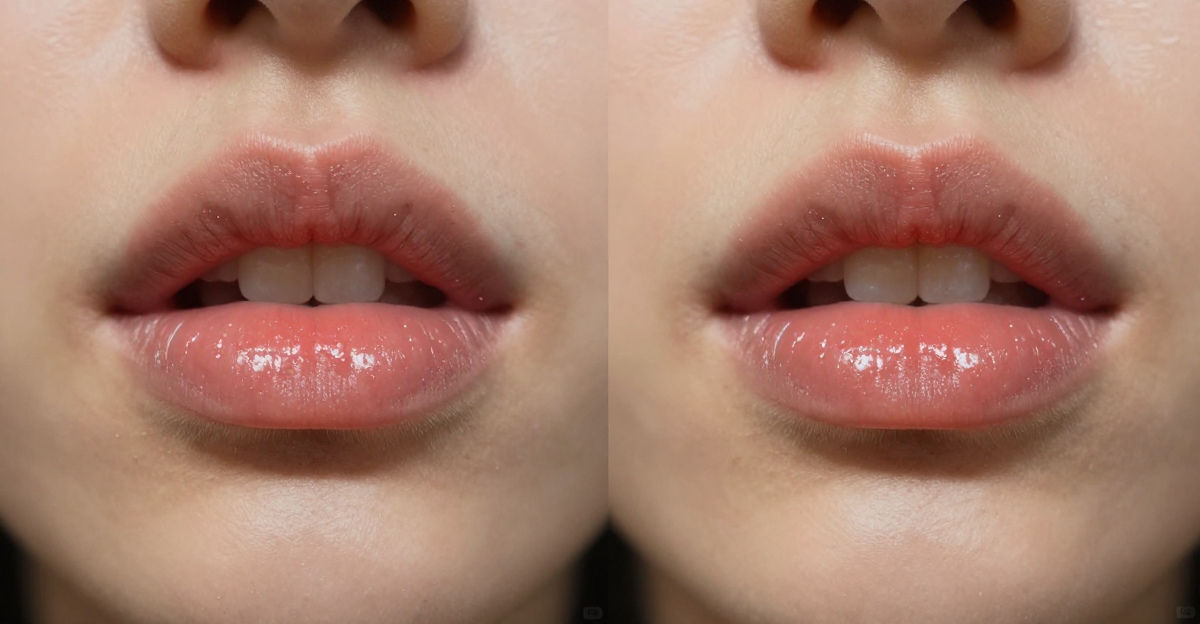
Hedra vs Imagera: AI Lip Sync (2026)
Hedra vs Imagera side by side: compare multi-speaker lip sync, input options, workflow, output quality, credit cost, and the best fit for each creator.
AI Music Generator Online — Create Songs with AI Vocals (2026)
Create songs online with AI vocals and instrumentals. Choose genre, enter lyrics, generate full tracks instantly. No music production skills needed.…
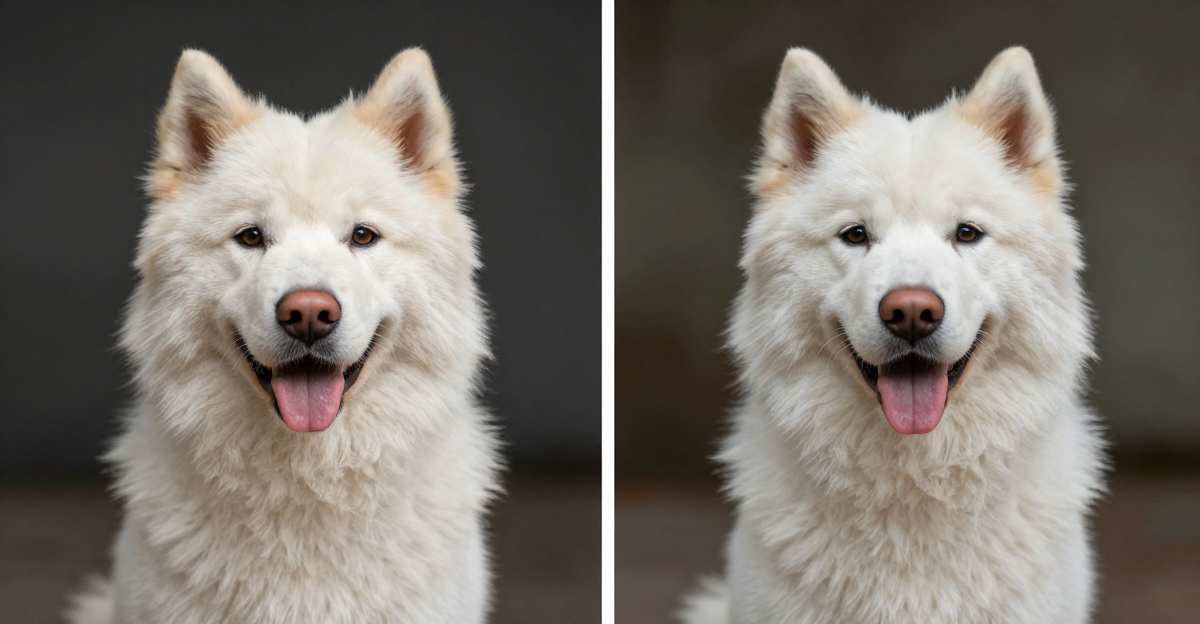
Remove.bg vs Imagera: AI Background Tool Comparison (2026)
Remove.bg removes backgrounds. Imagera replaces them with AI-generated scenes. Compare features, pricing, and output quality to choose the right…
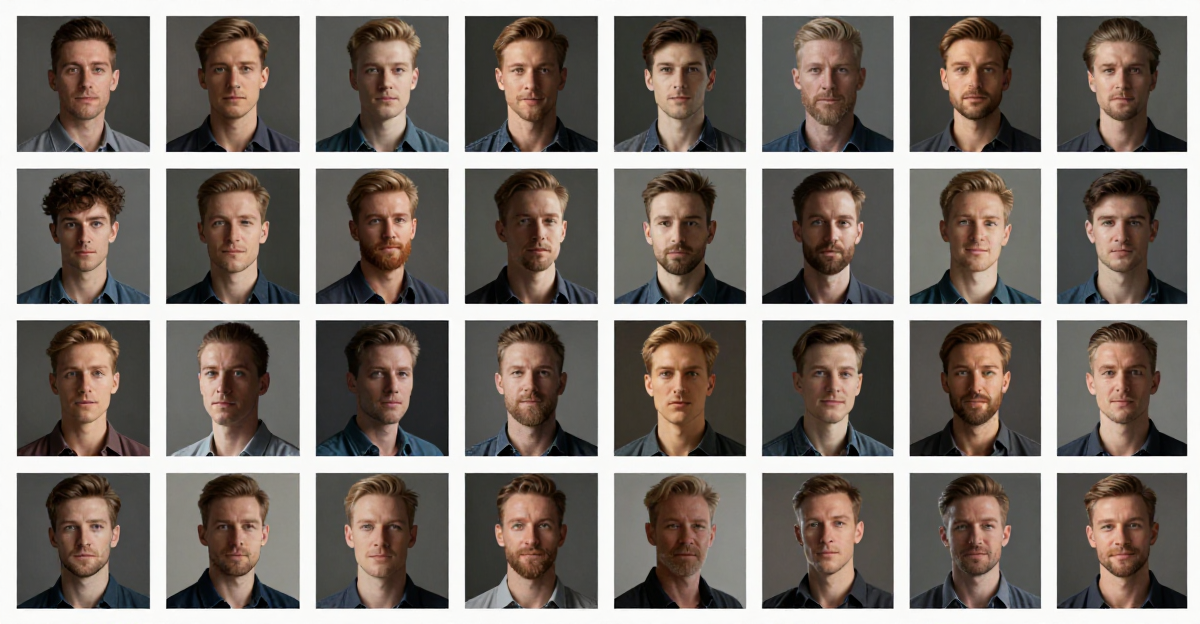
Train a LoRA Online: Dataset, Steps and Cost
Train a LoRA online without a GPU: build a 15–30 image dataset, pick the right base model, set steps, test the result, and see what training costs.
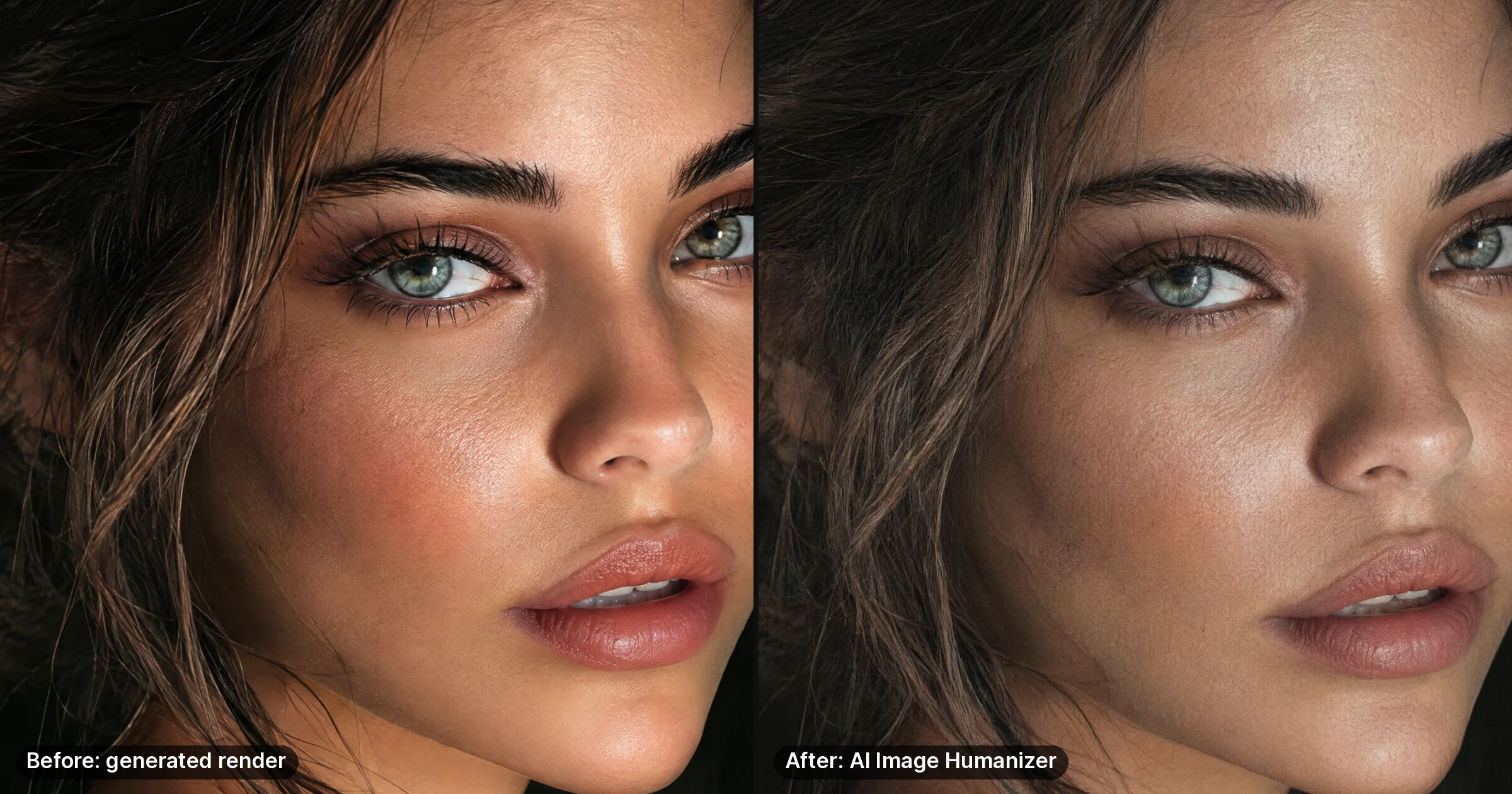
Make AI Images Look Real: Fix 6 Camera Tells
AI images look fake for six fixable reasons: waxy skin, no sensor noise, flat light, glassy eyes, cut-out edges and missing camera data. The fix for each.
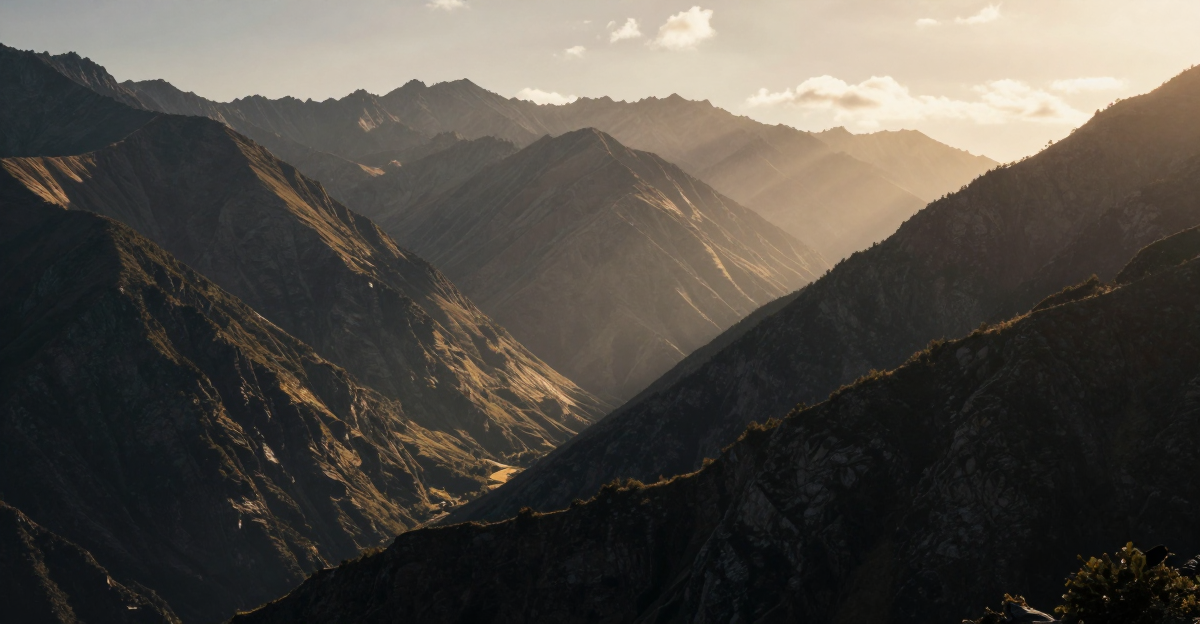
Best WAN 2.2 LoRAs for Cinematic Video (2026)
WAN 2.2 LoRAs you can verify, how LoRAs work on its two-expert design, whether Wan 2.1 LoRAs work on 2.2, and how to train your own cinematic LoRA.
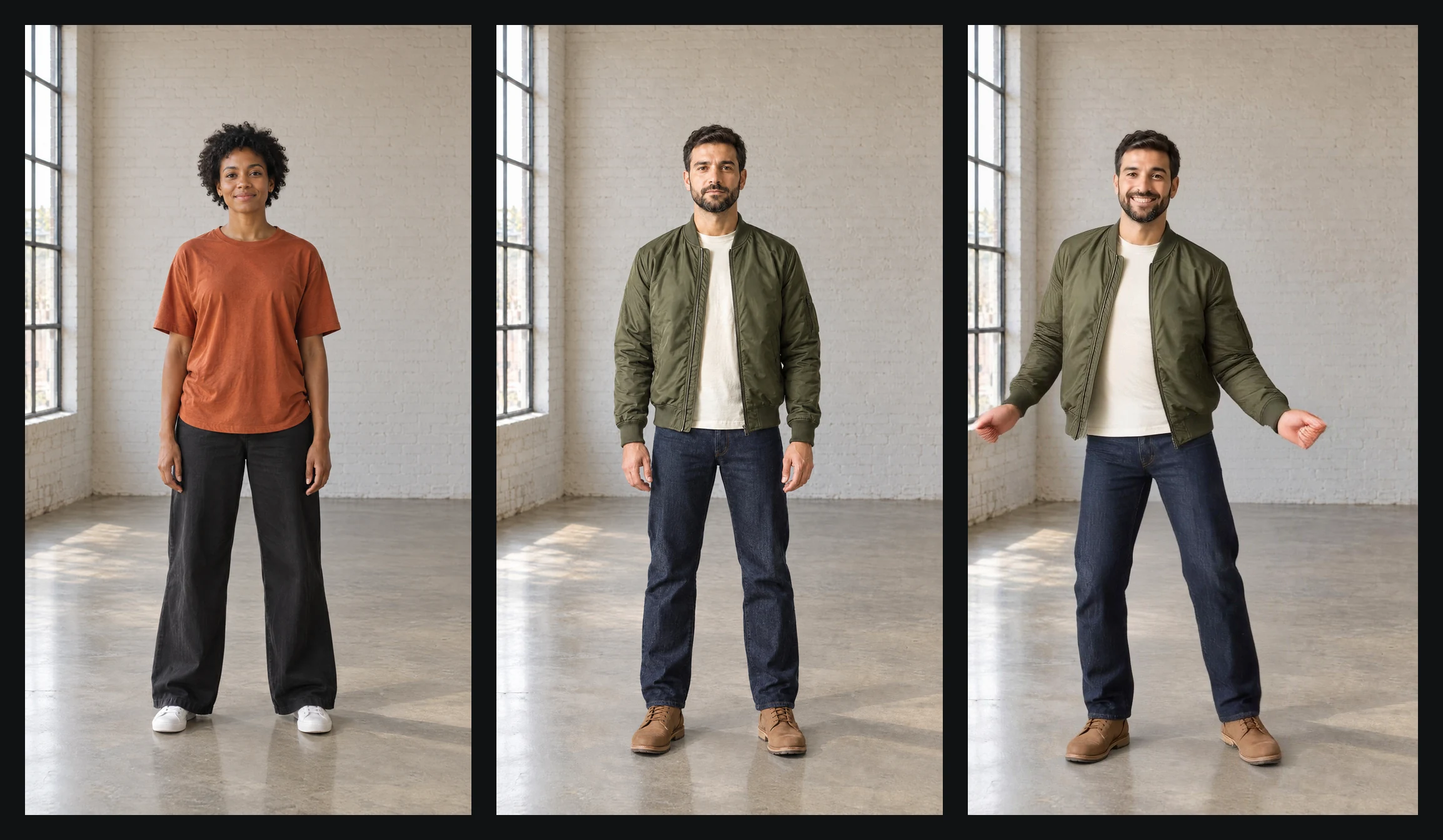
AI Face Swap Video Online: Up to 30 Seconds
Swap just the face, or the whole person, in a video clip up to 30 seconds long. Which tool to use, clip and photo limits, credit cost, and the law on consent.
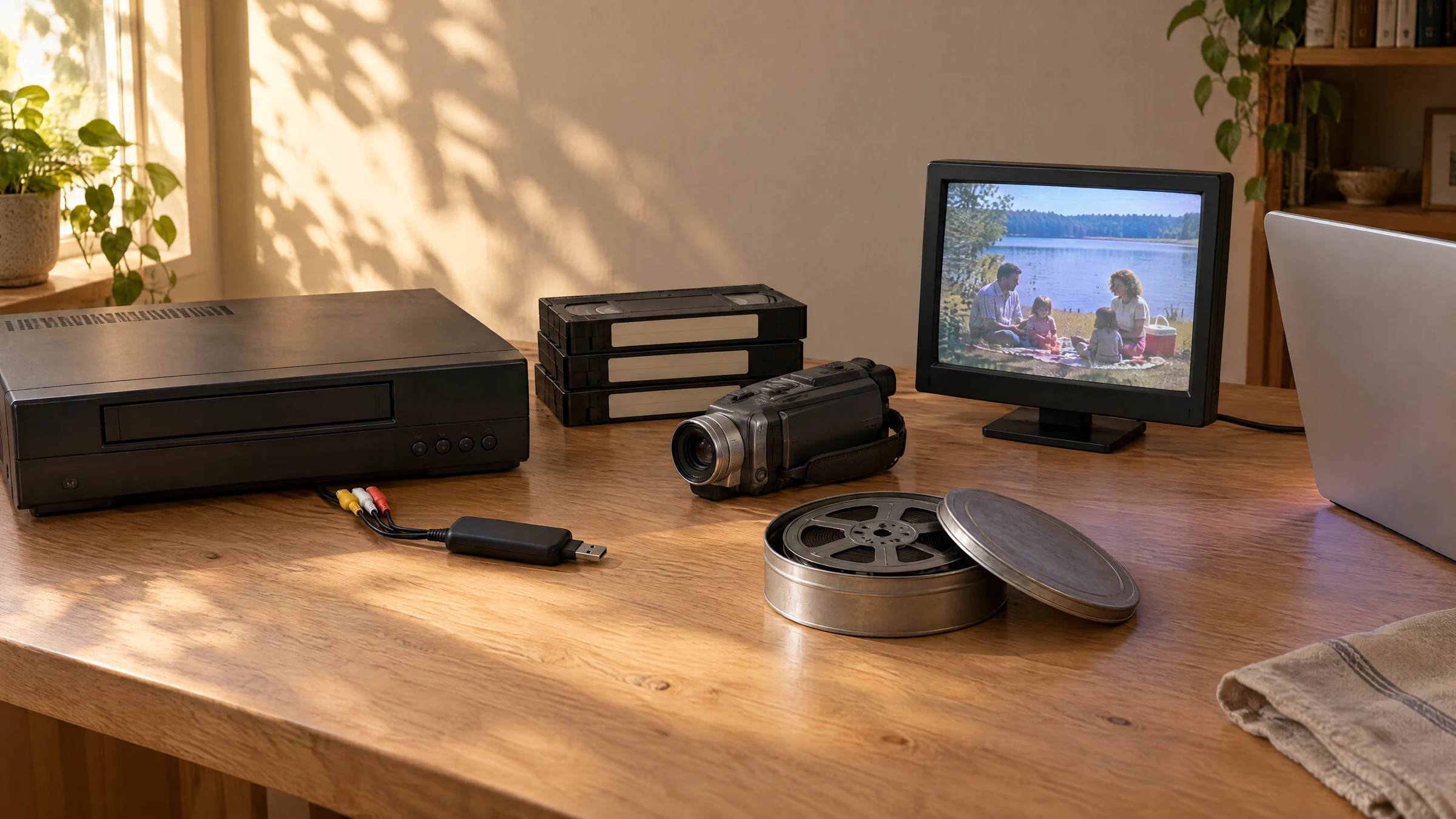
Enhance Old Home Videos & VHS to 4K With AI
Grainy VHS or camcorder tapes? Digitise and deinterlace at capture, then use AI to remove tape noise and upscale to 4K. What it fixes, what it can't.
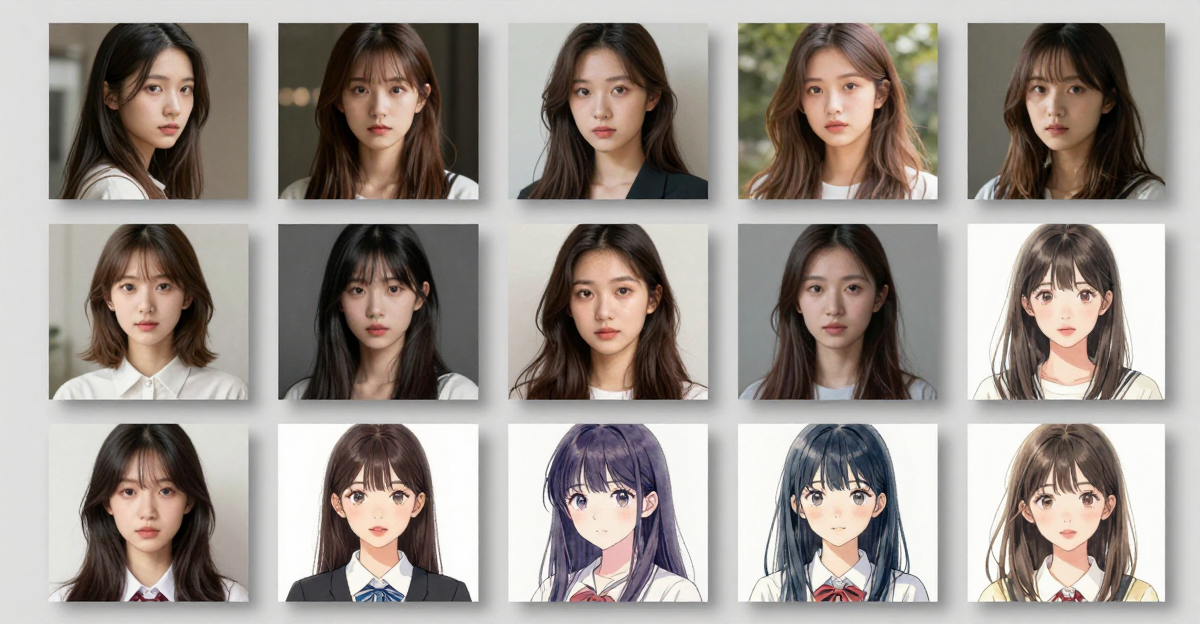
What Is a LoRA in AI? Meaning, Uses, Training
What a LoRA is in AI, how it teaches a model one face, product or style, why LoRAs are model specific, and how to train one in the browser without a GPU.
Best LoRA Setup for Realistic AI Images (2026)
How to make realistic AI images in 2026 — the settings, prompts, and finishing steps that turn obvious AI into photoreal output, plus a decision guide.
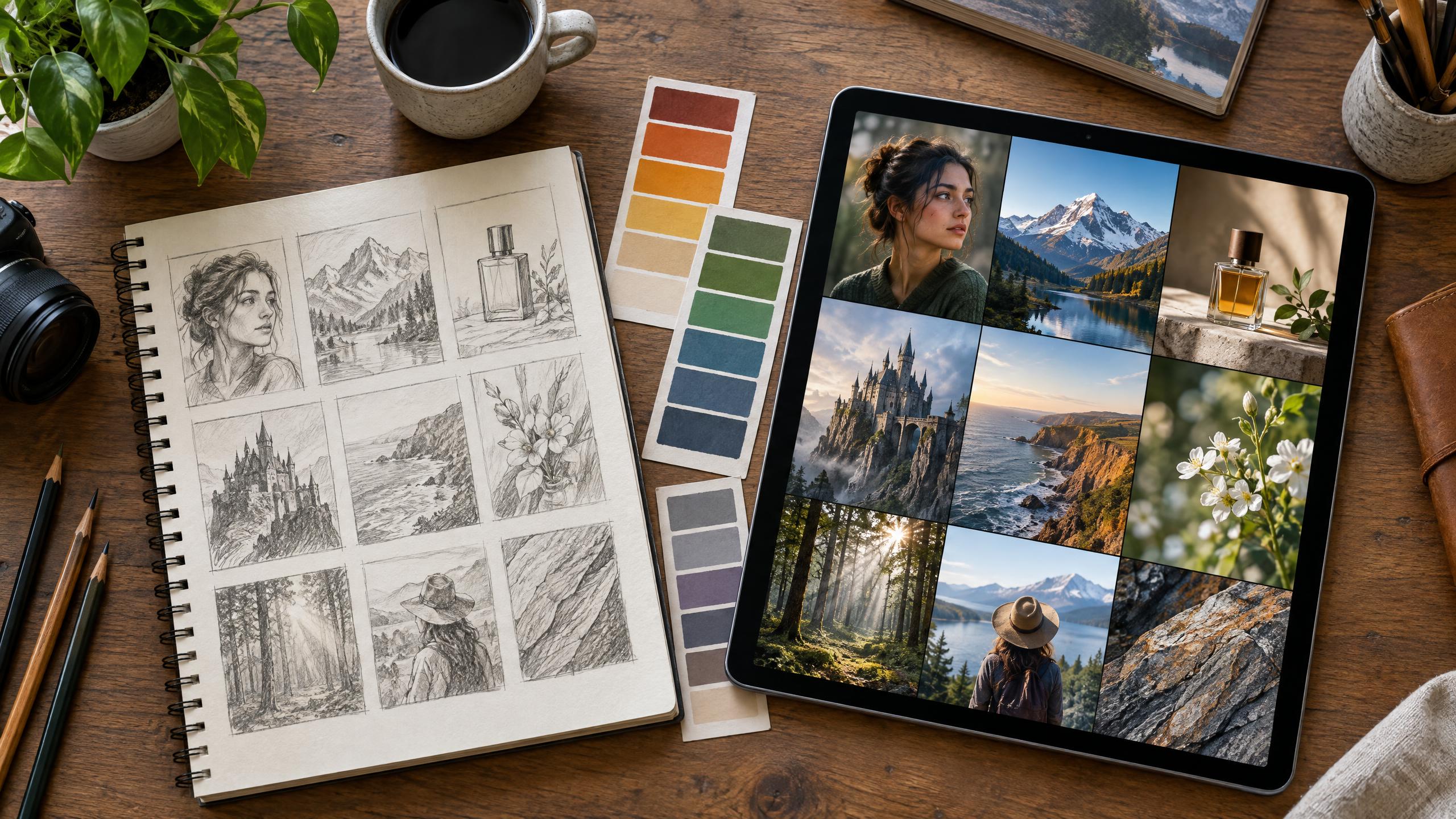
150+ AI Image Generation Prompts (2026)
150+ AI image generation prompts for Midjourney, DALL-E, Stable Diffusion and Flux — organized by category: portraits, landscapes, products, fantasy.
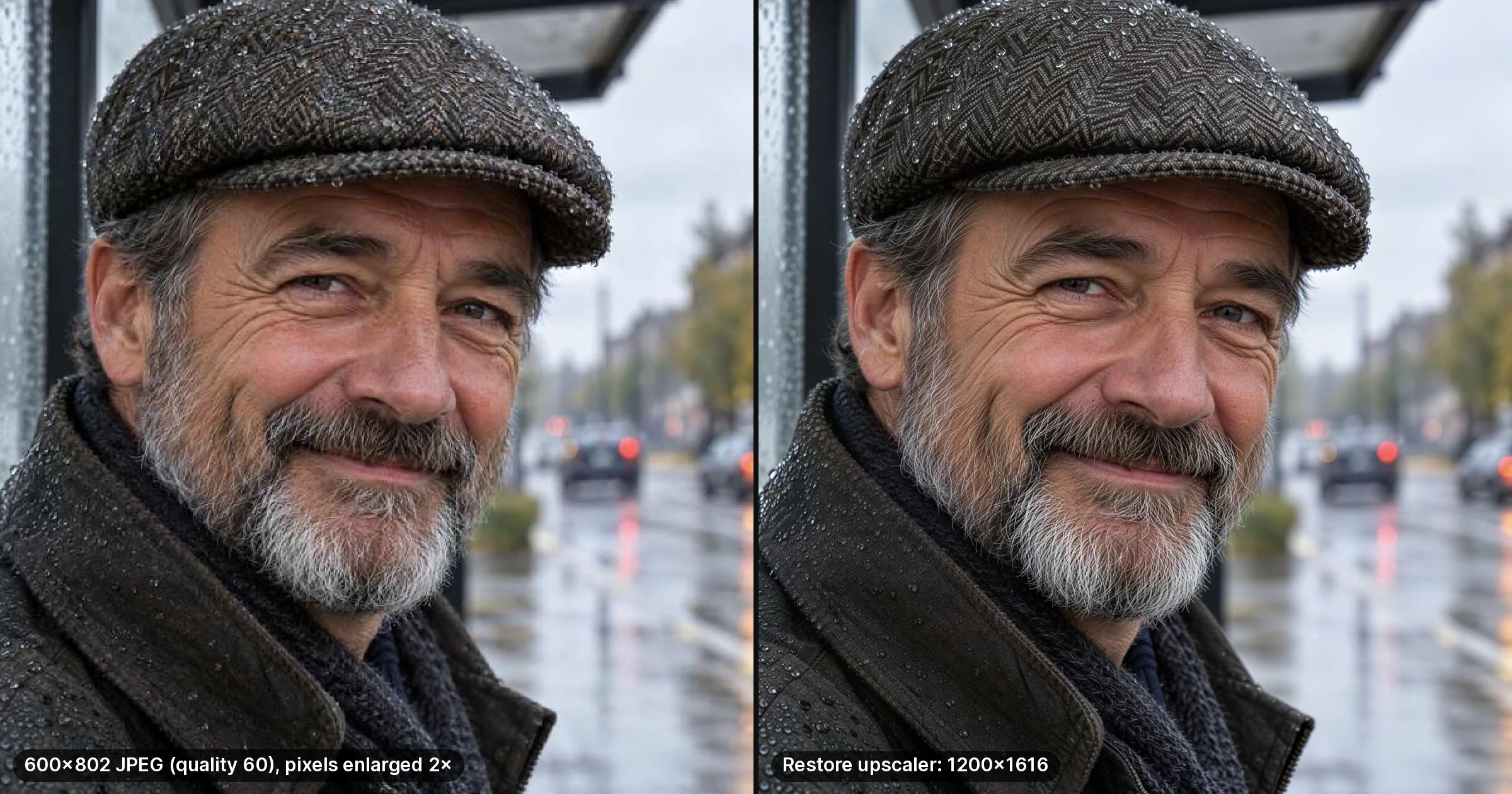
Topaz Gigapixel Alternative That Runs Online
Gigapixel moved to a yearly subscription in October 2025. What the desktop app still does well, where browser upscaling does the same job, and what each costs.
How to Create Talking Avatar Videos with AI — No Coding (2026)
Create talking avatar videos with AI in minutes. Upload a photo, add audio, get a realistic talking video. Step-by-step guide with tips for educators,…
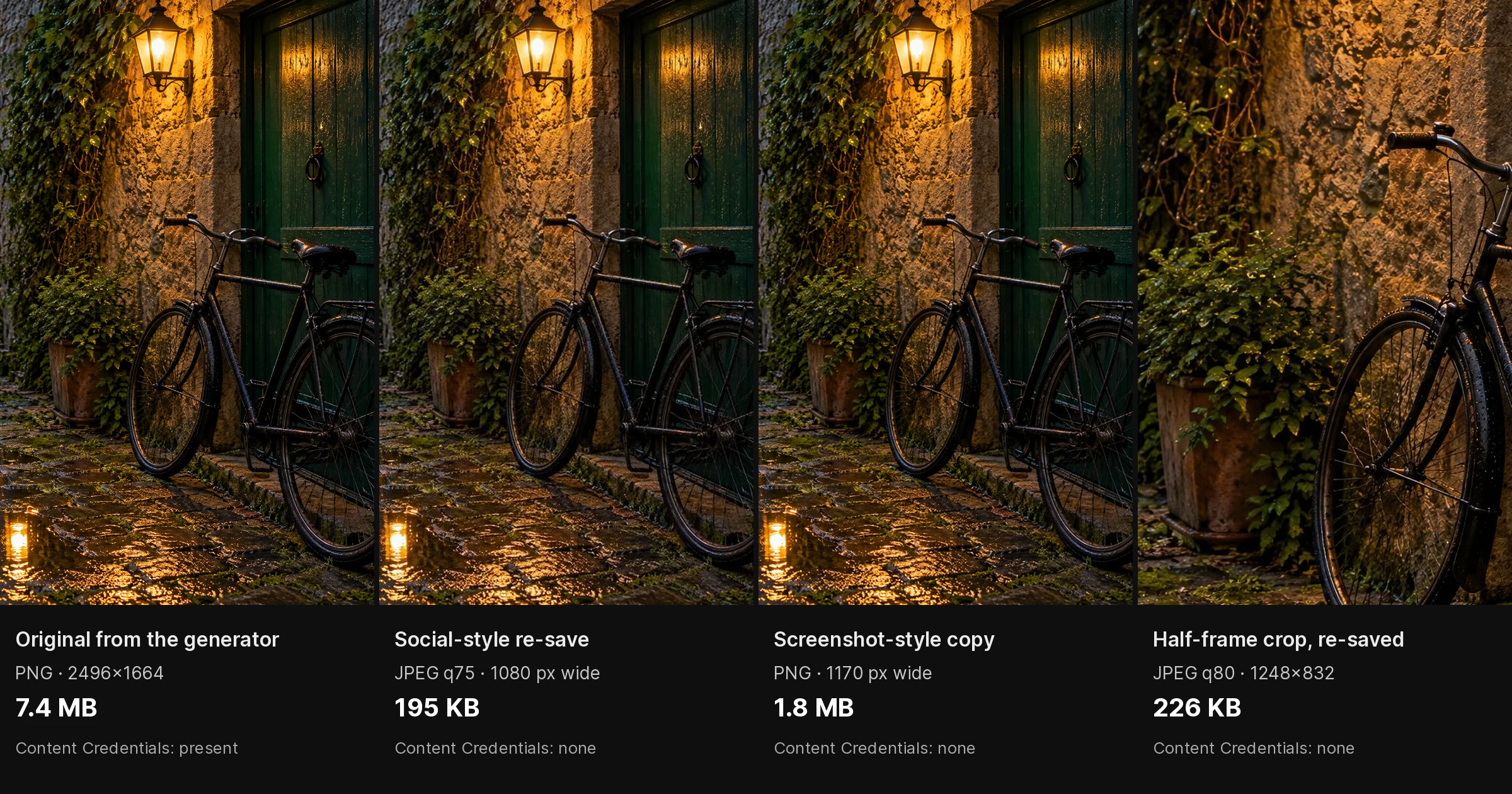
AI Image Detector Accuracy: 5 Tools Compared
Hive, Illuminarty, AI or Not, SightEngine and GPTZero compared by what they check and report, plus a step-by-step way to test their accuracy yourself.
ElevenLabs Review 2026: Pricing, Limits
In-depth ElevenLabs review covering pricing tiers ($5–$330/mo), character limits, voice cloning quality, and how pay-per-use alternatives compare for…
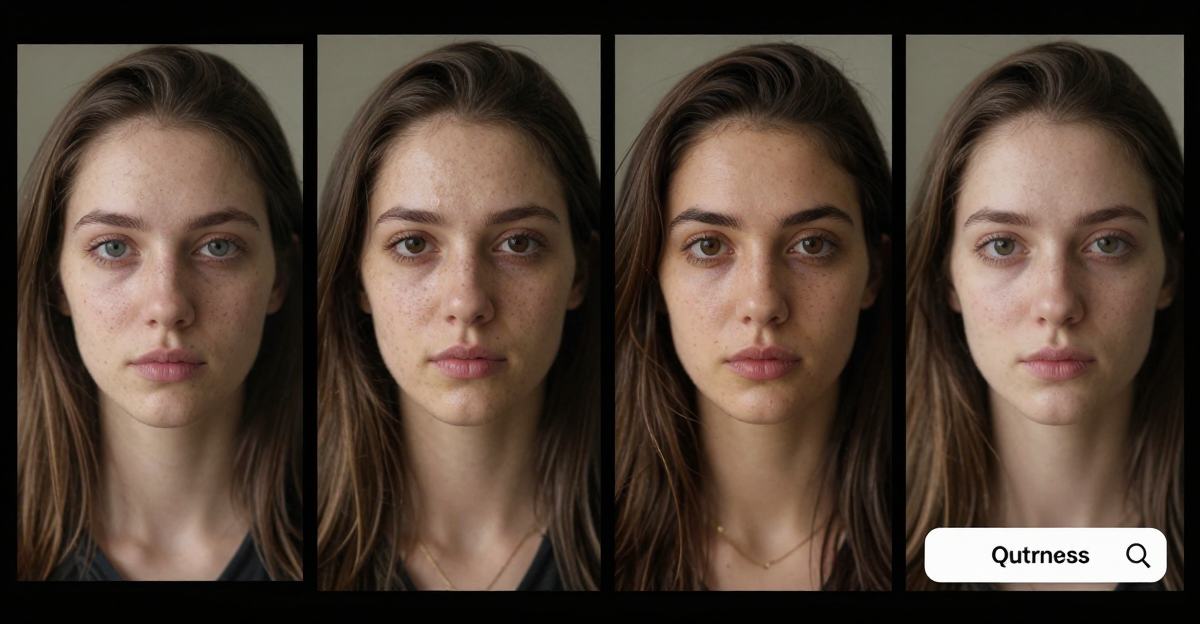
How to Face Swap in Videos with AI: Step-by-Step Guide (2026)
Learn how to face swap in videos with AI — step-by-step guide for beginners. Two methods: animate a photo with motion or replace the person in a video. No…
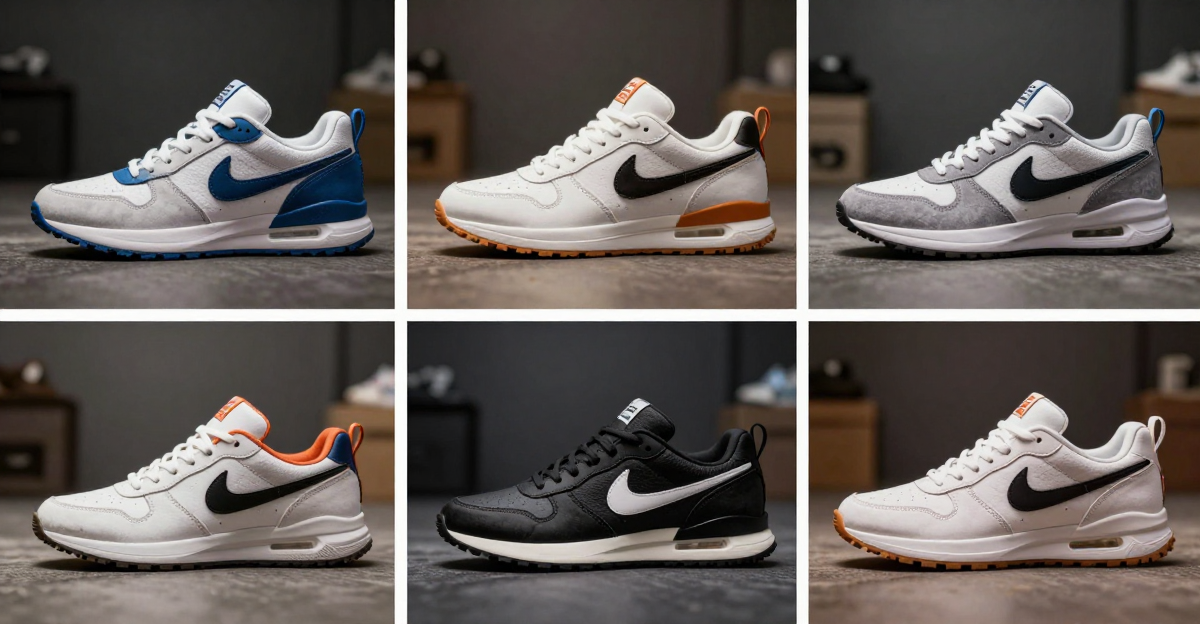
AI Background Changer for Product Photos (2026)
Transform product photos with AI-generated backgrounds — lifestyle scenes, studio setups, seasonal themes. No photographer needed. 15 credits per edit,…
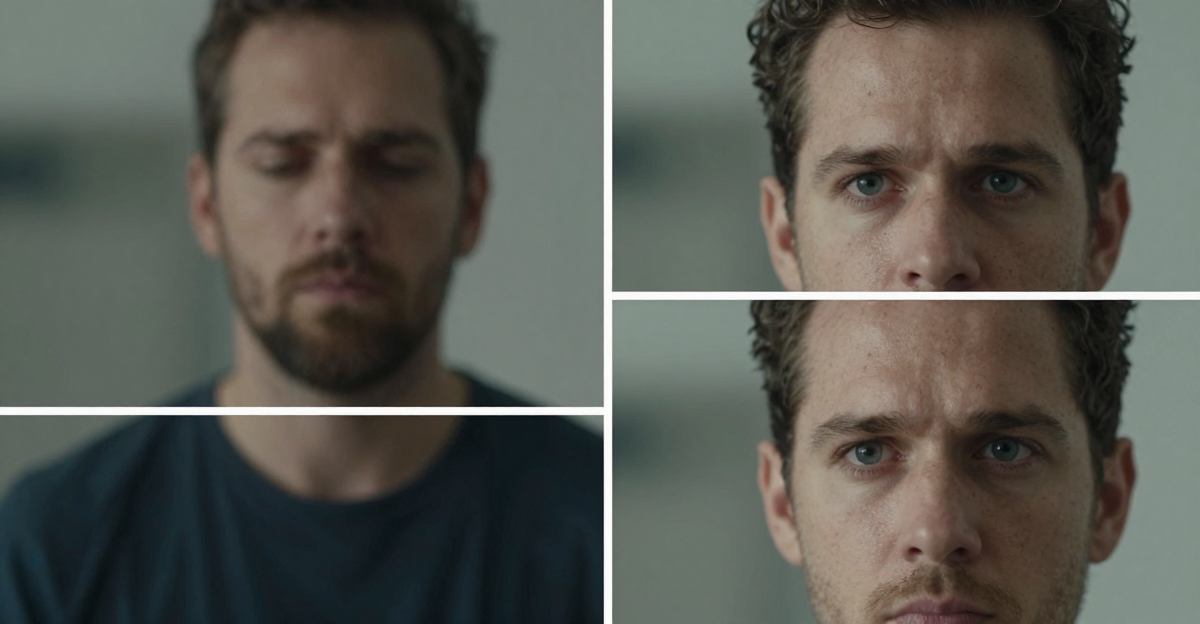
How to Increase Image Resolution Without Losing Quality (2026)
Learn how to increase image resolution without losing quality using AI upscaling. Step-by-step guide to enlarging photos from 480p to 4K or 16K with…
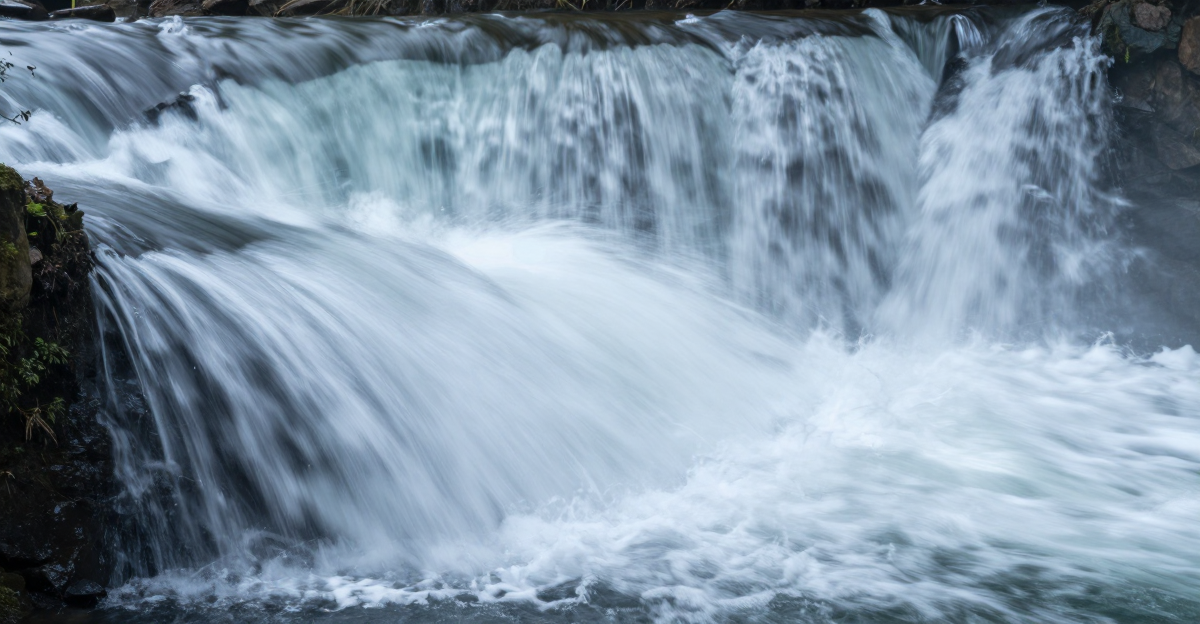
Image to Video AI: Animate Any Photo Instantly Online (2026)
Discover how image to video AI transforms static photos into animated videos in seconds. Learn techniques, use cases, and best practices for 2026.
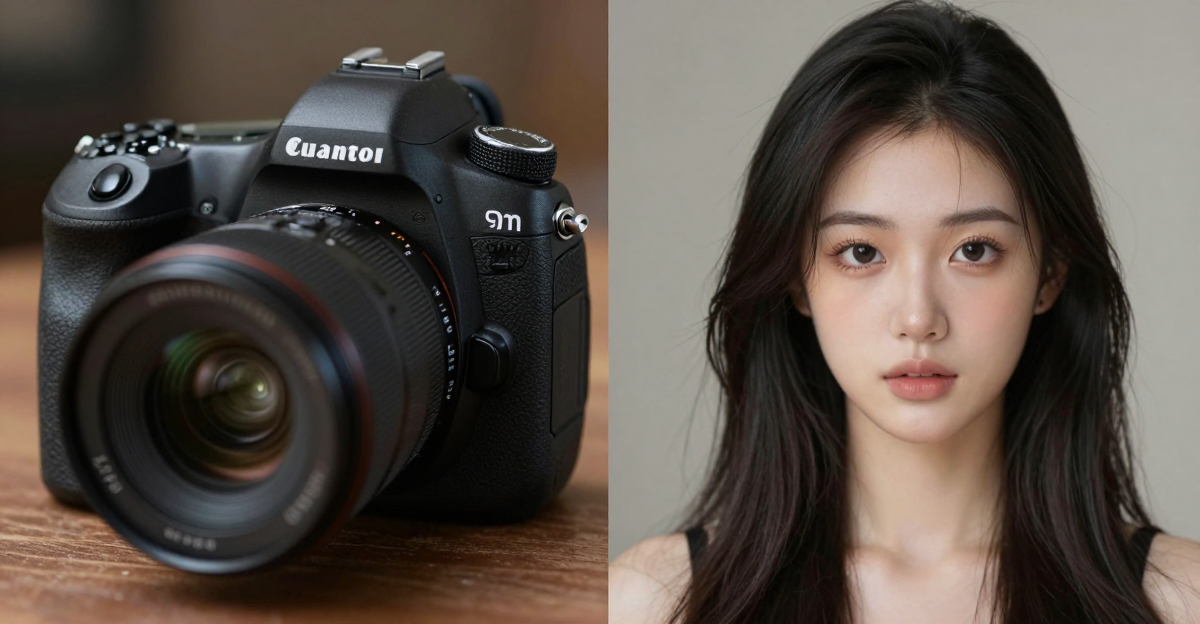
10 Visual Signs an Image Was Made by AI (2026)
10 telltale signs an image is AI-generated — from warped backgrounds and merged fingers to skin smoothness and symmetry artifacts. Train your eye to spot…
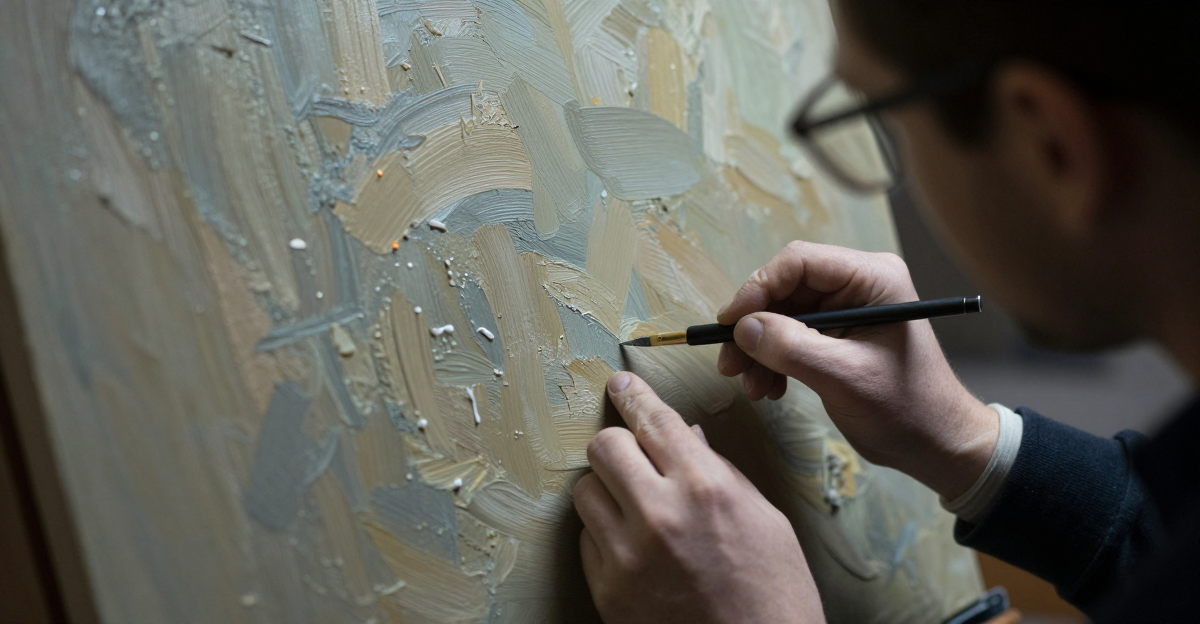
How to: 6 Signs of AI Generated Images in Portraits (2026)
Spot AI-generated portraits and anime art with 6 visual tells: hand anatomy errors, micro-patterns, lighting flaws. Hive vs Illuminarty compared.
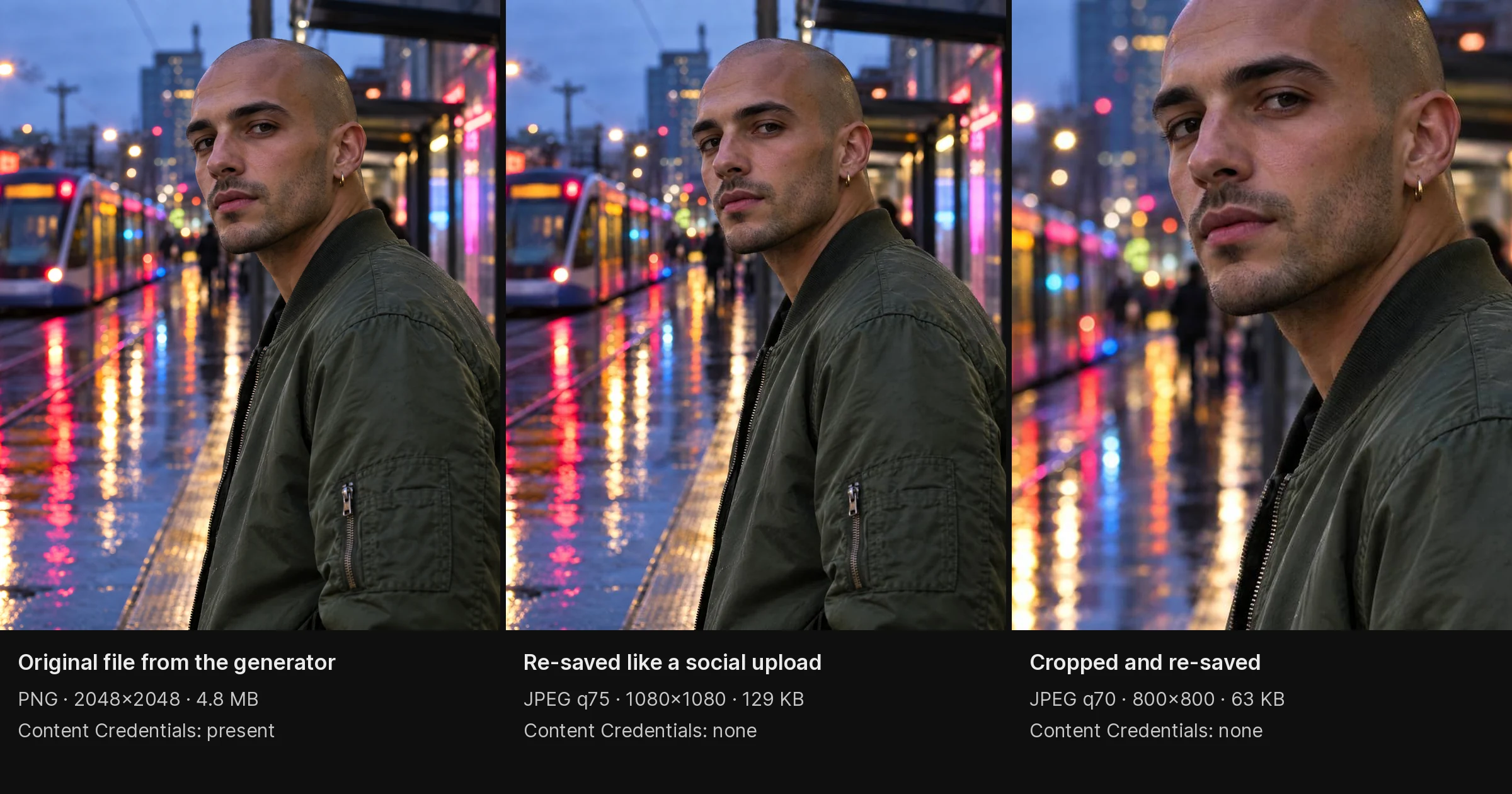
AI Image Detection Tools 2026: 10 Checkers, Photos & Selfies
Ten AI image checkers for 2026: which generators each one covers, how they hold up on selfies and compressed social uploads, and where the free tiers end.
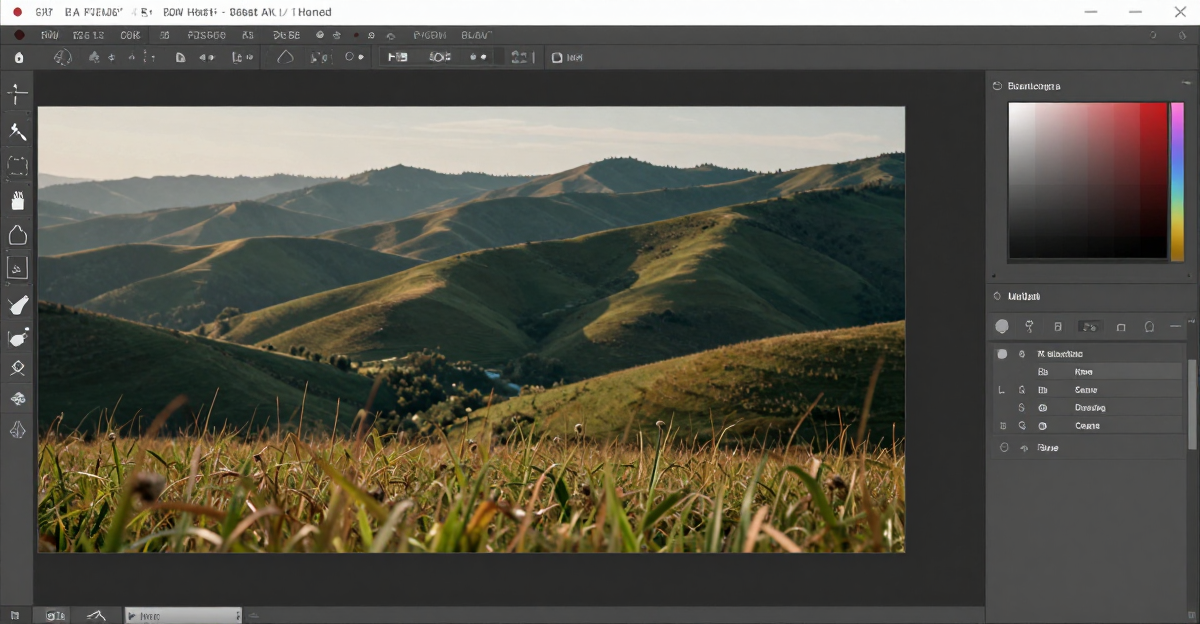
AI Image Editor Online — Edit Any Photo with Text Commands
Edit photos online with AI text commands — remove objects, change outfits, swap backgrounds, composite images. No download, no Photoshop. Browser-based AI…
How to Create a Podcast with AI — 2026 Guide
Create a podcast with AI in 2026: write a script, pick speakers, generate audio in 60 seconds. No recording gear, editing, or hosting fees.
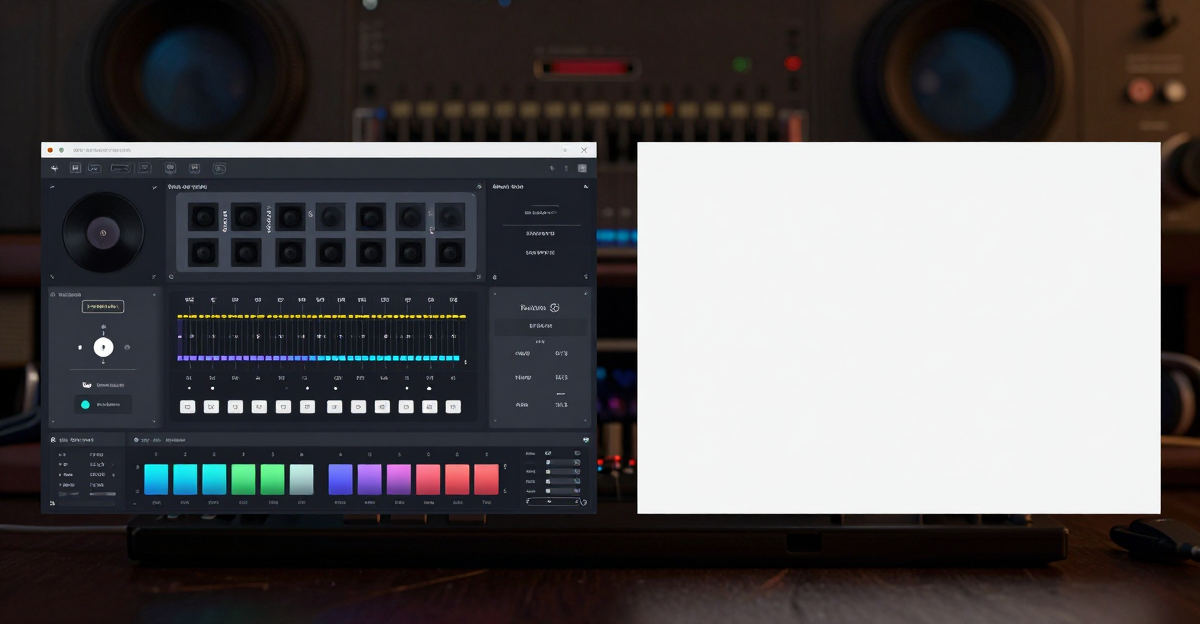
Suno vs Imagera: AI Music Generator Comparison (2026)
Honest comparison of Suno vs Imagera for AI music generation. Suno excels at music quality with a free tier. Imagera offers 25+ AI tools with pay-per-use…
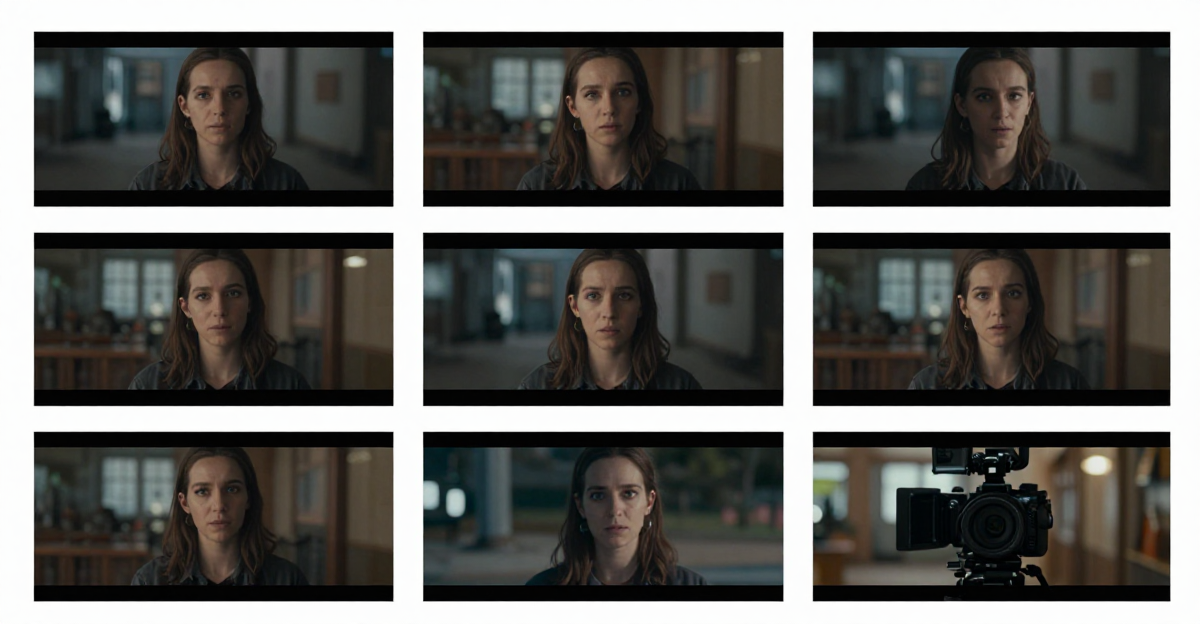
Create Cinematic AI Videos With LoRA Models (2026)
Step-by-step guide to creating cinematic AI videos using LoRA models online. No GPU or downloads needed. Learn prompt techniques, LoRA selection, and…
AI Lip Sync Generator: Make a Photo Talk
Turn one photo and your own voice recording into a talking video. Seven modes, including singing and two-person dialogue. Credits show before you run.
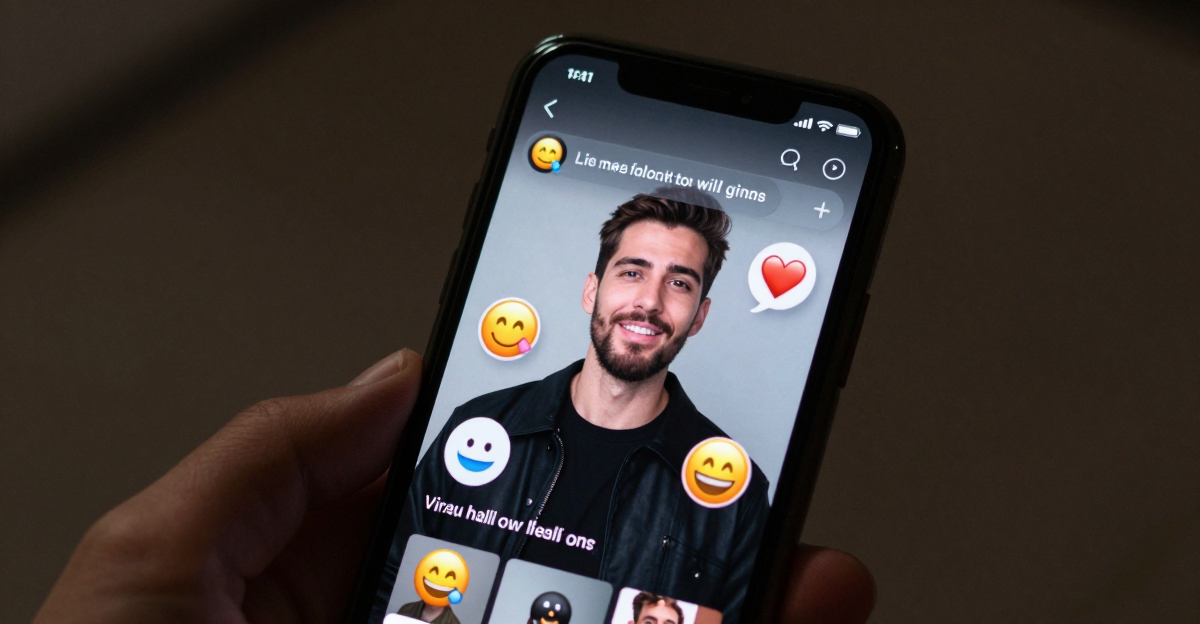
AI Lip Sync for Social Media: Make Any Face Talk
Use AI lip sync to make talking character videos for TikTok, Reels, and Shorts. Make any photo speak with realistic mouth movement — no filming.
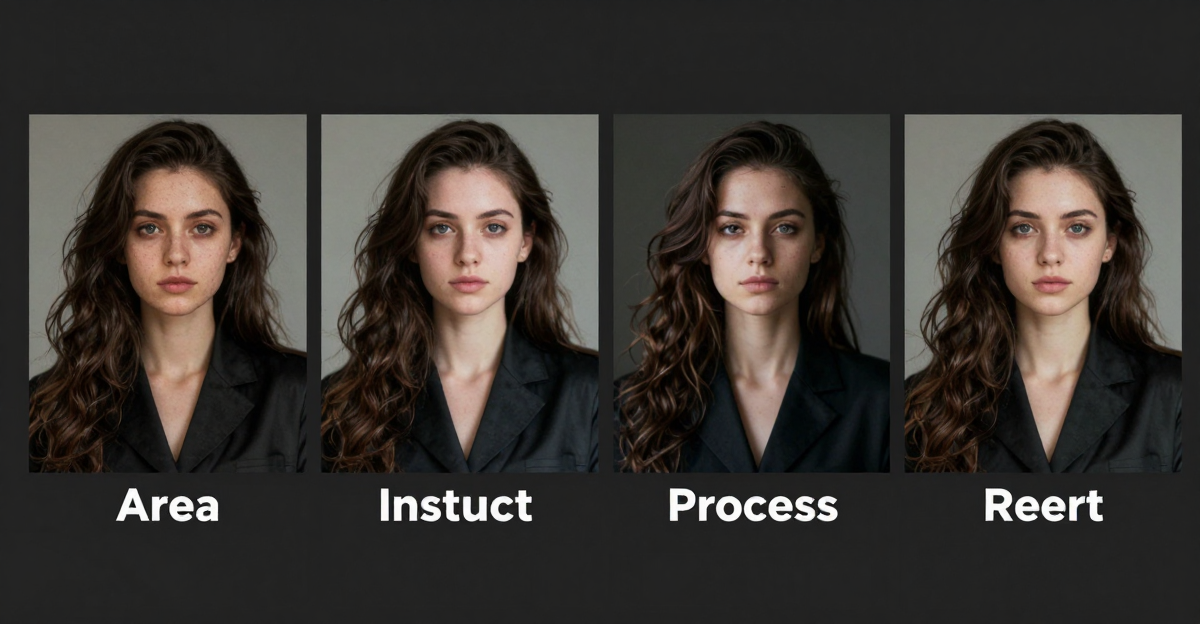
Edit Images with AI Text Prompts: Full 2026 Guide
How to describe image edits for AI photo editing: object removal (daggers, clutter), outfit swap, background replace, inpainting — all by typing text…
AI Background Remover Online, No Download (2026)
Remove and replace photo backgrounds with AI online — no download needed. Imagera generates new scenes, not just transparent backgrounds. 15 credits per…
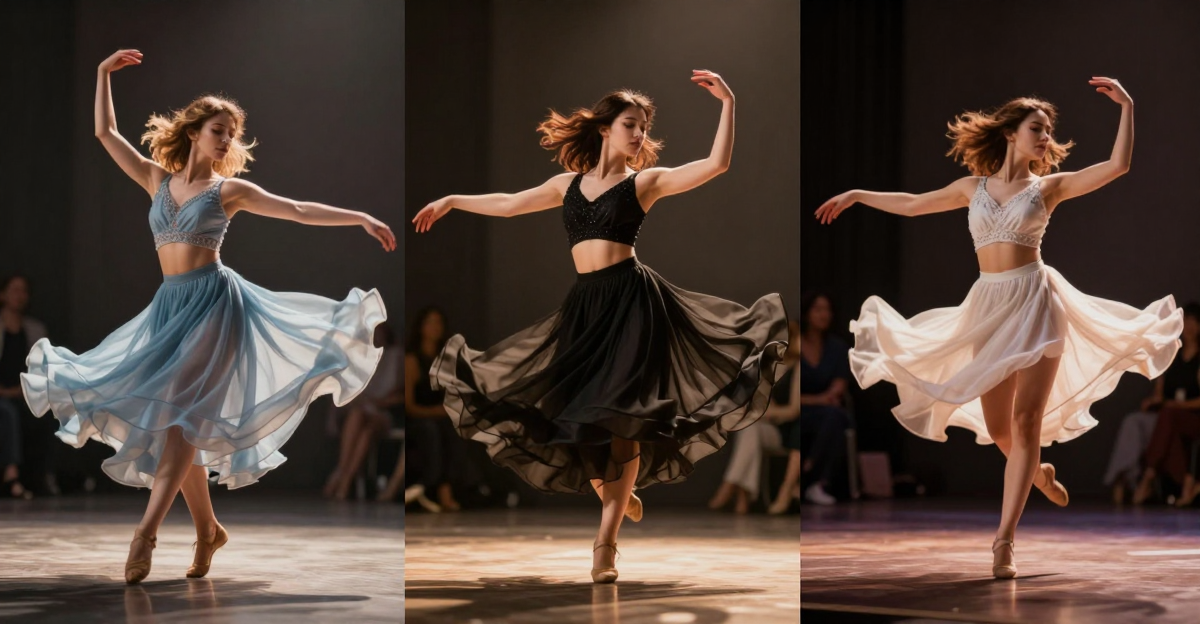
Seedance 2.0 Pricing, Limits and Alternatives
Need a Seedance 2.0 alternative? Limits, pricing, and Imagera multi-model video with LoRA/characters — billed in credits. 2026 comparison.
NotebookLM Alternative: AI Podcast Generator
Looking for a NotebookLM alternative? Imagera lets you create AI podcasts with full script control. No auto-generation — write exact conversations for…
100+ AI Video Generation Prompts for Cinematic Results (2026)
100+ AI video generation prompts for cinematic results. Shots, product demos, social media content, music videos. Works with Sora, Runway, Kling and Imagera.
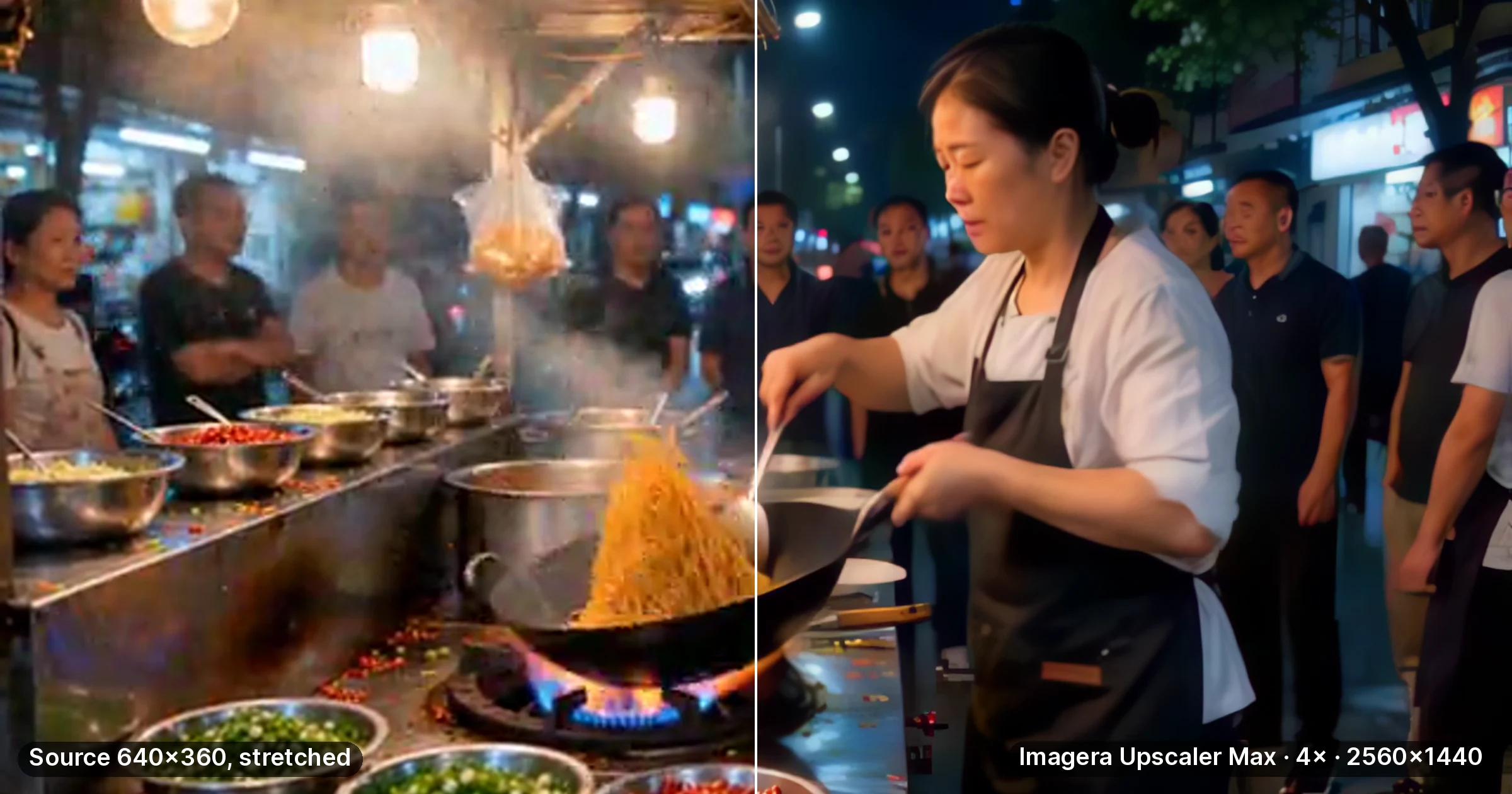
Topaz Video AI Alternative 2026: 4K Upscaling, Pay per Clip
Topaz Video costs $299 a year on desktop or $29 a month on the web. Upscale old or low-res clips to 4K here instead and pay per clip in credits.
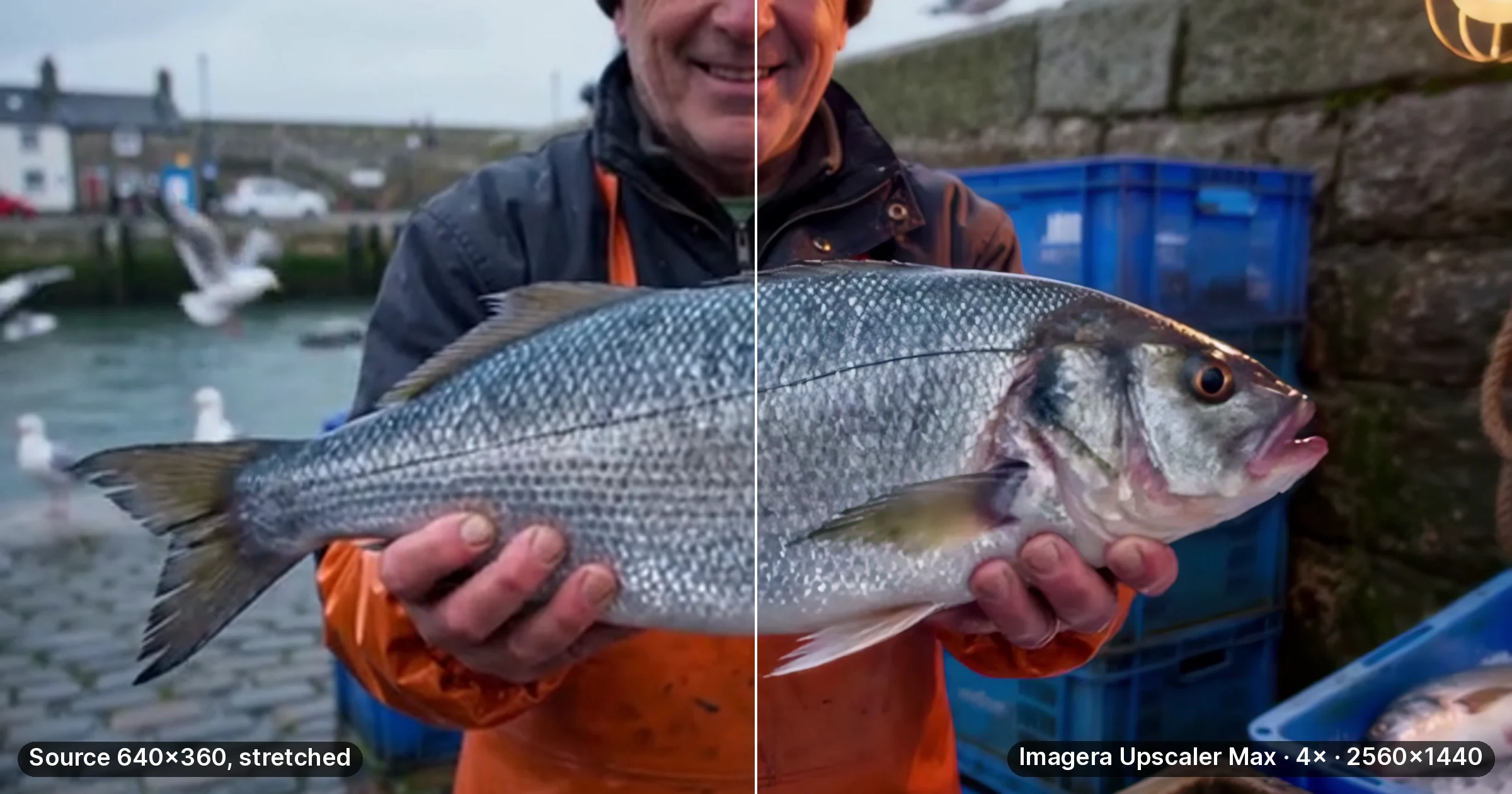
Best Video Upscaling Software 2026: 7 Compared
Blurry 480p or 720p footage? Seven AI video upscalers compared on where they run, claimed max output, GPU needs and billing, with every figure dated.
PDF to Podcast with AI (2026 Guide)
Convert PDFs, lecture notes, and research papers into multi-speaker audio podcasts with AI. Step-by-step guide using Imagera's podcast generator.…
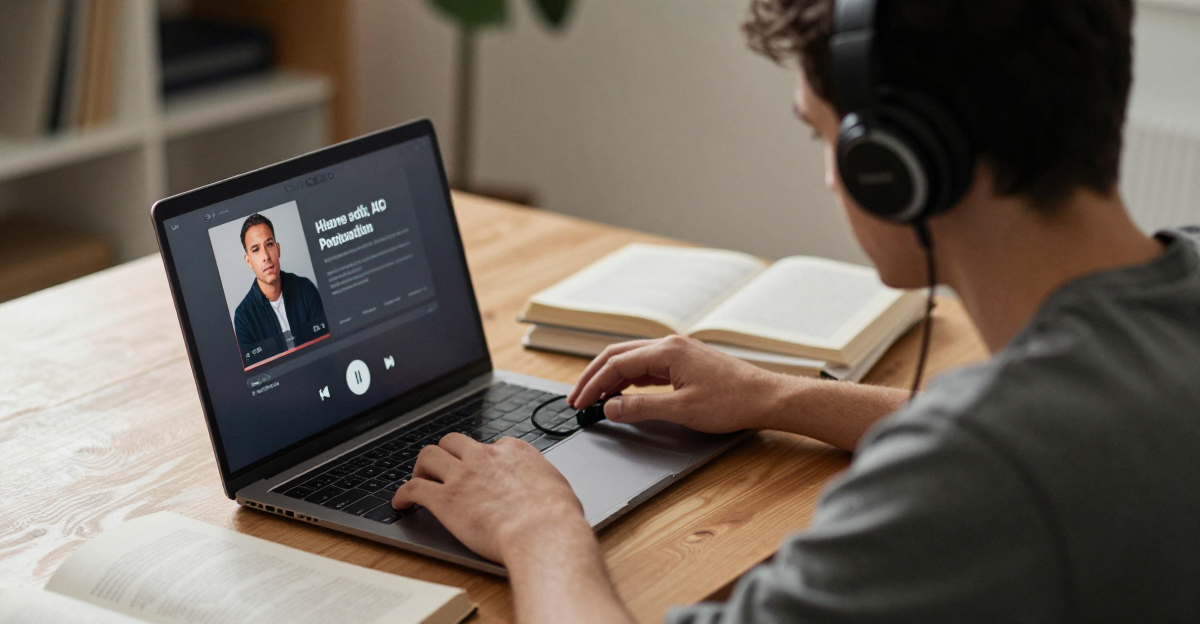
AI Podcast Generator for Studying: Notes to Audio
Convert lecture notes, PDFs, and textbooks into audio podcasts with AI. Multi-speaker format makes studying easier. A NotebookLM alternative with full…
AI Voice Generation Scripts & Prompts (2026)
Professional AI voice scripts and prompts for podcasts, narration, audiobooks and social media. Character voices and podcast templates included.
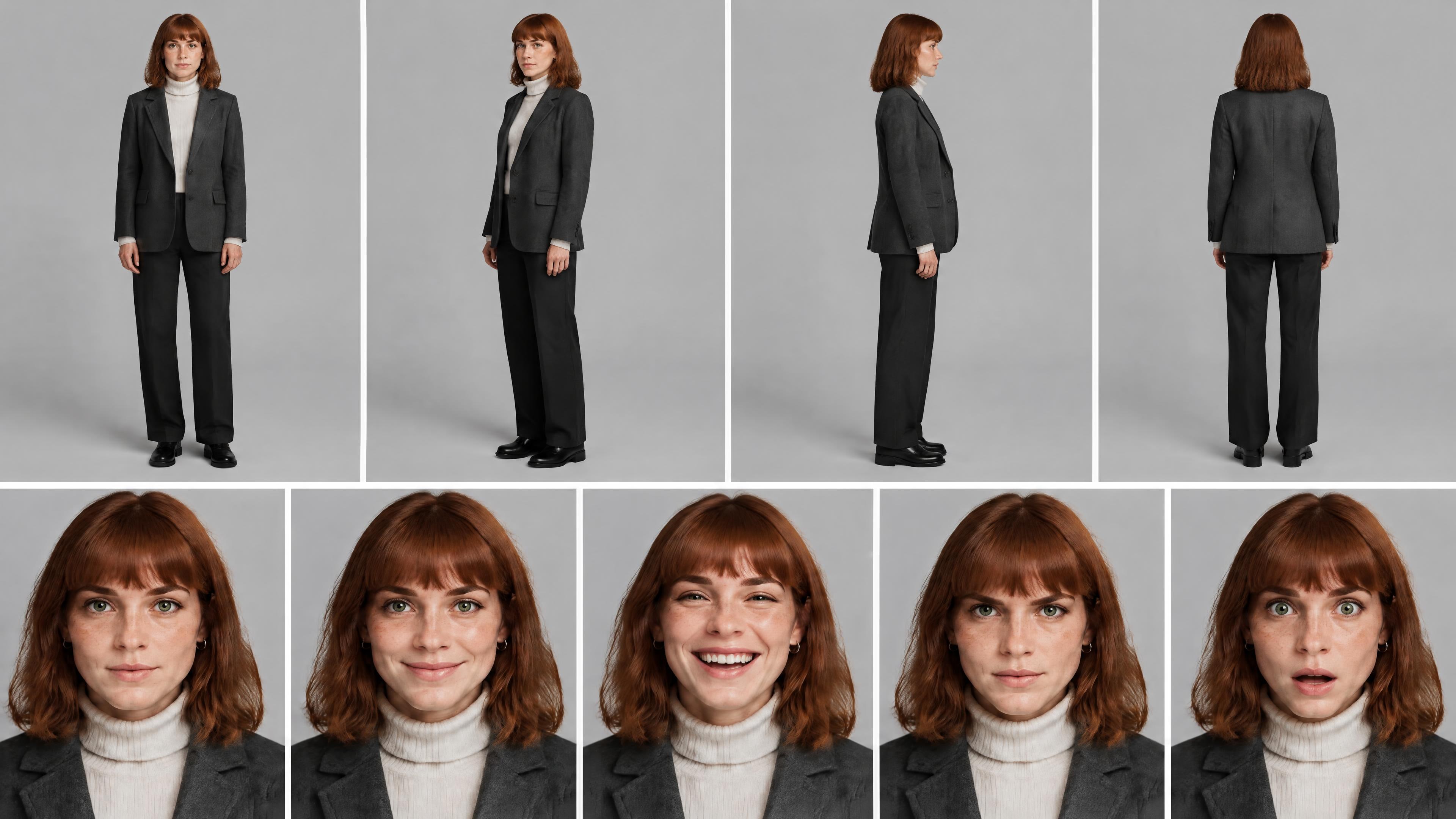
AI Avatar Prompts for Consistent Characters
Copy-paste AI avatar prompts for photo, 3D, anime and pixel styles, plus how to keep the same face in every image with a Character ID.
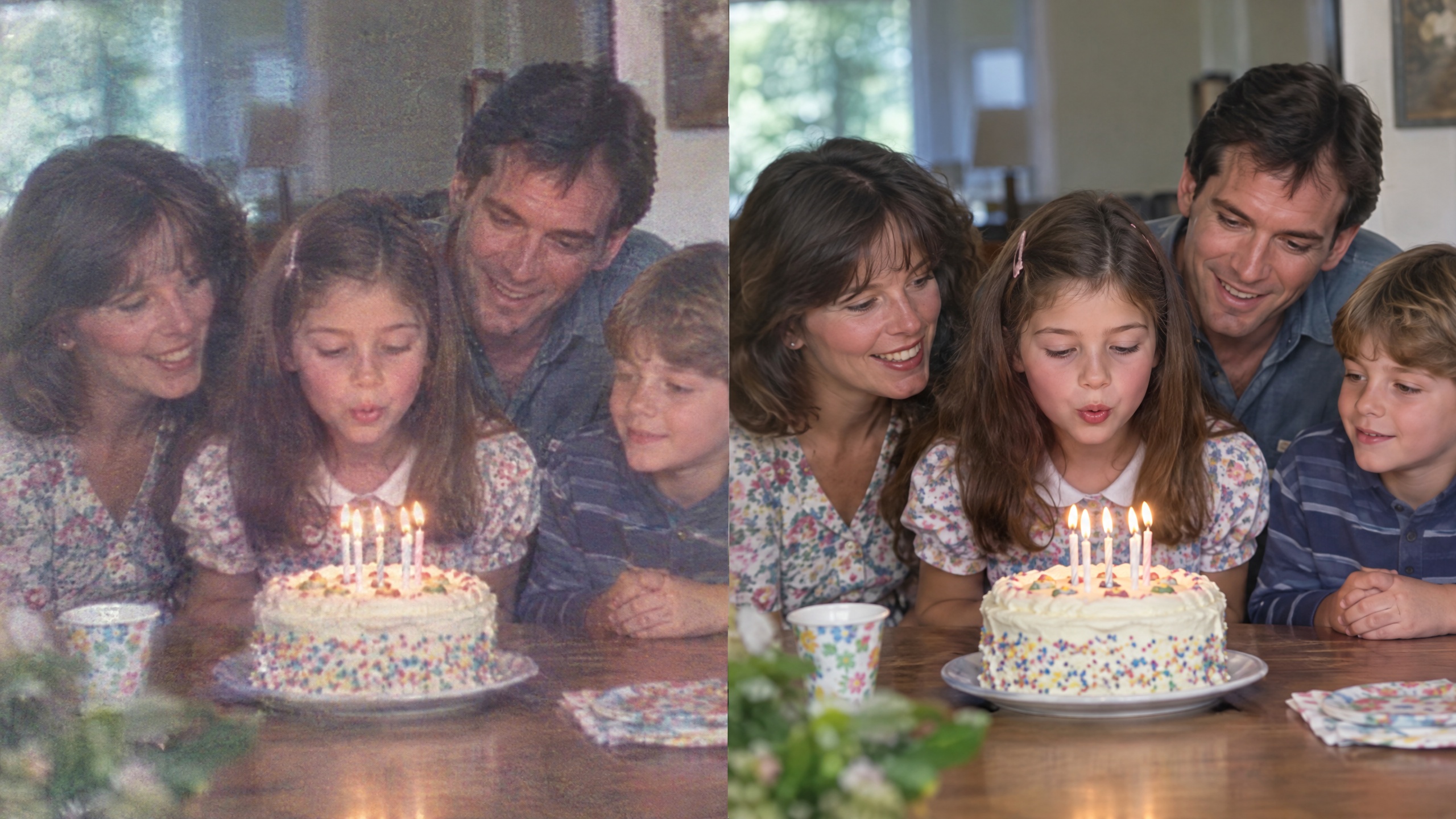
Fix Blurry Videos: Enhance and Upscale to 4K with AI
Enhance video with AI: compare supported resolution and motion settings, inspect a short test, and refine your clip before preparing the final export.
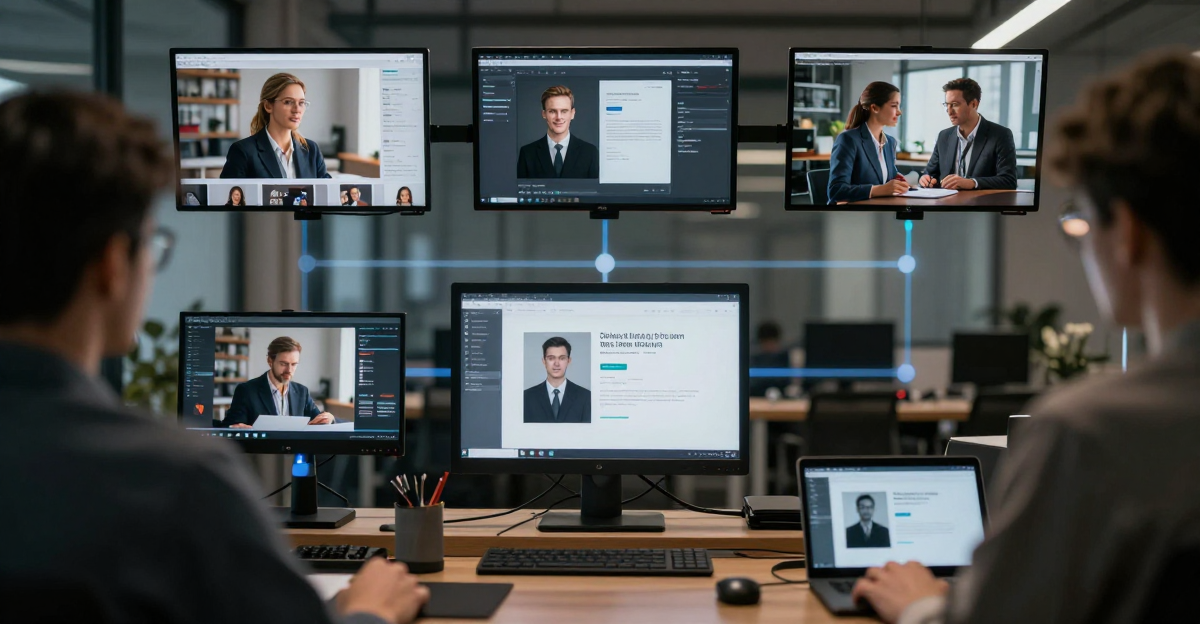
How to Create AI Content That Converts | Imagera
Make AI images, voiceovers and talking videos for marketing in one Imagera account, then A/B test whether they beat stock photos for your audience.
ComfyUI vs Imagera AI: Same LoRA Power, Zero Setup (2026)
Imagera AI is the fastest ComfyUI alternative. No nodes, no GPU — just type your prompt and generate professional AI images, video, and avatars instantly.

How to Make Money with AI in 2026: 7 Proven
Learn 7 ways to make money with AI in 2026 — faceless YouTube, AI music, freelancing, stock media, courses and more — with a step-by-step Imagera workflow.
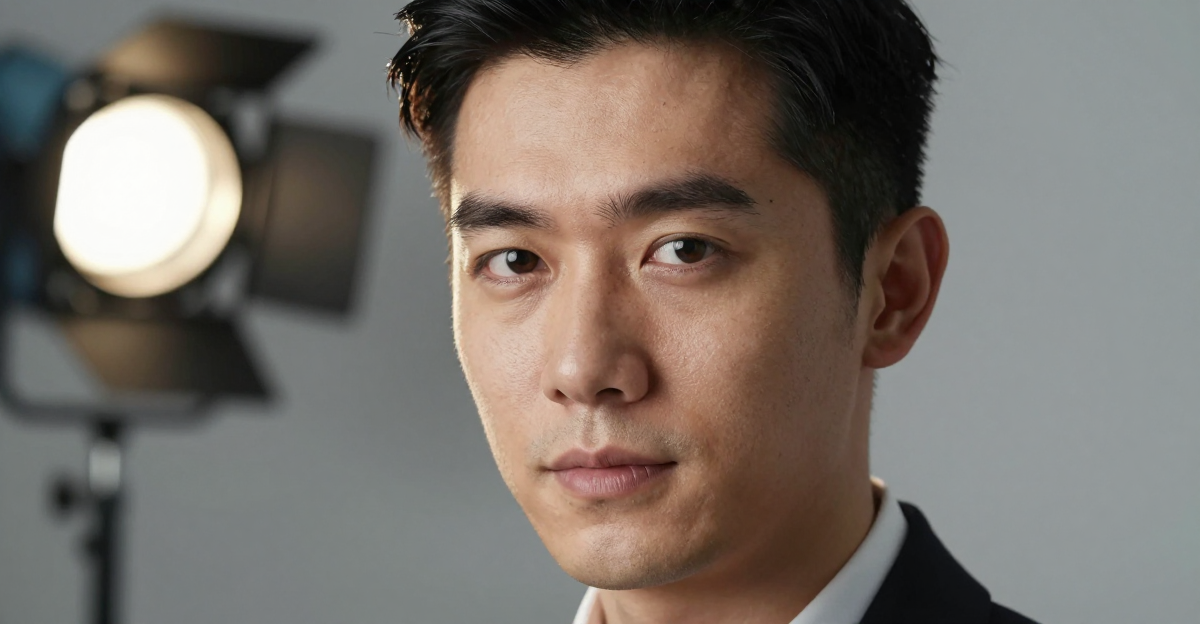
AI Headshot Generator Online: Pro Photos in 60
Create professional AI headshots online, priced in credits per image. No download, no photographer needed. Studio-quality LinkedIn and business headshots in 60 seconds…
Frequently Asked Questions
Who writes the articles on Imagera AI?
Articles are published by the Imagera team under the Imagera AI Team byline. We do not publish under invented personal names.
Is AI used to write Imagera articles?
Often, yes. Drafts may be written with AI assistance. Product facts such as available models, credit costs and output sizes are taken from the product itself.
Where do the statistics in Imagera articles come from?
Every statistic should link to the organisation that published it, with its date. If you find a figure without a working source, tell us through Support and we will correct or remove it.
Does Imagera AI disclose product comparisons in its reviews?
Yes. Comparison articles are written by Imagera, a vendor in the comparison, and say so. Competitors are named directly and our own claims are kept to what the product actually does.
How can I report a mistake in an article?
Use the Support page linked in the site footer. Tell us the article and the claim, and we will check it against its source.