AI Image Expander: Uncrop and Extend Any Photo
Extend a photo past its edges to a wider or taller frame. The scene continues naturally around the original. Opens on 16:9.
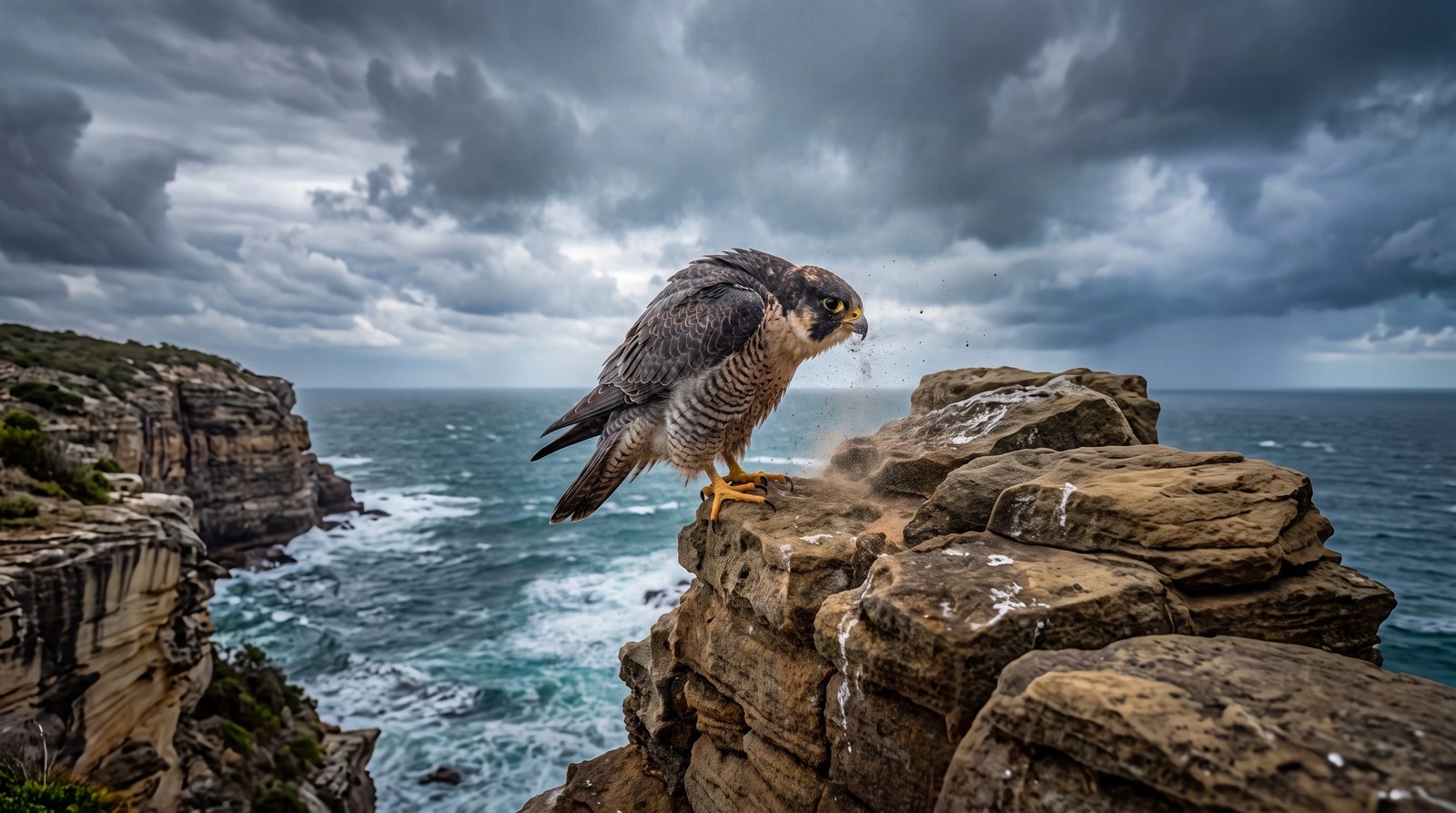
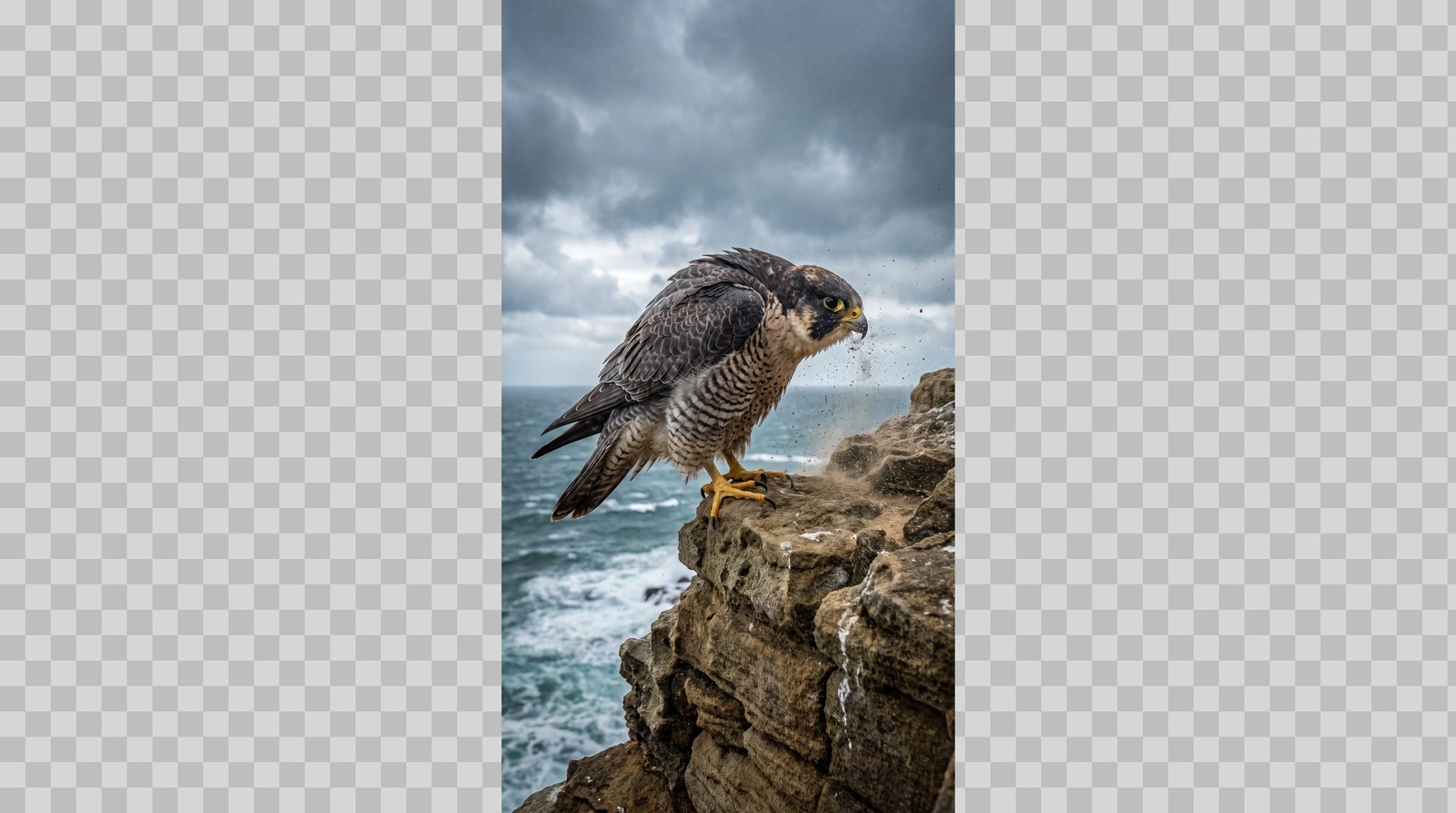 BeforeAfter
What is an AI Image Expander?
An AI image expander, also called an image extender or outpainting tool, adds new picture content beyond a photo's edges so it fits a wider or taller frame. Upload a photo, choose the shape you need, and Fast Edit continues the sky, ground and background around your subject. The page opens on 16:9; each edit costs 15 credits at the default settings.
- Credits
- 15 per edit on Fast Edit at the default settings
- Model
- Fast Edit
- Input
- One photo, plus optional reference images
Updated September 30, 2026
Cite this page: https://imagera.ai/image/ai-image-expander
What it does
Any frame from one photo
Turn a tall phone shot into a wide banner or a wide shot into a story, without cropping the subject.
Know more →Subject kept in place
The original scene stays at its size and position while new sky, ground and background are drawn around it.
Know more →Plain-language control
Say what belongs in the new space, such as more beach on the left or an empty wall for text.
Know more →Real results
Each example is one run on Fast Edit in the Sandbox, shown with the instruction it was given.
Pick the shape first
Choose the target in the Aspect ratio control before you run. The page opens on 16:9; switch to 21:9 for a banner or 9:16 for a story.
Try it now →Say what fills the new space
Describe what continues past the edges, such as more beach, an empty wall for a headline or the rest of a table, and ask for the subject to stay the same size.
Try it now →How it works
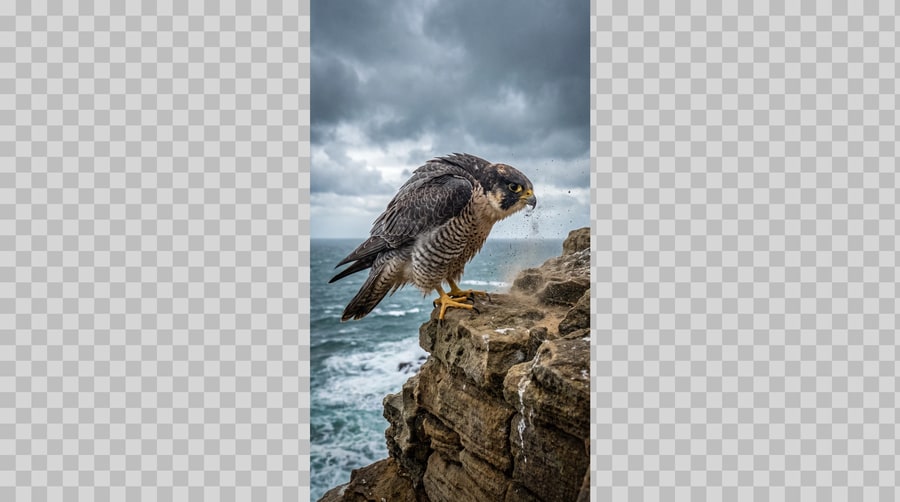
Add your photo
Open the Sandbox from this page and add the photo. A sharp, evenly lit image works best.
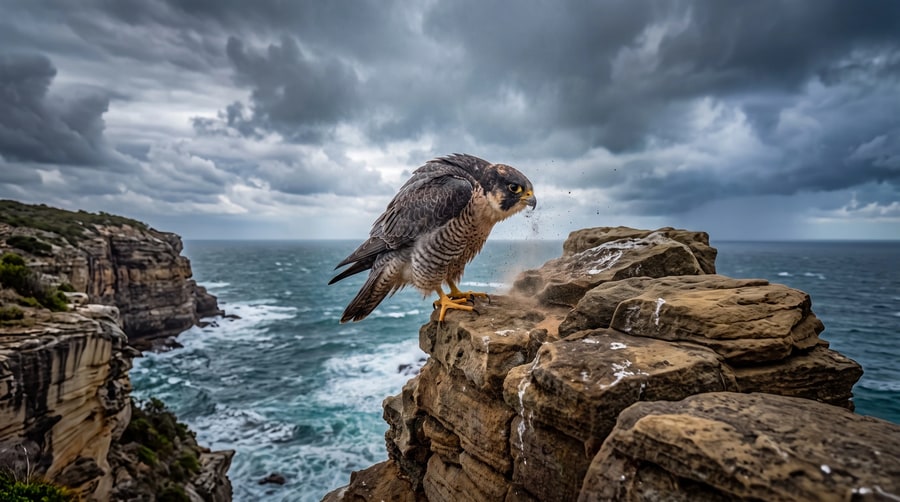
Describe the change
Edit the instruction or keep it. The first example on this page came from: "Extend this photo outward into a wide landscape frame. Keep the falcon, the rock ledge, the sea and the storm clouds exactly as they are, at the same size, and continue the sky, the ocean and the cliff naturally beyond the original left and right edges. No new animals, people, text or borders."
Generate and review
A run costs 15 credits at the default settings; faster or larger settings cost more, and the Generate button shows the exact figure. Check the result at full size and re-run with a tighter instruction if something drifted.
Who uses it
One photo, every placement
Turn a vertical phone photo into a website banner, a presentation slide or a YouTube thumbnail without cropping the subject.
Try it now →Related tools

Frequently asked questions
How does the AI image expander work?
Upload a photo, pick the frame you need in the Aspect ratio control (the page opens on 16:9), and Fast Edit redraws the picture at that shape, keeping your subject and continuing the scene past the old edges. An edit costs 15 credits at the default settings; the Generate button shows the exact cost before you run.
Is the original part of the photo kept?
The example on this page kept the falcon, ledge and sea at the same size and position. The edit redraws the whole picture rather than pasting a patch back in, so the match is very close but not pixel-identical. Check each result at full size and re-run any frame that drifted with a tighter instruction.
Which sizes can I expand to?
Any shape the Aspect ratio control offers: square, 4:5, 3:2, 16:9 and 21:9 widescreen, and tall frames such as 9:16 for stories. Pick the target shape before you run.
What is outpainting?
Outpainting means generating new image content outside the original borders so a picture fits a larger or differently shaped frame. It is the reverse of cropping, which is why it is also called uncropping.
What photos expand best?
Scenes whose edges continue naturally: sky, sea, landscapes, walls, floors and plain studio backdrops. Edges that cut through a face, text or a busy crowd are harder, so name what should appear in the new space.
Key takeaways
Who uses an AI image expander?
Social and ad teams resizing one photo for several placements, designers who need room for a headline, and anyone fixing a shot that was framed too tight.
AI image expander vs cropping?
Cropping removes pixels to reach a shape. Expanding adds new content around the photo, so the subject stays whole in the new shape.
Limits
The added areas are generated, not photographed. Do not use expanded images where a scene must be documented as it was.
AI Image Expander
Open the Sandbox with Fast Edit and a working instruction loaded. Add your photo and run.
Expand a photo →