Quick answer: Text-to-video is an AI technique that turns a written prompt into a moving video clip, generating frames, motion, and often audio automatically without cameras or manual editing.
1.How does text-to-video actually work on Imagera?
On Imagera you type a prompt, pick a style, and the model synthesizes video in 3 steps: interpreting the text, planning motion across frames, then rendering. Most clips run under 60 seconds, export up to 4K, and finish in about 2 minutes. Detailed prompts of 30-plus words tend to give you more accurate, controllable results than short 5-word ones, so it's worth describing the scene, subject, and motion you want.
2.Is AI text-to-video reliable enough for real content in 2026?
Yes for most short-form uses. Imagera delivers 4K output, 24-30 fps motion, and lets you regenerate variations for a small credit cost per clip, so a few attempts usually land a usable take. It's a practical fit for social posts, ads, and product demos where you need short clips quickly and can iterate until the shot feels right.
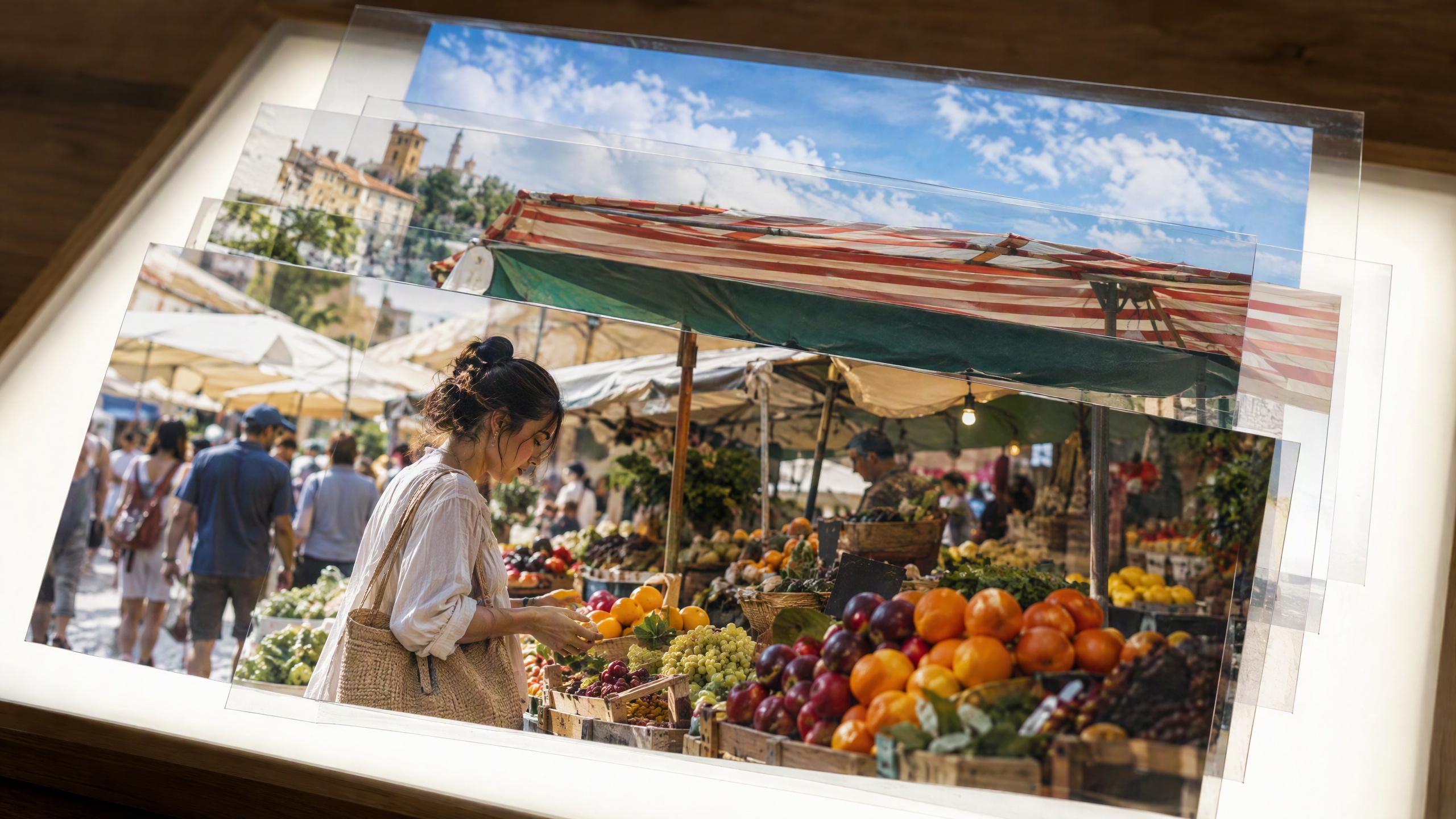
Real Imagera output: a text prompt turned into a short AI video clip.
3.Definition
Text-to-video is an AI technology that generates video content directly from written text descriptions. You provide a prompt describing a scene, action, subject, or concept, and the model produces a corresponding video clip — complete with motion, lighting, camera movement, and visual continuity across frames. Unlike text-to-image, which outputs a single static picture, text-to-video must render a coherent sequence of frames that hold together as the subject moves and time advances.
Within the broader field of generative AI, text-to-video sits at the intersection of natural language understanding, image synthesis, and temporal modeling. It inherits its visual quality from the same generative techniques that power text-to-image systems, but it adds a hard additional constraint: every frame must be consistent with the frames around it. A person walking must keep the same face, clothing, and proportions from the first frame to the last; a camera that pans left must move smoothly rather than jumping; shadows and reflections must track the light source over time. Handling this fourth dimension — time — is what separates a genuine video model from a sequence of unrelated pictures.
The term is sometimes used loosely to describe any pipeline that turns a script into a finished video, including tools that stitch together stock footage or animate slides. In its precise, technical sense, text-to-video refers specifically to models that synthesize novel pixel content frame by frame from a language prompt, rather than retrieving or arranging existing clips. That distinction matters because the two approaches have very different capabilities, costs, and failure modes.
4.How It Works
Text-to-video models extend the principles of text-to-image generation into the temporal dimension. The system must not only produce visually coherent frames but also ensure smooth motion and consistent subjects, backgrounds, and lighting across time. A text encoder first interprets the prompt into a numerical representation of its meaning. A generator — most commonly a diffusion model adapted for video — then denoises a batch of frames together rather than one at a time, so that the frames share a consistent style and the motion between them appears natural.
To keep subjects stable over the length of a clip, many models add temporal attention layers that let each frame reference its neighbors, and some operate in a compressed latent space to make generating many frames computationally feasible. Longer clips are often built by generating short segments and conditioning each new segment on the last frames of the previous one.
Breaking the pipeline into stages makes the mechanism clearer. First, the text encoder converts the prompt into embeddings — dense vectors that capture the meaning of words and their relationships. These embeddings condition the generator so that the output reflects the described subject, style, and action. Modern systems often use a large language or vision-language encoder here, which is why prompts that read like clear, descriptive sentences tend to produce better adherence than lists of disconnected keywords.
Second, the generator starts from random noise shaped like a stack of frames and iteratively removes that noise, guided at each step by the text conditioning. Because the frames are denoised jointly rather than in isolation, the model can enforce a shared style and coherent motion. This is where temporal attention comes in: attention layers let information flow not just across the spatial dimensions of a single frame but across the time axis, so a pixel region in frame ten "knows" what it looked like in frame nine.
Third, most efficient systems perform this denoising in a latent space rather than at full pixel resolution. An autoencoder compresses frames into a smaller representation, the diffusion process runs on that compact form, and a decoder expands the result back into full-resolution video. Operating on latents dramatically reduces the memory and compute needed to generate many frames at once, which is essential because video multiplies the data of an image by the number of frames.
Finally, several practical techniques handle length and quality. Autoregressive chaining generates a short clip, then conditions the next clip on the tail frames of the previous one to extend duration while preserving continuity. Cascaded refinement may generate a low-resolution, low-frame-rate draft first and then upscale it spatially and interpolate additional frames temporally, so the expensive high-fidelity work is concentrated where it matters. What the model has learned during training is the joint distribution of video and the text that describes it — effectively, what plausible motion looks like for a given description — which is why it can produce movement it was never explicitly shown.
5.Types & Techniques
| Technique | How it produces video | Strength | Trade-off |
|---|---|---|---|
| Diffusion (frame-based) | Denoises a sequence of frames, extending image diffusion across time | High visual fidelity per frame | Temporal flicker without strong consistency guidance |
| Latent video diffusion | Runs diffusion in a compressed latent space, then decodes to frames | Faster, longer clips at lower cost | Fine detail can soften in decoding |
| Transformer / autoregressive | Predicts video tokens in sequence, one chunk after another | Strong temporal coherence | Errors can accumulate over long clips |
| Image-to-video | Animates a supplied still image into motion | Precise control of the opening frame | Motion limited by the source image |
Text-to-video systems fall into a few practical categories that a practitioner would recognize:
- Text-to-video (T2V): the clip is generated purely from a written prompt with no visual reference supplied.
- Image-to-video (I2V): a starting image is animated according to the prompt, giving tighter control over the opening frame and subject appearance.
- Reference- and keyframe-conditioned: the model is guided by supplied frames or a first/last frame pair to control how a shot begins and ends.
- Motion and camera control: some pipelines expose parameters for camera moves (pan, zoom, orbit) or motion strength, letting you steer dynamics rather than leaving them to chance.
Beyond these input modes, the underlying model families differ in how they represent time and motion, and each family carries its own trade-offs:
- Diffusion-based video models: the dominant approach today. They adapt image diffusion to sequences by denoising multiple frames together and adding temporal layers. They tend to produce high visual fidelity and respond well to detailed prompts, at the cost of significant compute per clip.
- Transformer and diffusion-transformer hybrids: architectures that treat video as a sequence of spatiotemporal patches or tokens and use attention to model relationships across space and time. This design scales well and helps with longer-range consistency, but training and inference are resource-intensive.
- Latent video diffusion: a compression-first variant where generation happens in a learned latent space rather than at pixel resolution, trading a small amount of detail for large gains in speed and the ability to produce more frames within a fixed compute budget.
- Motion-transfer and animation approaches: techniques that take a still image or subject and apply learned or supplied motion, such as a driving pose sequence or optical-flow guidance. These offer precise control over movement but are narrower than open-ended prompt-to-scene generation.
The main technical challenges that distinguish good results are temporal consistency (subjects not warping or flickering), motion realism, and prompt adherence over the full duration of the clip rather than just the first frame.
6.A Worked Example
Suppose you want a five-second clip of a red hot-air balloon drifting over a mountain valley at sunrise. Here is how the process typically unfolds. You write a descriptive prompt: "A red hot-air balloon rises slowly over a green mountain valley at sunrise, golden light on the peaks, thin morning mist below, gentle upward camera tilt." The text encoder converts this into embeddings that flag the key elements — the balloon, its color, the valley, the lighting, and the intended camera motion.
The generator initializes a stack of noisy frames — say, roughly 120 frames for a five-second clip at 24 frames per second — and denoises them jointly across several steps. Temporal attention ensures the balloon keeps the same shape and color as it drifts, while the "gentle upward camera tilt" instruction biases the motion so the framing rises over the sequence. Because the work happens in latent space, the model can hold all those frames in memory at once. After denoising, the decoder expands the latents to full resolution, and an optional refinement pass sharpens detail and smooths the motion.
If you had instead supplied a photograph of a specific balloon and used image-to-video mode, the model would preserve that exact balloon's appearance in the opening frame and animate outward from it, giving you far tighter control over the subject. And if the first result drifted too fast or the mist looked wrong, you would adjust the prompt — lowering motion strength, adding "slow, calm movement" — and regenerate. Iteration is a normal and expected part of the workflow, not a sign of failure.
7.Common Use Cases
- Social and short-form content: producing clips for platforms like Reels, Shorts, and TikTok without a camera crew or physical shoot.
- Marketing and advertising: generating product teasers, concept spots, and animated promotional material for rapid A/B testing.
- Storyboarding and pre-visualization: turning a script line into a rough moving shot so filmmakers can preview pacing and framing before production.
- Explainer and educational video: illustrating abstract ideas, processes, or historical scenes that would be costly to film.
- Prototyping and ideation: quickly testing visual directions for a campaign, game cinematic, or animation before committing resources.
- Personalized and localized media: generating variant clips at scale for different audiences, languages, or contexts.
Looking across industries makes the range more concrete. In e-commerce and retail, teams animate product photography into short motion clips that show an item from multiple angles or in a lifestyle setting, which tends to lift engagement on product pages and paid social. In real estate, agents turn listing photos into cinematic walkthroughs and mood-setting establishing shots. In gaming and entertainment, studios generate rough cinematics, animated concept art, and background plates during pre-production. In education and corporate training, instructional designers illustrate procedures, safety scenarios, or historical events that would be impractical or expensive to film. In publishing and news explainers, editors visualize scientific processes or data-driven stories. Across all of these, the common thread is the same: text-to-video compresses the distance between an idea and a moving visual from days to minutes.
8.How It Differs From Text-to-Image
Text-to-image and text-to-video share a foundation but solve fundamentally different problems, and understanding the gap explains why video is harder. A text-to-image model needs to produce one internally consistent picture. A text-to-video model needs to produce many pictures that are consistent both internally and with each other over time. That temporal constraint introduces failure modes that simply do not exist for still images: subjects can flicker or "morph" between frames, textures can shimmer, an object can pop in and out of existence, or motion can look unnaturally fast or physically impossible.
The differences show up in three practical ways. First, compute cost: generating a few seconds of video can require orders of magnitude more computation than a single image, because the model is producing and coordinating dozens or hundreds of frames. Second, controllability: with images you control composition and content; with video you also have to think about motion, pacing, and camera behavior, which adds new prompt parameters and new ways for output to drift from intent. Third, evaluation: a still image is judged on one frame, while a video is judged on the smoothness and believability of the whole sequence, so a clip that looks perfect frozen can still fail once it plays. Text-to-image is best understood as the still-frame ancestor of text-to-video, and many video pipelines literally begin by generating strong keyframes and then learning how to move between them.
9.History & Evolution
Text-to-video emerged as a natural extension of the rapid progress in text-to-image generation. Once diffusion models demonstrated that high-quality images could be synthesized from language prompts, the obvious next question was whether the same approach could produce moving images. Early research video models were short, low-resolution, and visibly unstable — clips lasted a second or two, subjects warped noticeably, and motion often looked like a flipbook of loosely related frames.
The trajectory since then has been driven by a few consistent advances: adding temporal attention so frames can reference one another, moving generation into latent space to make longer clips computationally affordable, adopting transformer-style architectures that scale better and model longer-range dependencies, and training on larger and better-captioned video datasets. These improvements collectively pushed the field from flickering proofs of concept toward clips with believable motion, longer durations, higher resolution, and much stronger adherence to the prompt. The practical result is that text-to-video moved out of the research lab and into everyday creative and marketing workflows within a remarkably short span. Rather than attaching specific dates to individual releases, the useful takeaway is the direction of travel: steadily longer, sharper, more controllable, and more faithful clips.
10.Limitations & Trade-offs
Text-to-video is powerful but far from magic, and being honest about its constraints leads to better results. Clip length is limited — most systems produce short segments, and extending them by chaining introduces the risk of drift, where the subject gradually changes over a long sequence. Fine-grained control is imperfect: getting an exact camera path, a precise number of objects, or a specific choreographed action often requires several attempts, because the model reasons about plausibility rather than following instructions literally.
Certain content remains genuinely hard. Detailed, legible on-screen text is unreliable, since models tend to render text-like shapes rather than accurate words. Hands, complex physical interactions, and precise object counts can come out wrong. Physics is approximated, not simulated, so liquids, cloth, and collisions may look convincing at a glance but behave oddly under scrutiny. There is also an inherent trade-off between speed, resolution, length, and cost — you generally cannot maximize all four at once, and higher fidelity or longer duration means more compute and longer wait times. Finally, results are probabilistic: the same prompt can yield different outputs, which is a strength for exploration but a challenge when you need an exact, repeatable shot.
11.Common Misconceptions
- "Text-to-video just stitches together stock clips." True generative text-to-video synthesizes new pixels frame by frame; it is not retrieving or splicing existing footage. Tools that arrange stock media are a different category with different strengths.
- "One perfect prompt gives one perfect video." Generation is iterative. Practitioners expect to refine the prompt, adjust motion and camera settings, and regenerate a few times to reach the intended result. First-attempt output is a starting point, not a final deliverable.
- "It's basically the same as text-to-image with more pictures." The temporal-consistency requirement makes video substantially harder. Coordinating motion, avoiding flicker, and maintaining subject identity across frames are problems that do not exist for a single still image.
- "The model understands physics and can be trusted to be accurate." Models learn what plausible motion tends to look like from data; they do not run a physics engine. Output should be reviewed, especially for anything where accuracy matters.
12.Best Practices
- Write descriptive, sentence-style prompts. Specify subject, setting, lighting, mood, and the kind of motion or camera movement you want. Clear scene descriptions outperform disconnected keyword lists because the encoder is built to interpret language.
- Use image-to-video when subject fidelity matters. Supplying a strong starting image locks in the appearance of your subject and gives you far more control than describing it from scratch.
- Be explicit about motion and pace. Words like "slow, gentle drift," "static camera," or "quick pan" steer dynamics that the model would otherwise guess. Lowering motion strength often reduces warping on tricky subjects.
- Keep shots short and combine them. Generating several tight clips and editing them together usually beats trying to force one long, complex shot, and it sidesteps drift over long sequences.
- Iterate deliberately and change one thing at a time. When a result is close but wrong, adjust a single element — motion, lighting, or a specific object — so you can tell which change fixed it.
- Match resolution and length to the destination. Vertical, short clips suit social feeds; longer, higher-resolution shots suit presentations. Choosing the right target up front saves compute and rework.
13.Why It Matters
Text-to-video lowers the barrier to video production by removing the need for cameras, actors, locations, and heavy editing. It lets individual creators and small teams prototype concepts, iterate on visual ideas quickly, and produce moving content at a scale that was previously impractical. As output quality and controllability improve, it is becoming a standard part of content and marketing workflows rather than a novelty.
14.Frequently Asked Questions
14.1What is the difference between text-to-video and image-to-video?
Text-to-video generates a clip purely from a written prompt with no visual reference, so the model invents the subject and scene from your description. Image-to-video starts from a supplied picture and animates it according to the prompt, which locks in the opening frame and the subject's appearance. Choose text-to-video for open-ended ideation and image-to-video when you need a specific subject to look exactly right.
14.2How long can text-to-video clips be?
Most systems generate short segments — typically a handful of seconds per clip. Longer videos are usually built by producing several segments and conditioning each new one on the end of the previous, or by editing multiple short clips together. Very long single shots tend to suffer from drift, where the subject slowly changes, so keeping shots short and combining them is the common practical approach.
14.3Why does the same prompt produce different videos each time?
Generation is a probabilistic process that starts from random noise, so each run explores a different plausible interpretation of your prompt. This variability is useful for exploring options but means you cannot expect a byte-identical result on every attempt. If you need a specific look, refine the prompt, provide a reference image, and iterate until the output matches your intent.
14.4Why is on-screen text often garbled in generated video?
Models learn the visual statistics of the world, and text is treated as texture rather than as symbols with exact meaning. As a result they reliably produce text-like shapes but not accurate, legible words. If a clip needs specific wording — a sign, a title, a label — the reliable approach is to add that text in an editing step afterward rather than expecting the model to spell it correctly.
14.5Do I need editing or animation skills to use text-to-video?
No. The core interaction is writing a description and reviewing the result, which requires no camera work or animation expertise. Basic familiarity with how to phrase prompts and a willingness to iterate go a long way. Light editing skills help when you want to combine multiple clips, but they are not required to produce a usable video from a prompt.
14.6Is generated video realistic enough for professional use?
Quality has improved to the point where text-to-video is used in real marketing, social, and pre-production workflows, particularly for short clips, concept work, and stylized content. It is well suited to teasers, mood pieces, storyboards, and social content. For work demanding exact physical accuracy, legible text, or precise choreography, it is best treated as a fast starting point that a human reviews and refines rather than a fully hands-off replacement for filming.
15.Related Terms
- Text-to-Image — the still-image foundation that text-to-video builds upon.
- Frame Interpolation — a technique for synthesizing intermediate frames to smooth or lengthen generated motion.
- Stable Diffusion — the diffusion approach many text-to-video models adapt into the temporal dimension.
16.Try It on Imagera
Create AI-generated videos from text descriptions with Imagera's AI Video Generator. Describe your scene and get video clips from a written prompt in minutes.