
Imagera AI - AI content creation platform for generating images, cloning voices, and enhancing videos. Privacy Policy | Terms

MCP guide · Updated 14 Oct 2026

Use Imagera in ChatGPT
Connect the Imagera MCP server

Add the Imagera MCP server to ChatGPT and sign in with your Imagera account. ChatGPT can then call Imagera's image, video, voice and music tools in a chat, and each run spends your Imagera credits. No API key is involved: sign-in is OAuth in the browser.

By Imagera AI Team. Using Imagera from an assistant comes with the Pro plan and above.

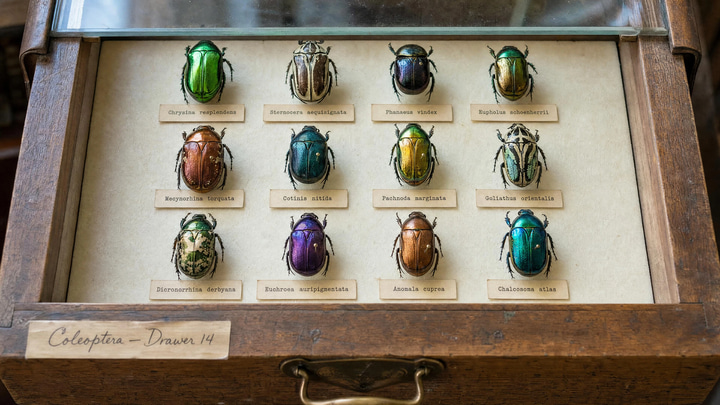
A museum drawer of twelve jewel-toned beetles, each with a crisp typewritten label.Imagera output
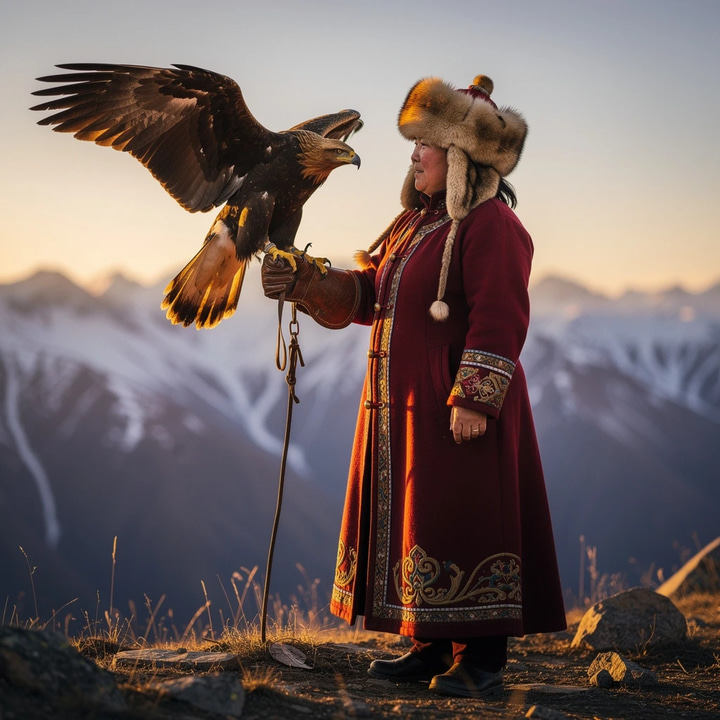
A Mongolian eagle huntress holds a golden eagle aloft on an Altai ridge at sunset.Imagera output
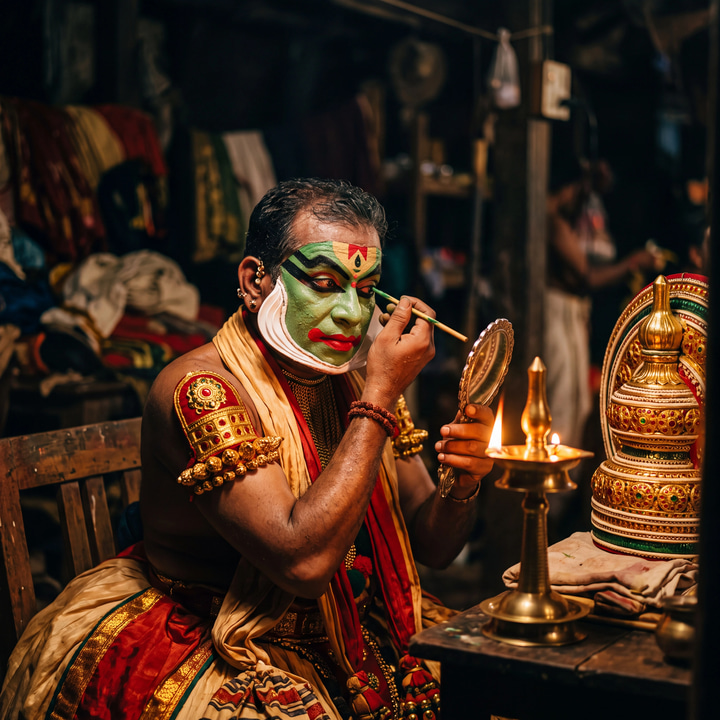
A Kathakali performer paints his green face by oil-lamp light backstage in Kerala.Imagera output
Gold-leaf lettering glows on a rain-beaded bookshop window at blue hour.Imagera output

Connect Imagera to ChatGPT

Account and workspace policies apply to custom MCP servers: in a company workspace, the admin's settings decide whether you can add one. There is no API key to paste — sign-in happens in the browser.

https://mcp.imagera.ai/mcp
  1. Open ChatGPT on the web and go to Plugins (chatgpt.com/plugins).
  2. Select the plus button, then "Add custom MCP server".
  3. Enter a name and a short description, and paste your Imagera URL as the Server URL.
  4. Set authentication to OAuth, review the risk warning, select "I understand and want to continue", then "Create as a plugin".
  5. Install the Imagera plugin and sign in with your Imagera account when the browser opens.
  6. In a new chat, type @ in the prompt box and select Imagera.

An example call

Type the request in ChatGPT. The client turns it into a tools/call request to the Imagera server, like the one below.

You type

Use Imagera to make a 5-second vertical clip: a slow orbit around a ceramic coffee cup on a sunlit counter, steam rising.

tools/call → generate_video
{
  "jsonrpc": "2.0",
  "id": 1,
  "method": "tools/call",
  "params": {
    "name": "generate_video",
    "arguments": {
      "prompt": "Slow orbit around a ceramic coffee cup on a sunlit kitchen counter, steam rising",
      "duration": 5,
      "aspect_ratio": "9:16",
      "speed": "fast"
    }
  }
}

Video runs as a job: the tool returns a job_id, ChatGPT calls check_job with it once, and check_job waits and returns the clip URL and the credits used.

Tools you will use first

The server registers more, including AI detection, voice cloning and model comparison. The full list is on Imagera MCP.

Imagera MCP tools and their main parameters
ToolWhat it doesMain parameters
generate_imageText to image. Returns the image URL and the credits used.promptaspect_ratiospeedmodel
edit_imageEdits an image from a plain-language instruction.image_urlinstructionspeed
upscale_imageReturns a larger, sharper copy of an image.image_urltarget_factor
generate_videoText to video. Starts a job and returns its job_id.promptdurationaspect_ratiospeed
animate_imageImage to video from a still and a motion note.image_urlmotion_promptduration
generate_voiceText to speech.textvoicelanguage_code
generate_musicText to music, with optional lyrics.promptdurationlyricsinstrumental
check_jobWaits for a running job and returns its result. Uses no credits.job_idwait_seconds
check_creditsReturns your plan and credit balance. Uses no credits.None

What to know about ChatGPT

From OpenAI Developers: Connect and test your plugin, read .

Menu names have changed

OpenAI's developer guide now adds a server from ChatGPT Plugins, with an "Add custom MCP server" button. Older walkthroughs that start under Connectors and turn on Developer mode describe the previous menu; use the Plugins button and paste the same Imagera URL.

Name, description and risk notice

ChatGPT asks for a name and a short description, then shows a risk notice for custom servers. Select "I understand and want to continue", then "Create as a plugin".

Work accounts

Account and workspace policies apply to custom MCP servers. In a company workspace, the admin's settings decide whether you can add one.

If Imagera does not work in ChatGPT

Imagera tools are missing or out of date

ChatGPT keeps the tool list it read when the plugin was created. Open the Imagera connection in ChatGPT Plugins, select Refresh, then start a new conversation.

ChatGPT makes the image itself

ChatGPT has its own image tool. Start the request with "Use Imagera to …" so it calls the Imagera plugin and the run uses your Imagera credits.

ChatGPT cannot connect to the server

Check the URL ends in /mcp and starts with https://. OpenAI suggests testing an endpoint with MCP Inspector when ChatGPT still refuses it.

There is no option to add a server

Add it on ChatGPT on the web, on the Plugins page, where OpenAI's guide puts the "Add custom MCP server" button. In a work account, ask the workspace admin whether custom MCP servers are allowed. Open chatgpt.com/plugins

A tool replies "your Imagera session could not be refreshed"

That reply comes from the Imagera server when its sign-in has lapsed. Open the Imagera connection in ChatGPT Plugins, sign in to Imagera again, then start a new conversation.

Good to know

Plan and credits

Using Imagera from an assistant comes with the Pro plan and above. Runs spend the same credits as the studios; paid generations start at 15 credits. Ask for check_credits to see your balance first.

Sign-in

The server URL is not a secret. The client gets access only after you sign in to Imagera in the browser, and it acts as your account.

Other assistants