Which Claude plans
Custom connectors work on the Free, Pro, Max, Team and Enterprise plans. A Free account holds one custom connector, so Imagera takes that slot.
Imagera AI - AI content creation platform for generating images, cloning voices, and enhancing videos. Privacy Policy | Terms
MCP guide · Updated 13 Oct 2026
Add the Imagera MCP server to Claude and sign in with your Imagera account. Claude can then call Imagera's image, video, voice and music tools in a chat, and each run spends your Imagera credits. No API key is involved: sign-in is OAuth in the browser.
By Imagera AI Team. Using Imagera from an assistant comes with the Pro plan and above.
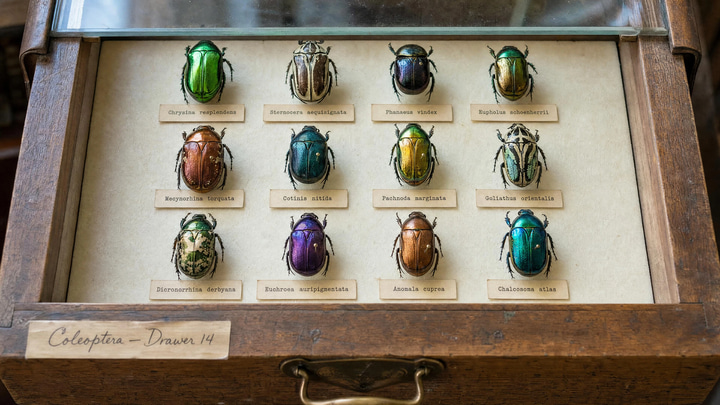 Imagera output
 Imagera output
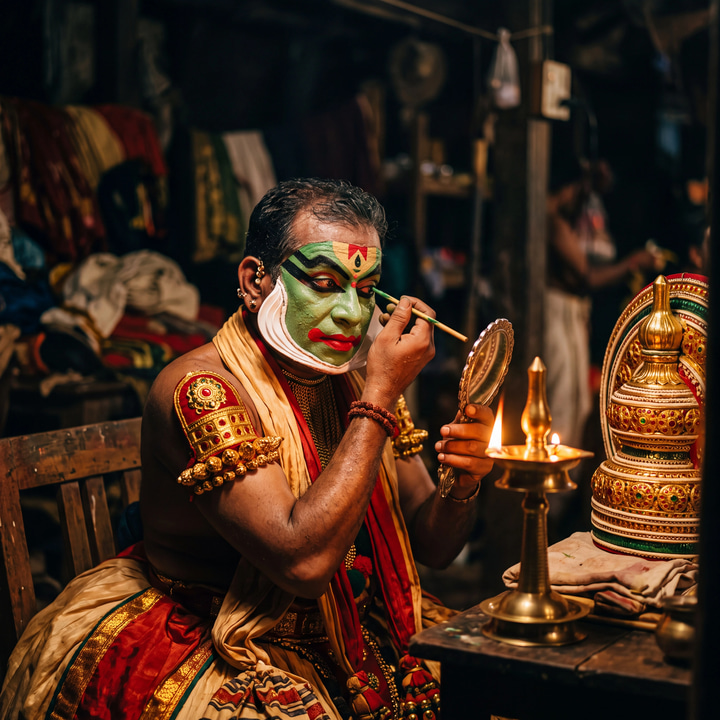 Imagera output
 Imagera output
On Team and Enterprise plans an Owner adds it once under Organization settings → Connectors → Add → Custom → Web; everyone else then just clicks Connect.
https://mcp.imagera.ai/mcpType the request in Claude. The client turns it into a tools/call request to the Imagera server, like the one below.
You typeUse Imagera to make a square product still: a glass perfume bottle on wet black stone, soft studio light.
{
  "jsonrpc": "2.0",
  "id": 1,
  "method": "tools/call",
  "params": {
    "name": "generate_image",
    "arguments": {
      "prompt": "A glass perfume bottle on wet black stone, soft studio light, shallow depth of field",
      "aspect_ratio": "1:1",
      "speed": "balanced"
    }
  }
}
When the image is ready the tool returns its URL and the credits used, and Claude shows the image in the chat. If it is still running, the tool returns a job_id and Claude calls check_job with it.
The server registers more, including AI detection, voice cloning and model comparison. The full list is on Imagera MCP.
| Tool | What it does | Main parameters |
|---|---|---|
generate_image | Text to image. Returns the image URL and the credits used. | promptaspect_ratiospeedmodel |
edit_image | Edits an image from a plain-language instruction. | image_urlinstructionspeed |
upscale_image | Returns a larger, sharper copy of an image. | image_urltarget_factor |
generate_video | Text to video. Starts a job and returns its job_id. | promptdurationaspect_ratiospeed |
animate_image | Image to video from a still and a motion note. | image_urlmotion_promptduration |
generate_voice | Text to speech. | textvoicelanguage_code |
generate_music | Text to music, with optional lyrics. | promptdurationlyricsinstrumental |
check_job | Waits for a running job and returns its result. Uses no credits. | job_idwait_seconds |
check_credits | Returns your plan and credit balance. Uses no credits. | None |
From Claude Help Center: Getting started with custom connectors using remote MCP, read .
Custom connectors work on the Free, Pro, Max, Team and Enterprise plans. A Free account holds one custom connector, so Imagera takes that slot.
Once added, the connector also works in Claude Desktop, Cowork and the Claude mobile apps, not only on claude.ai.
When you add the connector, Claude asks how it signs in. Pick "Sign in now" or "Sign in when needed": Imagera's tools run as your account, so "No sign in" leaves them without one.
The add dialog also offers fixed credentials, such as an API key, for servers that need them. Imagera needs none: leave those fields empty and sign in with your Imagera account instead.
In a chat, the "Search and tools" menu turns single tools off. Switch off generate_video, for example, if you only want stills in that conversation.
Connectors are switched on per conversation. In that chat, click + → Connectors and turn Imagera on, then ask again and name Imagera in the request.
On the Free plan the one custom-connector slot is already used. Remove the other custom connector, or use a paid Claude plan.
That reply comes from the Imagera server when its sign-in has lapsed. Open Customize → Connectors, select Imagera and connect again, then start a new chat.
Using Imagera from an assistant comes with the Pro plan and above. Runs spend the same credits as the studios; paid generations start at 15 credits. Ask for check_credits to see your balance first.
The server URL is not a secret. The client gets access only after you sign in to Imagera in the browser, and it acts as your account.