AI Hairstyle Changer: Try a Haircut Before You Book It
Try a new haircut, length, bangs or hair color on your own photo. Your face, clothes and background stay the same.
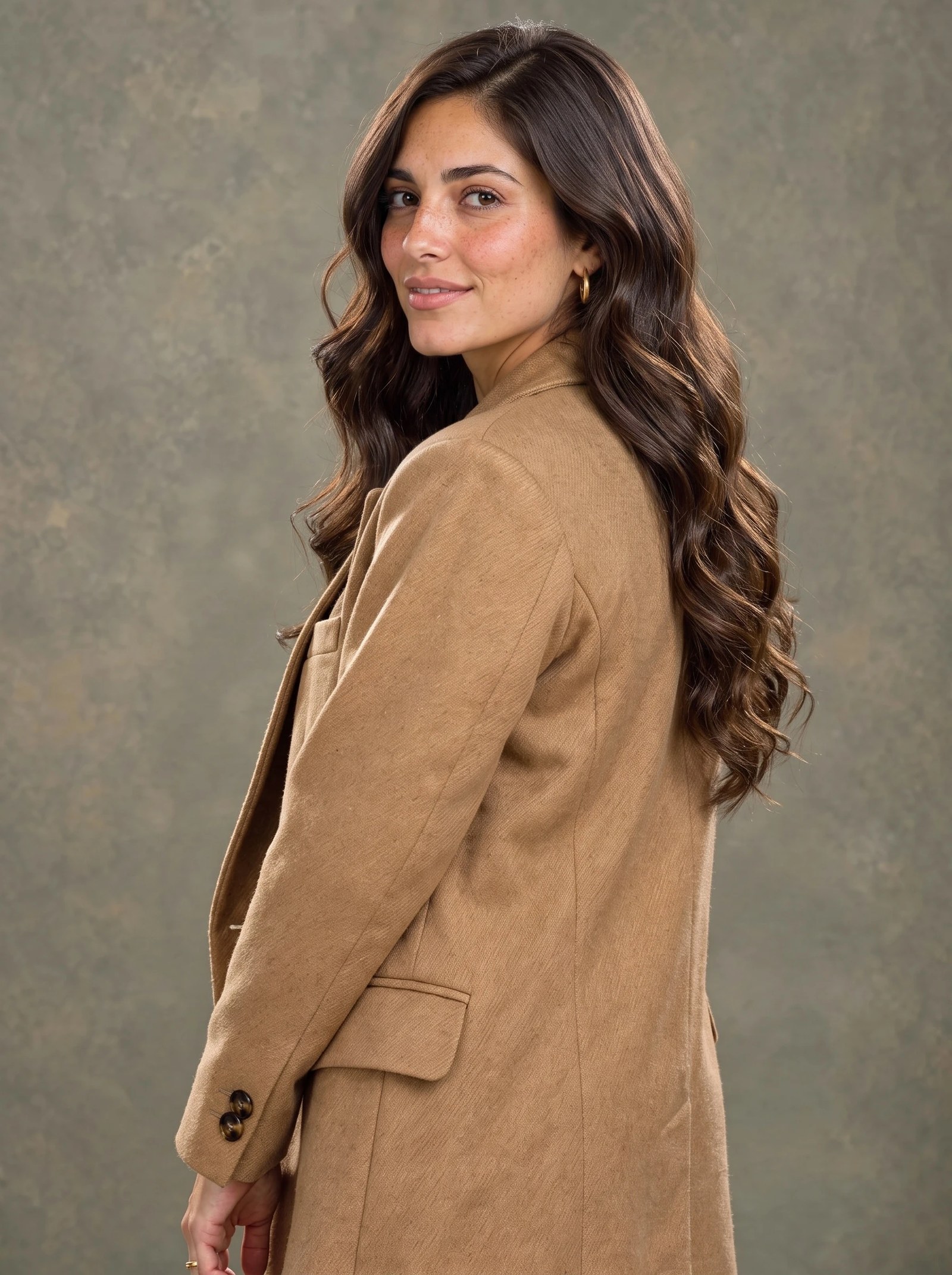
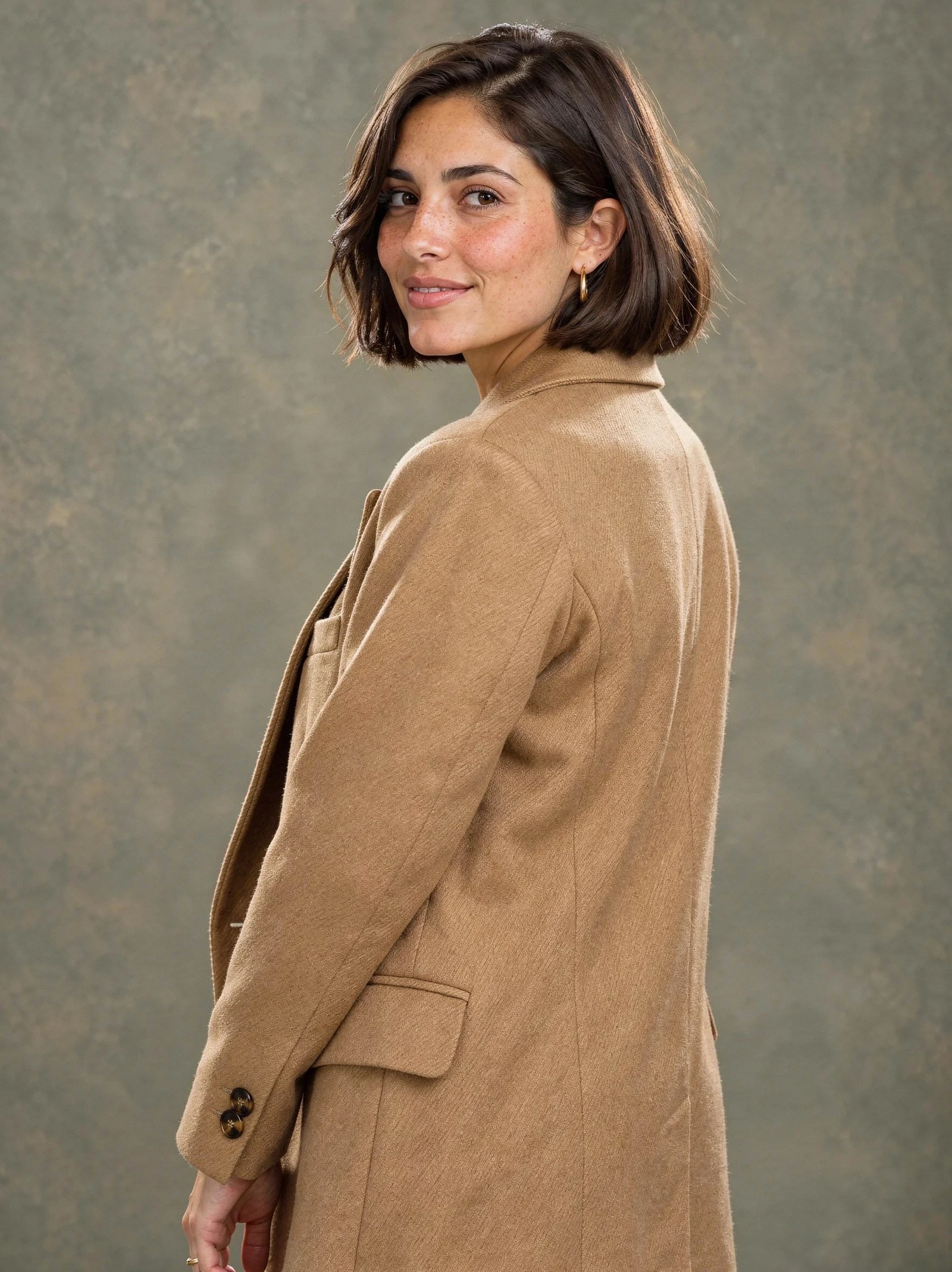 BeforeAfter
What is an AI Hairstyle Changer?
An AI hairstyle changer redraws the hair in your photo as a new cut, length, texture or color while keeping your face, clothes and background. Upload a clear photo, describe the style in one sentence, and Fast Edit returns the same shot with the new hair. Each edit costs 15 credits at the default settings, so you can compare several looks before a salon visit.
- Credits
- 15 per edit on Fast Edit at the default settings
- Model
- Fast Edit
- Input
- One photo, plus optional reference images
Updated September 30, 2026
Cite this page: https://imagera.ai/image/ai-hairstyle-changer
What it does
Same person, new hair
Face, skin, expression and clothing are kept, so the preview reads as you with a different cut rather than a different person.
Know more →Cut, length, texture and color
Bobs, pixies, waves, curls, bangs and full color changes, each described in one plain sentence.
Know more →Compare several looks
Run the same photo with a few instructions and put the results side by side before you decide.
Know more →Real results
Each example is one run on Fast Edit in the Sandbox, shown with the instruction it was given.
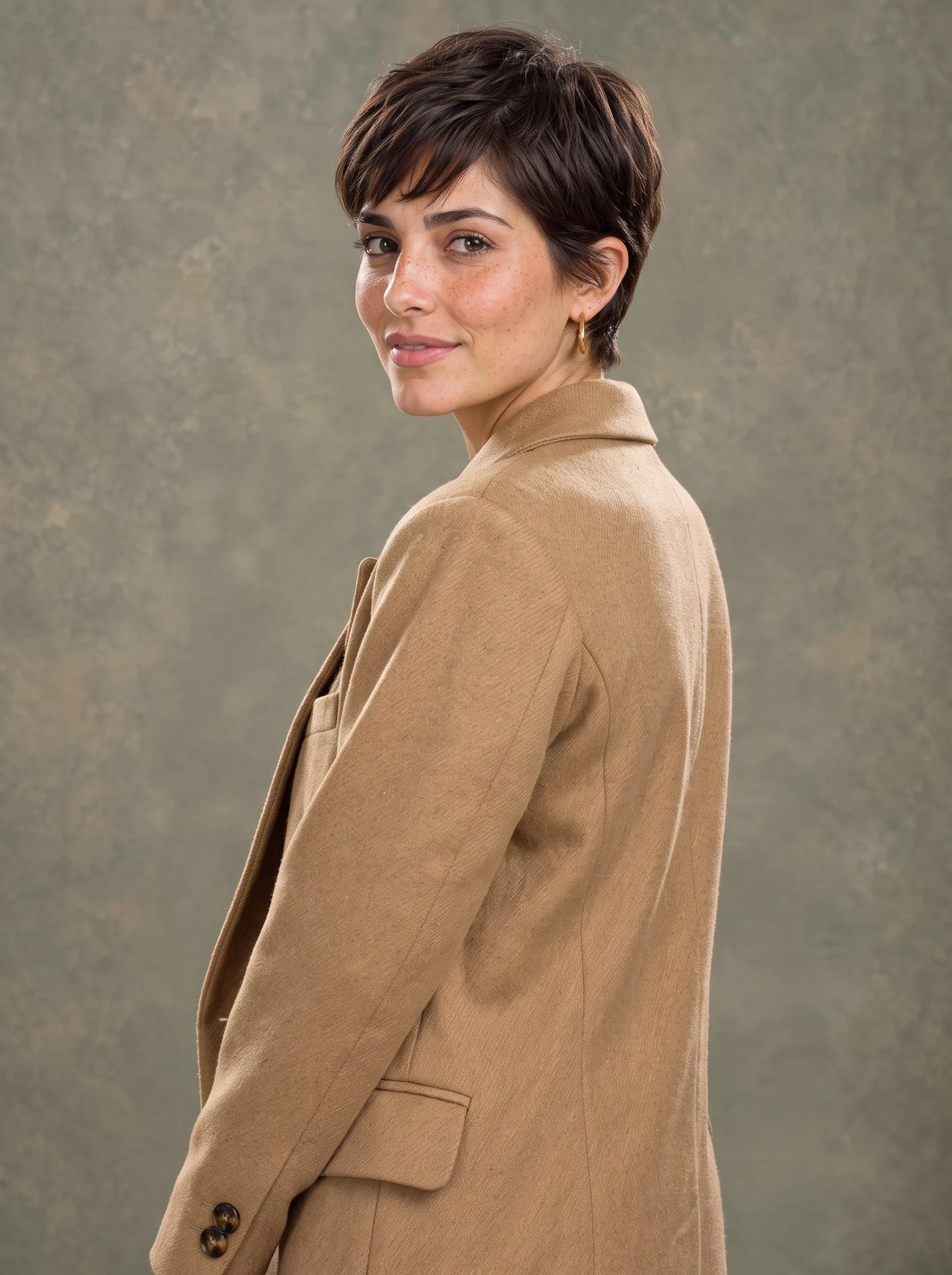
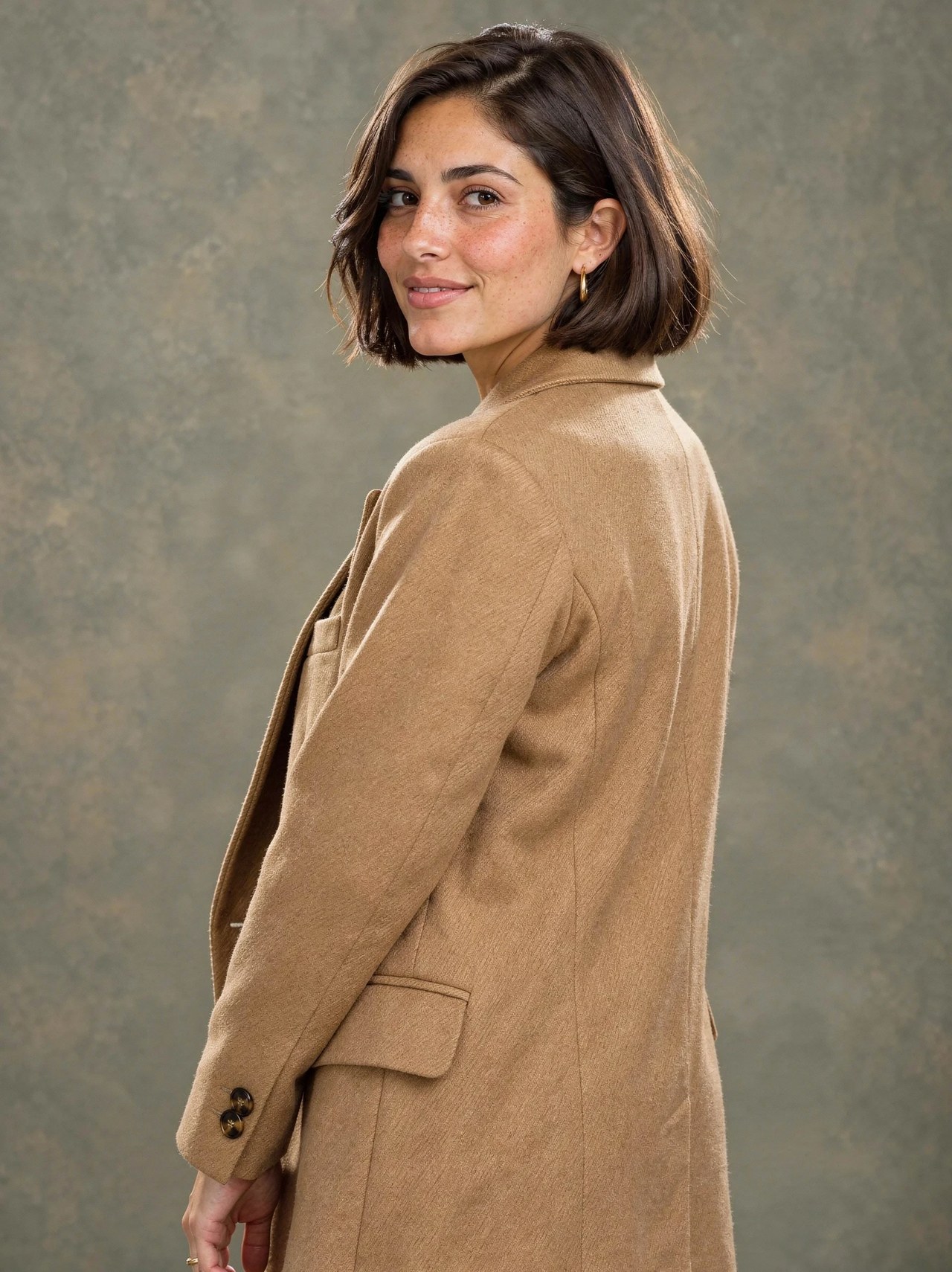 BeforeAfter
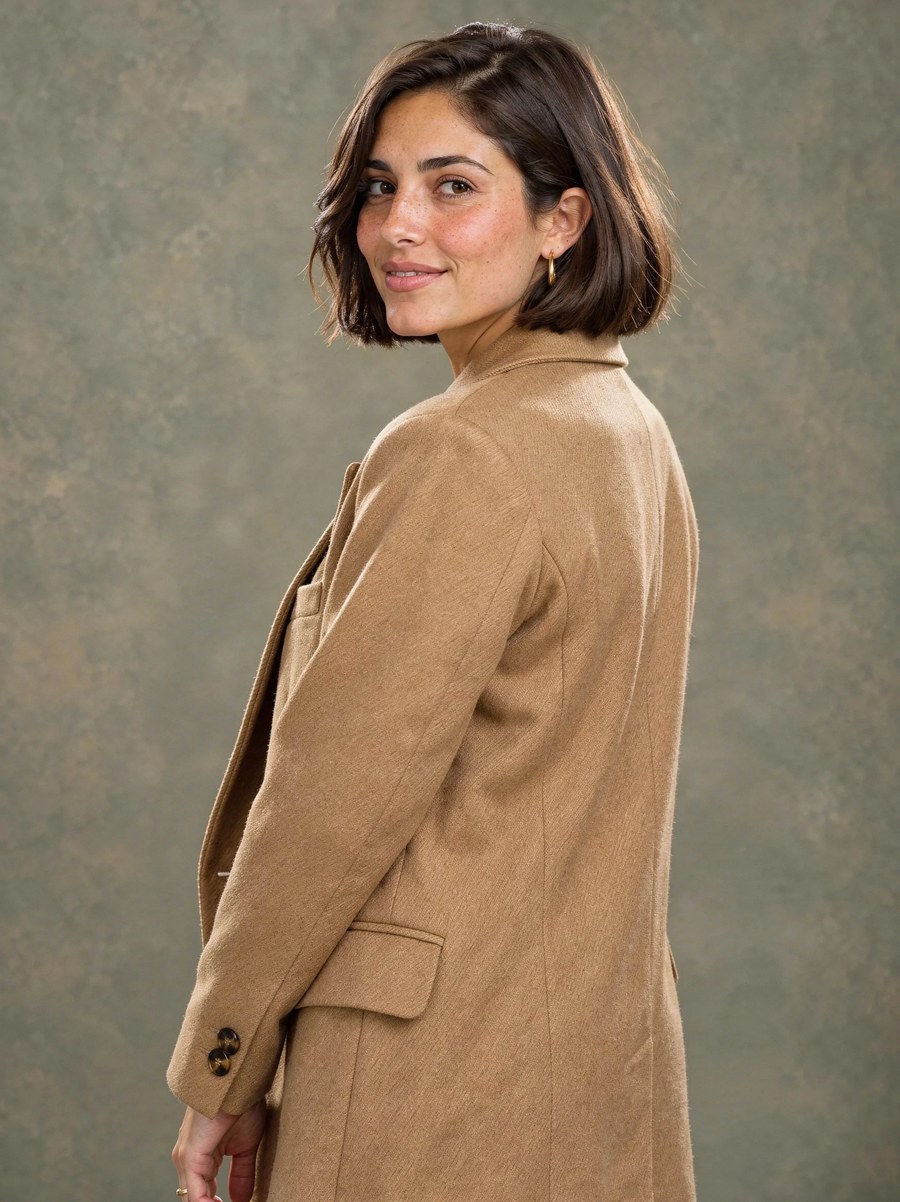
Chin-length bob to a pixie cut
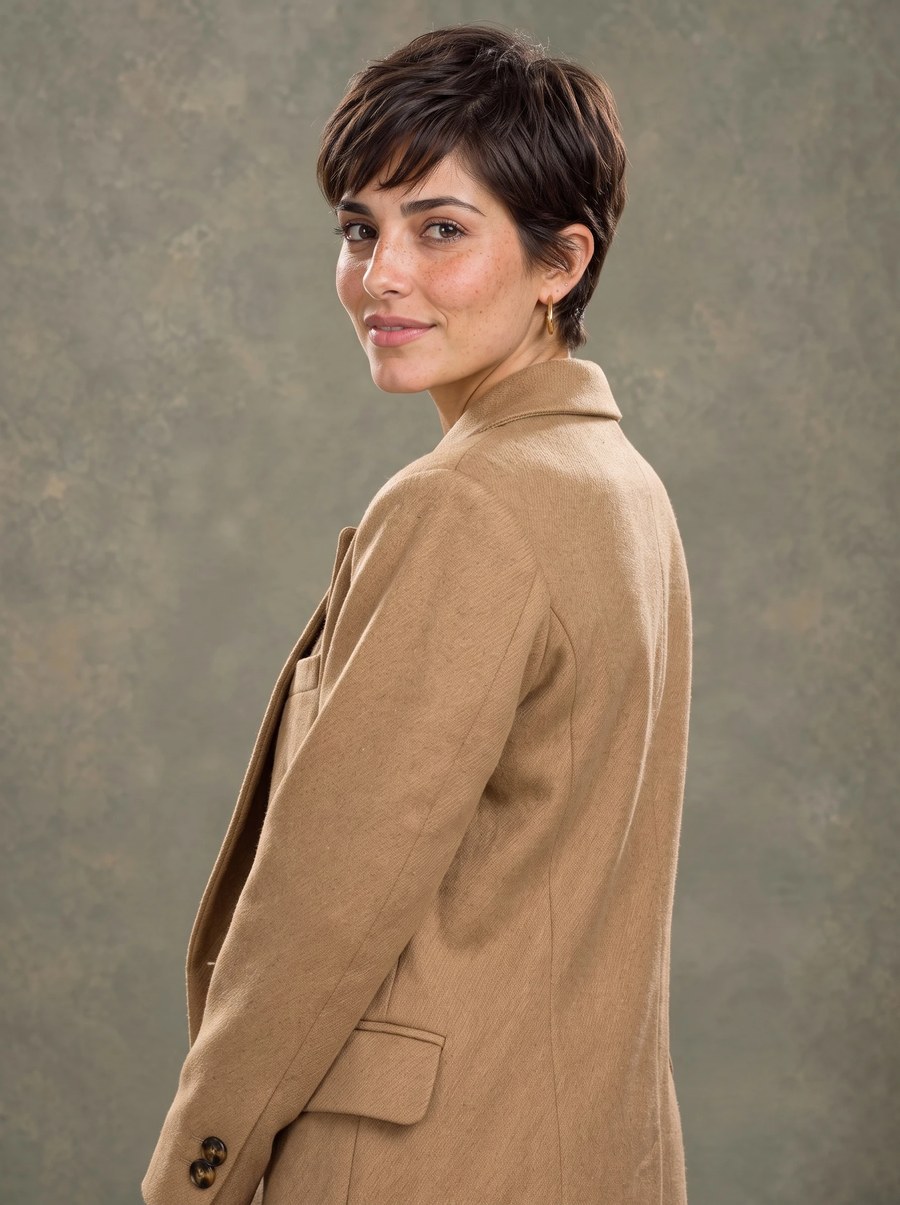
One run on Fast Edit with this instruction: "Change her hairstyle to a short, textured pixie cut with soft side-swept bangs, in the same dark brown color. Keep her face, freckles, expression, gold hoop earring, the camel coat, her pose, the painted backdrop and the soft studio light exactly the same."
Try it now →Name the cut, length, texture and color
Write the style as a stylist would: "shoulder-length curtain-bang shag, same dark brown". Say "same color" when only the cut should change.
Try it now →Say what must stay
End the instruction with the parts to keep, such as face, expression, earrings, clothes and background, so the rest of the photo comes back unchanged.
Try it now →How it works
Add your photo
Open the Sandbox from this page and add the photo. A sharp, evenly lit image works best.
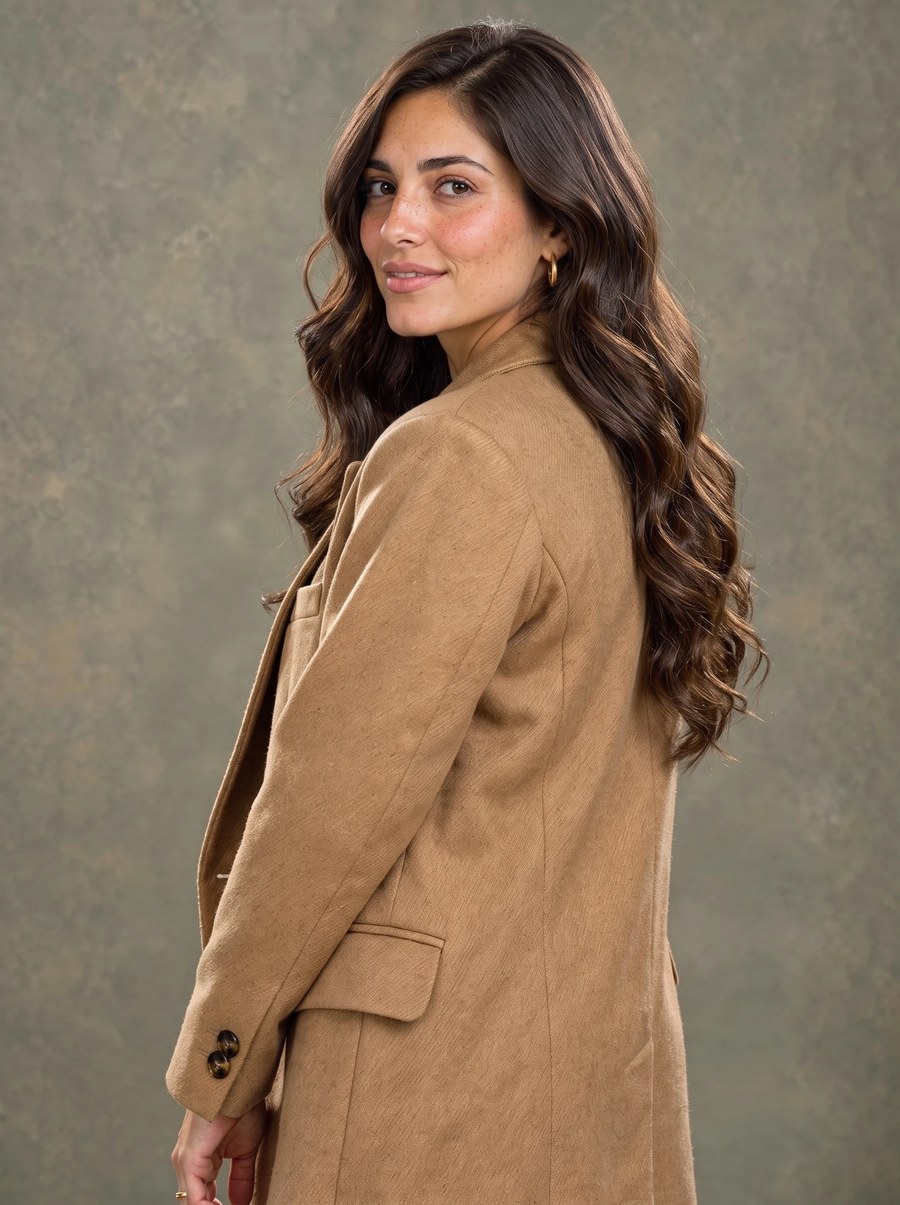
Describe the change
Edit the instruction or keep it. The first example on this page came from: "Change her hairstyle to long, loose, glossy waves that fall well past the shoulders, in the same dark brown color. Keep her face, freckles, expression, gold hoop earring, the camel coat, her pose, the painted backdrop and the soft studio light exactly the same."
Generate and review
A run costs 15 credits at the default settings; faster or larger settings cost more, and the Generate button shows the exact figure. Check the result at full size and re-run with a tighter instruction if something drifted.
Who uses it
Before a big cut
See a bob, pixie or long layers on your own face before committing, and bring the picture to the salon.
Try it now →Stylists and salons
Show a client two or three options from one photo during a consultation.
Try it now →Profile and campaign photos
Test a new look for a headshot or a creator profile without a shoot.
Try it now →Related tools
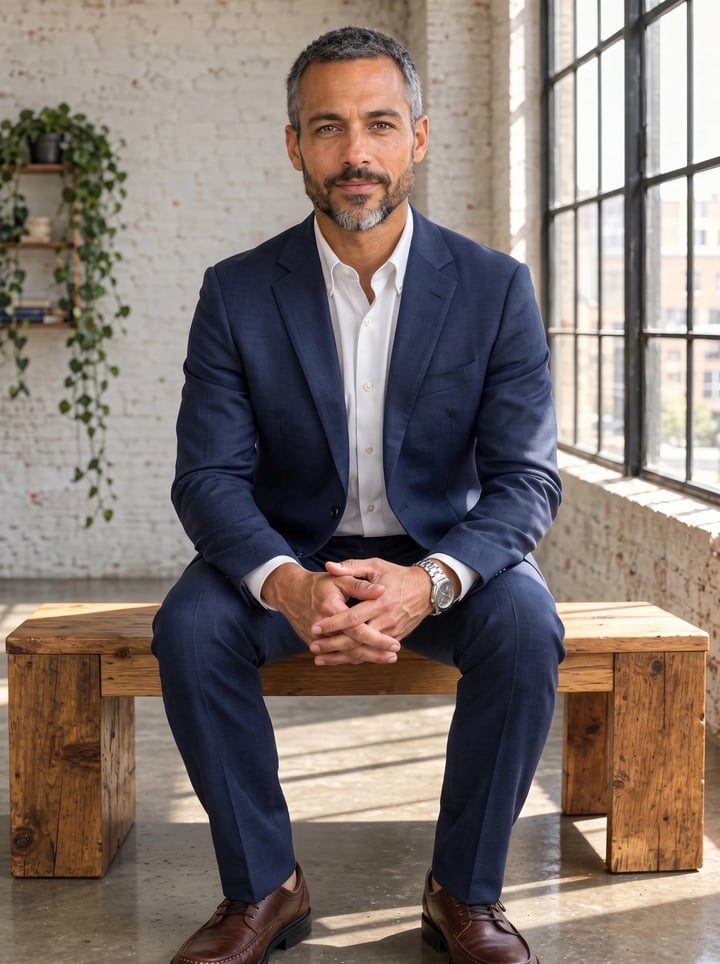
AI Outfit Changer
Swap the clothes in a photo for a different outfit. Same person, pose and background.
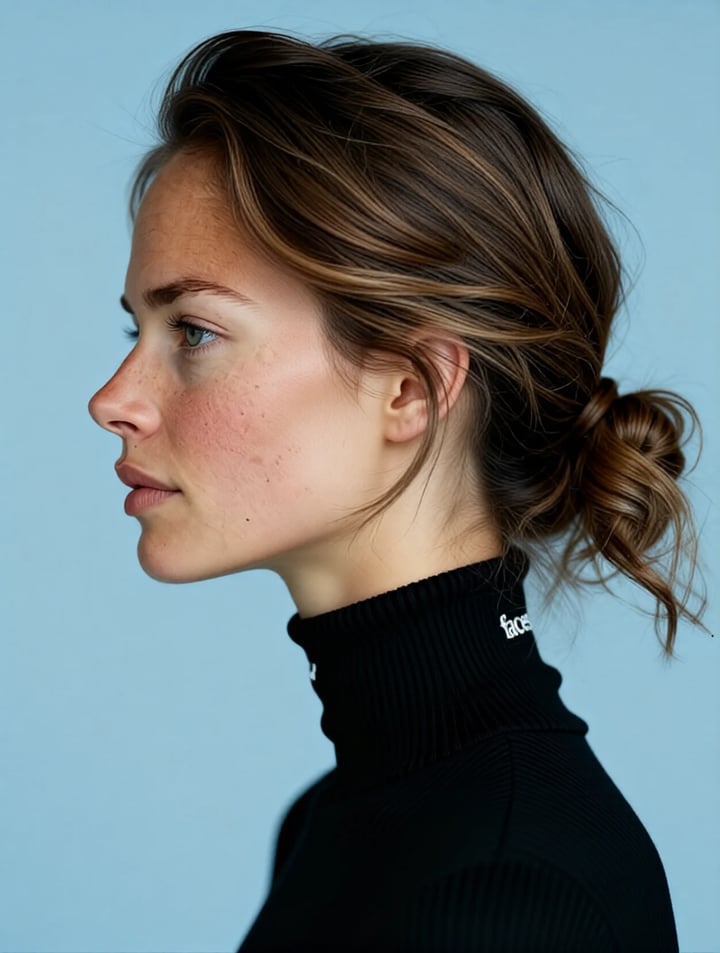
AI Angle Changer
Rotate portraits to show profile views and different angles with AI.
Studio Headshot Maker
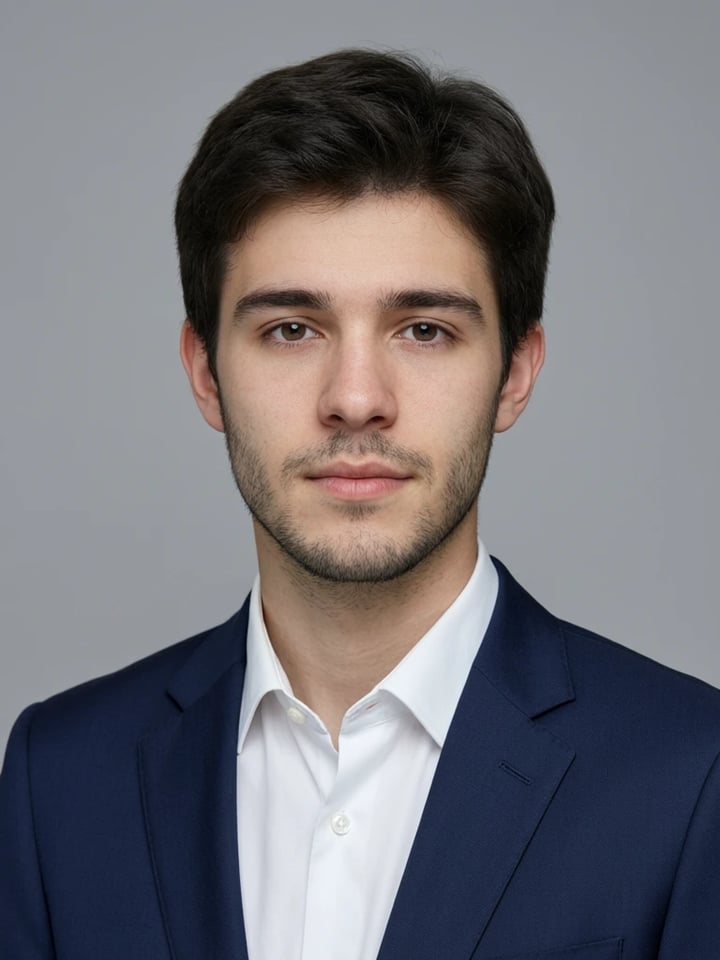
Turn a few selfies into a studio-quality professional headshot for LinkedIn, work or your CV.
Frequently asked questions
How does the AI hairstyle changer work?
Upload a clear photo, describe the cut, length, texture and color you want, and Fast Edit redraws the hair on the same person. The Sandbox opens with a working instruction you can edit. An edit costs 15 credits at the default settings; the Generate button shows the exact cost before you run.
Will my face and outfit stay the same?
Yes, that is what the instruction asks for, and the examples on this page show it: the face, freckles, earring, coat and backdrop come back as the same shot. The edit redraws the whole picture rather than pasting a patch back in, so the match is very close but not pixel-identical. Check each result at full size and re-run any frame that drifted with a tighter instruction.
Can I change hair color as well as the cut?
Yes. Name both in one instruction, for example "a copper-red shoulder-length shag with curtain bangs". Say "same color" when you only want a new cut, so the color is not changed by accident.
What photo works best?
A sharp photo with the whole head in frame, even light and nothing covering the hairline. Long styles need room below the shoulders, so avoid tight crops at the chin when you want to try longer hair.
Is the result accurate enough to show my hairdresser?
It is a realistic preview of the look, which is what most people take to a salon. It cannot predict how your own hair will behave after cutting, so treat it as a reference picture rather than a guarantee.
Key takeaways
Who uses an AI hairstyle changer?
People planning a big change at the salon, stylists showing clients options, and creators testing a new look for a profile or campaign photo without a real cut.
How is this different from a hair filter app?
Filters overlay a fixed wig shape in real time. This redraws the hair to match the head, light and pose in your photo, from any style you describe.
Limits
Results are AI previews for inspiration. Real hair texture, density and growth can differ from the picture.
AI Hairstyle Changer
Open the Sandbox with Fast Edit and a working instruction loaded. Add your photo and run.
Try a hairstyle →