How to Turn a Podcast Into Reels (2026 Playbook)
You recorded an hour of genuinely useful conversation. Then you posted the full episode, watched the numbers plateau, and moved on to the next recording — leaving the best 90 seconds you captured that week buried somewhere around the 22-minute mark where nobody will ever find them.
Repurposing podcast episodes into short-form reels is no longer optional for growth. Around 58% of new podcast discovery now begins with a short-form video clip rather than a search for the show itself. The clip is the front door. But cutting clips is also the part of podcasting most creators never get to, because it is slow, tedious, and technically fiddly when done manually.
This guide gives you a complete, honest workflow — from identifying which moments to clip, through per-platform formatting specs, to publishing — including how to do the whole thing in a single pass using AI Video to Reels when you want to save the editing hours.
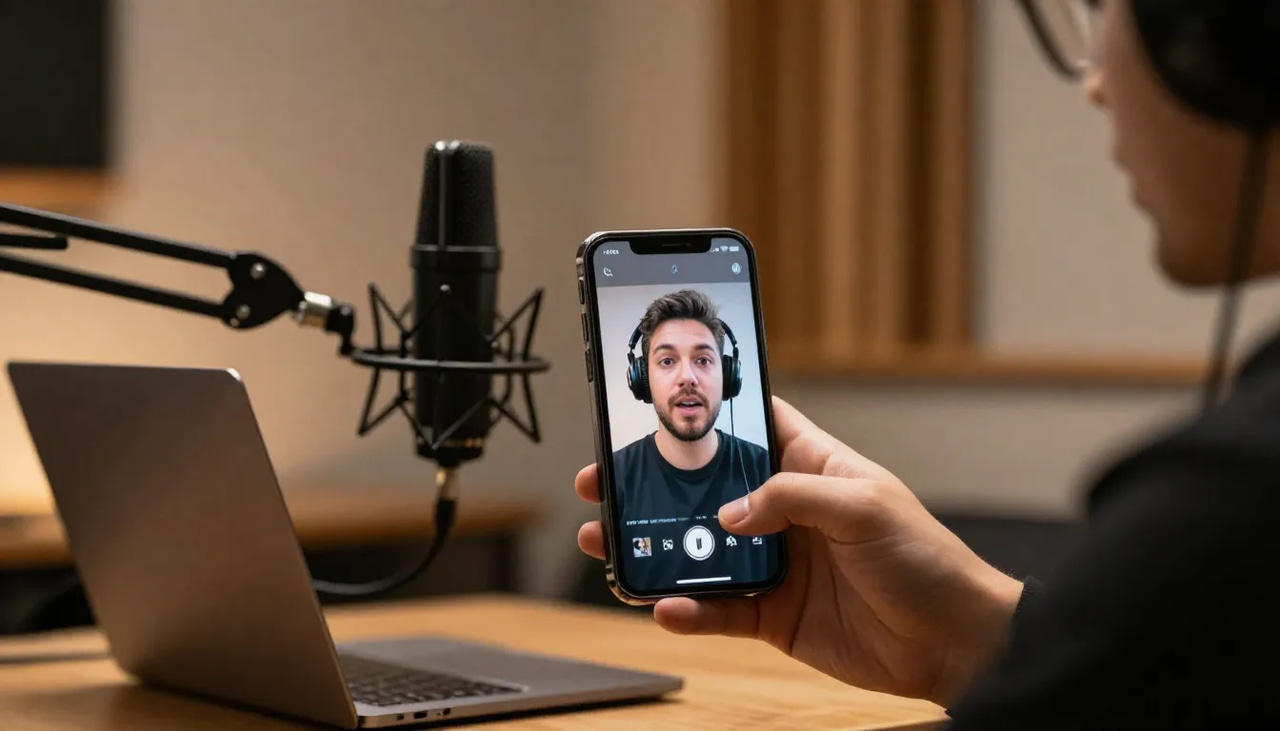
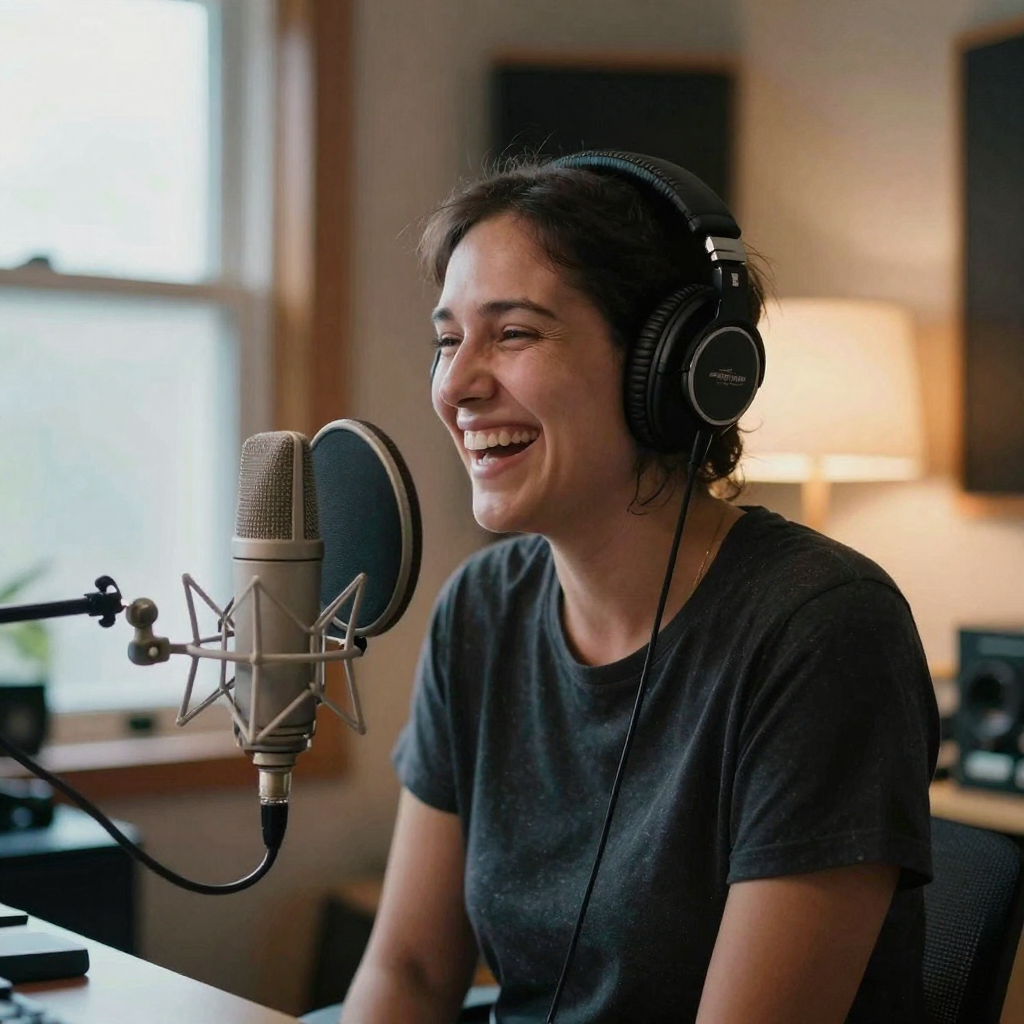
A recorded conversation — the kind of long session you clip into short reels.
Quick answer: To turn a podcast into reels, upload your episode audio or video to Imagera, auto-generate captions, and export 3-5 vertical 9:16 clips (each under 60 seconds) with animated subtitles ready for TikTok, Reels, and Shorts.
How many reels can you make from one podcast episode?
A single 60-minute podcast typically yields 5-10 short reels, since most platforms cap ideal clips at under 60 seconds. Imagera scans the transcript for hooks, quotes, and standout moments, then exports each as a 9:16 vertical clip in up to 4K. Publishing several clips weekly across multiple platforms gives one episode far more reach than posting the full recording once.
What makes a podcast reel go viral in 2026?
Strong reels open with a hook in the first few seconds, run short (roughly 15-45 seconds), and keep the full frame captioned, since a large share of social video plays on mute. Vertical 9:16 clips are the native format for TikTok, Reels, and Shorts, so Imagera formats every one of your reels vertically with burned-in animated subtitles for easy, silent-friendly viewing.
What exactly does "turning a podcast into reels" mean?
Turning a podcast into reels means extracting a self-contained, high-value 15–60 second moment from a long episode and reformatting it as a vertical 9:16 video with captions — then publishing that clip as a TikTok, Instagram Reel, YouTube Short, or LinkedIn video. One episode typically yields 3–10 viable clips depending on its length and density. The goal is to let the clip do the discovery work, while the full episode does the depth work.
A good podcast reel meets three criteria simultaneously: it makes a clear, complete point in the time allowed; it works without audio (because roughly 85% of social video is watched on mute); and it has a hook in the first two seconds that earns a continued watch. Every decision in this workflow — clip selection, length, caption style, hook overlay — serves those three criteria.
How to turn a podcast into reels, step by step
This is the core of the playbook. Whether you use an AI tool or edit manually, these six steps apply.
Step 1: Start with a transcript, not a timeline
Do not scrub through the video looking for good moments. That approach takes 2–3 hours per episode and produces subjective picks. Instead, generate a full transcript first — either from your hosting platform, from a dedicated transcription tool, or as part of an AI clipping workflow. Reading (or having AI read) a transcript is dramatically faster than watching footage, and it reveals the structure of the conversation in a way that a waveform does not.
Step 2: Identify "standalone" moments, not highlights
A clip candidate is not just an interesting quote — it is a moment that makes a complete point without requiring the listener to have heard anything before it. Look specifically for: a direct answer to a question ("The single biggest mistake is..."); a surprising or counterintuitive claim that creates curiosity; a brief story with a clear beginning, middle, and payoff; and concrete numbered lists ("Three things I do every morning"). Avoid moments that open with "As I was saying earlier" or that reference something defined ten minutes prior — those clips will confuse a cold audience.
Step 3: Choose clip length by platform target
Pick your target duration before you cut anything, because the required density of content varies by length. A 15-second clip must land one sharp idea. A 30-second clip needs a brief setup plus a payoff. A 60-second clip can carry a mini-story arc. The platform section later in this article gives specific recommended ranges per destination. If you are cutting for multiple platforms, cut the longest version you need (usually 60 seconds) and then identify the natural 30-second edit point within it.
Step 4: Crop to 9:16 vertical with active-speaker framing
Standard podcast video is shot in 16:9 landscape. Simply pillarboxing the 16:9 into a 9:16 frame produces a tiny video in the middle of the screen that reads as unprofessional. The correct approach is a smart crop — zoom into the active speaker so they fill the vertical frame. For a two-person panel, the crop should dynamically follow whoever is talking. This is the most technically demanding part of manual clipping, requiring keyframes or a plugin. Imagera's AI handles it automatically as part of the AI Video to Reels pipeline.
Step 5: Burn in word-synced captions and a hook overlay
Open captions (burned directly into the video file, not a subtitle track) are essential because they guarantee readability across every platform and every playback context. Word-synced captions — where each word highlights as it is spoken — consistently outperform static-block captions for retention. Add a hook overlay at the top of the frame in the first two seconds: a short text teaser that tells the viewer exactly what they are about to learn ("Why most podcasts fail at the 30-day mark" or "The cold email mistake killing your reply rate"). Keep the hook to one line, under 60 characters, in a contrasting color.
Step 6: Export and schedule per-platform
Export as MP4, H.264, AAC audio, 1080x1920 at 30fps — this single spec clears the bar for TikTok, Instagram Reels, YouTube Shorts, and LinkedIn. Write a platform-native caption for each destination (see the per-platform section below), schedule within the first two hours of your audience's active window, and add 3–5 relevant hashtags. Resist the urge to auto-crosspost the same caption text everywhere — TikTok audiences and LinkedIn audiences respond to very different tones.
How many clips should you cut from one podcast episode?
For most podcast formats, 3–5 clips per episode is the practical sweet spot — enough to maintain a week's worth of short-form content from a single recording session, without overwhelming your feed or having clips compete with each other in the same algorithm window. Episodes that run 90 minutes or longer, or that are structured around multiple distinct topics, can reasonably yield 7–10 clips without repetition.
The repeatable guide is to count your clear thesis moments, not your total runtime. A focused 45-minute interview with one expert might produce 4 excellent clips and 2 passable ones. A roundtable panel covering six different topics in 75 minutes might genuinely produce 8–10 distinct, non-overlapping clips. Never pad to hit a number — three clips that each make a complete, interesting point will outperform six clips that include two weak ones.
| Episode format | Typical length | Realistic clip yield | Why |
|---|---|---|---|
| Solo monologue | 15–30 min | 2–4 clips | One voice, fewer natural thesis moments |
| One-on-one interview | 45–60 min | 4–6 clips | Q&A structure creates self-contained answers |
| Multi-topic roundtable | 60–90 min | 7–10 clips | Distinct topics rarely overlap in a feed |
| Highlight/recap episode | 20–40 min | 3–5 clips | Already dense — most segments are clippable |
Spacing also matters. Publishing two clips from the same episode on the same day is fine. Publishing five clips from the same episode in the same day typically causes them to cannibalize each other in recommendation feeds. A practical schedule: publish one clip within 24 hours of the episode dropping, spread the remaining clips across the following 5–7 days, and tag each one with "Full episode link in bio" to funnel discovery traffic.
Can you make reels from an audio-only podcast?
Yes, but you need a video track first. Platforms require a video file, not a raw audio file, so a pure MP3 cannot be uploaded directly as a Reel or Short. The three most common solutions are: record a video alongside your audio (many USB microphone setups and remote recording platforms do this automatically); create a waveform visualizer video where the audio plays over a branded static or animated background; or use a simple talking-head webcam recording even if the audio quality comes from a separate microphone.
For any of these video inputs, the AI clipping workflow works identically — upload the video file, and the tool transcribes the audio track to identify the best moments. If your recording setup is audio-only today, the fastest fix is to add a single webcam for future episodes. Even a low-resolution webcam feed is enough for the crop-to-vertical and active-speaker-tracking steps to work correctly. The visual content of a podcast clip matters less than most creators assume — viewers are there for the conversation, and a clean face-to-camera frame with good audio wins over a cinematic setup with a meandering discussion.
What makes a podcast moment go viral on short-form video?
The most shareable podcast clips share four structural traits regardless of topic. First, they open with a tension or a counterintuitive claim in the first three seconds — something that creates cognitive dissonance and forces the viewer to keep watching to resolve it. Second, they are self-contained: a viewer who has never heard of the podcast or the guest can follow the clip from start to finish without external context. Third, they deliver on the promise made in the hook — clips that tease something and then pad or deflect perform poorly because viewers feel cheated. Fourth, they end on a beat, not in the middle of a sentence — the clip should feel finished, not cut off.
The most common mistake podcasters make is clipping "the best quote" rather than "the best complete moment." A single quotable line that lasts four seconds is not a clip — it is a screenshot. Give the line enough runway to land, which usually means including the two or three sentences of context that set it up.
Manual editing vs. AI clipping: a direct comparison
| Factor | Manual editing (Premiere / DaVinci) | AI clipping (Imagera) |
|---|---|---|
| Time per episode | 2–4 hours | 5–15 minutes |
| Skill required | Intermediate video editing | None |
| Transcript generation | Separate step | Included |
| Clip selection | Manual scrubbing | AI reads full transcript |
| Speaker crop to 9:16 | Manual keyframes or plugin | Automatic active-speaker crop |
| Word-synced captions | Separate step or plugin | Included, burned in |
| Hook overlay | Manual design | Included |
| Clips per run | One at a time | 3, 5, 8, or 10 in a single pass |
| Cost | Time + software subscription | Credits per reel, pay-as-you-go |
| Commercial rights | Depends on software license | Full commercial rights included |

Manual editing gives you granular creative control and is the right choice if you are cutting a specific clip to a precise length for a campaign where every frame matters. AI clipping is the right choice for weekly episode repurposing — the volume, speed, and consistency advantages compound over a year of publishing.
Per-platform specs: what to know before you post
TikTok
Spec: 9:16, 1080x1920, MP4, H.264, AAC, 30fps. Maximum file size 4GB for regular accounts.
Length: 15–60 seconds performs best for discovery. TikTok allows videos up to 10 minutes, but algorithm-driven distribution on the For You Page consistently favors content under 90 seconds. For podcast clips specifically, the 30–45 second range tends to capture a complete thought while staying within the completion-rate window that matters for the algorithm.
Captions: TikTok has its own auto-caption layer but it is an overlay that viewers can toggle off. Burned-in open captions in your own style ensure the experience you intend — especially important for retaining viewers who scroll with sound off.
Caption tone: Conversational, first-person, direct address. Skip the formal description and write the way you speak. "Nobody tells podcasters this but..." is a better TikTok caption than "In this episode, we discuss the importance of..."
Hashtags: 3–5 specific hashtags. Avoid flooding with generic tags like #podcast — opt for niche community tags relevant to your episode topic.
Instagram Reels
Spec: 9:16, 1080x1920, MP4. Instagram recommends keeping file sizes under 4GB. The safe zone for on-screen text is the center 80% of the frame — avoid placing important captions in the bottom 250px where the UI overlaps.
Length: Up to 15 minutes technically, but under 60 seconds is the norm for content that travels beyond your existing followers. Instagram's algorithm surfaces Reels to non-followers at a much higher rate than feed posts, which makes it the platform where a single strong clip can introduce you to a genuinely new audience.
Captions: Instagram has auto-generated captions as an accessibility feature, but they are not animated and the styling is limited. Burned-in word-synced captions give you full control over font, color, position, and timing — and they persist even if the viewer has Instagram's auto-caption turned off.
Caption tone: Slightly more polished than TikTok but still informal. Instagram audiences respond well to a one-line question as the opening caption text, followed by a line-break and the main hook. "Posting every day and still not growing? Here is what most creators skip."
YouTube Shorts
Spec: 9:16, 1080x1920, MP4. Maximum length is 60 seconds for content to be classified as a Short and appear in the Shorts feed and tab. A video longer than 60 seconds will be treated as a regular video, not a Short.
Length: 60 seconds maximum. This is a hard technical limit, not just a best practice. If your best podcast clip is 65 seconds, you need to tighten it to 60 seconds for it to qualify as a Short.
Captions: YouTube has its own auto-caption infrastructure, which is reasonably accurate — but it is a separate layer that viewers can disable, and it does not display in the Shorts-specific playback UI the same way it does in long-form. Burned-in captions solve this completely.
Caption tone: YouTube Shorts audiences skew slightly toward educational and how-to framing. For a podcast clip, leading with "Here is what I learned after..." or "The fastest way to..." consistently outperforms vague episode descriptions.
SEO note: Unlike TikTok or Instagram, YouTube Shorts benefit from keyword-optimized titles and descriptions. Treat each Short as a mini video asset with a proper title that includes the search term a viewer would type to find that specific insight.
Spec: 9:16 (1080x1920) is supported and increasingly favored in LinkedIn's video discovery tab. The 4:5 ratio (1080x1350) is also used effectively in the main feed because it occupies more vertical screen space while keeping the post caption visible. MP4, H.264, AAC. Maximum file size 5GB, maximum length 15 minutes for organic posts (10 minutes from mobile). For short-form repurposing, 60–90 seconds is the practical sweet spot.
Length: LinkedIn's audience spends meaningful time with video compared to other platforms, and 60–90 second clips that open with a clear professional insight perform well. Very short clips (under 15 seconds) tend to underperform because the LinkedIn feed is designed for slightly longer dwell time.
Captions: Burned-in captions are especially important on LinkedIn, where a large proportion of video is consumed in a professional context (office, commute, muted device). A podcast clip without captions is effectively invisible to this audience segment.
Caption tone: Professional but still human. The best LinkedIn podcast clips frame the insight as a professional lesson or observation rather than entertainment. "Three years building a B2B sales team taught me this" lands better than "This blew my mind."
What file format should podcast clips be exported in?
Export as MP4 with H.264 video codec and AAC audio at 1080x1920 (9:16), 30fps. This single specification works across TikTok, Instagram Reels, YouTube Shorts, and LinkedIn — you do not need separate exports per platform. Keep your bitrate at 8–12 Mbps for clean motion in talking-head content. For file size, most podcast clips in this spec will land between 30–100MB, well within every platform's upload limits. If you are using Imagera's AI Video to Reels, the exported files are already in this spec with burned-in captions and no additional conversion step required.
How do you write a hook overlay for a podcast clip?
A hook overlay is a short text graphic burned into the first two seconds of the video, positioned in the upper third of the frame. Its job is to give the viewer a reason to stop scrolling before they have processed any audio. Write it as a problem, a promise, or a surprising number. "Why your podcast is growing slower than it should" is a problem. "The cold outreach template that got a 38% reply rate" is a promise (and it is specific — a real, honest number beats a vague superlative). "I tried posting every day for 6 months. Here is what happened" is a story opener that creates narrative curiosity.
Keep the hook under 60 characters so it reads at a glance on a 390px-wide phone screen. Use a contrasting color — white text on a dark background or black text on a light background — and avoid placing it in the bottom 250px where platform UI will overlap. One hook per clip. Do not add two text overlays fighting for attention in the opening frame.
How long does it take to turn a podcast into reels?
With manual editing in Premiere Pro or DaVinci Resolve, cutting, cropping, captioning, and exporting a single 60-second reel from a one-hour episode typically takes 2–4 hours for someone with intermediate editing skills. Producing five clips from one episode is effectively a full day's work.
With an AI clipping tool, the same output takes 5–15 minutes of active work — mostly uploading the file and selecting how many clips and what target length you want. The AI handles transcription, clip selection, speaker crop, captions, and hook overlay in a single automated pass. Imagera's turn a long video into reels workflow accepts files up to 500MB, lets you specify 3, 5, 8, or 10 clips, and choose 15s, 30s, or 60s target lengths — so your weekly repurposing cadence becomes a predictable 10-minute task rather than a production bottleneck.
Common mistakes podcasters make when clipping episodes
Clipping quotes instead of moments. A single sentence, no matter how good, is not a clip. Give it 20–45 seconds of breathing room so the setup and payoff both land.
Keeping the original landscape frame. A 16:9 letterboxed into a 9:16 frame reads as amateur and gets skipped. Always crop to a tight active-speaker vertical frame.
Skipping captions. Roughly 85% of social video is consumed on mute at some point during playback. A podcast clip without captions cuts out the majority of potential viewers.
Publishing all clips from one episode on the same day. Space them across 5–7 days so they reach different segments of your audience without competing with each other in algorithmic feeds.
Writing the same caption for every platform. TikTok, LinkedIn, and YouTube Shorts have different audiences with different content norms. A caption that works on LinkedIn ("Three things I learned running 200 podcast interviews") lands flat on TikTok where the same opener needs a hook-first structure ("Nobody told me this when I started podcasting").
Using the beginning of the episode as the first clip. Intros are almost never the best clip. The most shareable moments are usually 10–35 minutes into the conversation, after the guest has warmed up and the conversation has found its sharpest angle.
Should you clip your podcast yourself or use an AI tool?
Use manual editing if you have a dedicated video editor on staff, if you need precise creative control for a specific campaign clip, or if you are producing fewer than two episodes per month and the volume does not justify a tool subscription.
Use an AI clipping tool if you are the sole producer of your show, if you are publishing weekly or more frequently, or if you have a backlog of older episodes sitting unclipped. The compounding advantage of AI clipping is that it makes consistency possible — most solo podcasters who clip manually do it for two or three weeks and then stop because it takes too long. A workflow that takes 10 minutes is one you will actually do every week.
For creators who want to explore other AI-powered video formats alongside their podcast repurposing, it is worth looking at what is possible with turn photos into cinematic reels for b-roll content and make reels of yourself from photos for promotional assets when you do not have current video footage.
How to use Imagera's AI Video to Reels for podcast episodes
Imagera's AI Video to Reels is built specifically for this use case — one long video file in, multiple ready-to-post vertical reels out. Here is exactly what happens when you upload a podcast episode.
You drop your video file (MP4, MOV, or similar — up to 500MB) onto the upload zone. The AI transcribes the entire episode audio and reads the full transcript to identify moments that are self-contained, high-engagement, and structurally complete. It is not simply finding the loudest audio peak or the most animated facial expression — it is reading comprehension applied to your conversation.
You choose how many reels you want (3, 5, 8, or 10) and the target length per clip (15 seconds, 30 seconds, or 60 seconds). The AI then crops each selected moment to 9:16 vertical with an active-speaker tracking crop — so for a two-guest interview, the frame follows whoever is talking. Word-synced captions are burned directly into the video file, and a hook overlay text is placed in the upper third of the opening frame.
The output is a set of MP4 files ready to upload directly to TikTok, Instagram, YouTube Shorts, or LinkedIn. No editing software, no captioning step, no manual crop. Pricing is in credits per reel, pay-as-you-go, and every export includes full commercial rights.
One important note: Imagera works with video files. If you record audio-only podcasts, you will need a video track — either from a simultaneous webcam recording, a waveform visualizer export from your audio editor, or a simple static-background video with your audio layered in. The AI transcribes from the audio track regardless of what the video frame shows, so a static branded background works perfectly well.