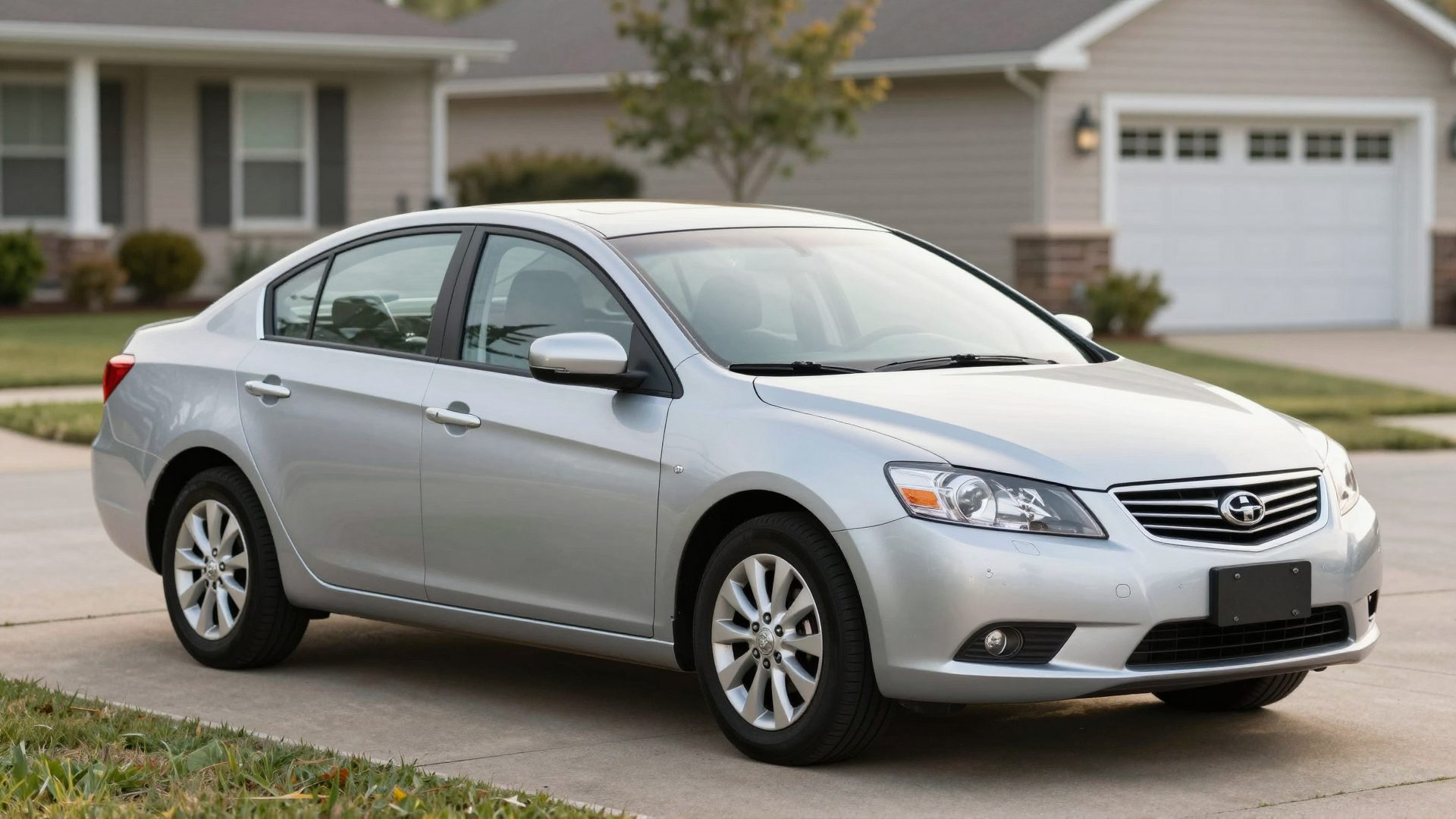
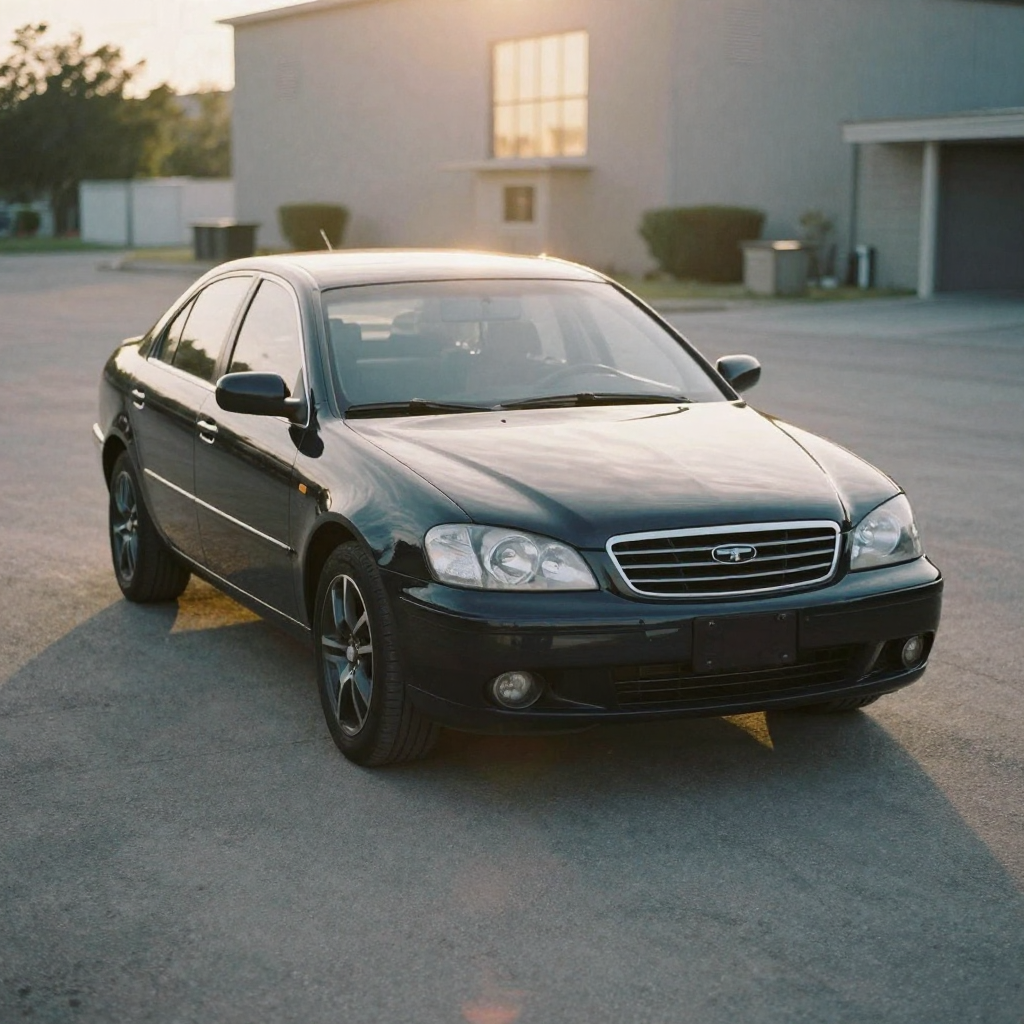
 A walkaround video — a continuous 360-degree pass around a vehicle — is the gold standard of online car presentation. It lets buyers feel the proportions, assess the condition of every panel, and sense the scale in a way no photo grid can replicate.
Producing one traditionally required video equipment and a steady hand (or a gimbal). An AI car walkaround video produces the same effect from still photos — provided those photos are taken from the positions a filmmaker would actually walk to. This guide gives you the exact shot list and angle guide.
A real Imagera clip showing the directed camera motion — slow pans and push-ins — that turns a set of stills into a filmed-quality walkaround.
Quick answer: An AI car walkaround video turns a set of still exterior and interior photos into a smooth, dealership-ready rotating clip in under 60 seconds, using Imagera to cover every angle a buyer wants before a test drive.
What are the best angles for an AI car walkaround video?
Cover 8 core exterior angles: front 3/4, rear 3/4, both profiles, straight front, straight rear, wheels, and a top-down sweep, plus 4-6 interior shots (dash, seats, odometer, infotainment). That's roughly 12-14 photos. Imagera stitches them into one 4K clip in under 60 seconds, so 100+ listings can be produced in a single afternoon.
Does an AI walkaround video actually help a car listing sell faster?
Motion gives buyers a clearer sense of a vehicle than stills alone, letting them judge condition, paint, and interior wear before they ever reach out. A walkaround answers the questions photos leave open, so the shoppers who do contact you arrive better informed. Imagera renders each walkaround in 4K, letting one seller build 100+ video listings for 2026 inventory without a studio or turntable.
How an AI walkaround differs from filmed footage
A filmed walkaround captures continuous motion — the camera is literally moving around the car. An AI walkaround simulates continuous motion by sequencing still photos taken from positions along the walkaround path, then applying directed motion effects (slow pans, push-ins, and orbit motions) to each photo so the viewer perceives movement.
The key insight: if your photos are taken from positions that trace a logical path around the car, the AI can sequence them to simulate walking that path. If the photos are taken haphazardly, the viewer's brain cannot construct the spatial relationship — and the result feels like a slideshow, not a walkaround.
The difference is where you stand, not what camera you use.
The eight-position exterior walkaround
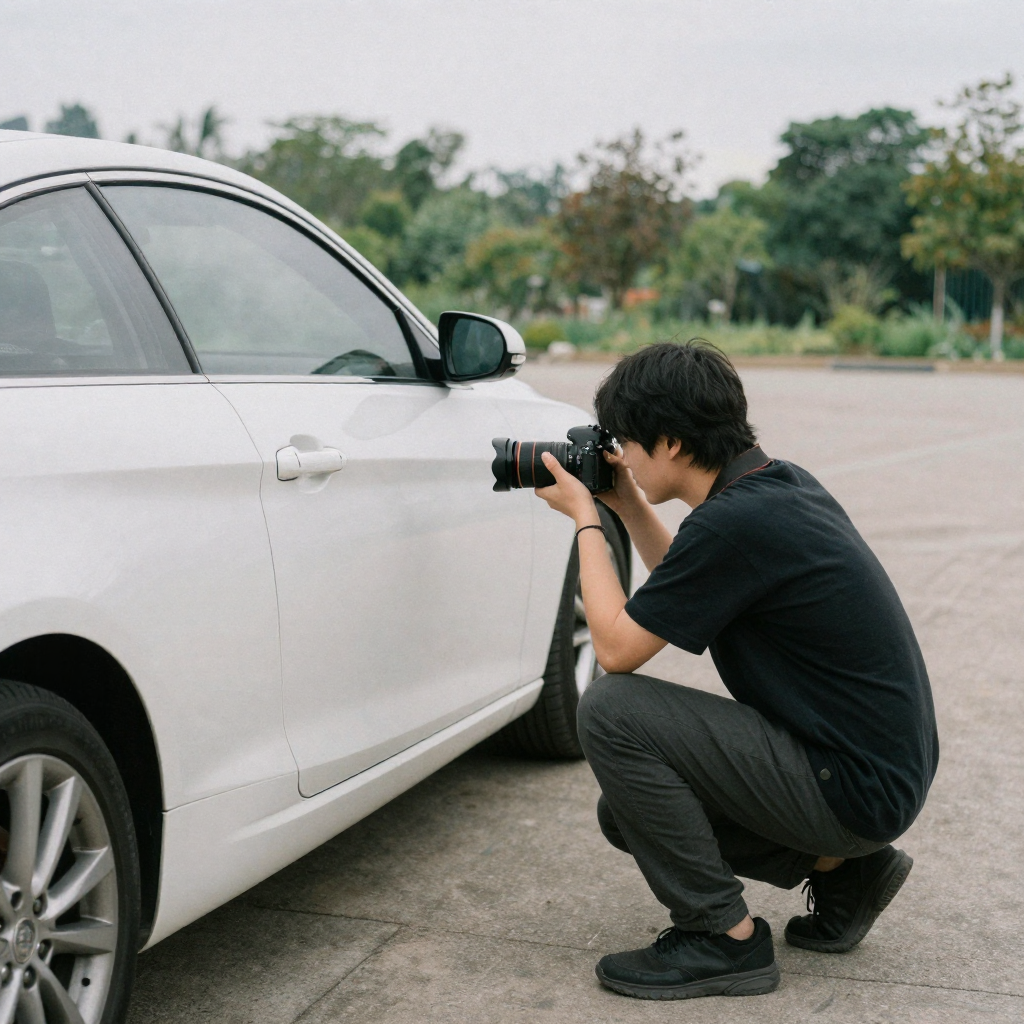
Think of an analog clock face. Place the car at the center. Walk and photograph from these eight clock positions:
| Clock position | Shot name | Description |
|---|---|---|
| 12 o'clock | Front center | Centered on grille and front bumper, slight high angle |
| 1:30 | Front 3/4 driver | Classic front-left corner shot — most flattering for most cars |
| 3 o'clock | Driver side profile | Parallel to the car, full side view |
| 4:30 | Rear 3/4 driver | Left rear corner — exhaust tips, rear lights |
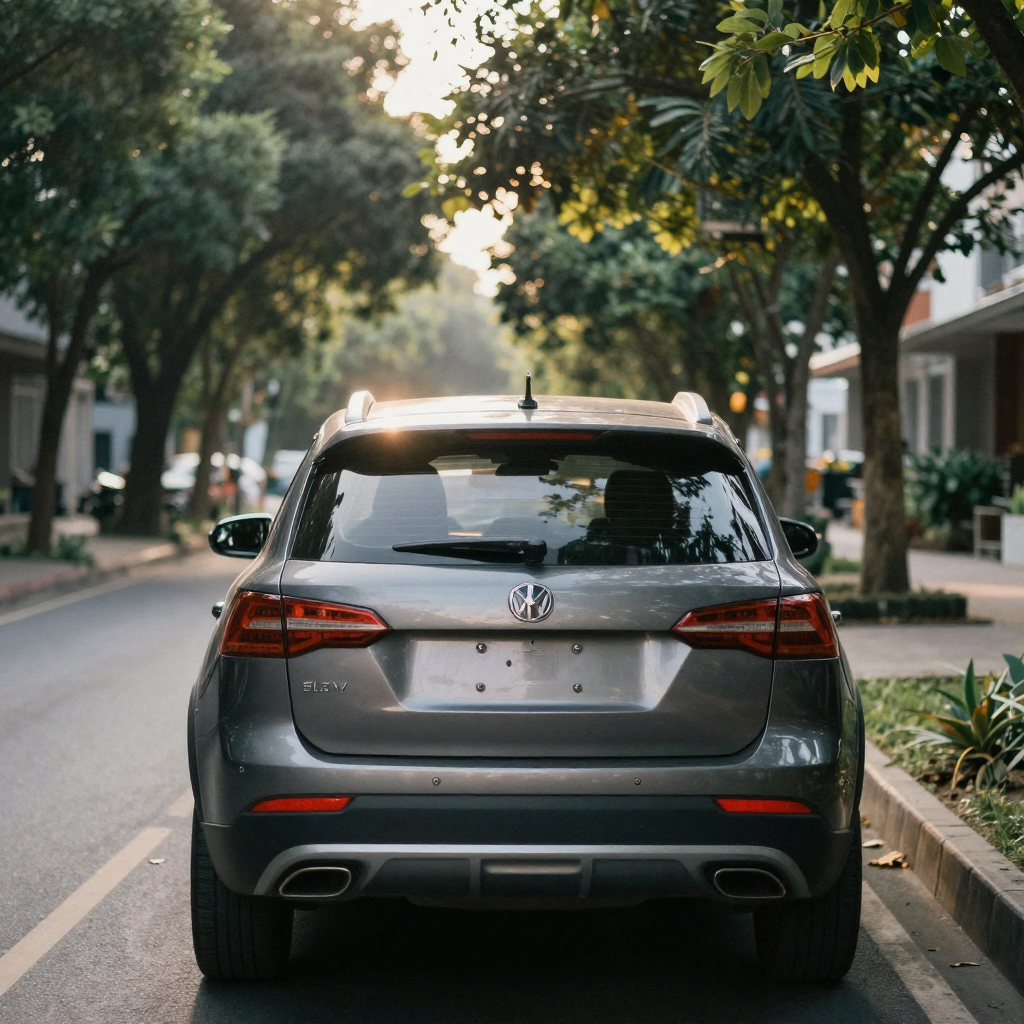
| 6 o'clock | Rear center | Centered on rear bumper, taillights, and badges |
| 7:30 | Rear 3/4 passenger | Right rear corner |
| 9 o'clock | Passenger side profile | Full right-side panel, mirror |
| 10:30 | Front 3/4 passenger | Right front corner |
That is eight photos that trace a full 360 degrees around the vehicle. Sequenced in order and fed to the Car Reel Maker, the AI treats each as a step in the walkaround path and applies motion that continues in the same rotational direction — creating the illusion of a continuous orbit.
Camera height matters
For each position, shoot from bumper height to hip height (roughly 2–3 feet). Eye-level photos are the most common amateur mistake — they compress the car and make it look small. Lower is almost always better for automotive photography.
Detail shots to add after the walkaround sequence
After the eight walkaround positions, add these detail shots. They do not continue the spatial walkthrough — they are the "zoomed-in inspection" phase of the video.
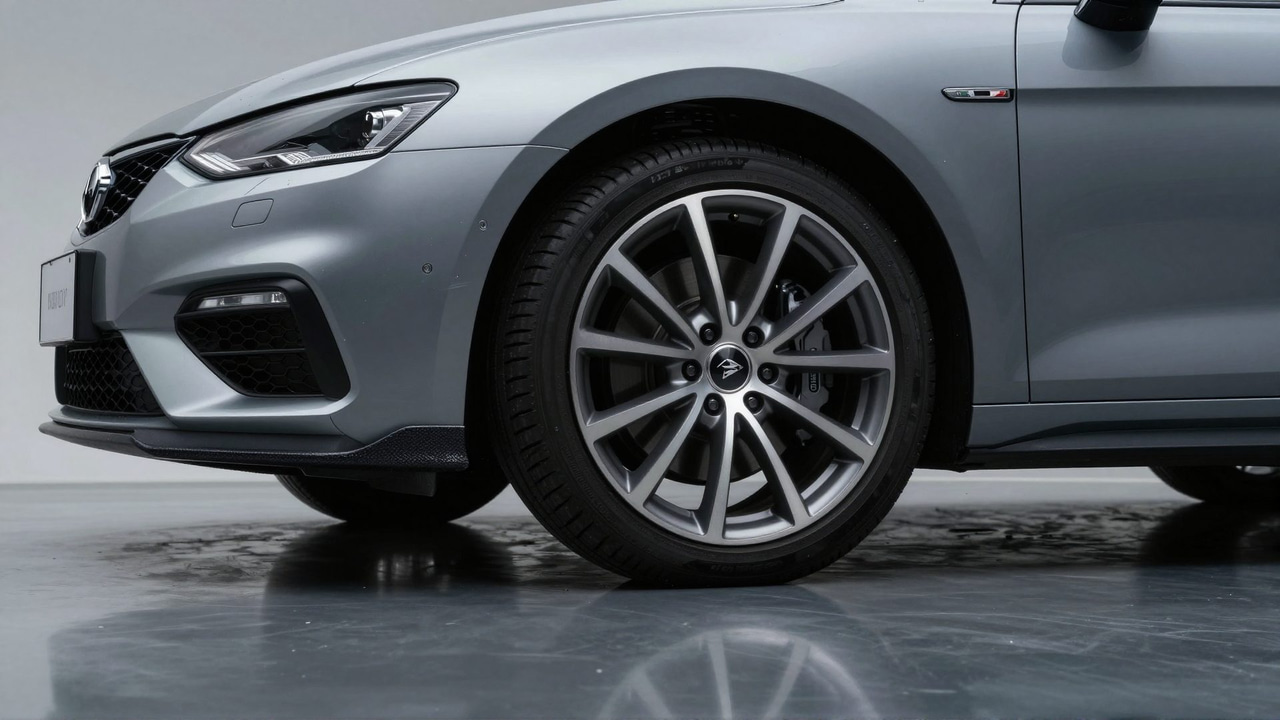
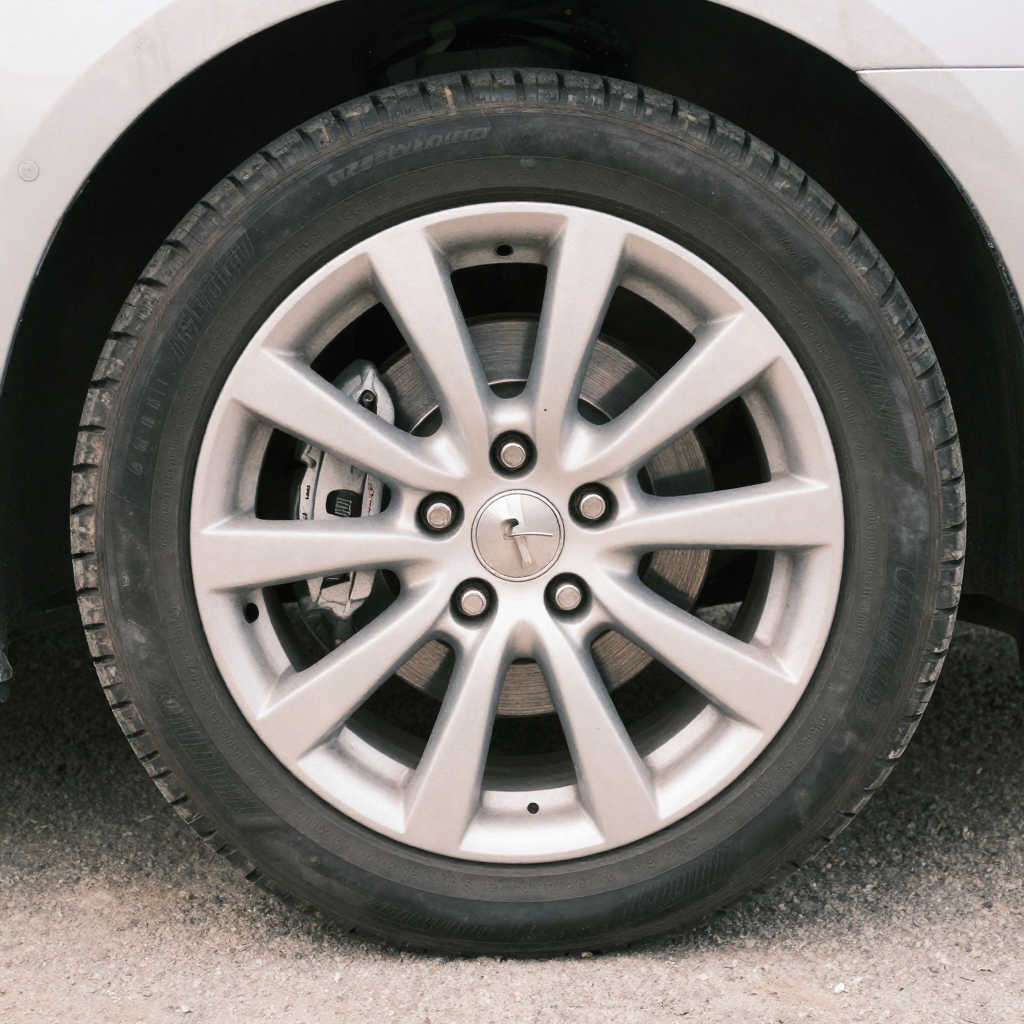
Wheel and tire shots
Photograph each wheel from a low 45-degree angle. Include enough of the tire sidewall to show tread depth. For sports cars and modified vehicles, wheels are one of the highest-interest elements in the video — spend extra time here.
Paint condition shots
If the car is in good condition, include one close-up of a panel with good paint depth (the hood or roof typically shows paint quality best in the right light). If there is damage, photograph it clearly at close range — this is your honest disclosure moment.
Lighting and glass
Headlights, taillights, and windows are quick shots but important signals of overall care. Yellowed headlights or cracked glass can be disclosed visually rather than in copy.
Interior walkaround positions
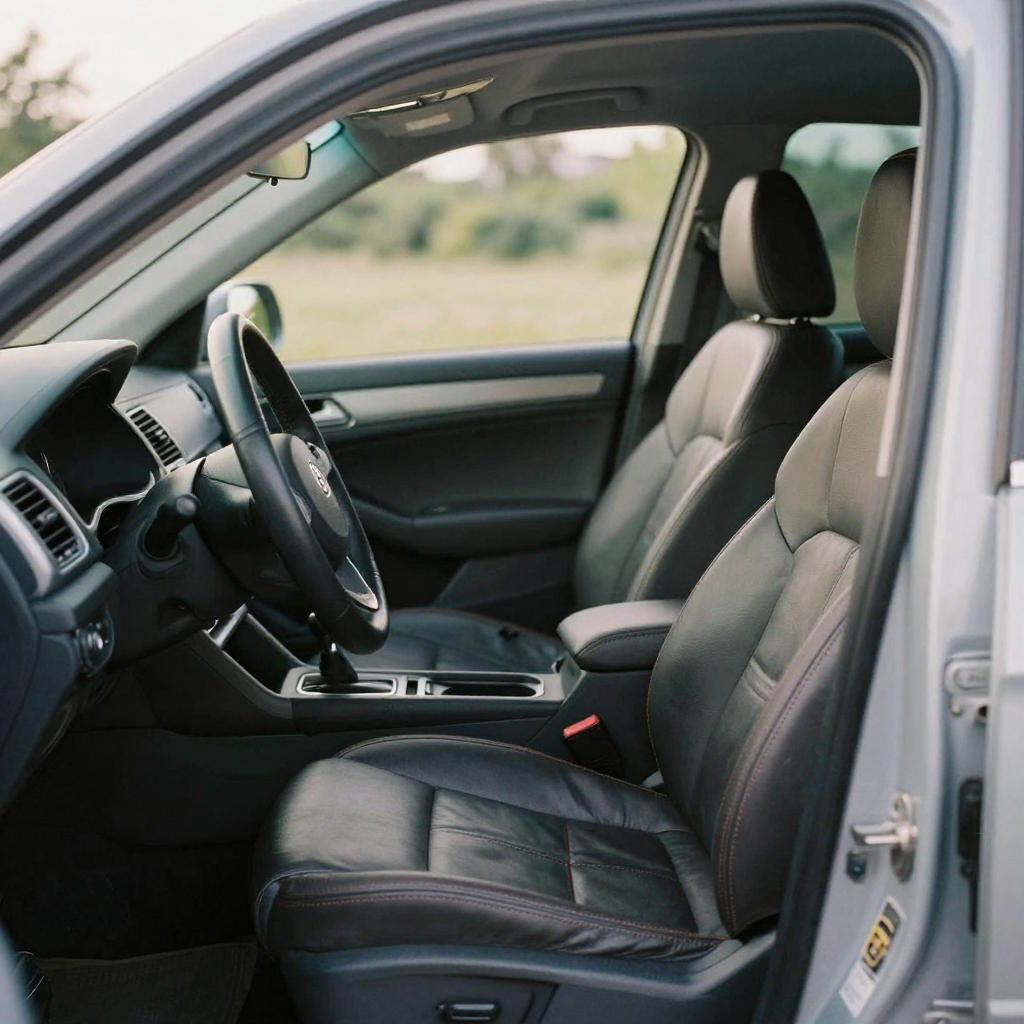
The interior "walkaround" follows a similar spatial logic — shoot positions that simulate someone looking around inside the car.
| Shot | Position | What to show |
|---|---|---|
| Dashboard overview | Driver seat, door open | Full instrument cluster and infotainment |
| Driver view | Driver's POV | Wheel, pedals, shifter, sight lines |
| Front cabin | Behind front seats | Both front seats visible, headrests |
| Rear cabin | Rear passenger door, looking in | Rear seat condition, legroom visual |
| Center console | Above center, tilted | Cup holders, storage, gear selector |
| Cargo/trunk | Behind car, trunk open | Boot size, condition |
Four to six interior shots, in the order above, give the AI enough material to sequence through the cabin as if the camera is moving through it.
Under-hood and detail
Always include the engine bay for a used car. Open the hood fully, stand at the front of the car, and photograph the engine bay centered and from slightly above. This is not about showing off the engine — it is a trust signal. A seller who opens the hood has nothing to hide.
Also photograph:
- The oil fill cap and dipstick area (shows maintenance attention)
- Coolant reservoir (color check)
- Any obvious upgrades or modifications to the engine bay (for enthusiasts)
Setting up for the best photos
Location
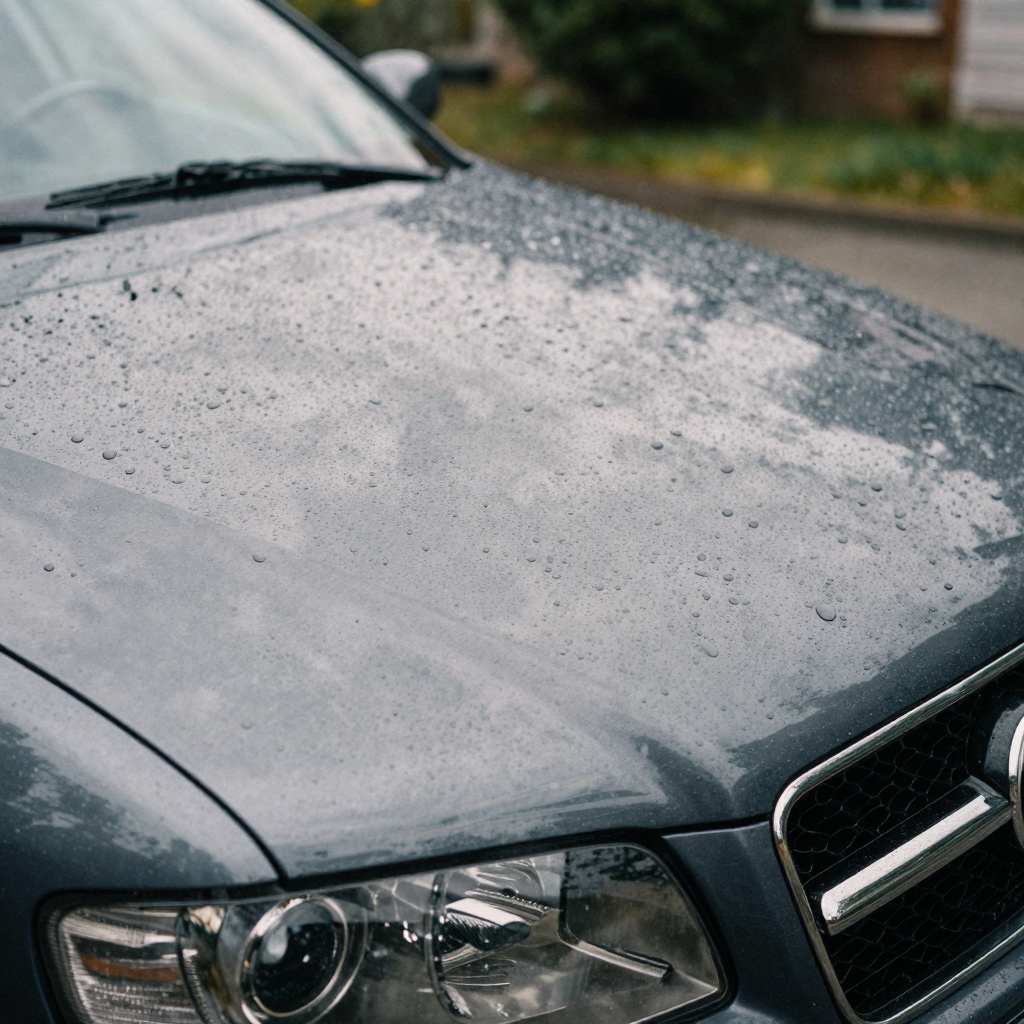
Your shooting location has more impact on the final video than your camera does.
| Location type | Effect | When to use |
|---|---|---|
| Plain concrete wall | Clean, professional, no distraction | Best for listings and enthusiast showcases |
| Empty parking lot | Neutral, open, common | Works well for any car |
| Rooftop car park | Urban, elevated, interesting | Works for modern and luxury vehicles |
| Nature backdrop (trees, field) | Lifestyle feel | Better for trucks, SUVs, off-road builds |
| Urban street | Context and scale | Can work if the setting is not cluttered |
Avoid: driveways with visible oil stains, cluttered garage interiors (unless a deliberate choice for a garage build), or locations with distracting signs and parked cars in frame.
Lighting
| Light condition | Result |
|---|---|
| Overcast / cloudy | Soft, even light — best for showing paint and condition honestly |
| Golden hour (1 hr after sunrise, 1 hr before sunset) | Warm, dramatic — best for showcase and enthusiast content |
| Open shade (near a building, tree) | Even without direct sun |
| Midday direct sun | Harsh shadows — avoid unless sky is your backdrop |
For a listing video that prioritizes trust, shoot in overcast light. For an enthusiast reel that prioritizes visual drama, shoot at golden hour.
AI motion effects by shot type
When you upload your walkaround photos to the Car Reel Maker, the AI assigns a motion direction to each photo based on its position in the sequence. Here is what it does and when to adjust:
| Shot type | Default AI motion | When to adjust |
|---|---|---|
| Exterior walkaround | Horizontal pan continuing the rotational direction | Rarely; trust the default |
| Front/rear center | Slow push-in toward the front/rear of the car | Adjust if grille or taillights are off-center |
| Wheel close-up | Slow clockwise orbit | No adjustment usually needed |
| Interior overview | Slow rightward pan | Adjust if the key element (infotainment) is left of center |
| Engine bay | Downward tilt with slight push-in | No adjustment usually needed |
Tagging a car walkaround video
For search and social discovery, different platforms respond to different tag strategies.
YouTube — include the year, make, and model in the title and description. YouTube car searches are highly keyword-specific. Example title: "2019 Toyota Tacoma TRD Off-Road — Full Walkaround"
TikTok and Instagram Reels:
#CarWalkaround #[Make][Model] #CarTok #[Make]Cars #[Year][Make] #CarReels #[SpecificCommunityTag]
Community-specific tags (e.g., #GolfMk7, #S14Life, #HondaFamily, #FordNation) reach more relevant audiences than generic automotive tags and generate significantly higher engagement from actual car people.
Facebook Marketplace: List year/make/model/trim/mileage/price in the title. Include the video in the listing media. No hashtags needed — Marketplace discovery is driven by listing fields, not social tags.
How long should an AI car walkaround video be?
Keep the finished walkaround between 20 and 45 seconds. That window is long enough to move through all eight exterior positions plus a short interior pass, and short enough to hold attention on TikTok, Reels, and Marketplace autoplay. Longer edits lose viewers before the price and contact details land.
The practical math: at roughly 1.5 seconds per still with motion applied, twelve photos produce an 18-second clip, and sixteen photos produce a 24-second clip. Platform data is consistent across automotive content — completion rate falls sharply past the 40-second mark, and a walkaround that runs 60 seconds or more rarely earns a second view. If you have more footage than a 45-second edit can hold, split it: one tight exterior walkaround reel and a separate interior-and-engine detail reel. Two focused clips outperform one long one, and they give you two posts instead of one. For listing platforms, front-load the most flattering angle (usually the 1:30 front 3/4 driver shot) in the first two seconds, because that frame becomes the thumbnail buyers judge before pressing play.
Which shots convince buyers to message you?
The exterior 3/4 corners set the first impression, but the shots that actually drive inquiries are the honest ones: a clear engine bay, undamaged tire sidewalls, and a clean interior. Buyers scan for reasons to not trust a listing, so shots that pre-empt their doubts convert best. Show condition openly and the serious buyers self-qualify before they call.
In practice, the highest-converting walkarounds follow a trust-first order rather than a beauty-first order. Lead with the flattering corner to earn the click, then immediately reward the viewer with the shots they secretly want: odometer, service history page, tire tread, and any known flaw shown plainly. A private buyer watching a used-car walkaround is running a mental checklist of everything a dealer might hide — worn tires, curb-rashed wheels, warning lights on the cluster, mismatched paint. Every checklist item you answer on camera removes a reason to scroll past. Tire and wheel close-ups matter more than most sellers expect, because replacement tires are an immediate out-of-pocket cost the buyer prices into their offer. Show good tread and you protect your asking price; hide worn tires and you invite a lowball once they inspect in person. If any of these frames come out dim or soft, brighten and sharpen them with the AI image enhancer before you build the reel — a clear condition shot is worth more than a dramatic one.