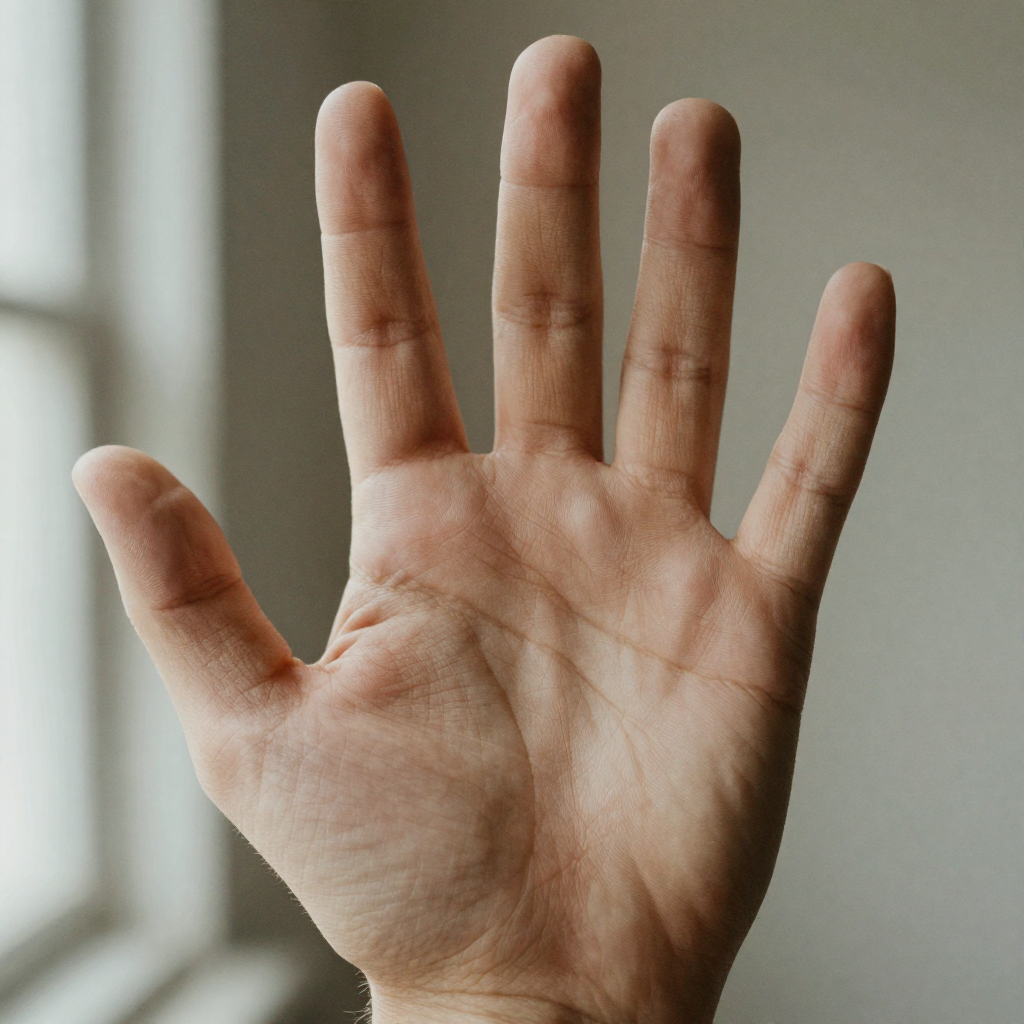
Hands are the detail an AI image generator is most likely to get wrong and a viewer is most likely to notice. Six fingers, two digits fused into one thick shape, a thumb growing off the wrong edge of the palm, knuckles that melt instead of articulate — one bad hand undoes an otherwise publishable frame.
Research supports repairing the affected region. The HandRefiner paper, revised in August 2024, describes incorrect finger counts and irregular hand shapes in diffusion-generated images. Its conditional inpainting method repairs hands while preserving the surrounding image.
This guide starts with repair because a new generation can change a composition, face, or lighting setup you already like. Masking the hand lets you target the problem region. Compare the result with the original to check both the hand and the surrounding detail.
The three methods, in the order you should reach for them:
- Repair the hand you already have — mask, repair, upscale. The default for anything already generated.
- Prevent it at generation time — composition, pose, and prompt choices that lower the failure rate before it happens.
- Rebuild it manually — stock photography and compositing, for work that has to be pixel-perfect.
Quick answer: Fix AI-generated hands by masking the hand region, regenerating just that area with a prompt that names the anatomy you want, then upscaling the result so the corrected fingers stay sharp. In Imagera this mask-repair-upscale loop resolves most extra-finger and fused-joint errors in under a minute, without touching the rest of the frame.
1.How do you fix extra fingers or fused joints in an AI image?
Mask only the hand, not the whole frame, since hands are a small part of a portrait but a common source of anatomy problems. Regenerate that region 2 or 3 times with a prompt naming "5 separated fingers," pick the clean pass, then upscale to 4K or 8K. In Imagera this inpaint-plus-upscale loop runs in under a minute and typically clears the finger errors in a single hand.
2.Why do AI models get hands wrong so often?
Hands are complex, articulated, and appear at many angles, so models under-sample rarer poses and sometimes blend adjacent fingers. That is why hands remain one of the most frequently flagged anatomy failures in portrait generations, even after the broad quality gains of the last two years. Targeted inpainting fixes this far faster than re-rolling the entire image again and again.
3.Why AI Models Struggle with Hands
Understanding the failure helps you fix it more effectively.
A human hand has 27 bones, 29 joints, and an enormous range of poses and configurations. When photographed, hands are:
- Often partially occluded (finger behind another finger)
- Frequently foreshortened (fingertips pointing toward the camera appear short)
- Seen at extreme perspective angles
- Sometimes partially in motion blur
- Culturally and technically rare in high-quality photography datasets compared to faces
The AI model learns hand appearance from millions of photographs, but those photos contain enormous variation with limited structural consistency. The model learns statistical patterns of what hand-shaped regions look like — but doesn't have a structural model of the hand as a rigid physical object with a fixed number of bones.
The result: when generating a hand, the model pattern-matches to "hand-region pixels" rather than constructing an anatomically correct structure. This produces the characteristic errors:
- Extra fingers: The statistical average of occluded-finger patterns produces spurious finger-shaped regions
- Fused fingers: Two fingers rendered as a single thick digit
- Extra joints: A finger rendered with four knuckle segments instead of three
- Wrong thumb position: The opposable thumb location is difficult when the hand is at non-standard angles
- Missing fingers: Foreshortening logic applied incorrectly can cause fingers to disappear
- Melted appearance: Soft, indistinct knuckle rendering without sharp articulation
3.1What the research establishes
The HandRefiner authors identify deformation and occlusion as challenges when learning hand structure from images. Their repair method adds guidance from a reconstructed hand mesh. This establishes one tested approach to correction; it does not establish a universal hand-accuracy rate for current image generators.
For your own quality check, inspect overlapping fingers, hands holding objects, and hands viewed at unusual angles. Count visible fingers, check the thumb position, and compare the repaired pose with the intended action before accepting the image.
You will also see hand-accuracy percentages quoted around the web — "95% correct," "85 to 90%," and similar. We do not repeat them here: every version we could trace led back to a tool vendor's own blog with no benchmark, no dataset, and no method behind the number. Treat any such figure as marketing until someone publishes the test.
4.Method 1: AI Image Repair (Fix the Hands You Already Have)
If you've already generated an image you like — the composition, face, and lighting are all right — but the hands are wrong, the last thing you want is to regenerate from scratch and lose all of that. AI image repair (inpainting) lets you repaint just the hand region while keeping everything else unchanged.
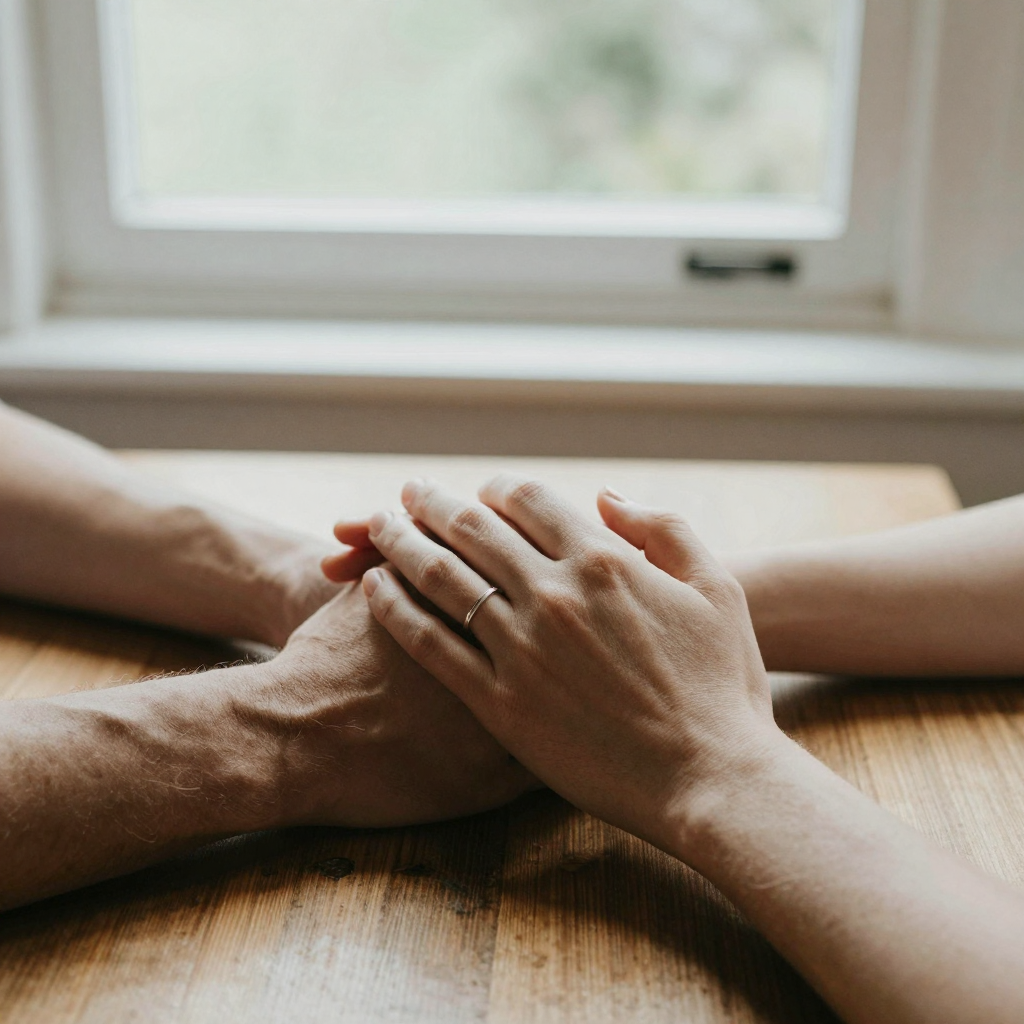
How to fix AI hands with Imagera's AI Image Repair:
-
Upload your generated image. This works regardless of which tool created the original — the input is just an image file, so output from any generator is fair game, including screenshots and files you've already exported and re-saved.
-
Select the region to repair. Use the brush tool to mask the hand area — including a small margin around the hand so the repair can blend naturally with the wrist and forearm.
-
Describe the correction. Guide the repair with a description: "natural human hand with five fingers, relaxed open palm" or "hand holding a cup, natural finger wrap, five fingers." Specific anatomical guidance helps the repair model generate a correct result.
-
Generate and compare. Review the repaired region. Check:
- Correct finger count (five, unless the pose naturally hides some)
- Natural knuckle articulation
- Thumb on the correct side
- Consistent skin tone with the wrist and arm
- Natural edge blend where the repair meets the surrounding image
-
Iterate if needed. Hands often need two or three repair passes. The first pass usually eliminates the most egregious errors (six fingers, melted joints); a second pass refines subtleties.
-
Upscale last. Once the anatomy is right, run the file through the AI image upscaler so the corrected fingers hold their edges at full size. Upscaling before the repair also helps on a low-resolution source — see the ordering rule below.
4.1Masking tips for hands
- Mask generously. Include the wrist and lower forearm in your mask. A tight mask around just the fingers causes visible edge artifacts where the repair meets unchanged skin.
- Mask the whole hand at once. Trying to repair individual fingers in isolation often produces inconsistent anatomy — the model needs to understand the full hand structure to place each finger correctly.
- If both hands are wrong, repair them separately. One mask per hand gives the repair model cleaner context.
5.Method 2: Prevention During Generation
Getting better hands in the first generation is still worth doing — it lowers how many repairs you run. These strategies reduce, but don't eliminate, hand problems:
5.1Compose to avoid hands
The simplest approach: if you don't need hands in the image, compose to exclude them. A portrait cropped at mid-torso, a scene where hands are behind the subject or naturally hidden, or hands positioned as a small secondary element all reduce the model's need to generate convincing hand anatomy.
5.2Name the anatomy you want, and the anatomy you don't
On generators that accept a negative prompt, the standard block is:
extra fingers, fused fingers, missing fingers, extra limbs, malformed hands, deformed hands
On generators that take a single natural-language prompt with no negative field — which is now most of the conversational image tools — put the requirement in the positive prompt instead: "hands with exactly five fingers, natural finger anatomy, fingers separated."
5.3Use higher generation resolution
Hand anatomy errors are more visible — and more likely to compound — at lower resolution. Generating at 1024×1024 or higher gives the model more pixels to work with for fine detail like finger articulation.
5.4Avoid the three known-hard cases
Prevention is most valuable exactly where models still fail. Keep hands to one subject at a time, avoid lenses and framing that push a hand toward the camera, and prefer simple configurations: "hands clasped in lap" and "hands at sides" are far easier than "pointing," "interlaced fingers," or "two people holding the same object."
6.Method 3: Manual Editing (Photoshop or Similar)
For users comfortable with Photoshop or a full editing suite, hands can be rebuilt manually using stock photography:
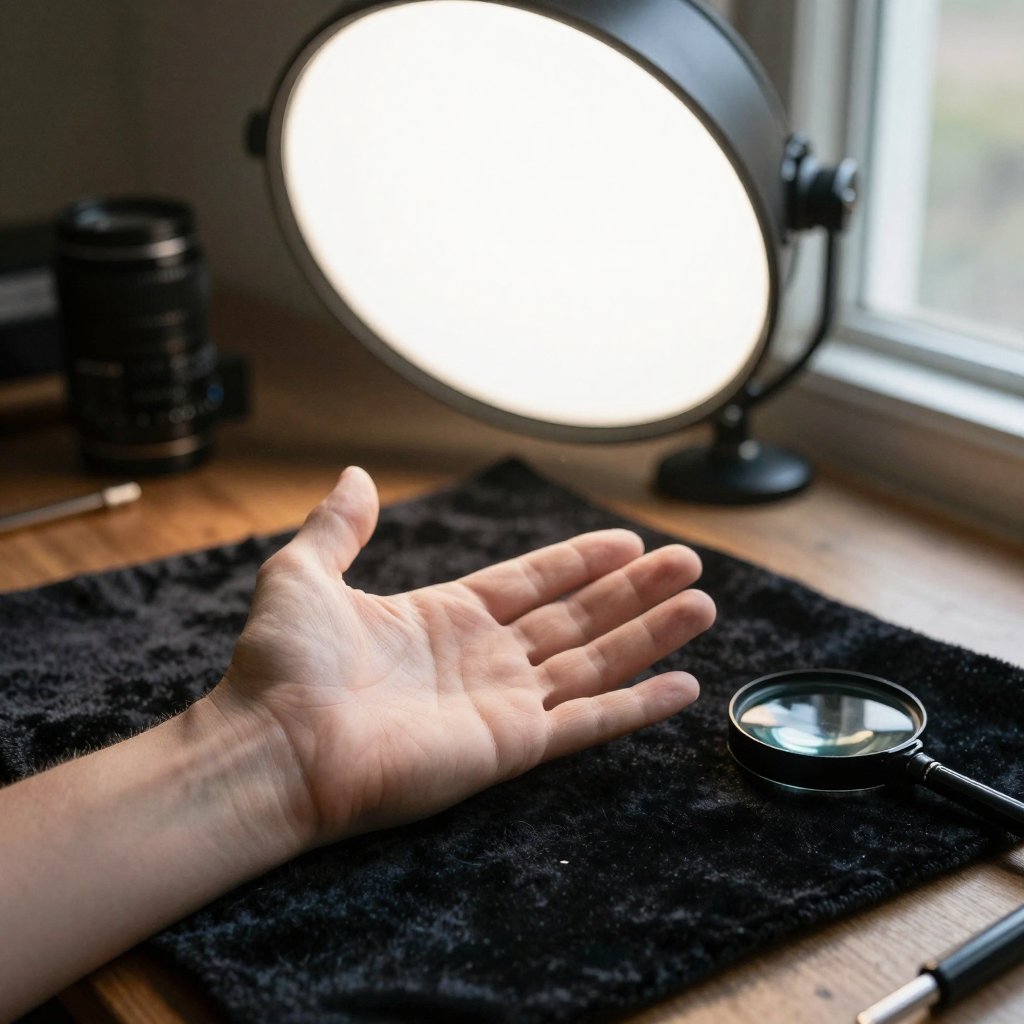
- Find a stock photo of a hand in the right approximate pose and lighting (Unsplash, Adobe Stock, etc.)
- Cut out the hand using the Pen tool or AI selection
- Transform (scale, rotate, warp) to match the position in your image
- Color-match using Curves and Hue/Saturation adjustments
- Blend the wrist edge with a soft eraser or layer mask
This takes 20–60 minutes per hand and requires solid Photoshop skills. It's the right choice for commercial work that needs perfection, but AI repair is faster for the typical generator workflow.
7.Common Hand Problems and What to Try
| Problem | AI Repair Approach |
|---|---|
| 6+ fingers | Full hand mask, prompt "hand with exactly five fingers" |
| Fused fingers | Full hand mask, prompt "separated individual fingers, natural spaces between fingers" |
| Extra joints | Full hand mask, prompt "normal three-segment fingers, natural knuckle articulation" |
| Wrong thumb side | Full hand mask, prompt the specific hand (left/right) and its orientation |
| Melted/undefined look | Full hand mask + higher detail setting, prompt "sharp finger edges, defined knuckles" |
| Wrist anatomy wrong | Extend mask to include wrist, prompt "natural wrist, no extra joints" |
| Interlaced fingers wrong | Mask both hands as one region so the model sees the whole grip at once |
8.Which fix method should you use for a given hand problem?
Match the method to how much of the image you want to keep and how much perfection you need. AI image repair is the default for most workflows — it fixes the hand without touching the composition, face, or lighting you already like. Prevention (negative prompts, simpler poses, higher resolution) reduces the problem before it happens but never fully eliminates it. Manual Photoshop rebuilds hit the highest quality bar but cost 20–60 minutes of skilled work per hand. Use this table to pick fast:
| Situation | Best method | Time | Why |
|---|---|---|---|
| Composition is great, only hands are wrong | AI image repair (inpainting) | 1–3 passes | Keeps everything else untouched |
| You haven't generated yet | Prevention (negative prompts, simple poses) | Built into generation | Fewer errors to fix later |
| Commercial work needing pixel perfection | Manual Photoshop + stock hand | 20–60 min/hand | Highest control, full accuracy |
| Both hands wrong in one image | AI repair, one mask per hand | 2–4 passes total | Cleaner per-hand context |
| Two people gripping the same object | AI repair, both hands in one mask | 2–4 passes | The grip only reads correctly as one structure |
| Low-resolution source | Upscale first, then AI repair | +1 upscale step | More pixel detail = better repair |
For the typical creator workflow, AI repair wins on speed-to-quality: it's the only method that both preserves your original image and works on output from any generator.
9.How many repair passes do AI hands usually need?
Most hands land clean in one to three passes. The first pass removes the egregious errors — six fingers, fused digits, melted knuckles — which is where the biggest visual jump happens. A second pass refines subtler issues like a slightly off thumb angle or soft finger edges, and a third is occasionally needed on complex gestures. If you're past three passes without improvement, the problem is usually the mask or the source: mask the whole hand plus a wrist margin (not individual fingers), and upscale a low-resolution source before repairing so the model has enough pixel detail to reconstruct correct anatomy. Simple poses — open palms, hands at sides, hands clasped — converge faster than "pointing" or "holding a small object," so a slightly simpler target pose often saves a pass.
10.Working with output from any generator
The repair is generator-agnostic — Imagera takes an image file, not a model handle — so the useful question is not "which tool made this?" but "what state is the file in?" Three variables actually change what you should do:
Resolution of the source. A hand that occupies 80×80 pixels does not contain enough information for a repair model to reconstruct correct anatomy. Upscale first, then mask and repair. A hand occupying 400 px or more across the palm usually repairs in one pass.
Whether the file has already been upscaled or compressed. An already-upscaled file is the easiest case: more pixel detail means fewer passes. A heavily compressed JPEG re-saved several times is the hardest, because the repair has to blend into blocky edge artifacts — upscale before repairing to give the blend something clean to meet.
Whether you can still regenerate the original. If you still have the prompt and can regenerate cheaply, it's worth one re-roll with a simpler hand pose before committing to repair. If the frame is a keeper you can't reproduce — a specific face, a specific light — go straight to repair and don't gamble it.
Notably, none of this depends on model version. Chasing whichever generator currently renders hands best is a losing maintenance task; every one of them still fails on the hard cases, and the repair step is the same either way.
11.Production checklist before you publish a repaired hand
The failure mode that survives a good repair is not anatomy — it's a hand that is anatomically correct and still looks pasted in. Check these before the file leaves your machine:
- Finger count at 100% zoom, not at fit-to-screen. Fused digits read as one finger at small size and separate into a wrong count when the viewer zooms.
- Thumb side. Confirm the thumb sits on the correct edge for a left versus right hand in that orientation. This is the error that most often survives a first pass.
- Nail direction. Nails should face the same way as the back of the hand. A repaired finger with a nail on the palm side is a common tell.
- Skin tone and lighting continuity at the wrist. The seam should be invisible in both the shadow and the highlight side of the arm.
- Shadow direction. The repaired hand casts and receives light from the same source as the rest of the frame. Repair models sometimes relight the region.
- Grain and noise match. A clean repair dropped into a grainy photo reads as a patch. Upscaling the whole image after the repair evens this out.
- Edge sharpness after upscaling. Run the upscale last and re-check the fingertips; a soft repair sharpens into visible mush if the anatomy underneath was only approximately right.
12.Related tools on Imagera
- AI Image Repair — mask the hand and repaint that region without touching the rest of the frame
- AI Image Upscaler — add resolution before a repair on a small source, or after a repair to hold fingertip detail
- Fix distorted AI faces — the same masked-repair workflow applied to facial anatomy
- Fix AI image artifacts — for warping, smearing, and texture errors elsewhere in the frame
- Pricing — credit costs are shown before every generation