To add an AI voiceover to a video, write the script to the clip's length first: about 65 to 75 words for 30 seconds. Generate the read with a stock voice in the 5-Engine Voice Studio, or in your own voice with the AI voice generator. Respell any name the voice gets wrong, then lay the audio under the footage in the Video Music Mixer. In our test, a 67-word script came back at 26.0 and 27.2 seconds in two stock voices, for 15 credits each.
A voiceover usually goes wrong in one of three ways. The read runs 38 seconds on a 30-second cut, the product name comes out wrong in the line that matters, or the music buries the narration. Trying another voice fixes none of them; the script and the mix do.
How many words fit your clip?
Voiceover timing guides put narration at 130–150 words per minute, commercial reads at 150–170 and explainers at 140–160 (GoTeleprompter, May 27, 2026). Plan on about 2.5 words per second to fill a clip, and about 2.2 if you want a beat of silence before the end card.
| Clip length | Words with room to breathe (130 wpm) | Words to fill it (150 wpm, our tested pace) | Approx. characters | Credits, stock voice | Credits, your own voice |
|---|---|---|---|---|---|
| 30 seconds | ~65 | ~75 | 375–435 | 15 | 15 |
| 60 seconds | ~130 | ~150 | 750–870 | 15 | 20 |
Character counts assume 5.8 characters per word, the ratio of the sample script below. A stock voice costs 15 credits for up to 1,388 characters, about a minute and a half of speech. A cloned voice costs 10 credits per started 500 characters, with a 15-credit minimum.
Neither studio has a speed or pitch control, so only the words set the length. If the read runs long, cut words: at 2.5 words per second, five words is about two seconds.
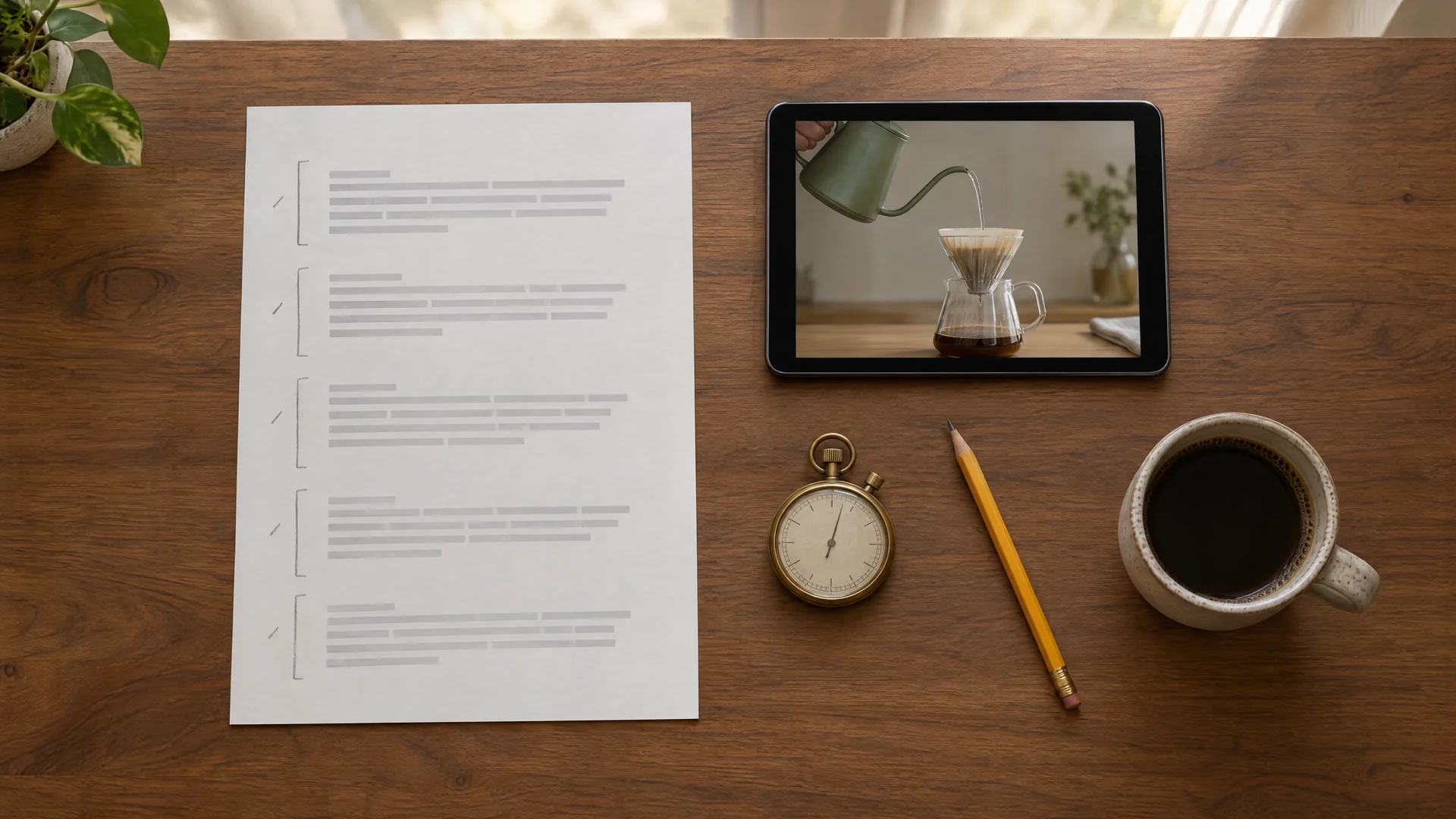
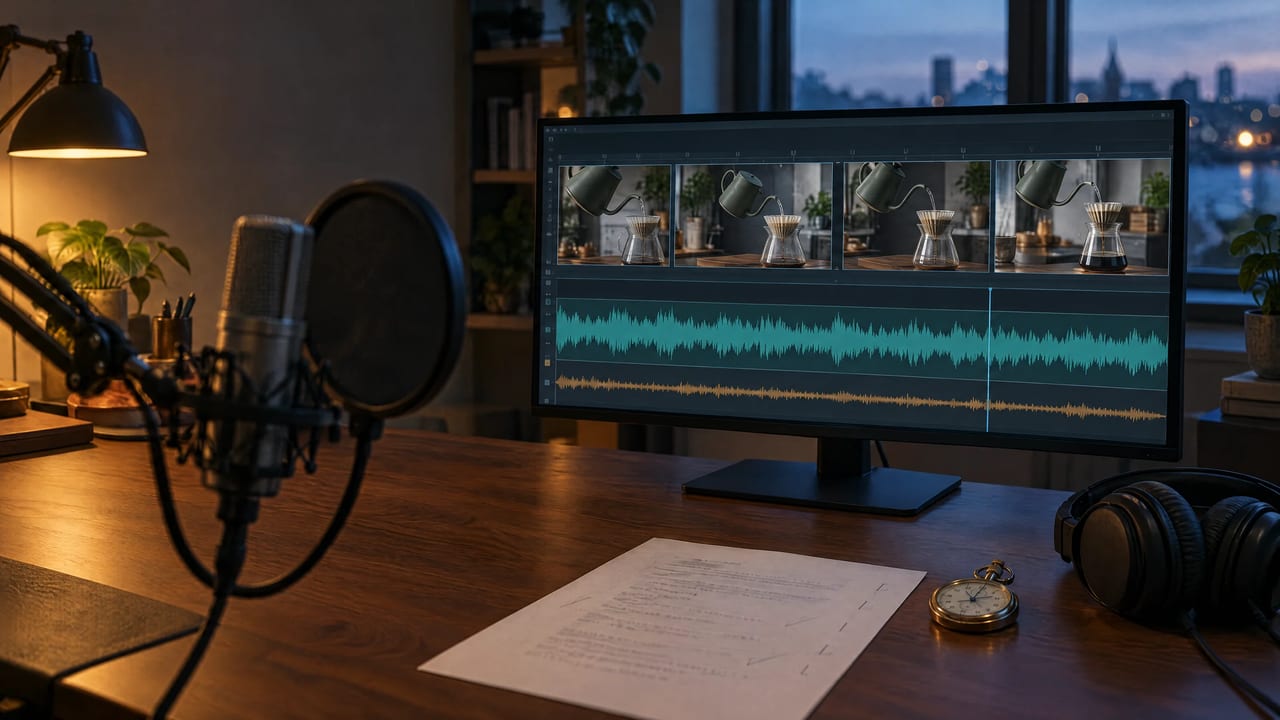
Illustration: marking each block of the script against the shot it has to cover.
A 30-second script, marked against the picture
Oskelo is an invented pour-over kettle. The script below is written for a 30-second product clip, one line per shot:
| Time | Shot | Line | Words |
|---|---|---|---|
| 0:00–0:04 | Kettle on the counter, steam rising | Pour-over coffee goes wrong in the first ten seconds. | 9 |
| 0:04–0:11 | Close-up of grounds under a fast pour | Water too hot scorches the grounds. Too cool, and the cup tastes flat. Most kettles leave you guessing. | 18 |
| 0:11–0:21 | The slow hero pour | Oskelo holds your water at the temperature you choose, and its narrow spout pours a slow, steady stream you can actually control. | 22 |
| 0:21–0:26 | Morning routine | Set it once in the morning. Every cup after that tastes the same. | 13 |
| 0:26–0:30 | End card | Oskelo. Better coffee, on purpose. | 5 |
That is 67 words and 388 characters. At 130 to 150 words per minute it should read in 27 to 31 seconds. The real reads took 26.0 and 27.2 seconds, at or below the fast end of that range, which is why the generated file's length is the only number to cut to.
How we tested two stock voices
- Date and tool: 22 September 2026, the 5-Engine Voice Studio's default engine.
- Input: the 67-word, 388-character Oskelo script above, read by two of the ten preset voices with default settings and no cues in the text.
- Measured: each file's length, the pace in words per minute over that length, and its integrated loudness in LUFS.
- Credits: 15 per read.
What the two reads delivered:
| Voice | Length | Pace | Loudness | Credits |
|---|---|---|---|---|
| Sarah, "Calm, reassuring female (US)" | 26.0 s | 154 wpm | −13.8 LUFS | 15 |
| Eric, "Smooth, trustworthy male (US)" | 27.2 s | 148 wpm | −18.6 LUFS | 15 |
The same words finished 1.2 seconds apart, so time the file before you cut the picture to it. The files also came out almost 5 dB apart in loudness (LUFS measures perceived loudness; higher is louder), so a mix setting that suits one voice may not suit the other.
Stock voice or your own: choose the route
| Stock voice | Your own (cloned) voice | |
|---|---|---|
| Where | 5-Engine Voice Studio, default engine | AI voice generator |
| You provide | The script | The script plus a dry 3–10 second recording |
| Voices | 10 preset voices, each with a one-line description | The person in your recording |
| Delivery controls | Language (Auto plus 11); cues in the text | Emotion: the speaker's own, random, or custom sliders for joy, calm and six more |
| Output | MP3 | WAV |
| Credits | 15 up to 1,388 characters, 65 at 5,000 | 10 per started 500 characters, 15 minimum, up to 5,000 |
| Use it when | You want a neutral narrator you can reuse | The brand already has a voice, or the channel is yours |
Stock voice. Open the 5-Engine Voice Studio, keep the default engine, paste the script and pick a voice. Full stops and commas set the pauses, and the studio documents square-bracket cues such as [whispers] and [sighs]. If none of the ten voices fits, the studio's four other engines each have their own sound and price.
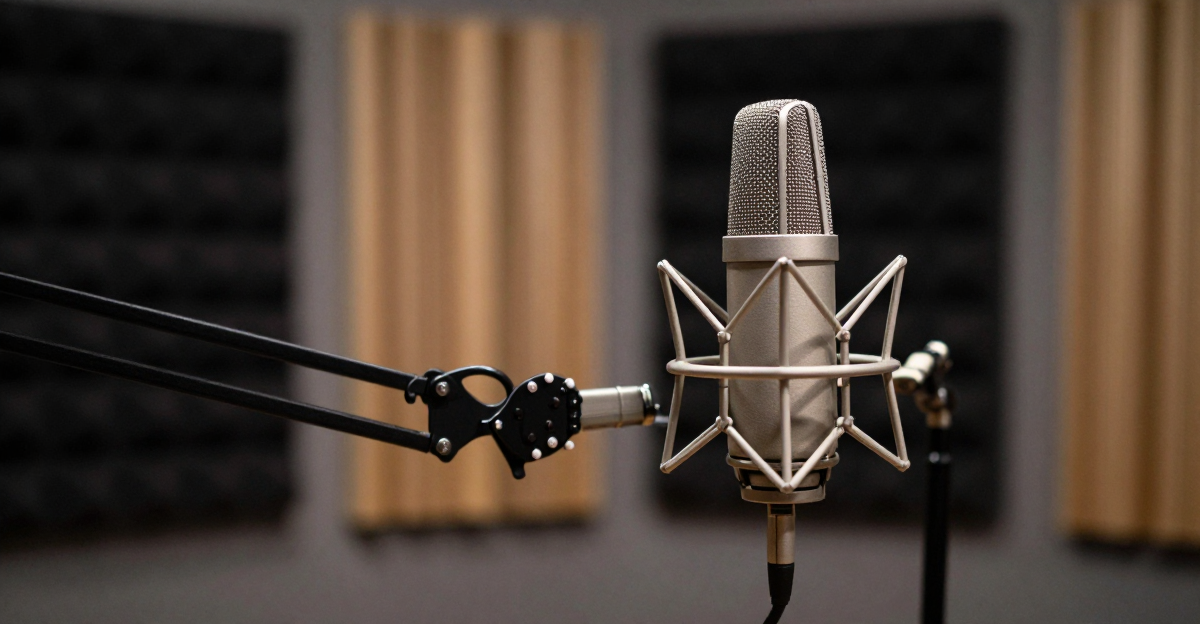
Your own voice. Record 3 to 10 seconds of one person speaking in a dry room, with no music, no echo and no second voice. A cupboard full of coats absorbs more echo than a bare kitchen. Emotion is set separately from the recording, so the same voice can read a calm intro and an energetic end card. There is no language setting, so treat non-English scripts as untested. Clone only your own voice or one you have written permission to use.
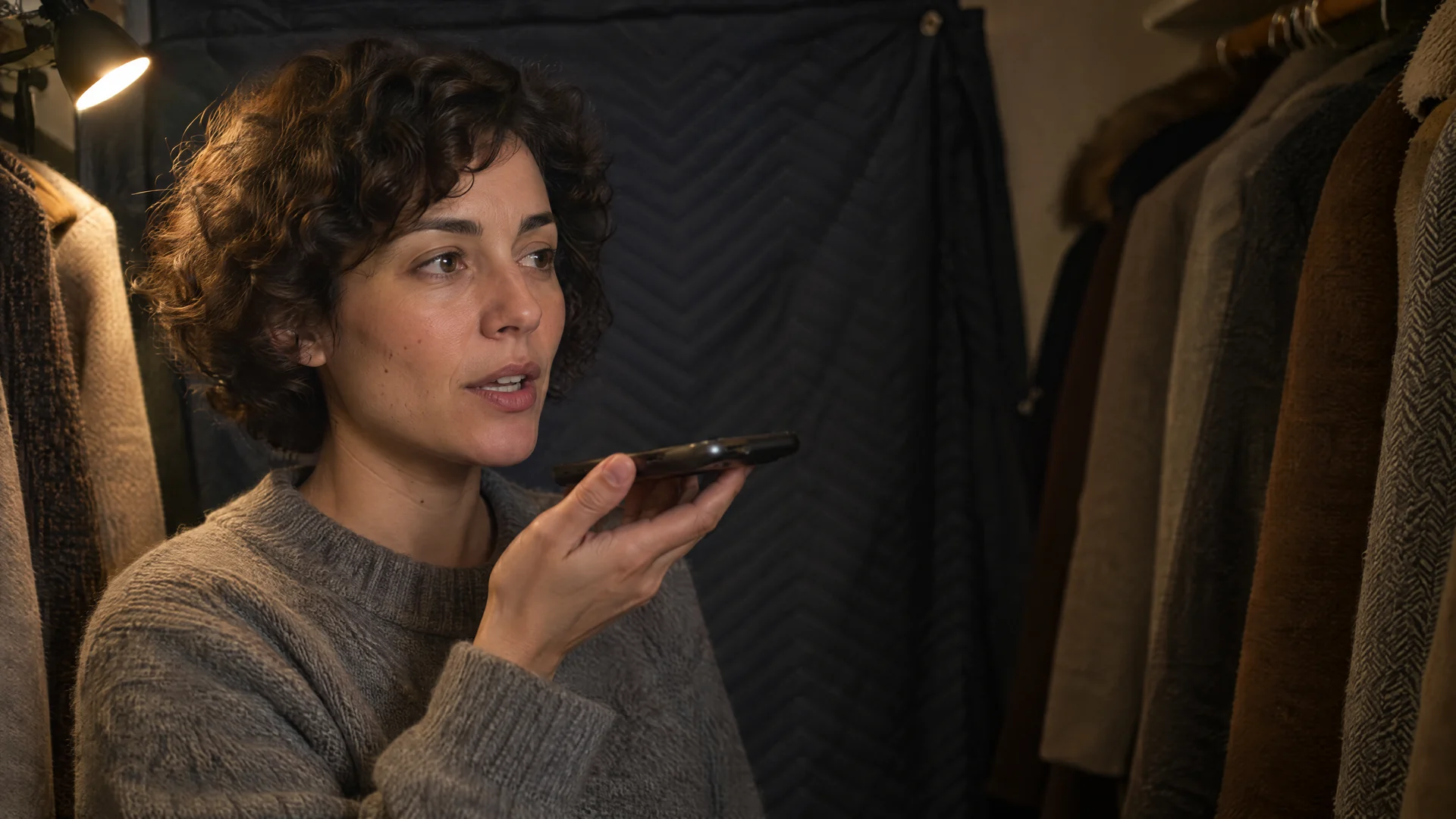
Illustration: a dry, single-speaker reference recording is what cloning needs.
A voice you build from a written description in Voice Design does not appear in either studio; saved voices work in the Voice Changer.
Fix names before you pay for the full read
Neither studio has a pronunciation dictionary, so you fix pronunciation in the text. A 30-second script costs the same 15 credits as a single test line on either route, so generate the whole read and listen. For longer scripts, run the risky lines on their own first.
| Written | What to type for the voice | Why |
|---|---|---|
| Oskelo | Oss-keh-lo | Hyphens split the syllables. For stress, try OSS-keh-lo, but listen: some voices spell capitals out |
| v2.1 | version two point one | Numbers and symbols read unpredictably |
| 70–100°C | seventy to a hundred degrees | Ranges and units need words |
Keep the respelled script for the voice and the correctly spelled one for captions, and put every respelling in a short glossary so the next video says the name the same way.
Mix the narration under the footage
The Video Music Mixer takes one video and one audio track and returns one MP4. It has two controls:
- Track volume: 25, 50, 75, 100, 150 or 200 percent, applied only to the track you add.
- Replace the original sound: on drops the clip's own audio; off mixes the new track over it.
The mixer never makes the video longer. Audio that runs past the last frame is cut, and the added track always starts on the first frame, with no offset control. When it replaces the sound, or when the clip has no sound of its own, the export ends where the shorter file ends. Sarah's 26-second read on a silent 30-second clip would come back as a 26-second video.
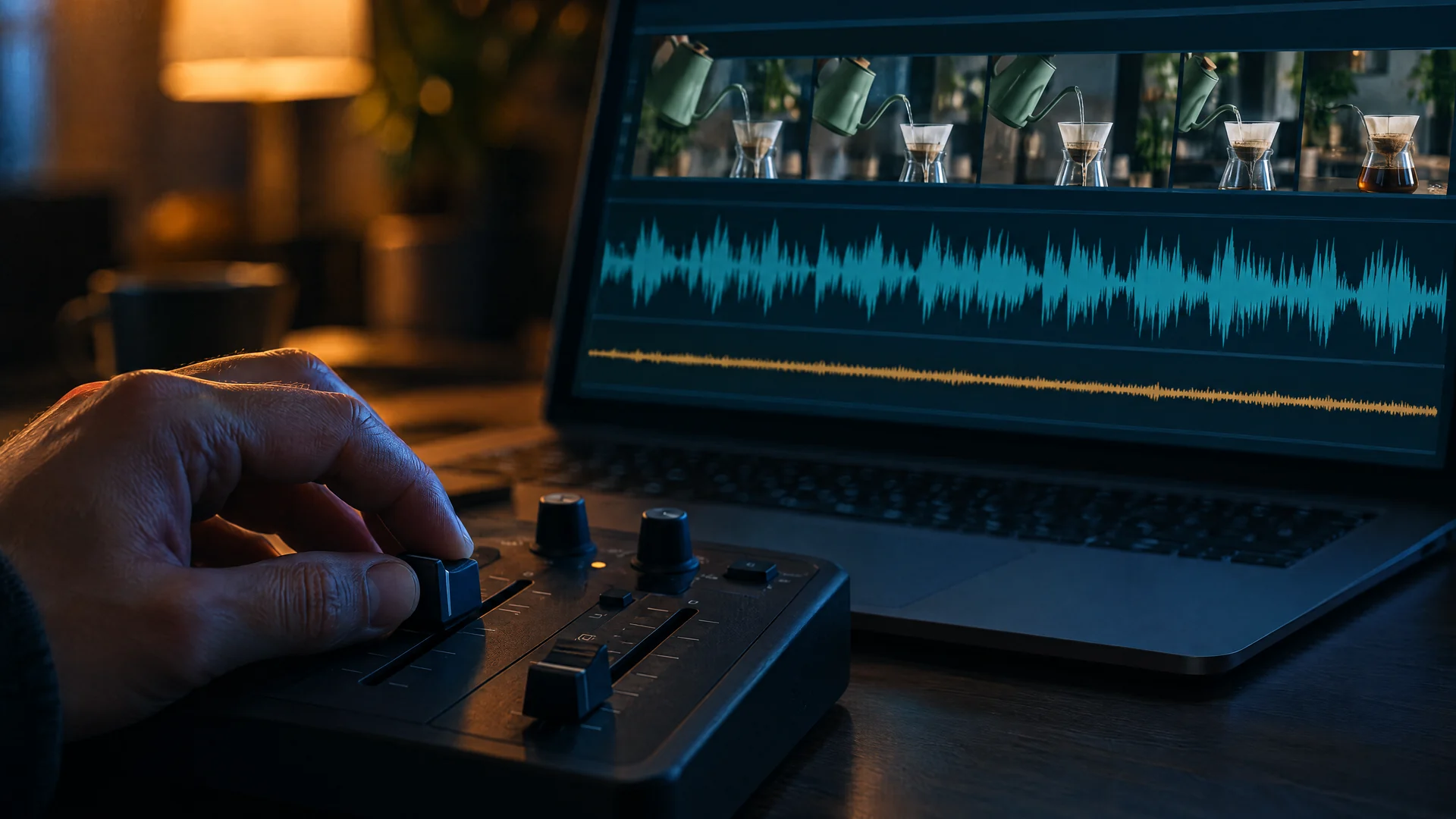
Illustration, not the mixer's actual screen: the voice should sit well above the music bed.
Choose the recipe that matches your clip:
| Your clip | Passes | Settings | Credits (30 s clip) |
|---|---|---|---|
| Has sound worth keeping, such as room tone or product sounds | 1 | Video + narration, Replace off, Track volume 200% | 30 |
| Silent, and you want voice only | 1 | Video + narration that runs to the last frame, Track volume 100% | 30 |
| Needs music under the voice | 2 | Pass 1: video + music bed, Replace on, Track volume 25%. Pass 2: pass 1 result + narration, Replace off, Track volume 200% | 60 |
The two-pass order matters. Pass 1 replaces the sound, so the music bed must be at least as long as the clip; Music Factory can make an instrumental one. Pass 2 mixes instead of replacing, so a narration that finishes early leaves the bed playing rather than cutting the video short. You can pick the pass 1 export and your narration from the Generations tab in the upload window, with no download and re-upload.
What the level settings really do
The mixer changes gain; it does not measure or match loudness. It also halves both tracks while they overlap, then brings the remaining one back up once the shorter track ends:
- Overlapping tracks are halved. In pass 2, narration at 200% plays at its original level while the bed plays at one-eighth of the music file's level (25%, then halved), a gain gap of about 18 dB. At 150%, the voice drops to three-quarters of its level and the gap is about 16 dB. In the one-pass recipe, the clip's own sound drops to half while the narration plays.
- The gap is a gain difference, not a guarantee. A common rule of thumb keeps music at 10–20% of the speaking volume (Recorded, July 17, 2026). These settings land there only if the music and narration files start at similar loudness, and our two stock voices alone were almost 5 dB apart. Listen to the export. Since 25% is the lowest setting, if the music still competes, choose a sparser, quieter bed.
- The bed rises when the voice stops. If the narration ends before the clip, the music comes back up by about 6 dB for the rest of it. That can suit an end card; if it doesn't, write the narration to run to the last frame.
Watch the result once with sound and once muted, since many feeds autoplay silently.
What a finished 30-second voiceover costs
| Step | Credits |
|---|---|
| Narration, 388 characters, stock or your own voice | 15 |
| Mixer pass 1, music bed on a 30-second clip | 30 |
| Mixer pass 2, narration | 30 |
| Total | 75 |
| Second take after a pronunciation fix | +15 |
The mixer charges 1 credit per second of video, rounded up to the next 5, with a 15-credit minimum and a 10-minute maximum. A minute of narration is about 870 characters: 15 credits in a stock voice and 20 in your own. Plans and credit packs are on the pricing page.
Limits to know before you start
- Neither voice studio has speed, pitch or pronunciation-dictionary controls, and each run on the default engine and the clone route takes up to 5,000 characters (the clone studio labels its limit "max 4 min").
- The cloned-voice route has no language setting and returns WAV; the stock route returns MP3.
- The mixer has no ducking and no start offset, its lowest setting is 25%, and it takes clips up to 10 minutes.
- To translate a video that is already finished, use dubbing instead. How AI video dubbing works explains it.
For script ideas by genre, see voice generation prompts and scripts. For a longer spoken format, the AI podcast guide covers the whole process. When your script fits the clip, open the voice generator studio to read it in your own voice, or the 5-Engine Voice Studio for a stock voice. Both show the credit cost before you generate.