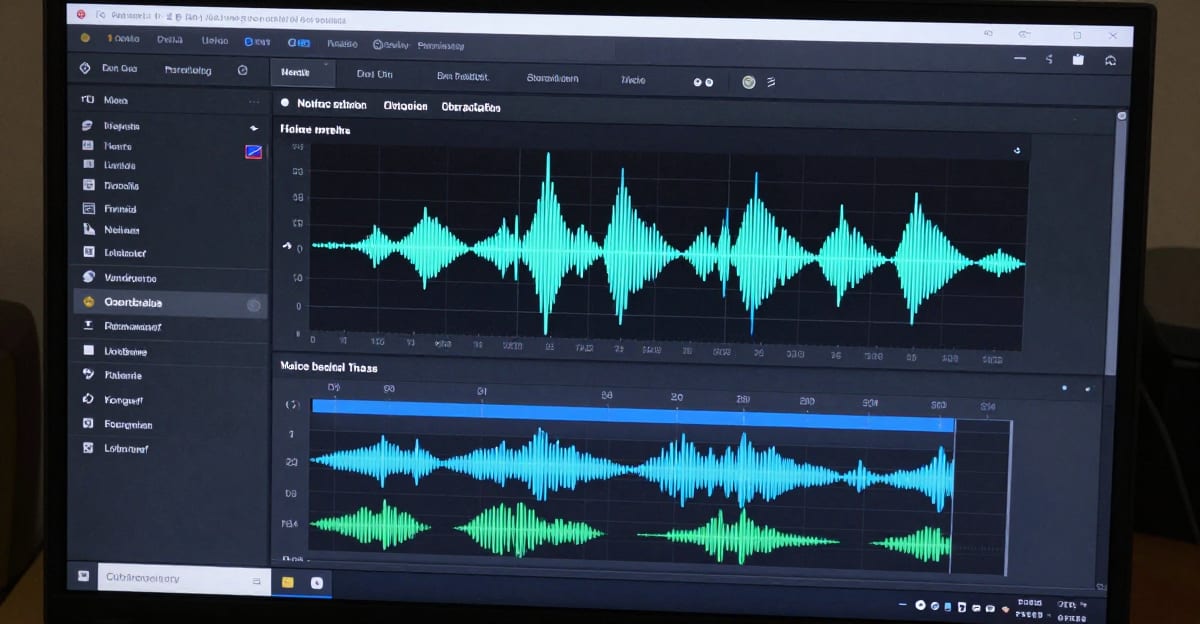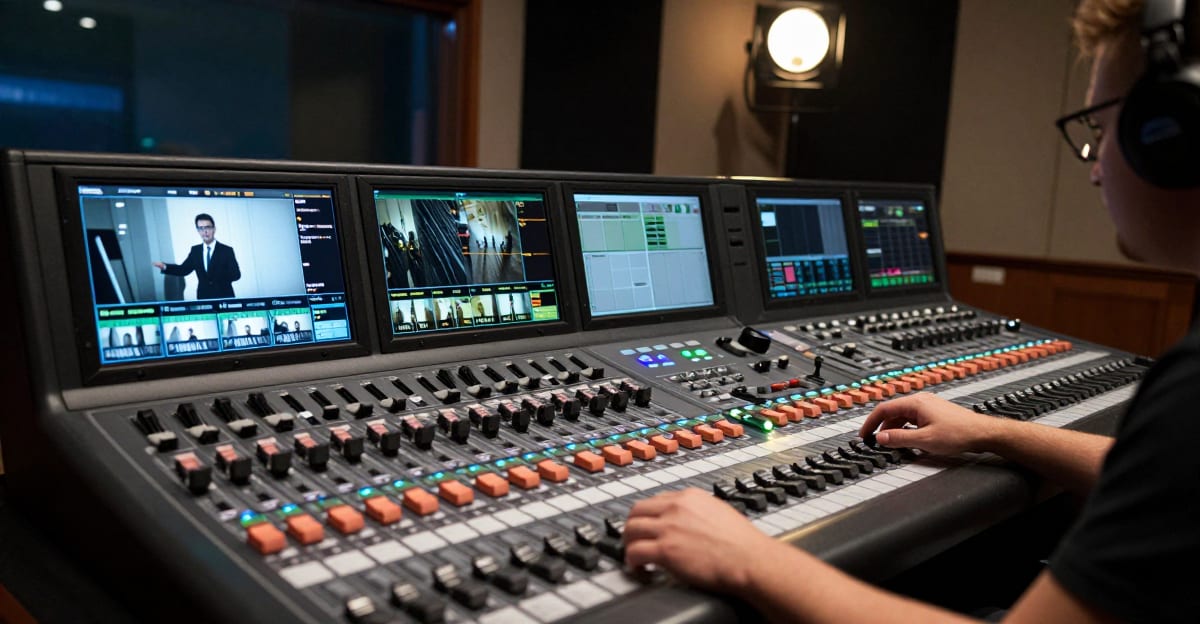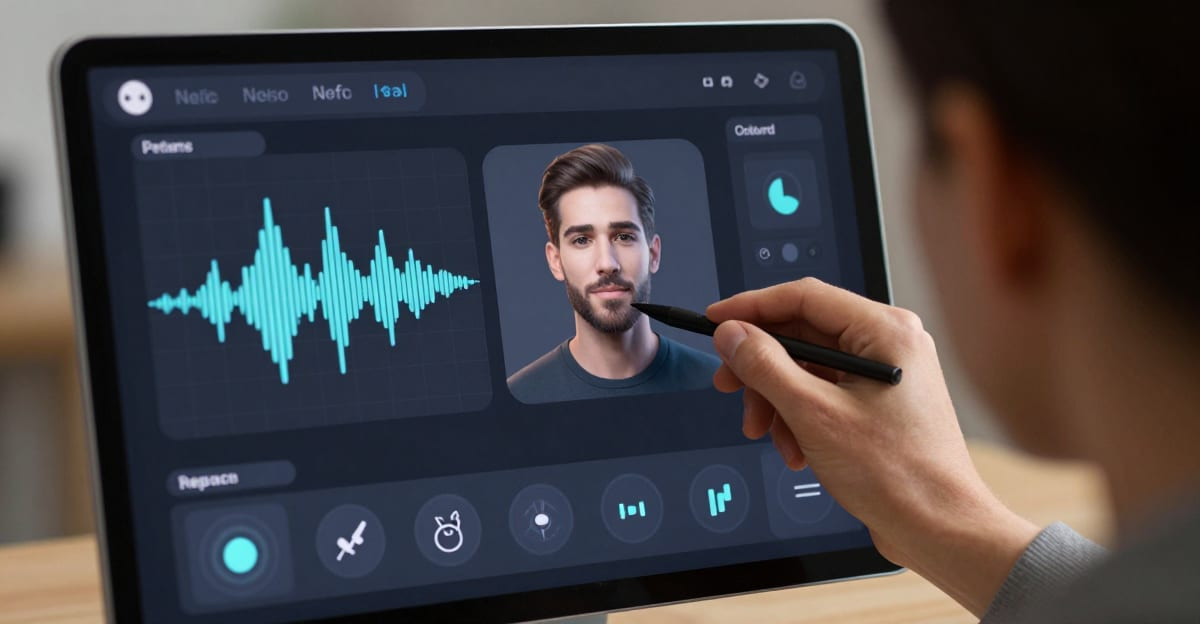
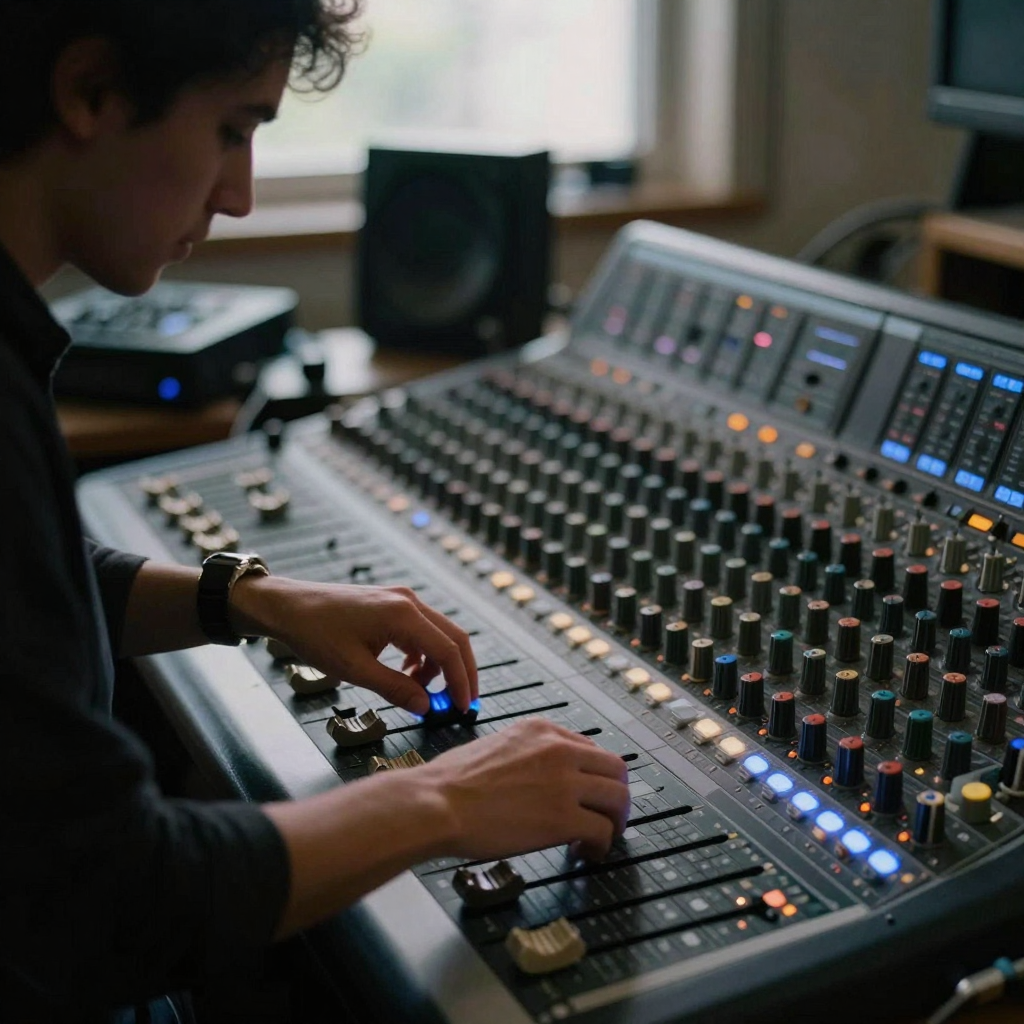
Real Imagera output: two hosts at studio mics — spoken audio of the kind Voice Design and TTS produce.
Quick answer: With Imagera Voice Design you type a plain-language description (accent, age, tone, pacing) and generate a custom AI voice online in under 60 seconds, then use it to narrate videos, ads, and podcasts.
How do you create a custom AI voice from a text description in Imagera?
Write a 1-2 sentence prompt (for example, "warm 30-something female narrator, British accent"), and Imagera returns a usable voice in under 60 seconds. You can preview several variations per prompt, fine-tune stability and clarity, and export narration at up to 100+ words per generation. Most creators lock in a signature voice after just a few iterations, then reuse it everywhere.
Which projects can a custom Imagera voice power in 2026?
One custom voice covers a wide range of formats: short-form Reels, long-form video dubbing, podcast intros, e-learning, and product ads. A consistent branded voice helps your channel stay recognizable, so reusing one saved voice across 100+ clips keeps your sound cohesive while sparing you the time of re-recording narration for every project.
Quick start
Voice Design → pick a mode (clone, describe, or preset) → generate a sample → produce longform in Voice Generator or Popular AI Voice.
If you make content on any regular schedule — a weekly show, a set of ads, a course, or a run of product explainers — the fastest way to sound professional is to lock one voice and reuse it everywhere. That is what Voice Design is built to do. You create a voice once, save it, and pull it into every future project instead of starting from scratch. This guide walks through what the tool does, exactly how to use each of the three modes, who benefits most, how it compares to hiring talent or re-recording, and the mistakes that trip people up the first time.
Use cases
Ads, course narration, character content, and multi-language pipelines with dubbing tools. Below we break these down into concrete scenarios so you can see where a saved voice pays off fastest.
What Voice Design does
Voice Design on Imagera creates a reusable spoken identity you can use across every project. It gives you three ways to make a voice: clone one from a short audio sample, design one from a written description, or start instantly with a built-in preset. Once a voice exists, it's saved to your library — so you clone or design it once and reuse it forever, which keeps a video series, a set of ads, or a course sounding like the same narrator instead of a different person each time.
The reason this matters is consistency. When every episode, ad, or lesson is voiced by a slightly different narrator, viewers feel the seam even if they can't name it — the brand loses that "same person, same channel" familiarity. A saved voice identity removes that seam. It becomes a small brand asset you own and reuse, the way you'd reuse a logo, a color palette, or a font.
The studio supports 11 languages, including English, Chinese, Spanish, French, German, Italian, Japanese, Korean, Portuguese, Russian, and auto-detect. Cloned and designed voices can also be assigned to actors in Imagera Film Studio, so character voices stay consistent across every scene. That last integration is what separates Voice Design from a plain text-to-speech box: the voice you build isn't stuck in one tool — it travels with your projects, from a quick narration to a multi-scene film.
Three practical things the tool is good at:
- Building a signature narrator for a channel or brand so series content stays recognizable episode to episode.
- Producing distinct-but-consistent voices per market when you localize the same content into several languages.
- Giving film and character projects steady voices by assigning a saved voice to a Film Studio actor, so a character sounds the same in scene one and scene twenty.
How it works
- Choose a mode. Pick Clone (upload audio), Design (write a description), or Preset (one of the 9 built-in voices).
- Provide your input. For cloning, upload a 5–60 second sample of clear speech (MP3, WAV, M4A, FLAC, or WebM, up to 25MB). For design, describe the voice — age, gender, accent, and emotion. For a preset, just pick one and skip setup.
- Generate the voice. Imagera builds the voice from your input; cloning captures the tone, accent, and personality of the source sample.
- Review a short sample. Test the voice on a paragraph before a long narration to confirm pacing and pronunciation.
- Save and reuse. Store the voice in your library, then produce longform speech in Voice Generator or assign it to Film Studio actors.
The three modes, in plain terms
Clone is for when a specific voice already exists and you have the right to use it — your own voice, a client who has given consent, or an existing narrator on your team. You give the tool a short clean sample and it captures the tone, accent, and personality so future narration sounds like that person without them sitting at a mic again.
Design is for when no source recording exists, or when you want an original brand voice that isn't tied to any real person. You describe what you want in words — an age range, a gender, an accent, and an emotional tone — and the tool generates a voice matching that description. This is the safest route for brand work because the voice is original: there's no third-party rights question to manage.
Preset is for speed. The 9 built-in voices are ready immediately with no setup, no upload, and no processing. They cover a range of male and female voices and are included at no extra cost, which makes them the natural starting point when you're testing an idea, drafting a script, or just want a clean voice today.
Step-by-step: cloning a voice
- Open Voice Design and select the Clone mode.
- Record or gather a 5–60 second clip of clear speech from the voice you have the right to use. One or two calm, well-articulated sentences is plenty — you do not need a long recording.
- Check the file: it must be MP3, WAV, M4A, FLAC, or WebM, and 25MB or under. Remove music, background chatter, and long silences.
- Upload the sample and confirm the credit cost (30 credits per clone) before generating.
- Generate, then test the clone on a short paragraph — ideally the kind of copy you'll actually narrate — to hear pacing and pronunciation.
- If it sounds right, save it to your library. From there you can produce full narration in Voice Generator or assign it to a Film Studio actor.
Step-by-step: designing a voice from text
- Open Voice Design and select the Design mode.
- Write a specific description. Instead of "friendly voice," try something like "warm mid-30s female narrator, neutral American accent, calm and reassuring." The more concrete the age, gender, accent, and emotion, the closer the result.
- Confirm the credit cost (30 credits per designed voice) and generate.
- Review a short sample. If the tone is close but not exact, adjust the description — tighten the age range or change the emotion word — and regenerate.
- Save the voice you like to your library and reuse it across scripts so the whole series stays on-brand.
Step-by-step: using a preset
- Open Voice Design and select the Preset mode.
- Browse the 9 built-in voices and pick one that fits your content.
- Start generating immediately — presets are included at no extra cost, so there's no clone or design credit charge just to use one.
- When you're ready for longform, carry the preset into Voice Generator or Popular AI Voice.
Common use cases
- Brand video series that need the same recognizable narrator across every episode and ad. Clone or design the voice once and every future upload sounds like the same channel.
- Product explainers that want a clear, consistent voice without booking studio talent each time. A saved voice means you can script and narrate a new explainer the same afternoon you write it.
- Online courses and tutorials, where a single steady narrator across dozens of lessons feels far more coherent to students than a patchwork of different voices.
- Multi-market content — design distinct voices per language while staying on-brand, so a Spanish and a German version each sound natural for their audience without losing the brand feel.
- Character content and film scenes, using Film Studio integration to keep each character's voice steady across cuts, even when a project spans many scenes recorded over days.
- Podcast intros, ad reads, and social clips where you want a repeatable, recognizable sound without re-recording every drop.
Who it's for
- Solo creators and small teams who can't book voice talent for every video and need one dependable narrator they control.
- Marketing and brand teams building a library of on-brand voices — one for explainers, one for ads, maybe one per market.
- Course and e-learning producers narrating long catalogs where consistency across lessons is the whole point.
- Filmmakers and animators who need each character to keep the same voice across every scene via Film Studio actor assignment.
- Localization teams producing the same message in several of the 11 supported languages while keeping a consistent brand feel per market.
Comparison
An honest look at how a saved voice in Voice Design compares to the two most common alternatives. Competitor-style costs are shown in dollars for context; the Imagera cost is shown in credits, since credit value varies by plan.
| Approach | Setup effort | Consistency across a series | Turnaround for a new script | Cost |
|---|---|---|---|---|
| Book studio/voice talent | Scheduling, briefing, re-booking | High, but only if you re-book the same person | Days (scheduling + recording) | Often $100+ per session, external |
| Re-record yourself each time | Mic setup every time | Drifts as your energy and room change | Hours per script | Your time, repeatedly |
| Generic text-to-speech, no saved identity | Low | Low — voice may not match your brand | Minutes | Varies |
| Imagera Voice Design (saved voice) | Once — clone, design, or pick a preset | High — same saved voice every time | Minutes per new script | 30 credits per clone or design; presets included at no extra cost |
The trade-off is straightforward: talent and self-recording give you human nuance but cost time on every single project, while a saved AI voice pays its setup cost once and then makes each new script fast and consistent. For series content, that repeat-savings is where Voice Design earns its place.
Tips for best results
- Record clone samples in a quiet room with minimal background noise — a clean 5–60 second clip clones better than a long, noisy one.
- Be specific in design descriptions (age range, accent, tone, emotion) rather than vague. "Late-40s male, British accent, authoritative and calm" beats "nice deep voice."
- Test a short paragraph before running long scripts to catch pacing or pronunciation issues early — ideally use real copy from the project, not a generic test line.
- Name your saved voices clearly in the library (for example "Brand-Explainer-EN" or "Character-Narrator-Deep") so you can find and reuse the right one months later.
- For multi-language projects, design or clone a voice per market rather than forcing one voice across all languages — you'll get a more natural result in each.
- Keep the source sample's speaking style close to how you want the final narration to sound; a rushed, mumbled clip clones a rushed, mumbled voice.
Common mistakes to avoid
- Uploading a noisy or music-backed clip for cloning. Background sound bleeds into the clone. Strip it down to clean speech first.
- Using a clip that's too long or the wrong format. Stay within 5–60 seconds and MP3, WAV, M4A, FLAC, or WebM under 25MB. A short clean sample beats a long messy one every time.
- Writing a vague design brief. "Good voice" gives the tool nothing to work with. Spell out age, gender, accent, and emotion.
- Skipping the short test. Jumping straight to a 10-minute script without hearing a paragraph first means any pacing or pronunciation issue shows up across the whole thing.
- Cloning a voice you don't have rights to. For brand work, prefer an original designed voice so there's no consent or rights question at all.
- Making a new voice for every project. The whole point is reuse — save winners to your library and pull the same one back instead of re-creating it.
Examples
A weekly product channel. A small SaaS team designs one warm, mid-30s narrator voice, saves it, and reuses it for every weekly feature video. New videos ship the same day they're scripted, and the channel now sounds like one consistent host instead of whoever recorded that week.
A localized ad set. A brand running the same ad in English, Spanish, and German designs a separate voice per language — each natural for its market — but keeps the same age and tone brief across all three, so the campaign feels unified without sounding foreign in any one region.
An animated short. A creator assigns saved voices to three Film Studio actors. Because each character's voice is a fixed saved identity, the hero sounds the same in the opening scene and the finale, even though the scenes were produced days apart.
Pricing
Credit packs from 350 credits. Voice cloning and designed voices each cost 30 credits; the built-in presets are included at no extra cost. See pricing.
Because the presets are free to use, a good low-cost workflow is to prototype with a preset first, then spend the 30 credits on a clone or design only once you're sure of the voice you want to commit to a series.
Start here (product links)
Bottom line
Voice Design lets you clone, describe, or pick a custom AI voice on Imagera, save it to a reusable library, and use it across generators and Film Studio. Cloned and designed voices are 30 credits each; presets are free. Credit packs from 350 credits.
Related tools: Voice Design · Voice Generator · Popular AI Voice Generator · Pricing
Tools and next steps
| Goal | Open |
|---|---|
| Image edits & pose | Imagera Image Editor · Identity Editor |
| Headshots | AI Headshot |
| Product / person reels | Product Reel Maker · Human Reel Maker |
| Talking photo | Lipsync Studio |
| Pricing | Pricing |
How to ship: open the studio → pick a mode and provide audio, a description, or a preset → confirm credits → generate → review a short sample on phone → save winners to your library.