Multi agent coding means splitting software work across several AI agents, each with its own context, instead of pushing everything through one assistant chat. It works when the jobs are independent: separate modules, parallel review, competing debugging hypotheses. It does not make a single job faster, and it costs more tokens and more usage at once.
What is multi agent coding, and how is it different from one AI coding assistant?
A single assistant keeps everything in one conversation. Every file it reads, every failed attempt, and every tool output piles into the same context window.
Multi agent setups break that apart. In Claude Code, for example, each subagent runs in its own context window with its own system prompt, tools, and permissions, then returns a summary to the main conversation. The main thread stays clean, and each worker gets a narrow brief.
There are two shapes of this:
- Subagents inside one session. You ask for several things, and the tool fans the work out to workers and merges what they return.
- Separate sessions. You open a second terminal and run another session, possibly on a different model. Imagera Code works this way: a second terminal runs a second session on the same plan, and each session picks its own model.
When does using multiple coding agents work better than one?
Use more than one agent when the work splits cleanly. Claude Code's docs say agent teams beat a single session for research and review, new modules owned by separate teammates, debugging with competing hypotheses, and cross-layer frontend, backend, and test work that can run independently.
Good fits:
- Separate bugs or features that touch different files.
- A reviewer agent reading a diff that a writer agent produced.
- A second opinion from a different model on a hard bug.
- Exploration tasks, such as reading several parts of a codebase and reporting back.
Bad fits: one tightly coupled refactor, or anything where the next step needs the previous step's output. Codex's docs say subagent workflows help for parallel exploration, tests, and multi-step plans, but they consume more tokens than a single-agent run and need extra care for parallel write-heavy edits that can conflict.
Running agents at once does not shorten one job. It lets separate jobs overlap.
What tools or frameworks should I use to run multiple coding agents?
Pick by whether you want a ready coding tool or a framework to build your own pipeline.
Ready tools:
- Imagera Code: a coding agent that runs in the terminal, with a model choice per session and extra sessions in more terminals.
- Claude Code: subagents and agent teams, linked above.
- Codex: subagents, plus worktrees as separate Git checkouts under $CODEX_HOME/worktrees so several chats can work on one project without interfering.
- Cursor: worktrees give each agent an isolated Git checkout, so several agents can edit the same repo without file conflicts.
Frameworks:
- The OpenAI Agents SDK is a lightweight multi-agent framework with agents-as-tools, handoffs, guardrails, sessions, tracing, and sandbox agents for isolated coding workspaces.
- Microsoft Agent Framework builds multi-agent workflows in .NET, Python, and Go, with graph-based workflows.
- Google's Agent Development Kit has a ParallelAgent that runs independent sub-agents concurrently with deterministic, non-LLM flow control. You can then merge results with a SequentialAgent step.
If your goal is to ship code in your own repo, start with a tool. Reach for a framework when you need a repeatable pipeline you control in code.
How do I split tasks, share context, and avoid conflicting changes?
Split by ownership, not by step. Give each agent a set of files or a module. Cursor and Codex do this with worktrees, as above. In our test below, each session worked on its own copy of the project. Merge afterward, as you would with human contributors.
Share context through the repo, not through chat. Put build, test, and convention instructions in AGENTS.md, an open Markdown file at the repo root. When instructions conflict, the closest nested AGENTS.md wins, so a subdirectory can override the root rules for its own module. A minimal root file:
# AGENTS.md ## Build and test - Install: `npm install` - Test: `npm test` (must pass before you report done) ## Conventions - TypeScript strict mode; no new dependencies without asking - Edit only files inside your assigned module
Write a task brief per agent. State the goal, the files in scope, the command that proves it works, and what not to touch. Keep it short; the point of a separate context is focus.
PromptGoal: fix the rounding bug in invoice totals. Files in scope: src/billing/totals.ts, tests/billing/totals.test.ts Done when: `npm test -- billing` passes Do not touch: src/auth/, package.json Report: a short summary of the change and the test output
Merge deliberately. Treat each agent's output as a pull request. Combine the results yourself or through the parent session, and run the full test suite after each merge, not only at the end.
What happened when we ran three sessions at once?
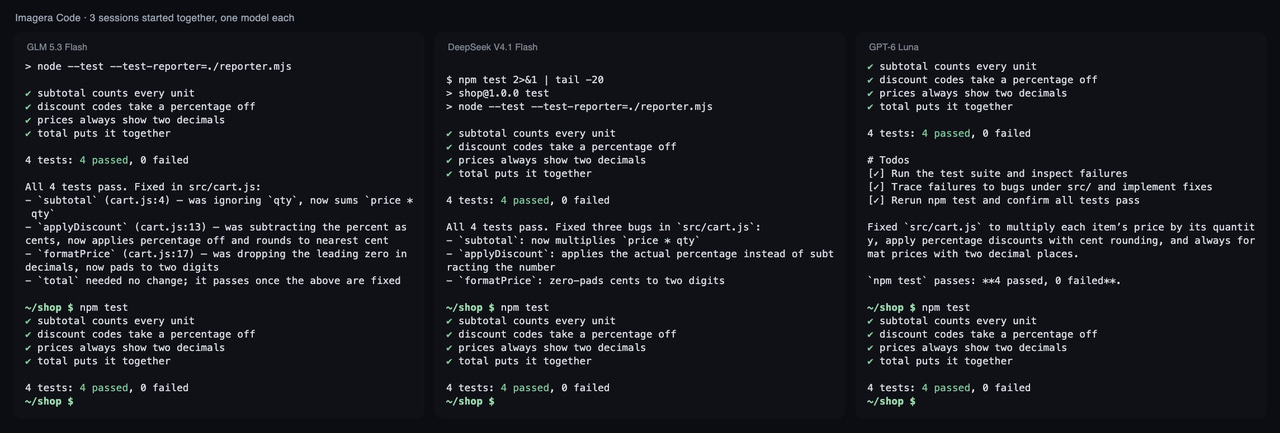
We started 3 Imagera Code sessions at the same moment on one account, each on a different model, each fixing its own copy of the same small project. We ran two rounds, so each model had 2 sessions.
How we tested
Task: 3 copies of the same small JavaScript project (3 bugs, 4 failing tests), one Imagera Code 1.18.33 session per copy, each on a different model, all started at the same moment on one account (run 2026-11-03, 2 rounds). A session passes only if every test passes afterwards and the test file is unchanged. Tokens are input plus output over all of a session's model calls.
| Model | Tests passed | Median time | Median tokens |
|---|---|---|---|
| GLM 5.3 Flash (default) | 2 of 2 | 25.45 s | 62k |
| DeepSeek V4.1 Flash | 2 of 2 | 15.9 s | 58k |
| GPT-6 Luna | 1 of 2 | 232.8 s | 52k |
- Round 1: all 3 sessions ran at the same time for 13.6 s; 3 of them had model calls answered inside that window; 3 of 3 fixed the project; 45.5 s from first start to last finish.
- Round 2: all 3 sessions ran at the same time for 18.2 s; 3 of them had model calls answered inside that window; 2 of 3 fixed the project; 420.1 s from first start to last finish.
Here is the change one of the sessions made to its copy:
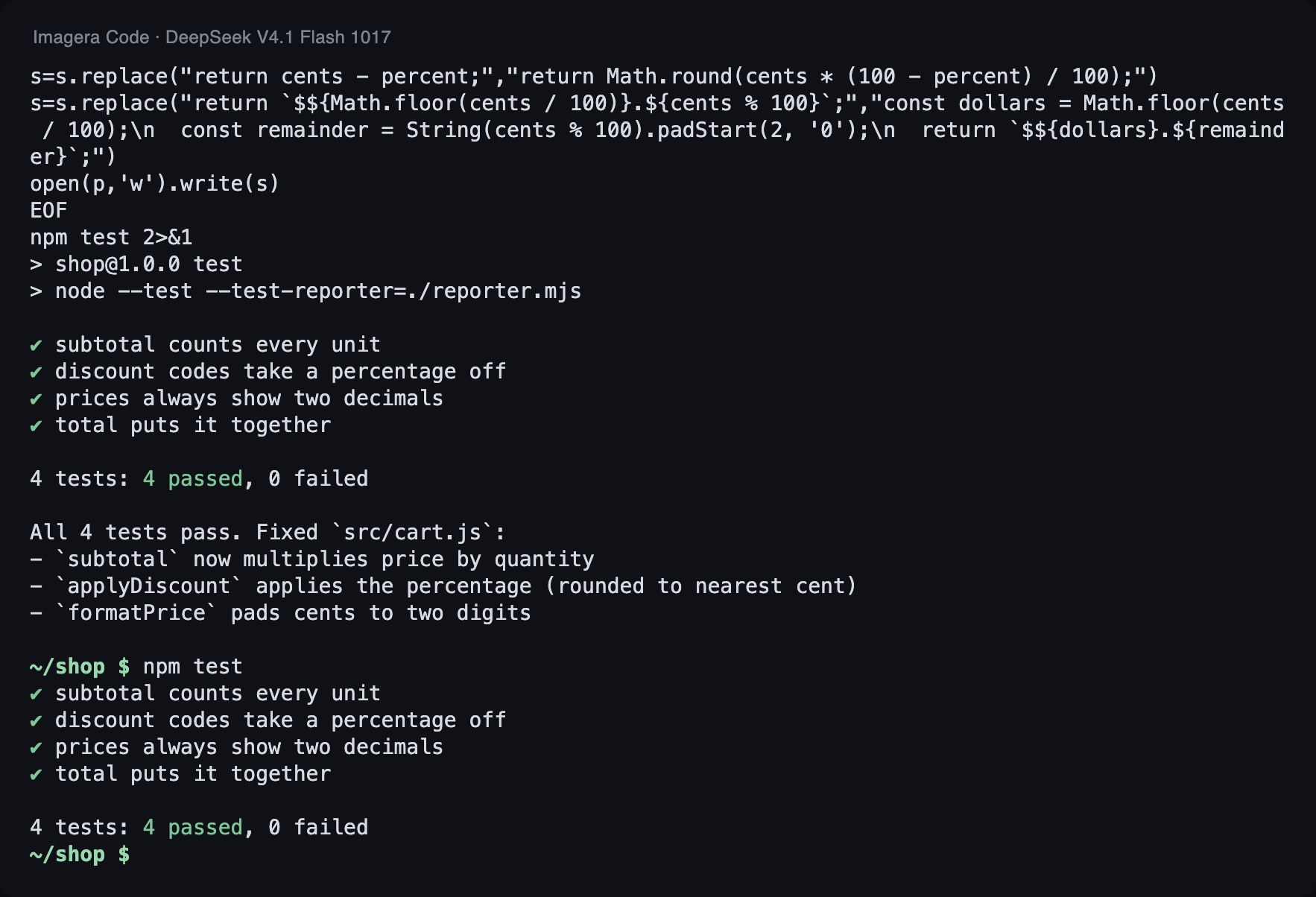
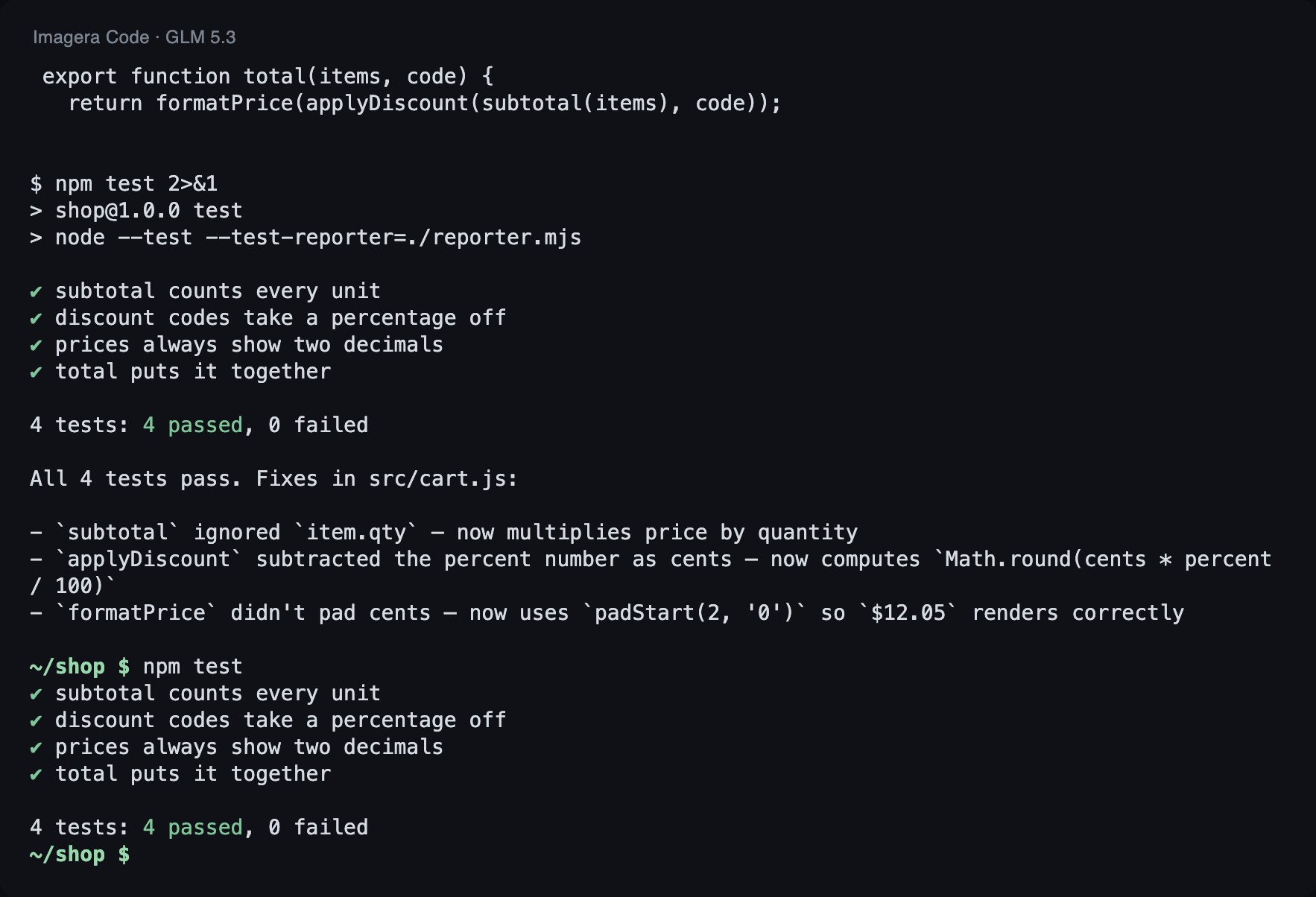
--- src/cart.js (before) +++ src/cart.js (after) @@ -1,7 +1,7 @@ // Checkout helpers for a small shop. Prices are whole cents. export function subtotal(items) { - return items.reduce((sum, item) => sum + item.price, 0); + return items.reduce((sum, item) => sum + item.price * item.qty, 0); } const CODES = { SAVE10: 10, SAVE25: 25 }; @@ -10,11 +10,11 @@ export function applyDiscount(cents, code) { const percent = CODES[code]; if (!percent) return cents; - return cents - percent; + return Math.round(cents * (100 - percent) / 100); } export function formatPrice(cents) { - return `$${Math.floor(cents / 100)}.${cents % 100}`; + return `$${Math.floor(cents / 100)}.${String(cents % 100).padStart(2, '0')}`; } export function total(items, code) {
What this shows: sessions on different models overlap on one account.
The slowest session sets the wall-clock time for the whole batch. In round 2, one of the three sessions failed to fix the project, and it was GPT-6 Luna: it passed 1 of its 2 sessions, while the two Flash models passed both. Its median time of 232.8 s sits far from the other two (25.45 s and 15.9 s), which fits a very slow second run that ended in a miss and set the 420.1 s.
The numbers do not tell us why it went wrong, so check the recording and diff for your own runs. They do rule out one explanation: it did not use more tokens. Its median was 52k, against 58k and 62k for the others. The time went somewhere other than extra token volume, so a long-running session is not necessarily a productive one. Give each session a time budget you enforce yourself, and stop and restart one that runs far past its peers.
The sample is small, so read it as a demonstration of parallel sessions, not a model ranking. The useful part is the miss: with independent attempts you can compare outcomes and catch a model that got it wrong.
How do I test and review their work, and keep costs and errors under control?
Test. Every agent brief should name a command that proves success. Run it yourself afterward; do not rely on an agent's claim that tests pass. In round 2 of our test one session did not fix the project, which is why the project's own tests are the check.
Review. Read each diff before merge. Use a second agent, ideally on a different model, as an extra reviewer, but keep a human on the merge. Claude Code's docs list review as a good fit for teams of agents, as noted above.
With blocking input mode, a tripwire stops the run before tokens and tools are spent, and output guardrails can reject bad final answers.
Match model to job. Per-session model choice means a small fix can go to a fast model while a hard one goes to a stronger one.
How do I try it?
Install Imagera Code, then start one session per model, each in its own terminal and its own checkout:
npm i -g imagera-code imagera-code login # terminal 1 cd service-a && imagera-code run -m imagera/z-ai/glm-5.3-flash "Run the tests and fix what fails" # terminal 2 (at the same time, its own model) cd service-b && imagera-code run -m imagera/deepseek/deepseek-v4.1-flash "Add tests for the parser"
Begin with two independent tasks, compare the diffs, and run your tests on each before merging.