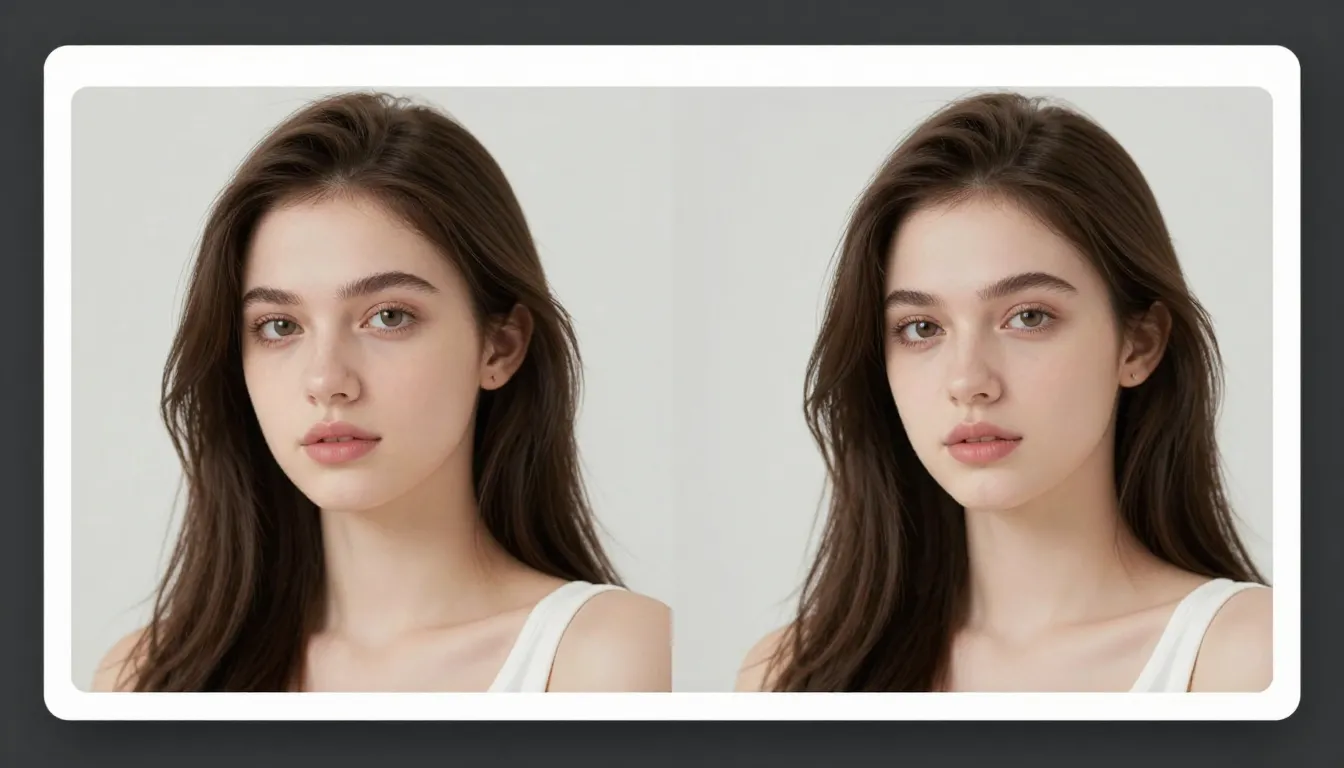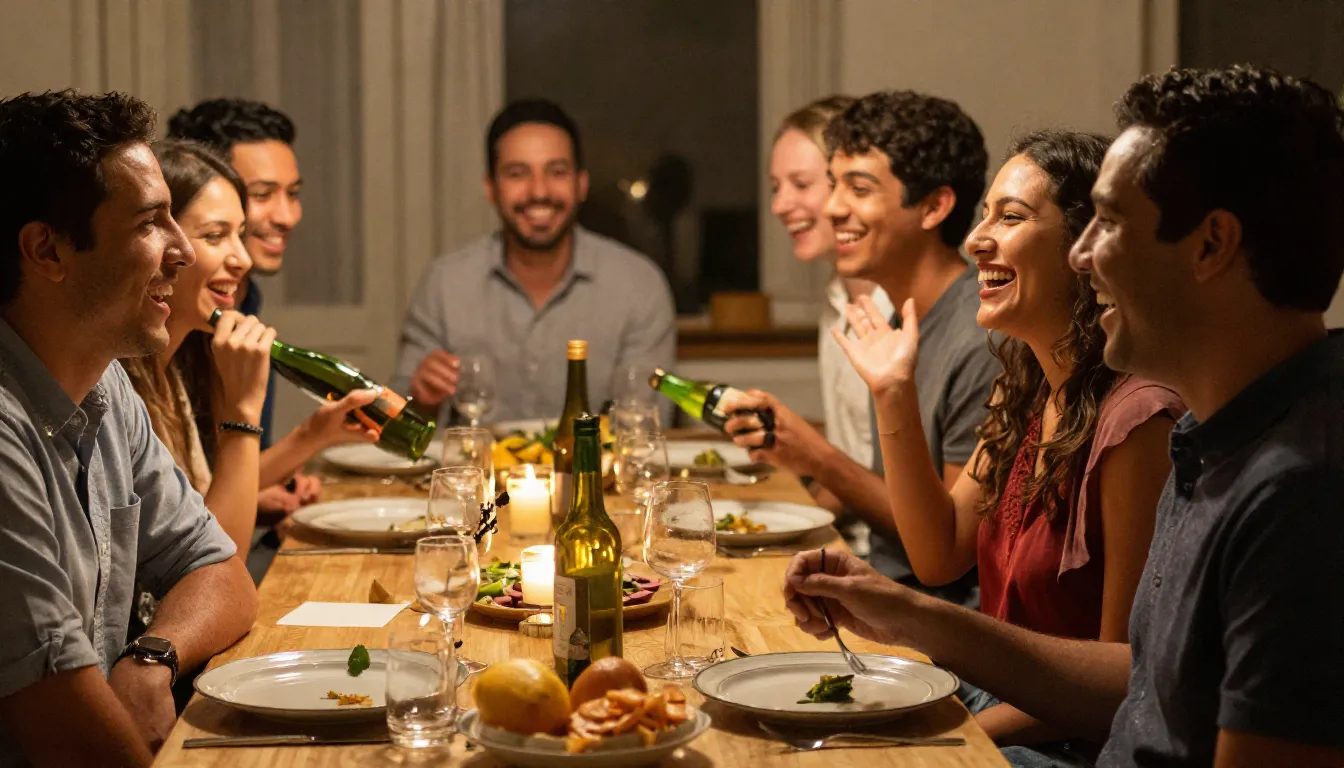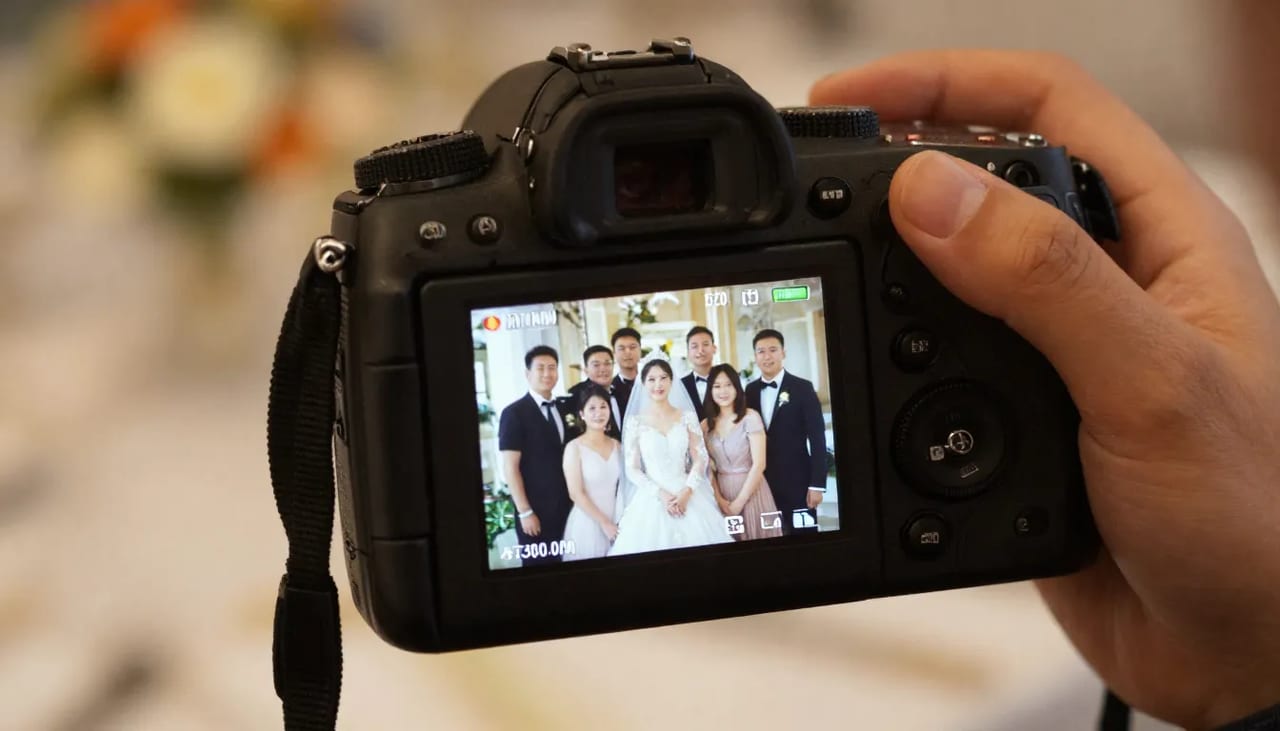
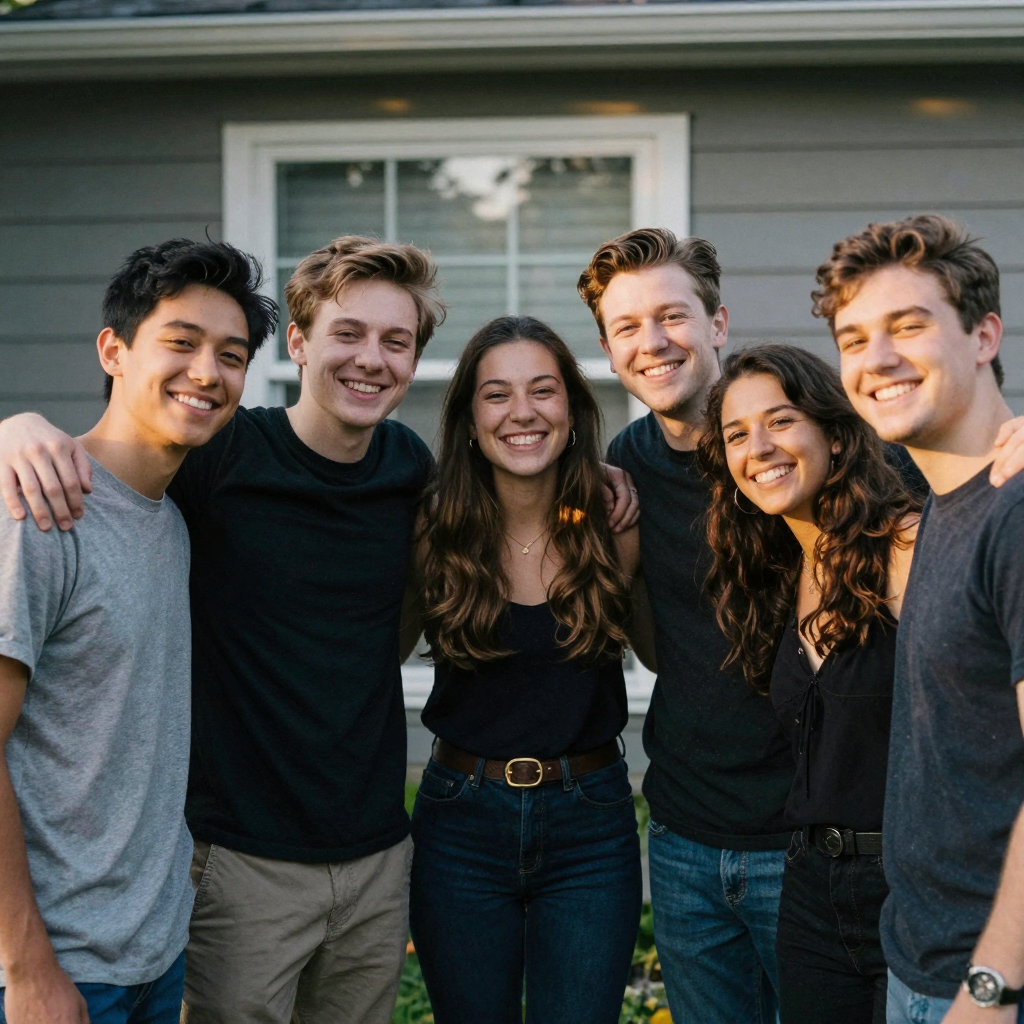
 How to Fix a Photo Where Someone Blinked with AI is a practical Imagera workflow: start from a real source file, describe what should change, generate with credits shown up front, and review before you publish. This guide covers the steps, quality checks, and when to use related tools.
Group photos are a race against probability. With five people in frame, you're waiting for everyone's eyes to be open at exactly the same instant. The larger the group, the worse the odds — at ten people, statistically you'd need to fire dozens of frames to guarantee one clean shot.
This guide is specifically for the group-shot scenario: one person blinked in an otherwise perfect frame. It covers the manual burst-compositing technique, when it works and when it doesn't, and the AI approach that skips the need for a matching reference frame entirely. For the single-subject case, see how to fix closed eyes in a photo.
Quick answer: Yes, Imagera's AI can fix a photo where someone blinked in under a minute by opening the eyes naturally, without a reshoot. Upload the image, mark the closed eyes, and the AI regenerates open, correctly-aligned eyes that match the lighting and gaze of the original shot.
How does Imagera open closed eyes in a blinked photo without looking fake?
Imagera analyzes the face's geometry and existing eye color, then regenerates open eyes matched to the original lighting, catchlights, and gaze direction. Most single-face fixes finish in under a minute at up to 4K resolution, and you can re-roll 2 or 3 variations if the first result isn't perfect. Group shots with several blinkers are edited one face at a time for accuracy.
Can I fix multiple people who blinked in the same group photo?
Yes. Imagera handles group photos with 5, 10, or 100+ faces by correcting each set of closed eyes individually, so every person looks awake in one final frame. You can export the corrected image at 4K or upscale to 8K for prints. Since a blink from at least one person is common in large group shots, fixing eyes afterward beats scheduling a costly reshoot.
How to Fix a Group Photo Where Someone Blinked
Understanding why blinks are so common in group shots makes the solution clearer. A human blink lasts 150–400 milliseconds. At 1/250s shutter — a standard portrait setting in decent light — you have about a 1-in-15 chance of catching someone mid-blink per frame. With 8 people, the odds that at least one person blinks in any given frame is somewhere around 40%.
The two reliable strategies are:
- Take enough frames that you have a clean shot by chance
- Fix the blink in post
In practice, both matter. When you're coordinating a group, you rarely have unlimited time to fire 30 shots — so knowing how to fix someone blinked in photo afterward is a real skill.
Method 1: The Burst Composite (Manual)
If you shot in burst mode or used a camera with continuous shooting, you may have a nearby frame where the blinker's eyes are open. Here's how to use it:
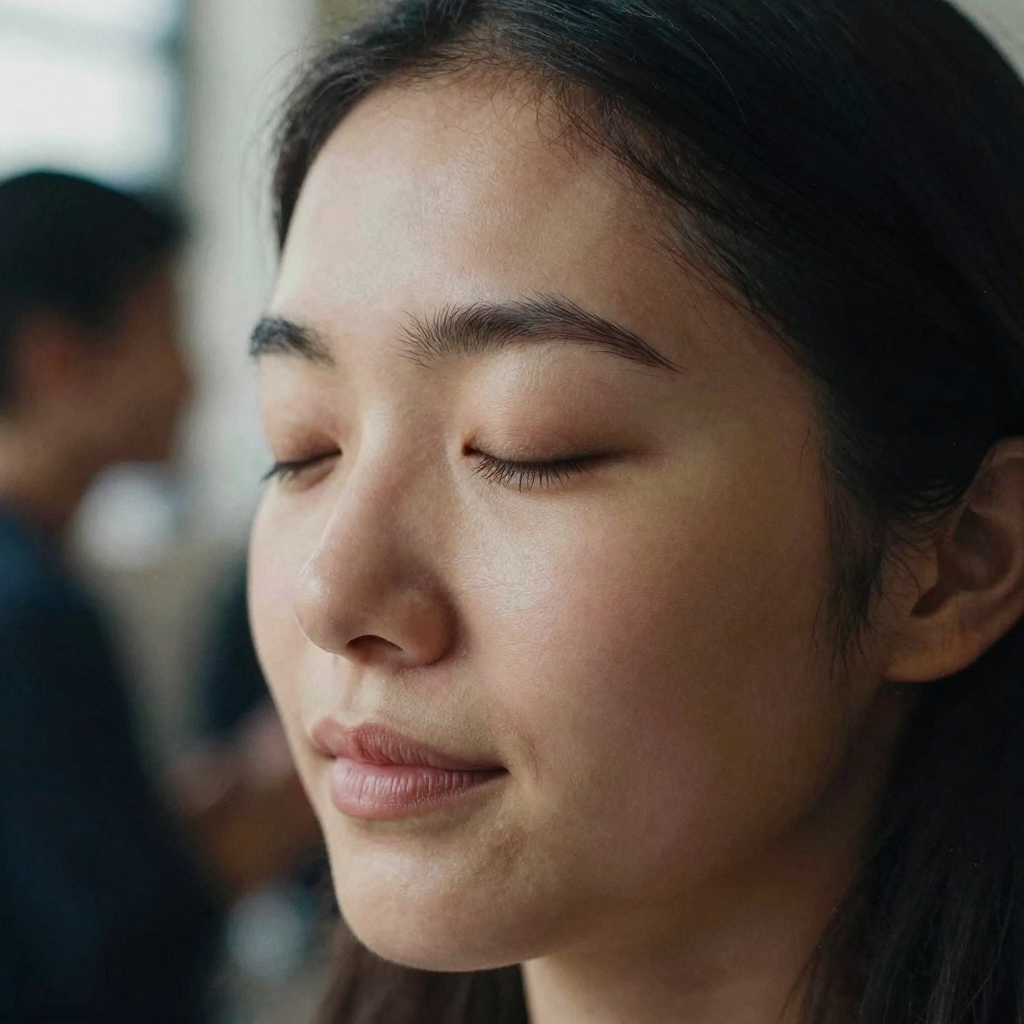
Step 1: Find your reference frame
Look through your burst sequence — most cameras and phones label bursts. You need a frame where:
- The blinker's eyes are fully open
- Their head position is similar (within a few degrees of rotation)
- The lighting matches (same exposure, no change in flash angle)
A frame taken 0.5–2 seconds away from the main shot usually works. More than 5 seconds and people have shifted position enough to make blending difficult.
Step 2: Open both frames in an editor
In Photoshop, Lightroom Classic, or a free alternative like GIMP:
- Open your "keeper" photo as the base layer.
- Place the reference frame as a layer on top.
- Reduce opacity to about 50% so you can see both.
- Use Transform to align the reference frame precisely — the blinker's face should overlap with the face below.
Step 3: Mask in only the eyes
At full opacity:
- Add a black mask to the reference layer (hides it entirely).
- Paint with a white brush over just the eye region — aim for a soft-edged brush at 50–70px for a face at normal portrait distance.
- Feather the edges generously. A hard mask boundary shows.
- Adjust opacity per-layer if the skin tones need fine-tuning.
Step 4: Check lighting and color
Zoom to 100% and check that:
- Skin tone at the mask boundary blends naturally
- Catch-lights (reflections in the eye) are consistent with the rest of the photo
- Shadow direction matches
This is where most DIY results fall short — minor differences in exposure or white balance between burst frames create a visible patch around the fixed eye.
When the burst composite fails
- No burst: single-tap JPEG shots give you one frame. No reference to pull from.
- Position shift: the blinker moved their head between frames, so the eyes don't line up.
- Lighting changed: flash recycled slightly differently, creating a visible patch.
- Multiple blinkers: you'd need multiple reference frames, each with a clean eye at the same position.
In these cases, the AI approach is the practical path forward.
Method 2: AI Photo Fixer (No Reference Frame Needed)
An AI photo fixer doesn't composite eyes from somewhere else — it synthesizes open eyes that are consistent with the person's facial geometry, eye color, and the photo's lighting, all from the single frame you have.
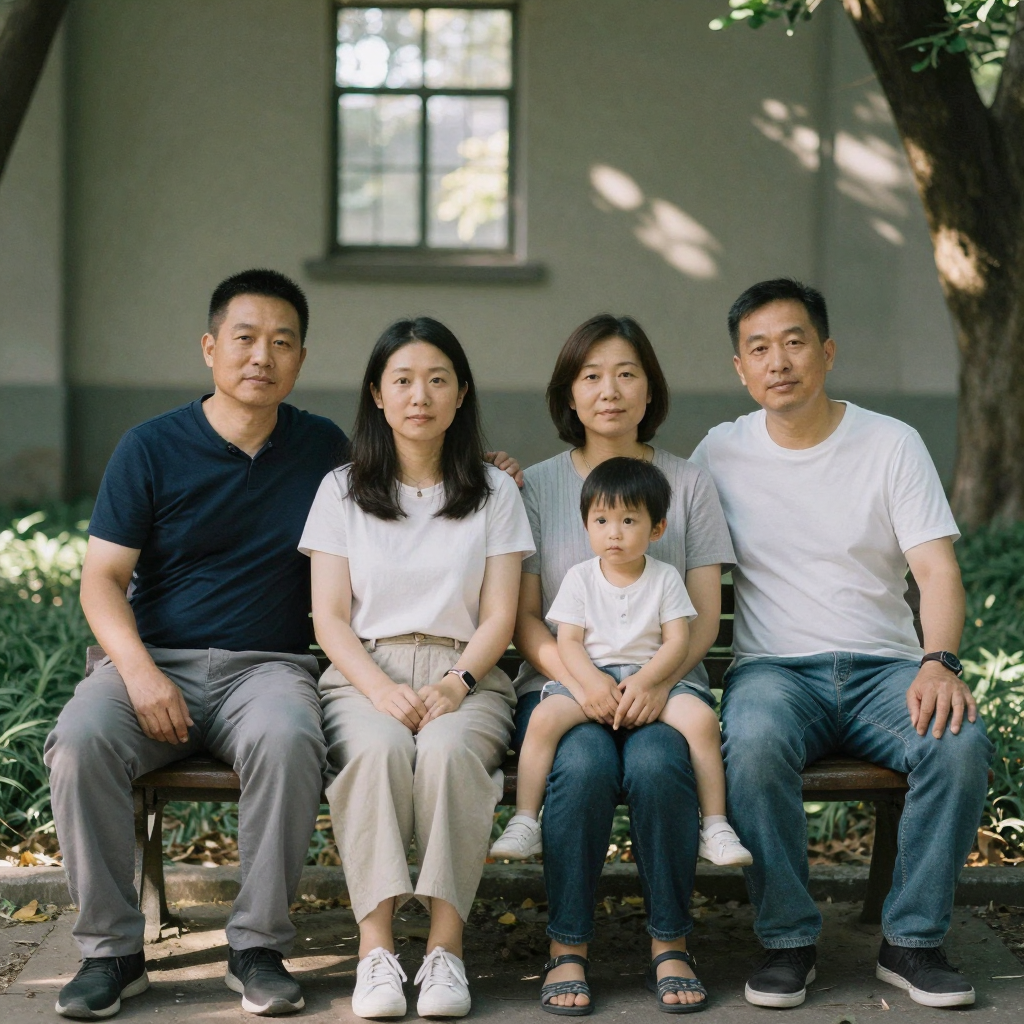
How to fix a blinked group photo with Imagera's AI Photo Fixer:
- Upload the group photo. The tool works on the full image — no need to crop or isolate faces.
- The AI identifies all faces in the frame and flags any with closed or partially-closed eyes.
- Review the suggested corrections per face and confirm.
- Download the repaired photo.
Because it's operating on one image and generating from context, there's no manual masking step and no risk of a mismatched skin tone patch from an imperfect burst frame.
AI works especially well for:
- Large group shots where burst compositing would require 4–5 separate reference frames
- Old photos with no burst sequence
- Casual phone shots taken without burst mode
- Photos from film or compact cameras scanned from prints
Comparing the Two Approaches
| Scenario | Burst Composite | AI Photo Fixer |
|---|---|---|
| Burst sequence exists, head aligned | Works well | Also works |
| Single-frame JPEG | Not possible | Works |
| 3+ people blinked | Complicated | Handles all at once |
| Lighting changed between frames | Patchy result | Not relevant |
| Old scanned print | Not possible | Works |
| Want no software installation | Requires editor | Browser-based |
| Time required | 15–30 minutes | 2–3 minutes |
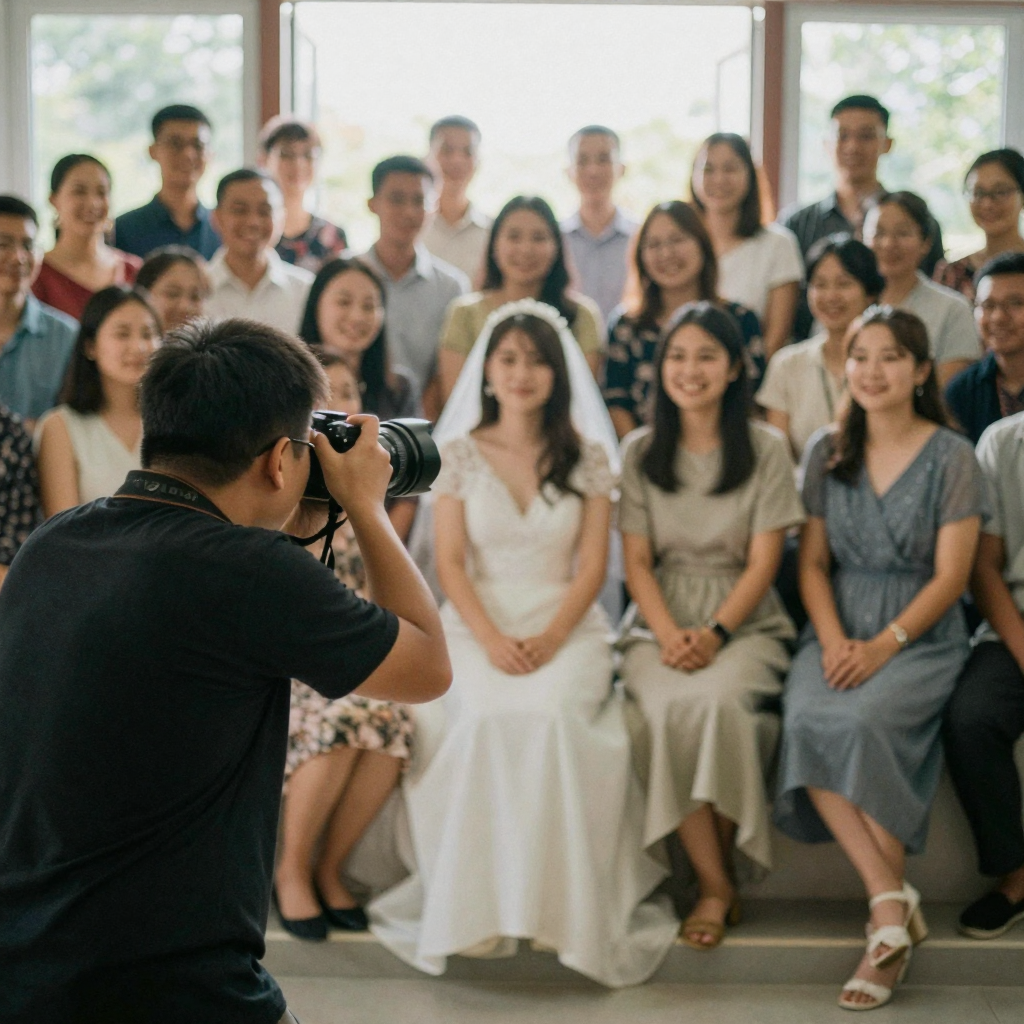
When to Take the Shot Again vs. Fix in Post
Some blink situations are easier to prevent than fix:
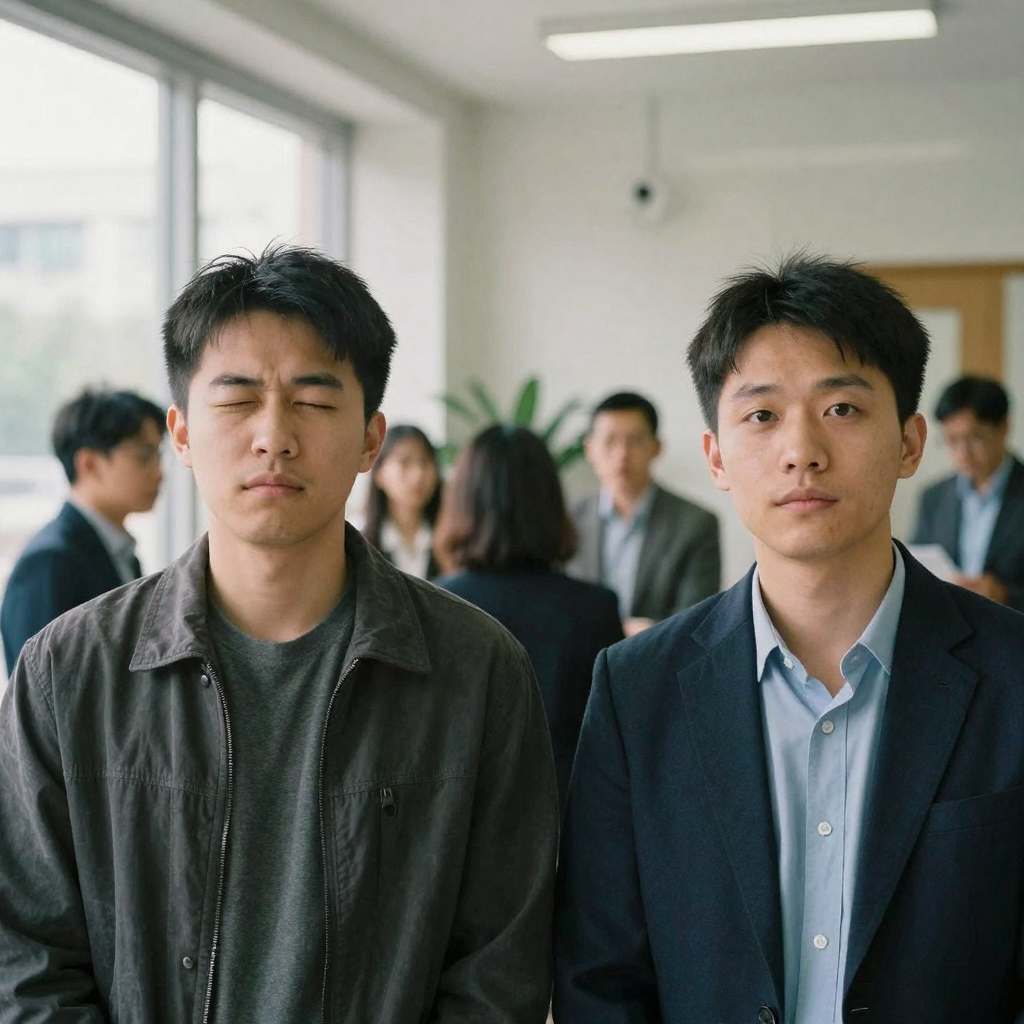
Retake if:
- You're still at the venue and the group is assembled
- The photo has other problems too (composition, someone out of frame)
- You need a specific candid expression from everyone
Fix in post if:
- The group has dispersed
- This is the only frame with the perfect natural moment
- It's an old photo from a past event
- Multiple minor issues need correction
For wedding photographers, birth-announcement shoots, and family reunion photos, the "fix in post" path is common and accepted — the goal is a photo everyone looks good in, not a frame-perfect documentary record.
Tips for Photographers Shooting Group Portraits
Shoot more frames than you think you need. At 10 frames for a group of 6, the math works in your favor. At 3 frames, you're relying on luck.
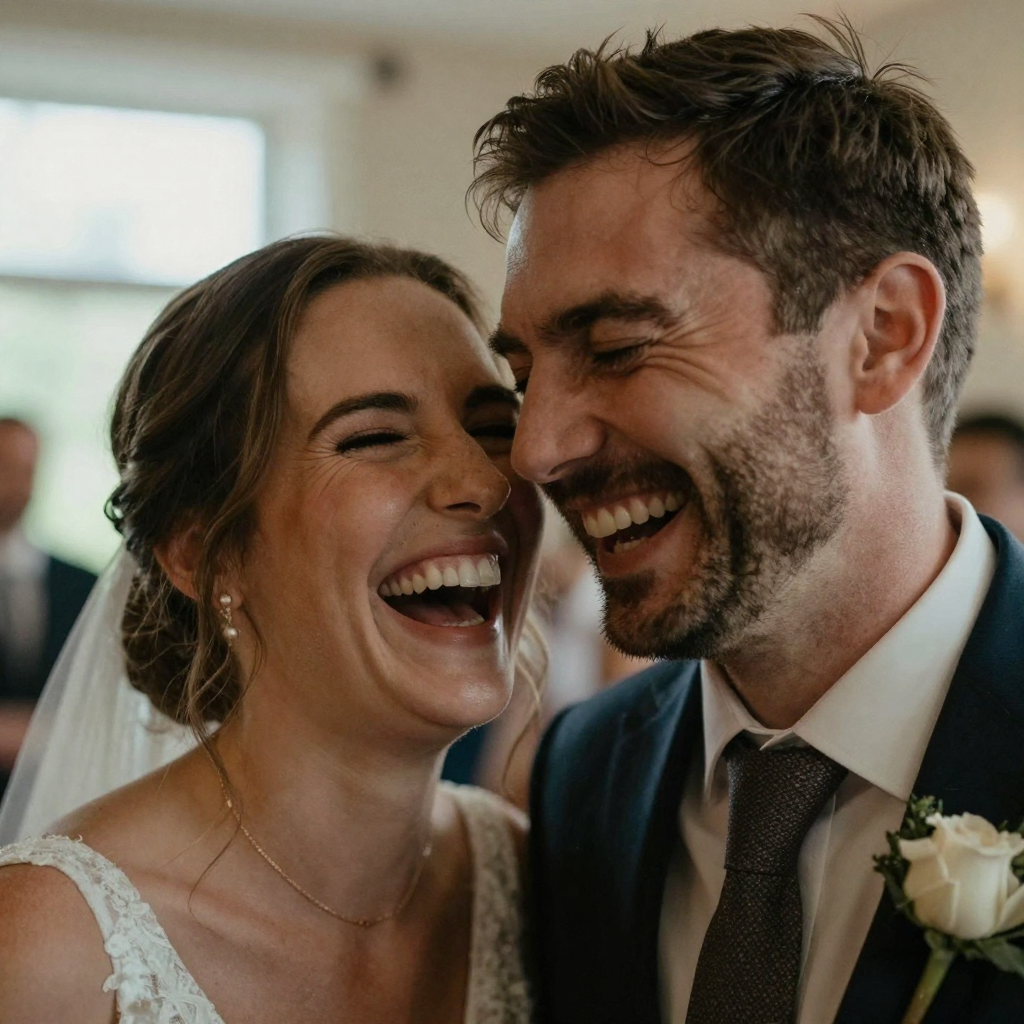
Use a countdown. "Eyes closed, then open them on 'one'" produces a naturally-open-eye expression at the key moment, because the eyes have just relaxed from being deliberately shut.
Watch your shutter speed. At 1/60s in low light, blinks are more likely to be captured mid-close. Bump ISO before lowering shutter speed for portraits.
Shoot tethered or review on a larger screen. Blinks that are invisible on a phone screen become obvious on a laptop. Catch them before the group disperses.
What makes a blinked eye hard to fix, and how do you spot it early?
The hardest blinks to fix are half-blinks — eyes caught 30–70% closed — because the tool has to reconstruct the iris, catch-light, and eyelid crease from partial information rather than a fully shut lid. A fully-closed eye is often easier than a droopy half-open one, since there's no ambiguous half-drawn eyelid to reconcile. Spot problem frames by zooming to 100% on each face before you leave the venue.
Not every closed eye is equally fixable, and knowing which category you're dealing with tells you whether to retake or repair:
| Blink type | Difficulty | Best route |
|---|---|---|
| Fully closed, face lit evenly | Easy | AI fixer or burst composite |
| Half-blink (30–70% closed) | Hard | AI fixer; check iris and catch-light |
| One eye open, one closed | Medium | AI fixer per-eye; verify they match |
| Blinked and looking down | Hard | Retake if possible; gaze can't be invented reliably |
| Blinked while in motion / blurred | Very hard | Retake — no sharp reference for either method |
| Blinked in deep shadow | Medium | AI fixer accounts for shadow direction |
The one category worth reshooting rather than fixing is a blink combined with a downward or away gaze — you can open the eyes, but you can't reliably invent where the person was actually looking, and a mismatched gaze reads as wrong even when the eyes themselves look clean.
How do you check a fixed blink actually looks natural?
After the fix, zoom to 100% and check four things on the corrected eye: the catch-light (the small reflection) should sit in the same position as the other eye, the iris color should match, the eyelid crease should follow the person's real eye shape, and the skin at the edge of the fix should carry the same texture as the surrounding face. If any of these is off, regenerate rather than shipping it.
The most reliable natural-look test is comparison, not inspection in isolation. Put the fixed face next to the same person's unedited eye — in a group shot, that's often their other, un-blinked eye, or another photo from the same event. A genuine fix makes the two eyes look like a matched pair: same size, same openness, same catch-light angle, same amount of visible white below the iris. If the repaired eye looks slightly rounder, brighter, or more open than its partner, dial it back. For a group photo where several people were fixed, do a final pass at thumbnail size — the scale at which the photo will actually be seen — because an edit that survives close inspection but jumps out at thumbnail size is still a failed edit. When a fix won't settle, feeding the original into an AI photo fixer at the highest available source resolution usually gives the model enough detail to reconstruct a clean, matched eye.