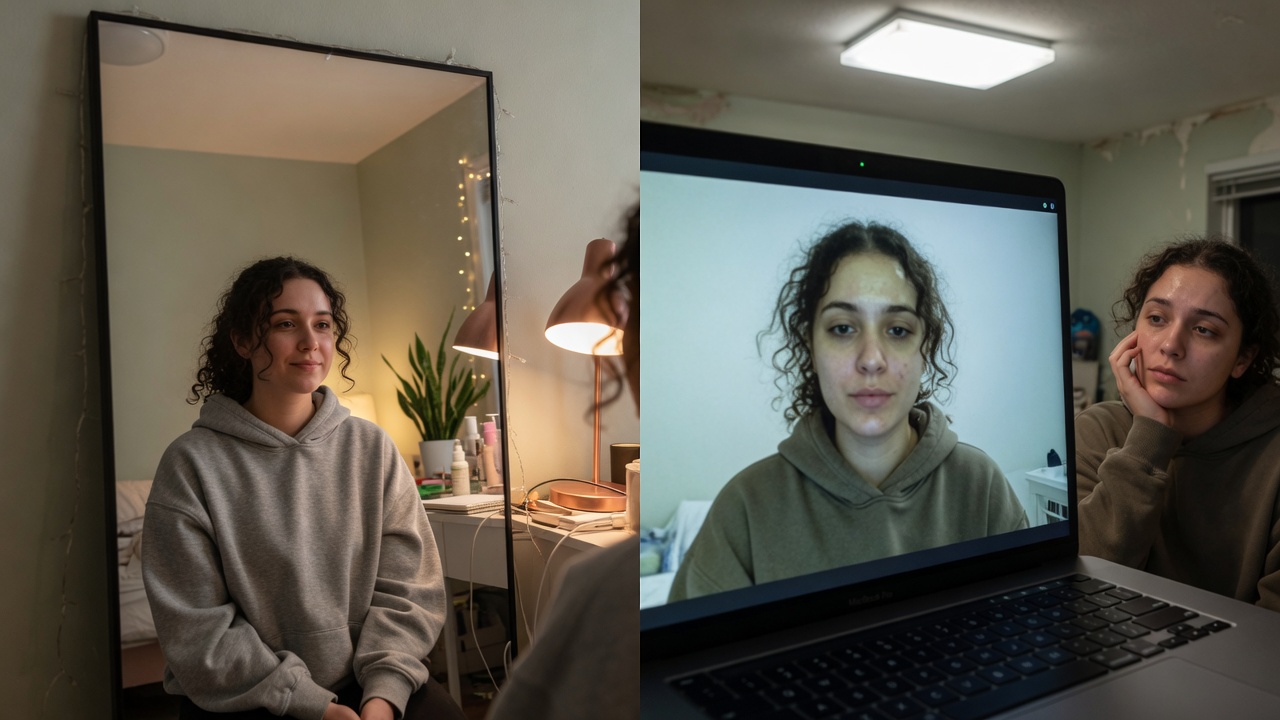
You can know your answers cold and still lose the first five seconds of a video interview to tired eyes. Webcams love under-eye hollows. Overhead lights carve double-chin shadows. Hiring panels misread fatigue as low energy — even when you are sharp.
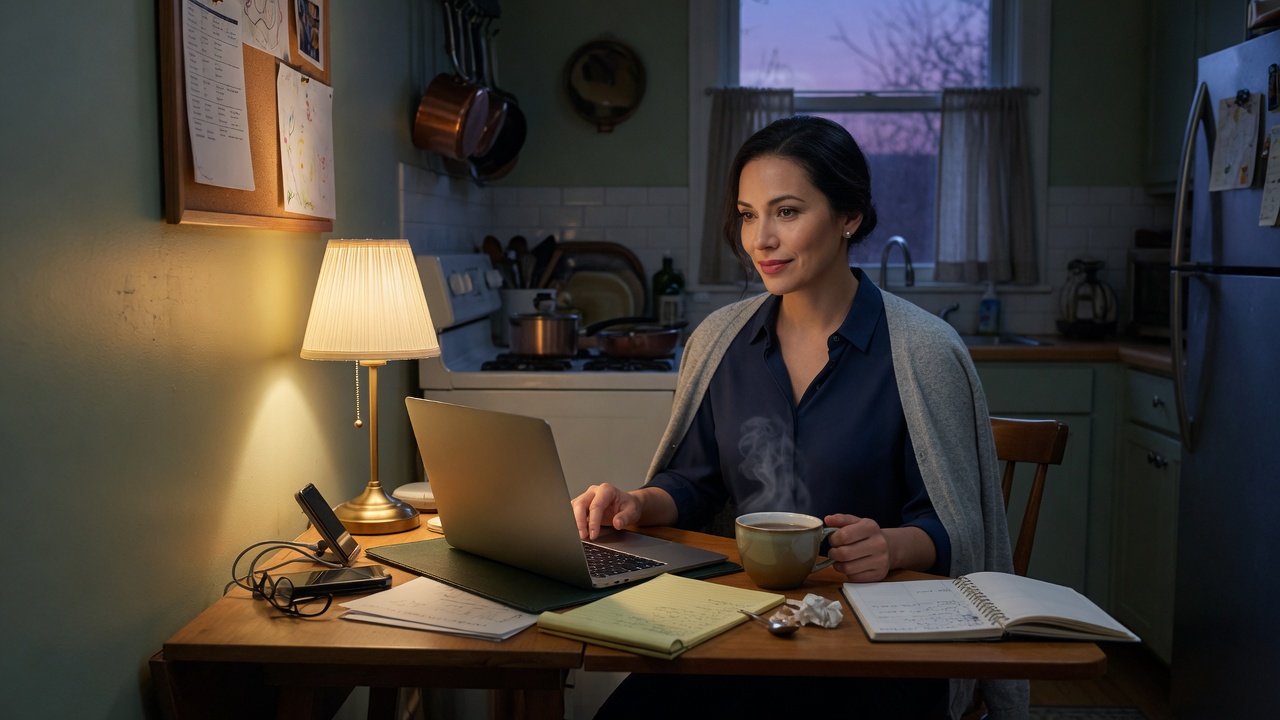
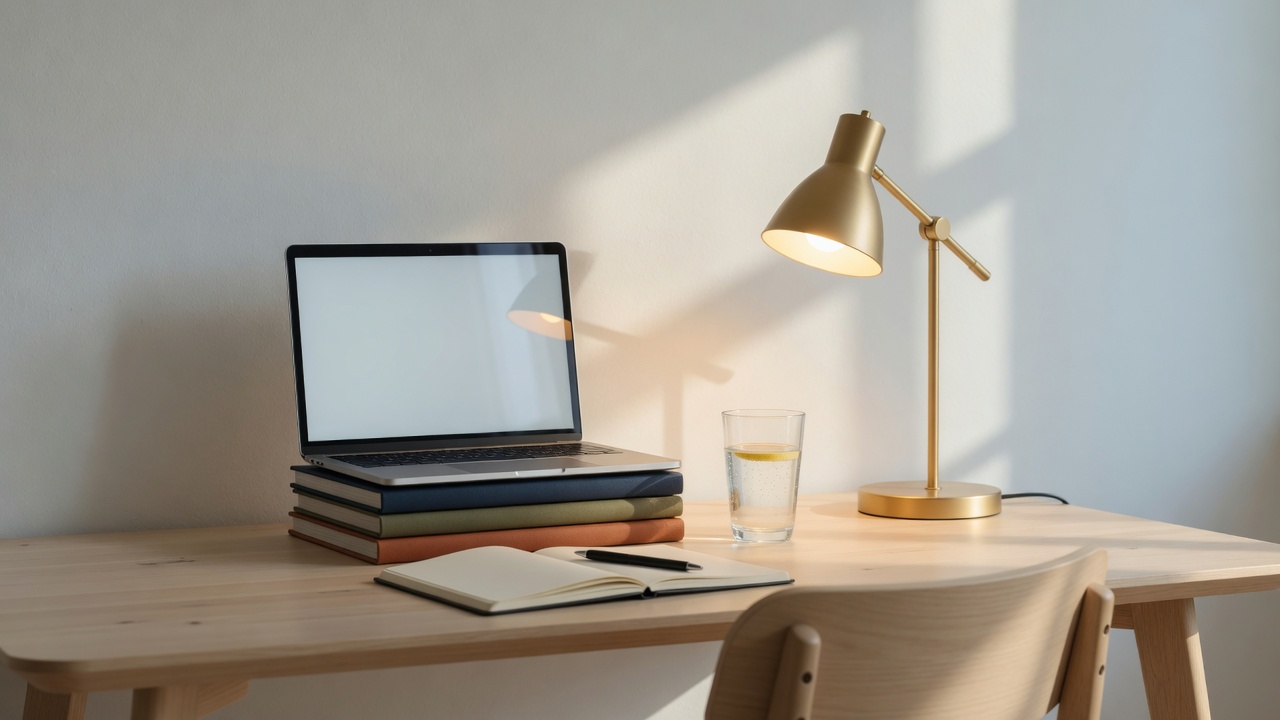
Early-morning interview setup with face-height light looking composed.
This is the high-intent playbook for looking awake on Zoom, Meet, and Teams: free geometry fixes first, then Imagera GlowCam when the sensor still lies.
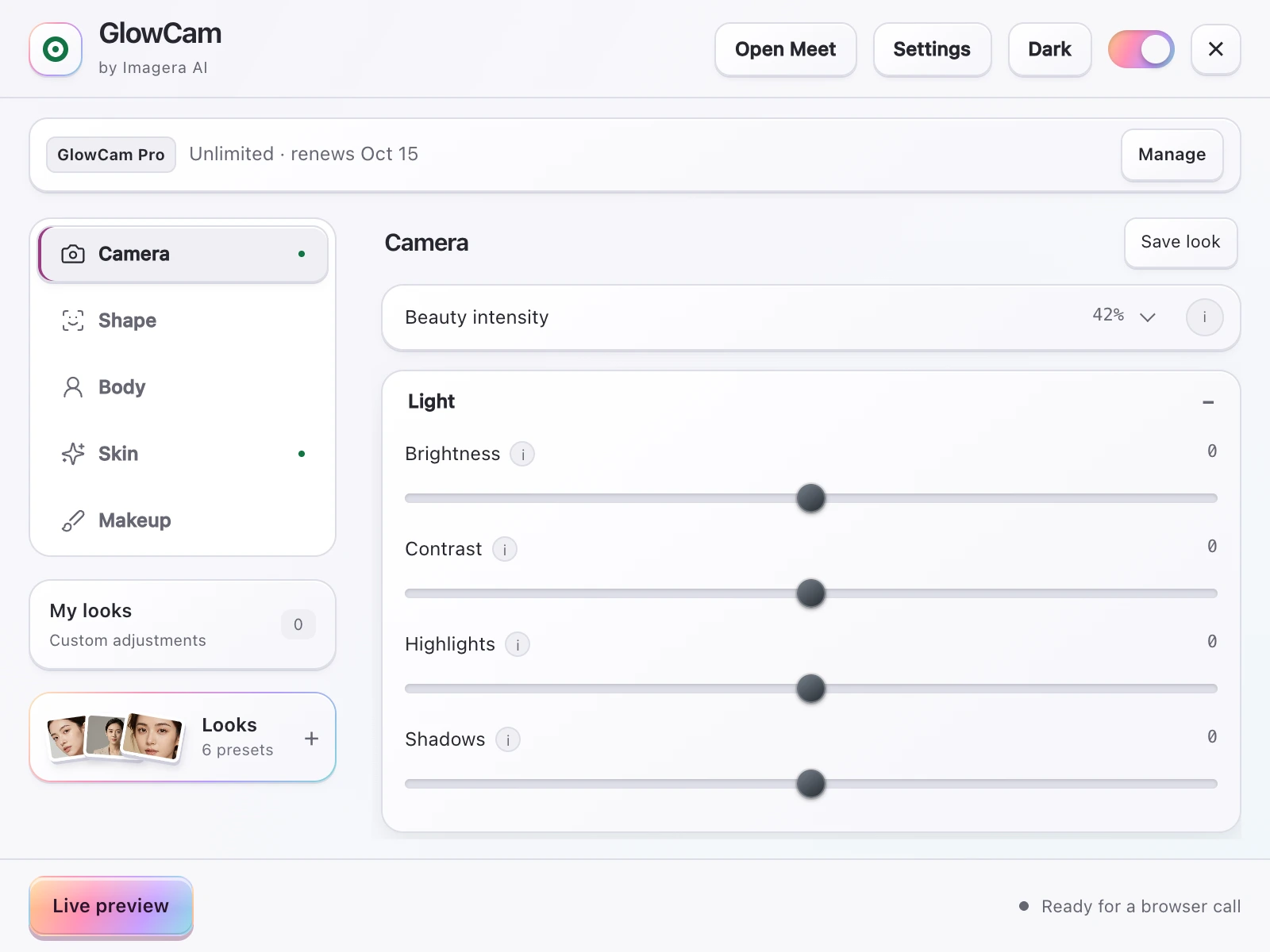
Screenshot of the GlowCam extension's controls. The filter runs on your own device, inside the browser tab of your call.
Quick answer: To look more awake on video calls, brighten under-eye shadows, even out skin tone, and lift contrast, then apply the same fixes to your on-camera footage in seconds. Imagera's AI retouch removes dark circles from a single photo or your call frames without a studio setup.
How do you look less tired on video calls with dark circles?
Start with lighting positioned 45 degrees above eye level to fill shadows, raise your webcam to at least 720p (ideally 1080p or 4K), then let Imagera reduce under-eye darkness in under 60 seconds. A quick two-step brighten-plus-even-tone pass softens visible circles, and you can upscale grainy webcam stills to 4K or 8K for a rested, sharp look on 2026 calls.
Does removing dark circles make you look fake on camera?
Not if you keep edits subtle. Imagera's retouch preserves natural skin texture across all three zones (under-eye, cheeks, forehead) instead of flattening them, so a light shadow reduction reads as well-rested, not plastic. Under-eye circles are largely about thin skin and shadowing rather than fatigue alone, so gentle brightening looks believable because it corrects light, not identity.
What “tired on camera” really is
Three different problems get bundled as “I look exhausted”:
- Under-eye shadow — pigment, thin skin, or pure lighting geometry
- Jaw / neck shadow — camera below eye level + top light (the “double chin” panic that floods TikTok and interview tips)
- Grey flat skin — cheap sensors and compression removing life from your face
Treat them separately or you will max a smooth slider and still look offline.
Free geometry (do this before any filter)
Light in front, not above
Ceiling cans are under-eye enemies. A lamp at face height fills the hollows that make you look unfinished.
Camera at or slightly above eye level
Looking up into a laptop shortens the face and stacks the chin. Books under the laptop are the most viral “double chin fix” for a reason — they work.
Chin slightly forward, neck long
Coaches teach: create space between chin and collarbone. It is posture, not vanity.
Distance
Sit back a bit. Extreme close-ups exaggerate texture and circles.
Real rest when you can
Software is a bridge, not a sleep replacement. Use it on the mornings you cannot.
When you still look wrecked after the free fixes
- Genetic circles no lamp fully erases
- Allergy season
- New-parent nights
- Red-eye flights before a panel
- Men who will never wear concealer
- Women who will not spend 25 minutes on a full face for a 30-minute screen
That is the job GlowCam is hired for.
How GlowCam makes you look awake — without looking “done”
GlowCam is Imagera’s Chrome extension for live call appearance.
For fatigue specifically:
- Under-eye brighten aimed at the shadow zone
- Skin tone / glow to fight grey sensor skin
- Mild smoothing without plastic
- Optional eye brighten / light blush if you want definition
- Background calm so the frame does not feel chaotic
Invisible is the brand. If someone would comment on a filter, turn it down.
3-day trial, no credit card. Pro from $24.99/month.
GlowCam · Chrome Web Store
The 6-minute emergency interview routine
| Min | Do |
|---|---|
| 0–1 | Front lamp on; kill overhead if you can |
| 1–2 | Raise laptop; wipe lens |
| 2–3 | Open browser call; Meeting preset |
| 3–4 | Under-eye + slight brightness only |
| 4–5 | Check jaw in frame; raise camera more if needed |
| 5–6 | Hide self-view; breathe; join |
Why this changes outcomes (not just feelings)
First impressions form fast. On video, tiredness is misread as:
- Low interest in the role
- Weak stamina
- Poor preparation
- Stress you cannot handle
Unfair. Also fixable enough that ignoring it is optional. Looking awake does not get you the offer alone — it stops the camera from writing a false story before you speak.
Same logic for investor mornings and promotion panels: energy is partially visual.
Men, makeup, and “is this weird?”
A huge slice of search demand is men who will not touch concealer but hate their 7 AM tile. Under-eye + light + height is gender-neutral grooming for the medium. You are not “wearing a filter personality.” You are refusing a broken mirror.
The details that make the difference on repeat calls
Once your light and camera height are handled, the last 10% of "still looks tired" usually hides in variables people never audit. Here are the edge cases that separate a look that holds up across a four-hour interview loop from one that unravels by the third panel.
Color temperature drifts — and shadows come back
Under-eye shadows read as "tired" partly because they go cool and blue-grey relative to the rest of the face. If your fill light is warm (a 2700K desk lamp) and your monitor is throwing cool 6500K light onto the same side of your face, the two mix unevenly and the hollows go grey again by mid-morning as daylight shifts through a window. Match your sources: keep the lamp and any secondary light within the same warmth band, and set a manual white balance in your camera app instead of auto — auto white balance chases the background and re-introduces the cast every time you lean or someone shares a slide. In Imagera GlowCam, correct the source first, then apply under-eye at low strength so you are not asking software to fight a lighting mismatch it did not create.
Match under-eye brightening to your undertone
A common overcorrection: brightening the under-eye zone toward white when your skin is warm or deep. That produces the "grey ashy patch" look that reads as concealer mistakes on camera. The fix is subtle warmth in the correction, not raw lightness — lift the shadow toward your own cheek tone, not toward the light. On deeper skin this matters more, because the contrast between a blown-out under-eye and natural skin is what gets noticed.
The self-view and multi-monitor eye-line trap
If your camera sits on one screen and you read notes on a second, you spend the whole call looking off-axis — which drops your upper eyelid and reads as fatigue no filter fixes. Put the call window directly under the camera you are using, and hide self-view so you stop micro-checking your own face (that habit alone tenses the eyes).
| Repeat-call issue | What it does | Fix |
|---|---|---|
| Auto white balance | Re-adds grey cast on movement | Lock manual WB |
| Mixed light warmth | Uneven, cooling shadows | Same-temperature sources |
| Over-bright under-eye | Ashy patch on warm/deep skin | Lift toward cheek tone |
| Off-axis eye-line | Droopy, tired reading | Call window under camera |
One preset per lighting reality
Your 7 AM room, your afternoon window light, and a hotel are three different problems. Save a separate low-strength GlowCam preset for each rather than nudging sliders live under pressure — the goal is consistency you never have to think about mid-call.
Related reading
| Topic | Link |
|---|---|
| Why camera lies | Worse on camera than in person |
| Full interview guide | Look good on video interview |
| Meet-specific | Look good on Google Meet |
| Product | GlowCam |
Key takeaways
- Tired-on-camera is often light + angle, not character.
- Raise the laptop before you buy anything.
- GlowCam under-eye is the two-minute concealer for video.
- Invisible strength only.
- Looking awake protects how competence is heard.
The 6-minute “look awake” drill
- Face-height light (phone torch as last resort).
- Laptop on books — camera above chin line.
- GlowCam under-eye low + mild skin only.
- Hide self-view after framing.
- Water + two deep breaths — energy reads on camera.
Do not stack reshape for “awake.” Geometry first. Trial: GlowCam.
Who needs the awake-on-camera stack
Early-loop interviewees, parents on 7 AM standups, anyone misread as low-energy because of shadows, not skill. Fair light + subtle under-eye correction is the job.
The interview panel’s silent story about your eyes
Interviewers are not lighting directors. They still form stories:
- Dark hollows → “long night / disorganized”
- Bright even eyes → “ready / resilient”
You can resent the story and still refuse to star in the wrong version. That is strategy.
Allergy season and remote work
Spring and fall destroy under-eyes for millions of knowledge workers. Keep a “allergy preset” with slightly higher under-eye and slightly lower smooth so texture does not go plastic when skin is reactive.
Parents on the 6 AM loop
If you share caretaking, your calendar will include brutal early panels. Build the emergency routine on a calm evening once. Future you will not have bandwidth to invent it.
Closing
Looking awake is not fake energy. It is removing a visual tax so your real energy can be heard. Light, height, GlowCam under-eye — then go win the conversation.
Where to open next
| Goal | Link |
|---|---|
| GlowCam product | GlowCam |
| Pricing | Pricing |
| Still headshots | AI Headshot |
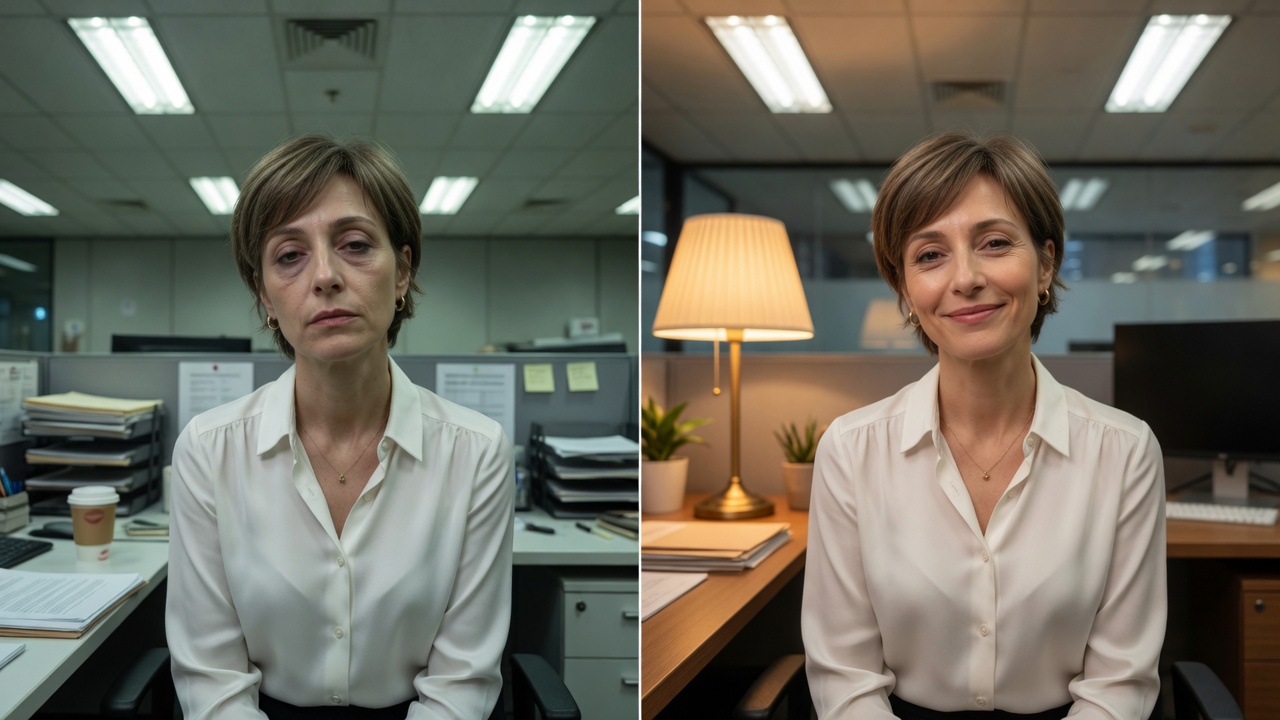
Side-by-side tired overhead light versus awake front-light camera look.
Awake-on-camera field kit
Emergency 6 minutes: face light → raise laptop → under-eye low → hide self-view → join.
Do not: max smooth, add reshape for “chin,” or apologize for looking tired.
| Problem | Free fix | GlowCam assist |
|---|---|---|
| Under-eye tunnels | Face-height light | Under-eye low |
| Jaw shadow | Camera up | None first |
| Grey skin | Front light | Mild glow |
| Looks fake | Lower everything | Invisible strength |
Men using under-eye: it is lighting correction, not “makeup theater.” Keep it subtle.
GlowCam · trial, no card.
Three different “tired” problems (treat them separately)
People say “I look exhausted on Zoom” when they mean three different failures:
| Problem | What the camera is doing | Free fix first | Software second |
|---|---|---|---|
| Under-eye tunnels | Overhead light digs hollows; thin sensors crush midtones | Lamp at face height, slightly in front | GlowCam under-eye low |
| Jaw / “double chin” shadow | Camera below eye line + top light | Raise laptop; slight chin forward | Geometry first; reshape only if still needed and subtle |
| Grey / flat skin | Cheap sensors + compression remove life | Front light; wipe greasy lens | Mild skin / glow — never max smooth |
If you only max a global softener, you blur pores and keep the shadow geometry. That is why Touch Up at 100% still looks tired.
6-minute emergency interview routine (when you slept four hours)
- Wipe the lens (30s) — grease ages everyone.
- Lamp at face height (60s) — phone torch as last resort, off-axis slightly.
- Laptop on books so the camera is above the chin line (60s).
- Open Meet/Zoom in Chrome; load GlowCam preset
Interview-Awakewith under-eye low, skin mild (90s). - Self-view check once → hide self-view (30s).
- Water + two breaths (30s) — energy reads as much as pixels.
Do not invent new sliders at T−2. If something looks wrong, halve strength.
What “awake” should look like (professional standard)
- Eyes open and even — not raccoon tunnels
- Skin texture still visible (pores are honesty)
- No plastic forehead
- Background calm enough that the panel reads your face, not laundry
That standard is fair imaging, not cosplay. For deeper camera-tax physics, see why you look worse on camera than in person. For platform-specific Meet steps, see how to look good on Google Meet.
Try GlowCam — start your free trial
This guide is about Imagera GlowCam — a real-time, on-device webcam beauty filter for Google Meet, Zoom, Microsoft Teams, and more in Chrome. Use the links below to convert from reading to installing.
| Goal | Action |
|---|---|
| Start free (3 days, no card) | Open GlowCam product page |
| Install the extension | Chrome Web Store — GlowCam |
| Compare plans | Pricing |
| Decision / alternatives | Snap Camera alternative · Zoom Touch Up alternative |
What you get on a work call: natural skin + under-eye polish, optional makeup, background calm, and saved presets (standup / client / interview). Processing is designed to stay on your device.
Convert now: Get GlowCam — free 3-day trial → install once → save a low-strength Work-Natural preset → join your next high-stakes call looking like yourself on a good day.