Published 24 November 2026.
MAGI-2 is Sand.ai's new video model, announced on 24 November 2026. It makes up to 30 seconds of 1080p, 25 fps video with sound built in: dialogue with lip-sync, foley, room sound and music. It reads up to 20 references in one request (Sand.ai). MAGI-2 is coming soon to Imagera. Until then, the six prompt templates below run today on Imagera Warlord Pro.
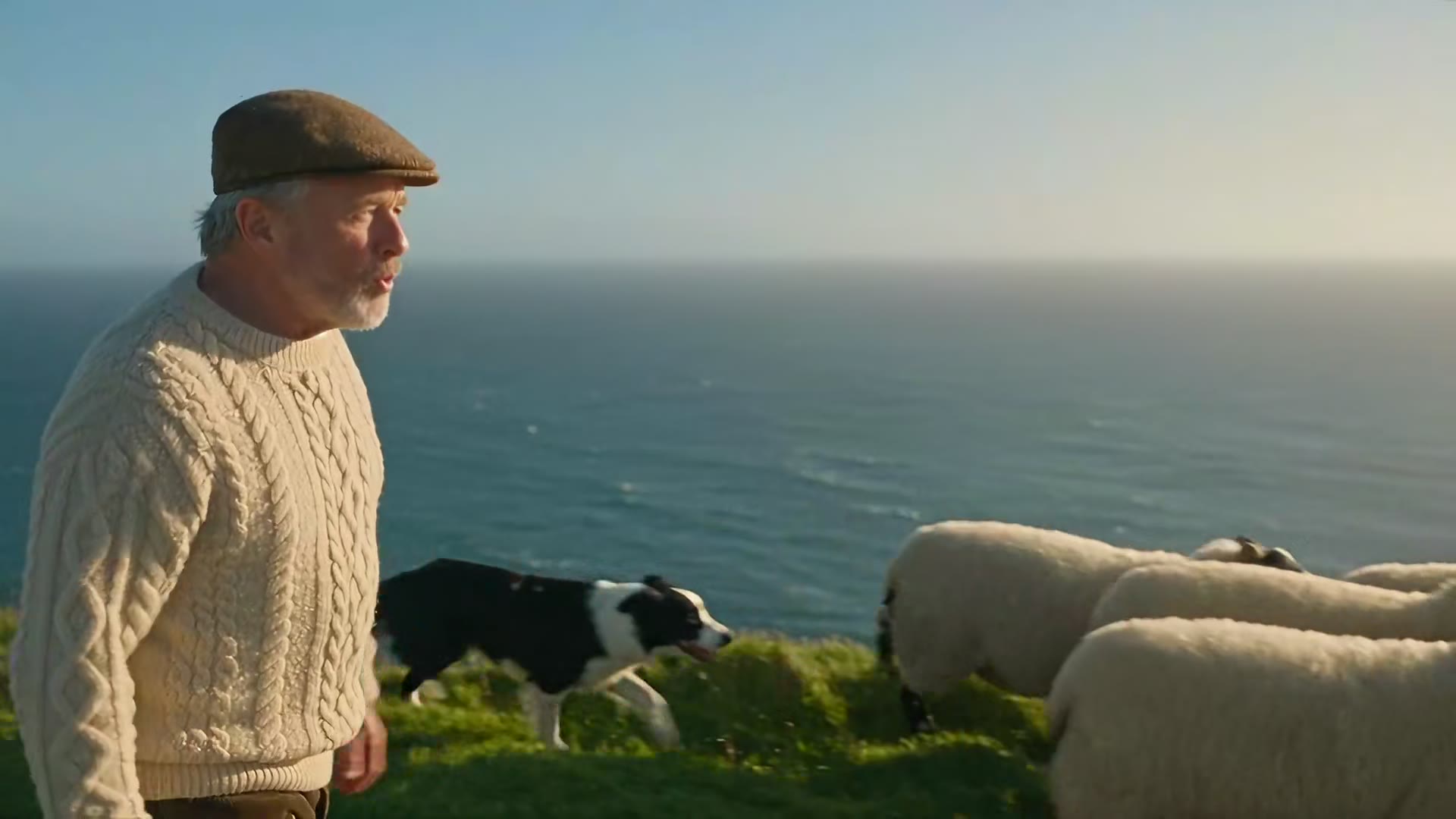
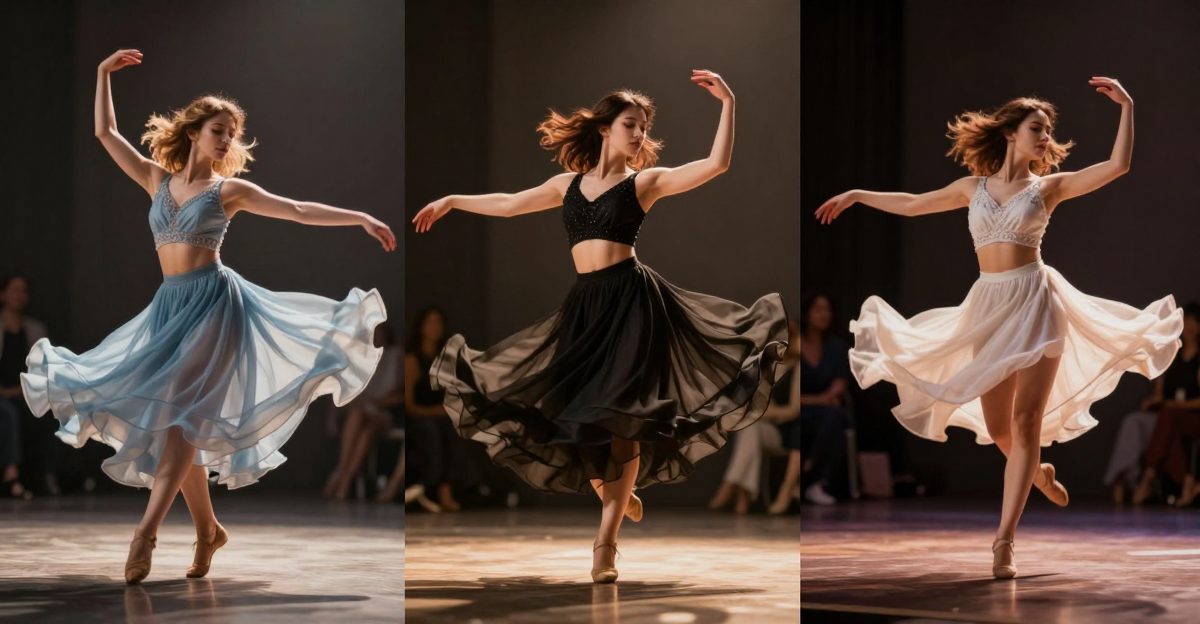
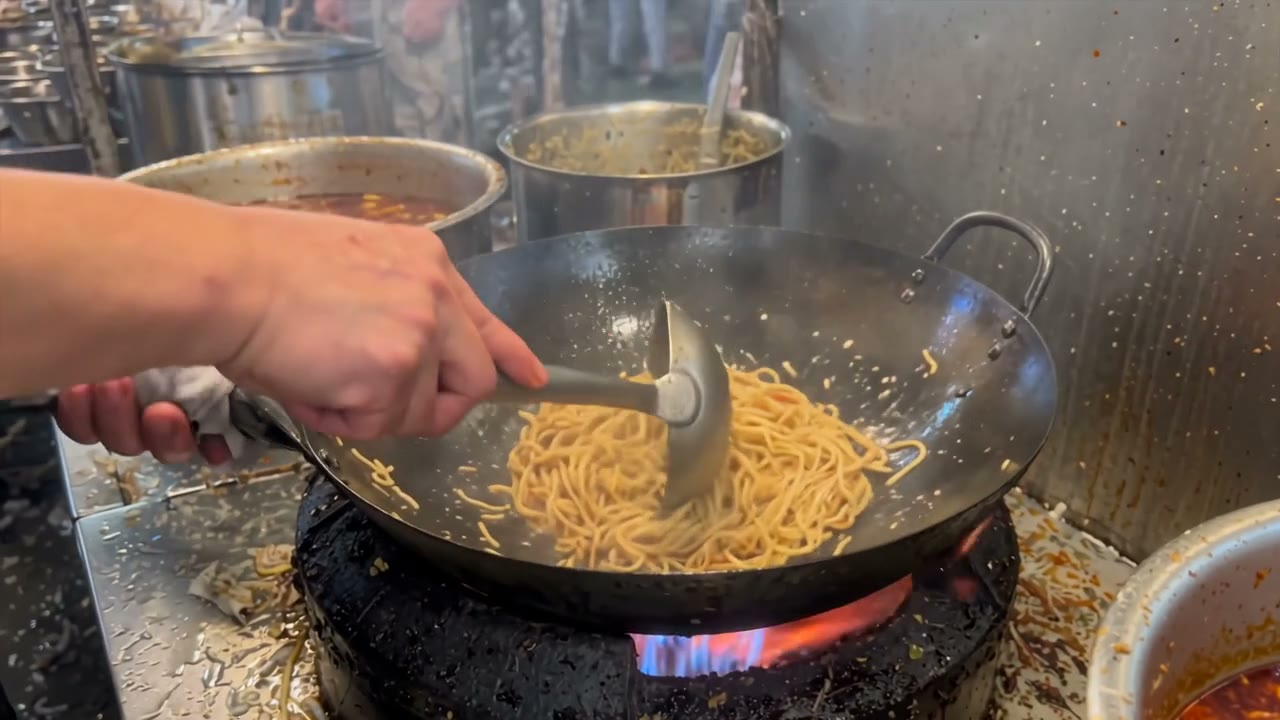
Three of this guide's MAGI-2 templates, run on Imagera Warlord Pro on 24 November 2026. MAGI-2 is not on Imagera yet, so none of these clips are MAGI-2 outputs. Turn the sound on in the players further down.
Quick answer: MAGI-2 is a 480B-parameter mixture-of-experts model that uses about 28B parameters per token. It treats text, video and audio as one sequence, so the picture and the sound come from the same pass. Its weights are not public yet, and Sand.ai says the open release and a technical report will "follow up soon". The open MAGI-2 Preview from August is smaller (114B) and makes 10-second clips. On Imagera, Imagera Warlord Pro runs the same kind of prompt today, up to 30 seconds with sound.
What is MAGI-2?
MAGI-2 is a text-and-reference to video model from Sand.ai, the team behind MAGI-1. The launch post calls it "a 480B frontier video generation model". It says the model "generates up to 30 seconds of 1080p, 25 fps native audio-video" and "combines up to 20 references (up to 10 images, 5 videos, and 5 audio clips) via omni-reference" (Sand.ai, 24 November 2026).
It can also edit: the post says it "supports targeted editing on existing video" and "delivers precision timeline and shot-cut control". It supports six aspect ratios, but the post does not list them.
There are now two MAGI-2 models, and pages mix them up:
| MAGI-2 | MAGI-2 Preview | |
|---|---|---|
| Announced | 24 November 2026 | 5 August 2026 |
| Size | 480B total, about 28B active | about 114B total, about 6B active per token |
| Longest clip | up to 30 s | 10 s (the only length) |
| Output | 1080p, 25 fps, sound built in | 1080p tier (a 512×896 preview, then a refiner to 1088×1920) |
| Inputs | text plus up to 10 images, 5 videos, 5 audio clips | text, or text plus one image |
| Editing | targeted edits on existing video | not stated |
| Weights | not released yet | Apache 2.0 on GitHub and Hugging Face |
Sources: MAGI-2 launch post, MAGI-2 Preview post, MAGI-2 Preview README. Read on 24 November 2026.
How does MAGI-2 work?
MAGI-2 is one transformer that reads text, video and audio as a single stream of tokens. Sand.ai describes "processing text, video, and audio tokens in one continuous sequence so motion, lip-sync, and acoustics evolve together". That is why a line of dialogue lands on the lips: the sound is not added after the picture.
Here is the path a prompt takes, as far as Sand.ai has published it:
- Your prompt and references go in. In the Preview, a text encoder (Qwen3.5-27B) reads the prompt. The full model's encoder is not named yet.
- Everything becomes one sequence. Text, video and audio tokens sit side by side and pass through the same backbone.
- A multi-head mixture of experts does the work. Each token is split into heads, "each with its own router and expert pool". Only a small part of the network runs for each token: about 28B of 480B parameters.
- Video and audio come out together. In the Preview, a video VAE (borrowed from an open-source video model) and an audio VAE (Stable Audio Open 1.0) turn the result back into frames and sound.
- An upscaler finishes the clip. The full model adds "a dedicated latent spatiotemporal upscaler" that lifts the base output "while re-injecting the original reference images", so faces and products stay close to your references at full size.
Three choices stand out:
- It is no longer autoregressive. MAGI-1 built video chunk by chunk. For the Preview, Sand.ai wrote: "We did not directly carry over Magi-1's autoregressive chunking."
- The experts are split per head. The Preview has 40 transformer layers. The middle 36 use the multi-head MoE, with 256 experts per head and the top 6 picked per head (Preview post). The full model's layer count is not published.
- It trained on more, then learned taste. Sand.ai says pre-training data grew "roughly 3× to 4T tokens". Reinforcement learning then "concentrates directly on visual and acoustic richness".
Running it yourself is a data-center job. The Preview alone needs "NVIDIA Hopper GPUs, 8 of them", and its weights are "roughly 307 GB in total" (README). Neither of its transformers is step-distilled, so a clip takes "100 preview + 5 refiner" steps.
How good is MAGI-2 so far?
MAGI-2's only quality number so far is Sand.ai's own. The launch post reports "+151.8 points over MAGI-2 Preview (998.5 → 1150.3)", a four-task average on the Artificial Analysis Video Arena v2.1. That is the vendor's figure, and it names no rival.
Artificial Analysis's public boards did not list the full MAGI-2 when we read them on 24 November 2026. They list the Preview: rank 21 of 37 on text to video with audio (Elo 1039) and rank 28 of 38 on image to video with audio (Elo 967). Our advice: treat the jump as promising and wait for public votes before you plan a project around it.
MAGI-2 vs Seedance 2.5 and the models on Imagera today
On paper, MAGI-2 and Seedance 2.5 both make 30-second clips with sound in one run. Seedance 2.5 takes more references, and it is on Imagera now. Both Warlord models take the same reference counts MAGI-2 lists, and run up to 30 seconds too.
| MAGI-2 | Seedance 2.5 | Imagera Warlord Pro | Imagera Warlord | |
|---|---|---|---|---|
| Maker | Sand.ai | ByteDance | Imagera | Imagera |
| Longest clip in one run | 30 s | 30 s | 30 s | 30 s |
| Resolution | 1080p | 480p to 1080p on Imagera | 480p to 1080p | 480p to 1080p |
| Sound | built in | built in | built in, on or off | built in, on or off |
| References in one run | 10 images, 5 videos, 5 audio | up to 30 images, 10 videos, 10 audio | 10 images, 5 videos, 5 audio | 10 images, 5 videos, 5 audio |
| On Imagera | coming soon | yes | yes | yes |
Sources: Sand.ai; Seedance 2.5 length and references from TechNode, 31 July 2026; Imagera rows from our model catalog on 24 November 2026.
How the models on Imagera did against each other: in the Imagera Model Arena video board, Imagera Warlord ranks #2 and Imagera Warlord Pro #3, while Seedance 2.5 ranks #10 of 10. Each model ran the same 6 prompts as 5-second clips on 15 October 2026. A disclosed AI judge compared them blind over 540 votes, and the standings were computed on 18 November 2026. The rating ranges of the two Warlord models do not overlap with Seedance 2.5's. The median wait was 52.75 seconds for Warlord Pro and 293.25 seconds for Seedance 2.5. In the price grid on 24 November 2026, Warlord Pro also cost fewer credits than Seedance 2.5 at every resolution and length both offer, from about a quarter to about a half as many.
When to pick Seedance 2.5 instead: you need more than 10 reference pictures in one run, or you already have a Seedance 2.5 workflow you like. When MAGI-2 lands, we will put it in the same Arena with the same prompts before we say how it compares.
How do you write prompts for MAGI-2?
Write long, structured prompts with timed beats. Sand.ai says so directly: "The captions the model was trained on are long and structured, so a short hand-written prompt underuses it" (README). That is why the Preview ships a prompt enhancer: an LLM that rewrites your idea as a JSON caption before the video model sees it. You can skip it ("Leave API_KEY empty to skip PE and use the raw prompt as-is"), but then your prompt has to do that work itself.
The enhancer's instructions (t2v.md) are the best public guide to what the model was trained on:
- Cover the whole clip with timed segments. "The ordered timeline_segments cover 00:00.0 through 00:10.0 continuously." A cut-based clip gets 2 to 6 segments, a continuous take gets one.
- Open with a short overview. The global description is "one paragraph of about 35 to 85 English words".
- Use plain, positive words. Write "in clear, simple English", with "zero grammatical negation" in the description fields. Put what you don't want in a separate negative prompt (the Preview's config has
use_negative_prompton). - Say what the camera does. The default is "static camera", with a "natural-perspective 35mm to 50mm feel" for people.
- Quote dialogue word for word. "Preserve exact dialogue, subtitles, signs, labels, logos, watermarks, and interface text in their original language." Each line is tied to the person who says it.
- Tie sounds to what you see. Sound events carry a timestamp and a
visual_syncnote, and ambience is left empty when nothing on screen explains it.
Here is the first template below, rewritten in the enhancer's format for a 10-second Preview clip. The keys are Sand.ai's. We trimmed fields we left empty (aesthetics, objects, on-screen text, causal events):
{ "global_layer": { "context": "A phone travel vlog at a street-food night market in the evening.", "description": "A young woman with long honey-blonde hair films herself at arm's length in front of a busy noodle stall. Steam rises from a wok behind her while warm string bulbs light the crowd. A cook tosses noodles over a tall flame, and she tastes them from a paper bowl and laughs.", "audio_baseline": { "ambience": "Crowd chatter and wok sizzle", "dialogue": { "language": "English", "speaker_tags": ["<subject 1>"] } }, "video_metadata": { "duration": 10.0, "aspect_ratio": "16:9" }, "lighting_baseline": { "conditions": "Night, warm practical light", "direction": "Overhead string bulbs and the orange wok flame" }, "camera_cinematography": { "overall_camera_style": "Handheld phone selfie with natural arm sway", "lens_focal_length": "Natural-perspective 35mm feel" } }, "dynamic_layer": { "timeline_segments": [ { "segment_basic_info": { "timestamp_range": "00:00.0-00:03.3", "segment_description": "She speaks to the phone in front of the stall." }, "audio": { "dialogue_lines": [ { "timestamp": "00:00.4-00:03.0", "speaker": "<subject 1>", "text": "Okay, this is the stall everyone told me about.", "delivery": "Warm and amused" } ] } }, { "segment_basic_info": { "timestamp_range": "00:03.3-00:06.6", "segment_description": "Close shot of the cook's hands tossing noodles in a black wok over a tall flame." }, "audio": { "special_audio_events": [ { "timestamp": "00:03.6", "sound_description": "Oil sizzles and a metal ladle scrapes the wok", "visual_sync": "The ladle hits the wok" } ] } }, { "segment_basic_info": { "timestamp_range": "00:06.6-00:10.0", "segment_description": "She tastes the noodles with chopsticks, her eyes widen and she laughs." }, "audio": { "dialogue_lines": [ { "timestamp": "00:08.2-00:09.4", "speaker": "<subject 1>", "text": "Worth the wait.", "delivery": "Delighted" } ] } } ] } }
For the full MAGI-2, Sand.ai has not published a prompt guide yet. Its launch post mentions tests run "with PE turned off", so expect its own app to rewrite prompts by default, as the Preview's tools do. The templates below are written as plain text with the same structure (overview, timed shots, quoted lines, named light, visible sounds), so they work on MAGI-2's text box and on Warlord Pro today.
Six ready-to-use MAGI-2 prompt templates
Each template is written for one thing MAGI-2 is built to do. We ran the first three on Imagera Warlord Pro on 24 November 2026, and each run's real output, credits and time sit under its prompt. The other three have [BRACKETS] for you to fill in. Every "Open in Sandbox" link loads the prompt and settings, and the credit cost shows on the Generate button before you run.
| # | Template | Written for (MAGI-2) | Runs today on | Settings |
|---|---|---|---|---|
| 1 | Talking vlog with lip sync | dialogue with lip-sync, ambient sound, shot cuts | Imagera Warlord Pro Reference | 12 s, 720p, 16:9, sound on |
| 2 | Product macro with foley | foley synced to on-screen action | Imagera Warlord Pro | 10 s, 720p, 16:9, sound on |
| 3 | Three-shot timeline with hard cuts | timeline and shot-cut control | Imagera Warlord Pro | 12 s, 720p, 16:9, sound on |
| 4 | Two-person dialogue scene | multi-character dialogue with lip-sync | Imagera Warlord Pro Reference | 12 s, 720p, 16:9, sound on |
| 5 | One continuous long take | a single continuous take (up to 30 seconds on MAGI-2) | Imagera Warlord Pro | 30 s, 720p, 16:9, sound on |
| 6 | Animate a still photo | image-guided generation (MAGI-2 takes images as references) | Imagera Warlord Pro (Image) | 8 s, 720p, 16:9, sound on |
1. Talking vlog with lip sync
Swap in your own character by uploading a face photo as Image 1 and a full-body photo as Image 2, then change the stall and the two quoted lines.
PromptThree shots of one evening at a street-food night market, filmed like a phone travel vlog. Sienna's face and skin reference Image 1; take only her face and skin from Image 1, not its room, objects or pose. Her build and hair length match Image 2; take nothing else from Image 2. Sienna is one and the same young woman in every shot: her face, skin, freckles, eyes and hair come only from Image 1 and never change between shots; her body and build come from Image 2. One person only, no look-alikes. Shot 1 [0-4s]: Sienna holds the phone at arm's length in front of a busy noodle stall, steam rising from a wok behind her. Sienna says, in a warm, amused voice: "Okay, this is the stall everyone told me about." Lip sync. hard cut Shot 2 [4-8s]: close shot of the cook's hands tossing noodles in a black carbon-steel wok over a tall orange flame, oil sizzling, a metal ladle scraping the wok. hard cut Shot 3 [8-12s]: Sienna, the phone at arm's length again, takes a bite from a paper bowl with wooden chopsticks, her eyes widen and she laughs. Sienna says: "Worth the wait." Lip sync. Look: unretouched real skin texture with pores and freckles; slight high-ISO noise and colour grain in the shadows; natural blinking. Warm light from the string bulbs above the stall and from the orange flame of the wok. Sound: her voice on a close phone mic, the wok sizzling, the ladle scraping, chatter from the people visible behind her. No background music. No subtitles, no on-screen text, no slow motion, no over-stabilization, no modern high-definition digital look.
2. Product macro with foley
Any small product works: keep the single fixed shot, name the one lamp, and list only the sounds the hand makes.
PromptGenerate single shot. A close product shot of a steel mechanical wristwatch lying on a dark walnut desk. Fixed shot, camera static, position unchanged. A hand enters from the right, lifts the watch, winds the crown with small turns between thumb and finger, then lays the watch down on a folded brown leather strap. The second hand keeps sweeping. Look: one warm desk lamp from the left puts a soft highlight on the steel case; the rest of the desk falls into shadow; fine dust drifts in the lamp light; slight film grain. Sound: the fine ratchet clicks of the crown, the soft ticking of the movement, a muted tap as the watch meets the leather. No voice. No background music. No on-screen text, no logos, no slow motion.
3. Three-shot timeline with hard cuts
Keep each shot to one subject and one sound source, and let the hard cuts carry the story.
PromptThree shots of a red mountain train crossing a curved stone viaduct in fresh snow, early morning. Shot 1 [0-4s]: wide shot from a snowy slope, fixed camera: the red train enters the viaduct from the left, a plume of fine snow lifting behind it, pine forest and pale sky behind. hard cut Shot 2 [4-8s]: low close shot beside the track, fixed camera: the steel wheels pass the lens, snow spraying off the rails, the gaps between carriages flicking light. hard cut Shot 3 [8-12s]: inside the empty carriage, fixed camera at a window seat: frosted glass, the valley sliding past outside, a paper coffee cup trembling on the fold-down table. Look: low winter sun from the right, long blue shadows on the snow, slight film grain. Sound: the train horn once as it enters the viaduct, wheels clacking over rail joints, wind on the slope; inside, the muffled rumble of the carriage and the cup rattling on the table. No background music. No on-screen text, no slow motion, no drone shot.
4. Two-person dialogue scene
Give each person one short line in their own shot, so each voice stays tied to the face on screen.
PromptThree shots of one conversation in [PLACE], [TIME OF DAY]. [PERSON A]'s face references Image 1; take only the face from Image 1. [PERSON B]'s face references Image 2; take only the face from Image 2. Shot 1 [0-4s]: medium two-shot, fixed camera: [PERSON A] and [PERSON B] sit facing each other at [TABLE OR PROP]. [PERSON A] says, in a [MANNER] voice: "[LINE 1, about 8 words]" Lip sync. hard cut Shot 2 [4-8s]: close shot of [PERSON B], fixed camera. [PERSON B] answers, in a [MANNER] voice: "[LINE 2, about 8 words]" Lip sync. hard cut Shot 3 [8-12s]: close shot of [PERSON A], fixed camera: [REACTION, one action]. Look: unretouched real skin texture; light from [ONE NAMED SOURCE: a window, a lamp, low sun] on the [SIDE]; slight film grain; natural blinking. Sound: both voices on a close mic, [ONE OR TWO VISIBLE SOUNDS]. No background music. No subtitles, no on-screen text, no slow motion, no over-stabilization, no modern high-definition digital look.
5. One continuous long take
Split the take into three beats so the model knows what changes and when, instead of repeating one action.
PromptGenerate single shot. One continuous take of [SUBJECT] [ACTION THAT CHANGES OVER TIME] in [PLACE]. The camera [static on a tripod / walks slowly beside the subject at shoulder height] for the whole clip. Beats, in order: [BEAT 1, 0-10s]; then [BEAT 2, 10-20s]; then [BEAT 3, 20-30s]. Look: light from [ONE NAMED SOURCE: a window, a lamp, low sun] on the [SIDE]; [WEATHER OR AIR: haze, rain, dust]; slight film grain. Sound: [SOUNDS WHOSE SOURCE IS VISIBLE, in the order they happen]. No background music. No cuts, no on-screen text, no slow motion.
6. Animate a still photo
Upload the photo, describe one action that starts from its pose, and keep the camera still.
PromptGenerate single shot. The first frame is the uploaded photo; keep its framing, people and colours, and the light from the same window, lamp or sun on the same side. Fixed shot, camera static, position unchanged. [ONE MAIN ACTION that starts from the pose in the photo], while [ONE SMALL SECONDARY MOTION: hair in the wind, steam, leaves]. Sound: [THE SOUNDS OF THAT ACTION]. No background music. No new people, no on-screen text, no slow motion.
What can you make on Imagera while MAGI-2 is coming?
You can make the same kind of clip today, from the same prompt, in one place. MAGI-2 is coming soon to Imagera, and these templates will carry over when it lands. Here is what already works:
- Every mode of Warlord Pro in Sandbox: text to video, image to video, reference to video with up to 10 images, 5 videos and 5 audio clips, plus edit and extend for a clip you already have. Clips run from 2 to 30 seconds at 480p, 720p or 1080p, with sound on or off.
- Seedance 2.5 and the other video models side by side, with their Model Arena standings next to them, so you can pick by results instead of claims.
- The price before you run. The credit cost shows on the Generate button and changes with length and resolution. Plans and credit packs are on the pricing page.
- Finishing tools for the clip you keep: the Video Enhancer for a sharper, larger copy, the frame interpolator for smoother motion, and AI Recast to swap who is on screen.
A good first run: open template 3 in Sandbox, keep 720p for drafts, and switch to 1080p once the shots and timing are right.
What does MAGI-2 still get wrong?
Sand.ai lists the weak spots itself. On the full MAGI-2, "extreme high-speed motion can occasionally produce trajectory or continuity artifacts", "medium- and wide-shot 2D animation can appear overly smooth in fine local motion", and "complex soundscapes still have room for richer layering and physical realism" (Sand.ai).
Practical limits matter too. The full model's weights and technical report are not out, so you cannot run or inspect it yet. Its six aspect ratios are not listed. The open Preview makes 10-second clips only and needs eight data-center GPUs. And the only quality number so far is the vendor's own.
What we saw on Warlord Pro with these prompts: the face stayed the same across the vlog's three shots. Its cuts came at 3.3 and 6.6 seconds, earlier than the 4 and 8 seconds we wrote, so the last shot runs longer. Treat written shot times as a guide, not a frame-exact edit. The watch clip's sound came back very quiet (a ticking watch is a quiet thing), so we raised its level after the run; the note under its player says so.
Sources
All read on 24 November 2026.
- Sand.ai, MAGI-2: A 480B Frontier Video Generation Model (24 November 2026)
- Sand.ai, MAGI-2 Preview (5 August 2026)
- SandAI-org, MAGI-2-preview on GitHub, including the prompt enhancer instructions
- Sand.ai, MAGI-2-preview on Hugging Face
- Artificial Analysis, text to video and image to video leaderboards
- TechNode, ByteDance launches Seedance 2.5 (31 July 2026)
- Imagera, Model Arena video board and the model catalog behind Sandbox