Put Yourself in Real-Life Scenes with AI
Put yourself or your product in any real-life scene
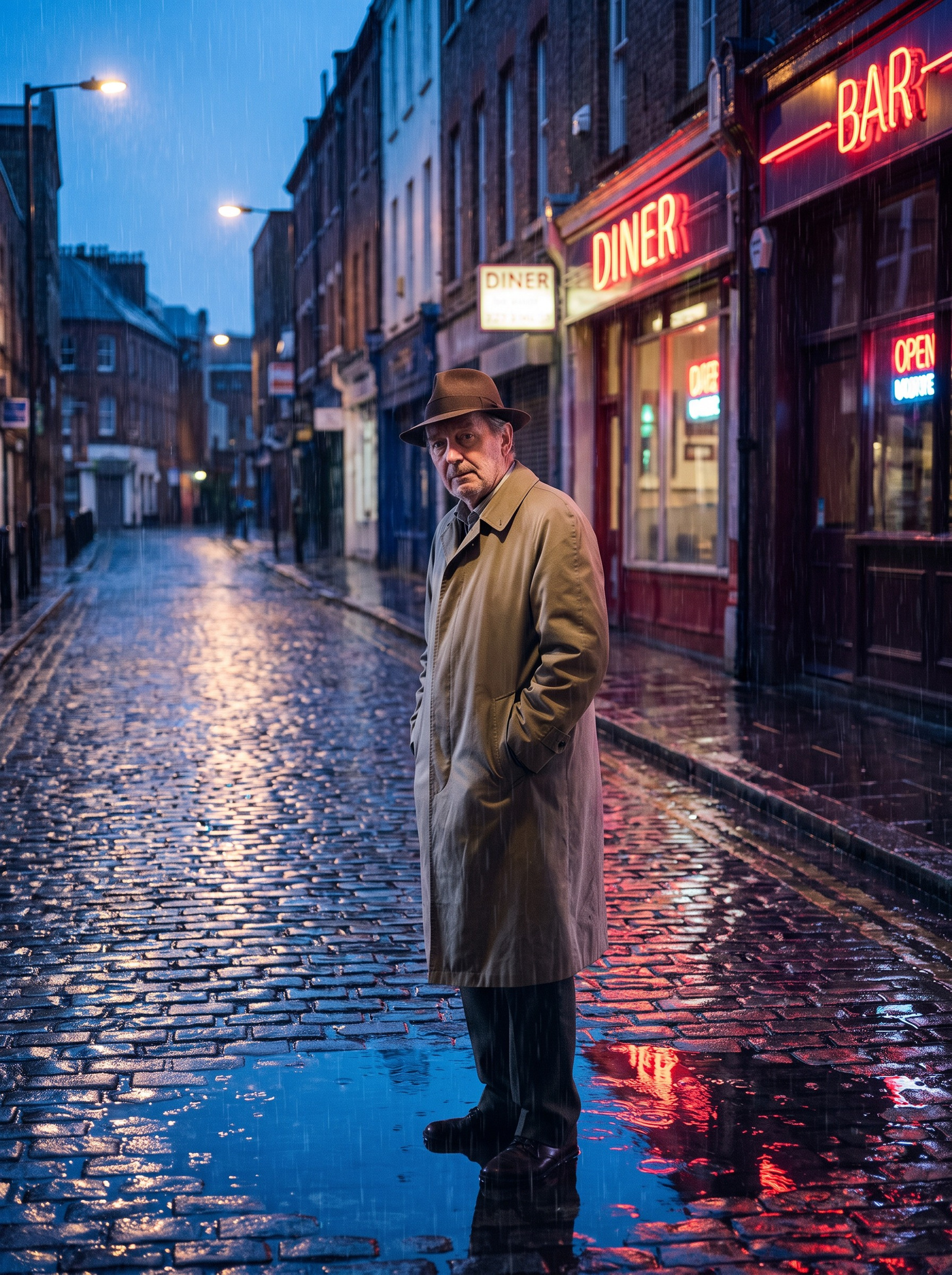
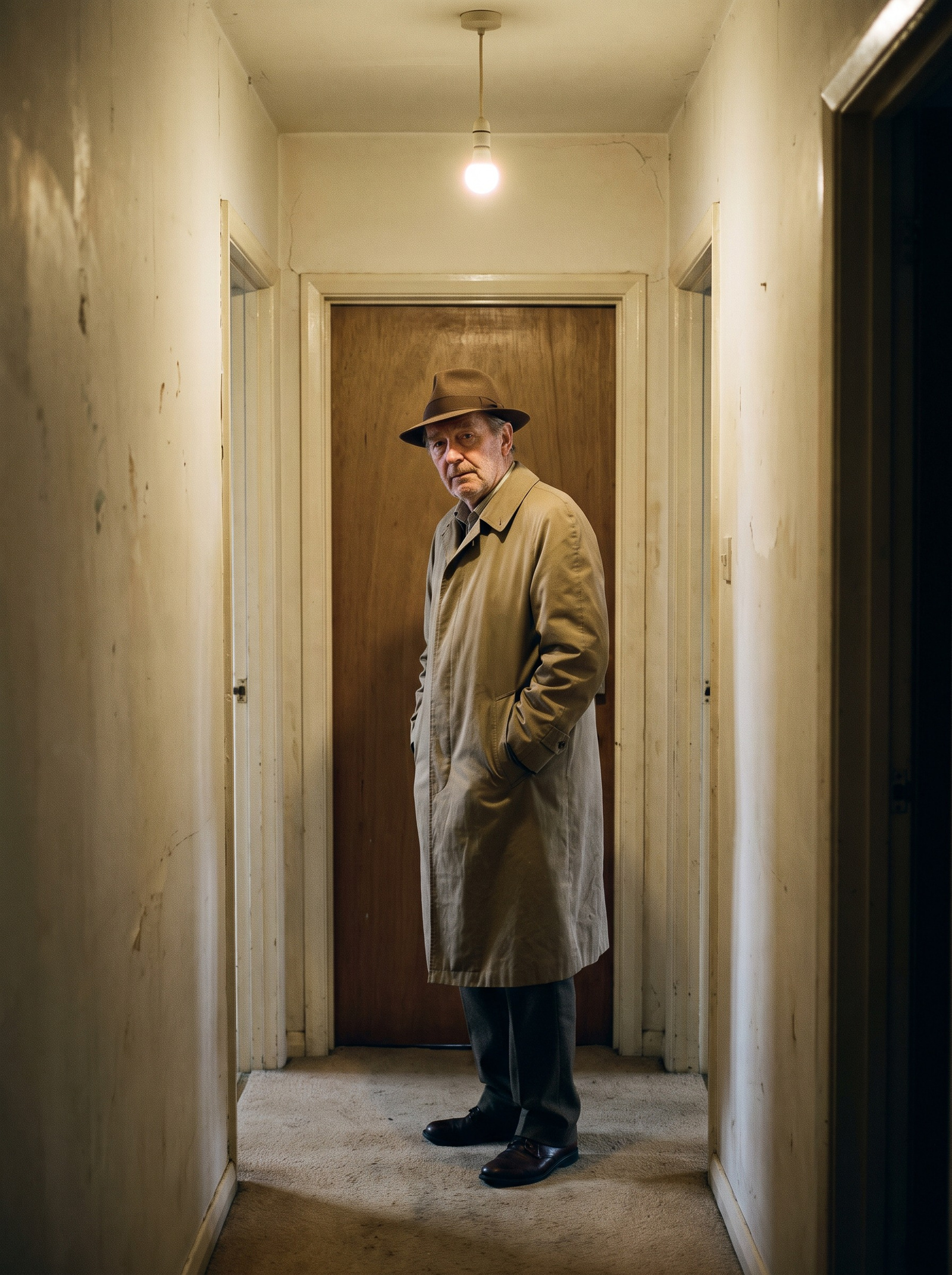 BeforeAfter
How do I put myself or my product in a real-life scene?
Upload one clear photo, then describe any place in plain English — or leave the box empty for a candid, phone-style shot. The AI rebuilds the whole scene around your subject, matching the direction and warmth of the light, casting shadows that fall the right way, and setting perspective so you sit in the depth of the frame. Your face, clothing and pose carry over unchanged.
- Credits
- From 10 per scene photo
- Turnaround
- About a minute per shot
- Subjects
- People, pets and products
Updated July 10, 2026
Cite this page: https://imagera.ai/image/real-life-photo-ai
 Illustration
What one photo gets you
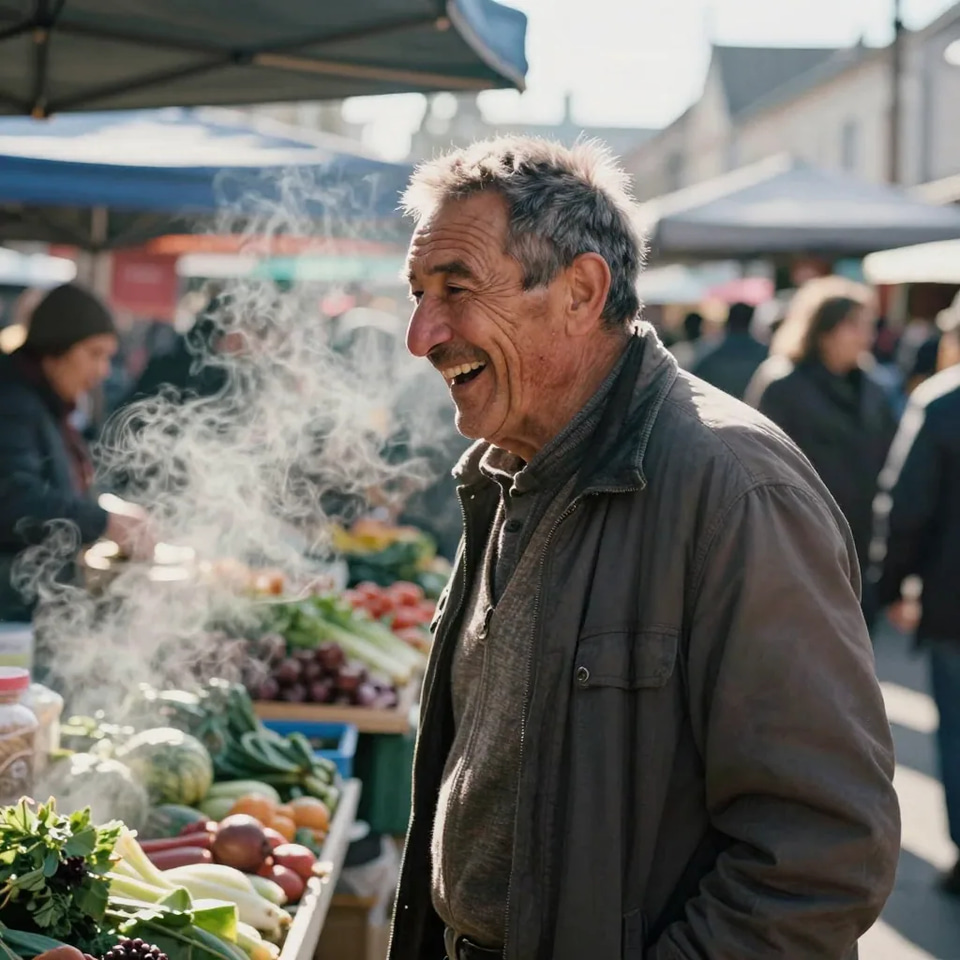
A place, not a backdrop
A background swap drops a cut-out of you onto a stock plate and stops there. This rebuilds the whole frame as one photograph — surface, depth, light and atmosphere — so nothing about the result reads as two pictures stuck together.
Know more →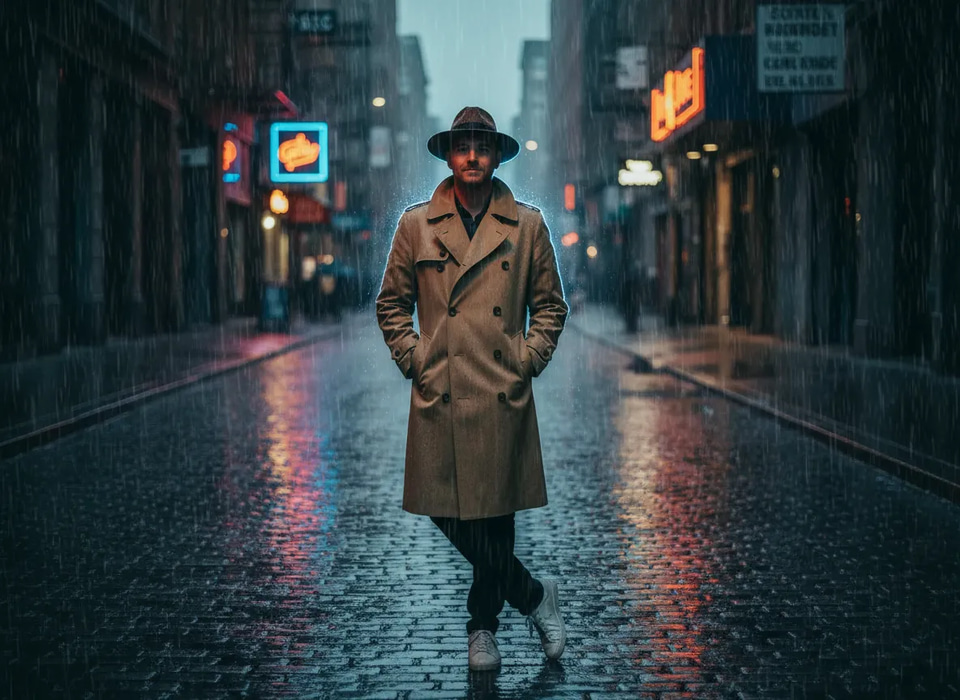
You still look like you
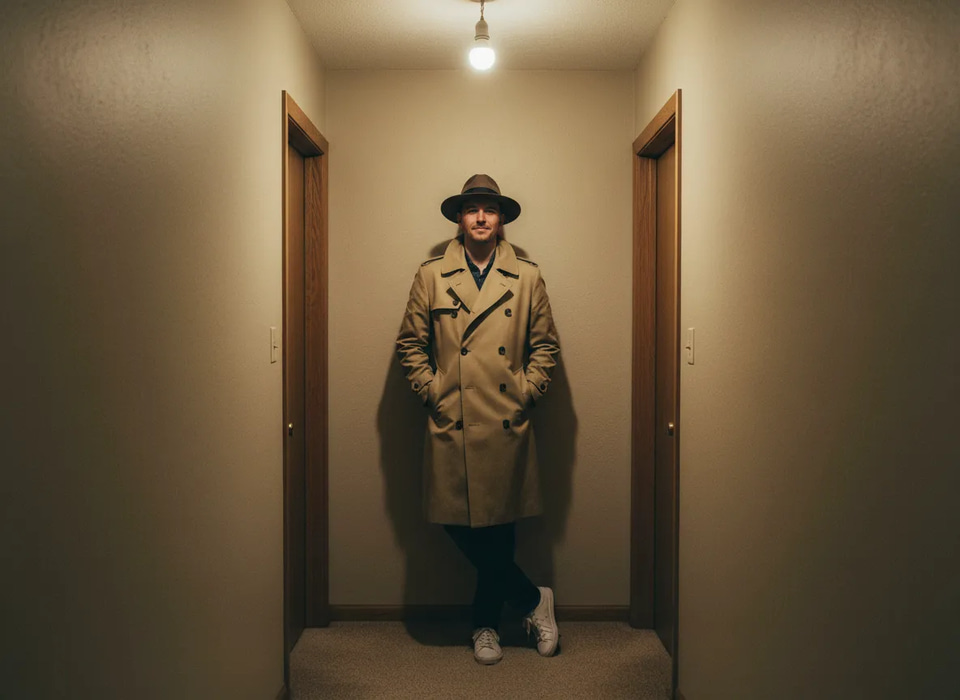
Your face, body and clothing are carried over from the upload; only the world around them is new. That is also what separates this from a text-to-image generator: a generator invents a brand-new person to fit your description, while this keeps the specific person in your photo and relocates them. The distinction matters for anything tied to your real identity — dating profiles, social posts and personal-brand content all depend on the photo actually being you in a new place rather than a lookalike.
Know more →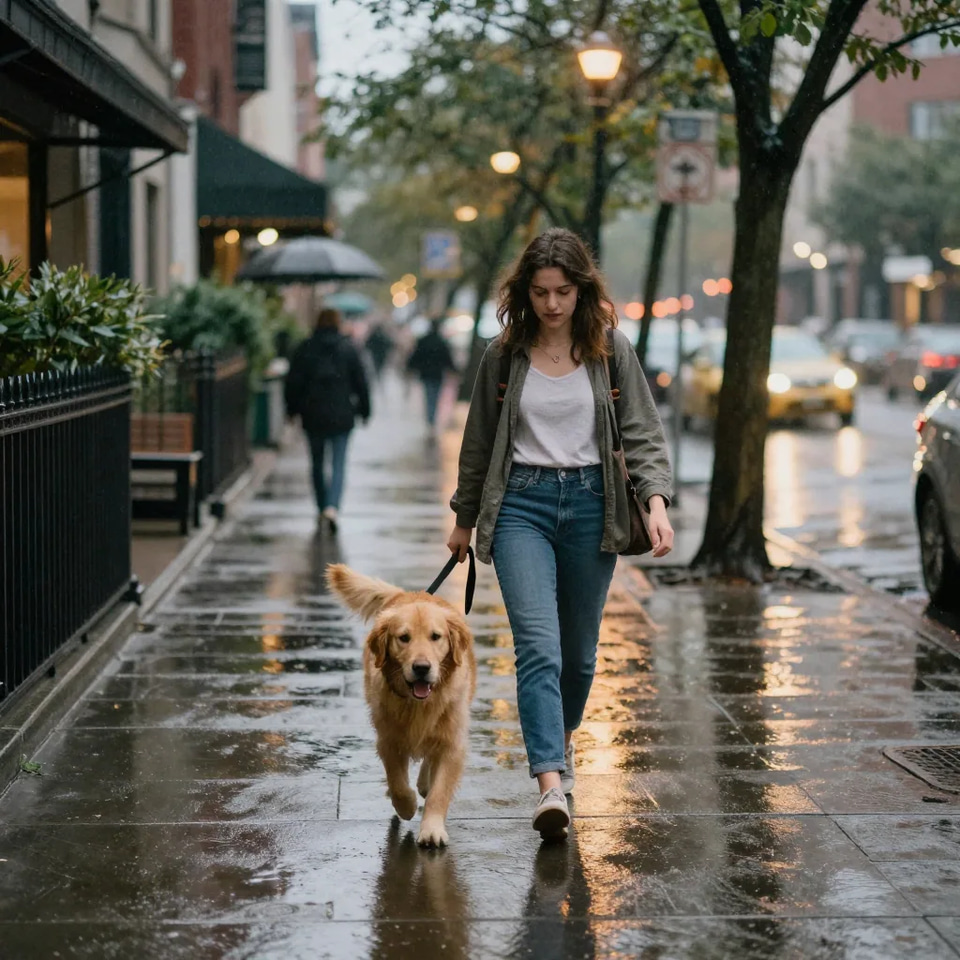
People, pets and products
Any single, clearly visible subject works. A person on a city street, a dog on a mountain trail, a bottle on a sunlit café table — the subject keeps its real shape, color and detail while a matched setting is built around it.
Know more →What makes an AI scene photo look real
Lighting, shadows and perspective are the three things a cut-and-paste composite gets wrong.
Light, shadow and perspective matched to the new scene
Three things decide whether a scene photo is believable, and a cheap composite gets all three wrong: the light on your face points one way while the sunset behind you points another, and no shadow anchors you to the ground. Here the frame is rebuilt as a single photograph — the direction and color temperature of the light are matched to your subject, shadows are cast so they fall the correct way, and the camera perspective is set so you sit naturally in the depth of the scene. That is the difference between looking dropped into a location and looking photographed there.
Try it now →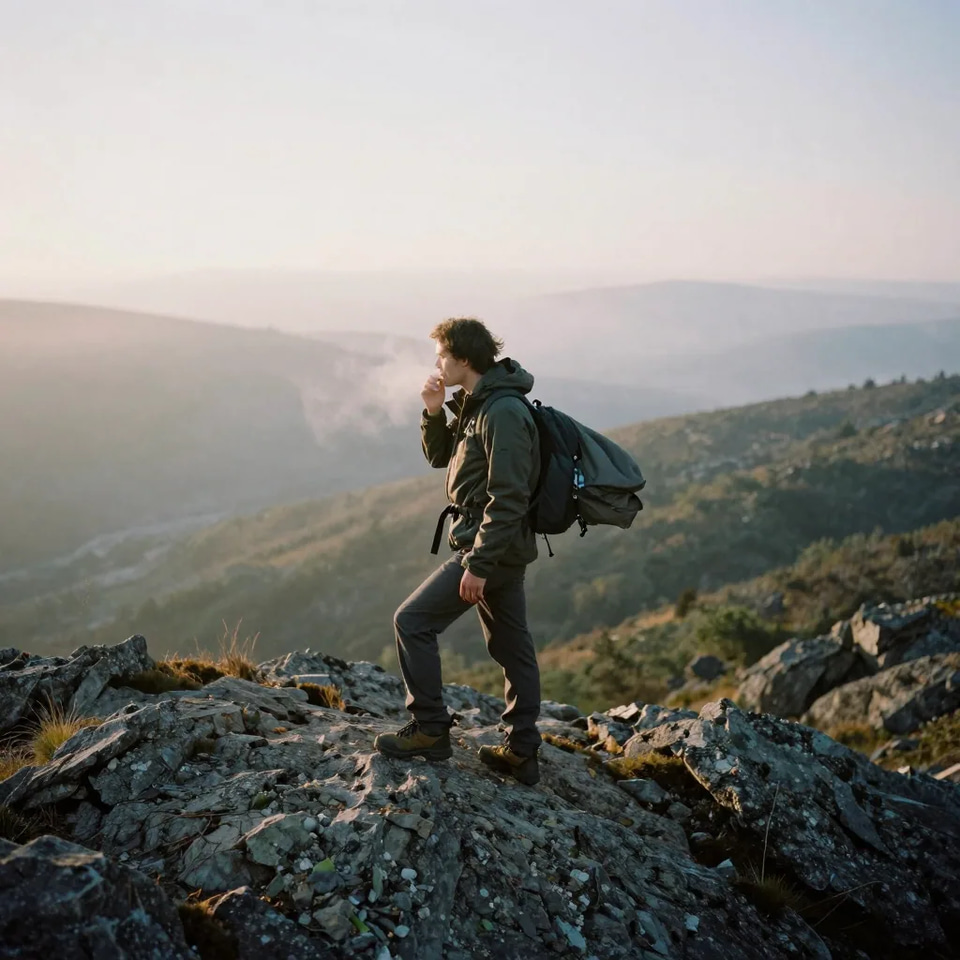
No green screen, no masking, no editing software
Traditional compositing needs a clean cut-out, a masked edge around the hair, a matched background plate and manual color grading to make the two halves agree; miss any step and the result screams edited. None of that applies. You upload a normal photo, optionally type a scene, and the isolation, the new environment, the lighting match and the shadows all happen in one pass. The skill it used to take — and the software license — are replaced by a plain-English description, which is why the tool suits people who would never open a compositing program.
Try it now →Describe the scene in plain English — or leave the box empty
The most convincing shots name a specific place, a time of day and the mood of the light, because those are the same three things that make a real photograph feel real. Travel: "standing on a Santorini clifftop terrace at golden hour, warm side light, whitewashed buildings behind." City lifestyle: "walking a busy street in the late afternoon, soft overcast light, blurred storefronts." Cozy indoor: "seated at a café window seat, morning light through the glass, a coffee on the table and street reflections behind." A product in context: "this bottle on a marble café table beside a croissant, bright natural window light, soft shadow under the bottle." The through-line is specificity — naming the light tells the AI which way shadows should fall and how warm the frame should read. With no description at all it returns a candid, phone-style moment on its own: everyday lighting, believable grain, unposed.
Try it now →How to put yourself in a real-life scene
No green screen, no masking, no editing software to learn.
Upload one clear photo
A sharp, well-lit photo of yourself, a friend, a pet or a product, with one clearly visible subject filling a good portion of the frame — a clean input matters more than a clever prompt.
Describe a scene — or don't
Type any scene in plain English ("rooftop party in Paris at sunset"), or leave the box empty for a natural, candid phone-style shot.
Get the photorealistic shot
The AI rebuilds the setting, lighting and atmosphere around your subject and delivers the finished photo in about a minute. Run a couple of variations — different cities, times of day, camera feels — and keep the strongest.
What people make with it
AI travel photos that read as candid
Golden-hour beaches, café terraces, mountain ridgelines, iconic city streets and famous landmarks are the most-requested scenes, and matched light is what makes them read as holiday snaps rather than composites. Stand on a ridge at sunrise or in front of a landmark from a photo taken in your living room, and run the same upload through several places and times of day in one sitting to see which one lands. It is also the fastest way to recreate the trip where nobody took a decent photo of you.
Try it now →A month of social content from one good photo
Feeds need variety more than they need production value, and one sharp photo of yourself can carry a month of it: a market at midday, a rooftop at dusk, a park in the rain. Because each scene is an independent, inexpensive run, it is normal to generate a handful, keep the strongest and post the rest over time. Dating and social profiles benefit for the same reason — a candid, real-world setting reads better than a bathroom-mirror selfie.
Try it now →Pets on adventures they never took
The tool treats a pet the same way it treats a person: the coat, markings and expression come through from your photo while the coast, the mountain trail or the rainy street is built around them. That means the dog in the picture is your dog, not a generated lookalike — which is the whole point for anything you would frame or post. A well-lit shot where the animal fills a good part of the frame gives the truest result.
Try it now →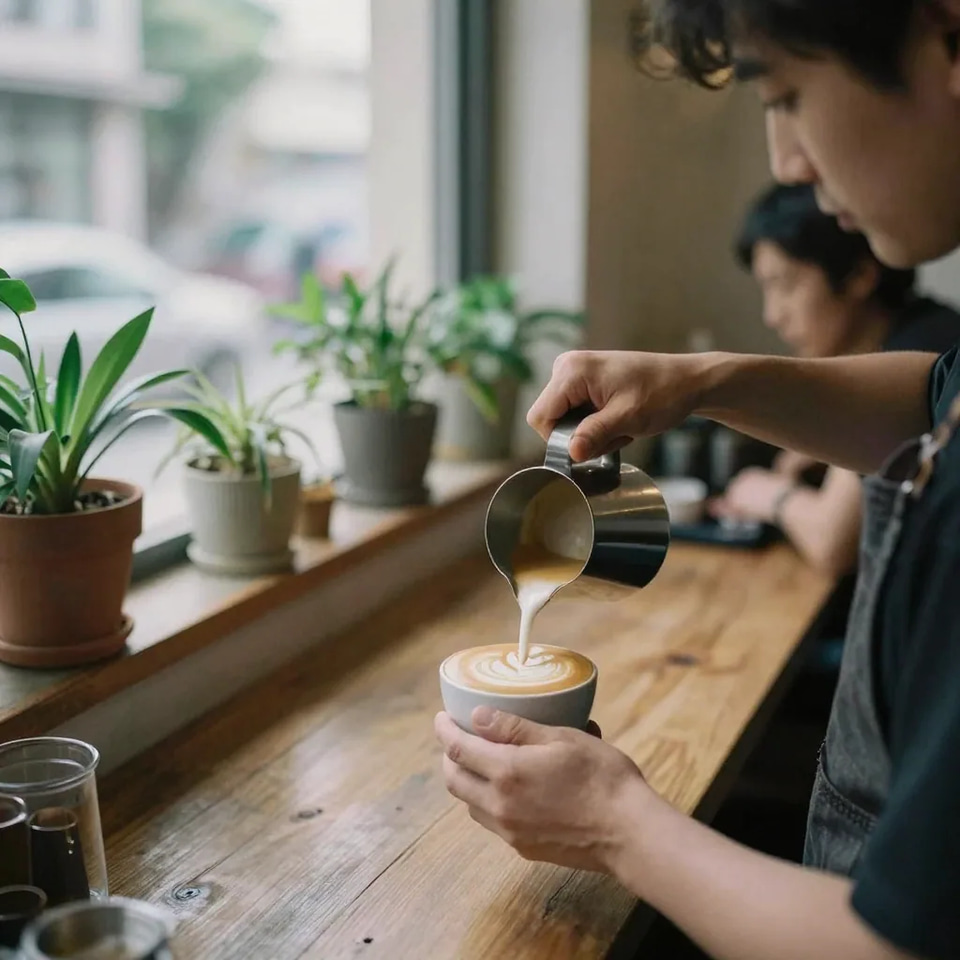
Everyday moments nobody photographed
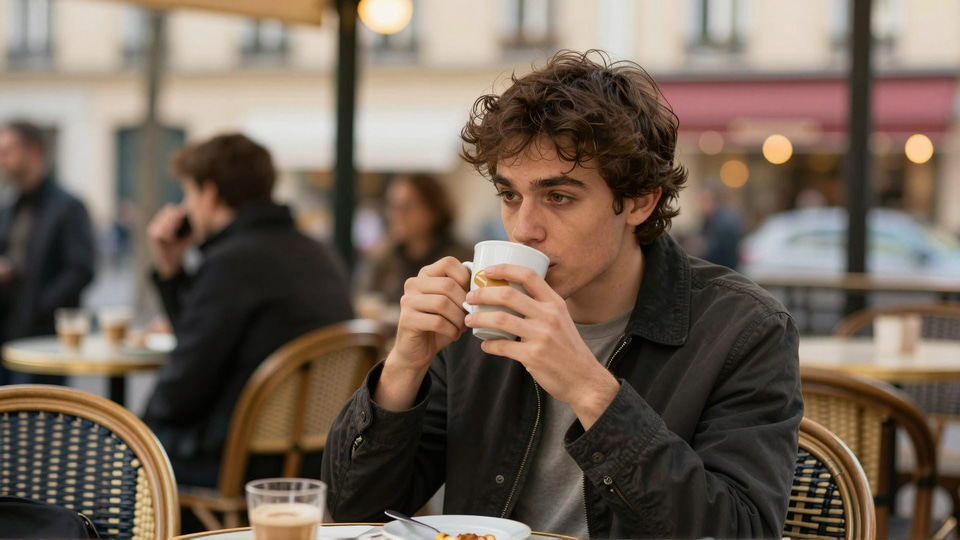
Most of the moments worth having a picture of pass without anyone holding a camera — the coffee before work, the walk after dinner, the afternoon that turned out to matter. From one clear photo of your subject, the tool builds that everyday setting back around them with plausible light and depth, so the result reads as a photo someone happened to take rather than a staged studio frame. Leave the scene box empty and it picks an ordinary setting on its own.
Try it now →Discover more AI features
Frequently asked questions
How do I put myself in a photo of another place?
Upload one clear photo of yourself to Imagera's Real Life Photo tool, then describe any location in plain English — or leave the prompt empty for a natural, candid phone-style shot. The AI rebuilds the entire setting around you — background, lighting, shadows and atmosphere — so the result reads as a photo genuinely taken there.
Can I make AI travel photos that look real?
Yes. Because the tool matches the lighting and perspective of the new scene to your subject, travel shots look like candid photos rather than cut-and-paste composites. Golden-hour beaches, iconic landmarks and busy streets are among the most popular scenes.
Do I need a green screen or photo-editing skills?
No. There is no masking, cutting or layering involved. You upload a normal photo, optionally type a scene description, and the AI handles the compositing, lighting and color matching automatically.
Will I still look like myself in the new scene?
Yes — your face, body and clothing are preserved from the original photo. The AI changes the world around you, not you. For the truest likeness, use a sharp, well-lit photo where the subject fills a good portion of the frame.
What does it cost and what scenes can I choose?
Scene photos start at 10 credits per image. Any scene you can describe in plain English works — cafés, beaches, city streets, travel landmarks, parties and more — and if you leave the prompt empty, the AI produces a natural, candid phone-style shot on its own.
How is this different from just changing my photo background?
A background changer swaps the backdrop behind a cut-out of you and stops there — the lighting on your face rarely matches, so it reads as a paste-up. Real Life Photo AI rebuilds the entire scene as one photo: it matches the direction and warmth of the light, casts shadows that fall the right way, and sets the perspective so you look like you were standing in that place when the shutter fired. That is the difference between looking dropped into a location and looking photographed there. If you only need a clean backdrop swap for a product or portrait, the dedicated background tool is a better fit; for a believable on-location shot, this rebuilds the whole environment.
Can I put my pet or a product into a scene, not just myself?
Yes. The tool works for any single, clearly visible subject — a person, a pet, or a product. Drop your dog onto a beach or a mountain trail, place a skincare bottle on a sunlit café table, or put a sneaker on a city curb for lifestyle marketing. The subject keeps its real shape, color, and details while the AI builds a matched setting around it. Product sellers use this to create lifestyle context shots without a photographer, and pet owners use it for adventure photos their pet never actually took.
What if I do not know what scene I want?
Leave the prompt box empty. With no description, the AI drops your subject into a natural, candid, phone-style moment on its own — realistic everyday lighting, believable grain, and an unposed feel rather than a studio backdrop. It is the fastest way to get a fresh, real-looking photo when you just want something better than a bathroom-mirror selfie and do not have a specific location in mind. If you like the direction, run it again and add a short scene description to steer it.
Are the results good enough to post or use for marketing?
They are built to read as candid photos rather than obvious composites, which is why people use them for social feeds, dating and profile shots, and lifestyle product marketing. As with any AI edit, quality depends on the input — a sharp, well-lit photo where your subject fills a good part of the frame gives the most convincing result, and it is worth previewing before you publish. On paid Imagera plans the outputs carry commercial rights, so lifestyle and product scenes are cleared for business use.
How long does one scene photo take?
Most scene photos are ready in about a minute, depending on queue and complexity. Because each generation is inexpensive in credits, it is normal to run a few variations — different cities, times of day, or camera feels — and keep the one that lands. There is nothing to install; the whole thing runs in your browser on phone, tablet, or desktop, and your original photo is processed securely rather than kept after the session.
Key takeaways
How do I put myself in a photo of another place?
Upload one clear photo of yourself to Imagera's Real Life Photo tool, then describe any location in plain English — or leave the prompt empty for a natural, candid phone-style shot. The AI rebuilds the entire setting around you — background, lighting, shadows and atmosphere — so the result reads as a photo genuinely taken there.
Can I make AI travel photos that look real?
Yes. Because the tool matches the lighting and perspective of the new scene to your subject, travel shots look like candid photos rather than cut-and-paste composites. Golden-hour beaches, iconic landmarks and busy streets are among the most popular scenes.
Do I need a green screen or photo-editing skills?
No. There is no masking, cutting or layering involved. You upload a normal photo, optionally type a scene description, and the AI handles the compositing, lighting and color matching automatically.
AI scene photos vs a plane ticket or a photo shoot
| What matters | Imagera | A trip or a location shoot |
|---|---|---|
| Turnaround | About a minute per shot, in the browser | Half a day for a shoot; days for a trip |
| Cost driver | Credits per image, from 10 | Photographer, permits and crew — or flights, hotels and time off |
| Trying another look | Re-run the same photo in five settings in one sitting | One location per booking; a second look is a second booking |
| Skill required | A plain-English sentence — or none at all | Editing skill and software, or hours of manual compositing |
Anywhere you can imagine, from one photo
Upload a photo, describe your scene — or don't — and get a photorealistic shot of yourself there in minutes.
Create my scene photo →