Every frame, backwards
The whole clip plays from its last frame to its first, at the original frame rate.
Imagera AI - AI content creation platform for generating images, cloning voices, creating avatars, and enhancing videos. Privacy Policy | Terms
Video · free · private
Make water jump back into the glass and a dive land on the board. Choose a clip of up to a minute and get it back playing in reverse, with the sound reversed too. It all runs in your browser.
Your video is reversed in your browser on your own device. It is never uploaded or saved on our servers.
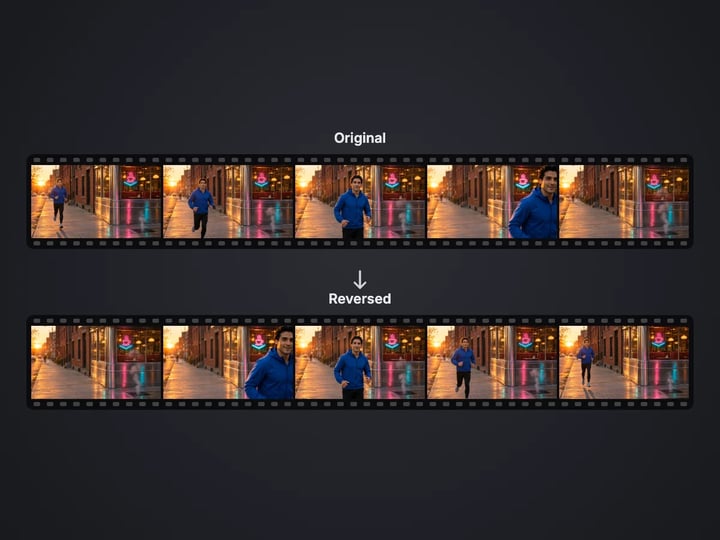 Real result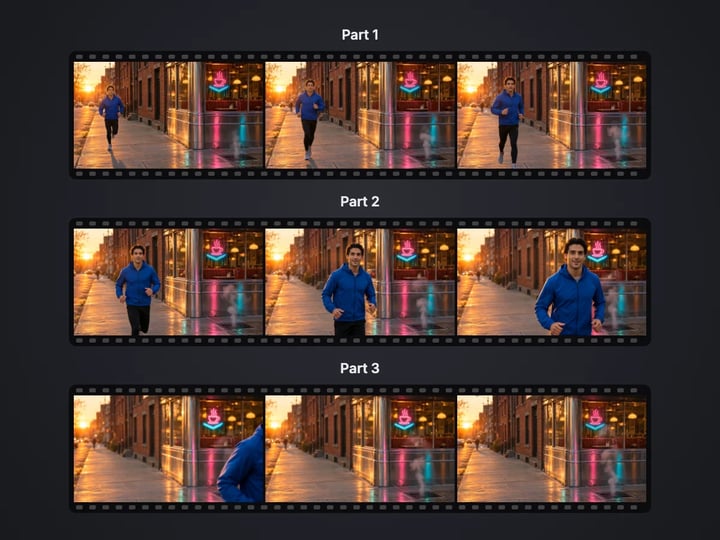
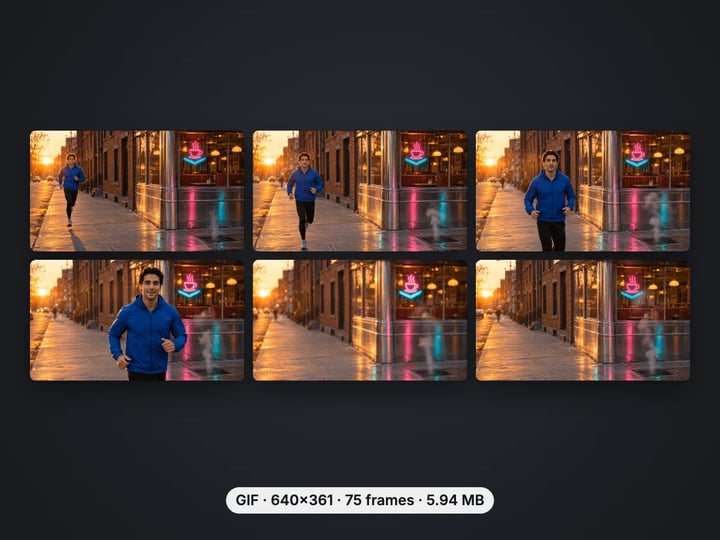
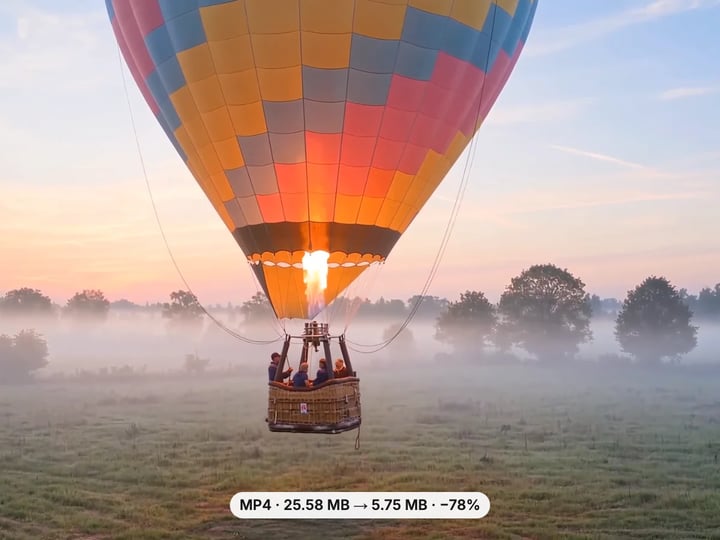
Quick answer
To reverse a video, open Imagera’s free Reverse Video tool, choose an MP4, MOV or WebM clip of up to 60 seconds and press Reverse video. The clip is decoded from its end and encoded backwards in your browser, with the sound reversed in sync unless you turn it off. You get an MP4 at up to 1080p on a computer and 720p on a phone. Your video is never uploaded.
Your video never leaves your device — nothing is uploaded or saved on our servers.
How it works
Pick an MP4, MOV or WebM of up to 60 seconds. It stays on your device.
Keep Reverse the sound too on, or turn it off for a silent clip.
Press Reverse video. The clip is decoded from the end and encoded backwards.
Play the reversed clip, then download the MP4.
Why this one
The whole clip plays from its last frame to its first, at the original frame rate.
The sound is played backwards too, in sync with the picture. Turn it off for a silent clip.
Clips of up to 60 seconds reverse in one run. Cut longer videos first with the free Video Trimmer.
The clip is worked through a small piece at a time, so it does not run out of memory on a phone.
Continue in Imagera
Reverse Video edits the pixels you have. These studios use AI to create what is not in the picture yet — they run on credits.
 Next step
240p trash to 4K cinema. Every pixel rebuilt. Netflix-grade output.
Open studio Imagera
Too small to print? Enlarge a photo to 4K, 8K or 16K (15,360 px on the long edge).
Open studio Imagera
Edit images with Imagera Edit. Inpaint, modify, and transform any part of your image.
Open studio Imagera
Replace any photo background with AI-generated luxury scenes.
Open studioWho it is for
Make a splash, a jump or a toss play backwards for a playful loop that makes people watch twice.
Reverse a clip, then play it after the original in your editor for a smooth back-and-forth loop.
Rewind moments for a music video, a transition or a "how did they do that" shot.
Guide
This tool makes a copy of your clip that plays backwards, from its last frame to its first.
It keeps:
- Every frame of the clip, at the original frame rate. - The sound, played backwards and kept in sync with the picture. Turn Reverse the sound too off for a silent result. - The shape of the video. Portrait stays portrait, and a phone video recorded sideways comes out upright.
The reversed clip is re-encoded as an MP4 with your browser’s own video encoder, at a bitrate close to the original’s. Clips larger than 1080p are scaled to 1080p on a computer, and to 720p on a phone, to keep memory use safe.
The result shows the length, resolution, file size and what happened to the sound, so you know exactly what you are downloading.
1. Pick a short clip. Reverse effects work best on a few seconds of clear motion: a splash, a jump, a pour, a throw, smoke or confetti. Clips of up to 60 seconds are accepted. 2. Longer video? Cut the moment out first with the free Video Trimmer. It copies instead of re-encoding, so it is fast and lossless. 3. Choose the sound. Reversed speech sounds strange, which is part of the fun. For a clean loop with music added later, turn the sound off. 4. Press Reverse video. The tool works from the end of the clip back to the start. A 10-second 1080p clip usually takes a few seconds on a recent computer. 5. Play the result and download the MP4.
For a boomerang loop, put the original and the reversed clip one after the other in any video editor.
Video is compressed so that most frames only store what changed since an earlier one. That means a player can only start decoding at a keyframe, usually every one to five seconds, and must go forwards from there. Playing backwards is the one thing a video decoder cannot do directly.
This tool gets around it without holding the whole clip in memory. It splits the clip into short sections that start at keyframes, then, starting from the last section, decodes each one forwards, hands its frames to the encoder in reverse order, and frees them before moving on. Only one short section of frames is ever held at once, sized to fit your device.
The 60-second limit keeps the time and memory reasonable on every device. A minute of 1080p video is almost 2,000 frames to decode, reverse and encode again; on a phone, that is already a good few minutes of work.
Liquids. Coffee pouring back up into the pot, a splash closing up into a smooth pool, rain rising into the sky.
Jumps and dives. A swimmer flying out of the water back onto the board, a skater landing a trick in reverse, a dog leaping backwards onto the couch.
Throws and drops. A ball flying back into a hand, a stack of blocks rebuilding itself, flour clouds shrinking back into the bag.
Smoke, steam and confetti. Anything that spreads out looks magical when it gathers back together.
Reveals and transitions. Film yourself walking away from the camera and reverse it for a smooth entrance, or reverse a pan to end on the shot you want.
A few tips: keep the camera still, shoot in good light, and film a second or two before and after the action so the reversed clip has room to breathe.
Your video never leaves your device. It is decoded and encoded backwards on the page and handed back as a download. Nothing is uploaded or saved on our servers.
What that means in practice:
- You need a browser that can encode video: Chrome, Edge or Firefox from the last couple of years, or Safari 16.4 or newer on a Mac, iPhone or iPad. If yours cannot, the tool says so. - Reversing the sound needs an audio encoder too. Recent Chrome, Edge and Safari have one; on a browser without it, the reversed clip is silent and the result card says so. - MP4 with H.264 video reads everywhere. HEVC video from iPhones needs a browser that can decode it, such as Safari. - Phones get 720p output and a smaller working set of frames, so the tab is not closed for using too much memory.
A free sign-in, needed after your first few downloads, never sends your video anywhere.
The free Reverse Video tool plays the frames you filmed backwards, with the sound reversed or removed, for clips of up to a minute. Reversing is unlimited. Your first few downloads need no account, and after that a free sign-in keeps them going.
What it cannot do is make those frames better. Reverse clips are made to be watched on repeat, and repeated viewing is exactly when a soft focus, grain or blocky compression becomes obvious.
The paid Imagera AI video enhancer works on the picture itself. It sharpens soft footage, reduces noise and upscales low-resolution clips in the cloud, and exports a finished video. It uses credits.
Enhance the clip first, then reverse the clearer version here. Because reversing re-encodes once, starting from the best possible picture gives the best possible loop.
Free vs studio
Questions people ask
Choose a clip of up to 60 seconds here and press Reverse video. The reversed MP4 is made in your browser, and your first downloads need no account.
Open this page in Safari, choose the clip from your library and press Reverse video. The reversed MP4 downloads to Files, from where you can save it to Photos.
Yes. Keep Reverse the sound too on and the sound plays backwards in sync with the picture. Turn it off for a silent clip.
This tool reverses up to 60 seconds per run. Cut the section you want with the free Video Trimmer first, then reverse each section.
Reverse the clip here, then place the original and the reversed clip one after the other in any video editor, so it plays forwards then backwards.
To keep memory use safe, reversed clips are at most 1080p on a computer and 720p on a phone. Smaller videos keep their original size.
Either Reverse the sound too was off, the original had no sound, or your browser cannot encode audio. The result card says which.
No. The clip is decoded and encoded backwards in your browser. It is never uploaded or saved on our servers.
Not with this free tool, which keeps the frames as they are. The paid AI video enhancer sharpens and upscales footage in the cloud; enhance first, then reverse the result here.
More free tools
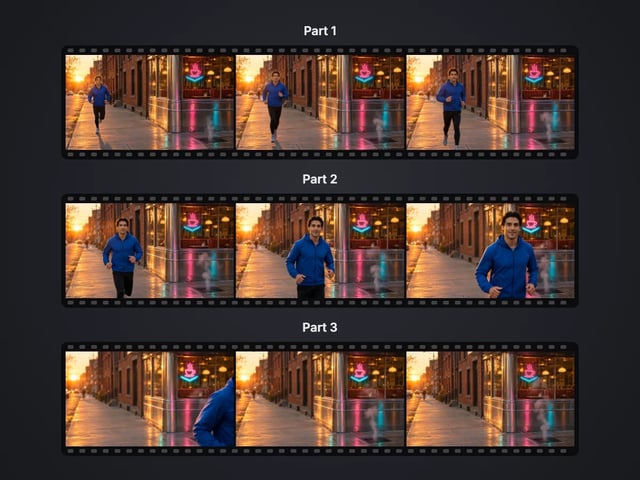
Cut a big video into evenly sized parts
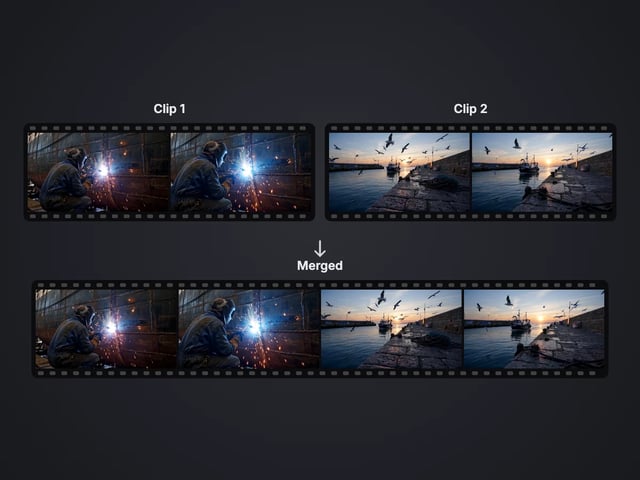
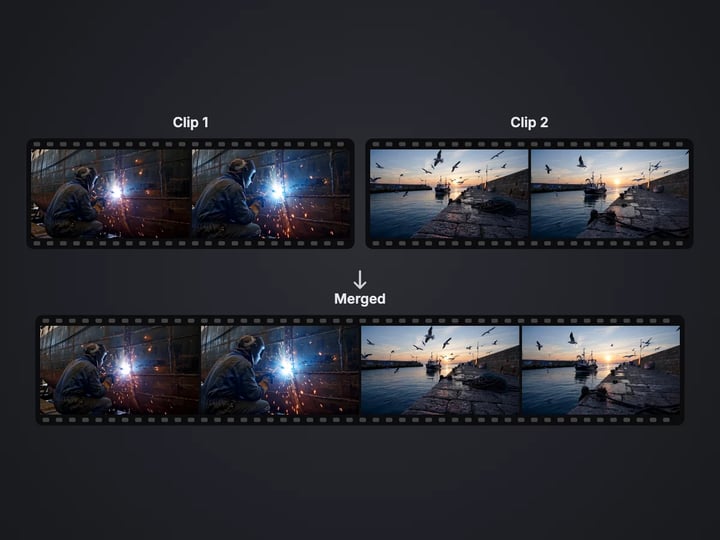
Rejoin split parts back into one file
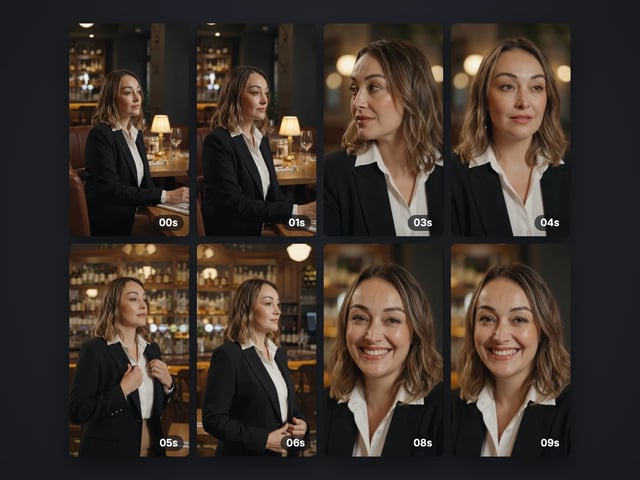
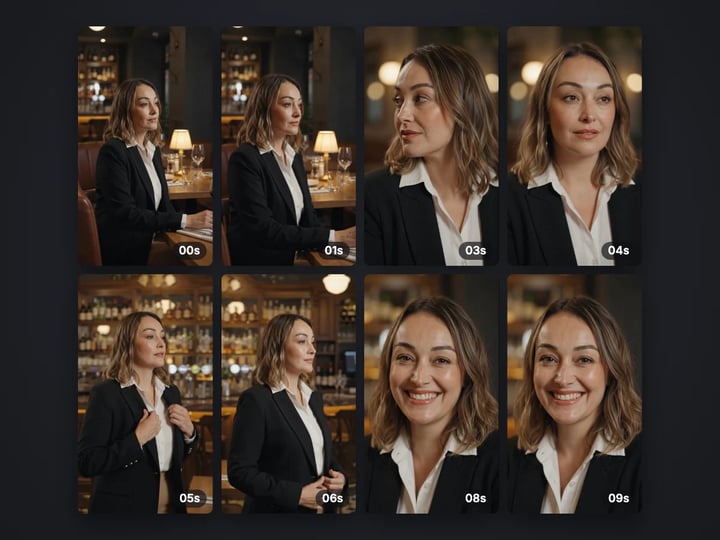
Save stills from a video as JPG or PNG
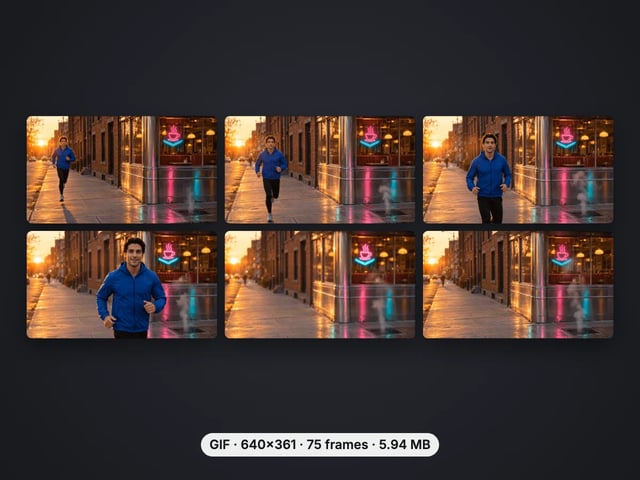
Turn a video clip into an animated GIF
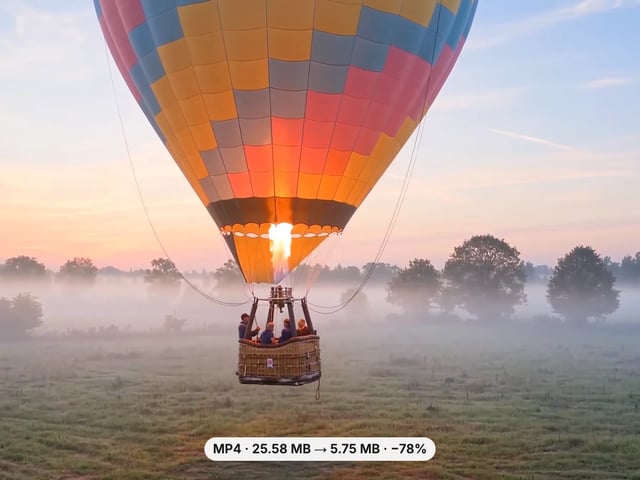
Make a video file smaller, or remove its sound
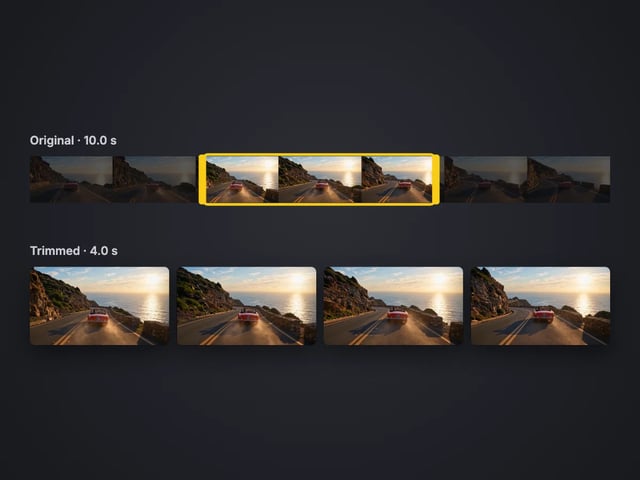
Cut the start or end off a video, no quality loss
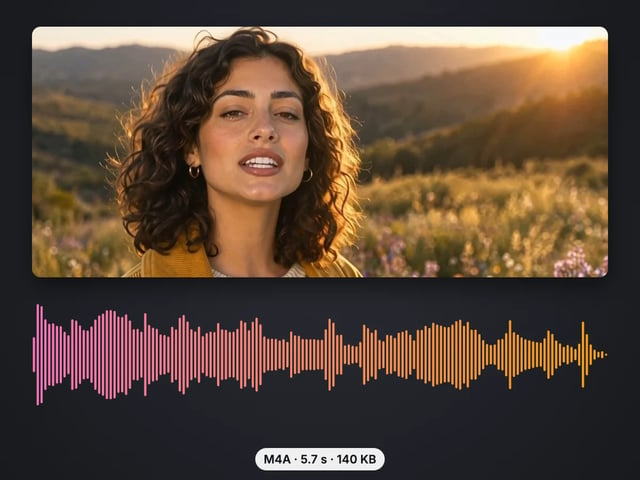
Save the sound of a video as M4A or WAV
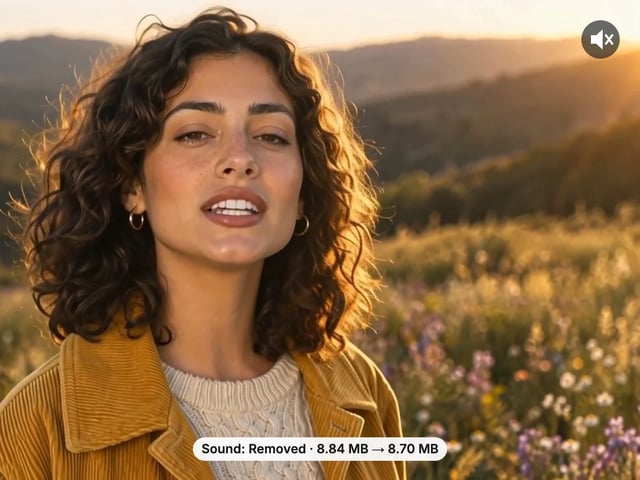
Remove the sound from a video, picture untouched
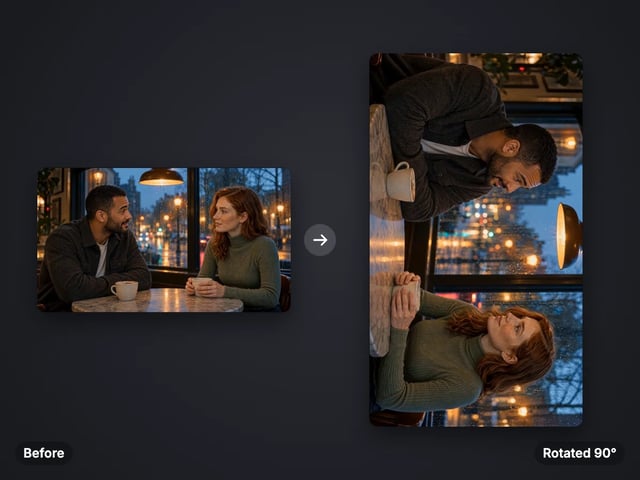
Turn a sideways video upright, or mirror it
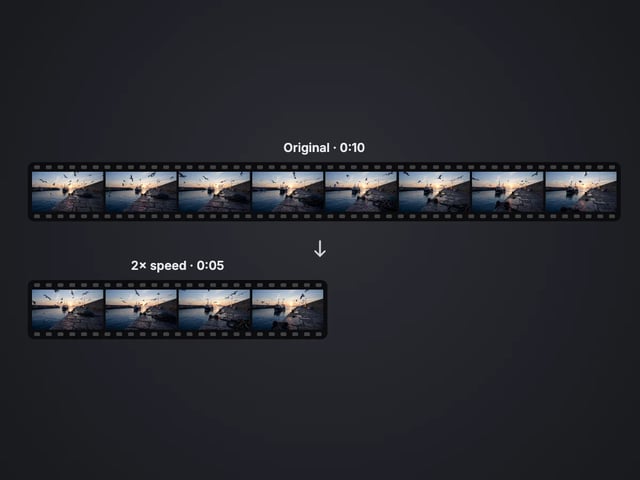
Speed a video up or slow it down, 0.25× to 4×
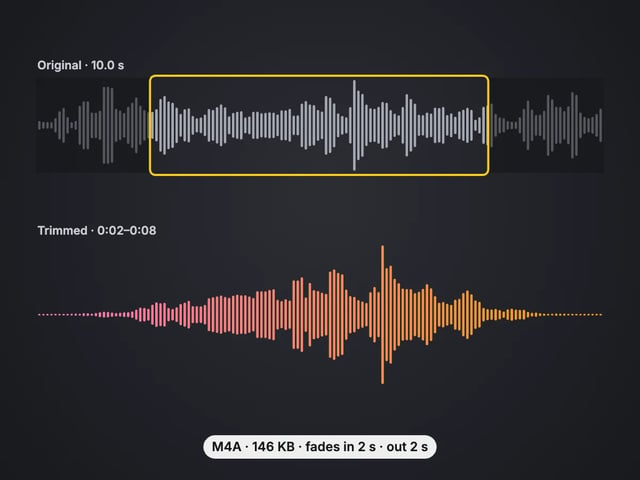
Cut an audio file to the part you want, with fades
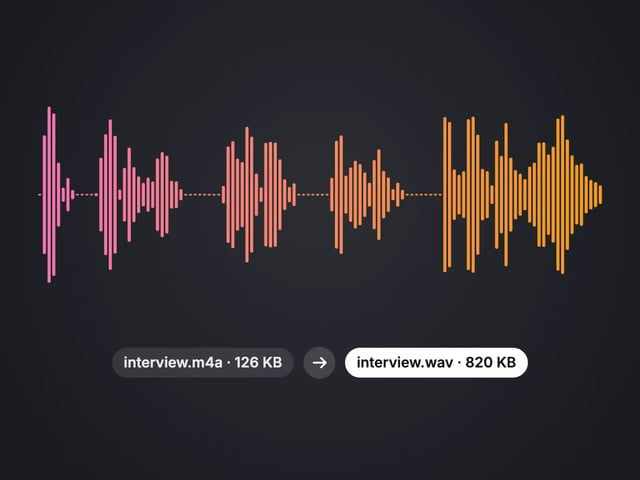
Convert MP3, WAV or OGG to M4A or WAV
Complete your workflow
These pair with 4K Video Enhancer. Every tile says what the tool actually does — without leaving this page.
Upscale images to 16K with the same AI enhancement technology
Create AI talking videos then enhance to 4K
Generate AI podcasts and pair with enhanced video content
Translate a clip into another language. Same faces, same footage, new voice — billed per minute.
Choppy AI video to butter-smooth 60fps. The secret pros use.
One photo = Hollywood drone shot. Zero equipment. Pure magic.
Steal any dance. Apply to any character. Viral content factory.
Imagera AI Team
Unified AI creation platform