Three presets or a target size
Smallest file, Balanced or High quality — or type a size in MB, like 10 MB, and the tool aims under it.
Imagera AI - AI content creation platform for generating images, cloning voices, creating avatars, and enhancing videos. Privacy Policy | Terms
Video · free · private
Make a video file smaller for email, chat or upload limits. Choose a quality or a target size, lower the resolution if you like, and keep or remove the sound. It all happens in your browser.
Your video is re-encoded in your browser on your own device. It is never uploaded or saved on our servers.
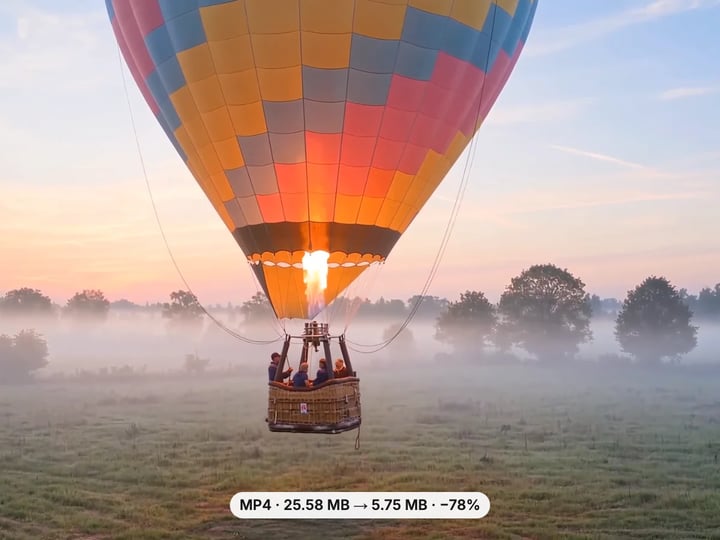 Real result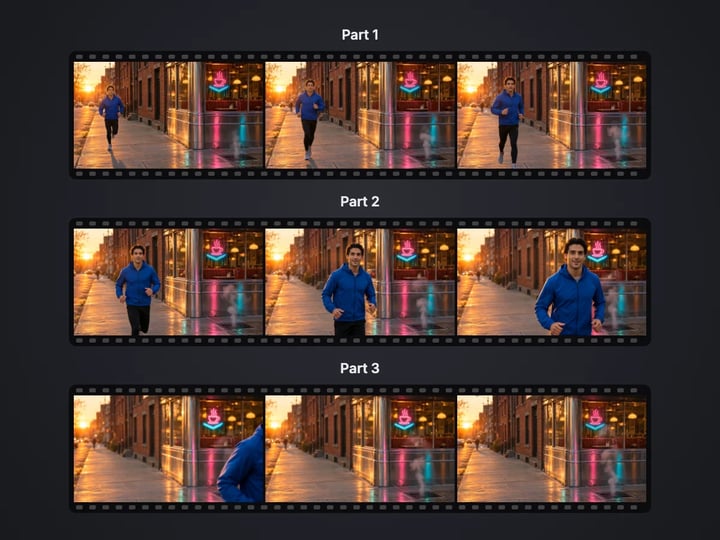
Quick answer
To compress a video for free, open Imagera’s Video Compressor and choose your video. Pick Balanced for a good mix of size and quality, Smallest file for the biggest saving, or Target size to aim under a number of MB. Optionally cap the resolution at 1080p, 720p or 480p and turn the sound off. Press Compress video to see the size before and after. It runs in your browser, so the video is never uploaded.
Your video never leaves your device — nothing is uploaded or saved on our servers.
How it works
Pick an MP4, MOV or WebM file. It stays on your device.
Choose a quality or Target size, a resolution, and whether to keep the sound.
Press Compress video and compare the size before and after.
Save the smaller MP4 to your device.
Why this one
Smallest file, Balanced or High quality — or type a size in MB, like 10 MB, and the tool aims under it.
Cap at 1080p, 720p or 480p for a much smaller file. Portrait phone videos keep their shape, and nothing is enlarged.
Keep the original sound untouched, or turn it off to get a muted video that is also a little smaller.
See the size before and after and the percent saved. If a setting cannot make the file smaller, the tool says so.
Continue in Imagera
Video Compressor edits the pixels you have. These studios use AI to create what is not in the picture yet — they run on credits.
 Next step
240p trash to 4K cinema. Every pixel rebuilt. Netflix-grade output.
Open studio Imagera
Too small to print? Enlarge a photo to 4K, 8K or 16K (15,360 px on the long edge).
Open studio Imagera
Edit images with Imagera Edit. Inpaint, modify, and transform any part of your image.
Open studio Imagera
Replace any photo background with AI-generated luxury scenes.
Open studioWho it is for
Get a phone video under an email attachment or chat app limit without trimming the moment you want to share.
Shrink large recordings before uploading to a course, a form or cloud storage, or before archiving them.
Remove the sound from a clip for a presentation, a website background or a post where audio would distract.
Guide
This tool re-encodes your video into a smaller MP4 file using your browser’s own video encoder. Nothing is uploaded.
You control three things:
- Quality. Smallest file, Balanced or High quality set how much data each second of video may use, scaled to the picture size. Target size lets you type a size in MB instead. - Resolution. Original, or a cap at 1080p, 720p or 480p. The cap applies to the short side, so a portrait phone video capped at 720p comes out 720 pixels wide. Nothing is ever enlarged. - Sound. Keep it, or turn it off to get a muted video.
The result shows the size before and after, the percent saved, the new resolution and what happened to the sound. The output is an MP4 with H.264 video, which plays on phones, computers, TVs and chat apps. On the rare browser without an H.264 encoder, it is a WebM file instead.
1. Choose your video. MP4, MOV and WebM work when your browser can decode them. 2. Start with Balanced. It usually cuts phone and camera videos by more than half with little visible change. 3. Lower the resolution if you need more. A 4K phone video capped at 1080p is about a quarter of the pixels; at 720p it is about a ninth. 4. Or use Target size. Type the limit you need, such as 10 MB for a chat app or 25 MB for email. The tool aims under it and, if the budget is tight, lowers the resolution for you so the picture stays clean. 5. Decide on sound. Keep it, or turn it off. 6. Press Compress video and compare the before and after sizes. 7. Download the result.
If a target is too small for the length, the tool tells you the smallest size that would work, instead of producing an unwatchable file.
Balanced is the right choice for most videos. It gives each frame enough data to look like a good streaming video on a phone or laptop screen.
Smallest file spends noticeably less. Fine textures such as grass, water and hair soften, and fast motion can look blocky, but faces, text and the overall scene stay clear. Use it when the size limit matters more than the picture.
High quality is close to the original on most screens and still usually saves space, because phone cameras record at very high bitrates.
Target size is for a hard limit. The tool works out how much data per second fits under your target after the sound, then picks the largest resolution that budget can show cleanly.
Every preset is also capped below what the original spends. A video that was already compressed by a social app will not be re-encoded bigger, and if no setting can make it smaller, the tool tells you instead of handing back a larger file.
Turn Sound off and the new file has no audio track at all. That is the simplest way to mute a video for a presentation, a website background, a product loop or a clip where the audio would distract. Removing the sound also saves a little space, typically about 1 MB per minute.
When you keep the sound, it is copied untouched whenever the file allows it. Almost every MP4 and MOV already carries AAC sound, which goes into the new MP4 exactly as it was, so compressing the picture never changes how the video sounds.
Sound in other formats, such as the Opus sound in many WebM files and screen recordings, is converted to AAC when your browser can do it, because AAC plays in every phone gallery and video player. If a browser cannot convert it, the original sound is kept as it is, and if it cannot be kept at all, the result says so under the video.
Your video never leaves your device. It is read from your device, re-encoded by your browser’s built-in encoder and handed back as a new file. Nothing is uploaded or saved on our servers, and there is no upload wait, which matters most for exactly the large files people want to compress.
Because your device does the work, a few honest limits apply:
- Length. On a computer, up to 60 minutes or 4 GB per run. On a phone, up to 15 minutes or 1 GB. For longer videos, trim them into parts first. - Speed. Most computers and recent phones re-encode faster than the video plays. Older devices take longer; keep the tab open until it finishes. - Browser. You need an up-to-date Chrome, Edge, Firefox or Safari 16.4 or newer.
A free sign-in, needed after your first few downloads, never sends your video anywhere.
The free Video Compressor makes a video smaller on your device, with presets, a target size, a resolution cap and a sound switch. Compressing is unlimited. Your first few downloads need no account, and after that a free sign-in keeps them going.
Compression works by leaving out detail the eye is least likely to miss. It can keep a good video looking good, but it cannot make a soft, noisy or low-resolution video look better than it did.
That is what the paid Imagera AI video enhancer is for. It works in the cloud to sharpen soft footage, reduce noise and grain, and upscale low-resolution clips to HD or 4K, then exports a finished video. It uses credits.
A practical order for important footage: enhance the video first, then use this compressor to bring the enhanced file down to the size you need for sharing.
Free vs studio
Questions people ask
Use High quality and keep the original resolution. Phone cameras record at very high bitrates, so this usually still saves a lot of space with no visible change.
Choose Target size and set it under your email limit, such as 20 MB. If the video is long, trim it first so the picture stays clear.
Choose Target size and set 10 MB. For a longer video the tool lowers the resolution to fit; if 10 MB is too small, it tells you the smallest size that works.
Turn Sound off and press Compress video. The new file has no audio track. Pick High quality if you only want to mute it and keep the picture close to the original.
Yes, in Safari on iOS 16.4 or newer. Phones can process videos up to 15 minutes or 1 GB per run.
Videos from social apps and messaging apps are often compressed already. Choose Smallest file or a lower resolution for a bigger saving.
An MP4 with H.264 video, which plays almost everywhere. On the rare browser without an H.264 encoder, the result is a WebM file.
Usually not. The original AAC sound in most MP4 and MOV files is copied into the new file untouched. Other sound formats are converted to AAC when your browser can do it.
No. Your browser re-encodes the video on your device. It is never uploaded or saved on our servers.
Compression cannot add detail back. The paid AI video enhancer can sharpen, clean up and upscale a soft or low-resolution video in the cloud.
More free tools
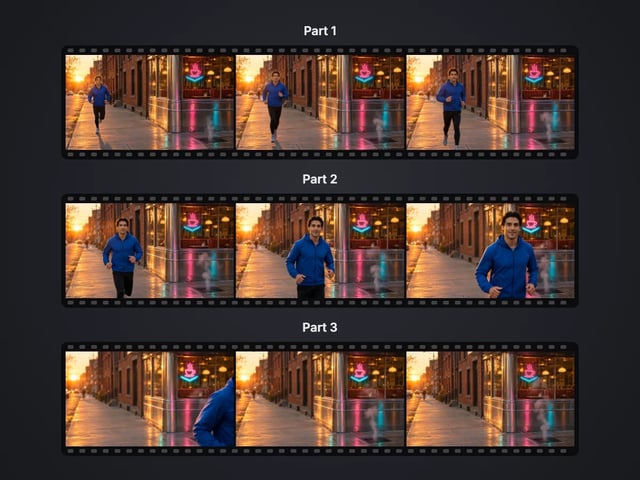
Cut a big video into evenly sized parts
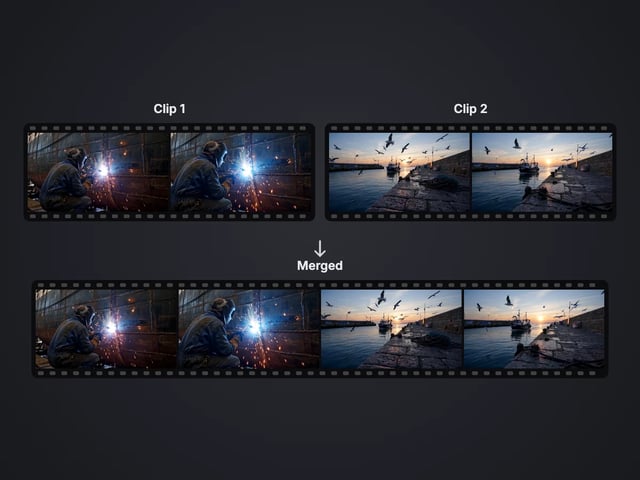
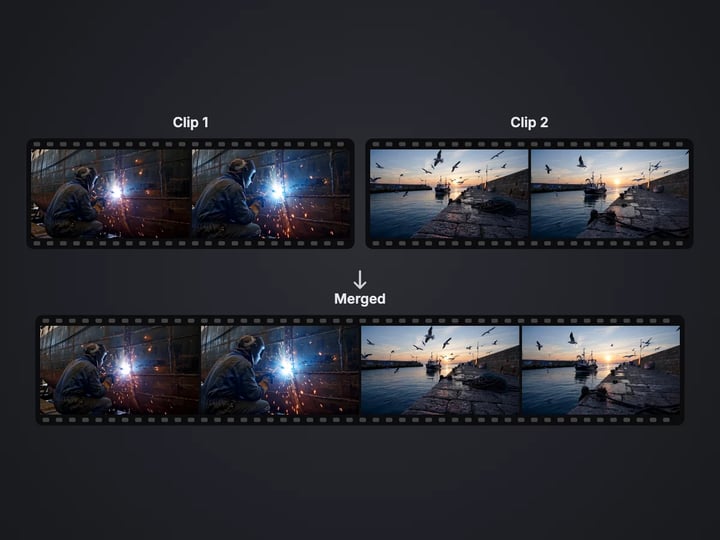
Rejoin split parts back into one file
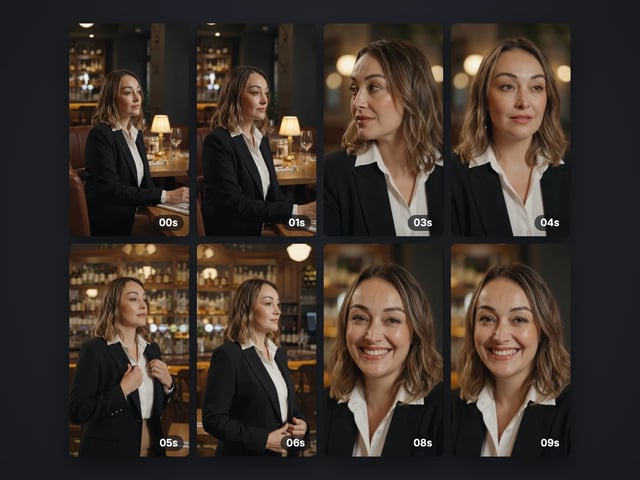
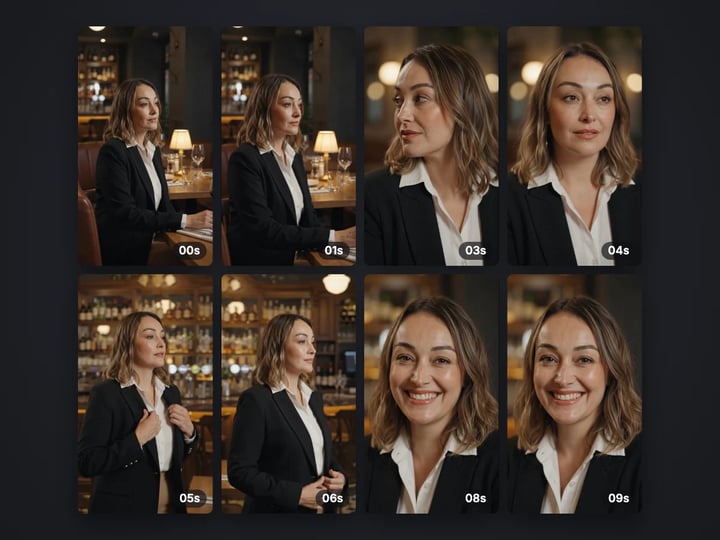
Save stills from a video as JPG or PNG
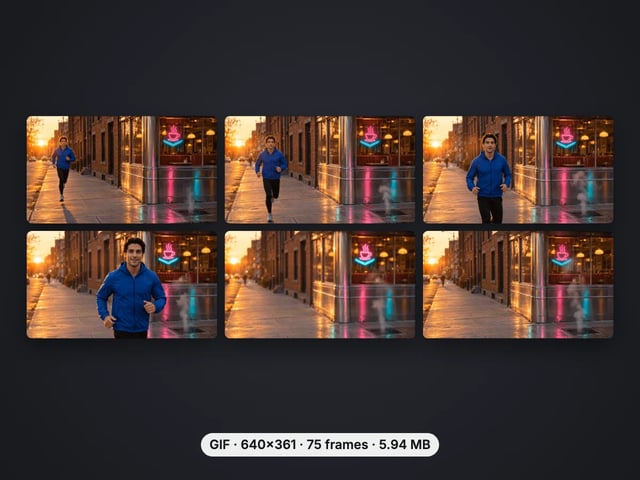
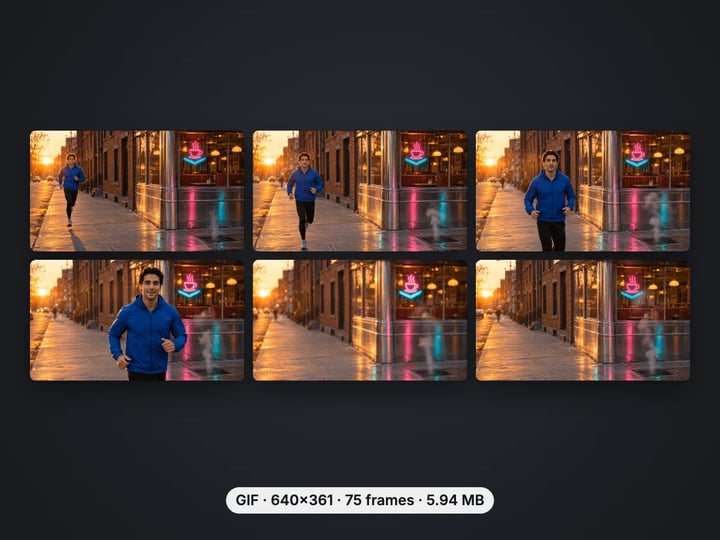
Turn a video clip into an animated GIF
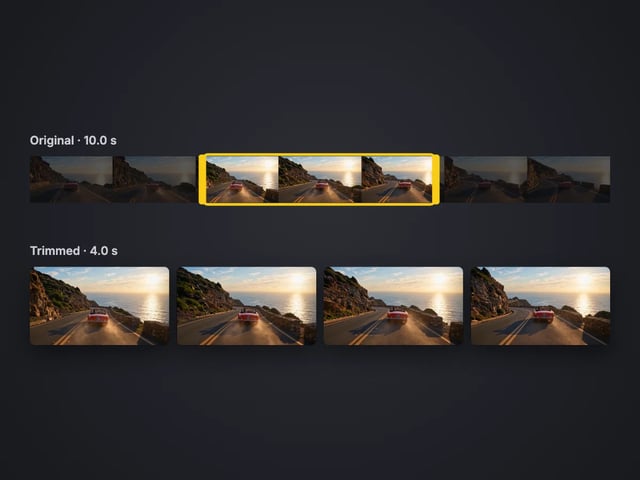
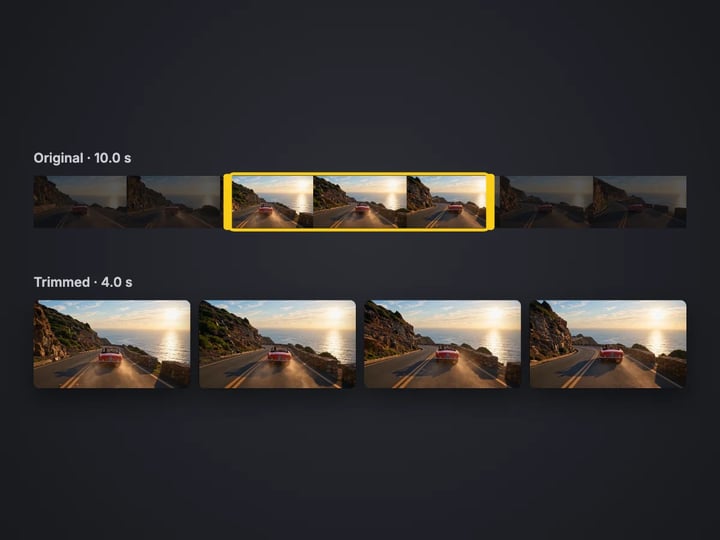
Cut the start or end off a video, no quality loss
Save the sound of a video as M4A or WAV
Remove the sound from a video, picture untouched
Turn a sideways video upright, or mirror it
Speed a video up or slow it down, 0.25× to 4×
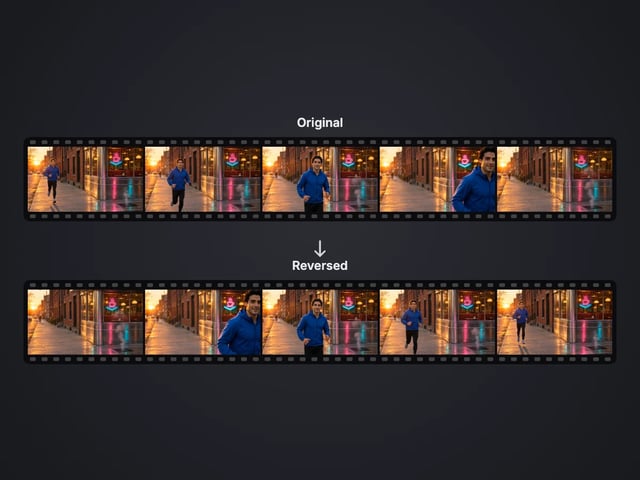
Play a clip backwards, sound included
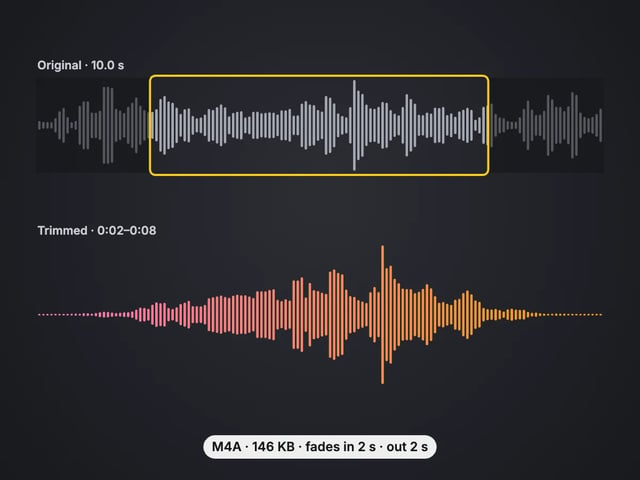
Cut an audio file to the part you want, with fades
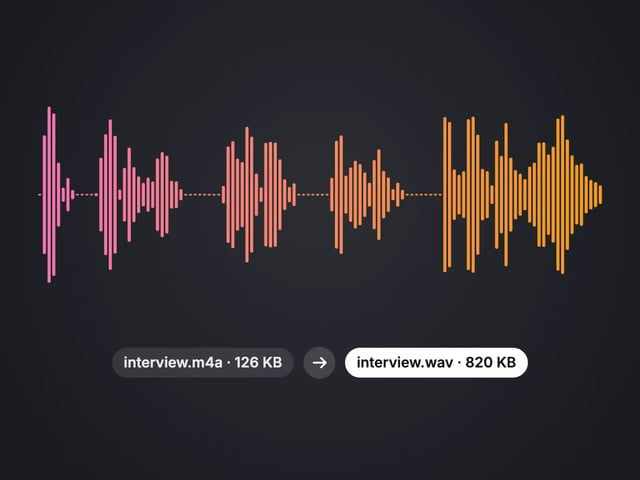
Convert MP3, WAV or OGG to M4A or WAV
Complete your workflow
These pair with 4K Video Enhancer. Every tile says what the tool actually does — without leaving this page.
Upscale images to 16K with the same AI enhancement technology
Create AI talking videos then enhance to 4K
Generate AI podcasts and pair with enhanced video content
Translate a clip into another language. Same faces, same footage, new voice — billed per minute.
Choppy AI video to butter-smooth 60fps. The secret pros use.
One photo = Hollywood drone shot. Zero equipment. Pure magic.
Steal any dance. Apply to any character. Viral content factory.
Imagera AI Team
Unified AI creation platform