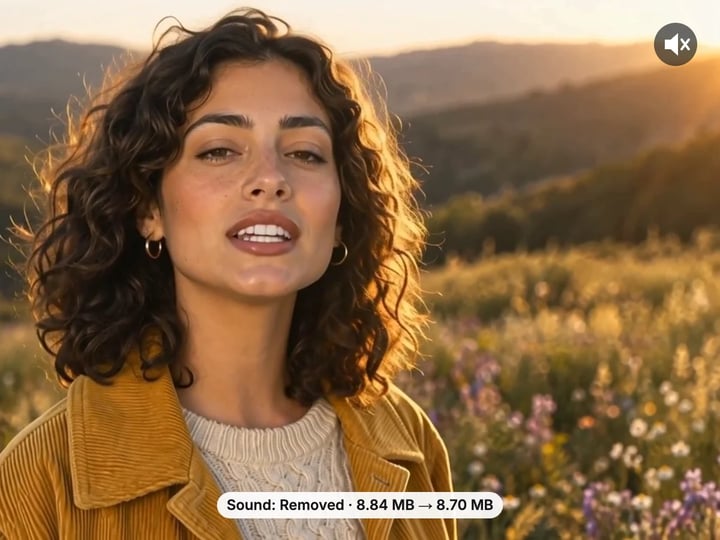
Same picture, no sound
The video frames are copied as they are, so sharpness, color and frame rate stay identical. Only the sound track is left out.
Imagera AI - AI content creation platform for generating images, cloning voices, creating avatars, and enhancing videos. Privacy Policy | Terms
Video · free · private
Drop the sound track from a video and keep the picture exactly as it was. The video frames are copied, not re-encoded, so it takes seconds even for a long file, and it all happens in your browser.
Your video is rewritten without its sound in your browser. It is never uploaded or saved on our servers.
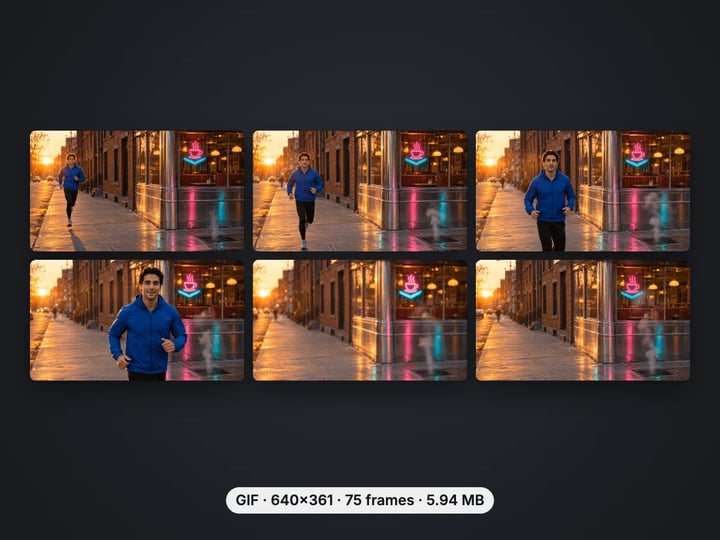
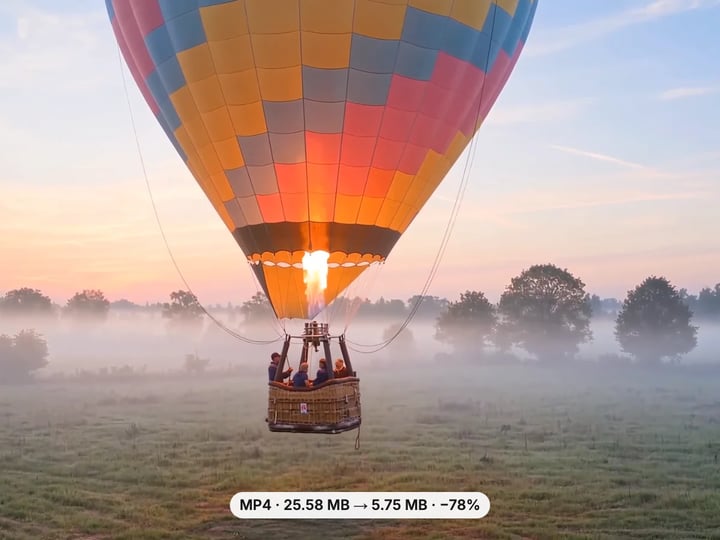
 Real result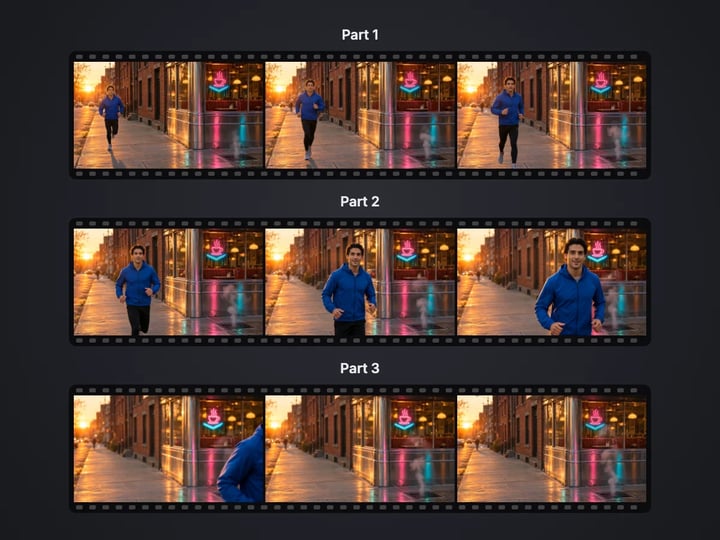
Quick answer
To remove the sound from a video, open Imagera’s free Mute Video tool, choose your MP4, MOV or WebM file and press Remove sound. The tool copies the video frames into a new file and leaves out the sound track, so the picture keeps its exact quality and even a long video finishes in seconds. Everything runs in your browser, so your video is never uploaded, and your first downloads need no account.
Your video never leaves your device — nothing is uploaded or saved on our servers.
How it works
Pick an MP4, MOV or WebM file. It stays on your device.
Press Remove sound. The picture is copied into a new file without the sound track.
Play the silent video, check its length and size, then download it.
Why this one
The video frames are copied as they are, so sharpness, color and frame rate stay identical. Only the sound track is left out.
Copying skips re-encoding, so a long recording finishes in seconds instead of minutes.
MP4 and MOV videos come back as MP4. WebM stays WebM. The file is a little smaller without its sound.
Because nothing is re-encoded, muting works even on browsers that cannot encode video on the page.
Continue in Imagera
Mute Video edits the pixels you have. These studios use AI to create what is not in the picture yet — they run on credits.
 Next step
240p trash to 4K cinema. Every pixel rebuilt. Netflix-grade output.
Open studio Imagera
Too small to print? Enlarge a photo to 4K, 8K or 16K (15,360 px on the long edge).
Open studio Imagera
Edit images with Imagera Edit. Inpaint, modify, and transform any part of your image.
Open studio Imagera
Replace any photo background with AI-generated luxury scenes.
Open studioWho it is for
Browsers only autoplay muted video. A file with no sound track loops quietly behind a hero section or a slide.
Share a clip without background conversation, a phone call or other sound you would rather keep to yourself.
Strip the camera sound before adding music or a voice-over in your editor, so nothing leaks through.
Guide
This tool makes a copy of your video with no sound track. Nothing else changes.
A video file holds two separate streams: the picture and the sound. Most tools that "mute" a video decode every frame and encode it again, which takes time and always costs a little quality. This one does not. It copies the picture stream packet for packet into a new file and simply leaves the sound stream out.
That has three practical effects:
- Quality is identical. Same resolution, same frame rate, same sharpness and colors, because the frames are the original ones. - It is fast. There is no encoding step, so a ten-minute recording is done in a few seconds. - The file gets a little smaller. The sound track usually takes 5–10% of a phone video’s size.
The result shows the new length, the size before and after, and whether the picture was copied or had to be re-encoded.
1. Choose your video. MP4 and MOV files from phones and cameras work, and so do WebM screen recordings. 2. Press Remove sound. There are no settings to get wrong: the whole sound track is removed and the picture is kept. 3. Play the result. The player shows the silent video, its length and its size. 4. Download it. MP4 and MOV videos are saved as MP4, which plays on phones, computers, chat apps and websites. WebM videos stay WebM.
If the video has no sound in the first place, the tool says so instead of making an identical copy.
Want only part of the video? Mute it here, then cut it with the free Video Trimmer, which also copies instead of re-encoding. Want a smaller file as well? The Video Compressor can remove the sound while it shrinks the picture.
Every time a video is re-encoded, the encoder throws away a little detail to save space. One pass is hard to see; a few passes show up as smeared textures, blocky dark areas and banding in skies.
Muting is one of the few edits that never needs that step. The sound and the picture are stored separately inside the file, so removing one does not touch the other. This tool takes advantage of that: the original compressed picture data is written straight into the new file.
That also means it works on more browsers. Re-encoding needs a video encoder in the browser, which older phones and some browsers lack. Copying only needs the browser to read the file, so muting works almost everywhere the page loads.
There is one exception. A few professional camera and editing formats store the picture in a codec that an MP4 file cannot hold. For those, the picture is re-encoded to H.264, and the result says Re-encoded so you know.
Background video on a website. Browsers only autoplay video that is muted. A file with no sound track at all is the most reliable way to loop a clip behind a headline, and it is smaller too.
Slides and presentations. A muted clip will not surprise the room with wind noise or a phone ringing in the background.
Privacy. Phone videos pick up far more than you think: conversations, names, a TV in the next room. Muting removes all of it before you share.
Adding your own sound. When you plan to add music or a voice-over in an editor, starting from a silent file stops the original sound from bleeding into the mix.
Social posts that play silently anyway. Many feeds autoplay without sound. Removing noisy or distracting audio makes sure nobody hears it when they tap to unmute.
Evidence and documentation. Keep the picture of a repair, an inspection or a product demo without unrelated chatter.
Your video never leaves your device. The file is read by your browser, rewritten without its sound on the page and handed back to you as a download. Nothing is uploaded or saved on our servers, and there is no upload wait, even for a large file.
What that means in practice:
- Any current browser works: Chrome, Edge, Firefox and Safari on computers and phones. Because the picture is copied, you do not need a browser that can encode video. - File size limits come from your device’s memory, since the new file is built in memory. Phones handle up to 15 minutes or 1 GB per run; computers up to 60 minutes or 4 GB. - Most formats are readable. MP4, MOV and WebM from phones, cameras and screen recorders all work. If a file cannot be read, the tool tells you in plain words.
A free sign-in, needed after your first few downloads, never sends your video anywhere.
The free Mute Video tool removes the sound track and keeps every frame exactly as it was. Muting is unlimited. Your first few downloads need no account, and after that a free sign-in keeps them going.
What it will not do is change how the picture looks. A soft, grainy or low-resolution clip is still soft, grainy and low resolution — just quieter.
The paid Imagera AI video enhancer works on the picture itself. It sharpens soft footage, reduces noise and upscales low-resolution clips in the cloud, then exports a finished video. It uses credits.
The two work well together for background and presentation videos, where the picture is all anyone sees: enhance the clip so it holds up on a large screen, then bring the result back here and remove its sound in seconds.
Free vs studio
Questions people ask
Choose the MP4 here and press Remove sound. The picture is copied into a new MP4 without the sound track, in your browser, and your first downloads need no account.
No. The video frames are copied without re-encoding, so resolution, frame rate and sharpness are exactly the same as the original.
Open this page in Safari, choose the video from your photo library and press Remove sound. The silent copy downloads to your Files app, from where you can save it to Photos.
Mute the clip here so it has no sound track at all, then use it in your page’s video element with autoplay, muted and loop set. Browsers autoplay muted video without asking.
No, this tool removes the whole sound track. To keep only a silent section, mute the video here and cut it with the free Video Trimmer.
The picture takes up most of a video file, and it is kept as it is. To make the file much smaller, use the Video Compressor, which can also remove the sound.
Yes. WebM files stay WebM and their picture is copied as it is. The result plays in every current browser.
No. The video is read and rewritten in your browser on your own device. It is never uploaded or saved on our servers.
Not this free tool, which keeps the picture exactly as it is. The paid AI video enhancer sharpens, reduces noise and upscales the footage in the cloud, and you can mute the enhanced result here.
More free tools
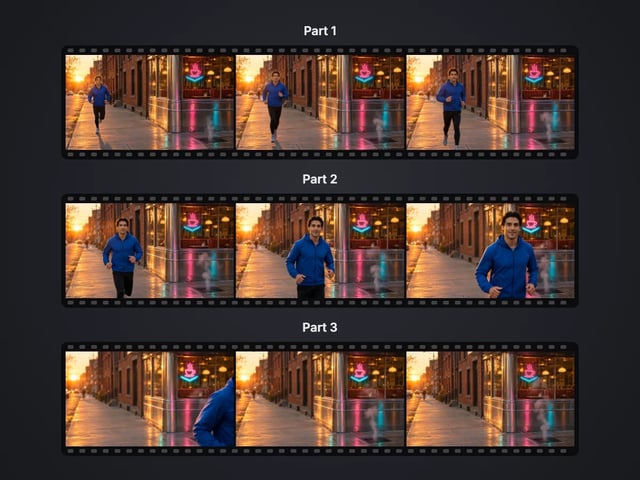
Cut a big video into evenly sized parts
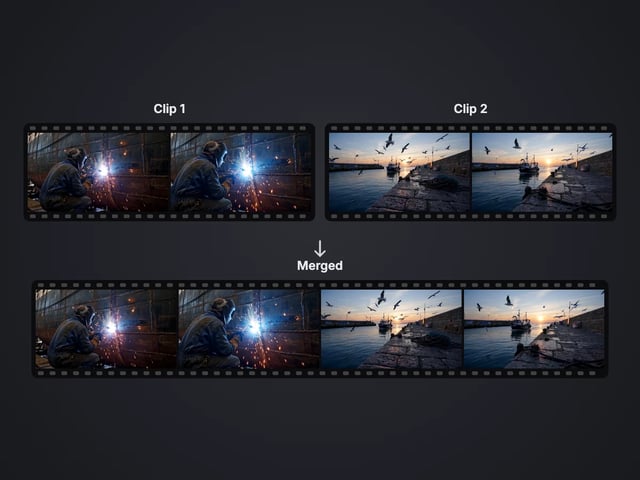
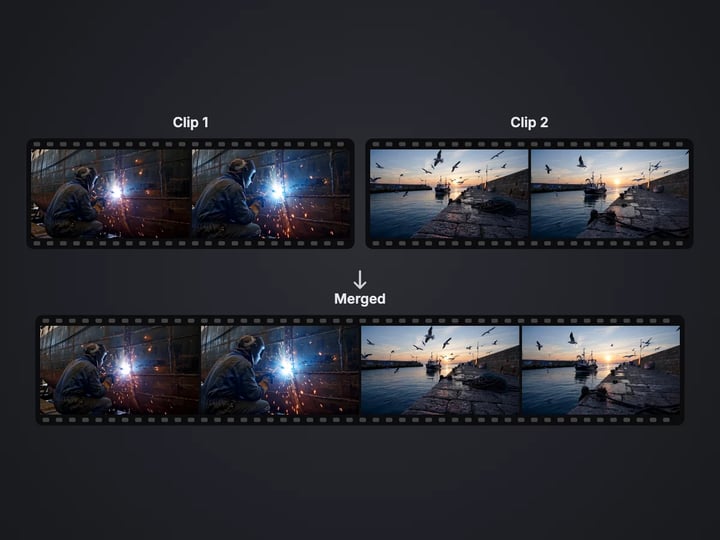
Rejoin split parts back into one file

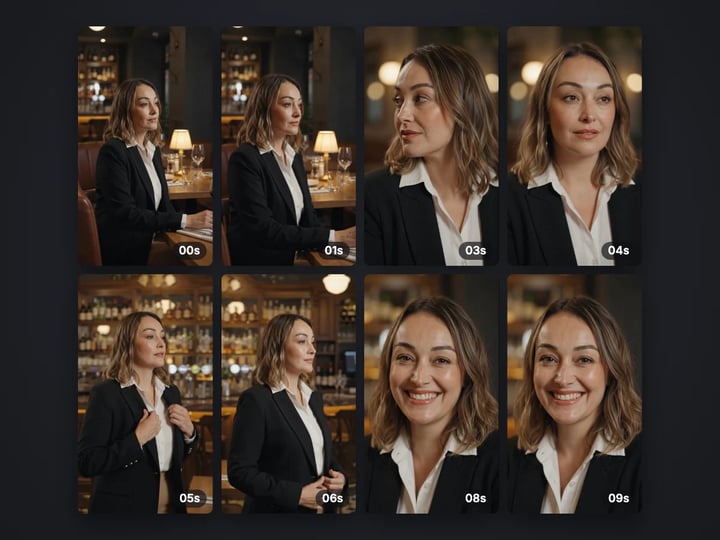
Save stills from a video as JPG or PNG
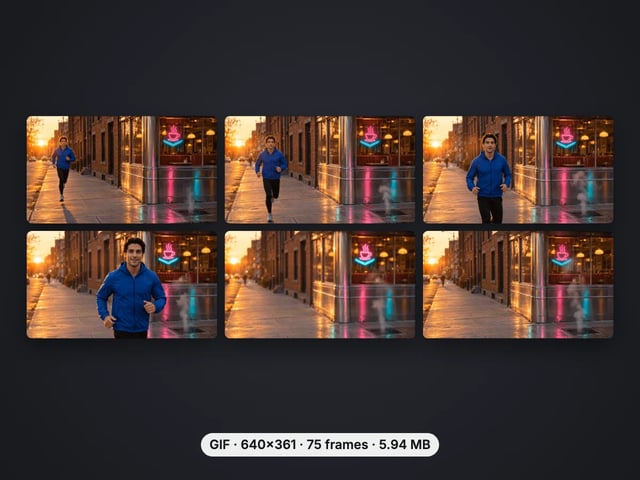
Turn a video clip into an animated GIF
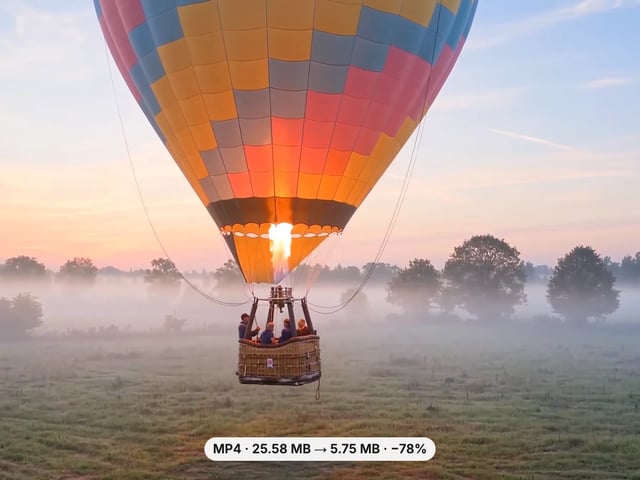
Make a video file smaller, or remove its sound
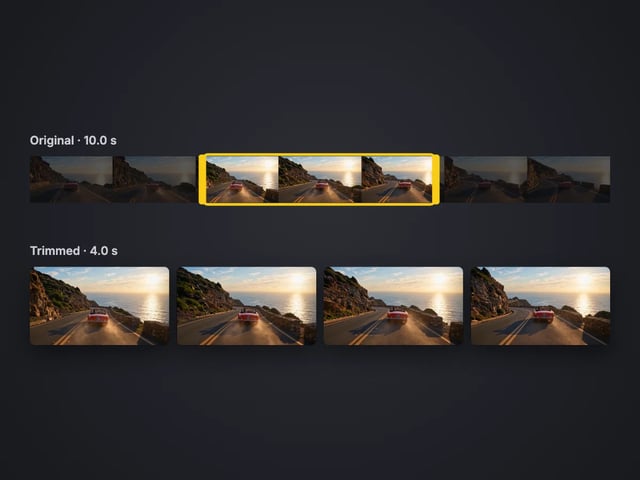
Cut the start or end off a video, no quality loss
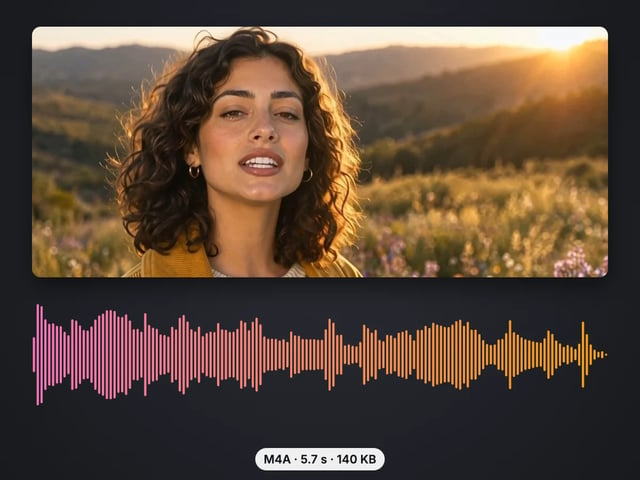
Save the sound of a video as M4A or WAV
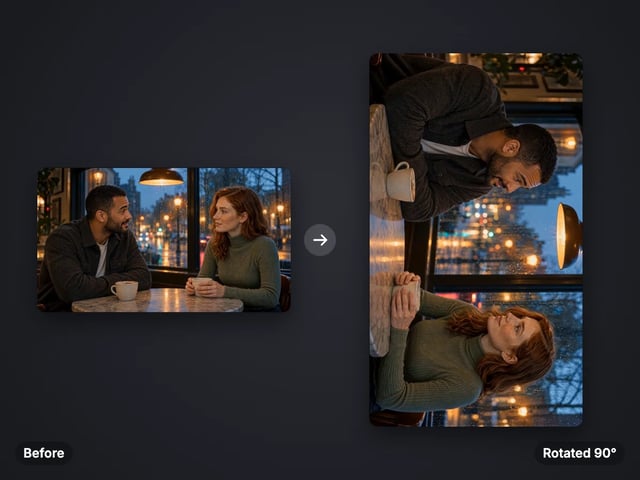
Turn a sideways video upright, or mirror it
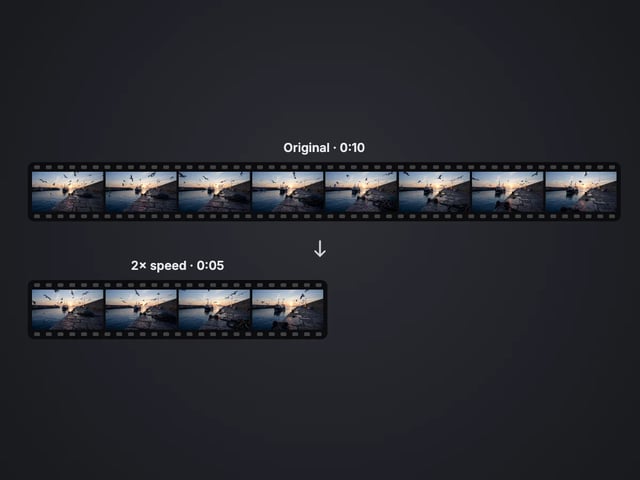
Speed a video up or slow it down, 0.25× to 4×
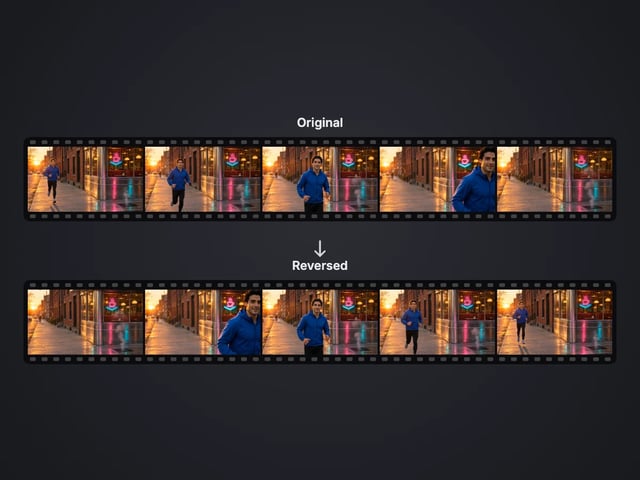
Play a clip backwards, sound included
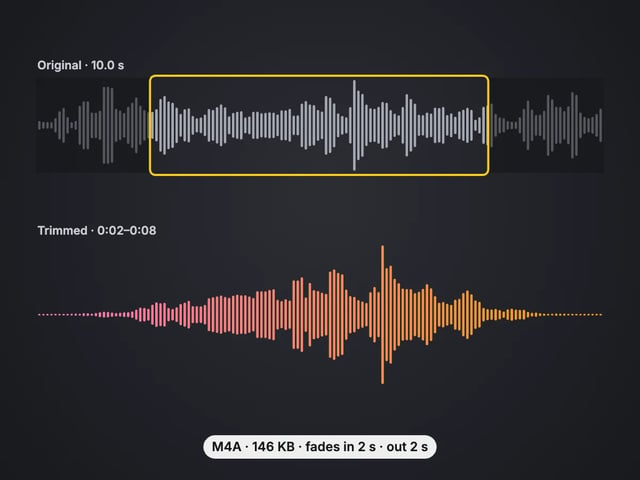
Cut an audio file to the part you want, with fades
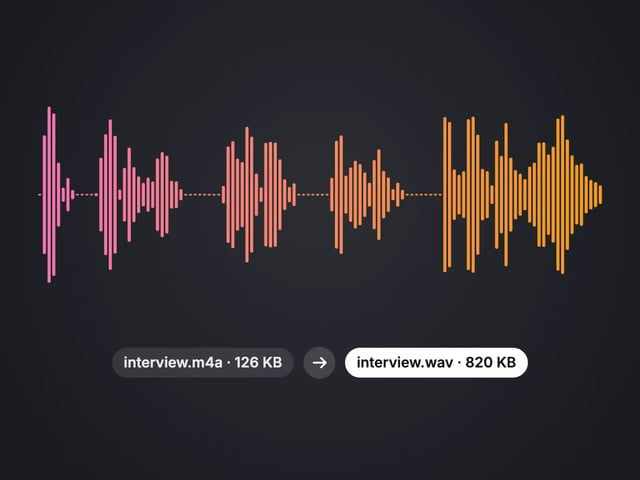
Convert MP3, WAV or OGG to M4A or WAV
Complete your workflow
These pair with 4K Video Enhancer. Every tile says what the tool actually does — without leaving this page.
Upscale images to 16K with the same AI enhancement technology
Create AI talking videos then enhance to 4K
Generate AI podcasts and pair with enhanced video content
Translate a clip into another language. Same faces, same footage, new voice — billed per minute.
Choppy AI video to butter-smooth 60fps. The secret pros use.
One photo = Hollywood drone shot. Zero equipment. Pure magic.
Steal any dance. Apply to any character. Viral content factory.
Imagera AI Team
Unified AI creation platform