Lipsync Studio
AvatarRe-cut the mouth onto the new track after a dub
No camera, no shoot, no retakes — a photo and a voice note become a video of that person saying it, or a clip you already shot says something new.
Imagera AI - AI content creation platform for generating images, cloning voices, and enhancing videos. Privacy Policy | Terms
Transcribe audio or video into text and SRT subtitles
Choose a file to start.
Imagera's free audio to text tool lets you transcribe audio from a recording or a video (MP3, M4A, WAV, MP4, MOV or WebM) into SRT subtitles, VTT subtitles or a plain transcript. It suits creators captioning clips, podcasters writing show notes and students with recorded lectures, on a phone, tablet or computer. An open speech-recognition model does the work inside your browser, so the file is transcribed on your own device. 2 free downloads, 8 more after sign-in.
Published · Updated · by the Imagera teamImagera is a browser-based AI studio for images, video, music and voice, so you do not need a separate app and account for every model. Pricing is credit-based: one balance covers every tool, and each job shows its credit price or estimate before you run it.


Each subtitle holds at most 84 characters on two lines of about 42 and stays on screen for 7 seconds or less, close to common broadcast and streaming caption guidelines.
Try SRT Subtitle BurnerThe speech model listens at 16,000 samples per second in one channel, so a stereo 48 kHz file is mixed down and resampled before the model reads it.
The Fast model is about a 41 MB download and Accurate about 77 MB; each is fetched once, then kept by the browser for later runs.
In a plain-text transcript, a pause longer than 2 seconds between lines starts a new paragraph.
Set Save as to SRT subtitles, VTT subtitles or Plain text; the starting choice is SRT subtitles. SRT numbers every subtitle and writes its times with a comma before the milliseconds, like 00:01:02,345. Most video editors and upload forms accept it.
VTT opens with a WEBVTT line, leaves out the numbers and puts a period in its times. Pick it for a web page’s own video player. Plain text drops the time codes and joins the lines into paragraphs, which suits show notes, quotes and searchable lecture notes.
The model returns whole sentences, and one sentence can run for half a minute. The tool breaks anything longer than 84 characters or 7 seconds: first at sentence ends, then between words, preferring a comma. Each subtitle shows on at most two lines, broken near the middle on a space.
When a long sentence is split, its time is shared out by the length of each piece, because the model times sentences rather than single words. Inside a long, fast sentence a subtitle can therefore land a moment early or late. Play the file against the video before you publish it.
Speech models sometimes write a polite line, like "Thank you.", over music, engine noise or silence. To catch these, a second small model scores every 10 milliseconds of the recording for voice; it is the same noise model behind the free Noise Remover. A subtitle survives only when a voice is heard for at least 30% of its time. Markers such as [Music] or ♪ are removed too.
The check also works the other way. If the subtitles cover less than 85% of the moments where a voice is heard, that block is transcribed again with a tenth of a second of silence in front, and the better attempt is kept. If the voice model cannot load, no line is dropped.
Spoken language starts at Detect automatically and lists every language the tool is set up for. Naming the language means the model does not have to guess it. The result’s Language field repeats the setting, and says Detected automatically when the model chose.
Text language offers Same as spoken or English (translated). English (translated) uses the model’s own speech translation, so speech in a listed language comes out as English subtitles or text in one pass. It translates into English only; for other target languages, or for a spoken version, a dubbing tool is the next step.
Accuracy offers Fast or Accurate. Fast uses the small model; Accurate uses a larger one and takes longer to run. Both run on your device’s processor, on a computer or a phone.
A phone transcribes up to 10 minutes per run, and a computer up to 60 minutes. Long recordings are worked through in blocks of about a minute, each cut at the quietest moment nearby so no word is split, and the progress line moves with every block. Cut a longer file into parts with the free Audio Trimmer.
The recording is read from your device, turned into text in this browser tab and handed back as a file. It is not uploaded for transcription.
The page still uses the network. It loads its own code, downloads the speech model from a public model host on first use and the small voice model from Imagera, and can send an error report when a run fails. Those reports carry the file’s size and type, never its name or its sound.
A separate subtitle file only shows where the player or app supports it. The paid subtitle burner prints an SRT into the picture, so the words show everywhere. The paid dubbing studio goes further and speaks the whole video in another language.
The transcript can also become a script. The paid voice studio reads text aloud in a cloned or designed voice, and the free Audio Trimmer cuts the recording around the lines you want to keep.
Pick a MP3, M4A, WAV, MP4, MOV or WebM file from your device: a voice memo, a podcast episode or a video with speech.
Leave Spoken language on Detect automatically or name the language, choose SRT subtitles, VTT subtitles or Plain text, and pick Fast or Accurate under Accuracy.
Press Transcribe. The first run downloads the model, then progress moves block by block. Read the text and the Words and Subtitles counts before you save.
2 free downloads, 8 more after sign-in.
| This free tool | Paid AI tools |
|---|---|
| Writes SRT, VTT or plain-text files from the speech | The subtitle burner prints those subtitles into the video picture |
| English (translated) gives English text only | The dubbing studio speaks the video in another language |
| Runs an open speech model on your device | The voice studio reads a script aloud in a cloned voice |
| 2 free downloads, 8 more after sign-in. | Paid tools use their own displayed prices and access conditions. |
Add the recording, pick Spoken language and Save as, then press Transcribe. Read the result in the text box, copy it with Copy text, and save the file when it looks right.
Choose the video, keep Save as on SRT subtitles and run it. Only the sound is read; the picture is skipped. The file holds numbered subtitles with start and end times, ready to load next to the video.
Yes. CapCut’s desktop editor, Premiere Pro and YouTube Studio all import SRT files. Make the SRT here, use the editor’s caption import, and place it on the clip. Each app draws captions in its own style, so check the line breaks there.
In YouTube Studio, open the video, go to Subtitles, choose the language and upload the file with timing. The times count from the start of the file you transcribed, so upload the same cut.
Both list the same lines with start and end times. SRT numbers its subtitles and uses a comma in the times; VTT begins with a WEBVTT header and uses a period. Upload forms and editors usually take SRT, while web video players read VTT.
In Voice Memos, save the memo to Files, then open this page in Safari and pick that M4A. Choose Plain text for a readable note, or SRT if the words go under a video.
Yes. Pick the video file and the tool reads its sound track, leaving the picture aside. A video without sound stops with a message that there is no speech to turn into text.
Yes. Set Text language to English (translated) and run it as usual. The model translates while it transcribes, so the English lines keep the timing of the original speech. Other target languages are not offered.
The Spoken language menu lists every supported language, with Detect automatically at the top. Spanish, French, German, Hindi, Japanese and Chinese are among them. Picking the language yourself avoids a wrong guess.
Start with Fast. If names, quiet speech or accents come out wrong, run the file again on Accurate: it uses the larger model, downloads about 77 MB the first time, and takes longer.
Speech models can invent short lines where nobody speaks; it is a known habit of the model. This tool checks each subtitle against a voice detector and drops lines spoken over no voice, along with markers such as [Music].
Every line fell where no voice was heard, or the file holds only music, noise or silence. Check that you chose the right file. If people do speak in it, heavy background noise can hide them, and cleaning the file first with the free Noise Remover may help.
Ten minutes per run on a phone and sixty minutes on a computer. A longer file stops before any work starts, with a message asking you to cut it into parts first.
No. The sound is decoded and transcribed inside this browser tab. The page downloads its models, and a failed run may send an error report that names the file’s size and type.
No. The transcript lists what was said in order, without speaker names. Add names by hand in the text, or in your editor’s caption panel.
The result box is read-only. Copy the text or save the file, then fix names and spellings in any text editor. SRT and VTT files stay valid as long as the time code lines are left as they are.
Your first 2 downloads are free with no account. Sign in free for 8 more. Any paid Imagera plan makes downloads unlimited, and adds AI credits for the paid tools. Processing and the preview are always free.
Your first 2 downloads and every download on a paid plan have none. Free downloads 3 to 10, after sign-in, carry a small “Made with imagera.ai” badge in the corner. The result on screen is always clean.
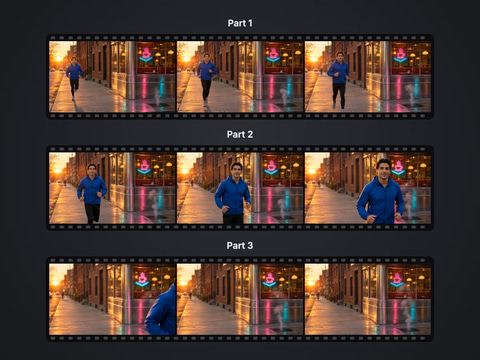
Cut a big video into evenly sized parts
Open tool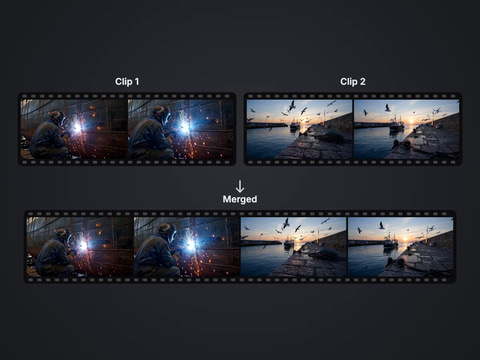
Rejoin split parts back into one file
Open tool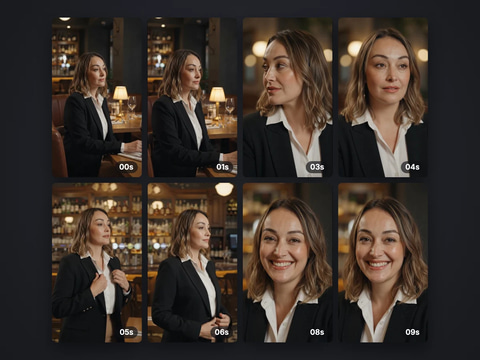
Save stills from a video as JPG or PNG
Open tool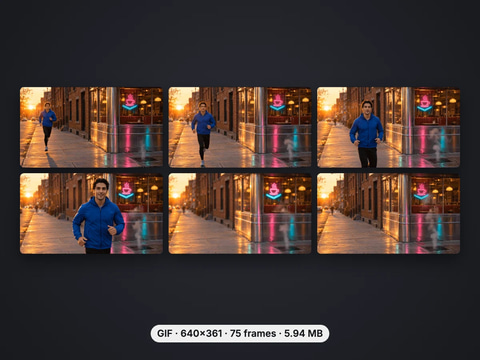
Turn a video clip into an animated GIF
Open tool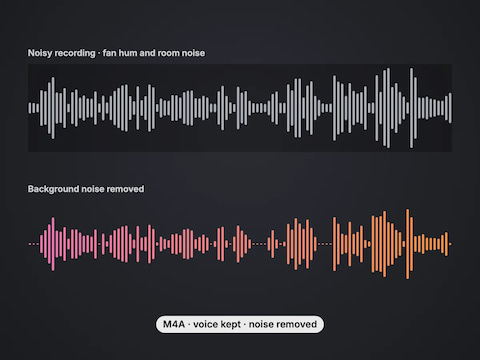
Remove background noise from a voice recording or video
Open tool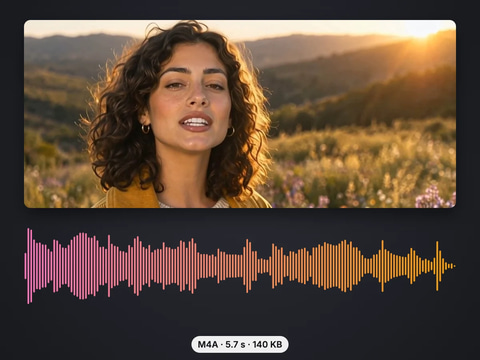
Save the sound of a video as M4A or WAV
Open toolComplete your workflow
These pair with Imagera Multilingual Dubber. Every tile says what the tool actually does — without leaving this page.
Re-cut the mouth onto the new track after a dub
Edit or re-voice a clip with a prompt
Translate a voice track on its own, with no picture
Create a new voiceover from a script
Upscale low-resolution video up to 4K, frame by frame.
Choppy AI video to butter-smooth 60fps. The secret pros use.
One photo = Hollywood drone shot. Zero equipment. Pure magic.
Steal any dance. Apply to any character. Viral content factory.
Imagera AI Team
Unified AI creation platform
Ready to try your own file?
Back to audio to text