Six placements
Any corner, the center, or tiled across the whole photo so it cannot simply be cropped off.
Imagera AI - AI content creation platform for generating images, cloning voices, creating avatars, and enhancing videos. Privacy Policy | Terms
Social & creative · free · private
Put your name, handle or © notice on a photo — in a corner, in the center or tiled across it — with the opacity and size you choose. Your photo never leaves your device.
The watermark is drawn in your browser on your own device. Your photo is never uploaded or stored on any server.
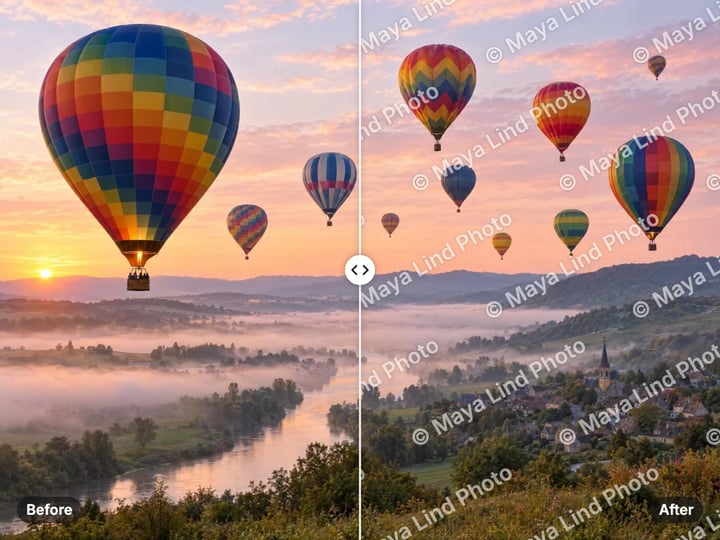 Real result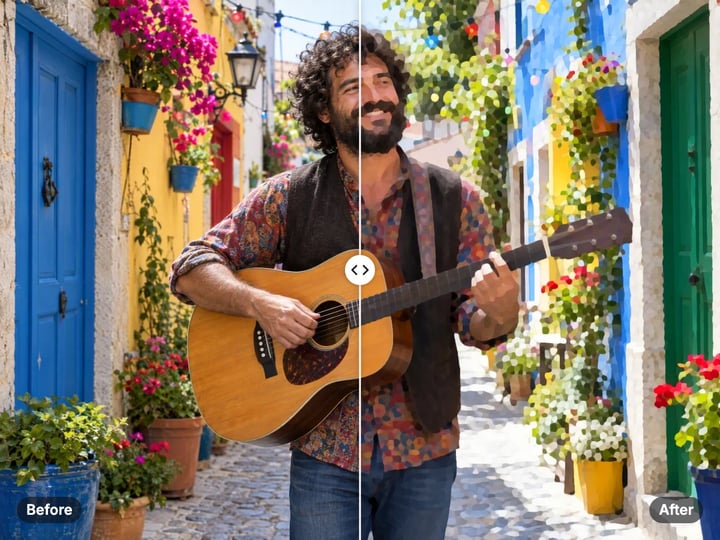
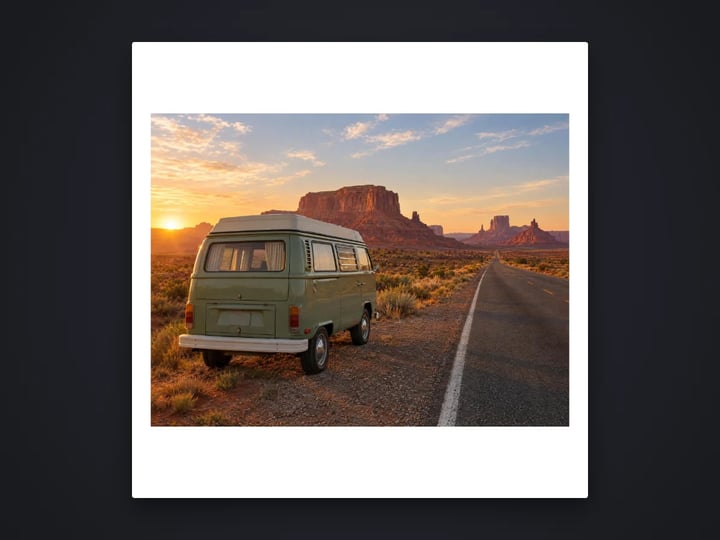
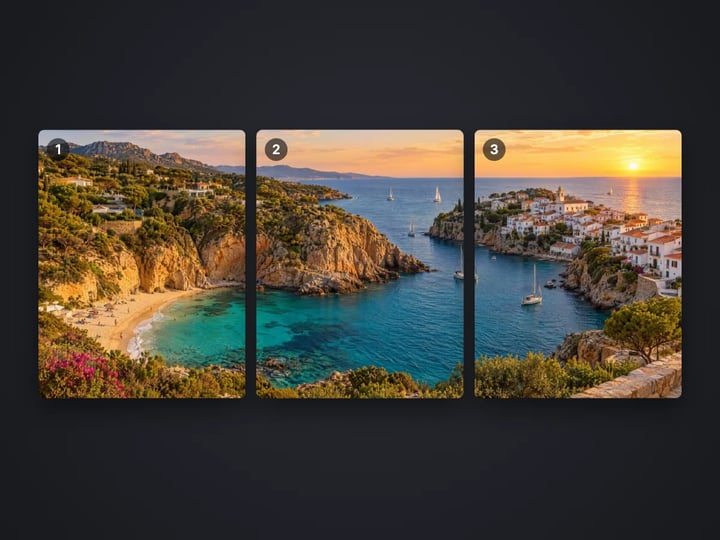
Quick answer
To add a watermark to a photo, open Imagera's free watermark tool, choose your photo and type your text, such as © Your Name or your handle. Pick a corner, the center or Tiled, then set the opacity. In Advanced, adjust the size and color. The text gets a soft shadow so it stays readable. It runs in your browser, so your original photo is never uploaded, and the watermarked copy downloads to your device.
Your photo never leaves your device — nothing is uploaded or saved on our servers.
How it works
Pick a JPG, PNG, WebP or HEIC photo. It stays on your device.
Enter your name, handle, website or a © notice.
Choose a corner, the center or Tiled, and set the opacity. Adjust size and color in Advanced.
Press Add watermark, compare before and after, and download.
Why this one
Any corner, the center, or tiled across the whole photo so it cannot simply be cropped off.
Keep it faint or make it bold. Size scales with the photo, so it looks the same on any resolution.
The text gets a soft shadow so it reads on light and dark areas alike. Pick white, black, amber or any color.
Unwatermarked photos never leave your device. Nothing is uploaded or saved on our servers.
Continue in Imagera
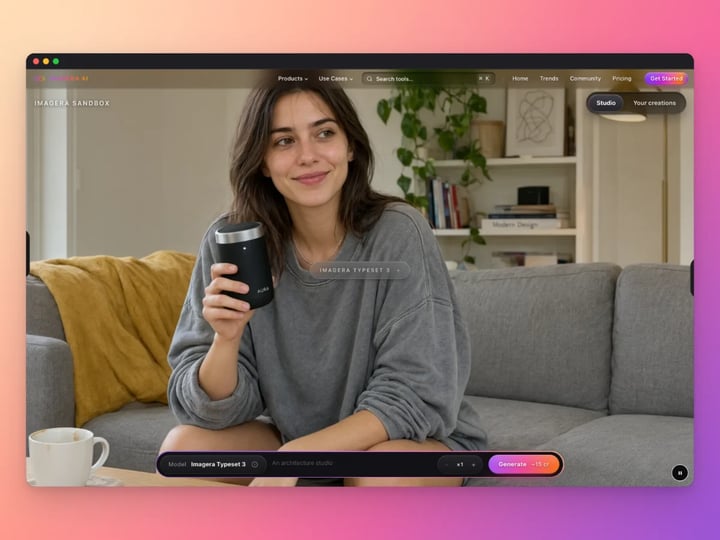
Text Watermark Maker edits the pixels you have. These studios use AI to create what is not in the picture yet — they run on credits.
 Next step
Too small to print? Enlarge a photo to 4K, 8K or 16K (15,360 px on the long edge).
Open studio Imagera
Edit images with Imagera Edit. Inpaint, modify, and transform any part of your image.
Open studio Imagera
Replace any photo background with AI-generated luxury scenes.
Open studioWho it is for
Mark proofs and portfolio previews with your name before you send them to a client or post them.
Put your shop name on product photos so copies can be traced back to you.
Add your handle to artwork and posts so people can find you when the image is shared.
Guide
This tool writes a line of text on your photo. It is a text watermark: your name, a social handle, a website or a copyright notice. It does not add logos or images.
You control five things.
Text is up to 60 characters. The default is © Your Name.
Position places it in any corner, in the center, or tiled in a repeating pattern across the whole photo.
Opacity runs from 10% to 100%. Lower values are subtle; higher values are hard to miss.
Text size runs from 2% to 12% of the photo's shorter side, so it looks the same on a small file and a large one.
Color is white by default, with black and amber as quick picks, or any color you choose.
The text is drawn with a soft shadow, so it reads on bright skies and dark shadows alike. A before and after slider lets you compare. Everything happens in your browser.
1. Choose your photo. 2. Type your text. A common format is © 2026 Your Name. A handle such as @yourname or a short website works too. Keep it short; long text gets small and hard to read. 3. Pick a position. Bottom right is the classic spot. Tiled protects the whole picture. 4. Set the opacity. Around 40–60% is visible without spoiling the photo. For client proofs, go higher. 5. Adjust the size in Advanced. 3–5% suits a corner mark. For a center or tiled mark, try 6–10%. 6. Pick a color. White suits most photos. Use black on bright, pale images. 7. Press Add watermark, drag the slider to compare, and download.
The © symbol is a notice, not a registration. It tells people who owns the image and how to find you.
Placement is a trade-off between protection and looks.
Corner. Tidy and unobtrusive. It credits you when the photo is shared, but anyone can crop it off in seconds. Good for social posts and portfolios where the aim is credit, not protection.
Center. Harder to crop out without ruining the photo. It does cover the subject, so keep the opacity low. Good for previews you send before payment.
Tiled. The text repeats across the whole photo. It is the hardest to crop or paint out and the most visible. Good for proofs, stock previews and anything you would not want reused without permission.
Whichever you choose, avoid putting a corner mark over plain sky or wall where it is easy to clone out. Near detail is harder to erase.
No visible watermark is impossible to remove. It raises the effort and makes your ownership clear.
Photographers. Mark proofs with a tiled or centered watermark at medium opacity. Clients can judge the photos but cannot use them before the final delivery. For portfolio posts, a small corner mark gives credit without spoiling the image.
Online sellers. Put your shop name in a corner of product photos. If a copycat listing reuses them, the mark points back to you. Check your marketplace rules first, as some ban watermarks on main listing images.
Artists and illustrators. A handle in a corner helps people find you when your work is shared. For work-in-progress previews, a tiled mark discourages reposting.
Anyone sharing personal photos. A faint name across a photo of your home or car makes it less useful to someone who wants to reuse it in a fake listing.
Keep the same text, size and position across a set. It looks deliberate and builds recognition.
Your photo never leaves your device. The watermark is drawn with your browser's own canvas. Your photo is read from your device, marked in memory and handed back as a download. Nothing is uploaded or saved on our servers.
That point matters more for a watermark tool than most. You watermark a photo because you want to protect the original. Uploading the clean, unmarked original to a free website first defeats the purpose. Many online watermark tools do exactly that.
Here, the only copy that ever leaves your device is the watermarked one, and only when you choose to share it. A free sign-in, which you need after the first few downloads, does not change this. Signing in never sends your photo anywhere.
The free watermark tool adds a text mark to your photo on your device, with six placements, opacity, size and color. Processing is unlimited. The first few downloads need no account, and then a free sign-in keeps them coming.
The paid Imagera upscaler is for the version you actually publish. It enlarges a photo and uses AI to add fine detail, for large prints, portfolio pages and high-resolution delivery. It runs in the cloud, uses credits and can process a batch of images at once.
A common workflow is to upscale the final photo first, then add the watermark here, so the mark is drawn crisply at full size. Or watermark small previews here and keep the upscaled originals for paying clients.
Free vs studio
Questions people ask
Choose your photo, type your text, pick a position and set the opacity. Press Add watermark and download. It runs in your browser with no upload.
Type © followed by the year and your name, for example © 2026 Your Name. The default text already starts with ©, so you can just replace the name.
A corner gives credit without spoiling the photo. A center or tiled mark is harder to remove. Use tiled for proofs and previews you do not want reused.
Set Position to Tiled. The text repeats across the photo. Lower the opacity to around 25–40% so the photo is still easy to see.
Around 40–60% is visible but not distracting in a corner. For tiled marks, 25–40% keeps the photo readable. For proofs, go higher.
This tool adds text only. You can type your brand name or website in any color to match your logo.
A corner watermark can be cropped off quickly. A tiled watermark takes much more effort. No visible watermark is impossible to remove, but it makes your ownership clear.
No. Processing is unlimited without an account. The first few downloads need no sign-in; after that, a free sign-in keeps downloads going. Your photo still stays on your device.
Yes. Your original is never uploaded or saved on our servers. Only the watermarked copy you download leaves the page, and only where you send it.
More free tools
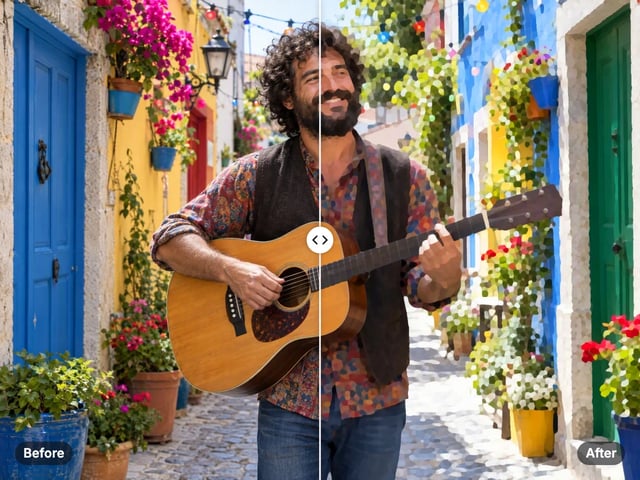
Turn a photo into a comic, painted or soft toon picture
Add a border or fit a photo to 4:5 without cropping
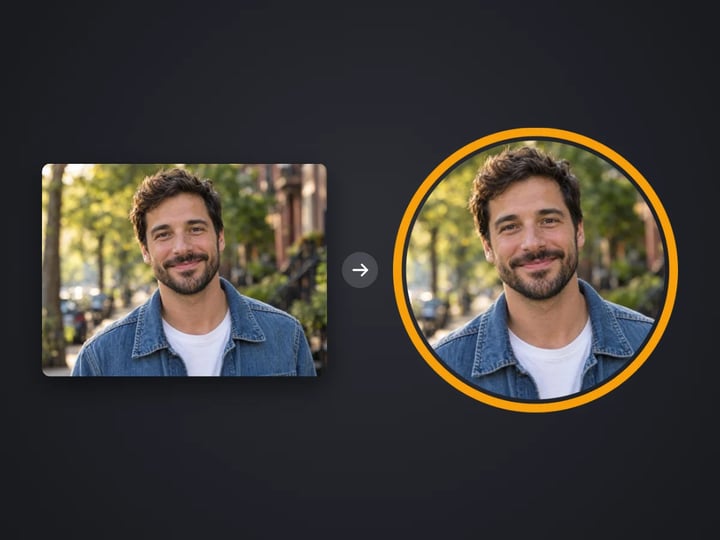
Round profile photo with a colored ring
Split a photo into a carousel or a 3×3 grid
Frame a screenshot on a gradient with a shadow

Top and bottom text on your own image
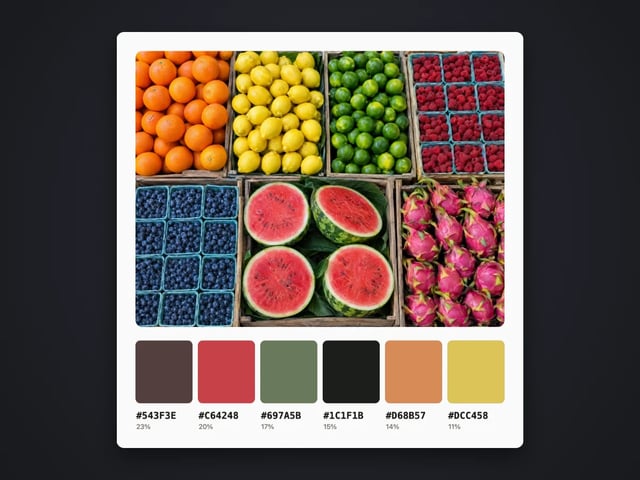
Pull the main colors and HEX codes from a photo
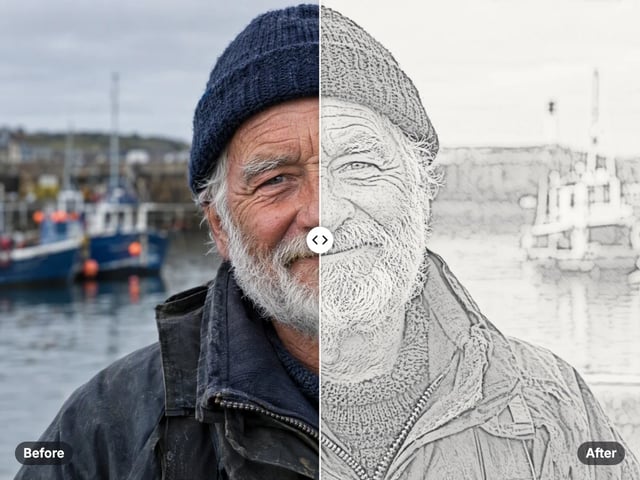
Turn a photo into a pencil or charcoal drawing
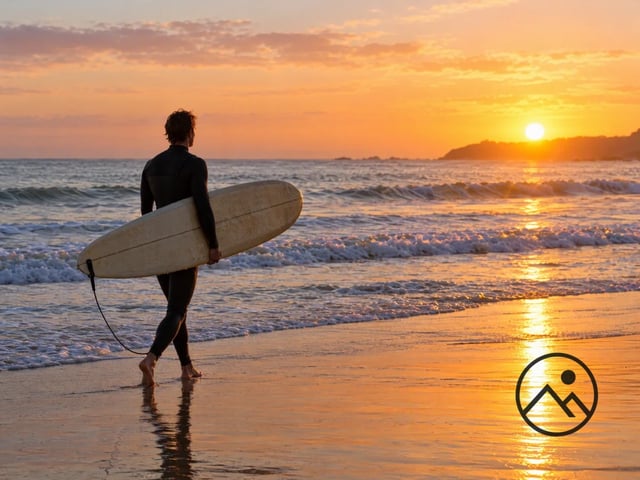
Put your logo on a photo, in a corner or tiled
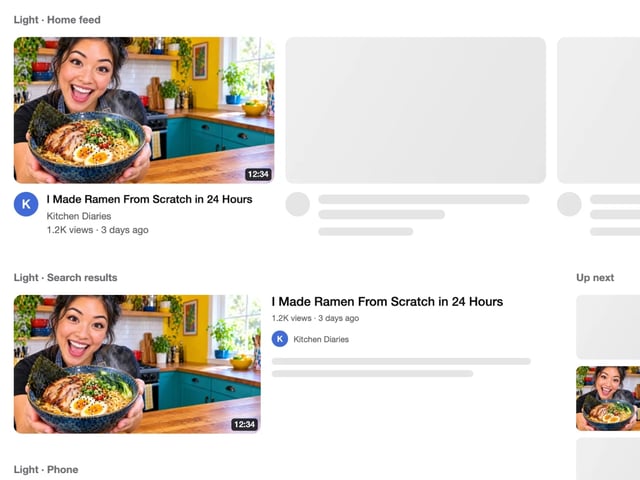
See your thumbnail in feed, search and phone layouts
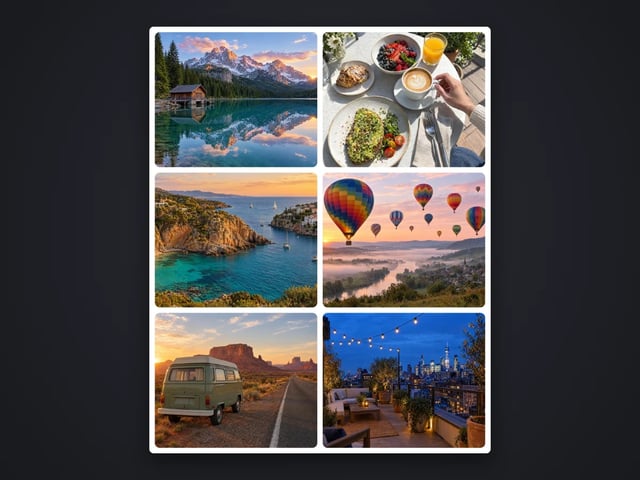
Put 2 to 9 photos in one grid

Captions in five styles, auto-fitted

Make a QR code for a link or text
Complete your workflow
These pair with Print-Ready 16K Upscaler. Every tile says what the tool actually does — without leaving this page.
Repair scratches, tears and fading, then upscale for printing
Browser-based AI upscaling for 2K, 4K & 8K without a desktop license
Upscale videos to 4K with the same AI enhancement technology
Make AI images look like real camera photos before upscaling
Generate talking videos from your upscaled portraits
Add freckles, pores, scars, tattoos. Remove blemishes. Fix plastic AI skin instantly.
Edit images with Imagera Edit. Inpaint, modify, and transform any part of your image.
Remove flyaway hair and fix fine imperfections with surgical AI precision.
Change the words, color or font of text baked into a photo, poster or screenshot.
Imagera AI Team
Unified AI creation platform