Transparency kept
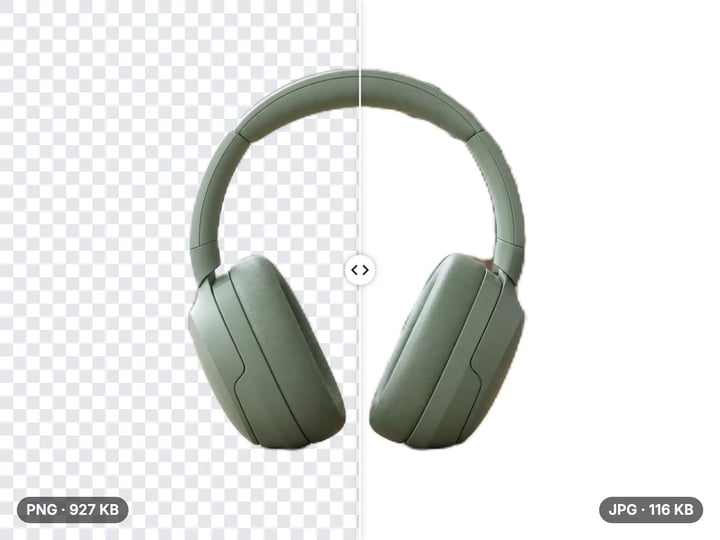
Clear backgrounds stay clear. Logos, icons and stickers come out ready to place over anything.
Imagera AI - AI content creation platform for generating images, cloning voices, creating avatars, and enhancing videos. Privacy Policy | Terms
Convert & compress · free · private
Turn WebP logos, stickers and graphics into PNG files with their transparent backgrounds intact. The conversion runs in your browser, so nothing is uploaded.
Your WebP image is converted in your browser on your own device. It is never uploaded or saved on our servers.
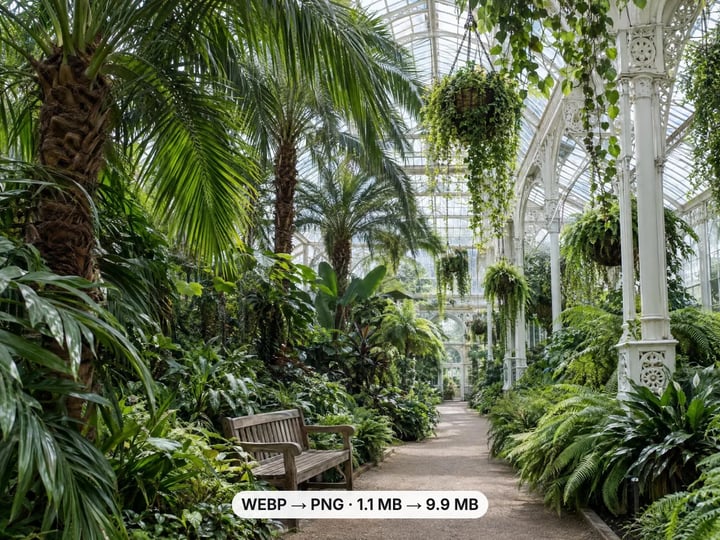 Real result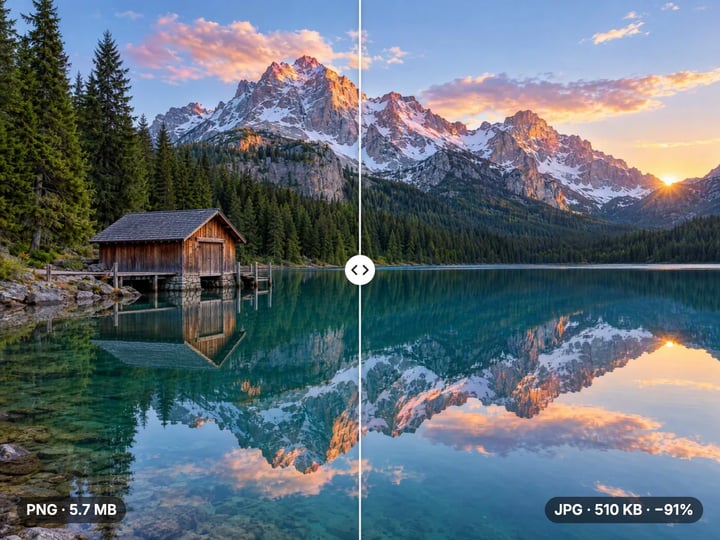
Quick answer
To convert WebP to PNG for free, open Imagera’s WebP to PNG Converter, add your .webp file and press Convert to PNG. The image is decoded and saved as a lossless PNG in your browser, with the same width and height. Transparent backgrounds stay transparent. There is no quality setting because PNG discards nothing. Your image is never uploaded or saved on our servers.
Your image never leaves your device — nothing is uploaded or saved on our servers.
How it works
Drop in a .webp logo, sticker or image. It stays on your device.
Press Convert to PNG. Transparency is kept automatically.
Save the PNG straight to your device.
Why this one
Clear backgrounds stay clear. Logos, icons and stickers come out ready to place over anything.
PNG stores the decoded pixels exactly, so converting adds no new compression artifacts.
The PNG has the same pixel dimensions as the WebP. Nothing is cropped or resized.
The converter runs in your browser. Your image is not sent to or stored on a server.
Continue in Imagera
WebP to PNG Converter edits the pixels you have. These studios use AI to create what is not in the picture yet — they run on credits.
 Next step
Too small to print? Enlarge a photo to 4K, 8K or 16K (15,360 px on the long edge).
Open studio Imagera
Edit images with Imagera Edit. Inpaint, modify, and transform any part of your image.
Open studio Imagera
Replace any photo background with AI-generated luxury scenes.
Open studioWho it is for
Bring WebP logos and icons into tools that expect PNG, with the clear background intact.
Turn WebP stickers into PNGs you can edit, resize and reuse.
Drop transparent graphics into slides and documents that do not take WebP.
Guide
A WebP file can become a JPG or a PNG. The right choice depends on what is in the image.
Choose PNG when the image has a transparent background, such as a logo, icon, sticker or product cutout. PNG keeps transparency; JPG fills it with a solid color. Choose PNG too for graphics with sharp edges and flat color, like screenshots, diagrams, text and illustrations, where JPG compression can smudge edges. And choose it when you plan to edit the image, because PNG does not add new compression each time you save.
Choose JPG instead for ordinary photographs, where a much smaller file matters more than exact pixels. The free WebP to JPG Converter handles that.
If you are unsure, a quick rule works well: if the image has a clear background or text in it, go PNG; if it is a photo, go JPG.
1. Open the converter in Chrome, Edge, Firefox or Safari on any computer or phone. Nothing needs to be installed.
2. Add the WebP file. Drop it onto the page or tap to choose it. It stays on your device. JPG, PNG, HEIC and AVIF files are accepted too.
3. Press Convert to PNG. There is no slider to set: PNG is lossless, and transparency is kept automatically.
4. Download the PNG. It is usually larger than the WebP, which is normal for a lossless file.
The PNG has the same pixel width and height as the WebP. If you have a paid plan or credits, you can select many WebP files at once and convert them together, which is handy for a whole sticker pack or icon set. Processing is unlimited. Your first few downloads need no account; after that, a free sign-in keeps them going.
WebP and PNG both support an alpha channel, the per-pixel transparency that lets a logo sit on any background. Converting between them keeps it.
Fully transparent areas stay fully transparent. Partly transparent pixels, such as soft shadows, glows and the smoothed edge around a cutout, keep their partial transparency too, so the graphic blends naturally when you place it over a new background.
This is the key difference from converting to JPG. JPG has no transparency, so every converter has to fill clear areas with something; ours fills them with white, others often leave black. If you have ever converted a transparent WebP and ended up with a black box around your logo, this is the conversion you wanted.
To check the result, open the PNG in an app that shows a checkerboard behind transparent areas, or place it over a colored slide. The background should show through wherever the WebP was clear.
Expect the PNG to be bigger, often much bigger for photos. WebP usually uses lossy compression, which discards detail the eye barely notices. PNG stores every decoded pixel exactly, so it has more data to keep.
For simple graphics, such as a flat logo or an icon with a few colors, the difference is modest, and the PNG may be only slightly larger. For a detailed photograph, the PNG can be many times the size of the WebP.
That size buys two things: every pixel is preserved, and the file will not degrade when you edit and re-save it. It does not add detail. Any softness or artifacts in the WebP are copied faithfully into the PNG.
If you need the transparency but not the size, keeping the file as WebP is the smallest option. If you need a photo in a widely supported format and do not need transparency, convert to JPG instead.
Many of the WebP files people want as PNG are graphics rather than photos.
Stickers. Several messaging apps store stickers as WebP images with transparent backgrounds. Converting them to PNG makes them usable in image editors, slide decks and design tools that do not open WebP.
Logos and icons. Company sites often serve their logos as WebP. For a presentation, poster or partner page, PNG with a clear background is the format most templates and print shops expect.
Design and editing apps. Older versions of some editors and office suites cannot import WebP at all. A PNG opens in all of them without losing the transparent background.
Animated WebP stickers convert as one still frame, because a PNG from this tool is a single image. Only convert graphics you created or have permission to use; saving an image from a website does not grant reuse rights.
Many online converters upload your file to a server, convert it there and send it back. This one runs entirely in your browser. The WebP is decoded and saved as PNG on your own device, and it is never uploaded or saved on our servers.
Converting creates a fresh file from the image’s pixels, so embedded metadata in the WebP is not carried into the PNG.
Logos and stickers saved from the web are often small. The PNG keeps the same pixel size, so a 256-pixel icon is still 256 pixels. Stretching it for print makes it blurry. Imagera’s paid AI Image Upscaler enlarges images to 4K and higher and adds detail instead of stretching pixels. It runs in the cloud and is paid with credits.
For a transparent cutout from a photo that has a background, the free Background Remover is the tool to use.
Free vs studio
Questions people ask
Yes. PNG supports transparency, so clear and semi-transparent areas of the WebP stay exactly as they were. Nothing is filled with white or black.
No. PNG is lossless, so the decoded WebP pixels are stored exactly. It cannot add detail, though; any softness in the WebP stays.
WebP usually discards some detail to save space; PNG keeps every pixel. For photos that makes the PNG much larger, for simple graphics only slightly.
PNG for logos, stickers, screenshots and anything with a transparent background. JPG for ordinary photos, where a smaller file matters more.
Save the sticker file, add it here and press Convert to PNG. The transparent background is kept, so the sticker works in editors and slides.
Open this converter in Chrome, Edge or Firefox, add the .webp file and press Convert to PNG. Nothing needs to be installed, and nothing is uploaded.
The result is a single still PNG, so an animated WebP converts as one frame. Keep the original if you need the animation.
No. The PNG has exactly the same width and height in pixels as the WebP. Only the format and file size change.
No. The conversion runs in your browser on your own device. The image is never uploaded or saved on our servers.
More free tools
Compress, convert & resize to any size
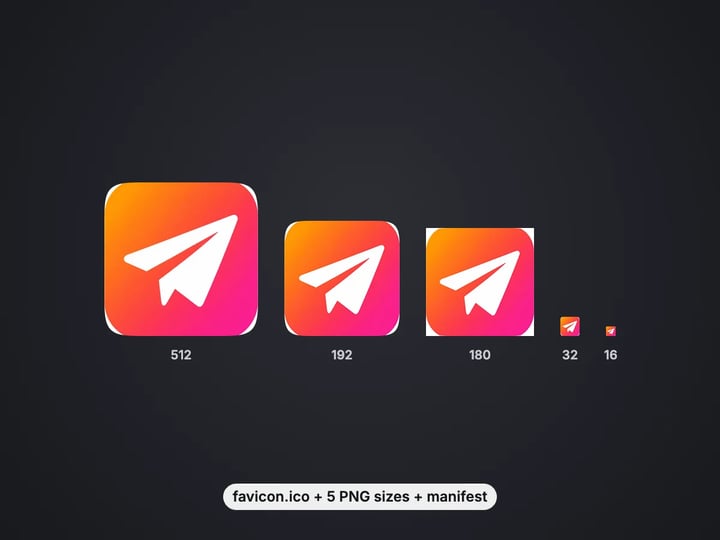
favicon.ico, PNG icons and site.webmanifest from one image
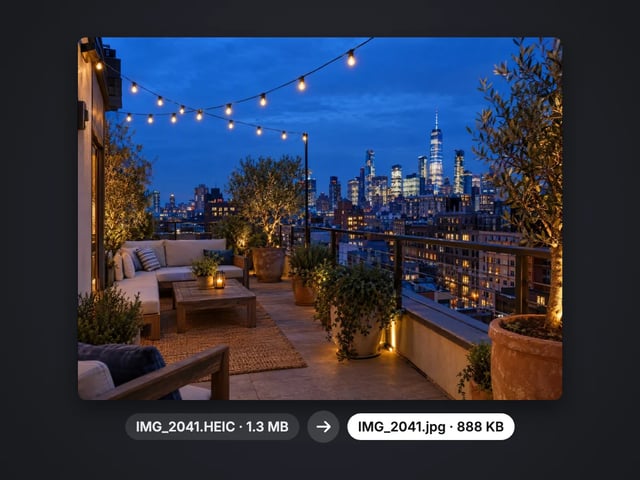
Turn iPhone photos into JPG, PNG or WebP
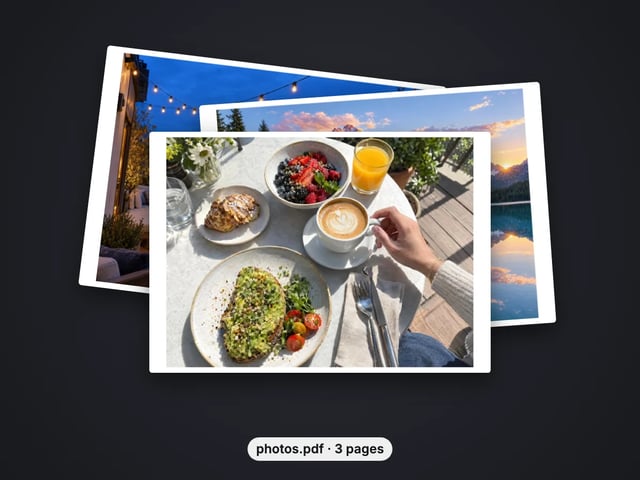
Combine images into one PDF
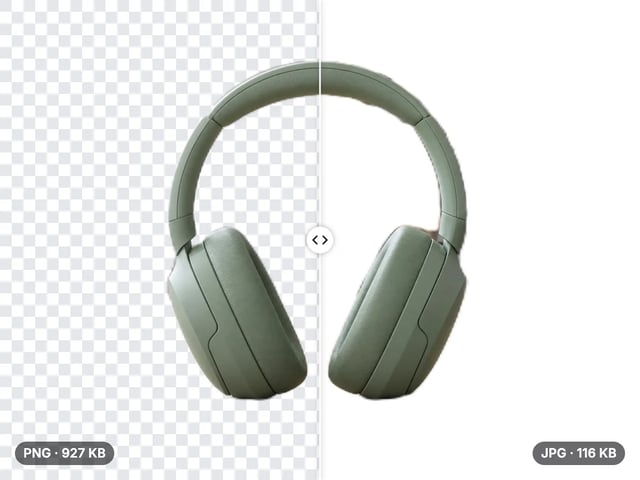
Smaller JPG files, white background
A lossless PNG copy of any photo
Open web images in any app
Smaller web images, transparency kept
Lighter photos for faster pages
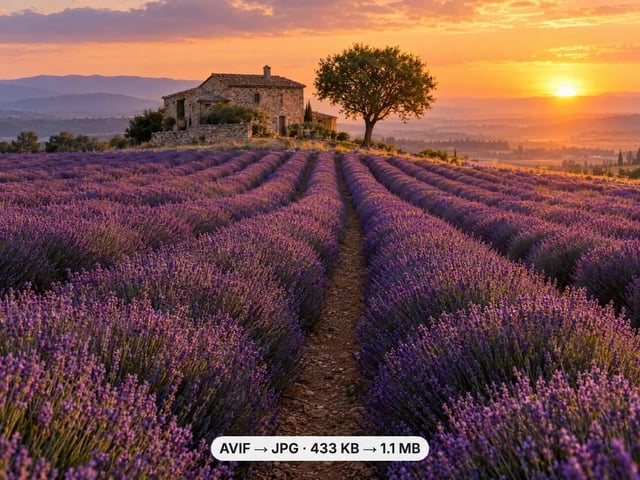
Open AVIF images in any app
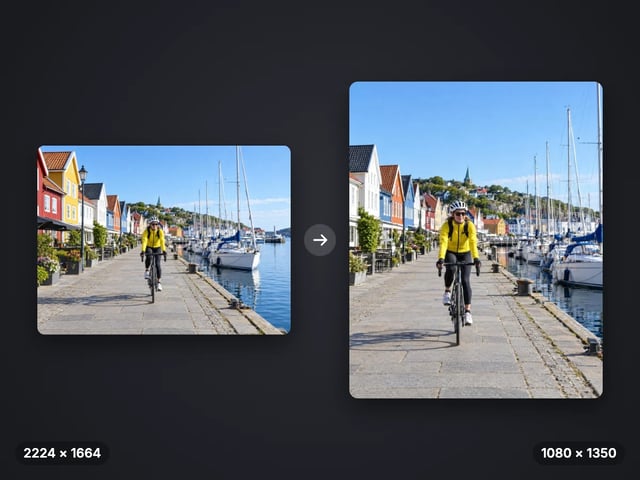
Exact pixel sizes and social presets
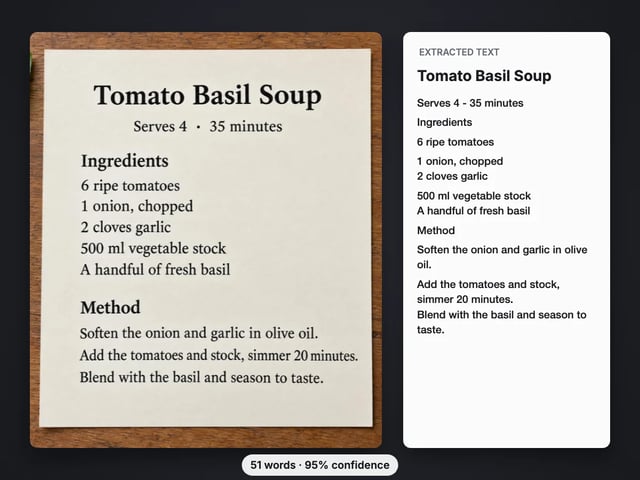
Copy the text out of a screenshot, photo or scan
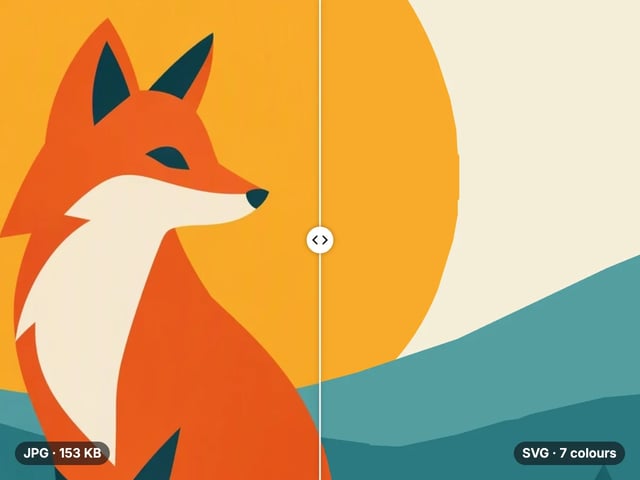
Trace a PNG or JPG into a scalable SVG
Complete your workflow
These pair with Print-Ready 16K Upscaler. Every tile says what the tool actually does — without leaving this page.
Repair scratches, tears and fading, then upscale for printing
Browser-based AI upscaling for 2K, 4K & 8K without a desktop license
Upscale videos to 4K with the same AI enhancement technology
Make AI images look like real camera photos before upscaling
Generate talking videos from your upscaled portraits
Add freckles, pores, scars, tattoos. Remove blemishes. Fix plastic AI skin instantly.
Edit images with Imagera Edit. Inpaint, modify, and transform any part of your image.
Remove flyaway hair and fix fine imperfections with surgical AI precision.
Change the words, color or font of text baked into a photo, poster or screenshot.
Imagera AI Team
Unified AI creation platform