Three styles
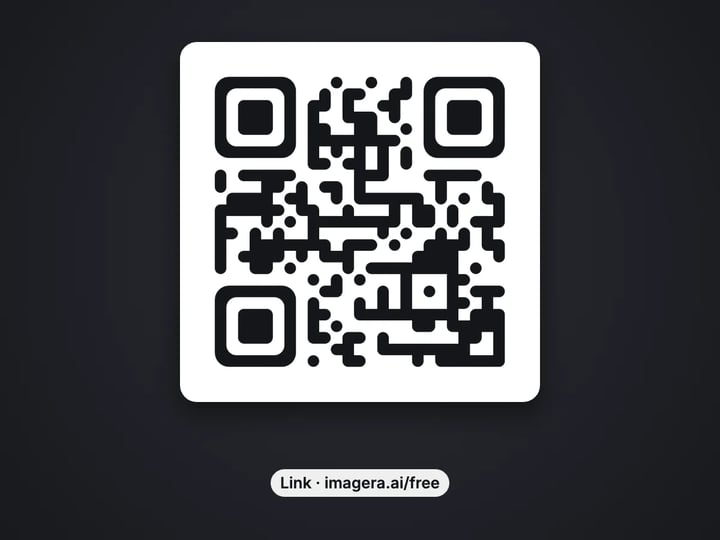
Classic squares, rounded shapes or dots, with solid corner markers so phones still lock on quickly.
Imagera AI - AI content creation platform for generating images, cloning voices, creating avatars, and enhancing videos. Privacy Policy | Terms
Social & creative · free · private
Turn a link or any text into a QR code in three styles and your own colors, then download it as PNG or SVG. The content is stored in the code itself, so it never expires and scans are not tracked.
Your QR code is made in your browser on your own device. What you type is not uploaded, stored or tracked.
 Real result
Quick answer
To make a QR code for free, open Imagera's QR Code Generator, paste a link or type your text, and choose Classic, Rounded or Dots with a code color. Press Create QR code, then download it as a PNG or SVG. The code is built in your browser and the content is stored in the code itself, so it never expires and scans are not tracked. Always test-scan before printing.
Your text never leaves your device — nothing is uploaded or saved on our servers.
How it works
Paste a link or type any text. A link without https:// gets it added.
Pick Classic, Rounded or Dots and a code color. Background, size and error correction are in Advanced.
Press Create QR code and check the preview.
Save the PNG or SVG, then scan it with your phone before you print.
Why this one
Classic squares, rounded shapes or dots, with solid corner markers so phones still lock on quickly.
Pick any code and background color. The tool refuses pairs that are too close or inverted to scan reliably.
Sharp, pixel-aligned PNGs for screens, or an SVG that stays crisp at any print size.
The link or text lives inside the code. There is no redirect in between, so it works as long as your link does.
Continue in Imagera
QR Code Generator edits the pixels you have. These studios use AI to create what is not in the picture yet — they run on credits.
 Next step
For advanced users — bring your own LoRA for a consistent style or character.
Open studio Imagera
Too small to print? Enlarge a photo to 4K, 8K or 16K (15,360 px on the long edge).
Open studio Imagera
Edit images with Imagera Edit. Inpaint, modify, and transform any part of your image.
Open studio Imagera
Replace any photo background with AI-generated luxury scenes.
Open studioWho it is for
Link a table tent to your menu, a window sticker to your reviews, or a counter card to your Wi-Fi.
Put tickets, schedules or sign-up forms one scan away on posters, flyers and name badges.
Match the code to your colors and add it to packaging, business cards and slides.
Guide
A QR code is a square pattern that a phone camera turns back into text. This tool builds one from whatever you enter:
- A web link, the most common use. A link typed without https:// gets it added, because some phones treat a bare "example.com" as plain text. - Plain text, such as a short message or a code. - An email address, written as mailto:name@example.com. - A phone number, written as tel:+15551234567. - Wi-Fi details, written as WIFI:T:WPA;S:NetworkName;P:password;; so guests can join by scanning.
You choose a style (Classic, Rounded or Dots), a code color and a background, and download a PNG (512, 1024 or 2048 pixels) or an SVG. The stats under the result show what kind of content was encoded, the grid size and how much damage the code can survive.
1. Enter the content. Paste your link or type your text, up to 1,000 characters. Shorter is better: a short link makes a simpler code that scans from further away. 2. Pick a style. Classic squares scan everywhere. Rounded and Dots look softer and still keep the three big corner markers solid, which is what phone cameras lock on to. 3. Pick a color. Dark codes on light backgrounds are the rule. Change the background in Advanced. 4. Set the details in Advanced if needed: image size, quiet zone (the blank border), error correction and file type. 5. Press Create QR code. 6. Download, then test. Scan the code with at least one phone, ideally an iPhone and an Android, from the distance people will actually scan it.
For print, choose SVG or the 2048 px PNG, and print the code at least 2 cm (about 0.8 inches) wide.
A QR code only works if a camera can tell the dark squares from the light ones. The tool enforces the two rules that matter most:
- The code must be darker than the background. Light codes on dark backgrounds look stylish, but many scanner apps and older phones cannot read them, so the tool asks you to swap. - The colors need enough contrast. Pale gray on white or navy on black is refused, with a note explaining why.
The quiet zone, the blank border around the code, helps cameras find where the code starts. Four squares is the standard. Go lower only when the code sits on a plain background.
Error correction adds redundant data so a code survives scratches, dirt or a small sticker on top. Medium (15%) suits most uses. Choose High or Highest for outdoor signs, or if you will place a small logo over the middle. More correction makes a denser code, so keep the content short.
Many QR websites make dynamic codes. The code holds a short link to the service, which then redirects to your real page. That lets the service count scans and lets you change the destination later. It also means the code stops working if the subscription ends or the service shuts down.
This generator makes static codes. Your link or text is stored inside the pattern itself. Nothing sits in between, so:
- It never expires. It works as long as the page it points to exists. - Scans are not tracked by us or anyone else. - It works offline for text and Wi-Fi codes, which do not need the internet at all.
The trade-off is that a printed static code cannot be edited. If the destination may change, point the code at a page on your own site that you can update, and keep the code the same.
QR codes often carry things that should stay private: a Wi-Fi password, a personal phone number, an internal link or a private message.
This generator builds the code in your browser, on your own device. What you type is not uploaded, not stored on our servers and not logged. There is no account needed to start and no redirect service that sees each scan.
That also makes the result yours to use anywhere: on packaging, menus, business cards, posters, slides or a website, with no watermark and no link back to us inside the code.
Making codes is unlimited. Your first few downloads need no account; after that, a free sign-in keeps downloads going. Signing in never sends what you typed anywhere.
The free QR Code Generator gives you a clean, scannable code in your colors. That is the part that has to work.
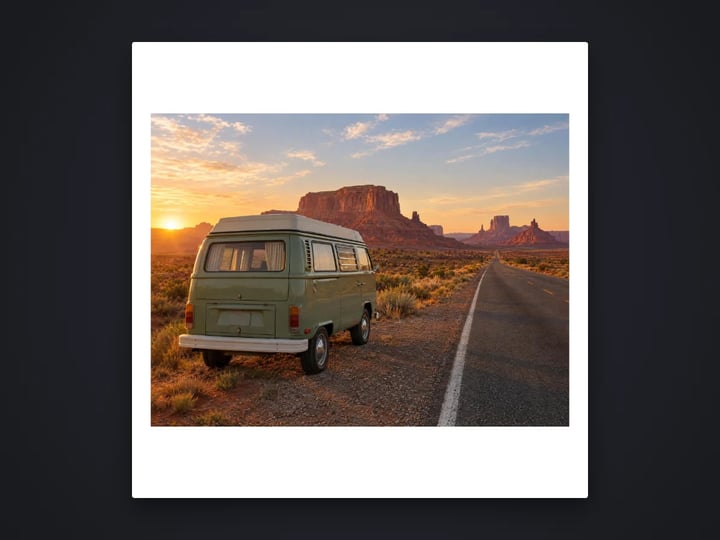
The part that gets people to scan is usually the design around it. A code alone on a white card is easy to ignore. A code on a poster, table tent or flyer that shows what people get, such as the dish, the event or the discount, gets noticed.
Imagera's paid AI image generator creates that artwork from a short description, for example "a warm café table card with a latte and fresh croissants, space in the corner for a QR code". It runs in the cloud and uses credits. You then place your free code in the space you left.
Keep the code itself on a plain, light patch of the design, with its quiet zone intact. Busy artwork running through the code is the most common reason printed codes fail.
Free vs studio
Questions people ask
Paste the link into the Link or text box, choose a style and color, and press Create QR code. Download the PNG or SVG and scan it with your phone to check it opens the page.
Type WIFI:T:WPA;S:YourNetwork;P:YourPassword;; replacing the network name and password. Phones that scan it offer to join the network. The password stays on your device while you make the code.
Codes from this tool do not, because the content is stored in the code with no redirect service. Codes from sites that use short redirect links can stop working when that service or subscription ends.
Not a static code like these. To keep a printed code useful, point it at a page you control and change that page instead of the code.
Yes. Choose any code color and background. Keep the code darker than the background with strong contrast; the tool tells you if a pair is too close to scan.
SVG stays sharp at any size, which suits print shops and design apps. If you need a PNG, choose 2048 px. Print the code at least 2 cm (0.8 inches) wide.
The usual causes are low contrast, a light code on a dark background, a quiet zone that is too small, or printing too small. Also check the link itself works in a browser.
You can place a small logo on top in a design app. Set Error correction to Highest (30%) first, keep the logo small and centered, and test-scan the final design.
This free tool makes the code itself. For eye-catching posters, menus or flyers, the paid AI image generator creates the artwork, and you place the code on a plain area of it.
More free tools
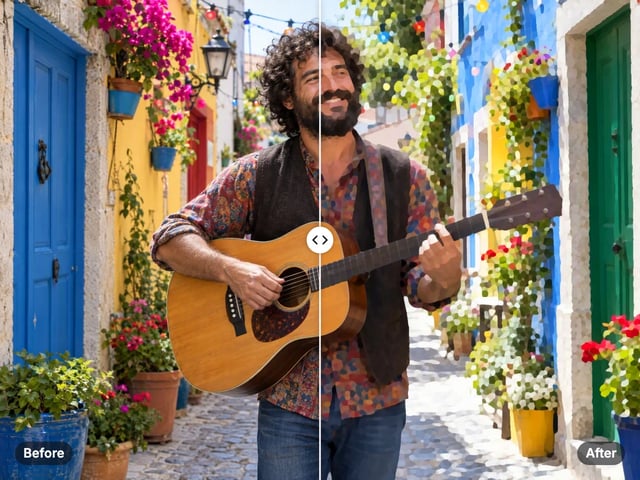
Turn a photo into a comic, painted or soft toon picture
Add a border or fit a photo to 4:5 without cropping
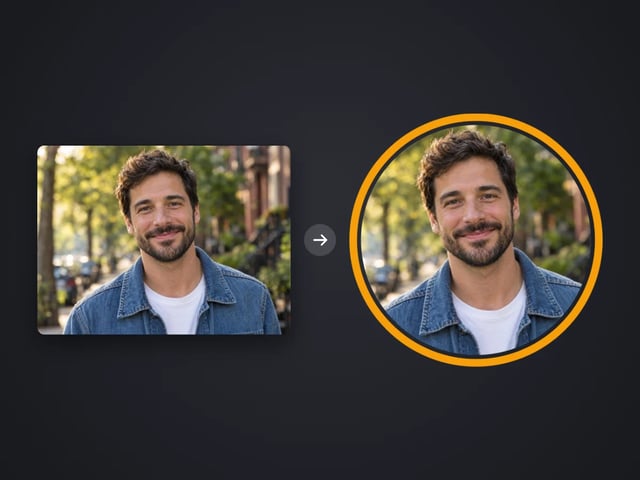
Round profile photo with a colored ring
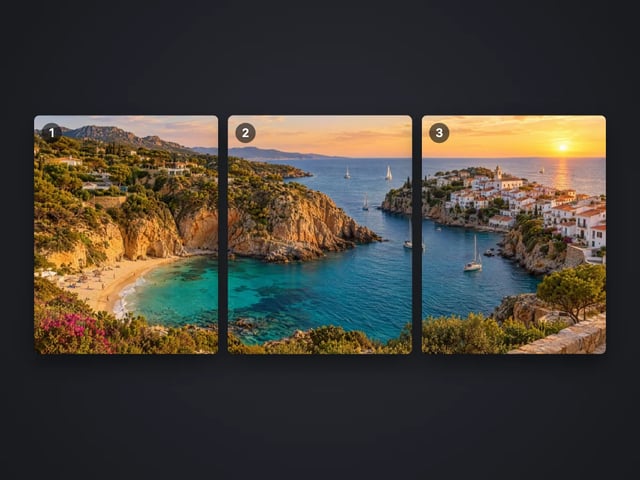
Split a photo into a carousel or a 3×3 grid
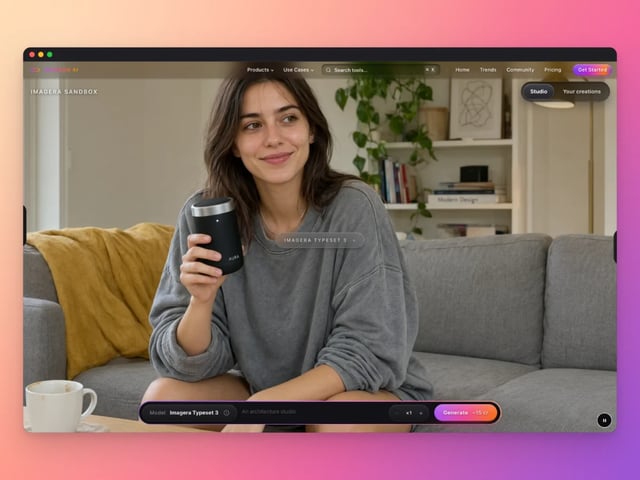
Frame a screenshot on a gradient with a shadow
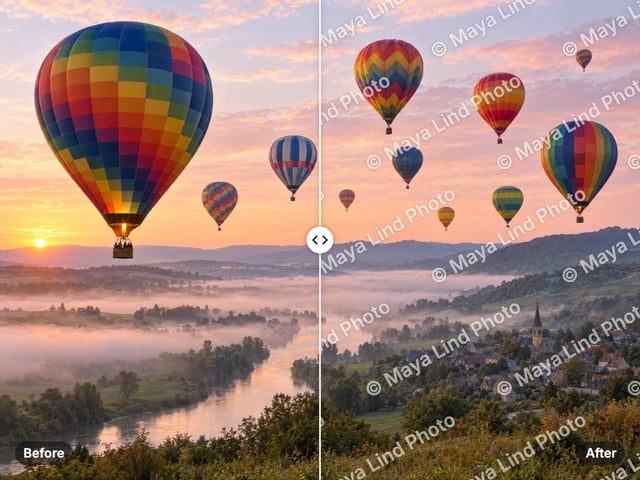
Add your name or © to a photo
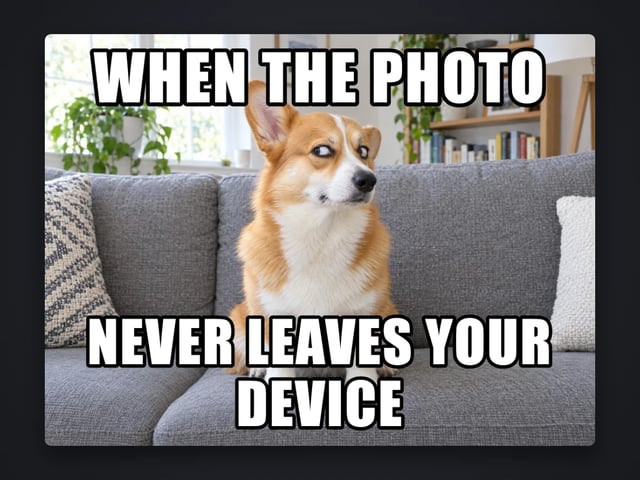
Top and bottom text on your own image
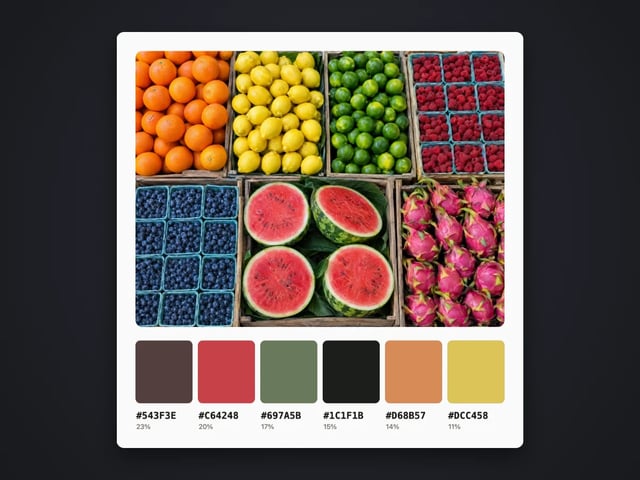
Pull the main colors and HEX codes from a photo
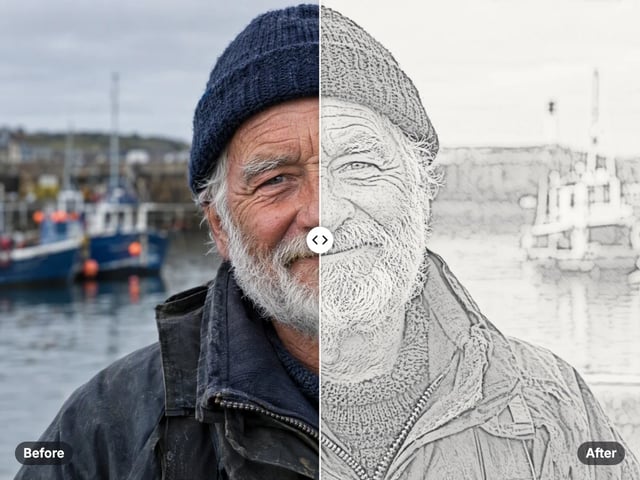
Turn a photo into a pencil or charcoal drawing

Put your logo on a photo, in a corner or tiled
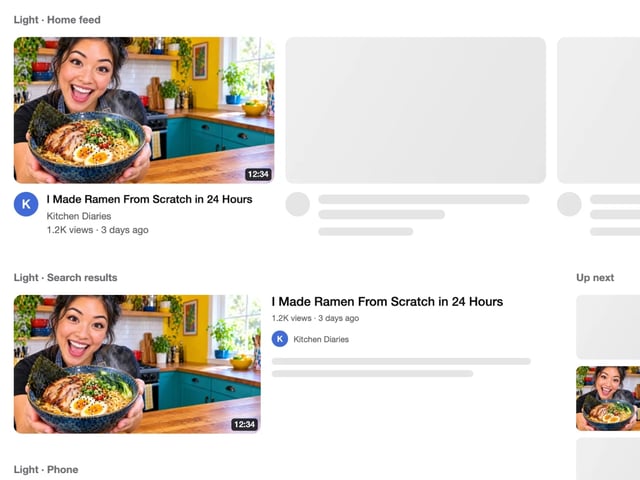
See your thumbnail in feed, search and phone layouts
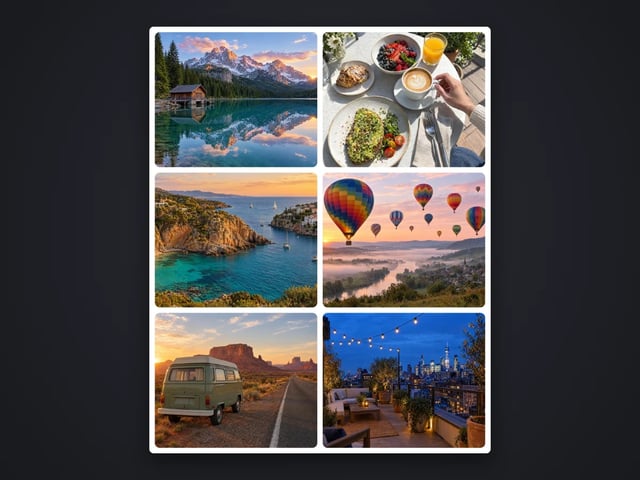
Put 2 to 9 photos in one grid

Captions in five styles, auto-fitted
Complete your workflow
These pair with Pro LoRA Generator. Every tile says what the tool actually does — without leaving this page.
Enhance and upscale your generated images to 16K
Transform images into cinematic AI videos
Make a generated portrait speak your script
Ask 10 AIs the same question. Steal the best answer.
Add freckles, pores, scars, tattoos. Remove blemishes. Fix plastic AI skin instantly.
Edit images with Imagera Edit. Inpaint, modify, and transform any part of your image.
Remove flyaway hair and fix fine imperfections with surgical AI precision.
Change the words, color or font of text baked into a photo, poster or screenshot.
Imagera AI Team
Unified AI creation platform