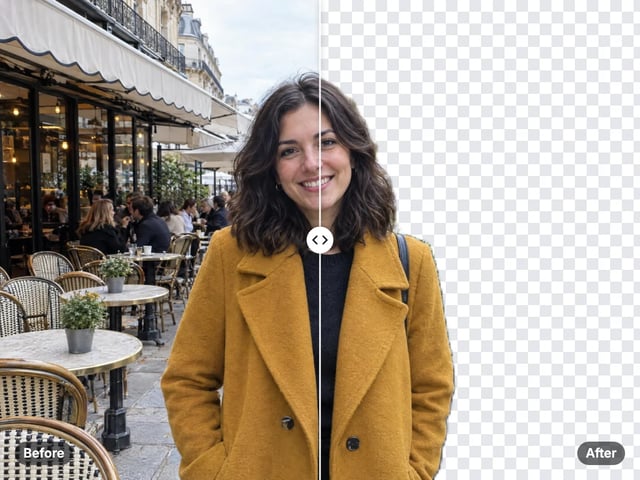
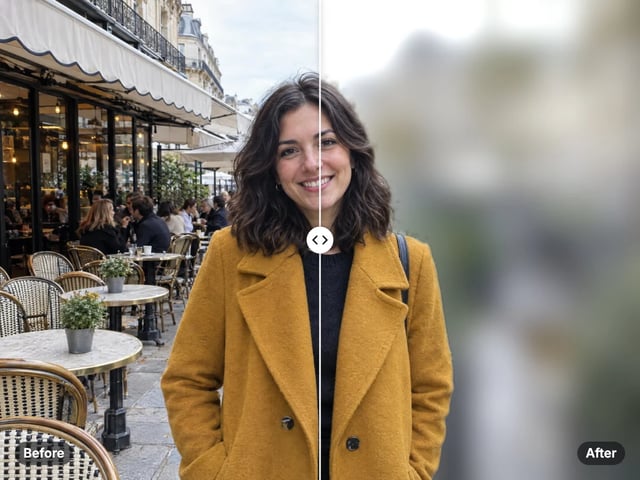
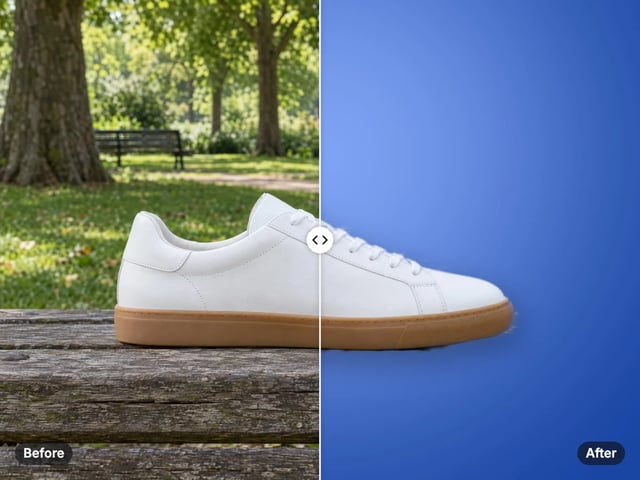
Pure white, every time
The background is filled with exact white (#FFFFFF), the value marketplaces ask for on main product images.
Imagera AI - AI content creation platform for generating images, cloning voices, creating avatars, and enhancing videos. Privacy Policy | Terms
Cutout & background · free · private
One step: the subject is found automatically and placed on pure white, with an optional soft shadow. It runs in your browser, so your photo is never uploaded.
The subject is found by a model that runs in your browser. Your photo is never uploaded or saved on our servers.
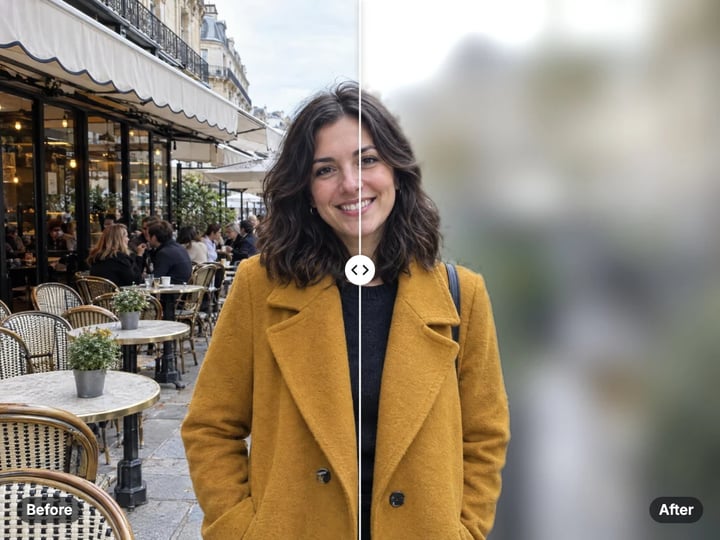
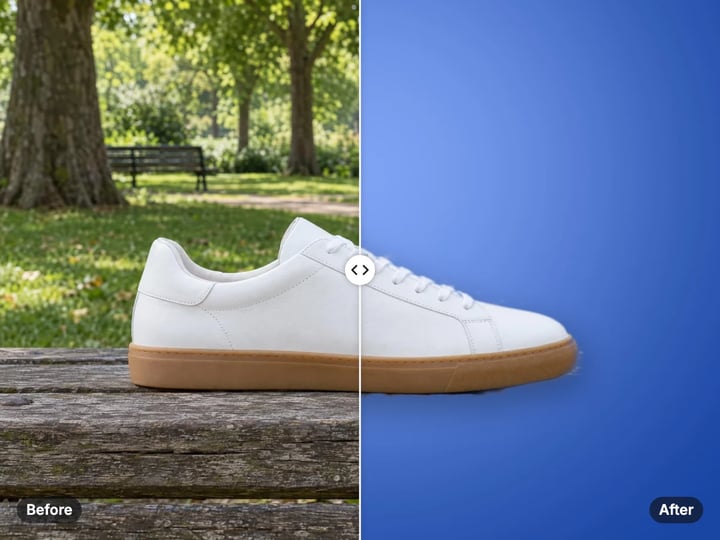
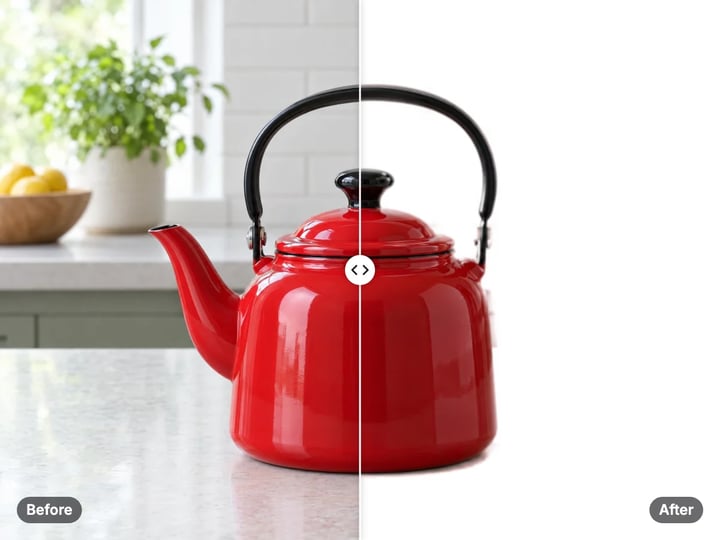 Real result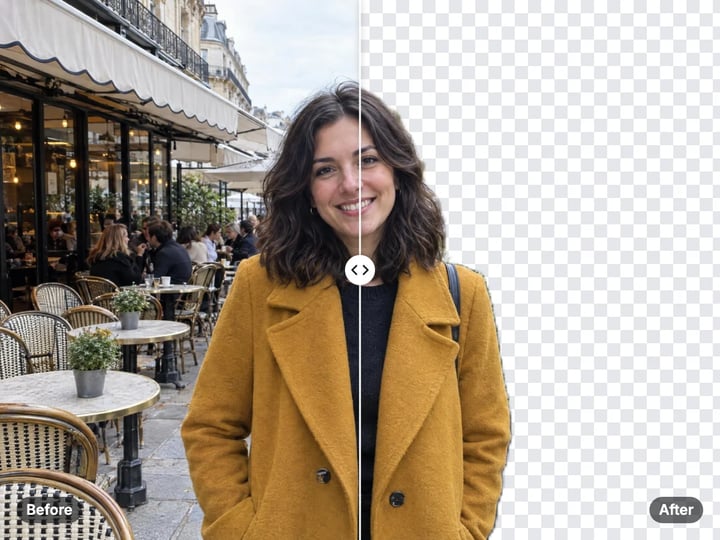
Quick answer
To make a photo background white for free, open Imagera’s White Background Maker, add your photo and press Make it white. A model in your browser finds the product or person, fills everything else with pure white (#FFFFFF) and can add a soft shadow under products. The result downloads as a full-resolution JPG, ready for listings, ID photos and team pages. Your photo is never uploaded.
Your photo never leaves your device — nothing is uploaded or saved on our servers.
How it works
Drop in a JPG, PNG, WebP or HEIC photo of a product or a person. It stays on your device.
Turn on Soft shadow for products that stand on a surface; leave it off for portraits.
Press Make it white. The subject is found and placed on pure white.
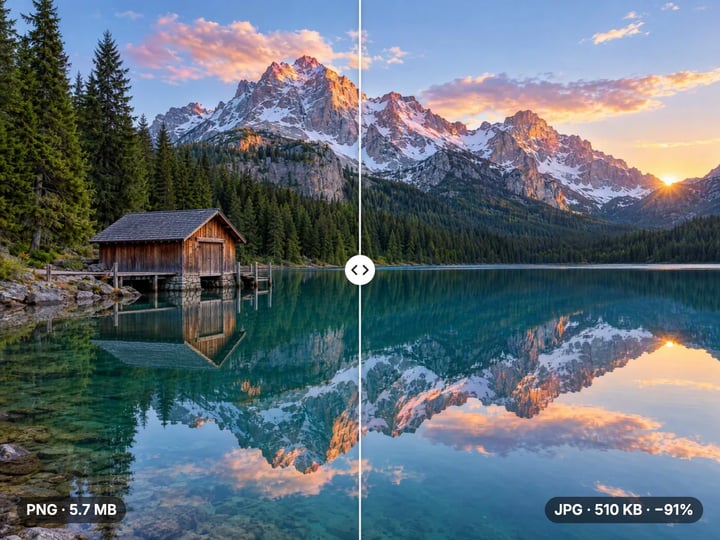
Drag the before-and-after slider to check the edges, then download the JPG.
Why this one
The background is filled with exact white (#FFFFFF), the value marketplaces ask for on main product images.
No colors to choose and no brushing. Add a photo and the subject is separated and placed on white.
Turn on a soft shadow so products sit on the white instead of floating.
Edge colors are cleaned of the old background, so there is less of a colored fringe on the white.
Continue in Imagera
White Background Maker edits the pixels you have. These studios use AI to create what is not in the picture yet — they run on credits.
 Next step
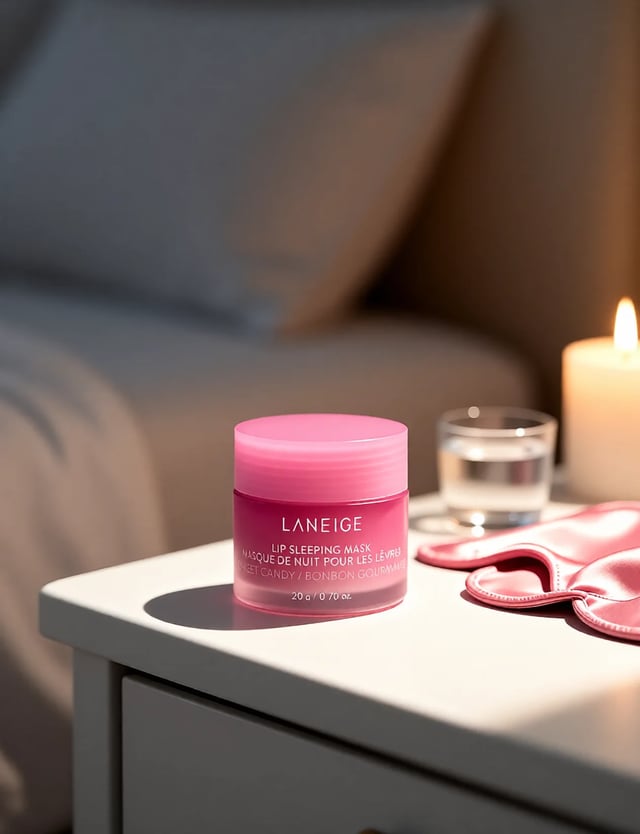
Create professional product photography scenes from a single image.
Open studio Imagera
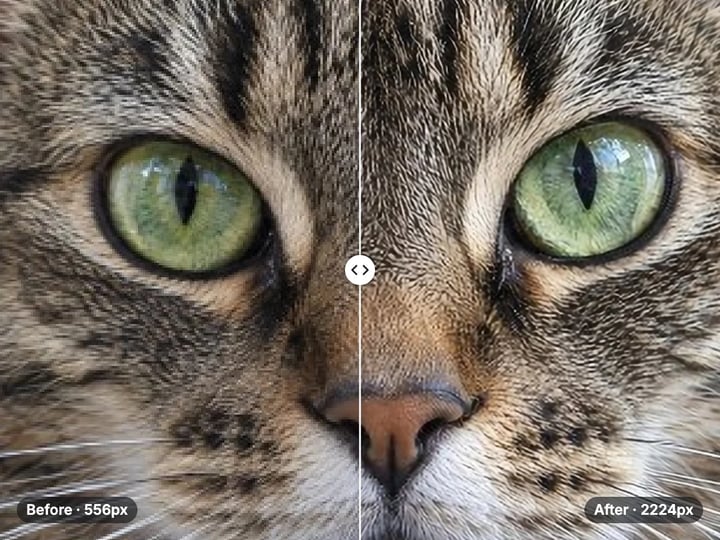
Too small to print? Enlarge a photo to 4K, 8K or 16K (15,360 px on the long edge).
Open studio Imagera
Edit images with Imagera Edit. Inpaint, modify, and transform any part of your image.
Open studio Imagera
Replace any photo background with AI-generated luxury scenes.
Open studioWho it is for
Make main listing images on pure white from photos taken on a table or a floor, without a light box.
Put a head-and-shoulders photo on a plain white background, privately on your device.
Give headshots and product shots the same clean white look across a whole page.
Guide
A white background is the most common backdrop in commerce, and for practical reasons.
Marketplaces ask for it. Amazon, for example, requires the main product image to be on a pure white background, and many other marketplaces and wholesale catalogs recommend the same. A white main image also looks consistent next to competing listings.
It shows true color. On white, a product’s own colors read accurately, which reduces returns from "it looked different in the photo".
It fits any page. White images sit neatly on white web pages, in catalogs and in print.
Official photos often need it. Many passport, visa and ID photo rules call for a plain white or off-white background.
Shooting on true white takes a sweep, several lights and practice, because a white wall in a normal room photographs as grey. This tool gets you pure white from an ordinary photo.
1. Add your photo. A product on a table, a person against a wall, a pet on a sofa. JPG, PNG, WebP and HEIC all work. 2. Decide on the shadow. Turn on Soft shadow for things that stand on a surface, like shoes, bottles and boxes. Leave it off for portraits and ID photos. 3. Press Make it white. The first run loads the model in your browser, which takes a moment. After that it is quick. 4. Check the edges. Drag the before-and-after slider and look closely at hair, fur, straps and thin parts. 5. Download the JPG.
There is nothing else to set. If you want black, a brand color or a gradient instead, the free Background Color Changer offers those; this page is focused on getting white right in one step.
The tool works in three steps, all in your browser.
Find the subject. An on-device model estimates which pixels belong to the product or person and which belong to the background. The mask is soft, so edges blend instead of looking cut out with scissors.
Clean the edges. Pixels along the edge often carry some color from the old background, such as a green tint from grass. The tool replaces that with the subject’s own color, so there is less fringe against the white.
Fill with white. Everything outside the subject becomes exact white, #FFFFFF. With Soft shadow on, a gentle shadow is drawn beneath the subject first.
The result is saved as a JPG at the photo’s own resolution. JPG suits white backgrounds and is accepted by every marketplace and form. For a transparent cutout, use the free Background Remover.
A white background is the start of a good main image, not all of it. A few habits make listings look professional:
- Fill the frame. Marketplaces favor products that take up most of the image. After making the background white, crop tightly with the free image cropper or resize to a square with the free resizer. - Shoot in soft light. Daylight from a window, without direct sun, gives even color and fewer hard shadows to confuse the cutout. - Keep the product whole. Anything cut off by the edge of the original photo stays cut off. - Use the shadow on standing products. Pure white with no shadow can make a product look pasted on. The soft shadow grounds it; check whether your marketplace allows shadows on the main image. - Match your set. Use the same settings for every product so the catalog looks consistent.
Rules differ between marketplaces and change over time, so check the current requirements for yours.
The same step works for people. A head-and-shoulders photo against a messy room or a colored wall comes back on clean white, which suits team pages, badges, résumés and many application forms.
For passport and visa photos, a white background is only one of the rules. Official photos also set the size, head position, lighting and expression. After making the background white, use the free image resizer’s 2 × 2 inch passport size if it applies to you, and check the official requirements before you submit.
Hair is the hardest part of any portrait cutout. Stand away from the wall so the background is less sharp, and avoid backgrounds close to your hair color. Small halos around loose strands are normal; check them with the slider.
Leave Soft shadow off for portraits. A shadow under a head-and-shoulders photo looks odd and is not allowed on most official photos.
Background tools usually upload your photo to find the subject. For sellers that can mean unreleased products; for everyone else, photos of their home, family or documents.
Here, the subject model runs in your browser. It is loaded once, and then your photo is processed on your own phone or computer. It is never uploaded, and nothing is saved on our servers. The model does real work, so newer devices are faster.
Making white backgrounds is unlimited and there is no watermark. Your first few downloads need no account; after that, a free sign-in keeps them going.
White is right for the main image, where rules are strict. For the rest of a listing and for ads, style sells. The paid AI Product Photography studio places your product in styled scenes, on marble, wood or linen with matching props and believable light. It runs in the cloud and uses credits.
Free vs studio
Questions people ask
Add the photo and press Make it white. The subject is found automatically and everything else becomes pure white. Download the JPG.
Make the background white here, turn Soft shadow off if your main image must be shadow-free, then crop so the product fills most of the frame. Check Amazon’s current image rules before you upload.
Yes, the background can be made plain white. Passport photos also have rules on size, head position and lighting, so check the official requirements too.
That is the soft shadow. Turn Soft shadow off for a completely white background.
This tool does one job, pure white, in one step. The Background Color Changer also offers black, any color and gradients.
This tool always fills with white. For a transparent PNG, use the free Background Remover.
Yes. It separates the main subject, whether a product, person or animal. Fine hair and fur are the hardest parts, so check the edges with the slider.
Yes. Open the page in your phone’s browser, choose a photo and press Make it white. The photo is processed on your phone and never uploaded.
The old background may be close in color to the subject, or the edge may be very fine. A photo against a plainer, more contrasting background gives cleaner edges.
More free tools
Complete your workflow
These pair with Pro Product Shot Maker. Every tile says what the tool actually does — without leaving this page.
Replace product backgrounds with custom scenes
Create color variations for product catalogs
Upscale product photos to print-ready resolution
Remove flyaway hair and fix fine imperfections with surgical AI precision.
Change the words, color or font of text baked into a photo, poster or screenshot.
Free passport, visa & ID photos — auto-cropped to any country's exact size, background and file size, right on your device.
AI upscaling to 1080p/2K/4K. Ultra-high resolution. Batch process up to 5 images.
Imagera AI Team
Unified AI creation platform