Your own image
Use any photo from your phone or computer — a pet, a screenshot, a group shot. No template gallery to dig through.
Imagera AI - AI content creation platform for generating images, cloning voices, creating avatars, and enhancing videos. Privacy Policy | Terms
Social & creative · free · private
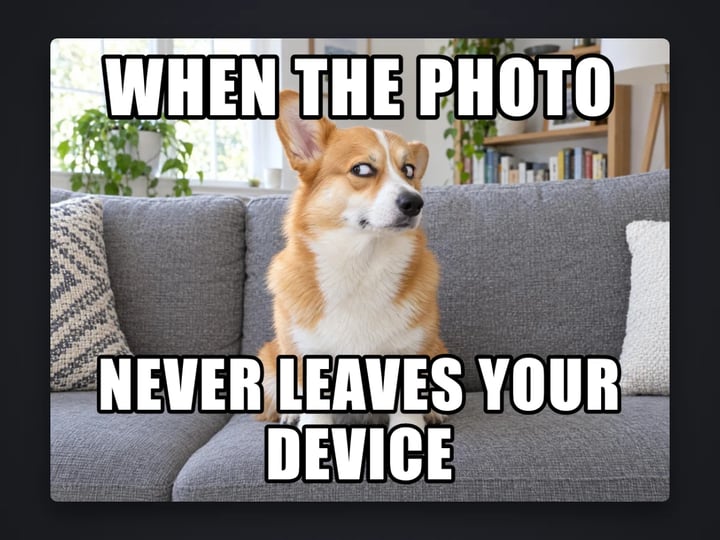
Turn your own photo into a meme with bold top and bottom text in the classic white-with-black-outline style. The text sizes and wraps itself. Your image never leaves your device.
The meme is made in your browser on your own device. Your image is never uploaded or stored on any server.
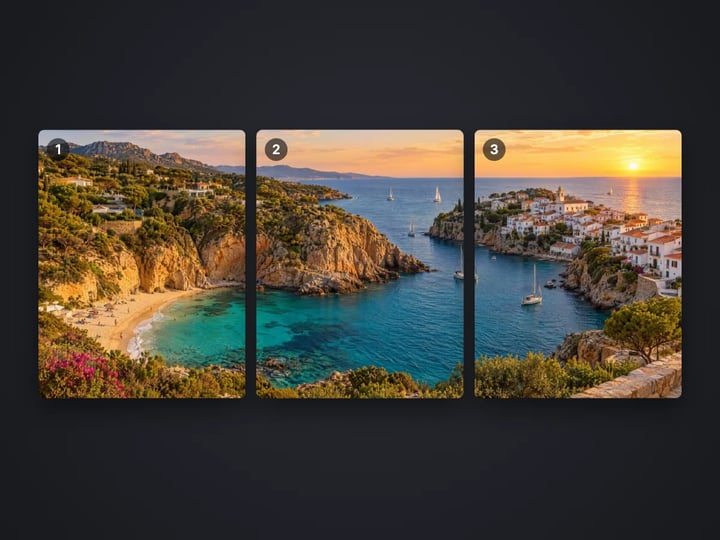
 Real result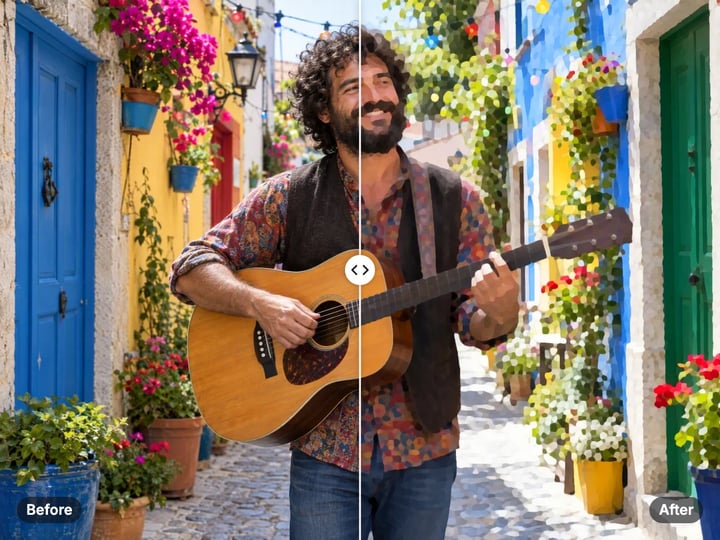
Quick answer
To make a meme with your own image, open Imagera's free meme generator, choose a photo from your device and type a top line and a bottom line. The tool writes them in bold uppercase with a white fill and black outline, and it shrinks and wraps long lines so they fit. There is no watermark. It runs in your browser, so your image is never uploaded, and the meme downloads straight to your device.
Your image never leaves your device — nothing is uploaded or saved on our servers.
How it works
Pick a photo or screenshot from your device. It stays on your device.
Type the setup line. It is shown in uppercase automatically.
Type the punchline. Leave either box empty if you only need one line.
Press Make meme and download the result.
Why this one
Use any photo from your phone or computer — a pet, a screenshot, a group shot. No template gallery to dig through.
Bold uppercase letters, white fill and a black outline, readable on any background.
Long lines wrap and shrink to fit the width of the image, so nothing runs off the edge.
The meme downloads clean. Nothing is uploaded and nothing is added to your image.
Continue in Imagera
Meme Generator edits the pixels you have. These studios use AI to create what is not in the picture yet — they run on credits.
 Next step
For advanced users — bring your own LoRA for a consistent style or character.
Open studio Imagera
Too small to print? Enlarge a photo to 4K, 8K or 16K (15,360 px on the long edge).
Open studio Imagera
Edit images with Imagera Edit. Inpaint, modify, and transform any part of your image.
Open studio Imagera
Replace any photo background with AI-generated luxury scenes.
Open studioWho it is for
Turn a friend's photo or a pet picture into a quick in-joke without sending it to a meme site.
Make a light-hearted slide or channel post from your own screenshots.
Caption brand photos in the familiar meme style, with no watermark on the result.
Guide
This tool adds classic meme captions to an image you choose. It is built around your own pictures, not a gallery of templates.
You get two text boxes, top and bottom, each up to 80 characters. The text is set in uppercase, filled white with a black outline. That is the familiar meme look, and it stays readable on bright and dark parts of the photo.
The tool fits the text for you. Short lines are large. Longer lines wrap onto more rows and shrink until they fit the width of the image, so nothing runs off the edge.
In Advanced you can switch the font between Classic meme, a heavy condensed typeface, and Clean sans, a plainer bold style.
The result has no watermark. Everything happens in your browser, and your image never leaves your device.
1. Choose an image. Photos, screenshots and drawings all work. Pick one with a clear subject and a little space at the top and bottom, where the text will go. 2. Write the top line. This is usually the setup: "WHEN THE WIFI COMES BACK", "ME ON MONDAY", "NOBODY:". 3. Write the bottom line. This is the punchline. Leave either box empty if the joke works with one line. 4. Choose a font in Advanced if you want a cleaner look. 5. Press Make meme and download.
The default text reads "WHEN THE PHOTO / NEVER LEAVES YOUR DEVICE". Replace it with your own.
To share in a chat, download and attach the file. For a story, crop the finished meme to 9:16 with the free image cropper, or pad it with the border tool so nothing is cut off.
Memes are short by design. A few habits help.
Keep it brief. Four to eight words per line is plenty. Shorter lines get bigger letters, and big letters read at a glance in a feed.
Setup on top, payoff on the bottom. The eye reads top to bottom. Put the situation first and the twist second.
Let the picture do half the work. A good reaction photo carries the joke. The text only needs to point at it.
Mind the faces. Text sits at the very top and bottom. If a face is near an edge, crop the photo a little first so the text does not cover it.
Keep it kind. Good in-jokes laugh with people, not at them. Ask before you post a friend's photo, and avoid pictures of strangers.
Some easy formats: "ME: / ALSO ME:", "NOBODY: / ME:", and "WHEN YOU... / AND THEN...".
Many meme sites start from a library of famous images. That is quick, but the pictures belong to someone, and a recycled template rarely surprises anyone.
This generator starts from your own image. A photo of your cat, a screenshot of your team chat, a picture from last weekend. Your own photos make in-jokes that only your friends get, and you know where they came from.
That is also why there is no template picker. If you want a famous image, you would need the rights to it. With your own photos, you already have them.
Want something that does not exist yet, such as your dog in a spacesuit? The paid AI image generator can create it from a short description. You can bring the result back here to add the caption.
Your image never leaves your device. The text is drawn onto the picture with your browser's own canvas. The image is read from your device, captioned in memory and handed back as a download. Nothing is uploaded or saved on our servers.
That matters because meme material is often personal. A friend's photo, a screenshot of a group chat, a picture from home. Many meme makers upload every image to a server and keep it there. This one does not.
You can make a dozen drafts until the joke is right, and none of them end up anywhere but your own device. A free sign-in, which you need after the first few downloads, does not change this. Signing in never sends your image anywhere. What you share afterward, and with whom, is up to you.
The free meme generator captions a picture you already have: top and bottom text, auto-fitted, with a classic or clean font and no watermark. It runs on your device. Processing is unlimited. The first few downloads need no account, and then a free sign-in keeps them coming.
The paid Imagera image generator makes the picture itself. Describe a scene, a character or a style, and it creates a new image from scratch. It is useful when the joke needs a picture that does not exist. It runs in the cloud, uses credits and keeps a history of what you create.
For most memes, your camera roll is enough and the free tool does the rest. The generator is there for the ideas your photos cannot show.
Free vs studio
Questions people ask
Choose a photo or screenshot, type a top line and a bottom line, and press Make meme. Download the result. Your picture stays on your device the whole time.
Type in the Top text and Bottom text boxes. The tool writes both in bold white uppercase with a black outline and fits them to the width of the image.
Classic memes use a heavy, condensed uppercase typeface with a white fill and a black outline. That is the default here. Clean sans is a plainer option.
Yes. Leave the top or the bottom box empty and only the other line is drawn.
Long lines are wrapped and shrunk so they fit the image. For bigger letters, use fewer words per line.
No. The meme downloads without any watermark or logo.
Yes. Open the page in your phone's browser, choose a photo from your camera roll, type the text and download. There is no app to install.
No. Processing is unlimited without an account. The first few downloads need no sign-in; after that, a free sign-in keeps downloads going. Your image still stays on your device.
No. The image and the text are combined in your browser. Nothing is uploaded or saved on our servers.
More free tools
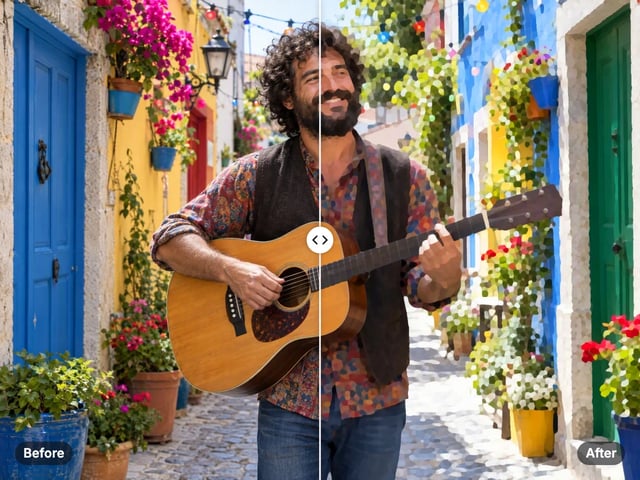
Turn a photo into a comic, painted or soft toon picture
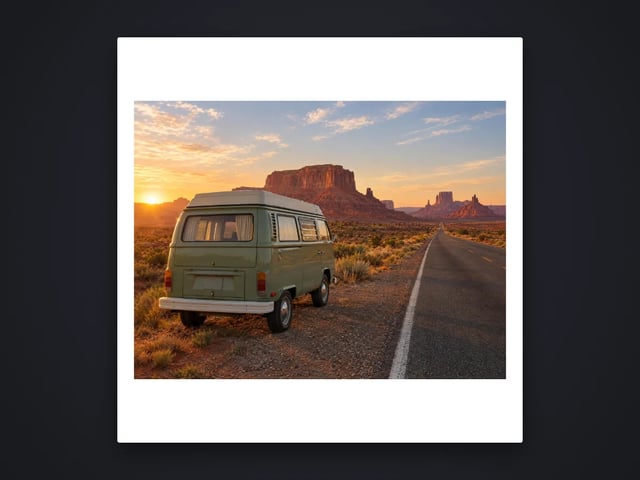
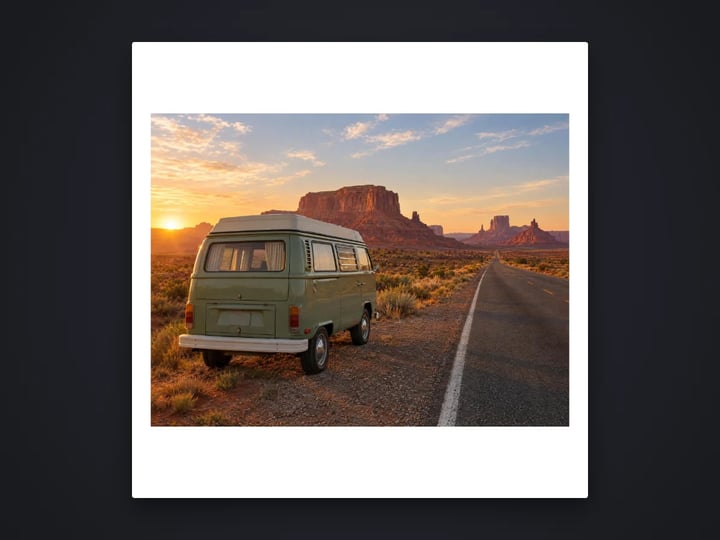
Add a border or fit a photo to 4:5 without cropping
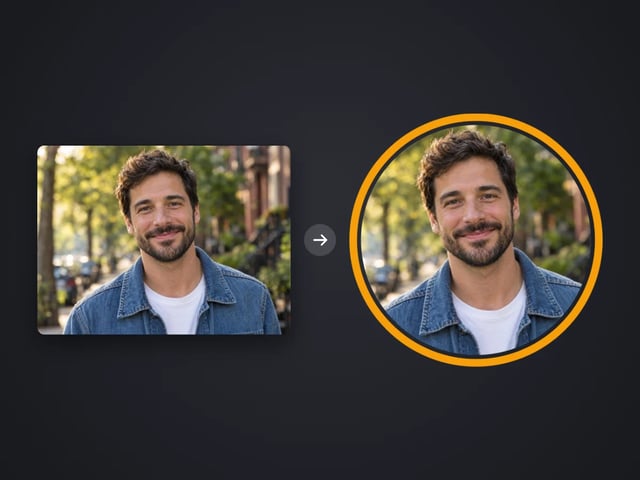
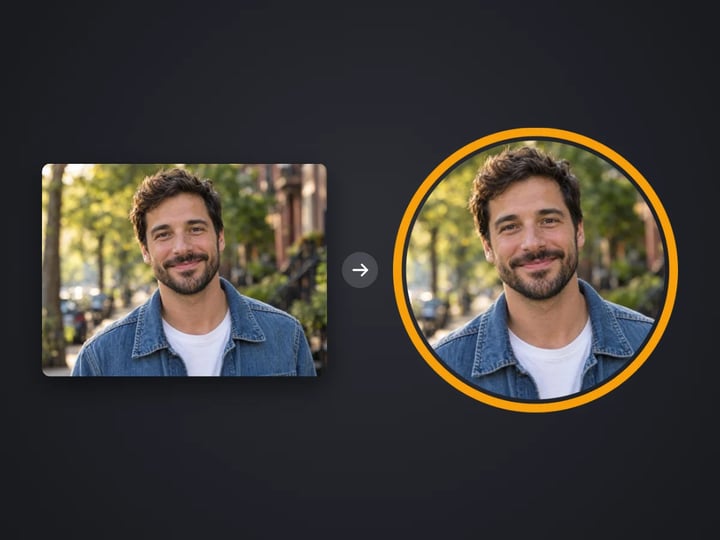
Round profile photo with a colored ring
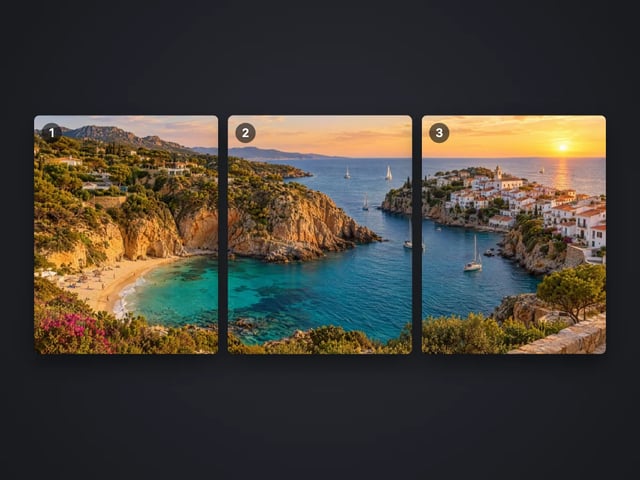
Split a photo into a carousel or a 3×3 grid
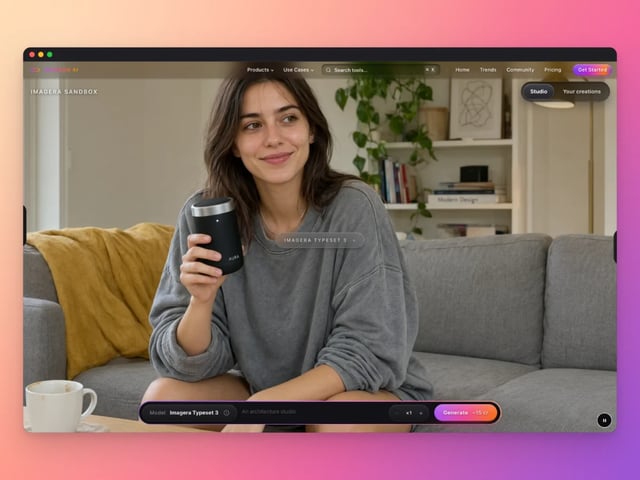
Frame a screenshot on a gradient with a shadow
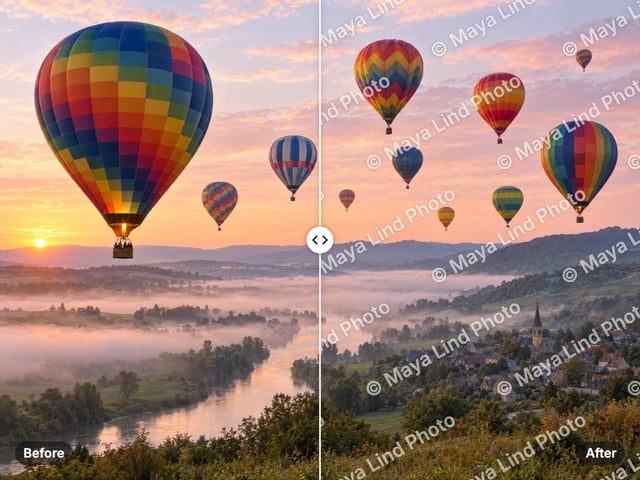
Add your name or © to a photo
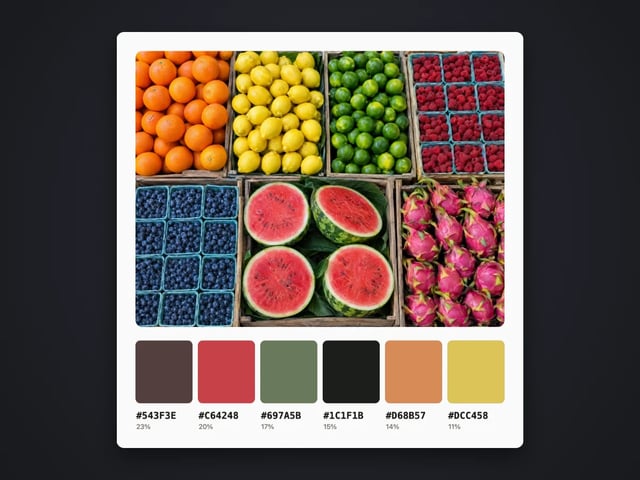
Pull the main colors and HEX codes from a photo
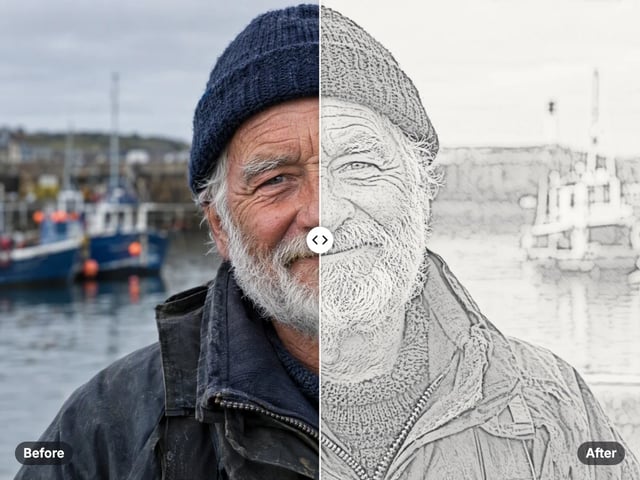
Turn a photo into a pencil or charcoal drawing
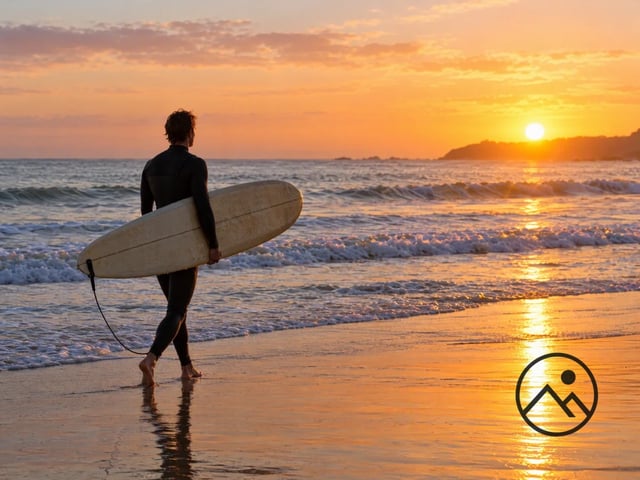
Put your logo on a photo, in a corner or tiled
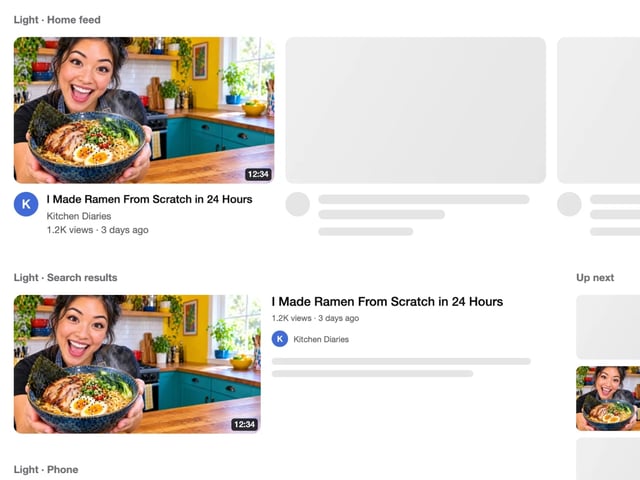
See your thumbnail in feed, search and phone layouts
Put 2 to 9 photos in one grid
Captions in five styles, auto-fitted
Make a QR code for a link or text
Complete your workflow
These pair with Pro LoRA Generator. Every tile says what the tool actually does — without leaving this page.
Enhance and upscale your generated images to 16K
Transform images into cinematic AI videos
Make a generated portrait speak your script
Ask 10 AIs the same question. Steal the best answer.
Add freckles, pores, scars, tattoos. Remove blemishes. Fix plastic AI skin instantly.
Edit images with Imagera Edit. Inpaint, modify, and transform any part of your image.
Remove flyaway hair and fix fine imperfections with surgical AI precision.
Change the words, color or font of text baked into a photo, poster or screenshot.
Imagera AI Team
Unified AI creation platform