Three kinds of blur
Soft for an even, out-of-focus look; motion for a sideways streak; zoom for streaks that rush out from the center.
Imagera AI - AI content creation platform for generating images, cloning voices, creating avatars, and enhancing videos. Privacy Policy | Terms
Edit & retouch · free · private
Blur the whole picture evenly, streak it sideways like a fast pan, or zoom it out from the center. Pick the amount and download. Your image never leaves your device.
The blur is calculated in your browser on your own device. Your image is never uploaded or stored on any server.
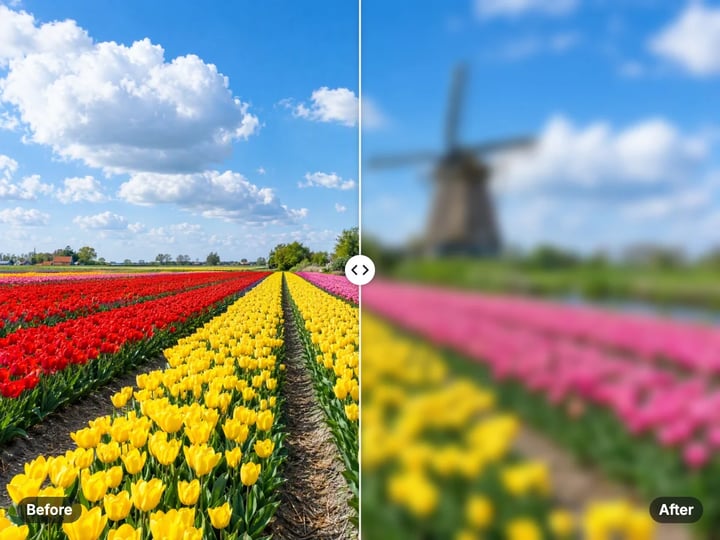 Real result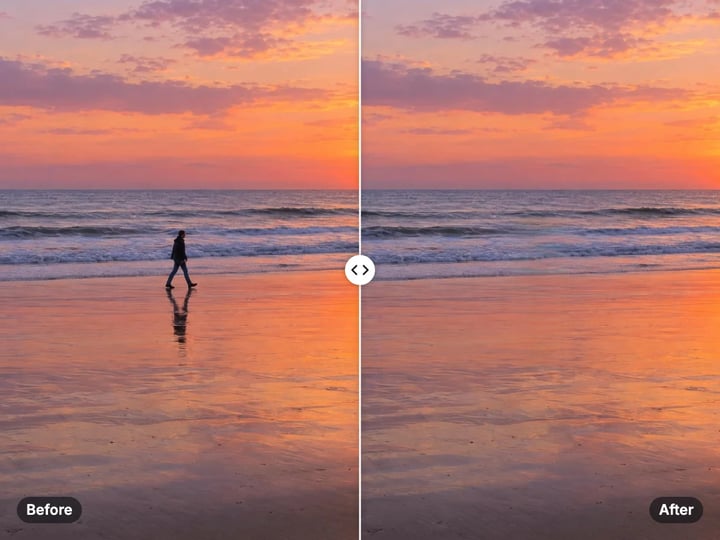
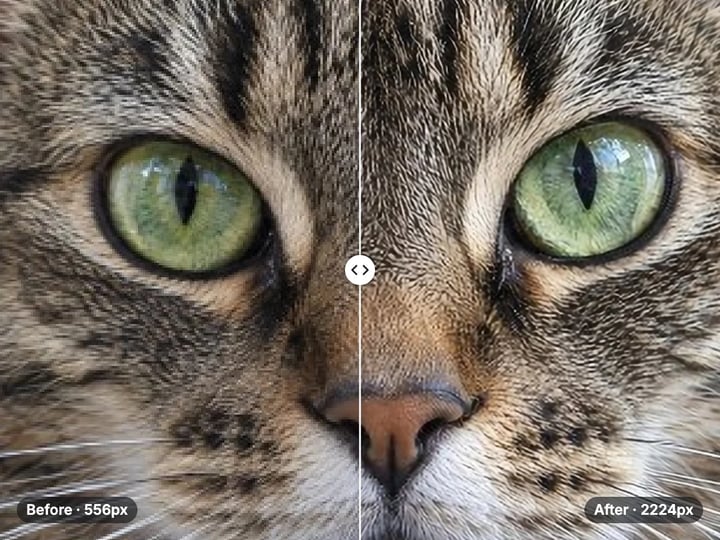
Quick answer
To blur an image online, open Imagera's free blur tool, choose your picture, pick Soft, Motion or Zoom and drag Amount until it looks right. Soft gives an even out-of-focus look, Motion streaks the picture sideways, and Zoom streaks it outward from a sharp center. The blur is calculated in your browser, so the image is never uploaded, and the result downloads straight to your device as the same file type.
Your image never leaves your device — nothing is uploaded or saved on our servers.
How it works
Pick a JPG, PNG, WebP or HEIC image. It stays on your device.
Choose Soft, Motion or Zoom.
Drag Amount until it looks right, then press Blur image.
Compare before and after, then download the blurred image.
Why this one
Soft for an even, out-of-focus look; motion for a sideways streak; zoom for streaks that rush out from the center.
The amount scales with the picture, so 40% looks alike on a phone snap and a large camera file.
Transparent PNGs keep clean edges: see-through areas never bleed dark into the blur.
Everything runs on your device in a second or two. Nothing is uploaded and there is nothing to install.
Continue in Imagera
Blur Image edits the pixels you have. These studios use AI to create what is not in the picture yet — they run on credits.
 Next step
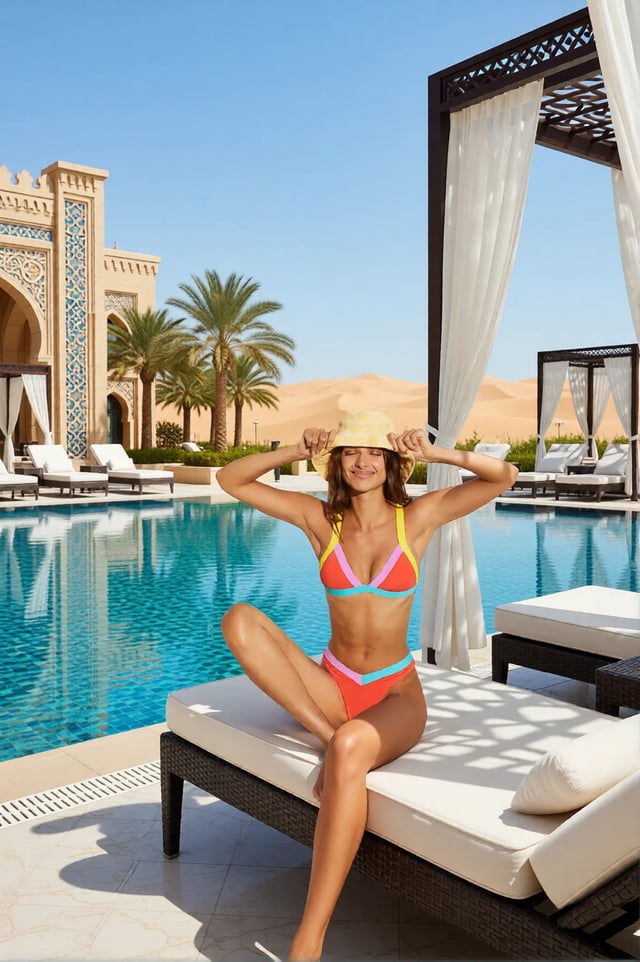
Replace any photo background with AI-generated luxury scenes.
Open studio Imagera
Too small to print? Enlarge a photo to 4K, 8K or 16K (15,360 px on the long edge).
Open studio Imagera
Edit images with Imagera Edit. Inpaint, modify, and transform any part of your image.
Open studioWho it is for
Turn any photo into a soft backdrop that text can sit on without a fight.
Add speed with motion or zoom blur, or blur a busy picture behind a caption.
Blur a whole screenshot or photo so nothing in it can be read before you share it.
Guide
This tool blurs the whole picture, edge to edge. You choose two things.
Blur picks the kind. Soft is an even blur in every direction, like a lens pulled out of focus. Motion blurs only sideways, so edges smear into horizontal streaks the way they do when a camera pans past a scene. Zoom streaks every point outward from the center: the middle stays almost sharp and the corners rush away.
Amount sets how strong it is. It is measured against the short side of the picture, so 40% looks the same on a small phone photo and on a large camera file. The low end of the slider moves in finer steps, because most people want a gentle softening rather than a wash.
The result keeps the file type you gave it: a JPG stays a JPG, and a PNG keeps any transparency.
Soft blur is the workhorse. Use it to turn a photo into a quiet background for a slide, a banner or a phone wallpaper, where text has to sit on top and stay readable. Around 30–50% keeps shapes and colors recognizable; 80% and up leaves only color.
Motion blur adds speed. A car, a runner or a train already moving sideways reads faster with a light motion blur of 20–40%. On a still scene it gives a dreamy, drifting look.
Zoom blur adds energy and focus. Because the center stays sharp, it pulls the eye to whatever sits in the middle of the frame. It suits action shots, event posters and thumbnails. Keep it under 50% on faces near the edges, or they smear.
If you want a person sharp and only the background soft, this is the wrong tool. Use the free background blur tool, which finds the subject first.
1. Choose your image. JPG, PNG, WebP and iPhone HEIC photos all work. 2. Pick Soft, Motion or Zoom. 3. Set Amount. Start around 40% and adjust. 4. Press Blur image. 5. Drag the before and after slider to compare, then download.
The blur runs on your device, so there is no queue and no upload wait. A large photo usually finishes in a second or two on a computer; phones take a little longer.
If the result is too strong, change the amount and press Blur image again. The tool always starts from your original picture, never from the last result, so repeated tries do not stack up into mush.
For a series of pictures, use the same type and amount for each. They will match, because the amount scales with each picture's size.
Many blur tools leave a dark halo around a cut-out. The reason is simple. See-through pixels still store a color, usually black, and a naive blur mixes that hidden black into the visible edge.
This tool avoids that. Before blurring, it weights every pixel by how visible it is, and afterward it divides that weight back out. Hidden pixels contribute nothing, so a white logo on a transparent background blurs into a soft white glow, not a gray smudge.
That makes the tool useful for design work: a blurred copy of a logo or product cut-out placed behind the sharp one makes a soft shadow or glow. Save a PNG in, and you get a PNG with its transparency out.
Fully opaque photos skip this step, since there is nothing hidden to leak.
Your image never leaves your device. The blur is plain arithmetic done by your browser: every pixel is averaged with its neighbors, sideways for motion, or along its line to the center for zoom. Nothing is uploaded or saved on our servers.
That matters most for the pictures people blur for privacy: screenshots with names or messages, photos of documents, pictures of children. Many online blur tools send the file to a server to do this simple job. Here the page loads once and the work happens locally.
The tool also keeps working on a weak connection once the page is open. A free sign-in, which you need after the first few downloads, does not change any of this. Signing in never sends your picture anywhere.
One honest limit: a heavy soft blur hides detail well, but for sensitive text, a strong pixelate or a solid cover is safer than any blur.
The free blur tool changes how sharp your whole picture is. It is quick, private and unlimited. The first few downloads need no account, and then a free sign-in keeps them coming.
What a blur cannot do is tell your subject apart from everything else, or give you a different place. That is the job of the paid Imagera AI background studio. It keeps your person or product sharp and builds a new background around them: a clean studio, a city street, a beach, or any setting you describe. Light and shadows are matched so the subject looks like it belongs there. It runs in the cloud, uses credits and keeps your results.
If you only need a soft backdrop or a sense of speed, stay with the free tool. If the background itself is the problem, try the studio.
Free vs studio
Questions people ask
Choose your image, keep Blur on Soft and set Amount. Press Blur image and download. The whole picture is blurred evenly.
Pick Motion as the blur type. It streaks the picture sideways, like a camera panning. Around 20–40% adds speed without losing the subject.
Pick Zoom. Every point streaks outward from the center, which stays almost sharp. Put your subject in the middle of the frame for the strongest effect.
Not with this tool; it blurs everything. Use the free background blur tool, which finds the subject first, or the paid AI background studio to replace the background.
The size in pixels stays the same and the file type is kept. A blurred JPG often saves a little smaller, because there is less fine detail to store.
They mix the hidden color of transparent pixels into the edge. This tool weights pixels by how visible they are, so cut-outs blur cleanly.
A strong soft blur hides most detail. For names, numbers or faces you must protect, a heavy pixelate or a solid block is safer than any blur.
No. Blurring throws detail away and nothing can bring it back exactly. Keep your original file if you might need the sharp version.
No. Processing is unlimited without an account. The first few downloads need no sign-in; after that, a free sign-in keeps downloads going.
More free tools
Complete your workflow
These pair with Luxury Background Changer. Every tile says what the tool actually does — without leaving this page.
Create professional product scenes from a single image
Transform photos into Ghibli, oil paintings, and more
General-purpose AI image editing with Imagera Edit
Add freckles, pores, scars, tattoos. Remove blemishes. Fix plastic AI skin instantly.
Remove flyaway hair and fix fine imperfections with surgical AI precision.
Change the words, color or font of text baked into a photo, poster or screenshot.
Free passport, visa & ID photos — auto-cropped to any country's exact size, background and file size, right on your device.
Imagera AI Team
Unified AI creation platform