See-through corners
Saves a PNG with transparent corners, so it sits cleanly on any background color.
Imagera AI - AI content creation platform for generating images, cloning voices, creating avatars, and enhancing videos. Privacy Policy | Terms
Edit & retouch · free · private
Give any image round or smooth app-icon corners and save it with see-through corners, ready for a website, slide or app. Add a border if you like. Your image never leaves your device.
The corners are cut in your browser on your own device. Your image is never uploaded or stored on any server.
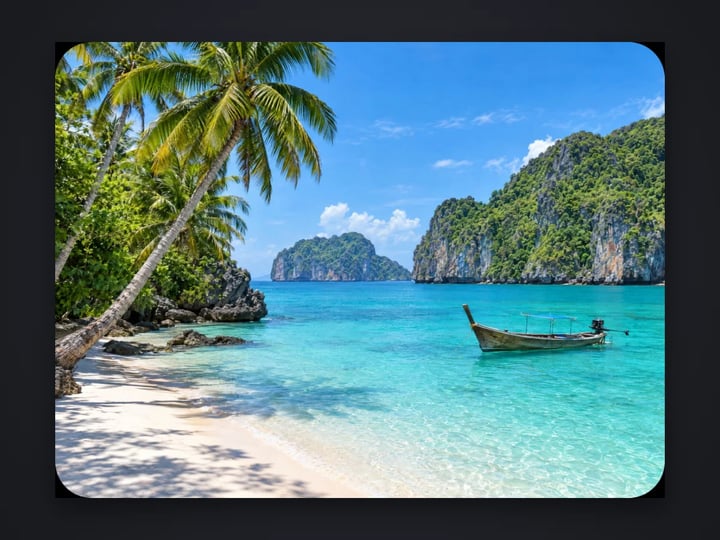 Real result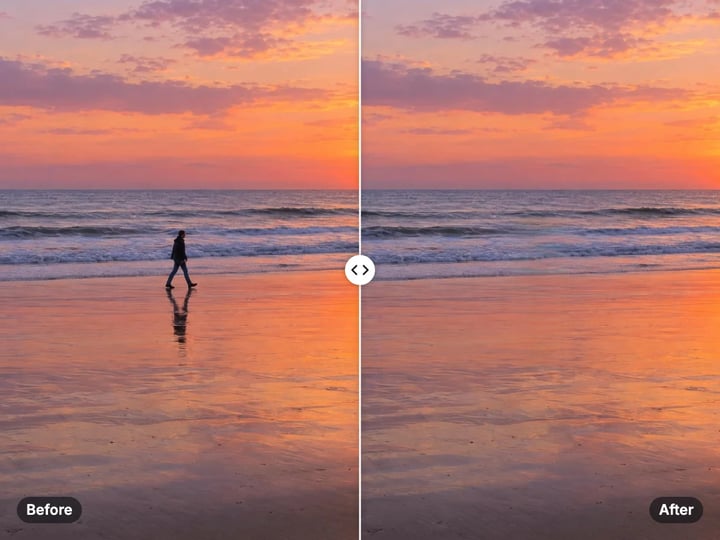
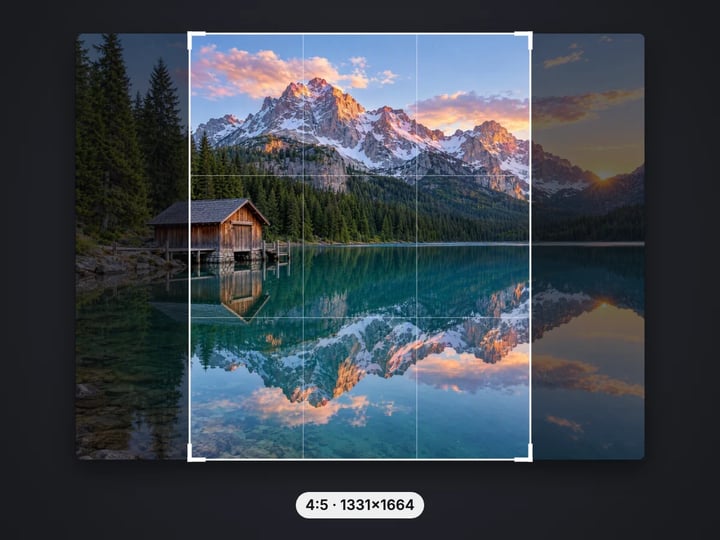
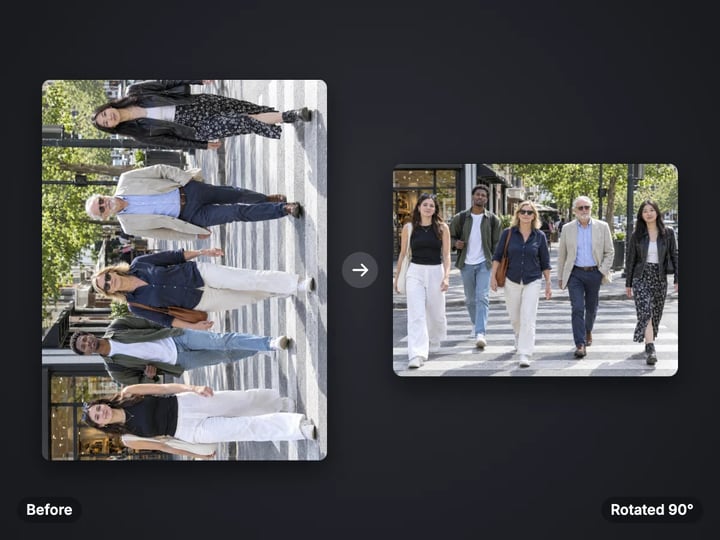
Quick answer
To round the corners of an image, open Imagera's free rounded corners tool, choose your picture and set Radius, where 50% makes a pill or, on a square image, a circle. Pick Round or the smooth app-icon curve, add a border if you want one, and download. The result is a PNG with transparent corners, so it sits on any background. It runs in your browser, so the image is never uploaded.
Your image never leaves your device — nothing is uploaded or saved on our servers.
How it works
Pick a JPG, PNG, WebP or HEIC image. It stays on your device.
Choose how round the corners are and pick Round or Smooth.
Raise Border and pick a color. In Advanced, choose which corners to round.
Press Round corners and download the image with transparent corners.
Why this one
Saves a PNG with transparent corners, so it sits cleanly on any background color.
Choose classic round corners or the smooth, continuous curve used for phone app icons.
Round just the top corners for a card image, or just the bottom ones.
An optional edge is added around the outside, so none of your picture is covered.
Continue in Imagera
Rounded Corners Maker edits the pixels you have. These studios use AI to create what is not in the picture yet — they run on credits.
 Next step
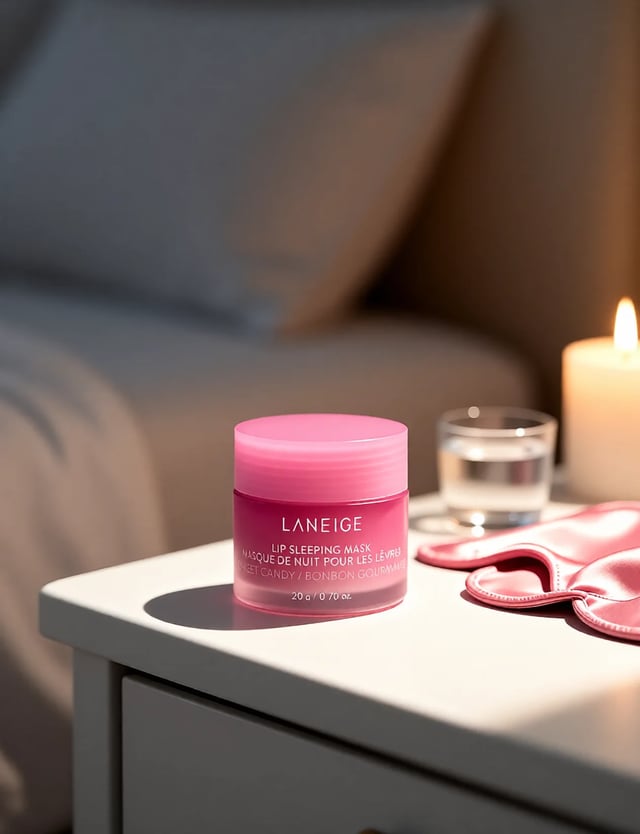
Create professional product photography scenes from a single image.
Open studio Imagera
Too small to print? Enlarge a photo to 4K, 8K or 16K (15,360 px on the long edge).
Open studio Imagera
Edit images with Imagera Edit. Inpaint, modify, and transform any part of your image.
Open studio Imagera
Replace any photo background with AI-generated luxury scenes.
Open studioWho it is for
Make card, blog and gallery images with rounded corners that sit cleanly on any page color.
Soften screenshots and photos on slides without masking them by hand.
Preview artwork with the smooth corner curve of phone app icons.
Guide
This tool cuts the corners of your image into curves and saves the result with see-through corners. You control five things.
Radius sets how round the corners are, as a share of the image's short side. Around 3–8% is a gentle card-like curve. 50% turns the short ends into half circles, making a pill shape, or a full circle if the image is square.
Corner style picks the curve. Round uses circular arcs. Smooth (app icon) uses a squircle that eases into the straight edges.
Border adds an edge around the outside, from 0 to 10% of the short side, in the color you pick. The canvas grows to fit it, so no part of your picture is covered.
Which corners, in Advanced, rounds all four, only the top two or only the bottom two.
The download is always a PNG, because only a format with transparency can keep the corners see-through.
A classic rounded corner is a quarter circle. Where the circle meets the straight edge, the curve starts suddenly. On large images with a big radius, a sharp eye can see that joint as a slight kink.
The smooth style is a superellipse, often called a squircle. Its curve starts gently along the straight edge, bends through the corner and eases out again, so there is no joint to see. Phone app icons use this kind of corner, and it is why they look soft rather than cut out.
Which to use? Round matches most websites, because web pages round corners with circular arcs. If your image sits next to rounded buttons or cards on a page, Round will match them. Smooth suits app icons, product tiles and any design that should feel like a phone interface.
A smooth corner at the same radius looks a little smaller, so the tool stretches it to read at a similar size.
Websites. A PNG with transparent corners works on any page color and in any email client, with no styling needed. That is handy where you cannot add corner rounding with code, such as in emails, marketplaces or site builders.
Card images. For a card whose text sits below the picture, choose Top two so the image's rounded top matches the card, while its square bottom meets the text cleanly.
Slides. Rounded screenshots and photos look softer and more finished on a slide. A thin white or dark border helps a screenshot stand apart from a slide of a similar color.
Social and messaging. Rounded images with a border look like stickers or cards when shared, though some apps fill transparent areas with white or black.
If you are making an app icon, use the free favicon generator too: it builds every icon size and file a site needs.
1. Choose your image: JPG, PNG, WebP or iPhone HEIC. 2. Set Radius. Start at 8% for a card look. 3. Pick Round or Smooth (app icon). 4. For a frame, raise Border and pick a color. 5. In Advanced, choose which corners to round. 6. Press Round corners and download the PNG.
The result shows on a checkerboard, which marks the transparent areas. It is not part of the image.
Because PNG stores every pixel without loss, a large photo saved as PNG can be several times the size of the JPG it came from. If you need a smaller file, resize the image first with the free image resizer to the size it will be shown at. There is no point saving 4000 pixels for a 400-pixel card.
Your image never leaves your device. The curves are traced and cut by your browser's own canvas, and the edges are smoothed so they look clean at any size. Nothing is uploaded or saved on our servers.
That is useful for client work, unreleased product shots and screenshots of private apps, which you may not want to send to an unknown server just to round four corners. The page loads once and the work happens locally, so it also keeps working on a weak connection.
There is no upload wait either: a large image is done in about a second. Try different radii and styles as often as you like, since each run starts from your original.
A free sign-in, which you need after the first few downloads, does not change any of this. Signing in never sends your image anywhere.
The free rounded corners tool changes the frame of your image. It is quick, private and unlimited. The first few downloads need no account, and then a free sign-in keeps them coming.
Often the reason people round an image is to make a product or store page look more polished. Rounded corners help, but the bigger difference is the photo itself: a product on a messy table still looks like a product on a messy table.
The paid Imagera AI product shot studio changes what is inside the frame. From one photo of your product it makes clean studio shots and styled scenes, with matched light and shadows, ready for a shop listing or an ad. It runs in the cloud, uses credits and keeps your results.
Round the corners here for free. When the picture inside needs to look professional, try the studio.
Free vs studio
Questions people ask
Choose your image, set Radius and pick a corner style. Press Round corners and download the PNG with transparent corners.
That is what this tool saves: a PNG whose rounded corners are see-through. It sits cleanly on any page or slide color.
Crop it to a square first with the free image cropper, then set Radius to 50% here. For profile photos, the free profile picture maker does both in one step.
Yes. Open Advanced and set Which corners to Top two. It is the usual choice for images at the top of a card.
Around 3–6% gives the gentle curve most sites use. Match it to the rounding on your buttons and cards.
A squircle is a rounded square whose corners ease into the straight edges with no visible joint. Phone app icons use this shape.
PNG keeps every pixel without loss, so photos get big. Resize the image to its display size first to keep the file small.
No. The border is added outside the image and the canvas grows to fit it, so every pixel of your picture is kept.
No. Processing is unlimited without an account. The first few downloads need no sign-in; after that, a free sign-in keeps downloads going.
More free tools
Complete your workflow
These pair with Pro Product Shot Maker. Every tile says what the tool actually does — without leaving this page.
Replace product backgrounds with custom scenes
Create color variations for product catalogs
Upscale product photos to print-ready resolution
Remove flyaway hair and fix fine imperfections with surgical AI precision.
Change the words, color or font of text baked into a photo, poster or screenshot.
Free passport, visa & ID photos — auto-cropped to any country's exact size, background and file size, right on your device.
AI upscaling to 1080p/2K/4K. Ultra-high resolution. Batch process up to 5 images.
Imagera AI Team
Unified AI creation platform