Quarter turns
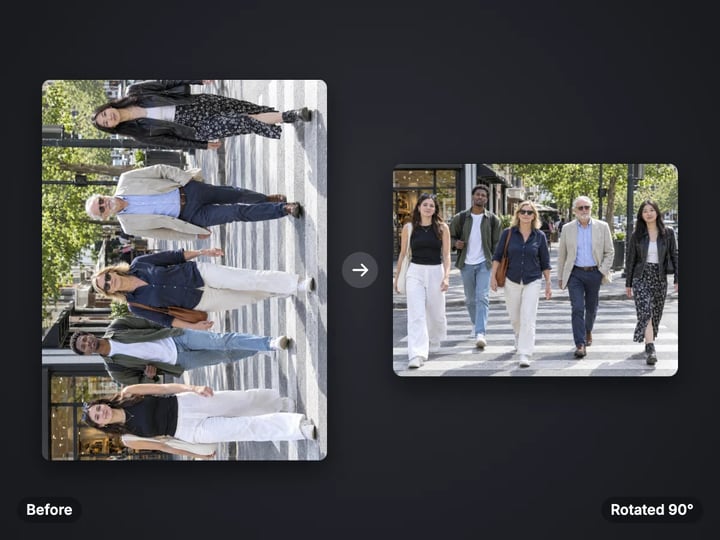
Rotate 90° right, 90° left or 180° to fix a photo that opened sideways or upside down.
Imagera AI - AI content creation platform for generating images, cloning voices, creating avatars, and enhancing videos. Privacy Policy | Terms
Edit & retouch · free · private
Turn a sideways photo upright, mirror a selfie, or level a tilted horizon. It all happens in your browser, and your photo never leaves your device.
Rotating and flipping run in your browser on your own device. Your photo is never uploaded or stored on any server.
 Real result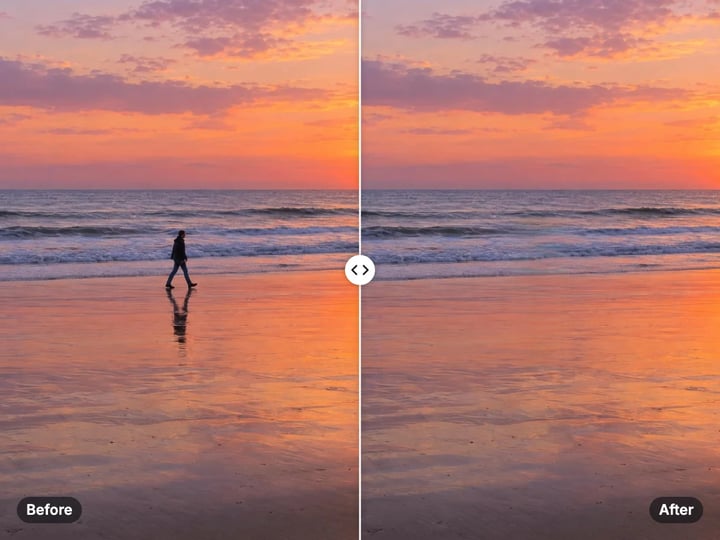
Quick answer
To rotate an image online without uploading it, open Imagera's free rotate and flip tool, choose your photo and pick 90° right, 90° left or 180°. Add a horizontal flip to mirror it, or a vertical flip to turn it upside down. To fix a tilted horizon, use Straighten to turn it by up to 15°. The result downloads straight to your device, and your photo is never uploaded.
Your photo never leaves your device — nothing is uploaded or saved on our servers.
How it works
Pick a JPG, PNG, WebP or HEIC photo. It stays on your device.
Choose 90° right, 90° left or 180°, and a horizontal or vertical flip if you need one.
Open Advanced and nudge the straighten slider until the horizon looks level.
Press Rotate and download the corrected photo.
Why this one
Rotate 90° right, 90° left or 180° to fix a photo that opened sideways or upside down.
Flip horizontally to un-mirror a selfie, or vertically for a reflection effect.
Level a horizon or a wonky wall by up to 15° either way. The edges are trimmed so no blank corners appear.
Everything runs on your device. There is nothing to install and nothing is uploaded.
Continue in Imagera
Rotate & Flip Image edits the pixels you have. These studios use AI to create what is not in the picture yet — they run on credits.
 Next step
Edit images with Imagera Edit. Inpaint, modify, and transform any part of your image.
Open studio Imagera
Too small to print? Enlarge a photo to 4K, 8K or 16K (15,360 px on the long edge).
Open studio Imagera
Replace any photo background with AI-generated luxury scenes.
Open studioWho it is for
Fix pictures that open on their side on a computer, a website or in an email.
Flip a front-camera selfie so text on your shirt or a sign reads the right way round.
Turn a scanned page or receipt upright and level a slightly crooked scan.
Guide
This tool changes the direction of your photo. It does three things, and you can combine them in one pass.
Rotate turns the photo a quarter or a half turn: 90° right, 90° left or 180°. Use it when a photo opens on its side or upside down.
Flip mirrors the photo. A horizontal flip swaps left and right, like looking in a mirror. A vertical flip swaps top and bottom.
Straighten turns the photo by a small angle, from −15° to +15° in half-degree steps. Use it when the horizon leans or a building looks like it is tipping. After turning, the tool trims the photo to the largest clean rectangle inside, so no blank corners show.
Everything happens in your browser. Your photo never leaves your device.
Phones rarely turn the pixels when you hold the camera sideways. They save the photo one way and add a small note inside the file that says which way is up. Your phone reads that note. Some websites, email apps and older programs ignore it, and the photo appears on its side.
The fix is to save a copy where the pixels themselves face the right way. Rotate the photo until it looks correct in the preview, then download it. The new file shows upright everywhere, because it no longer depends on the note.
If a photo looks fine on your phone but sideways after you send it, try 90° right or 90° left first. If it is upside down, use 180°. Scanned pages and receipts often need the same fix, because scanners do not always know which edge is the top.
Front cameras often save selfies as a mirror image. Text on your shirt reads backwards, and your hair parting is on the wrong side. To fix it:
1. Open the tool and choose the selfie. 2. Set Rotate to None. 3. Set Flip to Horizontal (mirror). 4. Press Rotate and download.
The same horizontal flip is useful for design. You can make a subject face into the page instead of out of it, or match two photos for a side-by-side layout.
A vertical flip turns the photo upside down without swapping left and right. Pair it with a lake or a window for a reflection effect. Note that a vertical flip is not the same as a 180° turn. A 180° turn also swaps left and right.
A small tilt is easy to miss when you take a photo and hard to unsee later. Horizons, shelves, door frames and the edge of a table are the usual giveaways.
Open Advanced and move the Straighten slider. Negative values turn the photo one way, positive values the other. Most tilts need between 1° and 5°. Watch a line that should be level, such as the horizon or a shelf, and stop when it is flat.
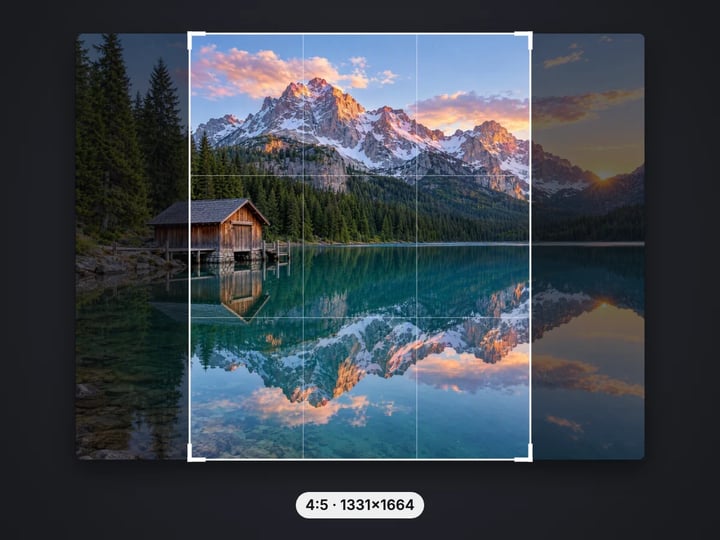
Turning a photo by a small angle leaves four empty triangles at the corners. Rather than fill them with a flat color, the tool crops to the largest rectangle that fits inside. The bigger the angle, the more it trims. That is why the slider stops at 15°. Beyond that, too much of the photo is lost.
If you need to keep the full frame, the paid AI editor can extend the edges instead of trimming them.
Your photo never leaves your device. The tool uses your browser's own canvas drawing to turn and mirror the pixels. Your photo is read from your device, changed in memory and handed back as a download. Nothing is uploaded or saved on our servers.
That is a practical difference, not a slogan. A scanned passport, a receipt or a photo of your kids should not have to travel to a stranger's server just to be turned the right way up. Many online rotate tools do send the file away, even though a browser can do this job on its own.
The page needs a connection to load. After that, the work is local. A free sign-in, which you need after the first few downloads, does not change this. Signing in never sends your photo anywhere.
The free tool is for direction. It rotates, flips and straightens, trims the corners after a tilt fix, and runs on your device. Processing is unlimited. The first few downloads need no account, and then a free sign-in keeps them coming.
The paid Imagera AI editor is for content. It can remove something from the photo, change part of it, or extend the edges so a straightened photo keeps its full frame instead of losing the corners. It runs in the cloud, uses credits, and keeps a history of your edits.
If your only problem is that the photo faces the wrong way, the free tool is all you need. If you also want to change what is in the photo, the editor is one click away.
Free vs studio
Questions people ask
Choose your photo, set Rotate to 90° right or 90° left, and press Rotate. Download the result. It runs in your browser, so nothing is uploaded.
Phones often save a note about which way is up instead of turning the pixels. Some sites ignore that note. Rotate the photo here and download a copy; the new file shows upright everywhere.
Set Rotate to None and Flip to Horizontal (mirror), then press Rotate. Text on your clothes or a sign will read the right way round.
A vertical flip turns the photo upside down but keeps left and right in place. A 180° rotation turns it upside down and also swaps left and right.
Open Advanced and move the Straighten slider a degree or two at a time until the horizon looks level. The tool trims the edges so no blank corners show.
Turning by a small angle leaves empty triangles at the corners. The tool crops to the largest clean rectangle inside. Bigger angles trim more, which is why the limit is 15°.
Yes. HEIC photos open in your browser and can be rotated, flipped and straightened like any JPG or PNG.
No. Processing is unlimited without an account. The first few downloads need no sign-in; after that, a free sign-in keeps downloads going. Your photo still stays on your device.
Yes. The scan is turned in your browser and never uploaded or saved on our servers, which makes it a sensible choice for IDs, receipts and letters.
More free tools
Complete your workflow
These pair with Edit Image. Every tile says what the tool actually does — without leaving this page.
Replace or restyle outfits in a photo without a reshoot
Replace words and fix typos while AI matches the original font
Replace any photo background with AI-generated scenes
Transform photos into Ghibli, oil paintings, watercolor art
Create professional product photography from a single image
Ask 10 AIs the same question. Steal the best answer.
Add freckles, pores, scars, tattoos. Remove blemishes. Fix plastic AI skin instantly.
Remove flyaway hair and fix fine imperfections with surgical AI precision.
Change the words, color or font of text baked into a photo, poster or screenshot.
Free passport, visa & ID photos — auto-cropped to any country's exact size, background and file size, right on your device.
Imagera AI Team
Unified AI creation platform