10 languages
English, Spanish, French, German, Portuguese, Italian, Hindi, Chinese (Simplified), Japanese and Arabic.
Imagera AI - AI content creation platform for generating images, cloning voices, creating avatars, and enhancing videos. Privacy Policy | Terms
Convert & compress · free · private
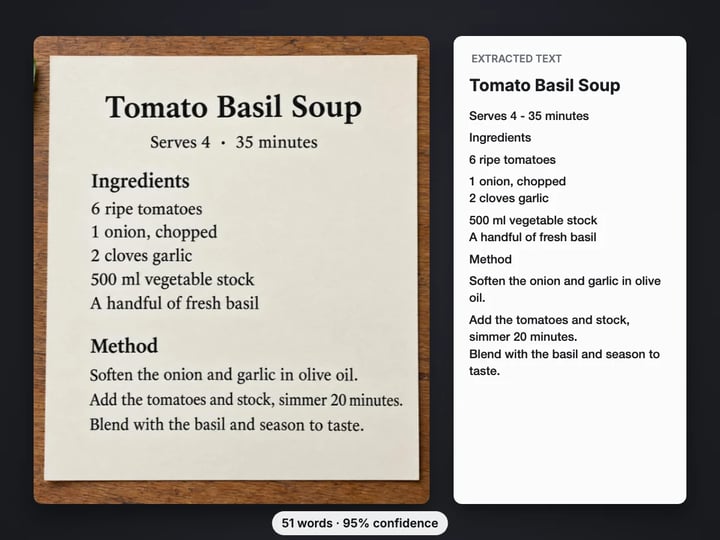
Pull the words out of a screenshot, photo or scanned page and copy them as plain text. Printed text in 10 languages is read in your browser, so your image never leaves your device.
The text is read in your browser on your own device. Your image is never uploaded; only the reading data for your language is downloaded, once.
 Real result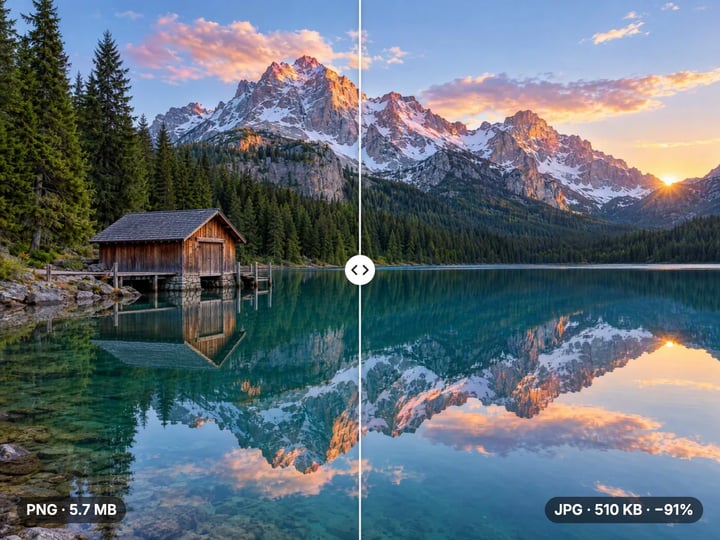
Quick answer
To convert an image to text for free, open Imagera's Image to Text converter, add a screenshot, photo or scan and choose the language of the text. Press Extract text, then copy the result or save it as a .txt file. The text is read by a recognizer that runs in your browser, so your image is never uploaded. It reads printed text in 10 languages; handwriting is not reliable.
Your image never leaves your device — nothing is uploaded or saved on our servers.
How it works
Choose a screenshot, photo or scan as JPG, PNG, WebP or HEIC. It stays on your device.
Choose the language of the text, and Scattered text for signs or app screens.
Press Extract text. The first run for a language downloads its reading data once.
Copy the text, or save it as a .txt file.
Why this one
English, Spanish, French, German, Portuguese, Italian, Hindi, Chinese (Simplified), Japanese and Arabic.
Small text is enlarged, faded contrast is stretched and grainy photos are smoothed, so more words come out right.
Copy the text in one tap or download it as a plain text file, with a word count and a confidence score.
Screenshots of chats, receipts and documents stay on your device. Nothing is uploaded or saved on our servers.
Continue in Imagera
Image to Text edits the pixels you have. These studios use AI to create what is not in the picture yet — they run on credits.
 Next step
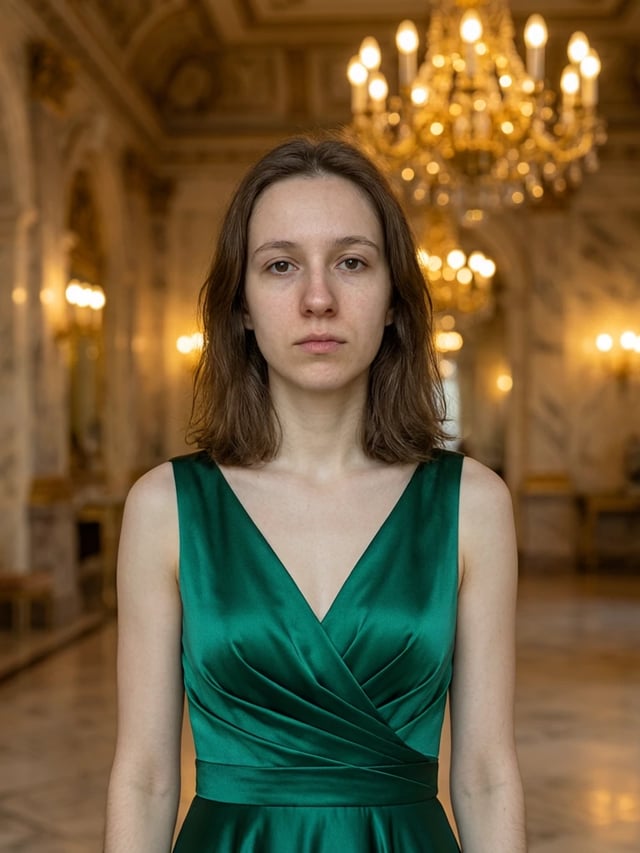
Edit images with Imagera Edit. Inpaint, modify, and transform any part of your image.
Open studio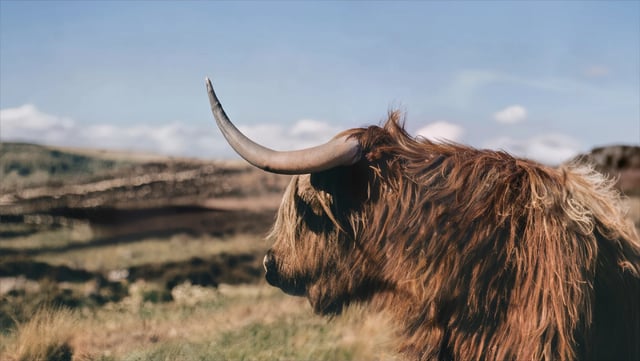 Imagera
Too small to print? Enlarge a photo to 4K, 8K or 16K (15,360 px on the long edge).
Open studio Imagera
Replace any photo background with AI-generated luxury scenes.
Open studioWho it is for
Turn a photo of a textbook page, slide or whiteboard into text you can quote, search and edit.
Copy invoice numbers, addresses and totals out of scans and screenshots instead of retyping them.
Grab the text from a chat, a menu photo or an app that will not let you select it.
Guide
This tool reads the printed words in a picture and gives them back as plain text you can copy, search and edit. The technique is called OCR, short for optical character recognition.
It works on the kinds of images people actually have:
- Screenshots of chats, emails, web pages and apps that do not let you select text. - Photos of documents, book pages, menus, labels and signs. - Scans of letters, forms and receipts.
It reads 10 languages: English, Spanish, French, German, Portuguese, Italian, Hindi, Chinese (Simplified), Japanese and Arabic. You choose one per run.
The result shows the text with a Copy button, plus the number of words and lines and a confidence score: how sure the recognizer was about the words it kept. You can also download the text as a .txt file. Everything happens in your browser.
1. Add your image. JPG, PNG, WebP and iPhone HEIC photos all work. Crop away anything that is not text if you can; less clutter means fewer mistakes. 2. Choose the language of the text. Reading French text with English selected loses the accents and misreads some words. 3. Choose a layout. Automatic handles pages with paragraphs and columns. Single block suits one paragraph, a receipt or a cropped screenshot. Scattered text finds words dotted around an image, like a sign in a street photo or labels on an app screen. 4. Press Extract text. The first time you use a language, your browser downloads its reading data (under 3 MB) and keeps it, so later runs start right away. 5. Copy the text or download it as a .txt file.
If a line comes out wrong, try the other layouts before anything else. It is the setting that changes results the most.
The recognizer is only as good as the picture it gets. Before reading, the tool already does three things for you: it enlarges small text, stretches faded contrast, and smooths grain in dark or noisy photos. The rest is up to the photo.
Get close and fill the frame. Letters should be clearly readable to you when you zoom in. Text that is a few pixels tall in a wide photo is hard for any reader.
Shoot straight on. A page photographed at a steep angle bends the lines. Hold the phone parallel to the page.
Avoid glare and shadows. A reflection across a glossy page wipes out the words under it.
Keep it upright. Slightly tilted text is fine, but a photo lying on its side should be rotated first, for example with the free rotate tool.
Check the confidence score. Above 90% usually means clean text. Well below that, proofread names, numbers and prices before you rely on them.
It reads well: printed and on-screen text in the 10 supported languages, in ordinary fonts, dark on light or light on dark. Screenshots are the easiest case because the letters are sharp.
It struggles with:
- Handwriting. It is built for print. Neat block capitals sometimes work; joined-up writing mostly does not. - Decorative fonts such as heavy scripts, outlined letters or text over a busy photo. - Tables and forms. You get the words, but not the columns and cells. Paste into a spreadsheet and tidy by hand. - Mixed languages. One language is read per run. A Japanese menu with English prices is best read twice, once in each language. - Very small or blurry text, where the letters are not clear to a person either.
When nothing readable is found, the tool says so instead of returning a page of guesses. It also drops fragments it was unsure about, such as texture in a photo that looks a little like letters.
The images people want text from are often the ones they would least like to send anywhere: bank letters, ID documents, medical forms, private chats, contracts and receipts with card details.
This converter reads the text in your browser, on your own device. Your image is not uploaded and nothing is saved on our servers. The only thing that is downloaded is the reading data for the language you chose, the same small file for everyone, which your browser keeps so it is not fetched again.
Many free OCR websites work the other way round: you upload the image, a server reads it, and the text comes back. That can be quick, but a copy of your document has left your hands.
Processing is unlimited. Your first few downloads need no account; after that, a free sign-in keeps them going. Copying the text never needs one, and signing in never uploads your image.
The free Image to Text converter takes words out of a picture. You get plain text to paste into a document, email, translator or spreadsheet. The picture itself is not changed.
Sometimes the goal is the opposite: the picture is right, but the words in it are wrong. A shop sign with an old phone number, a product label in the wrong language, a menu photo with last year's prices, a poster with a typo.
For that, Imagera's paid AI image editor changes the picture. You describe the edit, for example "change the sign to say Open Sundays", and it redraws that part of the image to match the lighting and style around it. It runs in the cloud and uses credits.
A simple workflow uses both: extract the text here, fix or translate it, then ask the editor to put the corrected words back into the picture.
Free vs studio
Questions people ask
Add the screenshot here, keep the language on English (or pick another), and press Extract text. Screenshots give the cleanest results because the letters are sharp. Then tap Copy text.
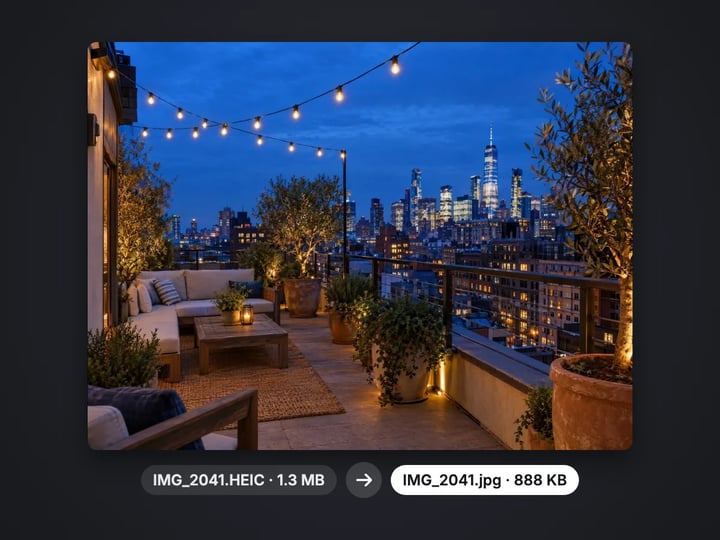
Open this page in Safari or any browser, choose the photo from your library and press Extract text. HEIC photos work directly, and the photo is read on your phone without being uploaded.
Yes. Photograph the page straight on in good light, crop it to the text, and choose Automatic or Single block. Paste the result into a document and check names and numbers.
Usually the photo is too small, blurry, angled or has glare, or the wrong language is selected. Try a closer, straighter photo, the right language, and each Layout option.
Yes. Choose Chinese (Simplified), Japanese or Arabic before extracting. Accuracy is best on clear printed text; stylized or vertical text is harder.
It reads the words and numbers but not the grid. You get the values line by line, which you can paste into a spreadsheet and arrange into columns.
No. Reading text is unlimited. The first few downloads of the .txt file need no account, then a free sign-in keeps them going. Converting many images at once is part of the paid plans.
Not with this free tool, which only copies text out. The paid AI image editor can rewrite the words inside the picture, such as a sign, label or price, while keeping the rest of the photo.
The first time you use a language, your browser downloads its reading data, under 3 MB, and keeps it. Later runs in that language skip the download and start right away.
More free tools
Compress, convert & resize to any size
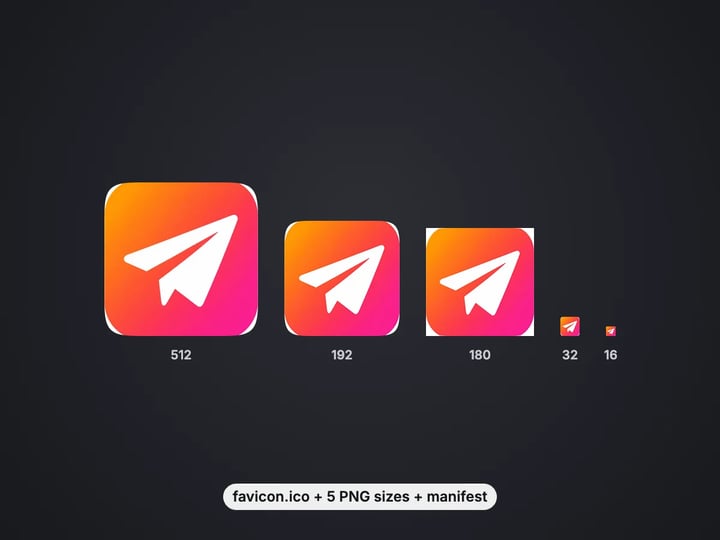
favicon.ico, PNG icons and site.webmanifest from one image
Turn iPhone photos into JPG, PNG or WebP
Combine images into one PDF
Smaller JPG files, white background
A lossless PNG copy of any photo
Open web images in any app
Keep transparency, open anywhere
Smaller web images, transparency kept
Lighter photos for faster pages
Open AVIF images in any app
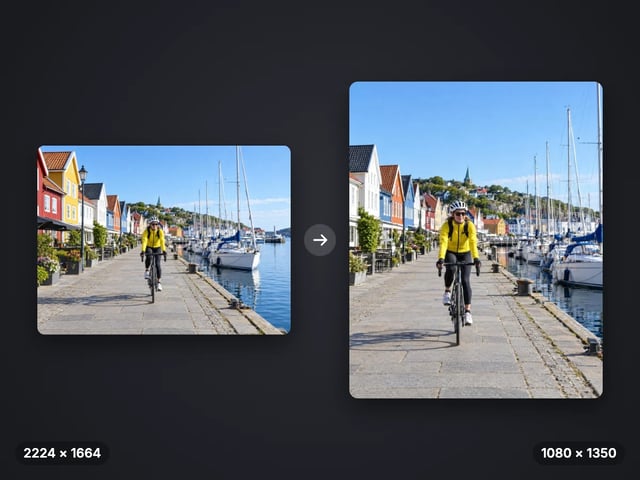
Exact pixel sizes and social presets
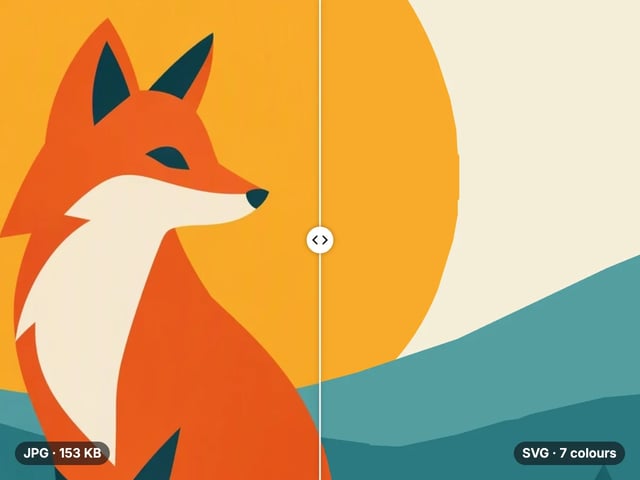
Trace a PNG or JPG into a scalable SVG
Complete your workflow
These pair with Edit Image. Every tile says what the tool actually does — without leaving this page.
Replace or restyle outfits in a photo without a reshoot
Replace words and fix typos while AI matches the original font
Replace any photo background with AI-generated scenes
Transform photos into Ghibli, oil paintings, watercolor art
Create professional product photography from a single image
Ask 10 AIs the same question. Steal the best answer.
Add freckles, pores, scars, tattoos. Remove blemishes. Fix plastic AI skin instantly.
Remove flyaway hair and fix fine imperfections with surgical AI precision.
Change the words, color or font of text baked into a photo, poster or screenshot.
Free passport, visa & ID photos — auto-cropped to any country's exact size, background and file size, right on your device.
Imagera AI Team
Unified AI creation platform