Exact width and height
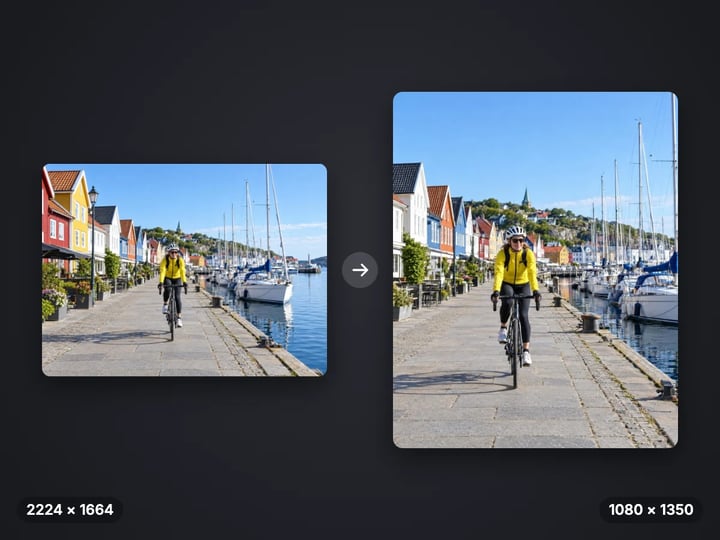
Set any size from 16 to 8,000 pixels, or set only the width and let the height follow the photo.
Imagera AI - AI content creation platform for generating images, cloning voices, creating avatars, and enhancing videos. Privacy Policy | Terms
Convert & compress · free · private
Pick a ready-made size or type your own width and height, then choose to crop, pad or stretch. The photo is resized in your browser and never uploaded.
Your photo is resized in your browser on your own device. It is never uploaded or saved on our servers.
 Real result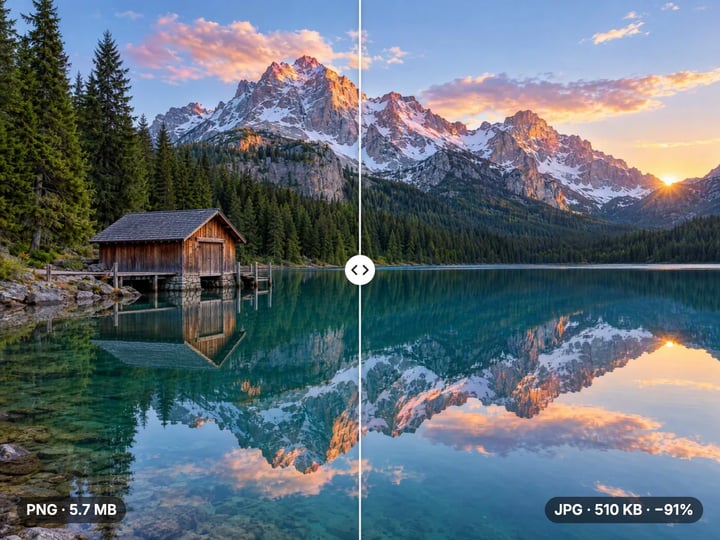
Quick answer
To resize an image for free, open Imagera’s Image Resizer, add your photo and pick a ready-made size such as Instagram portrait or YouTube thumbnail, or choose Custom size and set the width and height in pixels. Choose whether to crop, pad or stretch when the shape changes, then download. The photo is resized in your browser and is never uploaded.
Your photo never leaves your device — nothing is uploaded or saved on our servers.
How it works
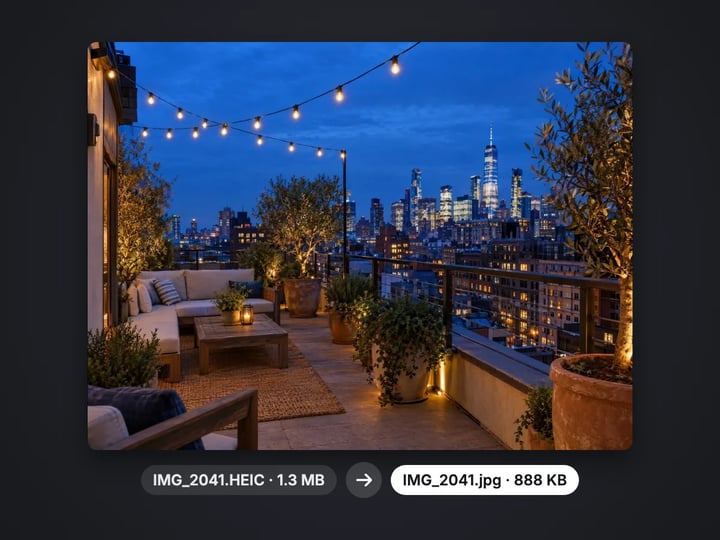
Drop in a JPG, PNG, WebP or HEIC photo. It stays on your device.
Pick a ready-made size, or choose Custom size and set the width and height.
Under Fit, choose Fill and crop, Fit with padding or Stretch for when the shape changes.
Press Resize, check the new resolution under the result, and download.
Why this one
Set any size from 16 to 8,000 pixels, or set only the width and let the height follow the photo.
Instagram square, portrait and Story, YouTube thumbnail, Facebook cover, LinkedIn banner, X header, a 2 × 2 inch passport photo and Full HD.
Fill the new shape with a centered crop, fit the whole photo with colored padding, or stretch it to fit.
Photos are resampled with a high-quality filter, so fine detail stays crisp instead of turning soft or jagged.
Continue in Imagera
Image Resizer edits the pixels you have. These studios use AI to create what is not in the picture yet — they run on credits.
 Next step
Edit images with Imagera Edit. Inpaint, modify, and transform any part of your image.
Open studio Next step
Too small to print? Enlarge a photo to 4K, 8K or 16K (15,360 px on the long edge).
Open studio Imagera
Replace any photo background with AI-generated luxury scenes.
Open studioWho it is for
Get the square, portrait, Story, banner or thumbnail size each platform expects, in one step.
Meet pixel limits on job sites, school portals and ID applications without installing an editor.
Shrink large camera photos to a sensible width so pages and emails load quickly.
Guide
Every digital image has a width and a height in pixels. A phone photo is often around 4000 × 3000. A web page, a profile banner or an upload form usually wants far fewer pixels than that, and often a specific shape.
Resizing changes two things you should keep apart:
- Size is how many pixels there are. Going from 4000 × 3000 to 2000 × 1500 halves each side and keeps the shape. - Shape, or aspect ratio, is width divided by height. 4000 × 3000 is 4:3. A square post is 1:1, a Story is 9:16.
When only the size changes, nothing is lost but detail you would not see anyway. When the shape changes too, something has to give: part of the photo is cropped, empty space is padded, or the picture is stretched. The resizer makes you choose which, instead of deciding for you.
1. Add your photo. JPG, PNG, WebP and iPhone HEIC photos all work. 2. Choose a size. Pick a ready-made size from the Size menu, or choose Custom size and set the Width and Height sliders. The arrow keys move them one pixel at a time. 3. Keep the shape if you like. Choose Custom width (keep shape) to set only the width; the height follows your photo, so nothing is cropped or padded. 4. Pick a fit in Advanced when the shape changes (see the next section). 5. Resize and download. The result shows the resolution before and after, and the file size.
The file keeps its format by default: a JPG stays a JPG. Under Save as you can switch to JPG, PNG or WebP. A transparent PNG saved as JPG is placed on white, because JPG cannot store transparency.
When your photo and the new size have different shapes, the Fit setting decides what happens.
Fill and crop covers the whole new size and trims what does not fit, keeping the center. It is the right choice for most social posts, because the frame is filled edge to edge. Check that nobody important sits near the trimmed edges.
Fit with padding keeps the entire photo and fills the leftover space with a color you pick. Use it when nothing may be cut off: a group photo, a document, a product with text on it. White and black padding look deliberate; a color from the photo looks designed.
Stretch squeezes the photo to fit exactly. People and circles will look distorted, so it is only for images where that does not show, like textures and gradients.
If you need the new shape with neither cropping nor bars, the paid Edit Image studio can extend the scene itself with AI.
The Size menu lists common sizes, each with its pixels shown:
- Instagram square 1080 × 1080 and Instagram portrait 1080 × 1350 for feed posts. Portrait takes up more of the screen. - Story or Reel 1080 × 1920 for full-screen vertical posts on most apps. - YouTube thumbnail 1280 × 720, the 16:9 thumbnail size. - Facebook cover 820 × 312, LinkedIn banner 1584 × 396 and X header 1500 × 500 for profile banners. These are very wide, so pick Fill and crop and choose a photo with the subject in the middle. - Passport 2 × 2 in 600 × 600, the square digital size used for US passport photos. Official photos have rules about framing and background, so check them before you submit. - Full HD 1920 × 1080 for slides, screens and wallpapers.
Platforms change their layouts from time to time. When a site states a size, that number wins.
Shrinking a photo is where a good resizer earns its keep. A quick shrink can make fine lines shimmer and textures turn mushy. This tool resamples with a high-quality filter that weighs many neighboring pixels for each new one, so hair, text and edges stay crisp at the smaller size.
Enlarging is different. You can set up to 8,000 pixels a side, and the photo will be smoothly scaled up, but no resizer can invent detail that was never captured. A small image made four times larger looks soft.
For that job, the paid AI Image Upscaler rebuilds fine detail such as skin texture, fabric and lettering as it enlarges.
Very large sizes also need memory. If a size is more than your phone or browser can hold, the tool saves the largest size your device can handle and tells you, instead of failing silently.
Many online resizers upload your photo to their server to process it. This one does not. The photo is read, resized and saved by your own browser, so family photos, ID pictures and unreleased product shots never leave your device. Nothing is saved on our servers.
Processing is unlimited and there is no watermark. Your first few downloads need no account; after that, a free sign-in keeps them going. Resizing many files in one go is part of the paid plans.
Where a resizer stops, the paid studios pick up. Edit Image can re-create a photo in a new shape and fill the extra space with matching scenery, so a landscape shot becomes a Story without cropping anyone out. The AI Image Upscaler enlarges with real added detail. Both run in the cloud and use credits.
Free vs studio
Questions people ask
Choose Instagram square from the Size menu, or Custom size with both sliders at 1080. Keep Fill and crop for an edge-to-edge square, or pick Fit with padding to keep the whole photo.
Making a photo smaller keeps it sharp here, because each new pixel is resampled from many original ones. Making it much larger always softens it; the AI Image Upscaler adds detail instead.
Pick Full HD or a custom 16:9 size and set Fit to Fit with padding, which adds bars in a color you choose. To fill that space with more of the scene instead of bars, use Edit Image, which extends the picture with AI.
Choose Passport 2 × 2 in for a 600 × 600 square. Start from a photo where your head is centered, and check the official rules on framing and background before you submit.
Yes. Choose Custom width (keep shape) and set the width. The height is worked out from your photo, so it is never cropped, padded or stretched.
Up to 8,000 pixels on each side. If that is more than your device can hold in memory, the tool saves the largest size it can and notes the change under the result.
Making an image smaller in pixels usually makes the file much smaller too. To hit a specific file size such as 100 KB, use the free image compressor after resizing.
Yes. Keep Save as on Same as original or choose PNG and transparency is preserved. Saving as JPG places the image on white, since JPG has no transparency.
Yes. Open the page in Safari, choose a photo, including HEIC photos, pick a size and download. The resize happens on the phone itself.
Step by step: How to resize an image to any dimension
More free tools
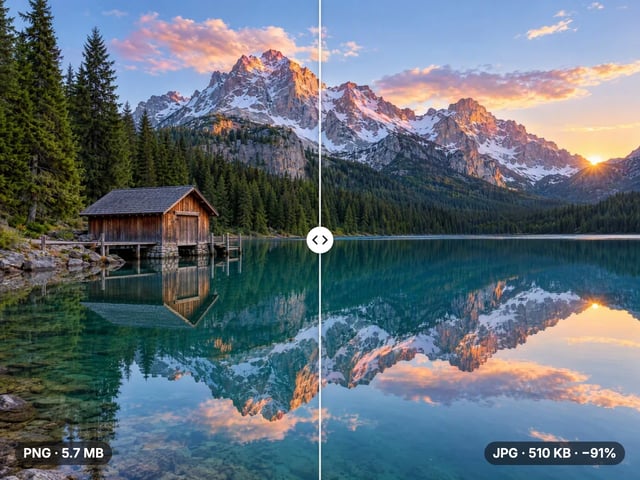
Compress, convert & resize to any size
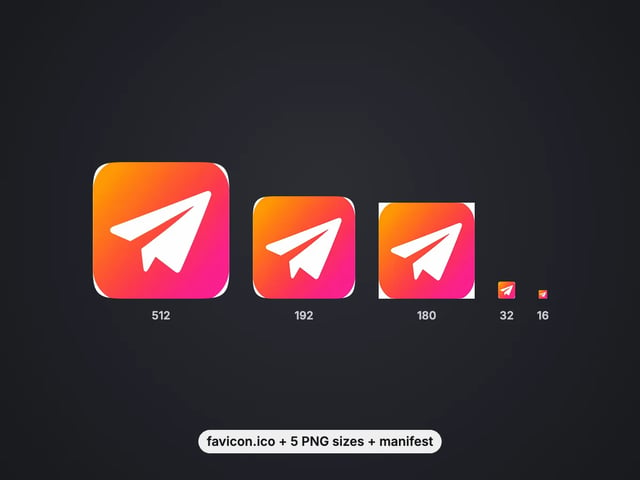
favicon.ico, PNG icons and site.webmanifest from one image
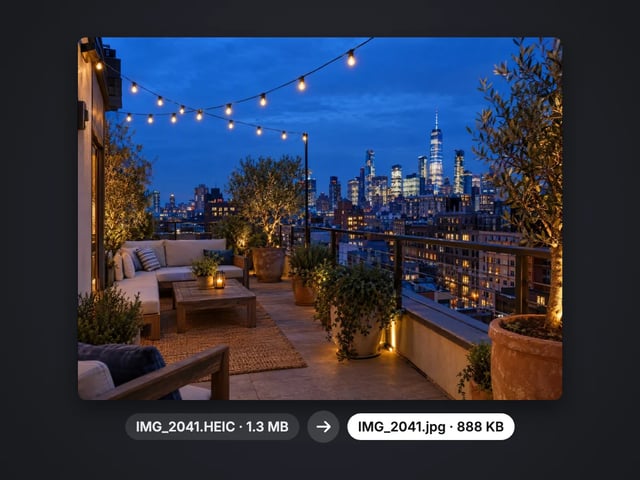
Turn iPhone photos into JPG, PNG or WebP
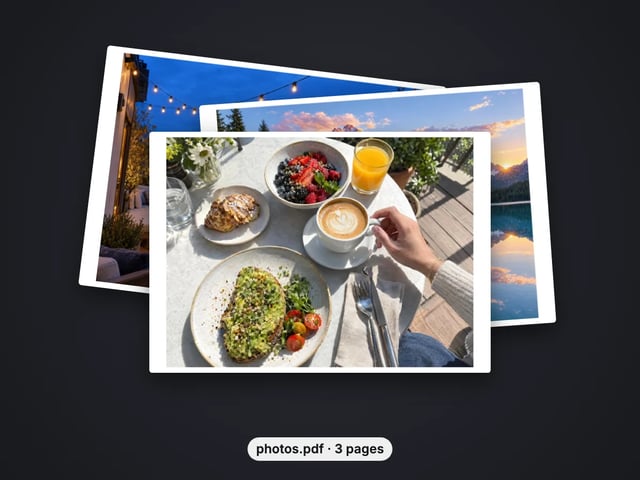
Combine images into one PDF
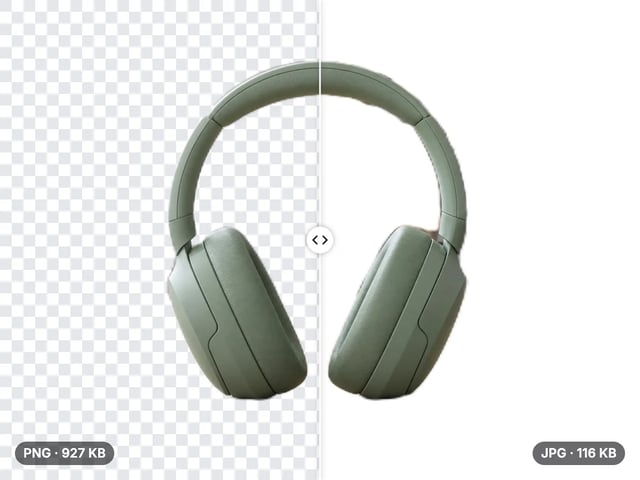
Smaller JPG files, white background
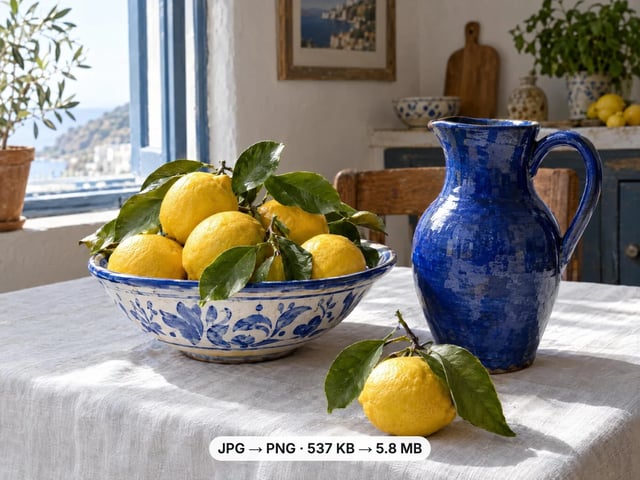
A lossless PNG copy of any photo
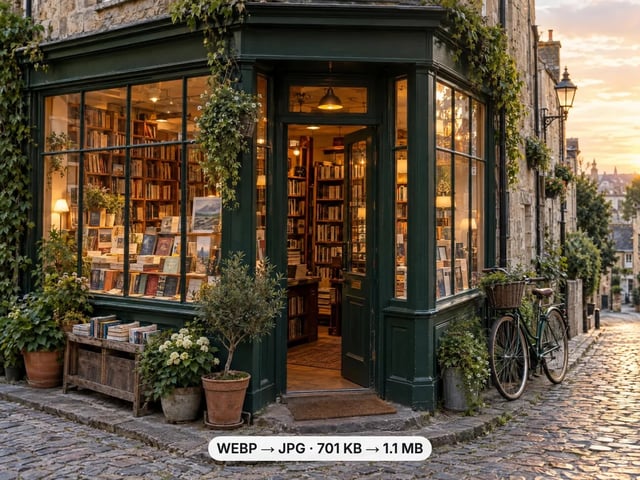
Open web images in any app
Keep transparency, open anywhere
Smaller web images, transparency kept
Lighter photos for faster pages
Open AVIF images in any app
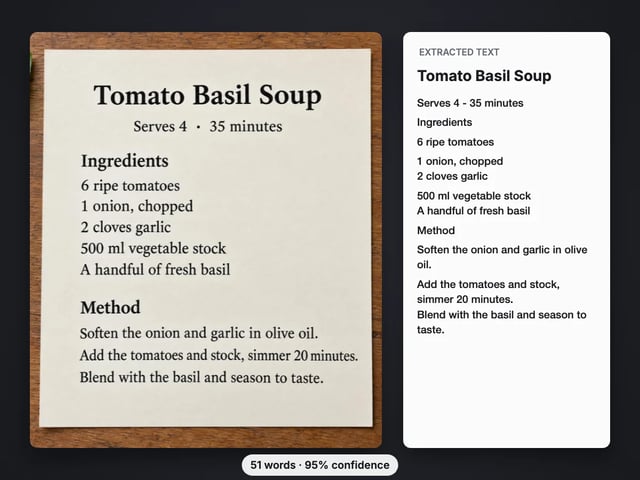
Copy the text out of a screenshot, photo or scan
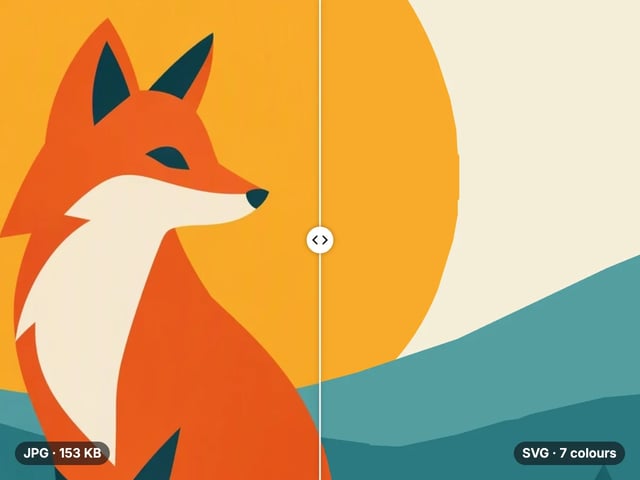
Trace a PNG or JPG into a scalable SVG
Complete your workflow
These pair with Edit Image. Every tile says what the tool actually does — without leaving this page.
Replace or restyle outfits in a photo without a reshoot
Replace words and fix typos while AI matches the original font
Replace any photo background with AI-generated scenes
Transform photos into Ghibli, oil paintings, watercolor art
Create professional product photography from a single image
Ask 10 AIs the same question. Steal the best answer.
Add freckles, pores, scars, tattoos. Remove blemishes. Fix plastic AI skin instantly.
Remove flyaway hair and fix fine imperfections with surgical AI precision.
Change the words, color or font of text baked into a photo, poster or screenshot.
Free passport, visa & ID photos — auto-cropped to any country's exact size, background and file size, right on your device.
Imagera AI Team
Unified AI creation platform